Key takeaways
- A user-agent name is text the visitor typed. Verify the source IP against the vendor's published ranges or reverse DNS before you trust any log line.
- Fake AI bot traffic is common. One site audit found most "GPTBot" hits were vulnerability scanners probing for
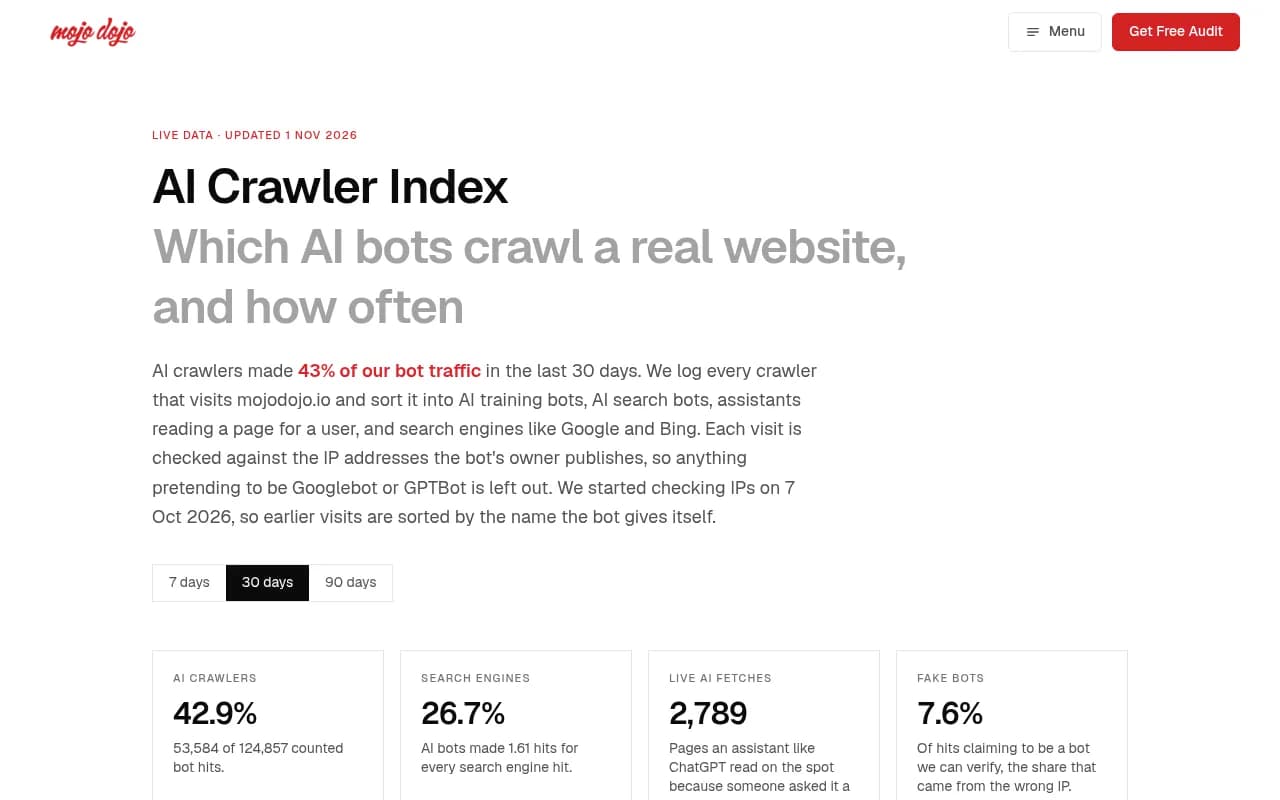
/.envfiles, and Mojo Dojo's live index reports 7.6% of verifiable bot hits coming from the wrong IP. - Once fakes are removed, many "AI crawlers hit errors" problems disappear. What remains are real failures: 403s, 429s, 5xx responses, redirect chains, and bots that never arrive.
- IP lists rotate. Fetch them fresh each time and never paste ranges from an article.
- A verified crawl shows a page was fetched. It does not show the page was used or cited.
Why raw AI crawler logs mislead you
The first time you grep your logs for GPTBot, ClaudeBot and PerplexityBot, the picture can look grim. Hundreds of requests, many of them ending in 404 or 403. It looks like AI companies are hammering your site and getting nothing.
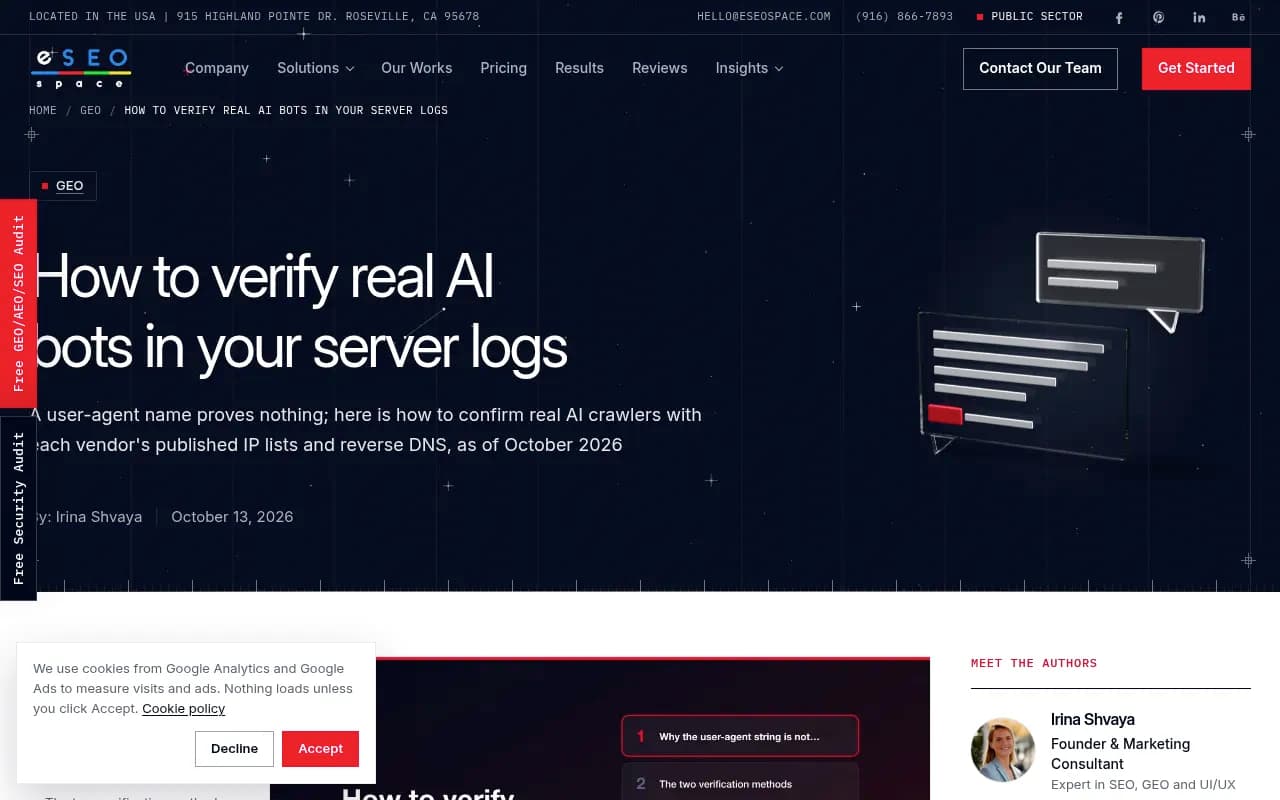
Then you check the IP addresses. In one October 2026 write-up by Phillip Stemann, most of the "AI crawlers" in a week of logs were scanners wearing an AI company's name. They requested /.env, /.npmrc, /serverless.yml, /firebase-credentials.json and /proc/self/environ. Not blog posts. Credentials.
Why pretend to be GPTBot? Because plenty of site owners now allow AI crawlers through their firewall so they can show up in AI answers. If that allow rule only checks the user agent, an attacker walks in by typing a name. That is a security problem and a GEO measurement problem at the same time: fakes inflate your crawl counts and pollute your error rates.
The scale varies by site, but it is never zero. Mojo Dojo's public AI Crawler Index, which logs at the web server and checks IPs, reports 7.6% of verifiable bot hits coming from the wrong IP. An ROI & Shine server-log study from May 2026 found 4.3% of declared bots failed verification, and 18% of "Googlebot" requests were spoofed. Googlebot is the most impersonated name on the web, so that last number is not surprising, just annoying.
Step 1: Get the right log
Start at the layer that saw the request first. The evidence runs from the outside in: CDN or edge logs, then WAF or bot-management logs, then reverse-proxy logs, then origin server logs.
This matters for two reasons. A request blocked at the CDN or firewall never reaches your origin, so your server log will look clean while the bot is being turned away. And a cached response served from the edge may leave no trace on the origin at all.
Export these fields if you can: timestamp, source IP, method, path, status, response size, cache status, WAF action, user agent, and referrer. Redact tokens, emails and sensitive query strings before sharing rows with anyone.
A standard Nginx or Apache line looks like this:
203.0.113.50 - - [24/Aug/2026:14:32:10 +0000] "GET /guide HTTP/1.1" 200 4521 "-" "OAI-SearchBot/1.0"
A browser analytics tag cannot show you any of this. Many training bots fetch plain HTML and never run page JavaScript, so server or CDN logs are the only hard evidence.
Step 2: Know which tokens you are looking for
Filter on the tokens you care about, then list the distinct IPs for each.
| Operator | Common tokens | What they do |
|---|---|---|
| OpenAI | GPTBot, OAI-SearchBot, ChatGPT-User, OAI-AdsBot | Training, search indexing, user-triggered fetches, ads |
| Anthropic | ClaudeBot, Claude-User, Claude-SearchBot | Training, user fetches, search |
| Perplexity | PerplexityBot, Perplexity-User | Indexing and user-triggered fetches |
| Googlebot and other common crawlers | Search and related features | |
| Meta | meta-webindexer, meta-externalagent, meta-externalfetcher | Indexing and fetching |
Two cautions. Google-Extended and Applebot-Extended are control tokens for robots.txt. Per eSEOspace's reading of the vendor docs, they never show up as crawlers in logs, because crawling happens under existing user agents. If you see "Google-Extended" in a log line, treat it with suspicion. (Promptwatch's report lists it among tracked tokens, so conventions differ between sources. Check your own data.)
Second, user-triggered fetchers like ChatGPT-User and Perplexity-User fire when a person asks a question, and their vendors document that robots.txt may not be honored for them. A block in robots.txt is a request, not a rule.
Step 3: Verify the IP, not the header
There are two verification methods, and which one you can use depends on the vendor.
| Vendor | Published IP file | Reverse DNS documented |
|---|---|---|
| Yes, several JSON files by crawler group | Yes (googlebot.com, google.com names) | |
| Bing | Yes, plus a Verify Bingbot tool | Yes (search.msn.com) |
| Apple | Yes (CIDR prefixes) | Yes (*.applebot.apple.com) |
| Common Crawl | Yes (ccbot.json) | Yes (crawl.commoncrawl.org, IPv4 only) |
| OpenAI | Yes, one file per agent | No |
| Anthropic | Yes, one combined list | No |
| Perplexity | Yes, two files | No |
| Amazon | Yes, three pages (Amazonbot, Amzn-SearchBot, Amzn-User) | No |
| Meta | None documented on its crawler page | No |
The differences have practical consequences:
- OpenAI publishes one file per agent (
openai.com/gptbot.json,searchbot.json,chatgpt-user.json,adsbot.json). That lets you check that a request labeled OAI-SearchBot came from the search bot's ranges specifically. - Anthropic's single list (
claude.com/crawling/bots.json) tells you a request came from Anthropic, not which bot it was. Older guides claiming Claude IPs cannot be verified are out of date. - For reverse DNS, the check is two-way. Resolve the IP to a hostname, confirm it matches the vendor pattern, then resolve that hostname forward and confirm it returns the same IP. Google's pattern, for example, ends in
googlebot.com. - Meta is the awkward one. As of its current crawler page, there is no IP file or reverse DNS method for meta-externalagent, so you cannot verify it by a documented method. Treat those hits as unconfirmed.
One more warning from Anthropic: blocking its IPs may not reliably opt you out, since that can stop the crawler reading your robots.txt. Its advice is to combine user-agent matching with IP verification and always use the current ranges from the official endpoints.
A script to automate the check
This Python script, adapted from Stemann's approach, downloads the official lists fresh and counts real versus fake hits per bot. It assumes the client IP is either the last quoted field or the first field of each line. Adjust the regex to your log format, and if you are behind a CDN, make sure you are reading the true client IP rather than the proxy's.
import ipaddress, json, re, sys, urllib.request
from collections import Counter

LISTS = {
    "GPTBot":          "https://openai.com/gptbot.json",
    "OAI-SearchBot":   "https://openai.com/searchbot.json",
    "ChatGPT-User":    "https://openai.com/chatgpt-user.json",
    "ClaudeBot":       "https://claude.com/crawling/bots.json",
    "PerplexityBot":   "https://www.perplexity.com/perplexitybot.json",
    "Perplexity-User": "https://www.perplexity.com/perplexity-user.json",
}

def load(url):
    req = urllib.request.Request(url, headers={"User-Agent": "Mozilla/5.0"})
    data = json.load(urllib.request.urlopen(req))
    return [ipaddress.ip_network(p.get("ipv4Prefix") or p.get("ipv6Prefix")) for p in data["prefixes"]]

ranges = {bot: load(url) for bot, url in LISTS.items()}
real, fake = Counter(), Counter()

for line in open(sys.argv[1], errors="replace"):
    for bot in ranges:
        if bot in line:
            ip = re.findall(r'"([0-9a-fA-F.:]+)"\s*$', line)
            ip = ip[0] if ip else line.split()[0]
            ok = any(ipaddress.ip_address(ip) in net for net in ranges[bot])
            (real if ok else fake)[bot] += 1
            break

for bot in ranges:
    total = real[bot] + fake[bot]
    if total:
        print(f"{bot:16} {total:5} claimed  {real[bot]:5} real  {fake[bot]:5} fake ({fake[bot]/total:.0%})")
Run it weekly. The lists rotate, which is why the script downloads them each time instead of caching ranges.
Step 4: Sort verified from unverified
After the check you have two piles. Verified hits are real crawler visits. Unverified hits using a famous bot's name are either imitations or requests you cannot confirm (Meta being the main example of the latter).
Do two things with the unverified pile:
- Look at what they request. Requests for
/.env,/wp-login.phpor/proc/self/environare scanners. Confirm those paths return 404 or 403 and move on. - Check that no firewall or bot-management rule allows traffic on user agent alone. If you use Cloudflare, use its verified bot categories rather than user-agent rules. If you write your own rules, check the IP.
Then, and only then, analyze the verified pile for crawl health.
Step 5: Read the status codes on verified requests
This is where real crawl failures show up. A reasonable way to interpret each result:
| Verified request result | What it usually means |
|---|---|
| 200 on a content page | The crawler got the page. Fine. |
| 301 or 302 | Redirect. Follow the full chain; long chains or loops waste fetches. |
| 403 | Something is refusing the bot: WAF rule, bot protection, geo block, or a hosting-level filter. |
| 429 | Rate limiting. Your edge is throttling a crawler you probably want. |
| 5xx | Your origin is failing under crawl load or on specific templates. |
| Only /robots.txt | The bot read your instructions. That does not prove it fetched a content page. |
| Verified IP, wrong or empty response body | Check whether JavaScript-rendered content is missing from the raw HTML. |
A run of 403 or 429 responses to a search crawler you want is the clearest signal. The usual culprits are CDN and firewall defaults, which often classify AI user agents as bots to challenge. Check the edge logs, because your origin may never have seen the blocked requests.
The failure you cannot see
The hardest case is the bot that never arrives. No log line, no error, nothing to grep. To catch it, compare your logs against an external baseline. Promptwatch's AI crawler traffic report counts only IP-verified requests from OpenAI, Anthropic, Google, Perplexity and Mistral. For June 8 to September 6, 2026, OpenAI made up 79.8% of verified requests in the week of Aug 31 to Sep 6, down from 94.8% in early June. If a provider is a large share there but near zero in your verified logs, you are probably blocked or unreachable for it. Check robots.txt, CDN and WAF rules for that provider.
Two more notes on expectations:
- Crawler mix shifts fast. Promptwatch's data shows Meta-WebIndexer going from about 2% to nearly 38% of tracked AI crawler requests between mid-July and August 9, 2026, and Claude's citation crawler growing more than 100x between December 2025 and April 2026 (Claude crawler data). Baseline your own logs monthly, or last quarter's normal will mislead you.
- Those reports identify crawlers differently (user agent in some, IP verification in others), so do not mix their figures with each other or with yours.
Step 6: Check which pages were fetched
List the paths verified crawlers requested. These are the pages AI systems know you for. If your money pages, pricing pages or key guides never appear, they may be hard to discover: missing from the sitemap, orphaned, or behind JavaScript. That list becomes your to-do list.
Then confirm robots.txt changes actually took effect. Meta documents up to 24 hours of propagation lag from caching, and Amazonbot reportedly falls back to a cached robots.txt for up to 30 days if the live fetch fails. Confirm a block in your logs. Never assume it from the file edit.
Tools that make this less manual
You can do everything above with grep and a script. At scale, a platform helps.
For dedicated crawler analytics tied to AI visibility, Promptwatch logs IP-verified requests from GPTBot, ClaudeBot, PerplexityBot and dozens of other AI crawlers, filters out spoofed bots, explains crawl failures in plain language, and connects crawls to citations per page. It ingests logs from Cloudflare, Vercel, Fastly, CloudFront and other sources, or via a WordPress plugin.

For general technical SEO log analysis, including Googlebot, these are worth a look:


| Tool | Good for | AI-specific verification |
|---|---|---|
| Promptwatch | AI crawler logs linked to citations and traffic | IP-verified, spoofs filtered |
| Botify | Enterprise crawl and log analysis | Check current AI bot coverage |
| Oncrawl | Large-site log analysis | Check current AI bot coverage |
| FandangoSEO | Crawler plus log analyzer | Check current AI bot coverage |
| Screaming Frog | Crawling plus its log file analyser | Manual verification |
If you want to compare more options, the GEO software directory at bestgeosoftware.com lists tools in the category.
A quarterly routine
A simple loop keeps the setup honest:
- Re-fetch every vendor IP file your firewall rules reference. Ranges rotate.
- Re-read vendor bot docs for new tokens. The roster has grown steadily.
- Sample logs for user agents that fail verification and feed the impostors to your edge rules.
- Re-check that robots.txt still says what your policy means, especially after CMS or CDN changes that can silently regenerate it.
If you would rather hand the audit to specialists, 1001 SEO Media runs technical SEO and AI search audits that include crawler access reviews.
What a verified crawl does and does not prove
Be careful with conclusions. A verified request shows a vendor's crawler fetched your page from its own network. It does not show the page was used in training, retrieved for an answer, cited, or seen by anyone. For that you need citation data. Promptwatch Data's ChatGPT content half-life report is a reminder of why: landing pages and docs stayed cited longest among pages cited on July 6, 2026, while news lost half its pages within 36 days. Crawl is the first step in the chain, not the outcome.
Trust the IP, not the name. Everything else in this guide follows from that.