Key takeaways
- Export your Meteoria.ai prompt lists, baseline scores, and any available citation data before canceling -- you'll need these to rebuild your tracking setup on a new platform.
- Most AI visibility tools don't import historical data from competitors, so the goal is to preserve your baselines externally (CSV, spreadsheet) and re-establish tracking on day one of your new platform.
- The biggest reason teams switch from Meteoria.ai is that it's a monitoring-only tool -- it shows you where you're invisible but doesn't help you do anything about it.
- Platforms like Promptwatch go further by combining gap analysis, AI content generation, and crawler log access in one place, which is what most teams actually need.
- Give yourself a two-week overlap period where both platforms run simultaneously -- this is the cleanest way to validate that your new setup is tracking the same prompts accurately.
Why people are leaving Meteoria.ai in 2026
The AI visibility space has matured fast. When Meteoria.ai launched, just tracking whether your brand appeared in ChatGPT or Perplexity responses was genuinely novel. That's no longer enough.
The problem isn't that Meteoria.ai is broken. It's that the category has moved on. Teams now need to understand why they're not being cited, what content would change that, and which specific pages AI crawlers are actually reading. Monitoring dashboards that show you a visibility score without explaining what to do next have become frustrating to use.
A few specific complaints that come up repeatedly when teams evaluate alternatives:
- No content gap analysis -- you can see you're losing to a competitor for a prompt, but the tool won't tell you what's missing from your site
- Limited prompt intelligence -- no volume estimates, no difficulty scoring, no way to prioritize which prompts are worth chasing
- No crawler log access -- you can't see whether AI bots are even visiting your pages, let alone which ones
- Thin competitor data -- share of voice metrics without the citation-level detail that explains why a competitor is winning
If any of those sound familiar, this guide is for you.
Before you do anything: export everything
This is the step most people skip, and they regret it. Once you cancel a subscription, access to historical data often disappears within days.
What to export from Meteoria.ai
Log in and pull down everything you can before touching your billing settings:
- Your full prompt list (every query you've been tracking)
- Visibility scores over time, ideally at the prompt level
- Any citation data -- which URLs were cited, which domains, which AI models
- Competitor comparison data if available
- Any segment or category groupings you've set up
Most platforms let you export to CSV. If Meteoria.ai has a reporting or export section, use it. If not, manually copy the data into a spreadsheet. It's tedious but worth it.
What to do with the exported data
Create a master tracking spreadsheet with three tabs:
- "Baseline scores" -- your visibility scores by prompt on the day you migrated, with the date recorded
- "Prompt inventory" -- every prompt you were tracking, organized by topic or funnel stage
- "Citation sources" -- any domains or URLs that were being cited for your tracked prompts
This spreadsheet becomes your migration anchor. When you set up your new platform, you'll re-enter these prompts and use the baseline tab to compare your old scores against new ones. It's not a perfect apples-to-apples comparison (different platforms measure slightly differently), but it gives you continuity.
Understanding what you actually need from a replacement
Before jumping to a specific tool, it's worth being honest about what your team will actually use. AI visibility platforms vary a lot in what they prioritize.
Here's a rough breakdown of the categories:
| Capability | Monitoring-only tools | Full optimization platforms |
|---|---|---|
| Brand mention tracking | Yes | Yes |
| Prompt visibility scores | Yes | Yes |
| Competitor share of voice | Sometimes | Yes |
| Content gap analysis | No | Yes |
| AI content generation | No | Yes |
| Crawler log access | No | Yes (some) |
| Prompt volume/difficulty | No | Yes (some) |
| Traffic attribution | No | Yes (some) |
| Reddit/YouTube citation tracking | No | Yes (some) |
If you were using Meteoria.ai primarily to report on visibility scores to stakeholders, a monitoring-focused alternative might be all you need. But if your team is trying to improve visibility -- not just measure it -- you need a platform that closes the loop between data and action.
The best Meteoria.ai alternatives in 2026
Promptwatch -- best overall for teams that want to act on data
Promptwatch is the most complete option if you want to move beyond monitoring. The core workflow is: find the prompts where competitors are visible and you're not, generate content specifically designed to get cited for those prompts, then track whether your visibility improves.

What makes it different in practice is the Answer Gap Analysis feature. It doesn't just show you that a competitor ranks for a prompt -- it shows you what content your site is missing that would make AI models want to cite you. The built-in writing agent then generates articles, listicles, or comparison pieces grounded in citation data from over 880 million analyzed citations. That's a meaningful difference from tools that hand you a gap report and leave you to figure out what to write.
Other things worth knowing: Promptwatch tracks 10 AI models (ChatGPT, Claude, Perplexity, Gemini, Grok, DeepSeek, Copilot, Meta AI, Google AI Overviews, Mistral), includes real-time AI crawler logs so you can see which pages bots are reading, and has prompt volume and difficulty scoring so you can prioritize. Pricing starts at $99/month for the Essential plan (1 site, 50 prompts, 5 articles), with a free trial available.
Otterly.AI -- best for simple monitoring on a budget
If your main use case is checking brand mentions across a handful of AI models without needing optimization features, Otterly.AI is a clean, affordable option. It's genuinely easy to set up and the interface doesn't overwhelm you with data you won't use.

The limitation is the same one you probably hit with Meteoria.ai: it shows you what's happening but not what to do about it. No content generation, no crawler logs, no gap analysis. Fine for reporting, not great for optimization.
Profound -- best for enterprise teams with budget
Profound has strong feature depth and is well-regarded for large-scale monitoring across multiple brands and markets. The data quality is good and the competitor analysis is detailed.
The tradeoff is price -- it's positioned at the enterprise end of the market, and the cost can be hard to justify for teams that don't have dedicated GEO resources. It also lacks Reddit and YouTube citation tracking, which matters more than people expect given how often AI models pull from those sources.
SE Ranking -- best if you're still running traditional SEO alongside GEO
SE Ranking has added solid AI visibility tracking on top of its existing SEO suite. If your team is managing both traditional rankings and AI visibility, having them in one platform has real workflow benefits.

The AI visibility features aren't as deep as dedicated GEO platforms, but the integration with keyword research and rank tracking is genuinely useful. Worth considering if you're not ready to run two separate tools.
Peec AI -- best for prompt-focused daily monitoring
Peec AI does one thing well: daily prompt-based monitoring with clean, readable output. If you have a specific set of prompts you care about and want to track them consistently, it's a solid choice.
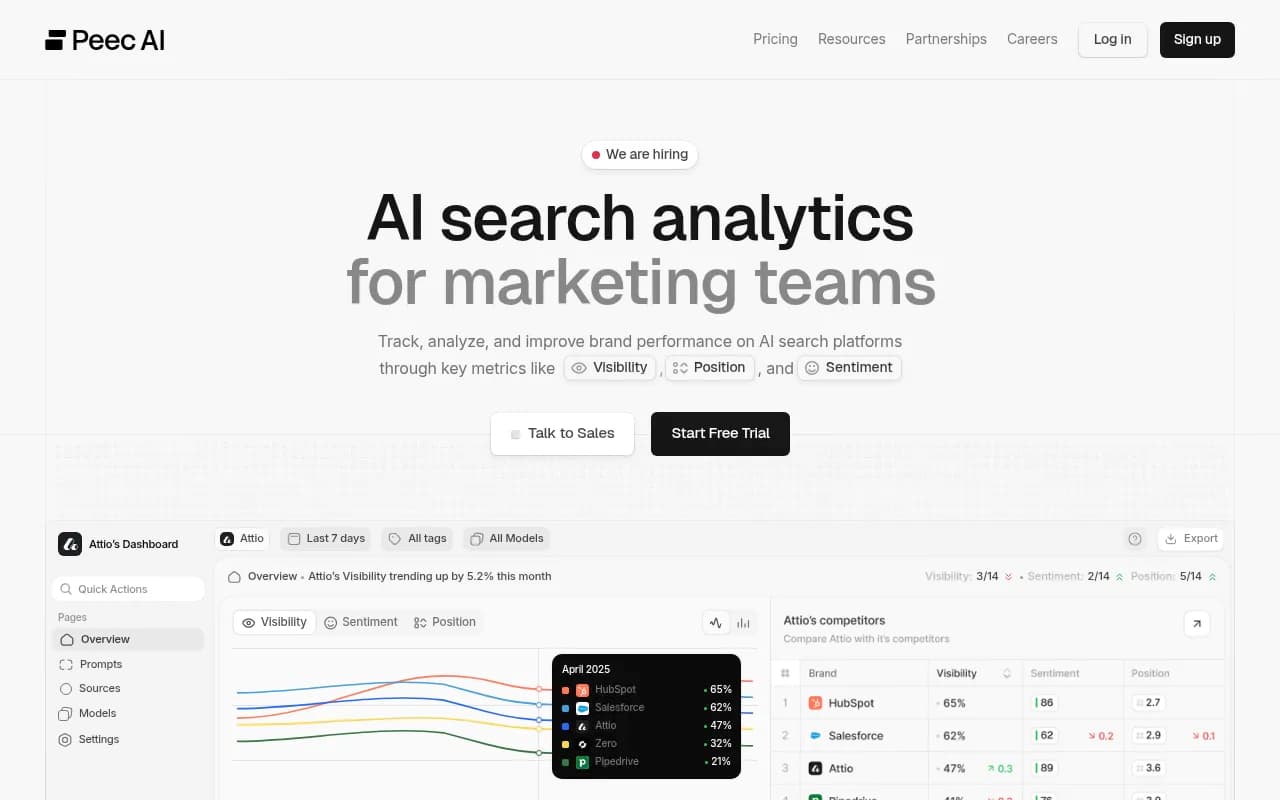
Like Otterly.AI, it's monitoring-only. No optimization layer. But the prompt tracking is reliable and the pricing is reasonable.
Wellows -- best for competitive citation intelligence
Wellows focuses specifically on turning AI mentions into competitive intelligence and outreach opportunities. If understanding who is being cited and why is your primary goal, it's worth a look.
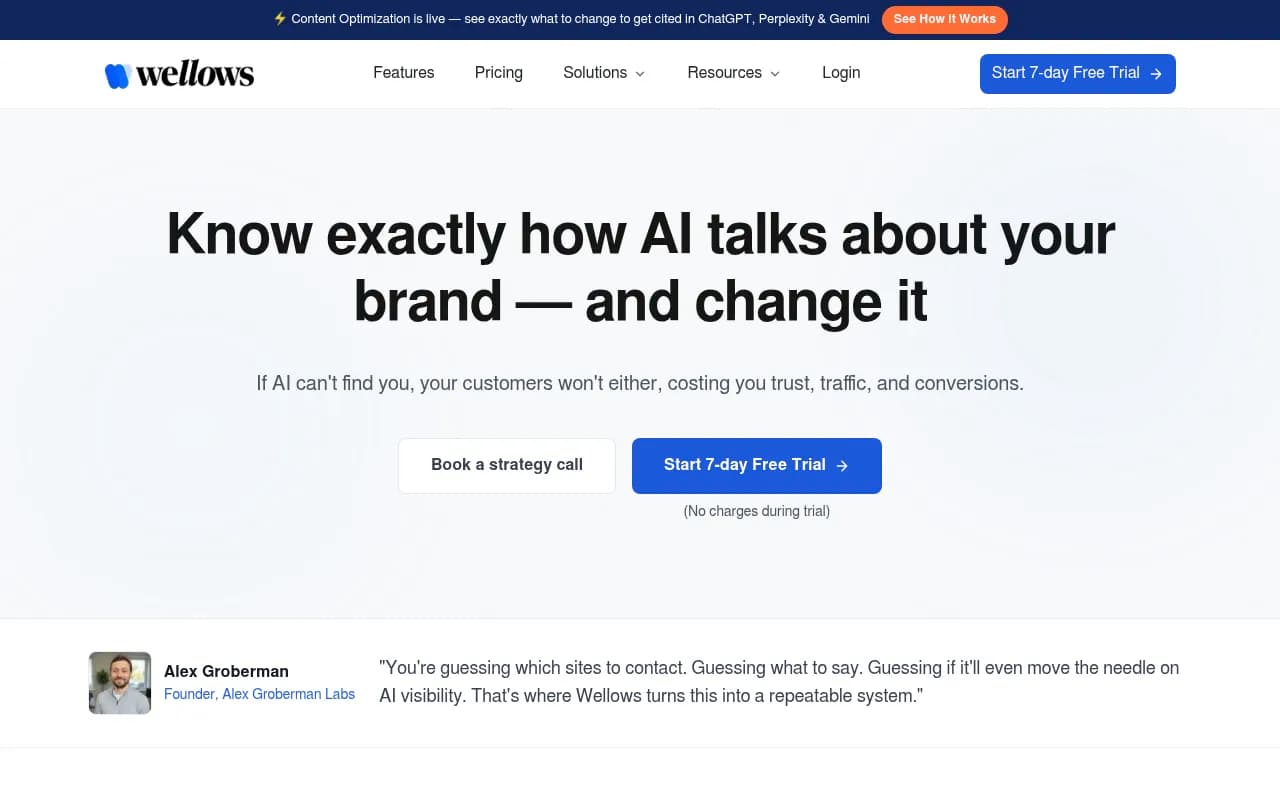
The citation analysis is more granular than most tools at its price point. Less useful if you need content generation or crawler access.
Comparing the top alternatives side by side
| Platform | Starting price | Content generation | Crawler logs | Prompt volume/difficulty | Reddit/YouTube tracking | Free trial |
|---|---|---|---|---|---|---|
| Promptwatch | $99/mo | Yes | Yes | Yes | Yes | Yes |
| Otterly.AI | ~$49/mo | No | No | No | No | Yes |
| Profound | Custom | No | No | No | No | No |
| SE Ranking | ~$65/mo | No | No | No | No | Yes |
| Peec AI | €89/mo | No | No | No | No | Yes |
| Wellows | $37/mo | No | No | No | No | Yes |
The actual migration process, step by step
Step 1: Set up your new platform before canceling Meteoria.ai
Sign up for your chosen platform and run it in parallel with Meteoria.ai for at least two weeks. This overlap period lets you:
- Validate that the new platform is tracking the same prompts
- Compare visibility scores between the two tools (they'll differ somewhat -- that's normal)
- Catch any setup mistakes before you lose access to your old data
Don't cancel Meteoria.ai until you're confident the new setup is working correctly.
Step 2: Re-enter your prompt inventory
Take the prompt list you exported and add every prompt to your new platform. Most tools let you import via CSV -- check the documentation. If not, manual entry is the fallback.
Organize prompts the same way you had them before (by topic, funnel stage, product line, whatever your structure was). Consistency here makes it easier to compare historical data against new readings.
Step 3: Record your day-one baseline
On the first day your new platform has data, export or screenshot the visibility scores for every prompt. Add these to your "Baseline scores" spreadsheet tab alongside your Meteoria.ai numbers.
You now have a migration baseline. Even though the scores won't be directly comparable (different methodologies), you have a record of where you stood at the moment of switching.
Step 4: Set up competitor tracking
Add the same competitors you were tracking in Meteoria.ai. If your new platform has share-of-voice or competitor heatmap features, configure those now so you start accumulating comparison data from day one.
Step 5: Configure alerts and reporting
Set up any weekly or monthly reports before you cancel your old subscription. The goal is to have your new reporting rhythm established so there's no gap in stakeholder communication.
Step 6: Cancel Meteoria.ai
Once you've completed two weeks of parallel tracking and you're satisfied with the new setup, cancel Meteoria.ai. Download one final export of all historical data before your access ends.
Preserving historical context without direct data import
No AI visibility platform currently imports historical data from Meteoria.ai directly. That's just the reality of the space -- there's no standardized data format across tools. But you can preserve meaningful historical context with a few approaches.
Use your exported baseline as a benchmark document
Turn your migration spreadsheet into a formal benchmark report. Include:
- Visibility scores by prompt at migration date
- Top cited competitors per prompt
- Which AI models were showing your brand vs. not
Share this with your team as the "before" snapshot. When you're six months into your new platform, you'll have a clear before/after comparison even without native data import.
Screenshot your Meteoria.ai dashboard
Before canceling, take full-page screenshots of your main dashboards. These are low-tech but genuinely useful when you need to reference historical trends in a presentation or stakeholder review.
Note your trend direction, not just point-in-time scores
If Meteoria.ai showed you that your visibility was improving or declining over the past three months, document that trend direction. "We were at 23% share of voice in January and had grown to 31% by March" is useful context even if the new platform measures things differently.
What to do in the first 30 days on your new platform
The first month is about establishing baselines and identifying quick wins, not overhauling your entire content strategy.
Week 1-2: Get your prompt tracking stable. Make sure every prompt is configured correctly, competitor tracking is running, and you're getting data you trust.
Week 3: Run your first gap analysis. If you're on a platform with content gap features, look at which prompts your competitors are winning that you're not even appearing in. Prioritize the ones with the highest prompt volume.
Week 4: Create your first piece of content specifically targeting an AI citation gap. Track it. This is how you start building evidence that the new platform is actually moving the needle, not just measuring it.
Common mistakes to avoid during migration
Not giving yourself enough overlap time is the most common one. Two weeks feels like a long time when you're paying for two subscriptions, but it's genuinely necessary to validate your setup.
Entering prompts differently than you had them before is another trap. If you were tracking "best project management software" in Meteoria.ai and you enter "top project management tools" in your new platform, you're not tracking the same thing. Use your exported prompt list exactly as-is.
Expecting scores to match between platforms is a mistake that causes unnecessary panic. Different tools query AI models differently, use different sampling methods, and weight models differently. A 40% visibility score in Meteoria.ai and a 28% score in your new platform for the same prompt doesn't mean something went wrong -- it means the methodologies differ. What matters is the trend over time within a single platform.
Forgetting to set up traffic attribution is a missed opportunity. If your new platform supports connecting AI visibility to actual website traffic (via a code snippet, Google Search Console integration, or server log analysis), set that up in week one. It's the only way to eventually connect GEO work to revenue.
The bigger picture: what this migration is really about
Organic CTR on queries where AI Overviews appear has dropped 61% according to Seer Interactive's September 2025 data. About 60% of searches now end without a website click, per Bain & Company research from early 2025. These aren't edge cases -- they're the new normal.
Migrating from Meteoria.ai isn't really about switching tools. It's about deciding whether you want to keep monitoring a problem or start solving it. A monitoring dashboard tells you that you're invisible for a prompt. An optimization platform tells you what to write, helps you write it, and then tracks whether it worked.
That distinction matters more now than it did when Meteoria.ai launched. The teams that are winning in AI search in 2026 aren't the ones with the best dashboards -- they're the ones who've built a repeatable process for identifying gaps and filling them with content that AI models actually want to cite.
Whatever platform you migrate to, make sure it supports that process. The tracking history you preserve during migration is just the starting point.