Key takeaways
- Hacked-site spam usually targets search engines and hides from the owner. A normal browser visit to your homepage can look perfectly clean.
- Google splits hacked content into four types: code injection, page injection, content injection and conditional redirects. Each one needs a slightly different check.
- Screaming Frog's Custom Search is the fastest way to hunt for injected keywords and links across a full crawl. Run it with a Googlebot user agent, and again with JavaScript rendering on.
- Sitebulb is good at making a crawl easy to read, and its audit comparisons show what changed. ContentKing (now Conductor Monitoring) is the one to pick if you want alerts the moment a page changes.
- Detection is half the job. Cleaning up the vulnerability, returning 410s for dead spam URLs and using Search Console to request review matters just as much.
Why hacked-site spam is so easy to miss
Most site owners picture a hack as a defaced homepage. SEO spam is the opposite. The attacker wants you not to notice, because every day the spam stays live is a day they get to borrow your domain's authority.
Google's spam policies define hacked content as anything placed on a site without permission, due to security vulnerabilities. They list four forms, and it helps to keep them straight because they leave different fingerprints:
- Code injection: malicious JavaScript added to existing pages, or into iframes.
- Page injection: new pages (often thousands) added to your site with spammy or phishing content. Your existing pages may look untouched.
- Content injection: subtle changes to existing pages, like hidden links, hidden text, or cloaking, so search engines see content you and your users don't.
- Redirects: code that sends some visitors to spammy pages, sometimes depending on referrer, user agent or device.
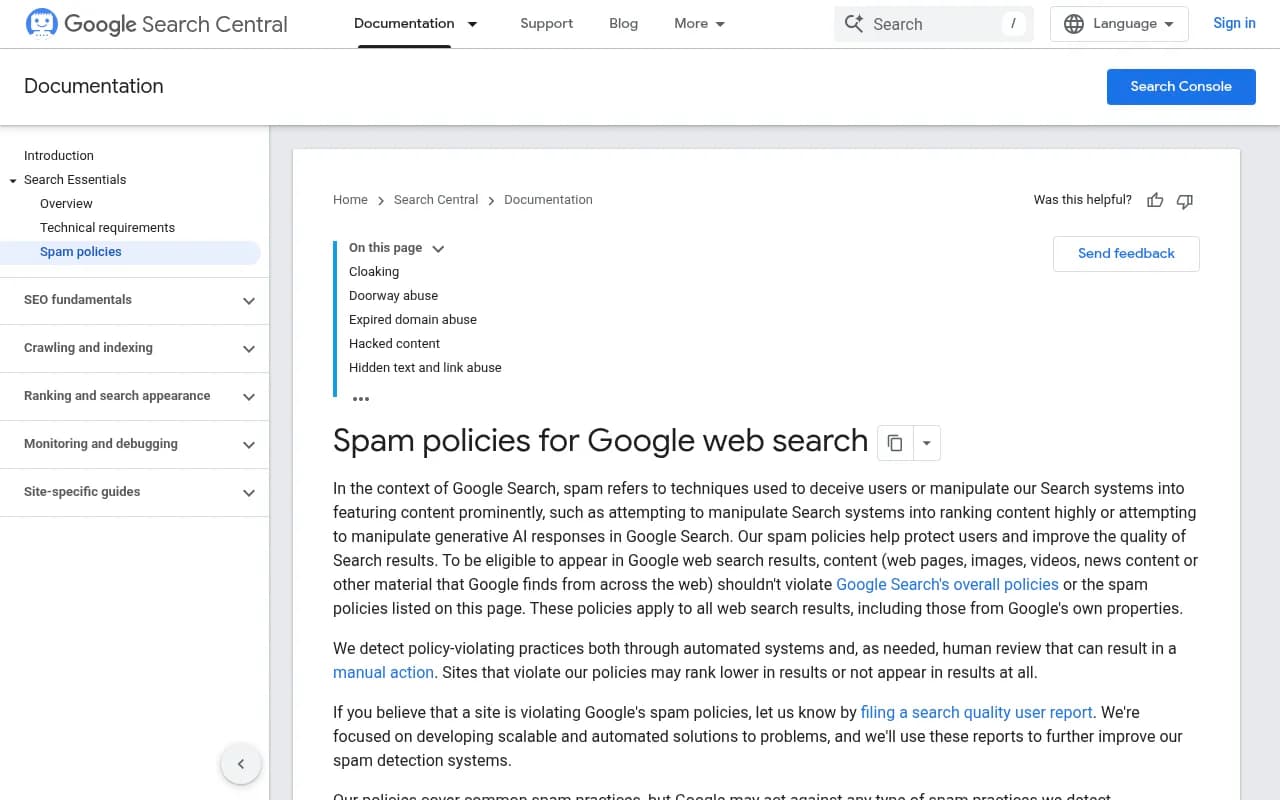
The cloaking definition is the one that makes this hard. Google describes it as presenting different content to users and search engines, for example inserting text or keywords only when the requesting user agent is a search engine. That is exactly what a lot of hack kits do. If you only ever look at your site in Chrome, you are the one audience the attacker has deliberately excluded.
Google also notes that redirects can depend on the referrer. Clicking your URL from Google results might bounce you to a pharma store while typing the URL directly shows nothing wrong. A Google Search Central forum thread on the "cloaked keywords and links hack" ended with the owner finding a plugin they had not knowingly added, which is a common origin story.
The first signals worth checking before you crawl
Before opening any crawler, look at what Google already tells you. A crawl is slower and more targeted than a few quick checks.
- Indexed page counts. Patchstack advises watching for sudden spikes in indexed pages, especially a number far above what you expect. A 400-page site suddenly showing 12,000 indexed URLs is the classic page-injection tell.
- Search Console performance report. Look at queries and pages. Japanese keyword hacks, pharma terms, casino terms and replica-goods queries appearing against odd URLs are obvious once you see them.
- Security Issues and Manual Actions reports in Google Search Console. Check their current state directly in your account, since Google changes these screens from time to time.
- A site: search for suspicious words, e.g.
site:yourdomain.com viagraorsite:yourdomain.com casino. Crude, but it still catches a lot.
A Reddit thread in r/SEO describes a site with about 2,300 injected spam pages that Google had indexed. The advice there is worth noting for later: list the spam URLs still indexed, serve a 410 status rather than a 401, and submit a temporary sitemap of the spam URLs so Google recrawls and drops them faster.
The three tools at a glance
The three tools solve different parts of the problem. A crawler tells you what is on the site right now. A monitor tells you when something changes.
| Tool | Type | Pricing (verify before buying) | Best for hacked-site work |
|---|---|---|---|
| Screaming Frog SEO Spider | Desktop crawler | Free up to 500 URLs; paid licence $279 per user per year | Custom Search and Extraction for injected keywords, user-agent switching, one-off investigations |
| Sitebulb | Desktop and cloud crawler | Lite $18/mo, Pro $42/mo, Cloud from $125/mo; 14-day free trial | Readable audits, audit comparison, sharing findings with clients |
| ContentKing (now Conductor Monitoring) | Continuous monitoring | Custom, enterprise pricing; 3-week trial | Alerts when pages change, change history to date the infection |
One caveat on pricing: Sitebulb's own comparison page says ContentKing has been rolled into the main Conductor suite since summer 2025 and can't be bought standalone. That is a competitor's claim, so confirm it with Conductor before you plan a budget around it.
Screaming Frog: hunting injected content
Screaming Frog SEO Spider crawls like Googlebot, following links in the HTML breadth-first, and it is where most people start. The free version is capped at 500 URLs, which is enough for a small site and a decent way to try the approach. Paid licences remove the limit. Current version at time of writing is 24.3.

I will be upfront about one thing. The exact menu paths shift between versions, so treat the steps below as the shape of the workflow and check the user guide for the current click-path.
Step 1: Switch to a Googlebot user agent
The single most valuable change is crawling as Googlebot instead of the default Screaming Frog agent. In the configuration, you can set the user agent. Do two crawls if you can, one with the default agent and one as Googlebot (and a mobile Googlebot variant if you see device-specific behavior). Then compare.
If content or links show up only in the Googlebot crawl, you have cloaking. That is the whole point of this step.
Screaming Frog also lets you add custom request headers. Because Google calls out referrer-based redirects, test with a Google referrer header too. The research I worked from did not confirm the exact setting, so look it up in the configuration docs before relying on it.
Step 2: Use Custom Search for spam keywords
Custom Search checks the HTML of every crawled page, either the page text or a specific element. That is the mechanism for finding injected keywords like pharma, casino or replica terms.
A sensible starting list of things to search for in the source:
- Spam vocabulary:
viagra,cialis,casino,replica,payday - Hidden-text CSS patterns:
display:none,visibility:hidden,left:-9999px,font-size:0 - Obfuscated JavaScript markers:
eval(,atob(,fromCharCode,document.write(unescape - Injected iframes:
<iframepointing to domains you do not recognize
Expect false positives. display:none is on half the sites in existence for menus and modals. Use it as a filter to review, not a verdict. Narrow the search to the page body when you can, and flag matches near external links.
Step 3: Audit external links
Spam links hidden in your pages go to someone else's domain. Open the External tab and sort by destination domain. Legitimate sites usually link out to a small set of familiar domains. A footer with fifty links to unfamiliar casino domains stands out immediately. Check each suspicious one's source pages with the inlinks view, and export the list.
Portent's spam-link walkthrough follows a similar loop: crawl, clean up bad links, then run and save another crawl. The re-crawl is the step people skip.
Step 4: Compare raw HTML with rendered output
Some injections only appear after JavaScript runs, and some are only in the raw HTML. Crawl both ways, once in text-only mode and once with JavaScript rendering, and compare content and outlinks. A link that is present in the source but removed by script is a classic hiding technique. The reverse, content added by injected JavaScript, is code injection.
Step 5: Find injected URLs you did not know about
The crawler only finds pages reachable through links. Injected pages often are not linked from your navigation. Two ways around that:
- Upload a list of the suspicious URLs you pulled from Search Console, the site: search or your server logs, and crawl them in List mode. You will see status codes, titles and content immediately.
- Connect the Search Console integration so the crawl pulls in URLs Google knows about. Pages that Google shows but your crawl did not reach are your orphan candidates.
The pricing page lists features like Custom Source Code Search, Custom Extraction, JavaScript Rendering and Crawl Comparison. The feature grid appears to show the same list for free and paid, which looks odd, so confirm which are paywalled in your version before you commit to the free tier.
Sitebulb: easier to read, good for comparisons
Sitebulb is a crawler with a stronger reporting layer. It has 100+ Hints on every plan (300+ on Pro, per its pricing page), JavaScript crawling, crawl maps and duplicate content checks. Pro adds audit comparisons and scheduled audits, which Lite does not include.
I could not find an official Sitebulb page describing a built-in hint for hidden links or injected pages, so do not assume one exists. What Sitebulb does give you is:
- Audit comparison. Run an audit now, then another after cleanup, and see exactly what changed. This is also useful for a baseline: if you crawl a healthy site monthly, a sudden jump in URL count or external links stands out.
- Content search and extraction. Sitebulb lists these as features on its comparison page, which is vendor marketing, so test the workflow yourself before depending on it. Use them for the same keyword and pattern hunting you would do in Screaming Frog.
- Crawl maps. Injected sections often show as an odd cluster of pages with no sensible link to the rest of the site.
- Readable PDF reports. If you are an agency telling a client their site was hacked, a clear report helps.
Sitebulb offers a 14-day trial equivalent to Pro with no credit card, which is enough time for one investigation. If cost matters, Screaming Frog's custom search is the more direct route to spam detection, and Sitebulb is the better choice when you need to explain and track the result.
ContentKing (Conductor Monitoring): catching it the moment it happens
Crawlers are snapshots. If you crawl monthly, an infection can run for weeks. This is where continuous monitoring earns its price.
Conductor acquired ContentKing in February 2022, and Conductor's own pages now brand the product as Conductor Monitoring. It offers 24/7 monitoring, real-time alerting routed by sensitivity, and a Changelog that records page changes with up to 60 months of history.

For a hack, two features matter most:
- Alerts on change. Conductor says alerts fire the moment something changes. For a page that suddenly gains outbound links, a new noindex, or a changed title, that is the difference between a fix on day one and a fix on day six. One customer quote on Conductor's page says weekly scheduled crawls meant problems were found 5 to 6 days after they happened. That is the gap monitoring closes.
- The Changelog as forensics. When you need to know when injected content first appeared, a searchable audit trail answers it. That date helps you match it against plugin updates, logins and server logs, which is how you find the entry point.
A few honest caveats. Pricing is custom and enterprise-level, with a 3-week trial. Sitebulb claims some ContentKing users suffer alert overload, and says JavaScript rendering is a paid add-on in Conductor. Both are competitor claims. Ask Conductor directly, especially about JavaScript rendering, since content injected by script is a common attack.
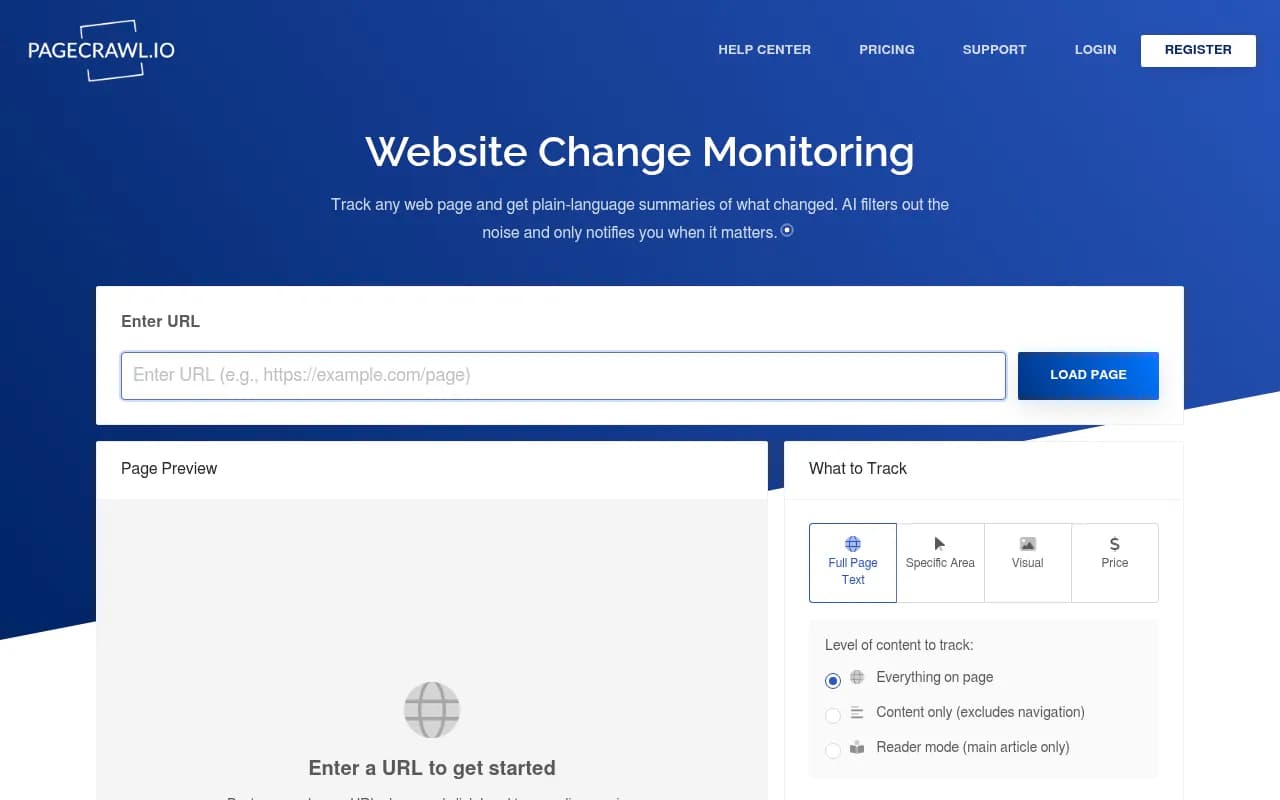
If an enterprise platform is more than you need, lighter website change monitors exist. PageCrawl.io is in our catalog as a change-monitoring option, though I have not tested it for this use case.
Choosing between them
| Situation | Use |
|---|---|
| You suspect a hack right now and need answers today | Screaming Frog with a Googlebot user agent and Custom Search |
| You need to document findings and re-check after cleanup | Sitebulb audit comparison |
| You run a large or high-value site and cannot afford a week of exposure | Conductor Monitoring (ContentKing) |
| Small site, tight budget | Screaming Frog free tier plus Search Console |
In practice they stack. Screaming Frog to investigate, Sitebulb or a saved crawl to verify the cleanup, a monitor to make sure it stays clean. If you want to browse other crawlers, the software directory at surferstack.com lists alternatives such as Oncrawl, Lumar and FandangoSEO.
What to do once you find spam
Finding it is the easy half. A sequence that works:
- Take a backup and note what you found. Export the spam URL list and the infected pages before changing anything.
- Find and close the hole. Remove unknown plugins, update everything, rotate all passwords and keys (hosting, CMS admin, database, FTP/SFTP), and look for rogue admin users and unfamiliar files. In the forum case mentioned earlier, the advice was to install a security plugin like Wordfence and scan the site. Google also points to its guide on fixing hacked sites.
- Remove injected content and pages. Clean database entries as well as files. Attackers often leave a backdoor so the spam returns.
- Return 410 for removed spam URLs. A 410 tells Google the page is gone for good, which tends to clear it faster than a 404 or an auth error. Submit a temporary sitemap of those URLs so Google recrawls them.
- Re-crawl as Googlebot. Run the same Custom Search patterns again. Your count should be zero.
- Use Search Console to request review if there is a security issue or manual action flagged. Confirm the current workflow in your account.
- Add monitoring so you hear about it first next time.
Common mistakes
- Crawling only as the default user agent. This is the most common reason people say the crawl found nothing while Google clearly sees spam.
- Trusting a clean homepage. Spam often lives on injected pages that are not linked from anywhere.
- Blocking spam URLs in robots.txt. If Google cannot fetch them, it cannot see the 410 and may keep them indexed. Let them be crawled.
- Cleaning the symptoms and not the entry point. Reinfection within days means the vulnerability is still open.
- Forgetting the aftermath: noindex tags, changed robots.txt or altered canonicals left behind by the attacker.
A last point on verifying the details
Some specifics here could not be confirmed from primary sources while I was researching: Screaming Frog's exact regex syntax and referrer-header setting, whether Sitebulb has any hidden-link hint, and current Conductor pricing. Check those in each vendor's documentation before you build a process on them. The principle holds regardless of the tool: compare what Googlebot sees with what a human sees, watch for URLs you did not create, and get alerted the moment either changes.
If you would rather hand the work off, a technical SEO agency such as 1001 SEO Media handles audits and post-hack recovery as part of its technical SEO and SEO audit services.