Key takeaways
- Google AI shopping features (AI Mode, product cards, virtual try-on, agentic checkout) do not roll out evenly. Availability varies by region and account, so one search from your desk tells you very little.
- Country and language are the reliable levers. City-level differences are real for local-intent queries, but I could not verify exactly how AI Mode picks up location (IP, device, or account), so test before you trust it.
- Manual location simulators are good for spot checks. For daily tracking you need a tool that records answers over time, because AI answers vary from run to run.
- Feed quality in Merchant Center is still the biggest lever you control. A clean feed helps, but it does not guarantee discovery in every market.
Why location matters for AI shopping results
Classic Google Shopping already varied by country: different merchants, different prices, different currencies. AI shopping adds another layer. AI Mode builds a conversational answer, pulls in product placements, and decides which retailers to show. Google says AI Mode queries are on average three times longer than traditional searches, and AI Mode passed 1 billion monthly active users globally as of May 2026 (PPC Land). That is a lot of shopping intent running through a surface that most teams check from one laptop in one country.
Three things change by location:
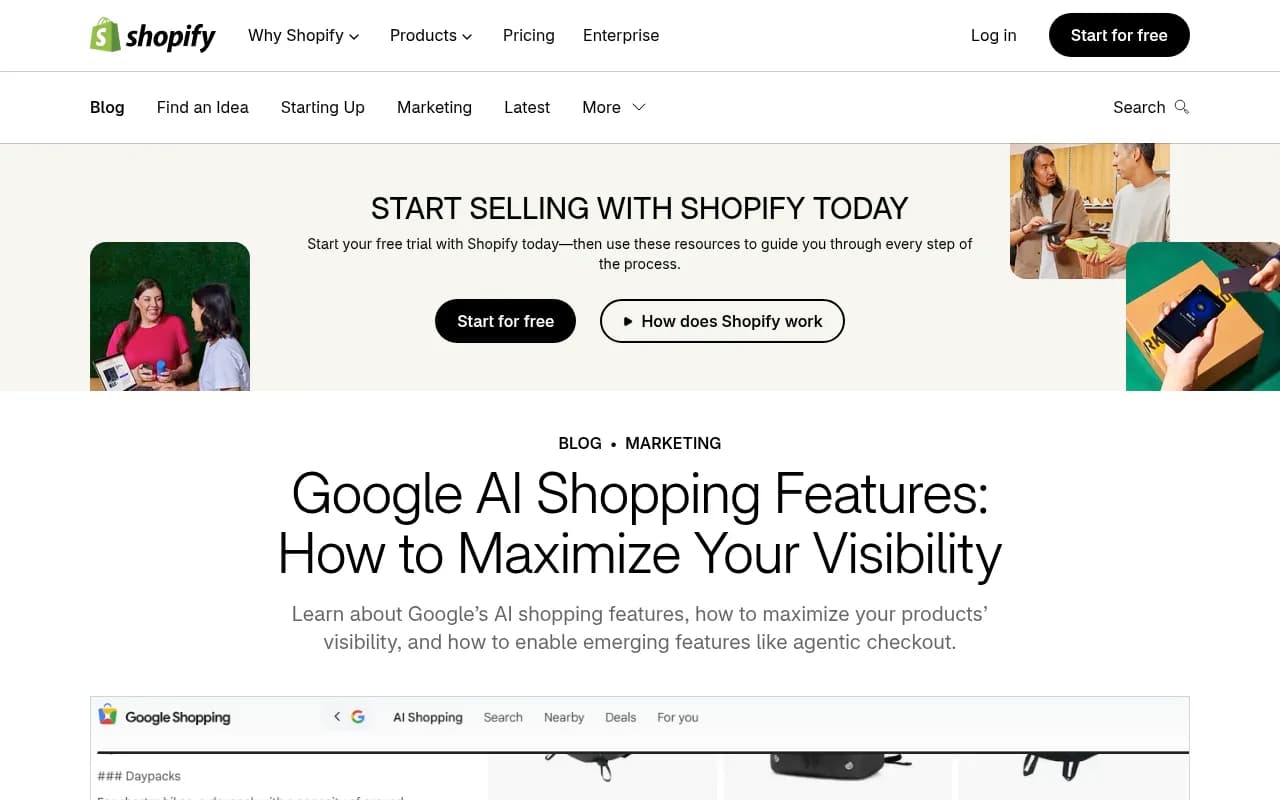
- Which features exist at all. Shopify's guide (April 2, 2026) says the availability of Google's AI shopping features varies by region and account.
- Which merchants are eligible. Checkout links in Merchant Center expand from July 2026 to merchants based in Indonesia, France, Mexico, Argentina, Israel, Poland and Australia. Merchants elsewhere do not get them yet.
- Which products appear. Shipping settings, currency, stock, and language all filter the product pool before the AI writes anything.
GrowByData also points to a Google Merchant Center Help note (May 27, 2026) about a rollout covering the US, Canada, Australia, India and New Zealand "in the coming months". I could not confirm which feature that refers to, so check the current Merchant Center announcements before planning a launch around it.
What actually drives location differences
Country and language
These are the dependable ones. Feeds uploaded for one country can automatically show in other countries that share a language. German-language products set up for Germany may show in Austria and Switzerland, for example. You still need to configure shipping and location settings for each market, otherwise the product shows but cannot be bought there. That is a common reason a product appears in one country and vanishes in a neighbor.
City and local intent
For queries like "running shoes near me" or "pick up today", city-level signals matter. Local inventory, store pickup, and nearby retailers all depend on where the searcher is. For plain product research ("best espresso machine under 500"), I would expect city to matter much less than country. That is an expectation, not something I could verify from the research here.
Merchant data
On January 11, 2026, Google announced dozens of new Merchant Center attributes for conversational commerce across AI Mode, Gemini, and Business Agent. Per Google's documentation they apply in all countries. Sponsored stores and quick web results were also spotted inside AI Mode on April 6, 2026, and feed quality drives visibility for both paid and organic placements. Price, availability, and product updates in Merchant Center flow through to AI Mode, virtual try-on, and agentic checkout.
One caveat from Paz.ai: a clean feed, or a Universal Commerce Protocol implementation, does not guarantee discovery or checkout availability for every merchant. Treat feed work as necessary, not sufficient.
Method 1: check manually from a different location
Start here. It costs nothing and teaches you what the results look like.
- Pick 10 to 20 real buyer prompts, the way a person would ask them to an AI. Include commercial ones ("best standing desk for small apartments") and branded ones.
- Pick your priority markets, by country first, then two or three cities.
- Run each prompt from each location, in that market's language.
- Record which products and retailers appear, in what order, and whether your product is present.
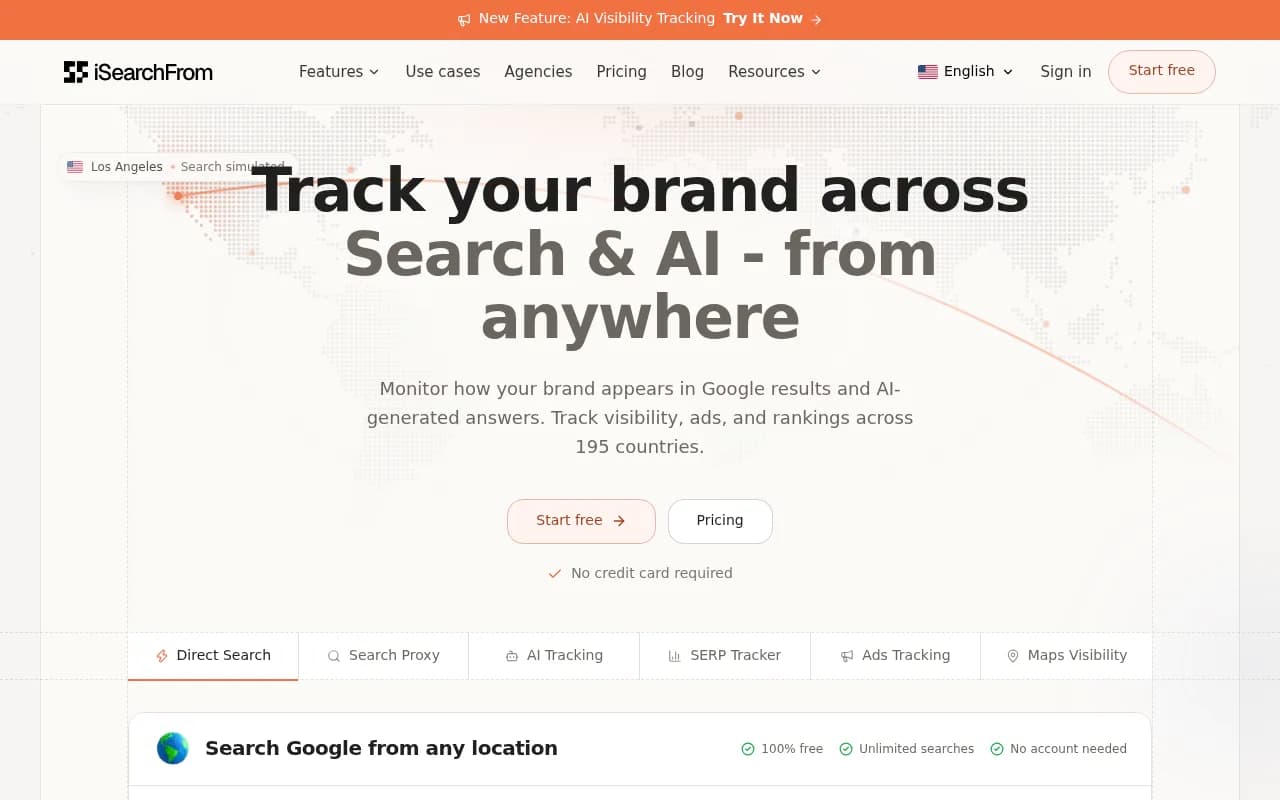
Location simulators help with step 3. iSearchFrom lets you search Google from any country, city, and language, with a free simulated-location mode that needs no login, and a paid real-IP mode that adds local ads and street-level targeting. It covers 195 countries and has added AI visibility tracking and a beta Maps visibility grid. I did not verify its pricing.
Be honest about the limits here. A simulated location is a simulation. I could not verify how AI Mode itself handles location (IP, device location, URL parameters, or logged-in account), so a simulator that works for classic search may not reproduce what a real shopper in that city sees in AI Mode. Use a real IP or a real device in the market for anything you plan to report to a client or a boss.
Also keep in mind that AI answers are not stable. Run the same prompt three times and you may get three product lists. One manual check proves presence, not a pattern.
Method 2: track with an AI visibility tool
Manual checks do not scale past a handful of prompts. A tracker runs the prompts on a schedule, stores the answers, and shows the trend.
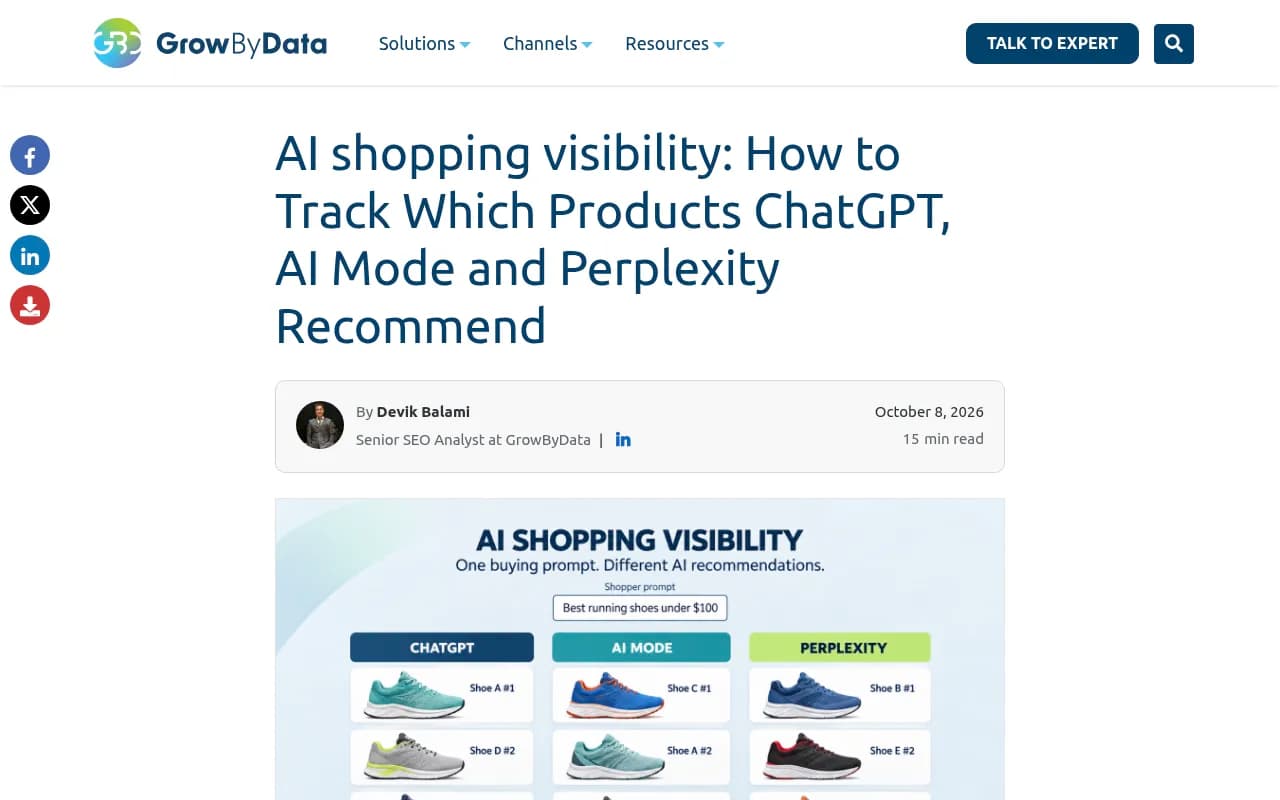
GrowByData's research gives a feel for what is being tracked. In their sample of Google AI Mode answers, 21 answers contained 130 product placements, about 6.2 products per answer, and 71 of the 130 pointed to a Google Shopping product page. That tells you something useful: in AI Mode, a big share of product picks lands on Google's own product pages, so your Merchant Center listing is often the thing being cited, not your site.
What to look for in a tracker for location work:
- Real interface capture rather than API-only answers, because the user-facing answer can differ from API output.
- Country tracking at a minimum, ideally state or city.
- Product or shopping-specific reporting, not just brand mentions.
- Competitor product share, so you know who fills the slots you miss.
- Scheduled runs and exports so you can see change over time.
Promptwatch tracks the actual interfaces of ChatGPT, Google AI Overviews, Google AI Mode, Gemini, Perplexity and Microsoft Copilot by country and language, includes state and city tracking from its Business plan, and has an AI Shopping view for product visibility in ChatGPT shopping carousels and Amazon Alexa product results. Check the Google AI Mode coverage against your own markets in a trial, since I did not verify shopping-specific Google reporting by city.

Promptwatch's own data on ChatGPT shopping is worth reading as context. Promptwatch Data shows ChatGPT attaches shopping features to only a low single-digit percentage of web-search responses, the rate moves in steps (it roughly doubled overnight in late May, then fell back weeks later), and trigger rates are much higher on commercial and transactional prompts. That report covers ChatGPT, not Google, and has no location breakdown, so do not read it as evidence about Google by city. I found no first-party data on location variance for Google AI shopping.
Other trackers in the catalog that you can evaluate for shopping or location support:
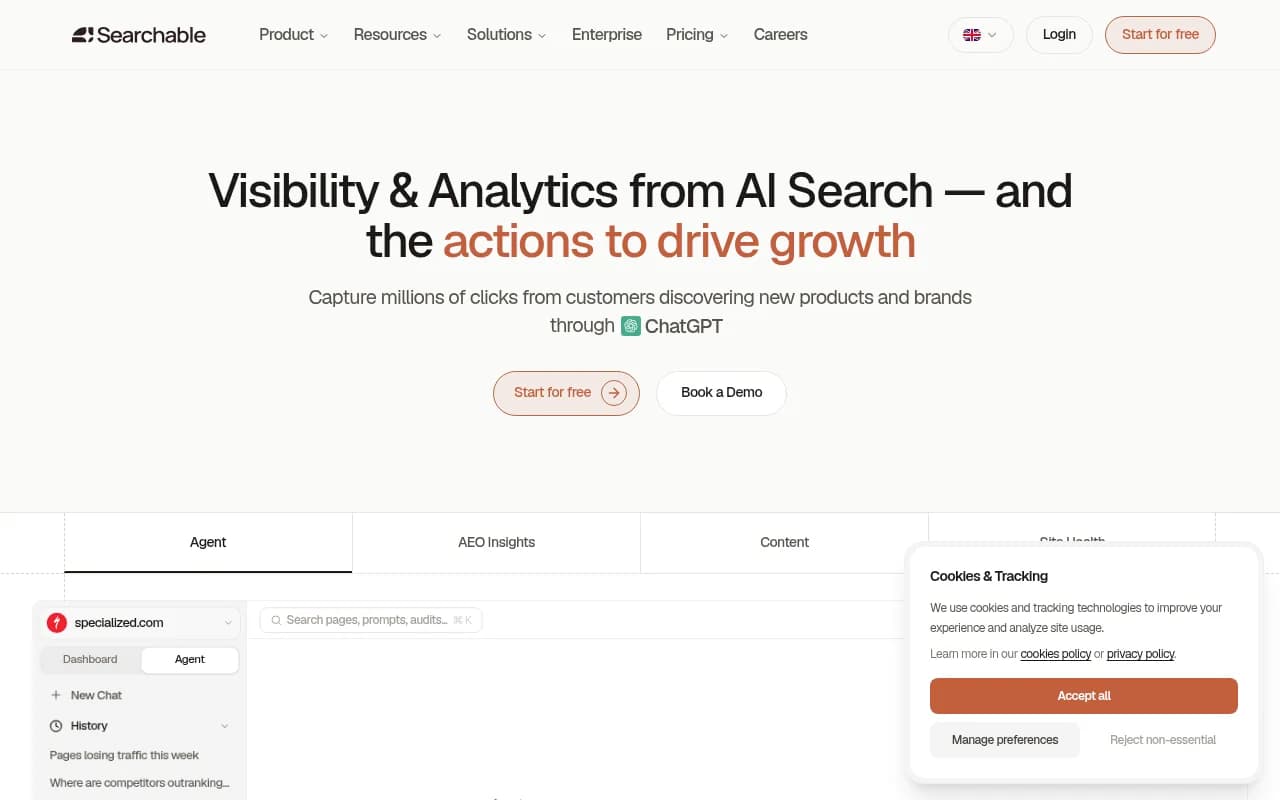
Searchable has a shopping module that shows a brand-share table of product visibility, for example one brand at 40.5% against competitors in the low single digits in its demo.
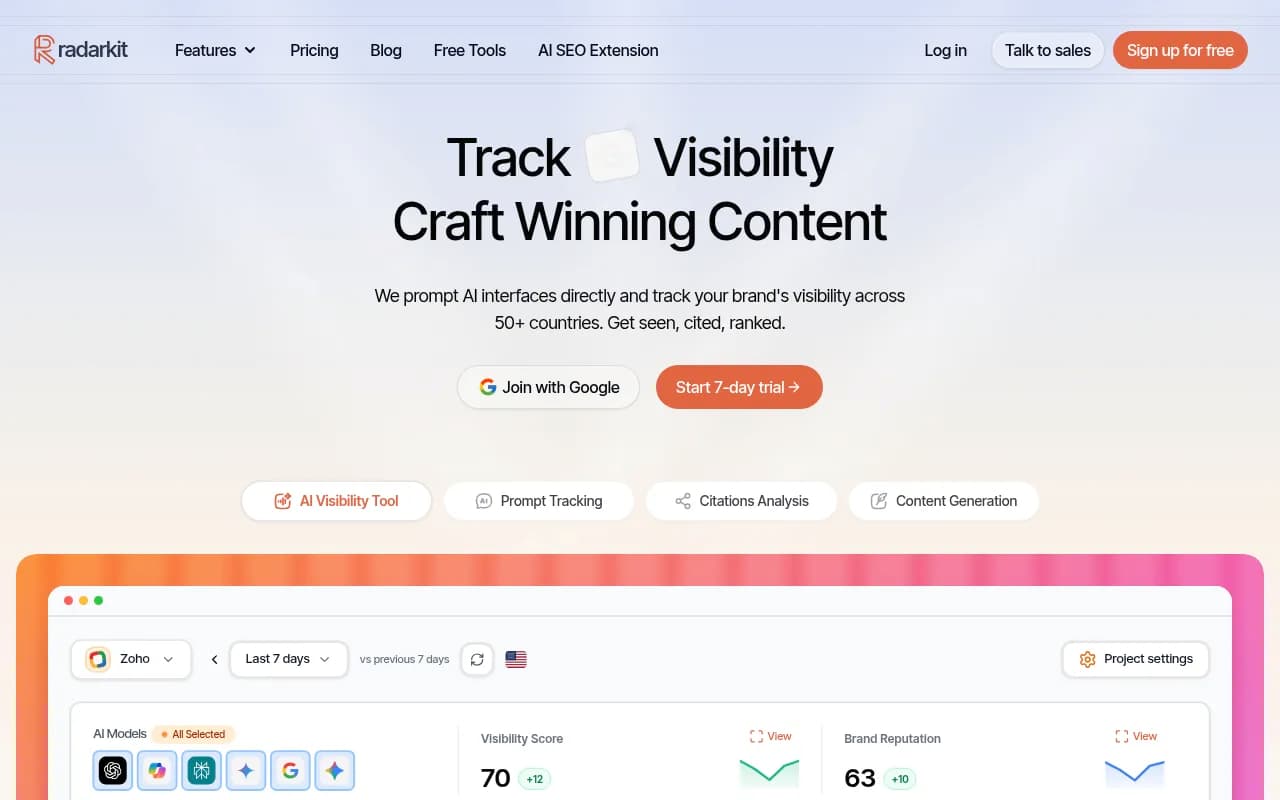
A Reddit thread on checking local visibility in AI Mode mentions RadarKit for regular monitoring across multiple services or locations. I did not verify its pricing or shopping features.
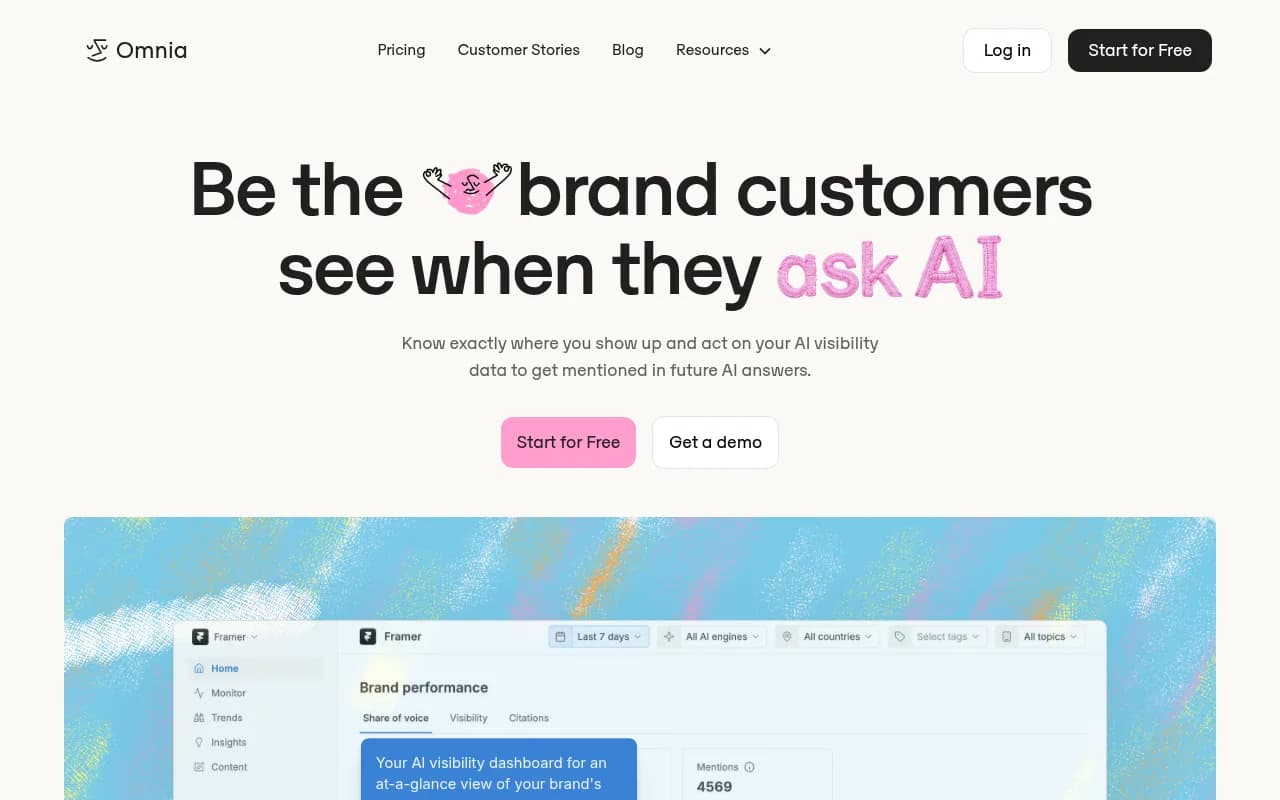
Omnia publishes an ecommerce GEO guide covering how ChatGPT and AI Mode choose products and how to track that by market.
For wider lists, the GEO software directory at bestgeosoftware.com and the AI rank tracker directory at ai-rank-tools.com are good starting points.
Comparison: ways to check location-based AI shopping visibility
| Approach | Location control | Shows AI shopping? | Tracks over time? | Best for |
|---|---|---|---|---|
| Manual search on your own device | Your own location only | Yes | No | Quick sanity checks |
| Location simulator (e.g. iSearchFrom) | Country, city, language | Mostly classic search plus AI tracking; verify AI Mode fidelity | Paid trackers only | Spot checks in new markets |
| Real device or VPN in the market | Country, sometimes city | Yes | No | Verifying a surprising result |
| AI visibility platform | Country; state or city on some plans | Varies by tool | Yes | Ongoing monitoring and reporting |
| Merchant Center diagnostics | Per country you sell in | Feed status, not AI answers | Yes | Fixing why a product is missing |
A practical tracking setup
1. Build a prompt set by intent
Group prompts as category research, comparison, and ready-to-buy. Shopping features fire far more on commercial and transactional prompts, so weight your set that way. Add local-intent variants for the cities where you have stores or fast delivery.
2. Define your markets
List each country you sell in and the language you serve. Add cities only where inventory, pickup, or delivery times differ. Fewer, well-chosen locations beat a giant grid you never read.
3. Record the right metrics
- Presence rate: share of runs where your product appears.
- Position: where it lands in the product list.
- Competitor share: who appears when you do not.
- Source: whether the pick points to your site, a Google Shopping page, or a marketplace.
4. Compare markets side by side
If you appear in 60% of runs in the US and 5% in Canada, the question is not content, it is eligibility. Check shipping settings, feed language, currency, and whether the feature has even launched there.
5. Fix, then re-measure
Common fixes: complete the new conversational attributes, keep price and availability accurate, set shipping per country, and make sure Product schema on your pages matches the feed. Then watch the same prompts for two to four weeks. Because answers vary run to run, judge by trend, not a single result.
Merchant Center checklist for multi-country sellers
- Confirm each target country is enabled and has shipping and tax settings.
- Check language-sharing behavior: a feed may auto-show in neighboring countries, but delivery rules still need setup.
- Fill in the newer conversational commerce attributes announced in January 2026.
- Keep price, stock, and sale data fresh, since updates flow through to AI Mode.
- If you are in a country covered by the July 2026 checkout expansion, review the checkout link setup.
- Do not assume a UCP implementation guarantees checkout availability.
Google Search Console will not show AI shopping answers by city, but it remains useful for seeing how your product pages perform in classic search by country.
What tracking cannot tell you yet
I would rather be upfront about the blind spots:
- No tool I reviewed can promise it reproduces what a specific shopper sees. Personalization, account state, and run-to-run variation all intrude.
- The exact location signals AI Mode uses were not something I could verify.
- Google's shopping surfaces differ by country, and I did not verify the full list. Check Google's current documentation for each market.
- Prices for several tools above are unverified. Confirm on each vendor's site before you budget.
FAQ
Does Google show different AI shopping results in different cities?
For local-intent queries, plausibly yes, since nearby stock and pickup matter. For general product research, country and language are the bigger drivers. Test your own prompts in two or three cities before assuming a difference.
Can I use a VPN to check AI Mode results?
It is a reasonable way to approximate a country-level view. It will not account for account-level personalization, so use a clean browser profile.
Why do I appear in one country and not another?
Usually feed setup (shipping, language, currency), feature availability in that market, or competitive density. Check Merchant Center for that country first.
How often should I check?
Weekly at minimum for priority markets. AI answers change frequently, and a scheduled tracker is the only practical way to catch shifts early.
Bottom line
Treat location as a variable you test, not an assumption. Start with country and language, verify with a real device when a result surprises you, and use a tracker to turn one-off checks into a trend. Fix feed and eligibility problems market by market, and be wary of any claim that a tool can show you exactly what a shopper in a given city sees.