Key takeaways
- Google AI Overviews now appear on roughly 50% of US searches, but users click through to traditional results only 8% of the time when an AI Overview is present (vs. 15% without one)
- Manual visibility checks don't scale past 10-15 queries before becoming unreliable and time-consuming
- A structured query audit framework -- organized by intent type -- makes 50+ query checks manageable
- The May 2026 Google I/O update (Gemini 3.5 Flash as default) changed how content gets retrieved, making passage-level structure more important than overall domain authority
- Dedicated AI visibility tools can automate the bulk of this work and track changes over time
Why checking your AI Overviews visibility is harder than it sounds
You'd think it would be simple. Open Google, search a few queries, see if your brand shows up. Done.
Except it isn't. Google AI Overviews are inconsistent by design. They appear on some queries and not others, vary by location and device, change day to day, and don't show up in Google Search Console in any meaningful way. If you're trying to audit 50 or more queries manually, you're looking at hours of work that produces a snapshot that's already stale by the time you finish.
And the stakes are real. AI Overviews now appear on roughly half of all US searches. When one appears, click-through rates on organic results drop from around 15% to 8%, according to Pew Research data cited in optimization guides from early 2026. That's not a rounding error -- it's a fundamental shift in where your traffic comes from and whether you're even part of the conversation.
The good news: there's a smarter way to do this. With the right framework and the right tools, you can audit 50+ queries systematically, track your visibility over time, and actually do something with what you find.
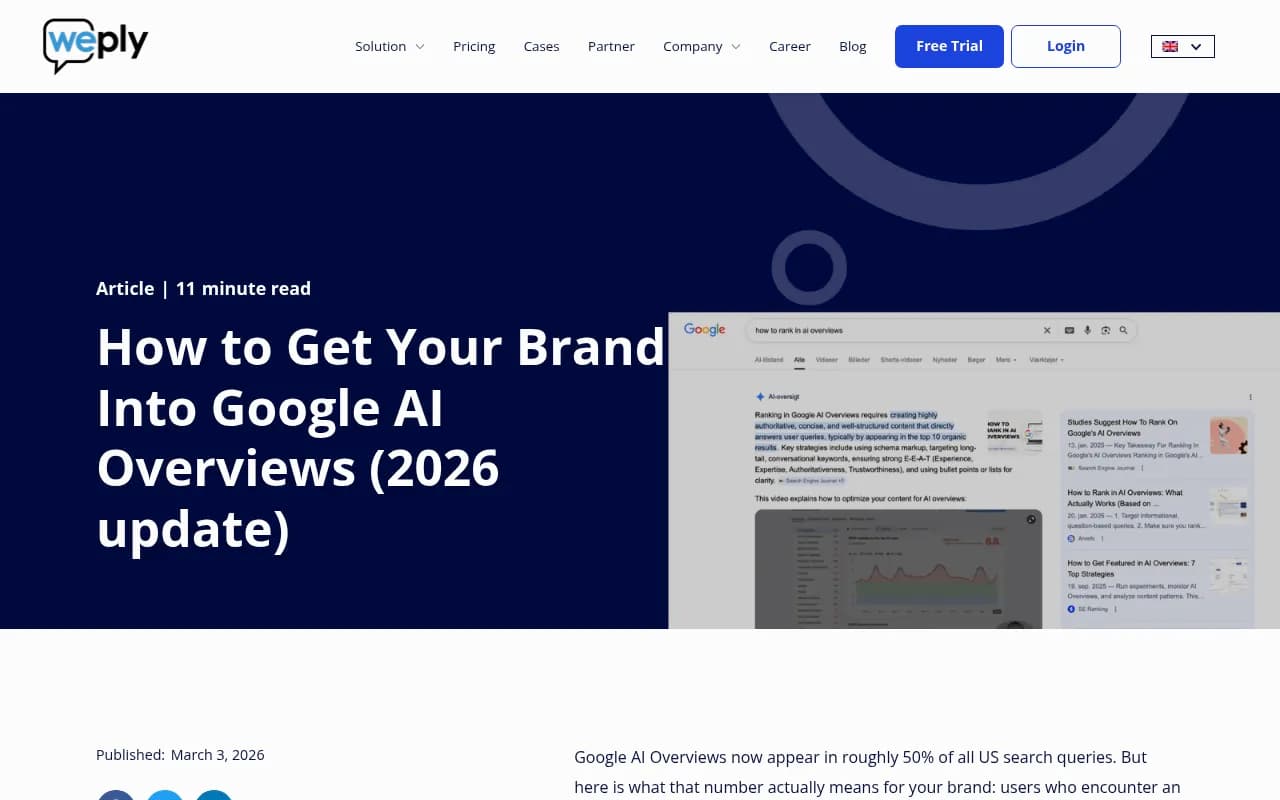
Step 1: Build your query list the right way
Before you check a single query, you need a list worth checking. Most people start with their existing keyword list and wonder why the results feel irrelevant. AI Overviews don't behave like traditional search -- they're triggered by different query types, and your keyword list probably skews toward transactional terms that rarely generate Overviews.
Query types that actually trigger AI Overviews
AI Overviews appear most often on:
- Informational and research queries ("how does X work", "what is the difference between X and Y")
- Comparison queries ("X vs Y", "best tools for Z")
- How-to and process queries ("how to set up X", "steps to achieve Y")
- Definition queries ("what is X", "explain X")
They appear rarely or not at all on:
- Navigational queries (brand name searches, "login" queries)
- Pure transactional queries ("buy X", "X pricing")
- Very local queries where Maps results dominate
So when building your 50+ query list, weight it toward informational and comparison terms. Think about what your customers ask before they're ready to buy -- the research phase, the comparison phase, the "help me understand this" phase.
Organizing your queries into buckets
Don't just make a flat list of 50 queries. Group them:
- Brand awareness queries (your brand name + category)
- Category education queries (explaining what your product category does)
- Comparison queries (your brand vs competitors, or "best [category] tools")
- Problem/solution queries (the pain points your product solves)
- Use case queries (specific scenarios where your product helps)
This structure matters because different buckets will show different visibility patterns. You might be cited in comparison queries but completely absent from education queries -- and that tells you something specific about where your content gaps are.
Step 2: The manual check method (for small query sets)
If you're working with fewer than 20 queries, manual checking is still viable. Here's how to do it without wasting time.
Set up a clean testing environment
AI Overviews can vary based on your search history, location, and whether you're logged in. For consistent results:
- Use an incognito or private browsing window
- Sign out of your Google account
- Use a consistent location (or a VPN if you need to test from a specific region)
- Test on desktop -- AI Overviews behave differently on mobile
What to record for each query
For each query, note:
- Does an AI Overview appear at all? (Yes/No)
- Is your brand cited in the Overview? (Yes/No)
- Which of your pages is cited, if any?
- Which competitors are cited?
- What's the approximate position of your citation (first, middle, end of the Overview)?
- Does the Overview include a follow-up question panel, and are you cited there?
A simple spreadsheet with these columns works fine. The goal is a structured snapshot, not a perfect dataset.
The time problem
Even with a clean process, manually checking 20 queries takes 30-45 minutes. At 50 queries, you're looking at 90 minutes or more -- and that's before you account for the queries where AI Overviews don't appear and you have to decide whether to note that or move on. At 100+ queries, manual checking stops being practical.
Step 3: Scaling to 50+ queries with tools
This is where most teams get stuck. They do a manual audit once, get some useful data, and then never repeat it because it's too painful. The result: you have a six-month-old snapshot and no idea whether your visibility has improved or collapsed.
The solution is automation. Several tools now track AI Overview appearances across large query sets, alert you to changes, and give you historical data.
What to look for in an AI visibility tool
Not all tools are equal here. Some things that actually matter:
- Does it track Google AI Overviews specifically, or just ChatGPT/Perplexity?
- Does it capture real user-facing results (not just API outputs, which can differ)?
- Can you track custom queries, or are you stuck with the tool's fixed prompt set?
- Does it show which of your pages is being cited?
- Does it track competitor citations alongside yours?
- Can it alert you when your visibility changes?
Promptwatch covers all of these -- it tracks Google AI Overviews alongside 10 other AI models, uses real user-interface data rather than API calls, and lets you set custom prompts rather than working from a fixed list. The page-level citation tracking is particularly useful for a query audit because it tells you exactly which pages are earning citations and which aren't.

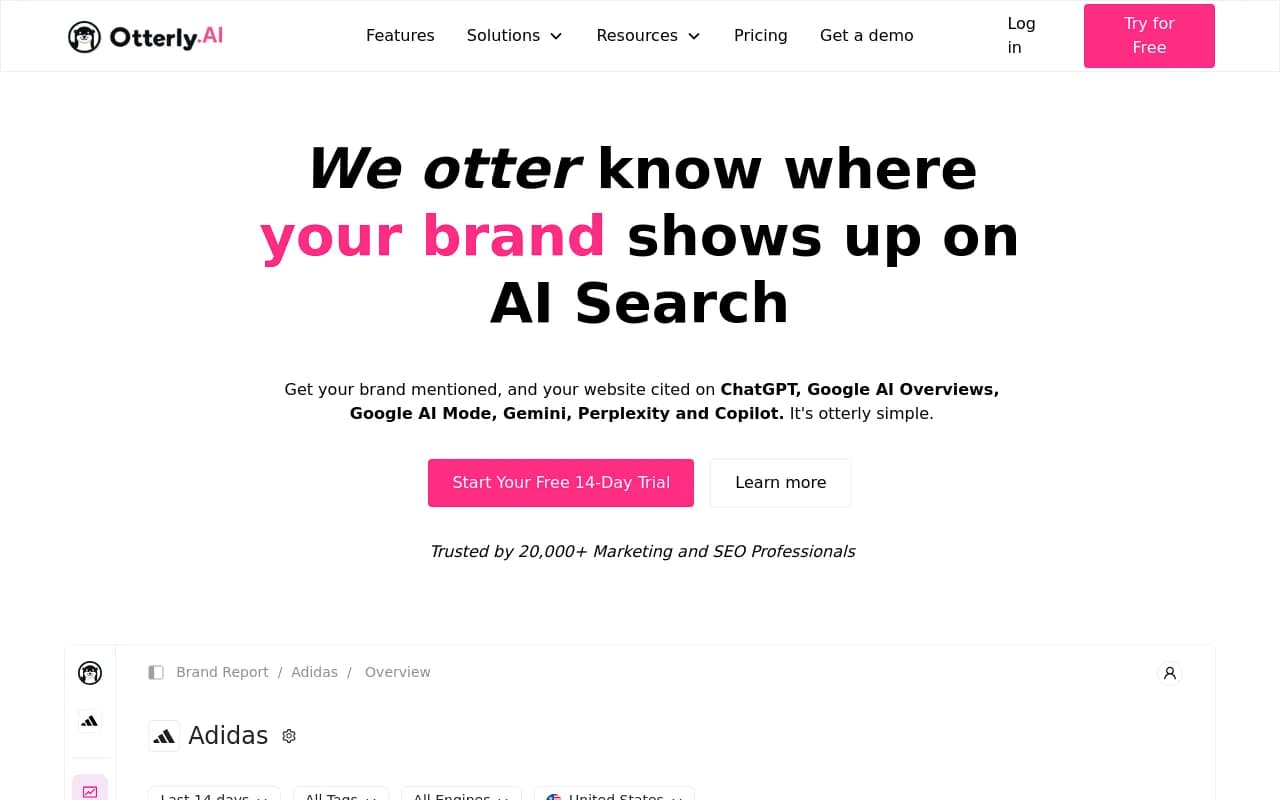
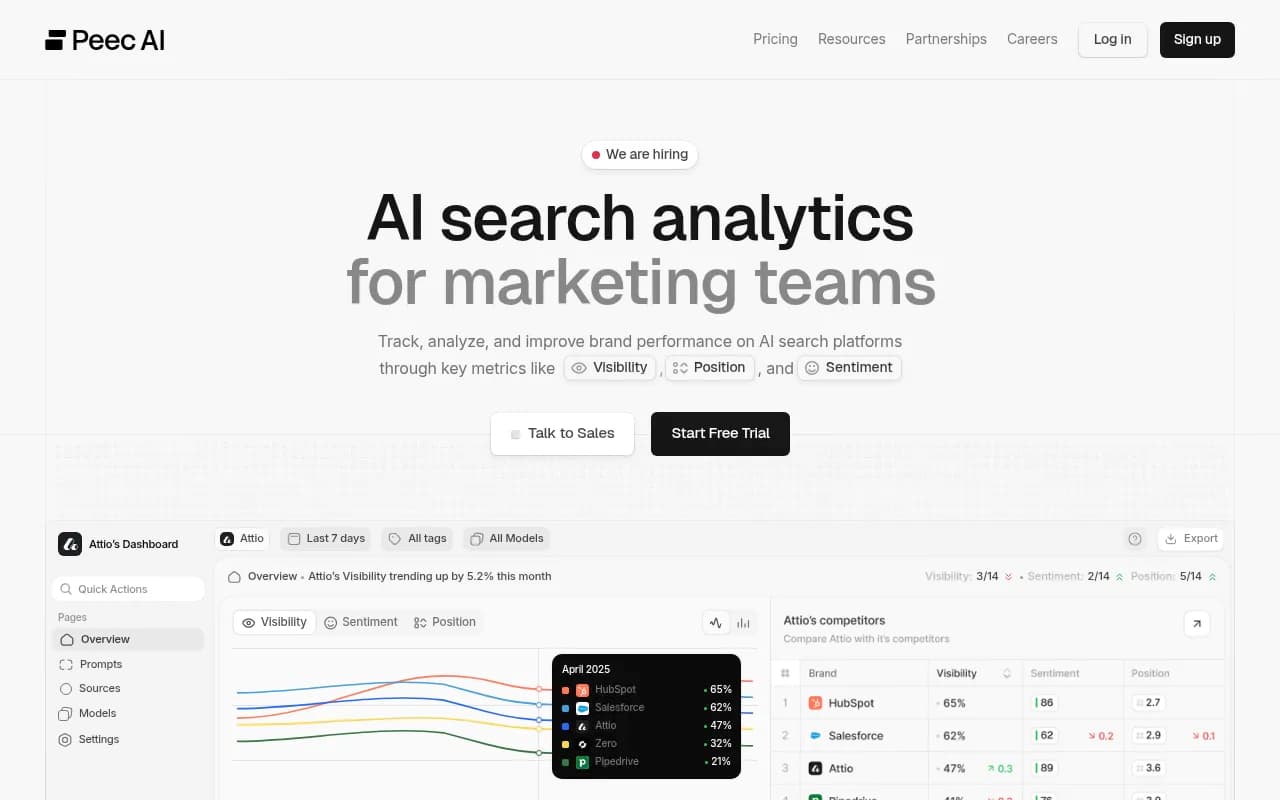
For teams that want simpler, lower-cost options, tools like Otterly.AI and Peec AI handle basic monitoring across AI platforms including Google AI Overviews.
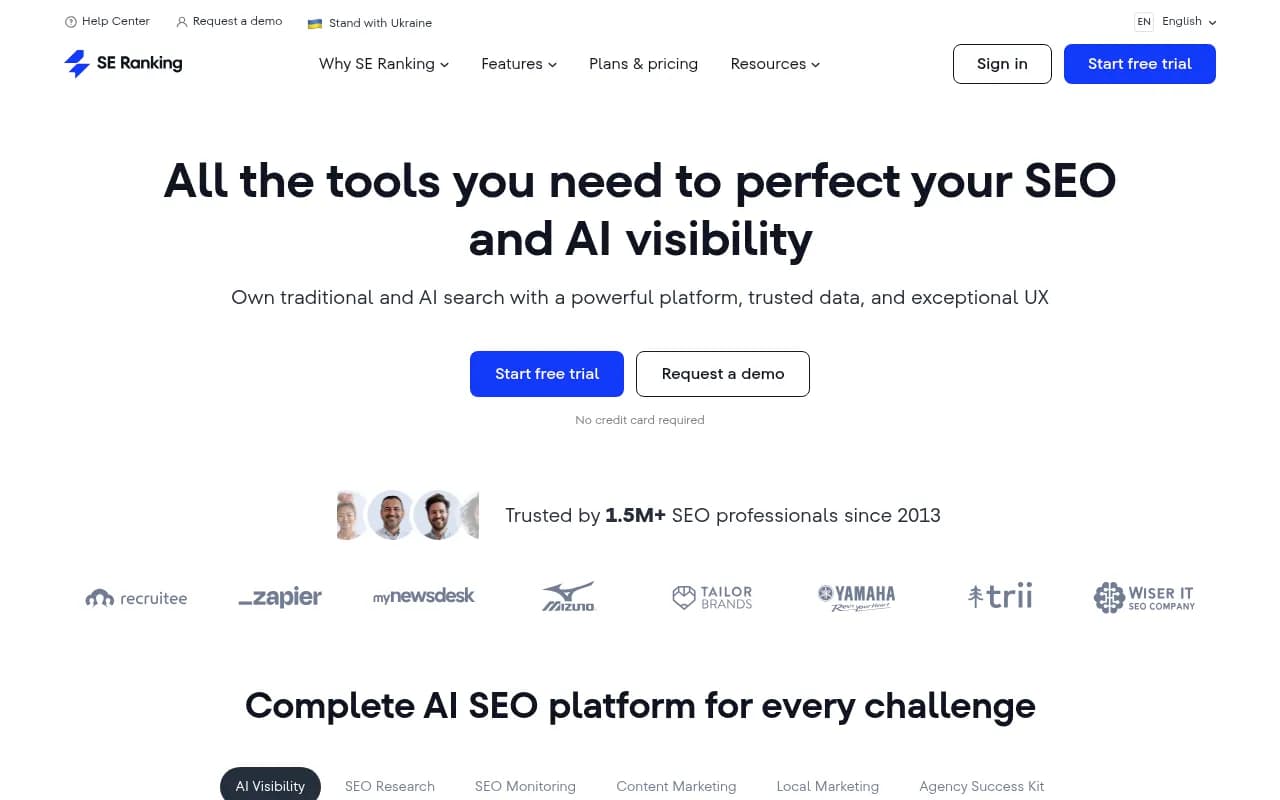
SE Ranking's AI visibility module is worth a look if you're already in their ecosystem.
And for enterprise teams with complex multi-brand or multi-region needs, Profound and BrightEdge both have Google AI Overviews tracking built in.
Comparison: manual vs. tool-assisted auditing
| Approach | Time for 50 queries | Historical tracking | Competitor data | Alerts | Page-level data |
|---|---|---|---|---|---|
| Manual (incognito) | 90-120 min | No | Manual only | No | No |
| Spreadsheet + manual | 90-120 min + setup | If you repeat it | Manual only | No | Partial |
| Otterly.AI / Peec AI | ~5 min setup | Yes | Yes | Basic | Limited |
| SE Ranking AI module | ~10 min setup | Yes | Yes | Yes | Partial |
| Promptwatch | ~10 min setup | Yes | Yes | Yes | Full page-level |
| Profound / BrightEdge | ~15 min setup | Yes | Yes | Yes | Full |
Step 4: Interpreting what you find
Raw visibility data is only useful if you know what to do with it. Here's how to read the results.
The four visibility states
For any given query, your brand is in one of four states:
- Cited prominently (your brand or page appears early in the Overview)
- Cited but buried (you appear, but late in the Overview or in a minor mention)
- Not cited but competitors are (the most actionable finding)
- No AI Overview appears at all (less urgent, but worth noting)
State 3 is where you should focus your attention. These are queries where Google's AI has decided the topic is worth an Overview, has found sources worth citing, but hasn't found your content compelling enough to include. That's a content gap with a clear fix.
What the May 2026 update changed
Google's I/O 2026 announcement made Gemini 3.5 Flash the default model for AI Mode globally. The practical implication for content strategy: passage retrieval now matters more than overall domain authority. Research from Discovered Labs tracking 2 million citations found that top-10 ranking pages accounted for 76% of AI Overview citations in mid-2025 but only about 38% by early 2026. Strong rankings no longer predict AI visibility the way they used to.
This means a page that ranks #8 with clean, well-structured passage content can outperform a #2 page that buries its answers in dense prose. When you're auditing your visibility gaps, look at how your uncited pages are structured -- not just where they rank.
Step 5: Acting on your audit findings
An audit that doesn't lead to action is just a report. Here's what to actually do with what you find.
For queries where competitors are cited but you're not
These are your highest-priority gaps. For each one:
- Find the competitor page that's being cited
- Identify what that page does that yours doesn't (direct answers, structured headers, specific data, clear definitions)
- Update your existing page or create a new one that answers the query more directly
The key insight from 2026 optimization research: AI Overviews favor content that leads with a direct answer. Don't bury your answer in paragraph three. Put it in the first 100 words, ideally under a clear H2 that mirrors the query.
For queries where no AI Overview appears
These are lower priority, but worth monitoring. AI Overviews are expanding -- queries that don't trigger them today might in six months. Having content ready means you're positioned when that happens.
For queries where you're cited but buried
These are worth optimizing but don't need to be rebuilt from scratch. Often, adding a cleaner summary section, improving your H2 structure, or adding a FAQ block at the bottom of the page is enough to move from a buried citation to a prominent one.
Content gap analysis at scale
If you're working with 50+ queries and finding gaps across multiple buckets, you need a systematic way to prioritize. Tools like Promptwatch include answer gap analysis that shows exactly which prompts competitors are visible for that you're not -- which turns a raw list of gaps into a prioritized content roadmap.
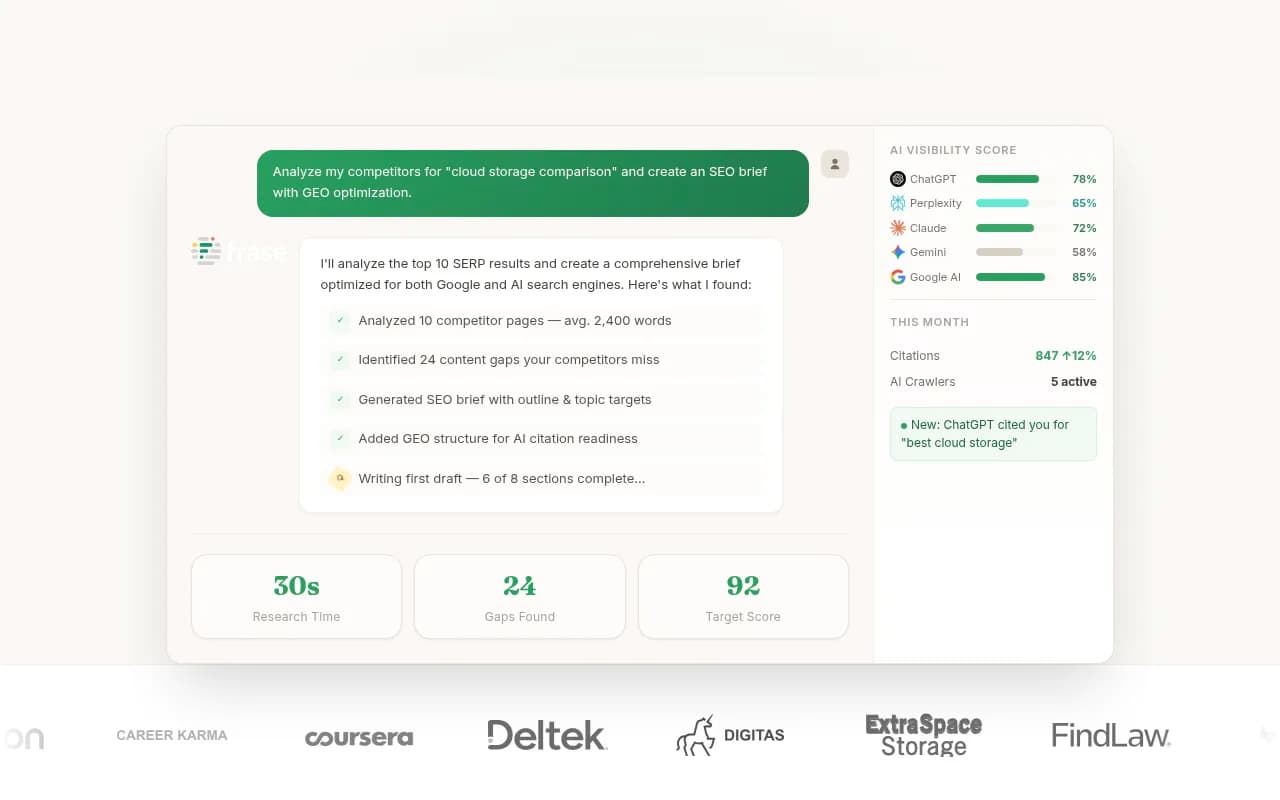
For content creation once you've identified gaps, tools like Frase and MarketMuse help you build briefs grounded in what AI models are actually citing.
Step 6: Building a repeatable process
A one-time audit is better than nothing, but AI visibility changes fast. The May 2026 Gemini update shifted citation patterns significantly within weeks. You need a process you can repeat.
Suggested cadence
- Weekly: Check your top 10-15 highest-priority queries (the ones closest to purchase intent or highest traffic value)
- Monthly: Full audit of your complete query list, with competitor comparison
- Quarterly: Review and expand your query list based on new content you've published and new competitor activity
Setting up alerts
Most AI visibility tools let you set alerts for when your citation status changes on a tracked query. Set these up for your most important queries -- especially brand + category queries where you should always be cited. A sudden drop in visibility on "best [your category] tools" is something you want to know about immediately, not in your monthly report.
Tracking the right metrics
Don't just track "am I cited or not." Track:
- Citation rate (what % of your tracked queries include a citation to your brand)
- Citation position (are you first, middle, or last in Overviews?)
- Page-level citations (which pages are earning citations, and are they the right ones?)
- Competitor citation rate (are competitors gaining ground while you stay flat?)
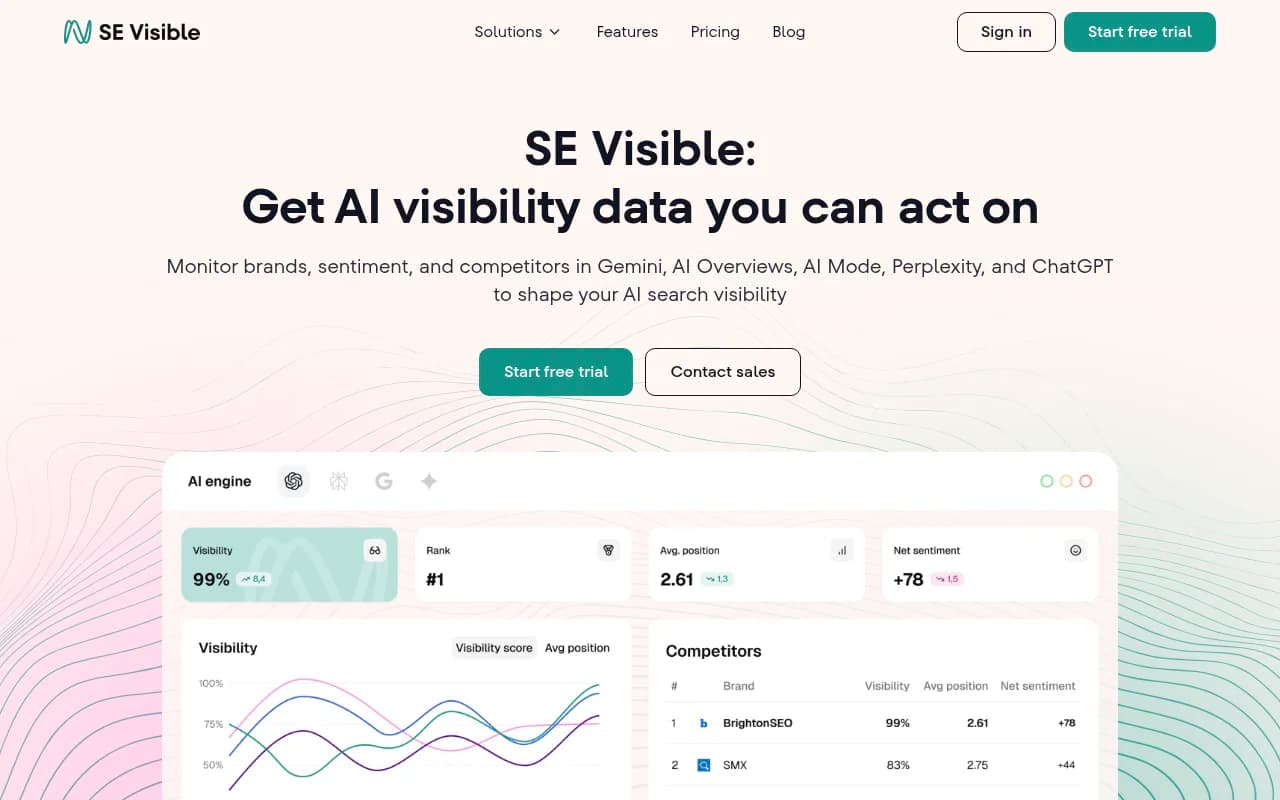
Tools like Promptwatch and SE Visible give you these metrics in dashboard form so you're not building them manually in spreadsheets.
Common mistakes to avoid
A few things that consistently trip people up when auditing AI Overviews visibility:
Testing while logged in. Google personalizes results. If you test while logged into your Google account, you'll see a version of AI Overviews that reflects your search history, not what a neutral user sees. Always test in incognito.
Testing only once. AI Overviews are inconsistent. A query might show an Overview 70% of the time and not show one 30% of the time. A single test can give you a false negative. If you're doing manual checks, test each query at least twice on different days.
Ignoring the citation source. When you are cited, which page is being cited? If it's your homepage instead of a relevant blog post, that's a signal that Google can't find a more specific page to cite. That's a content gap.
Treating AI Overviews like featured snippets. They're related but different. Featured snippet optimization (single clear answer, structured formatting) helps with AI Overviews, but AI Overviews also synthesize across multiple sources. You can be cited even if you don't have the featured snippet -- and you can lose the featured snippet while still being cited in the Overview.
Not tracking competitors. Your visibility score in isolation is almost meaningless. What matters is whether you're cited relative to your competitors. A 40% citation rate sounds decent until you realize your main competitor has 75%.
Putting it all together
Auditing your Google AI Overviews visibility across 50+ queries is genuinely manageable if you approach it systematically. Build a query list organized by intent type. Use a clean testing environment for manual checks. Graduate to a dedicated tool once your query list grows past 20-30 terms. Focus your optimization energy on the gaps where competitors are cited but you're not. And build a repeatable cadence so your audit data stays current.
The brands winning in AI search right now aren't necessarily the ones with the highest domain authority or the biggest content teams. They're the ones who know exactly which queries they're missing, why they're missing them, and what to publish to fix it.
That's a process problem as much as a content problem -- and it's one that's very solvable.