Key takeaways
- Google AI Mode has no fixed rank. You measure inclusion, citation share and prominence, and you sample from many places because answers shift by neighborhood.
- Multi-location brands need two layers: geo-grid sampling for local visibility, and prompt-level tracking by country for the broader brand picture.
- Google's own surfaces dominate AI Mode citations, so Business Profiles, Maps and Merchant Center are GEO channels, not side projects.
- Many tools say they track AI Mode but really track AI Overviews. Test before you buy.
- Keep the prompt set small and consistent, repeat scans on the same schedule, and read trends rather than single snapshots.
Why AI Mode breaks the old rank tracking model
Classic local rank tracking gives you a number. You are 3rd in the map pack for "dentist near me" from a given point. Done.
AI Mode does not work that way. It writes an answer, names a handful of brands, and cites sources. You are either in the answer or you are not. Local Falcon puts it plainly: traditional local rank tracking returns a numeric position (1 to 20+), while local AI tracking measures inclusion or exclusion, with no true rank.
That matters most for multi-location brands. A chain with 200 locations does not have one AI Mode presence. It has 200 slightly different ones, and AI answers vary from one ask to the next and from one neighborhood to the next. A single check from head office tells you very little about what a customer sees at the other end of the city.
There is also a brand-level problem. A SOCi analysis of multi-location AI visibility argues that AI systems judge the whole digital footprint of a brand. If a subset of locations is inconsistent, inactive or underperforming, the system reads that as risk and may withhold recommendations. That is one vendor's argument, so treat it as a hypothesis, but it matches what many local teams report: weak locations drag down strong ones.
What Google AI Mode actually cites
Before picking tools, know what you are trying to influence. Promptwatch's data on Google AI Mode citation share for June 2026 (covering May 31 to June 26) shows something unusual:
- google.com took 7.31% of all AI Mode citations, more than YouTube (2.88%) and Reddit (2.52%) combined.
- Counting YouTube, Google-owned properties are over 10% of citations.
- google.com rose from 4.24% in May to 7.31% in June, a 72% increase, after a sixfold jump the month before.
- No independent website in the top 17 clears 1%.
The report's reading is that AI Mode often resolves questions with Google Maps listings, Business Profiles and support content before it touches the open web. For a multi-location brand, that is the whole story. Your Google Business Profile data, your Maps listings and your Merchant Center feed are direct inputs to the answer. The same report notes that in ChatGPT's June data, Reddit leads and google.com is nowhere near the top, so this self-citation is specific to Google's surfaces. Do not assume one engine predicts another. Promptwatch's average sources per response research (published September 2025) makes the same point: measure each engine separately.
A caveat I want to be upfront about. I could not find a verified source describing exactly how AI Mode localizes, whether it leans on device location, IP or something else. Anyone who tells you with certainty is guessing. Your own sampling is the only reliable answer, which is why the setup below is built around it.
The two layers of multi-location tracking
Treat this as two separate measurement jobs.
Layer 1: geo-grid sampling for local visibility
This answers "what do customers near each location see?" The method is to run the same prompt from many points around a location and count how often your brand appears.
Local Falcon is the clearest example. It runs the same prompt from each point on a grid, from 9 points (3x3) up to 441 (21x21), and treats each point as a separate AI query sample. It covers ChatGPT, Gemini, Google AI Overviews and Google AI Mode, plus the Google Maps local pack. Its main metrics:
- Share of AI Voice (SAIV): the percentage of grid points where AI mentions your brand. It is the counterpart to Share of Local Voice on the map.
- Buyer Persuasion Score: how persuasively AI recommends you.
- Brand phrases and sentiment: how AI describes you.
- A sources list and a Competitor Report listing every brand AI named, with its SAIV.
Scans run as a one-off Quick Scan or a scheduled Campaign, with a Trend Report showing SAIV over time. A free account gets 100 credits with no card; I did not find paid pricing on the pages I checked. It also has an API and MCP integration, and a multi-location use-case page. One number on its homepage, that the map pack captures roughly 70% of local clicks, is the vendor's own claim, so do not put it in a board deck.
Layer 2: prompt tracking by country and market
This answers "how does AI talk about our brand overall?" You track a fixed prompt set across countries, models and competitors, and watch share of voice, citations and sentiment. Geo-grids are poor at this. They are built for local intent, not for "best [category] for [segment]" prompts.
Tools like Promptwatch fit this layer. Promptwatch monitors Google AI Mode and the other major engines through their real interfaces, per country and language, and lets Business and higher plans pin a monitor to exact coordinates (20 m to 5 km accuracy radius) so ChatGPT, AI Overviews and AI Mode answer as if asked from that spot. That sits somewhere between a full geo-grid and country-level tracking. One honest limit: Promptwatch has no AI Mode report specific to local queries, so for dense grid visualization a dedicated local tool is still worth considering.

Tool comparison for multi-location AI Mode tracking
| Tool | AI Mode coverage | Location approach | Best for |
|---|---|---|---|
| Local Falcon | Yes, plus map pack | Geo-grid, 9 to 441 points | Visual local share of voice |
| Promptwatch | Yes, real UI | Country, state/city, exact coordinates (Business+) | Tracking plus fixing gaps and measuring traffic |
| Semrush | Yes, as a trackable engine | Position tracking locations | Teams already in the Semrush suite |
| Moz | AI Visibility covers AI Mode | Standard Moz locations | Focused brand visibility on a budget |
| SE Ranking | AI Results Tracker and SE Visible | Locations, devices | Agencies, white-label reporting |
| Nightwatch | Tracks several AI engines | ZIP-code localization | ZIP-level monitoring |
| Profound | Yes, not on the Starter plan | Country level | Enterprise teams (from $399/mo for AI Mode) |
| Scrunch | Enterprise plan only for AI Mode | Country level | Large budgets, monitoring-first |
Pricing and plan limits change. Confirm on each vendor's site; I did not find verified current pricing for Semrush, Profound, Scrunch or Omnia beyond what is noted above.
A few notes on the table.
Semrush adds AI Mode as a trackable search engine alongside traditional SERPs, which is handy if your location rank tracking already lives there.
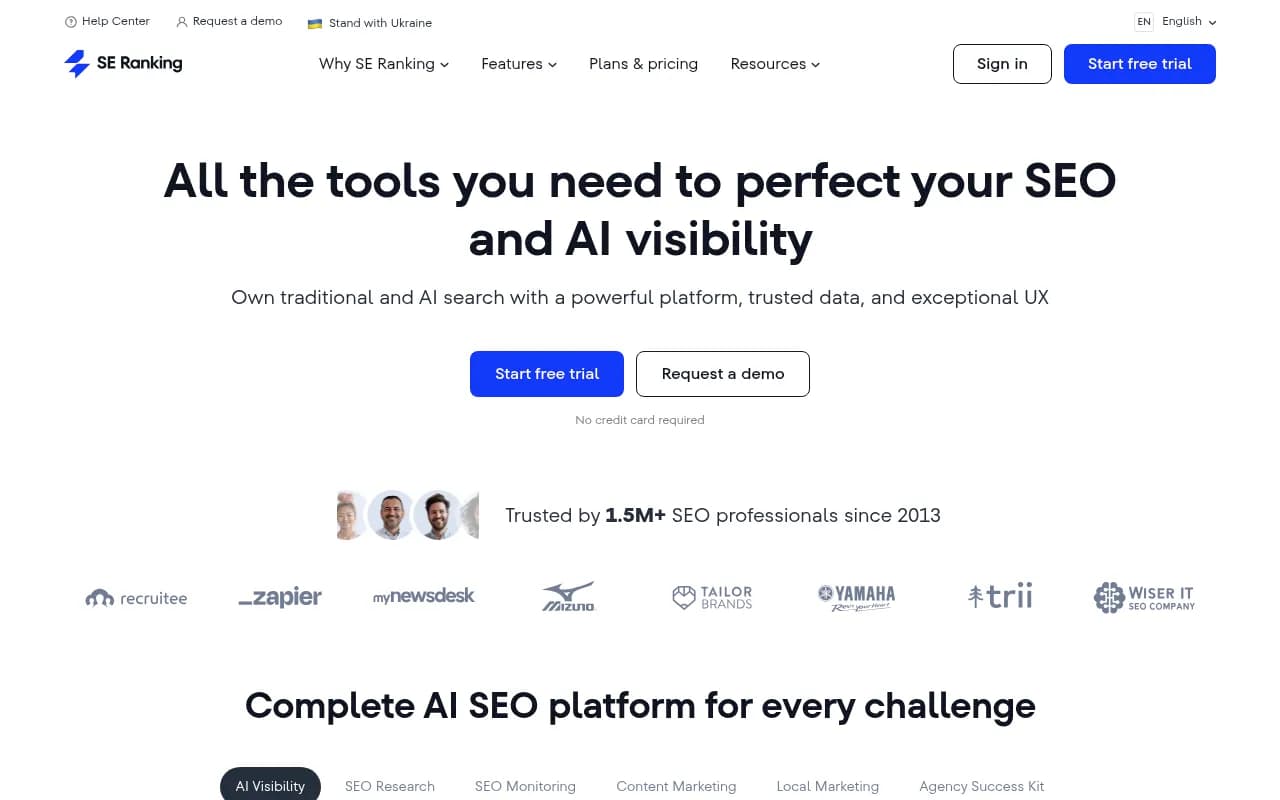
SE Ranking monitors ChatGPT, Gemini, Perplexity, AI Overviews and AI Mode through its AI Results Tracker and SE Visible. Its entry-level Core + GEO plan covers 2,000 keywords, 100 AI prompts and 10 projects, and an optional Agency Pack adds white-label reporting.
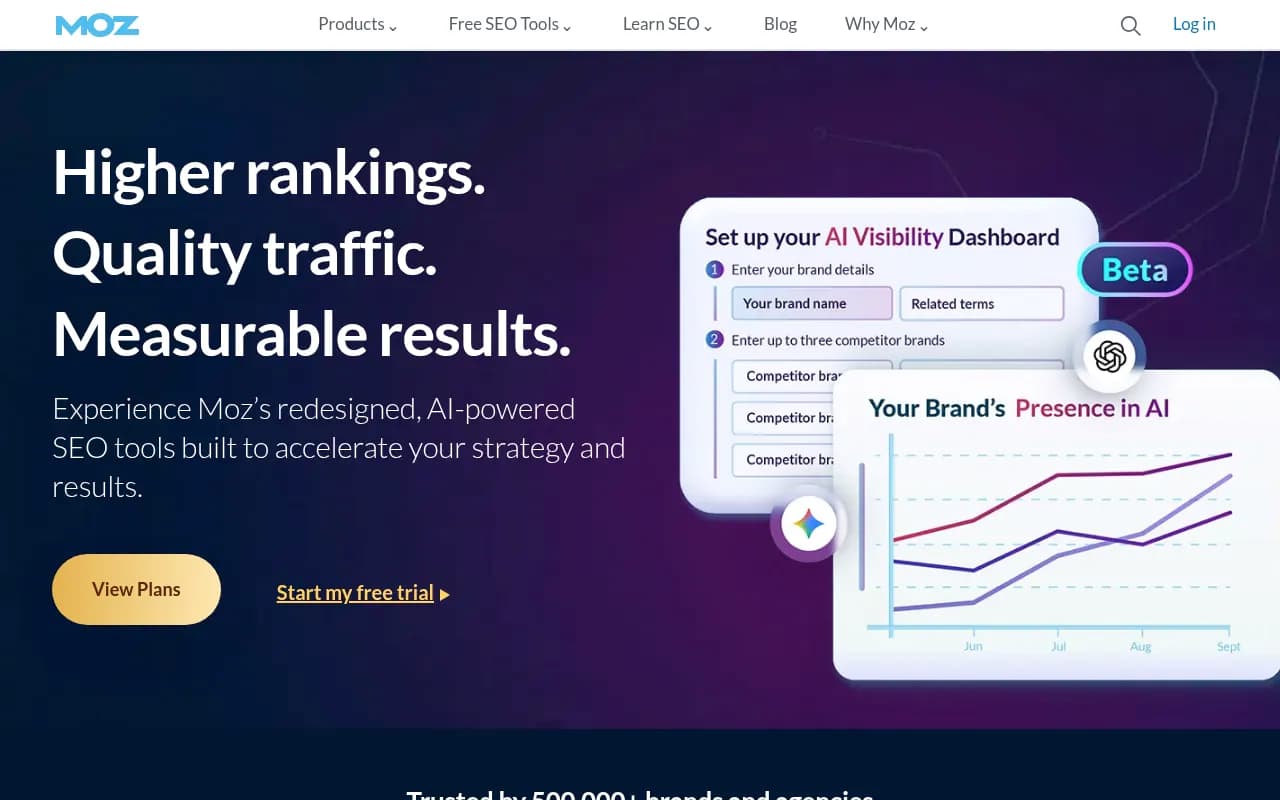
Moz tracks ChatGPT, Gemini and Google AI Mode and shows how prominently you appear and how often you are named first.
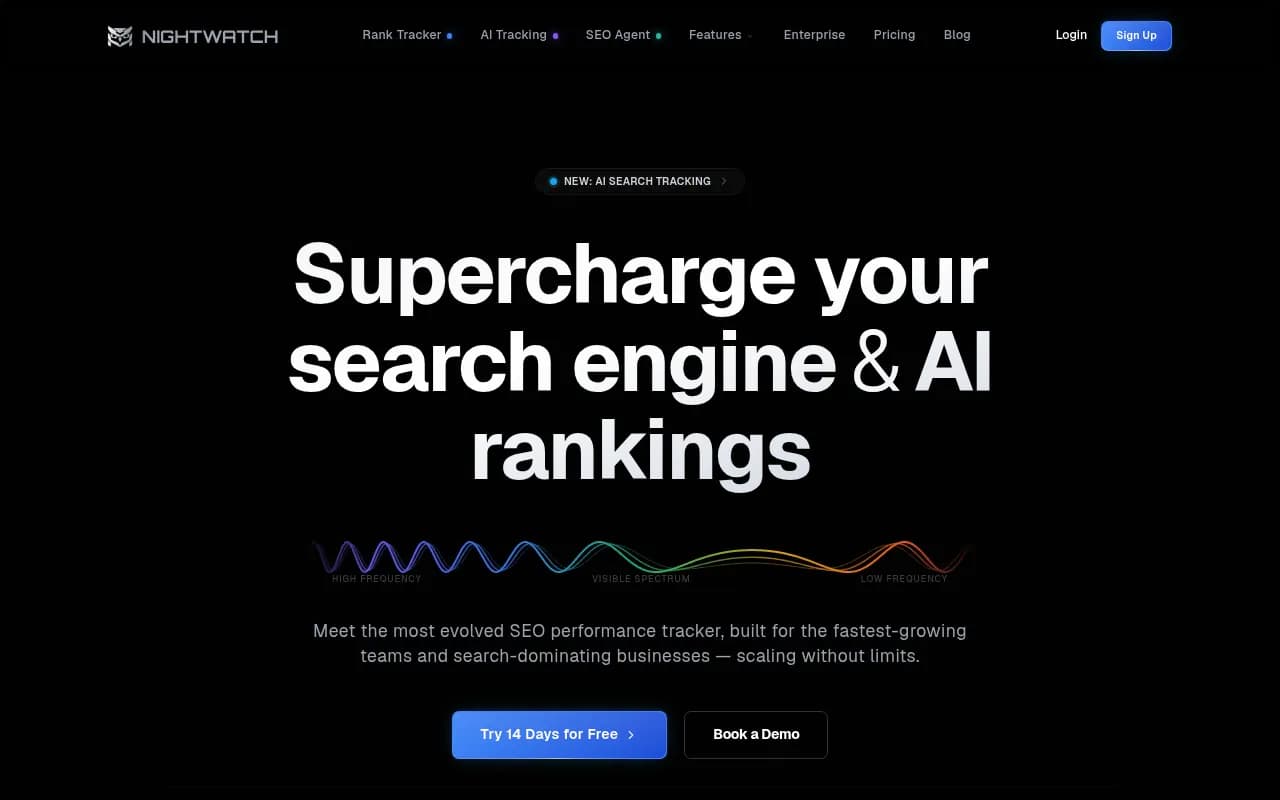
Nightwatch supports ZIP-code localization and tracks Google, Bing, ChatGPT, Claude, Gemini and Perplexity, per Rankability's 2026 local tracker roundup.
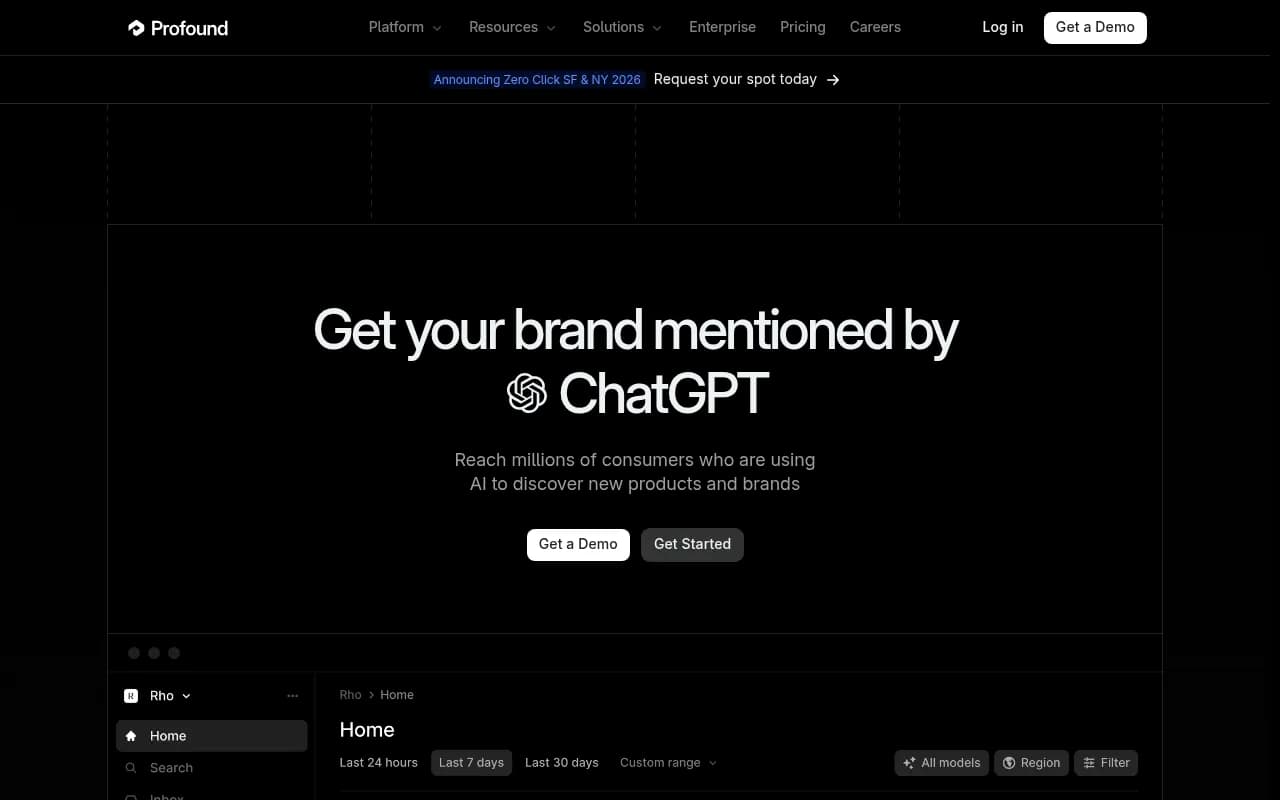
Profound has a dedicated AI Mode suite, but AI Mode is not in the Starter plan, so budget at least $399 a month.
Scrunch tracks AI Mode only on its custom-priced Enterprise plan and is monitoring-first, without an action layer.
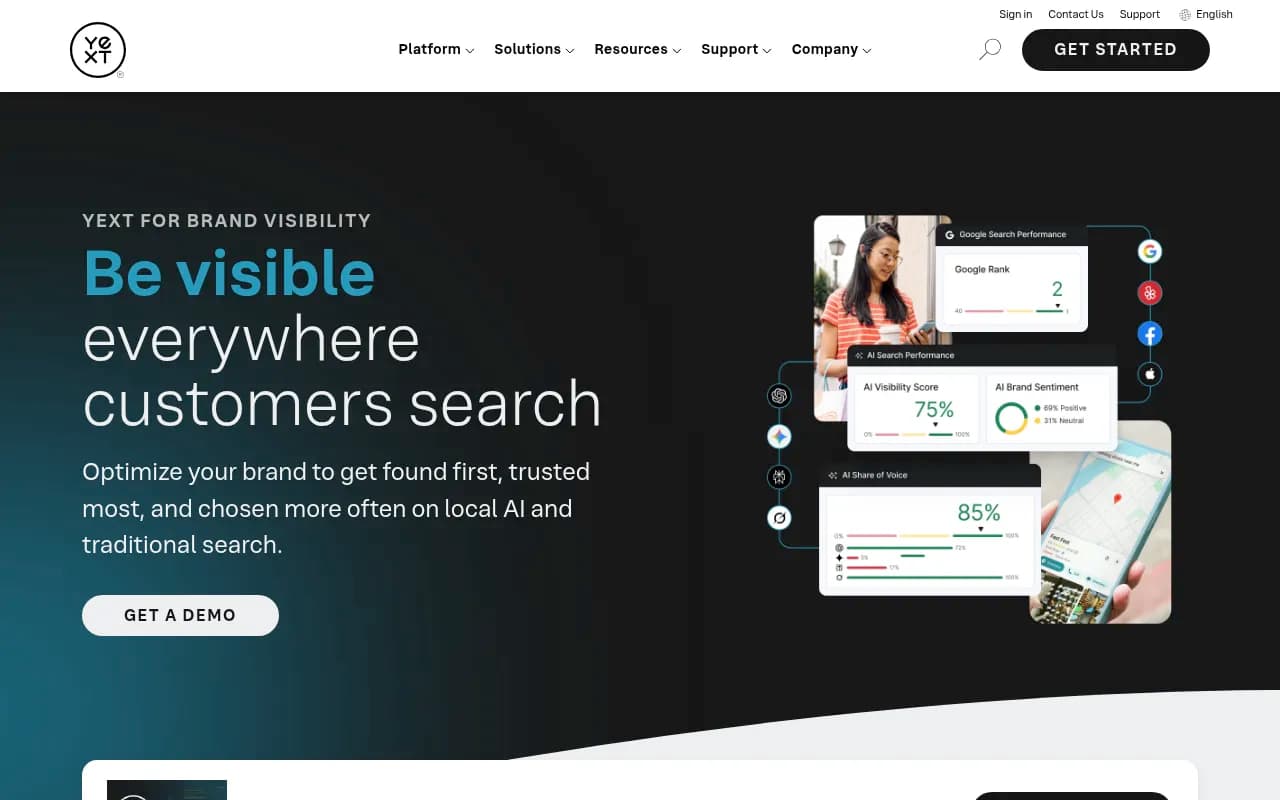
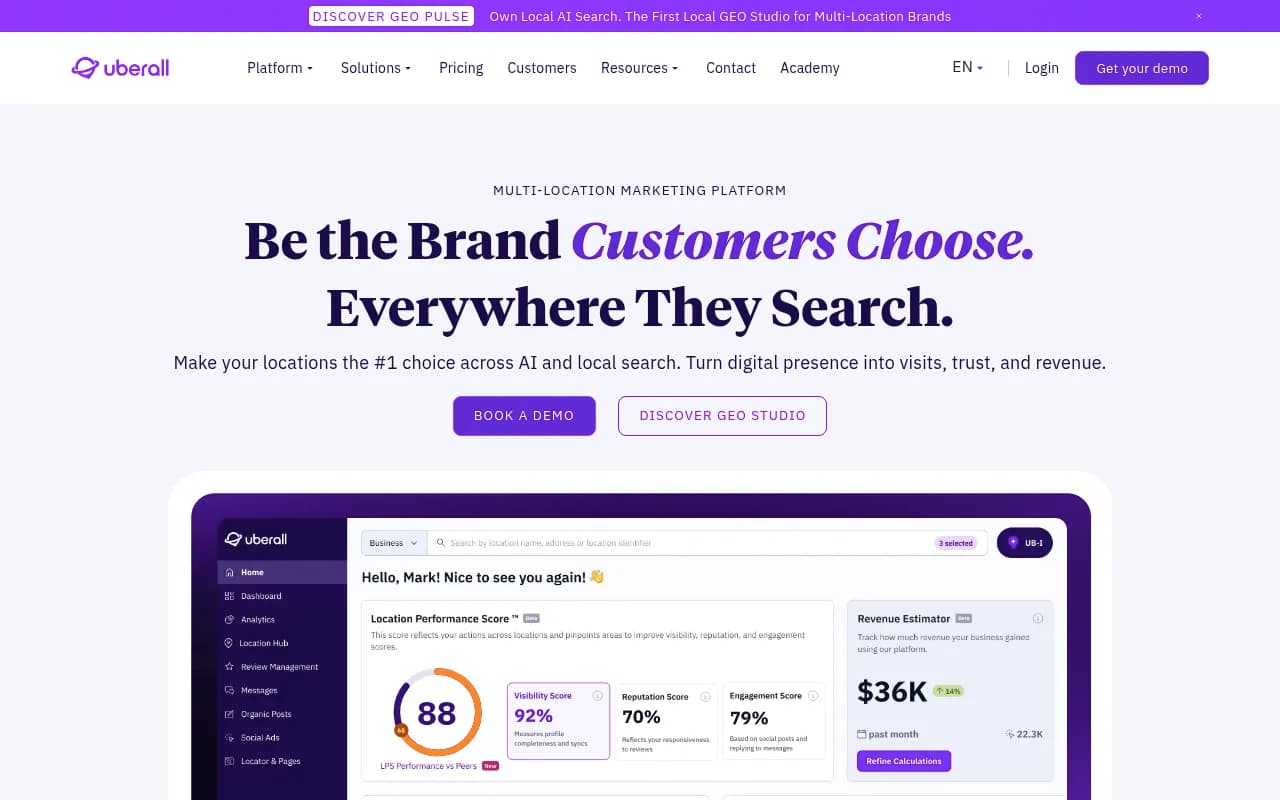
For the listings side of the problem, platforms like Yext, Uberall and Synup manage location data that feeds Maps and Business Profiles. They are not AI Mode trackers, but they influence what AI Mode cites.
If you want to browse more options, the directory at bestgeosoftware.com lists GEO platforms by category.
Setup: a one-week plan
This borrows from Omnia's implementation checklist, adapted for locations.
Day 1: scope
Pick 2 or 3 markets or regions to start, 3 to 5 competitors, and name an owner for each prompt group. Unowned prompts are the first thing that dies.
Day 2: build a small prompt set
Start with 80 to 100 prompts at the brand level, not thousands. A workable split:
- Brand prompts, such as "[Brand] pricing" or "[Brand] reviews".
- Category prompts, such as "best [category] for [segment]".
- Competitor prompts, such as "[Competitor] alternatives".
- Local intent prompts, such as "[service] near me" and "[service] open now".
Omnia's mini-benchmark suggests a 20-prompt test (10 brand, 5 category, 5 competitor) across 2 or 3 countries before you commit to a tool.
Day 3: validate the tool really tracks AI Mode
Many tools label AI Overviews tracking as AI Mode. Omnia's validation checklist has a few tests worth copying:
- Run the same prompt from 3 countries, such as the US, UK and Germany. Identical citations everywhere, or "coming soon" for multi-country support, is a red flag.
- Check that you get URL-level citations, not just domain counts like "competitor.com cited 5 times".
- Confirm you see competitor data, not only your own.
- Run the same 20 prompts in three tools with identical settings, wait 24 to 48 hours, and compare inclusion rates. If one tool shows 15 of 20 prompts cited and another shows 8, the second likely misses AI Mode output.
Omnia sells a competing product, so weigh the framing, but the tests are sensible regardless of vendor.
Day 4: set up geo sampling
For each priority location, define a grid or coordinate point. Rankability's advice is the part people skip: repeat scans with the same keywords, grid size, start point and timing, then analyze the trend rather than a single map. Change any of those and you are comparing different experiments.
Day 5: baseline and reporting
Run the first full pass, export it, and decide which three metrics go in the weekly report. More than that and nobody reads it.
Metrics worth reporting
Track by location and roll up to region and brand.
- Inclusion rate: the percentage of sampled prompts or grid points where you are named.
- Citation presence: whether your pages or your Business Profile are cited, not just whether you are mentioned. The Otterly guide calls out tools that report trigger rates without citation data.
- Position within the answer, where available. Otterly's guide advises tracking your place in the response, not only whether you appear.
- Competitor share of voice, by location.
- Sentiment and the phrases AI uses to describe you.
- Self-citation rate: how often AI cites your own domain versus third parties.
Otterly also suggests weighting by search volume and business value. A high-volume local query in a high-revenue market matters more than a long tail of low-value ones.
The Otterly guide above is written for AI Overviews, but its tracking mistakes list applies to AI Mode too.
Pitfalls that quietly ruin the data
Treating one check as the truth
AI answers vary between asks. One query from one place is an anecdote. Sample many points and repeat.
Reacting to weekly noise
Otterly recommends monthly trends rather than weekly snapshots for strategic decisions. I would go further: use weekly data to spot problems, monthly data to decide anything expensive.
Tracking too many prompts, too often
Omnia's list of mistakes: too many prompts early, no alert discipline, unclear ownership, and daily tracking of everything. Reserve daily runs for brand defense and launches. Faster schedules are available on higher tiers of some tools, but you rarely need hourly data for a plumber in Leeds.
Confusing AI Overviews with AI Mode
They are different surfaces with different citation habits. Promptwatch's data shows AI Overviews cite about 10 sources per response, and the AI Mode picture is dominated by Google properties. Keep them in separate reports.
Ignoring Google's own properties
If google.com is the top cited domain in AI Mode, your Business Profile hygiene is not a local SEO chore. Check categories, hours, attributes, photos, products and review replies at every location. Inconsistent locations are the likeliest source of the "AI sees risk" problem described earlier.
Letting data die in a dashboard
Most tools report. Few help you act. Omnia's own framing is useful here: choose dashboards or an action layer, depending on whether your team can turn insight into shipped pages within days. If you have no content capacity, pick tooling that writes and publishes, or hire help.
Trusting GSC position as AI Mode position
Otterly warns that Search Console does not separate AI Overview data from standard organic results. Position improvements in GSC can reflect AI features rather than classic rankings. Cross-check against trigger data, and use Google Search Console alongside, not instead of, AI tracking.
What to do when a location is invisible
A short triage list, in order:
- Check the Google Business Profile: completeness, correct primary category, recent reviews with replies.
- Check the local landing page. Promptwatch's advice for brands is to publish tightly scoped pages that each fully answer one question, rather than one vague page for every service.
- Check consistency of name, address and phone across listings. Listing platforms such as Yext or Synup help at scale.
- Check whether AI bots can reach the page at all. Promptwatch's AI crawler logs are one way to separate an access problem from a content problem.
- Re-scan with the same settings after changes, and wait for the trend.
With 200 locations you cannot hand-fix everything. Rank locations by revenue potential and gap size, fix the top 20, and look for repeatable patterns you can template.
Agencies and in-house teams
Agencies managing several multi-location clients should look for white-label reporting and unlimited projects. SE Ranking's Agency Pack and Rankability's AI Analyzer (positioned for white-label AI visibility reporting) are options, and Promptwatch has agency plans starting at $199 a month for Kick-off, with country, state and city tracking included. Confirm current pricing at promptwatch.com/pricing. If you would rather hand the whole program to specialists, 1001 SEO Media runs GEO and local SEO work for brands and uses Promptwatch for its AI visibility tracking.
In-house teams usually do better starting with one regional pilot. Pick 10 to 20 locations, run grids and a prompt set for 6 to 8 weeks, fix what you find, and only then scale.
A realistic starting stack
- A geo-grid tool such as Local Falcon for local inclusion maps.
- A prompt-level platform for brand, competitor and country tracking, with citations and an action workflow.
- Google Search Console and Business Profile insights for the baseline.
- A listings platform if you have more than a few dozen locations.
Start with a free trial or free tier where available, run the 20-prompt validation, and commit only to what passes. The free AI visibility report is a quick way to see how AI talks about your brand before you design anything bigger.
AI Mode rank tracking for multi-location brands is less about finding your rank and more about sampling well, repeating consistently and fixing the Google-owned inputs the answer is built from. Get those three right and the rest is detail.