Key takeaways
- Cost per client is your monthly software bill divided by active clients, at a fixed tracking workload. Fix the workload first, or the numbers mean nothing.
- On a workload of 25 prompts per client across 3 engines, checked daily, a 10-client agency pays anywhere from about $387 a month (Otterly) to $4,265 (Goodie) in one third-party comparison. That is roughly an 11x spread.
- Vendors count usage differently: prompts, AI answers, or credits. Normalize everything to responses per client per month before comparing prices.
- "Unlimited clients" usually means unlimited workspaces. Prompts, credits or responses are still capped.
- Native white-label client portals are rare. Budget separately for Looker Studio, PDF reports or view-only access.
Why a calculator beats a pricing page
Agency pricing for AI visibility tools is a mess. One vendor charges per prompt. Another charges per AI answer. A third sells credits and charges a flat fee per client on top. If you put three pricing pages side by side, you are not comparing prices. You are comparing definitions.
So the first job is to pick a workload and stick to it. The numbers in this guide come from two third-party comparisons: Rework's agency AEO tools roundup (updated October 5, 2026) and KIME's cost-per-client guide (updated October 26, 2026). KIME makes one of the tools it ranks, so treat its numbers as vendor-sourced. Rework's figures are its own arithmetic from vendor pages. I have not verified any of this against vendor pricing pages myself, so confirm before you sign anything.
The formula
The calculator is simple arithmetic. The hard part is feeding it honest inputs.
Responses per client per month = prompts x engines x checks per month
Total responses = responses per client x number of clients
Cost per client = (base plan + per-client add-ons + reporting extras) / number of clients
The baseline both comparisons use is 25 prompts per client, on 3 engines (ChatGPT, Google AI Overviews, Perplexity), checked daily over 30 days.
- 25 prompts x 3 engines x 30 days = 2,250 responses per client per month
- 5 clients = 11,250 responses
- 10 clients = 22,500 responses
- 25 clients = 56,250 responses
Change any input and the answer moves. Weekly checks cut the workload by roughly 75%. Adding a fourth engine adds a third. Doubling prompts doubles it. Write your own numbers down before you read a single pricing page.
Step 1: set prompts per client
25 prompts is a reasonable starting point for a small local or B2B client. Ecommerce and multi-product brands will want more. Enterprise clients with several markets and languages will want a lot more, and each market is effectively its own set of prompts.
Step 2: set cadence
Daily tracking gives you steadier numbers because AI answers vary from run to run. Weekly is cheaper. Cadence also changes which vendor wins: Rework notes that Rankscale, for example, is cheapest at weekly checks, while daily tracking pushes you up to its higher plans.
Step 3: normalize the vendor's unit
This is where most estimates go wrong. Rework lists how vendors count:
| Vendor | What it counts | What that means for you |
|---|---|---|
| Peec AI | AI answers (prompts x engines x days) | Cost scales with all three inputs |
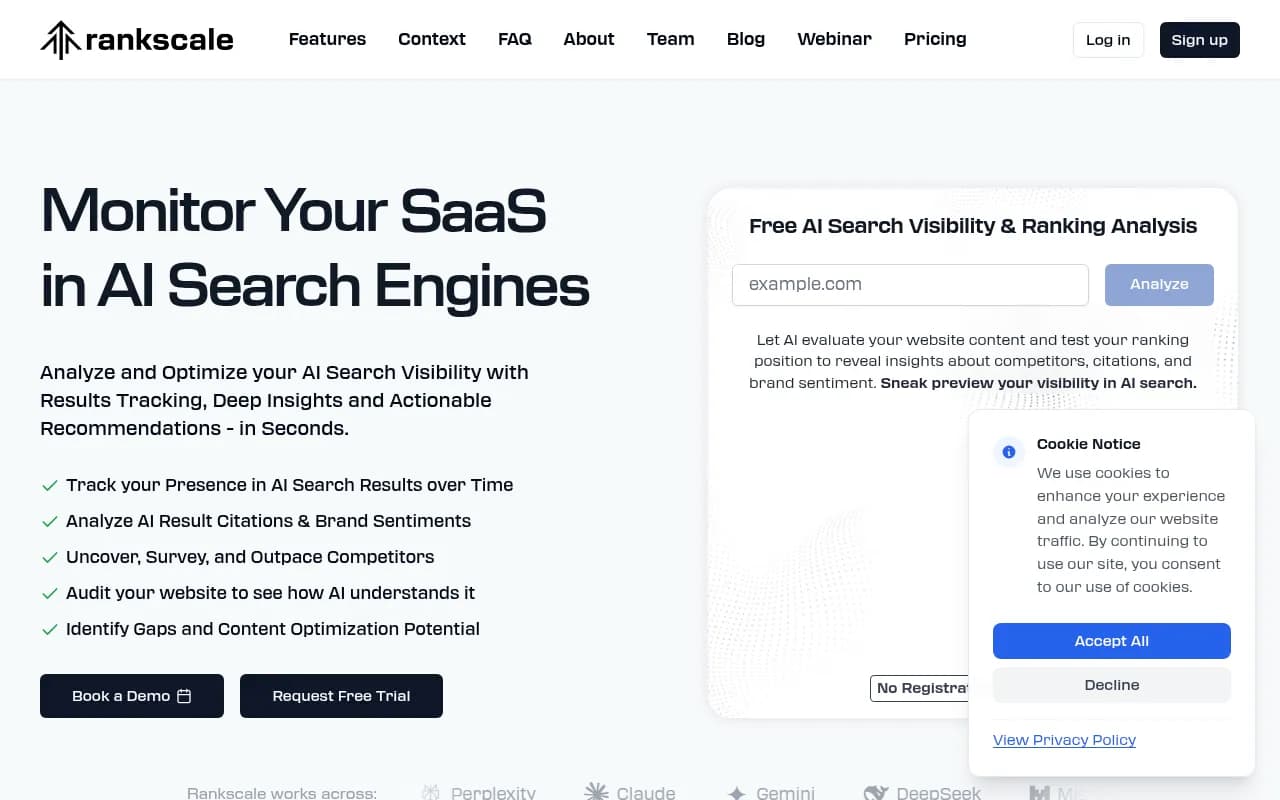
| Rankscale | About 0.25 credit per answer | Convert credits to answers before comparing |
| AthenaHQ | 1 credit per AI response | Same as answers, so volume drives cost |
| Otterly.AI | Prompts only | Engines and cadence don't change the unit |
A prompt-only model looks cheap when you add engines. An answer-based model gets expensive fast when you go daily. Neither is wrong, but they reward different workloads.
Per-client cost at 5, 10 and 25 clients
Here is what the published pricing works out to on the baseline workload. Figures come from Rework's October 2026 comparison unless noted.
| Tool | Published pricing | 5 clients | 10 clients | 25 clients |
|---|---|---|---|---|
| Otterly.AI | Standard $189 for 100 prompts, $99 prompt packs | $288 | $387 | $786 |
| Rankscale | Pro $99 for 10 dashboards; Growth $385+ adds white-label | $229 | $780 | n/a |
| Peec AI | Agency $245 / $495 / $795 for 3 / 10 / 25 projects | n/a | $495 | $795 |
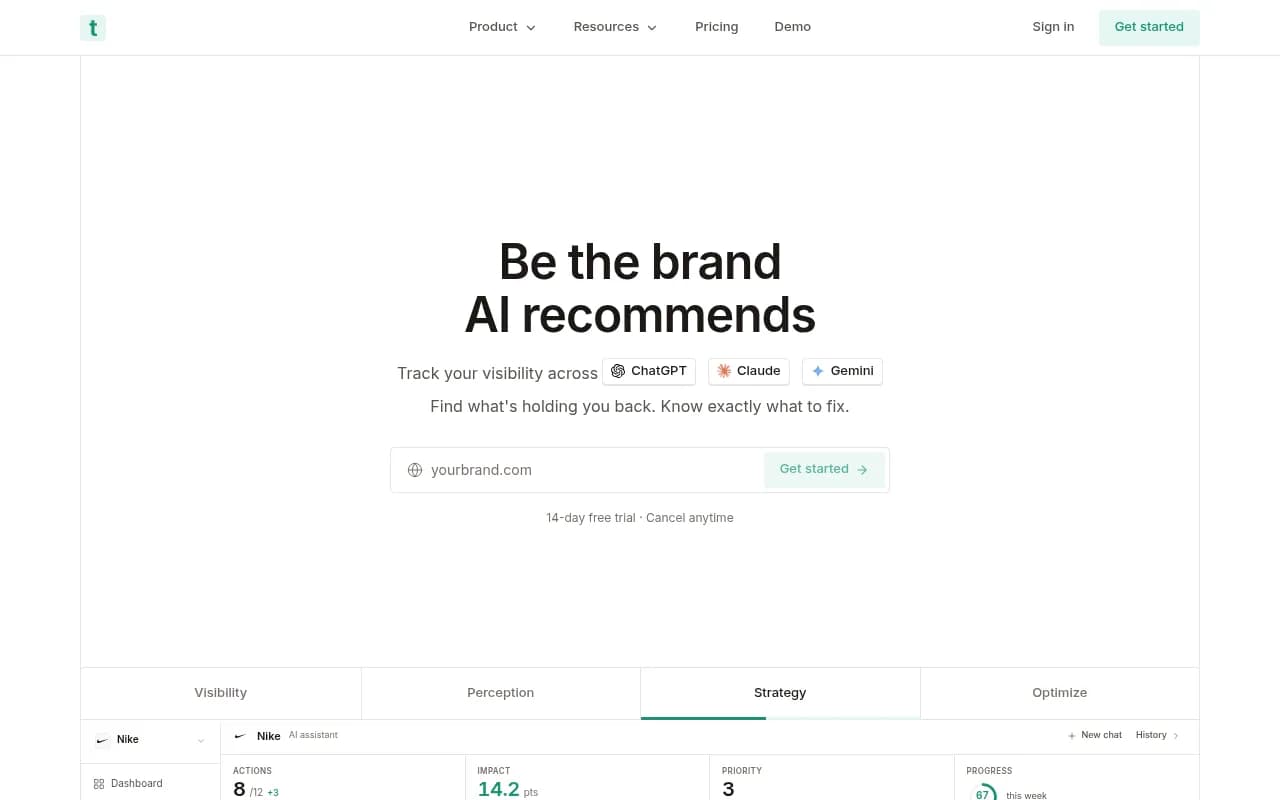
| Trakkr.ai | Scale $500 for 10 brands, $50 per extra brand | n/a | $500 | $1,250 |
| Semrush | $99 per domain | n/a | n/a | $2,475 |
| HubSpot AEO | $50 per brand, beta, no Google AI Overviews | $250 | $500 | n/a |
| Goodie | $275 plus $399 per client, annual billing | $2,270 | $4,265 | n/a |
A few reads on that table. Where a cell says n/a, the source did not publish a figure for that roster size, so I did not invent one. Peec's tiers are project-based, so they only give a clean number when your roster fits the tier. Goodie and Profound ($399 per client, no published base) are priced for brands with real budgets, not for agencies running 25 small accounts.
KIME's own math, at 5, 15 and 30 clients, puts cost per client between about $26 (Otterly at 30 clients) and about $402 (Profound at 30 clients). It also says only Otterly, KIME and Peec AI publish enough agency pricing to model all three roster sizes, and that Scrunch and AthenaHQ publish agency programs without the limits you need to calculate a per-client number.
Tools worth pricing
Otterly is the cheapest per client at scale in both comparisons, with one catch: reports go through Looker Studio only and no client login is documented.

Peec AI has clear project tiers, and its white-label option is Looker Studio on the Scale plan.
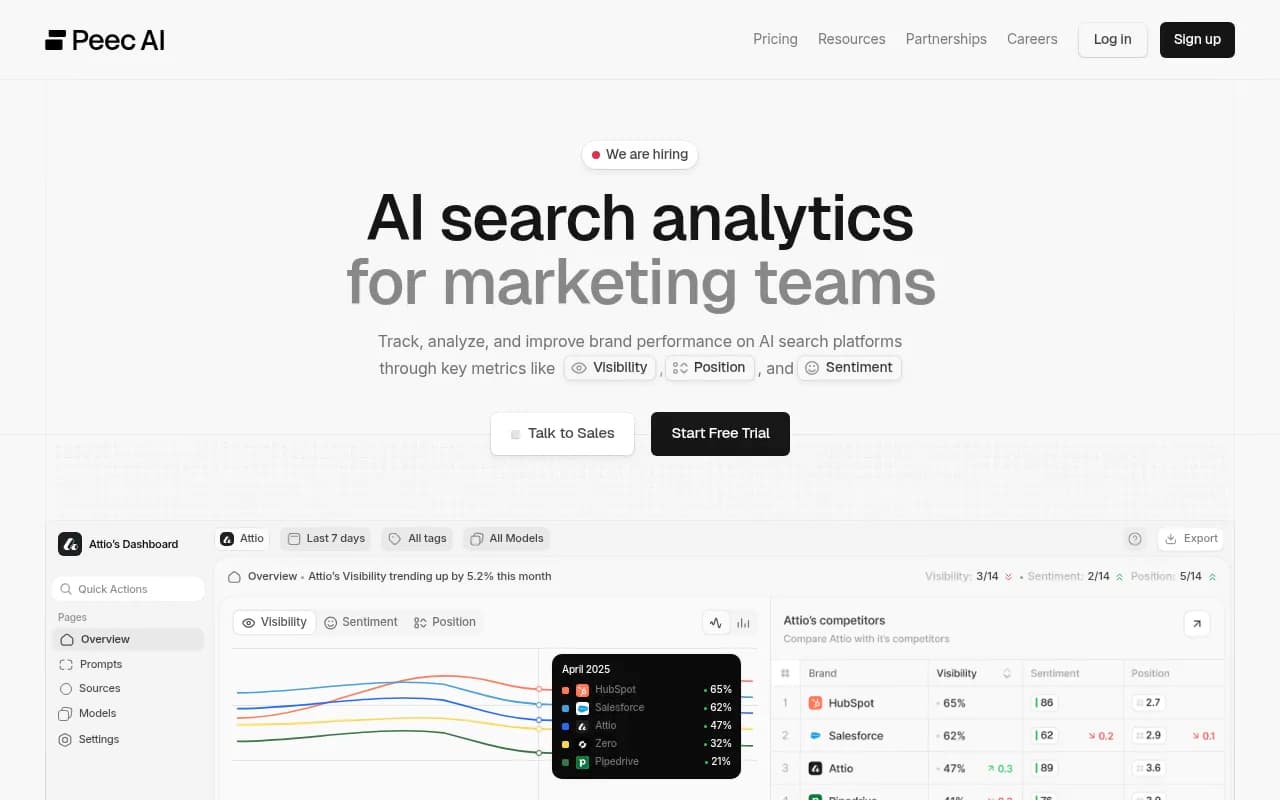
Rankscale is attractive for small rosters at weekly cadence, then climbs once you need daily checks and white-label.
Trakkr.ai includes white-label portals and unlimited seats at $500 for 10 brands, with 50 prompts per brand.
Scrunch lists Agency Core at $500 for 3 workspaces, but does not publish pricing past that.
Profound and Goodie sit at the premium end, per-client add-ons of $399 each in the quoted pricing.
The pricing traps that wreck estimates
Per-client add-ons change the curve
A flat plan is predictable. A plan with a base fee plus a per-client charge is not. Goodie's $399 per client and Trakkr's $50 per extra brand past 10 behave very differently when you grow from 10 to 25 accounts. Always compute the marginal cost of client number 11, not just the average.
White-label is usually extra, or missing
KIME found that none of the seven tools it reviewed documents a fully native white-label client portal. Most agencies deliver through Looker Studio, a paid PDF report, or view-only access. Semrush charges $20 for a Pro Report add-on. Rankscale only adds white-label from Growth ($385). If clients expect a login with your logo on it, price that in from the start.
Billing terms differ
Goodie's quoted figure is on annual billing. Others quote monthly. Annual commitments cut the headline price but lock you in, and many agencies churn clients faster than annual contracts expire.
Unlimited workspaces, limited everything else
If a vendor says unlimited clients, ask what the actual cap is. Usually it is prompts, credits or responses. Unlimited workspaces with a pooled prompt budget just moves the ceiling.
Does query fan-out change the math?
It matters for tools that bill by credit per AI response. Promptwatch Data's ChatGPT query fanouts report shows ChatGPT averaged about 2.15 web searches per response in early December 2025, easing to about 1.84 by early March 2026 and about 1.0 in April. The same page notes that one prompt can trigger 3 to 8 or more searches. That fan-out happens inside the AI engine, so a vendor that bills per tracked prompt or per answer is not charging you more for it. The tracked prompt count is the real cost driver.
Source counts matter for a different reason: reporting. Promptwatch's average sources per response data puts ChatGPT at about 5 cited sources per web-search answer, Google AI Overviews at about 10, and Perplexity at almost exactly 10. More citations per answer means more material per client to review in each monthly report, which is staff time, not software cost.
Do not forget the other half: your time
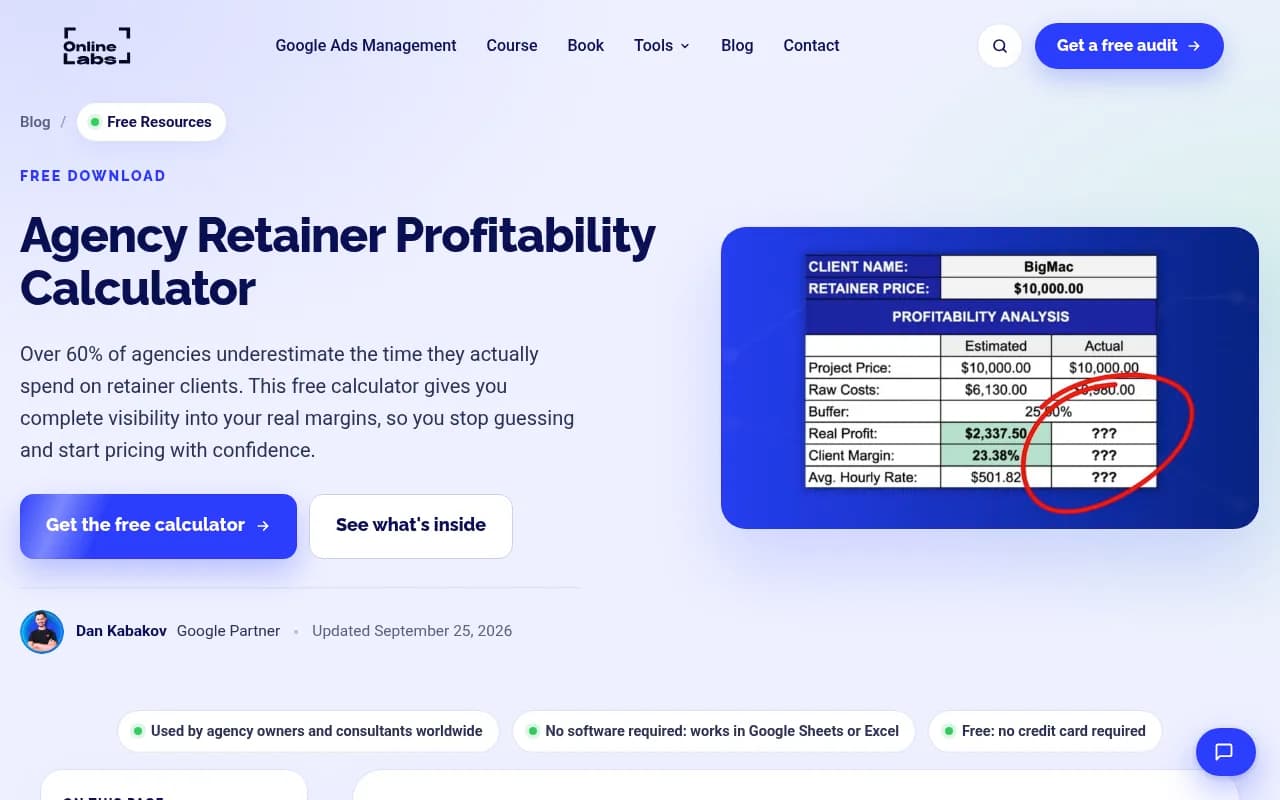
Software is only part of per-client spend. The same client that costs $40 a month in tooling can cost $400 in analyst time if you build reports by hand. A retainer profitability template such as Online Labs' free calculator helps here. It tracks estimated against actual hours and costs, and it cites a claim that over 60% of agencies underestimate the time spent on retainer clients. I cannot vouch for that statistic, but the direction is right: scope creep and reporting overhead eat margin quietly.
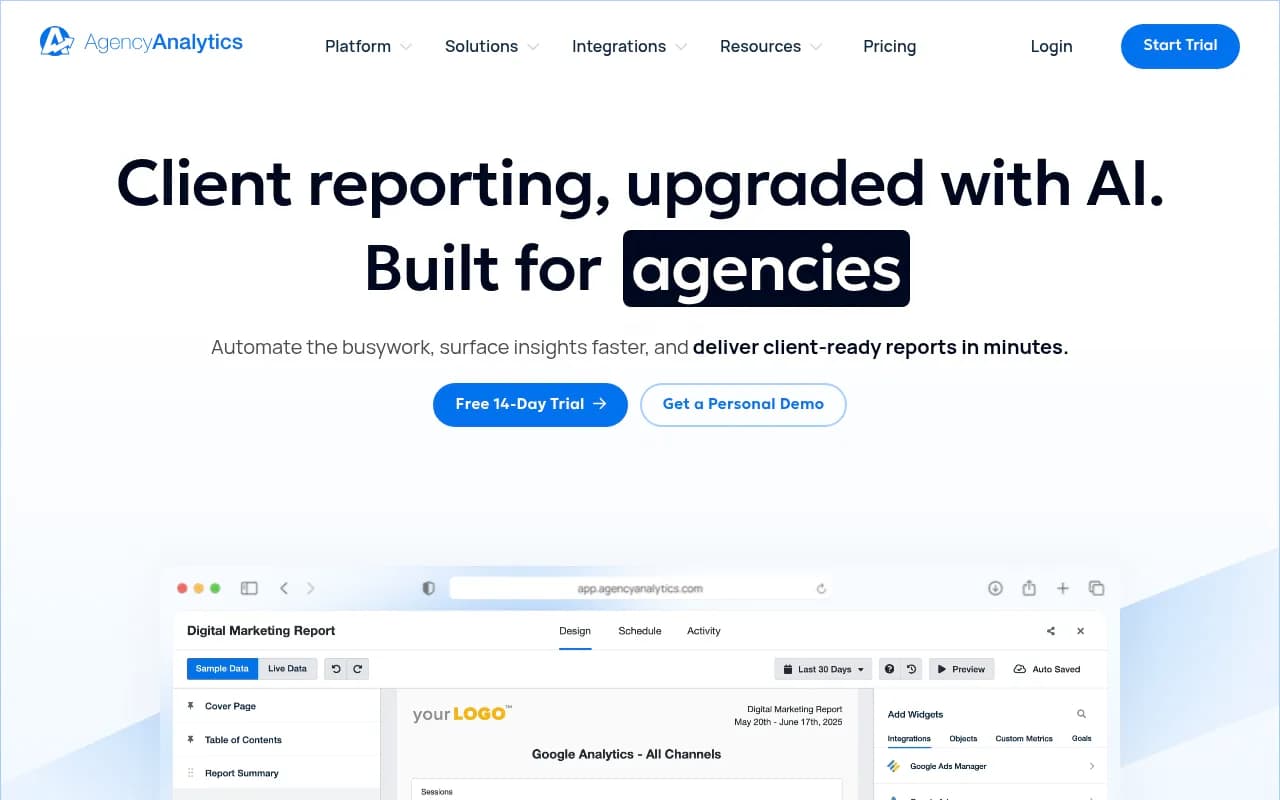
A quick way to include labor: add a line for "report prep hours per client per month" multiplied by your fully loaded hourly rate, and add it to your tool cost. A tool that bundles reporting or integrates with a reporting platform like AgencyAnalytics can easily pay for its higher sticker price.
A worked example
Say you run 10 clients on the baseline workload and need white-label reporting.
- Option A, Otterly Standard plus prompt packs: about $387 a month in the Rework math, plus a Looker Studio build. Roughly $39 per client before labor.
- Option B, Peec AI 10-project agency plan: $495 a month, about $50 per client, with Looker Studio white-label only on Scale.
- Option C, Trakkr Scale: $500 a month, about $50 per client, with white-label portals and unlimited seats included.
- Option D, Goodie: $4,265 a month, about $427 per client. Only makes sense if clients pay premium retainers and you need what it offers.
On raw cost, A wins. On client-facing polish, C may win. Neither number includes your reporting hours, which is why spreadsheets beat gut feel.
When tracking alone is not enough
Most tools above monitor. They tell you where a client is invisible but do not fix it. If your agency also needs to trace why a client is not cited, check AI crawler access, and publish content to close gaps, you are shopping in a different category with a different cost model. Promptwatch is built for that loop, with agency plans from Kick-off at $199 a month (unlimited projects, 10,000 responses) through Growth at $399 and Scale at $799. Confirm current figures on the pricing page. The agency solution page covers how it is set up for multi-client work.

Note that agency plans do not include the Content Agent or AEO articles, so if you want content generation you would look at Business or Enterprise. Add that to your calculator as a separate line.
To browse more options by category, the AI rank tracking directory and the GEO software directory list dozens of alternatives.
Build your own calculator
Copy this structure into a spreadsheet:
| Input | Your value |
|---|---|
| Active clients | |
| Prompts per client | |
| Engines tracked | |
| Checks per month | |
| Responses per client (prompts x engines x checks) | |
| Total responses | |
| Base plan cost | |
| Per-client add-ons | |
| White-label or reporting add-on | |
| Report prep hours per client x hourly rate | |
| Total monthly cost | |
| Cost per client |
Run it at your current roster, then again at 1.5x and 2x. The vendor whose cost per client falls fastest as you grow is usually the one you want. The vendor whose cost per client stays flat or climbs is the one whose per-client add-ons will bite.
Final recommendation
If you are under 10 clients and cost is the main constraint, start with Otterly or Rankscale at weekly cadence and test them for a month. If you need client-facing portals, price Trakkr against Peec's Scale plan. If clients expect action and not just dashboards, price a platform that does the fixing too. Whatever you pick, run the calculator with your own workload, because the 11x spread between vendors means the wrong choice is expensive.