Key takeaways
- Most GEO platforms are trackers. Only a minority can write content and push it into your CMS without copy-pasting.
- Promptwatch is the clearest documented case: its Content Agent publishes to WordPress, Webflow (including localized collections) and Framer, with AI field mapping and a review inbox.
- Several other tools in the category (Gradial GEO, RankSpot, GenPressa, Peakfai, Relixir, SearchAtlas) advertise auto-publishing, but CMS coverage varies and I could not verify per-vendor support. Check vendor pages before buying.
- The CMS matters as much as the agent. WordPress has the loosest limits, Webflow has larger self-serve CMS caps, and Framer keeps content close to the design canvas.
- Publishing is only half the job. You need to see whether the page gets crawled, cited and clicked afterwards.
Why this question comes up
A year ago, buying a GEO platform meant buying a dashboard. You got mention rates, share of voice and a list of prompts where competitors beat you. Then you opened a Google Doc and wrote the fix yourself.
That gap is what content agents are meant to close. The agent looks at the prompts you lose, drafts a page, and pushes it to your CMS. In theory you go from insight to live page in an afternoon. In practice, the details matter a lot: which CMSs are supported, how fields are mapped, whether a human reviews the draft first, and whether anything tells you if the page worked.
I should be upfront about the limits of what I can verify. The public documentation for this category is thin and changes fast. Where I have firm facts, I state them. Where I only have a vendor's marketing line, I say so.
What a content agent with CMS publishing should do
A tool that writes text and gives you a download button is not a content agent. The useful definition has four parts:
- It decides what to write from your visibility data, not from a keyword list alone.
- It writes in your brand voice, using facts you supplied rather than whatever the model remembers.
- It publishes to your CMS through a real integration, with fields mapped correctly (title, slug, body, meta description, author, categories).
- It tracks the result and feeds failures back into the queue.
Point 4 is the one most tools skip. Publishing 50 pages that never get cited is just a faster way to make noise.
What to write about
Promptwatch Data gives a useful steer on formats. In its report on which content types ChatGPT cites most (Sep 28 to Oct 4, 2026), product pages made up 22.4% of classified citations and landing pages 16.8%, so about 39% of citations go to pages describing what a company sells. Listicles were 13.6%, documentation 7.5%, how-tos 8.7%, comparisons 5.9% and FAQ pages 3.3%.
For commercial prompts, product pages (26.0%), landing pages (20.6%), listicles (15.0%) and comparisons (7.9%) add up to almost 70% of citations. So an agent that only churns out blog posts is aiming at the wrong target. Look for one that can produce comparisons, listicles, how-tos and FAQ content, and that helps you complete product and landing pages.
Shelf life matters too. Promptwatch's content half-life data shows news losing half its cited pages within 36 days, while landing pages and docs stay cited far longer. If your agent publishes news-style posts, plan on refreshing them.
Which GEO platforms have a content agent with CMS publishing
Promptwatch
Promptwatch is the one I can describe in detail, since its publishing setup is documented. The Content Agent (Business and Enterprise plans) plans, writes and publishes against your visibility gaps. You control a publishing calendar, a monthly budget and publish windows. Drafts land in a review inbox where you approve, edit or decline, or you can run it fully hands-off.
CMS publishing covers WordPress (available to every organization), Webflow (including localized collections) and Framer, with AI field mapping so the output lands in the right CMS fields. Articles are written in the prompt's language, use author profiles, and include internal links informed by Search Console impressions. A Knowledge Base and Brand Book keep facts and tone consistent.
The part that separates it from a writing tool is what happens after. Published pages are tracked through IP-verified AI crawler logs, citations and AI-referred visitor analytics, and underperformers come back as items on the Action Board. Crisp, for example, scaled to 5-10 articles per day and reported 2x higher conversion rates from AI traffic than from traditional channels.

Cheaper plans are different. Essential ($95/mo) and Professional ($245/mo) include content gap analysis, and Professional adds 5 AEO articles, but the automated Content Agent and Agentic AI Search Optimization start at Business ($579/mo). Agency plans (Kick-off, Growth, Scale) do not include the Content Agent. Confirm current details at promptwatch.com/pricing.
Other tools that advertise publishing
The tools below describe some form of content generation or auto-publishing. I have not verified their CMS lists, review flows or pricing, so treat this as a shortlist to investigate, not a ranking.

Gradial GEO is pitched as agentic GEO that detects visibility gaps and publishes the fix.
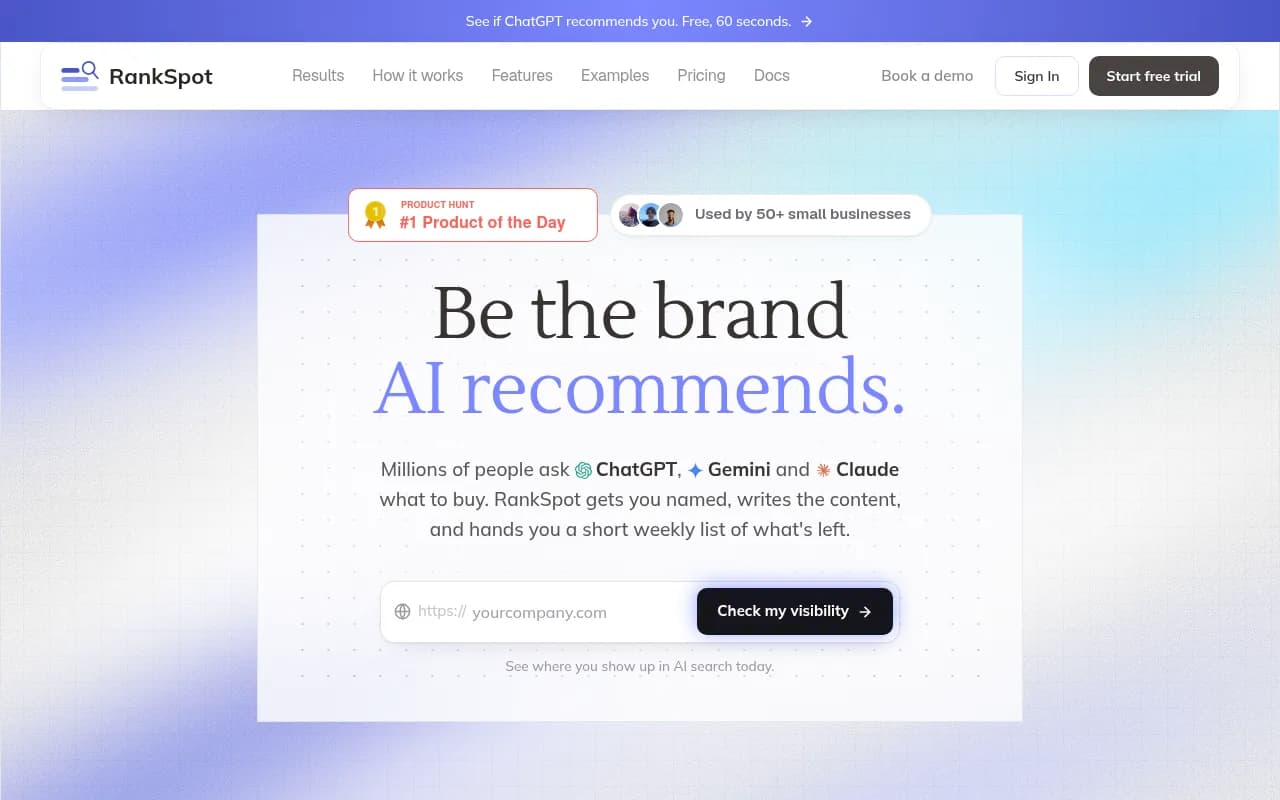
RankSpot finds SEO opportunities and publishes straight to your CMS.
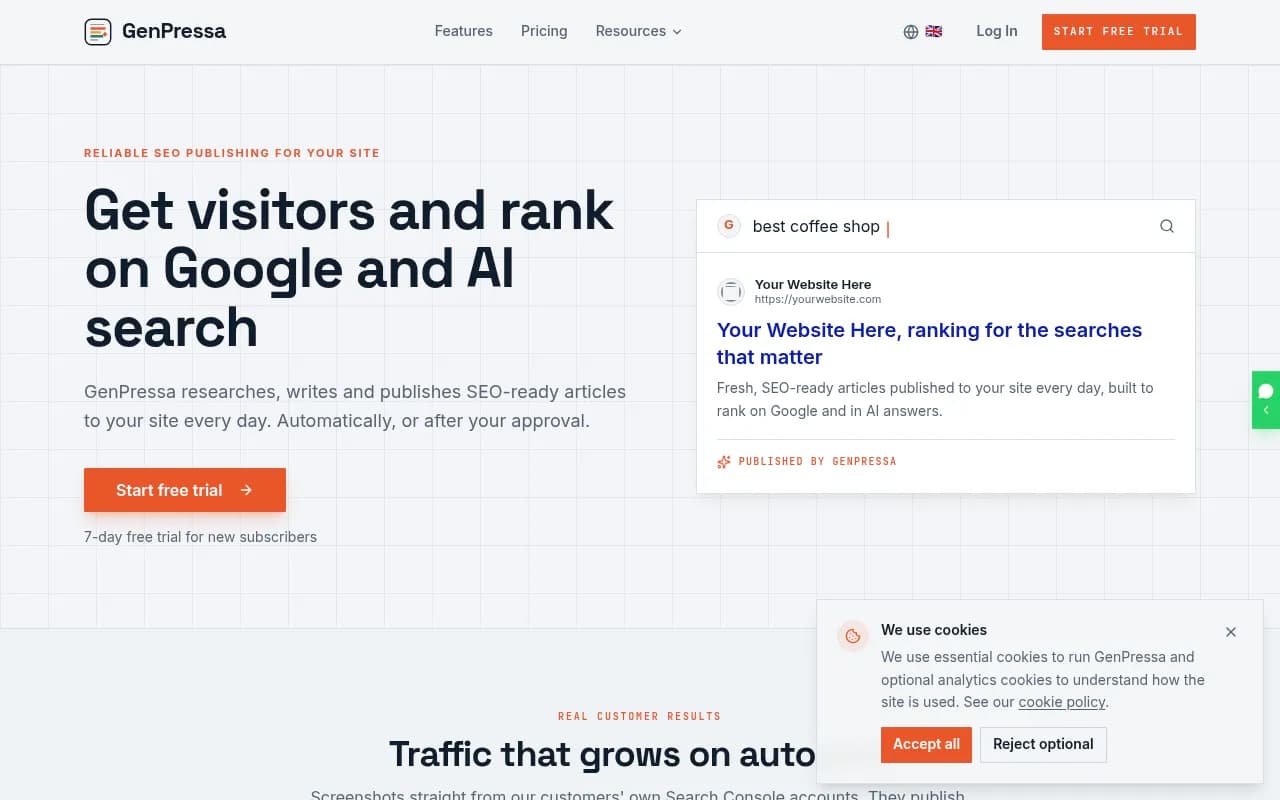
GenPressa focuses on AI SEO content automation with auto-publishing.

Peakfai auto-publishes content built to earn AI citations.
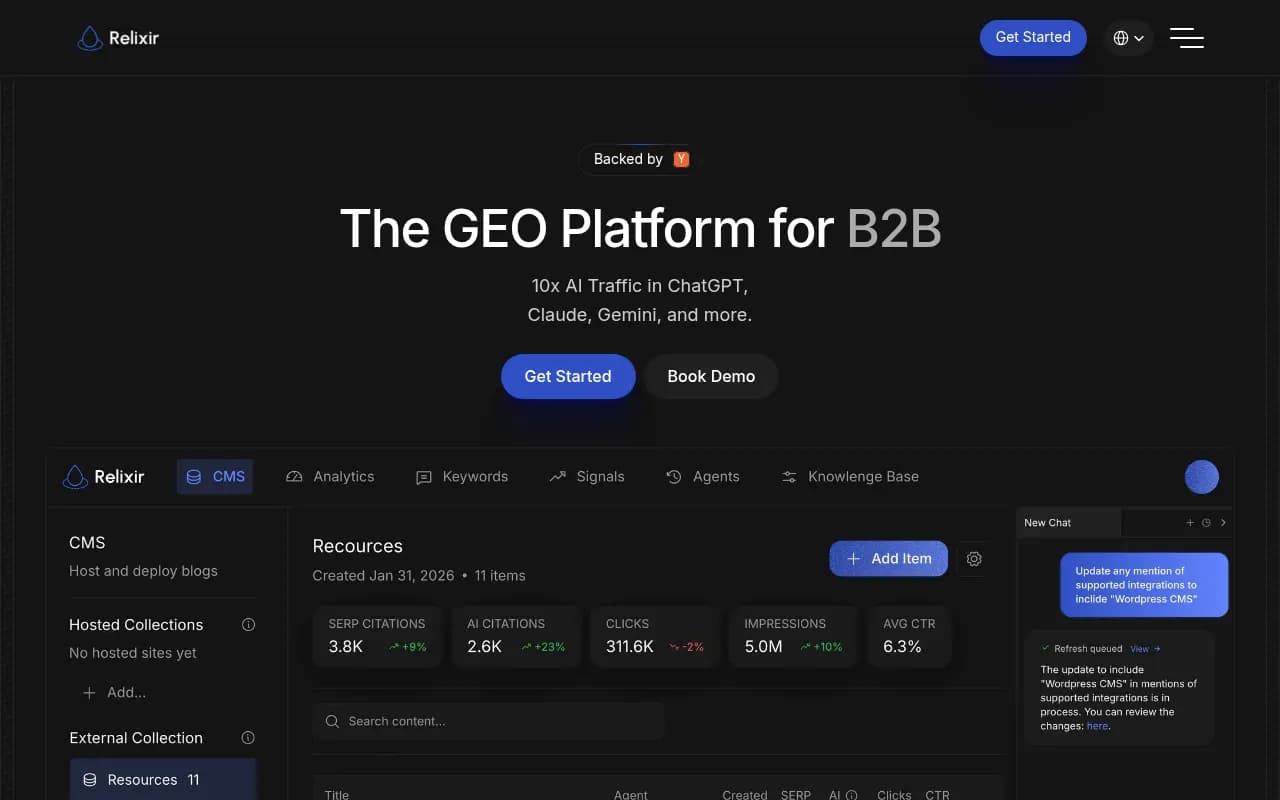
Relixir is an all-in-one GEO platform with AI content generation and analytics.

SearchAtlas deploys fixes and content directly, and its OTTO agent is aimed at real-time SEO changes.
A separate third-party option, Finseo, lists an autonomous agent integration for Shopify, WordPress, Webflow and Framer on its CMS integrations page. It is the only tool my research found claiming all of those platforms, but I did not check its features or pricing.
If you want a wider list, the GEO software directory at bestgeosoftware.com and the agentic SEO tools directory at agenticseotools.com are good places to keep digging.
Where the trackers stop
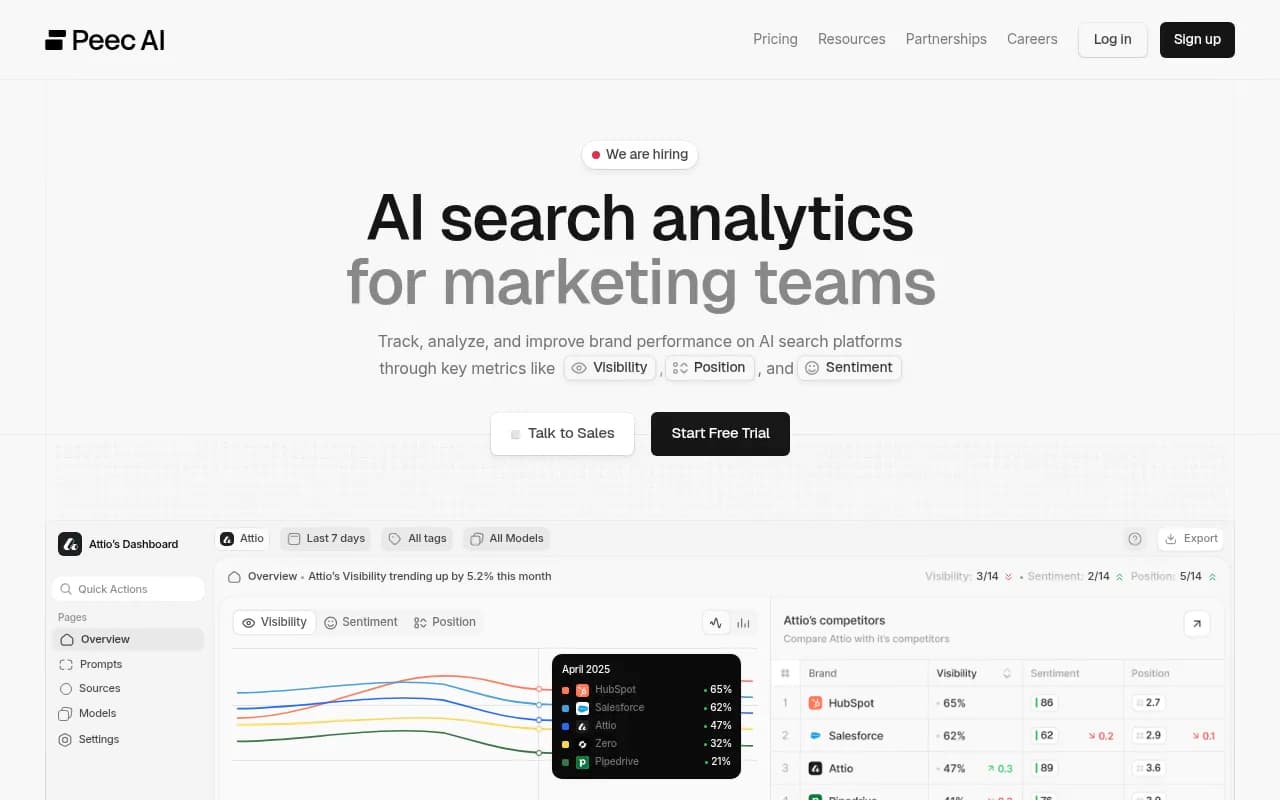
Many well-known names are monitoring-first. Otterly.AI, Peec AI and similar tools tell you whether you were mentioned. They are good at that, and cheaper for it, but they do not write or publish. If you already have a content team and a CMS workflow, that may be all you need.

Comparison table
| Platform | Content agent | CMS publishing | Verified in this guide |
|---|---|---|---|
| Promptwatch | Yes (Business and Enterprise) | WordPress, Webflow, Framer | Yes, vendor-documented |
| Gradial GEO | Agentic gap fixing | Not confirmed | Vendor tagline only |
| RankSpot | Opportunity finding and writing | Publishes to CMS, list unconfirmed | Vendor tagline only |
| GenPressa | Auto-publishing content | Not confirmed | Vendor tagline only |
| Peakfai | Auto-published content | Not confirmed | Vendor tagline only |
| Finseo | Autonomous agent | Shopify, WordPress, Webflow, Framer (claimed) | Integrations page only |
| Otterly.AI / Peec AI | No | No | Monitoring tools |
The CMS side: what changes between WordPress, Webflow and Framer
The agent is only as useful as the CMS it writes into. Here is how the three differ for an automated publishing workflow.
WordPress
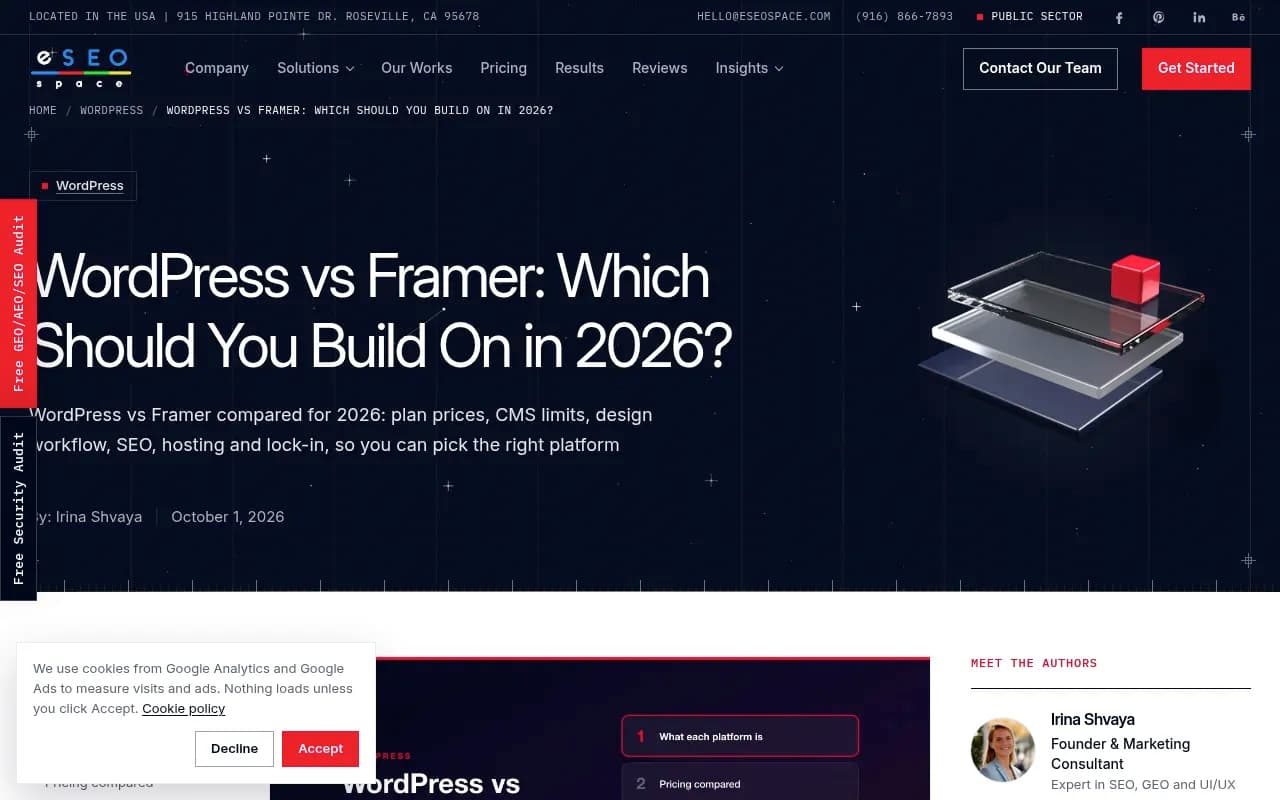
WordPress has no platform caps when self-hosted, a huge plugin ecosystem, and the most mature API for programmatic publishing. That is why most agents support it first. An eSEOspace comparison from October 2026 puts the trade-off simply: WordPress suits sites that grow into big content libraries, stores and complex integrations, and it gives full ownership of code and data. The cost is maintenance, plugin sprawl and security work.
For on-page tuning of what the agent publishes, a plugin such as Yoast SEO or AIOSEO still earns its place.
Webflow
Webflow's CMS is structured: collections with typed fields. That helps automation because an agent can map a draft to named fields rather than one blob of HTML. Framer's own comparison page lists Webflow's Premium tier at 40 collections and 20,000 items, which is more headroom than Framer's Pro tier before add-ons. If you run localized sites, check that your agent handles localized collections. Promptwatch lists that explicitly.
Framer
Framer's pitch is a visual CMS tied to the design canvas. Its comparison page puts Pro at 10 collections and 2,500 items before add-ons, and eSEOspace notes Pro tops out at 700 pages and 40,000 CMS items with add-ons. Framer also markets its own on-platform agents that edit content and structures. A third-party content agent publishing to Framer therefore sits next to Framer's native tooling, and you should decide which one owns which job.
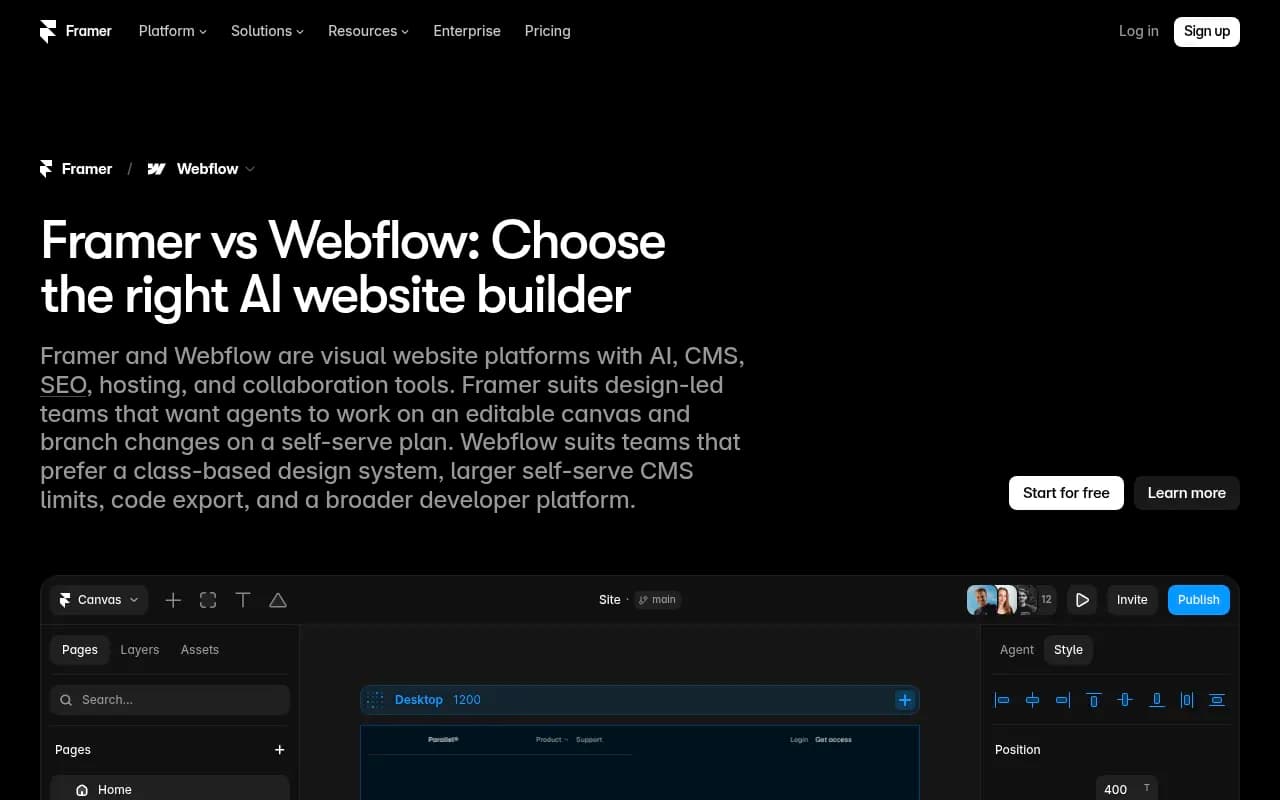
Treat Framer's page as a vendor view. It is useful for the numbers, less so for the verdicts.
Quick CMS comparison
| Factor | WordPress | Webflow | Framer |
|---|---|---|---|
| Content limits | None when self-hosted | 40 collections, 20,000 items (Premium, per Framer's page) | 10 collections, 2,500 items on Pro before add-ons |
| Publishing API maturity | Highest | Good, structured fields | Newer |
| Hosting | You choose | Included | Included |
| Best fit | Large content libraries | Structured marketing sites | Design-led sites with modest content |
How to choose
Start with your CMS, not the agent. If you are on WordPress, nearly every tool will work and you can compare on workflow and measurement. If you are on Webflow or Framer, your shortlist shrinks quickly, and the question to put to each vendor is specific: do you publish to my CMS natively, or do I export and paste?
Then run this checklist before paying:
- Ask for a live demo publishing to your CMS type, including meta fields and images.
- Confirm whether there is a human review step, and whether you can switch it off.
- Find out what the agent writes from. Your own facts, or generic model knowledge?
- Check how it measures results: crawler hits, citations, AI referral traffic.
- Ask what happens to pages that fail. Do they get refreshed or just left?
- Work out the cost per published article, including plan tiers. Content agents are often gated to higher plans.
I would also run a small pilot. Publish ten pages, watch them for four to six weeks, and compare against pages written by hand. Given the content half-life data, you will have a real signal by then.
What I would be skeptical about
Auto-publishing at volume is tempting and easy to overdo. A page that is thin, duplicated or wrong damages trust faster than a missing page does. Keep a review inbox on until you have seen enough output to trust it. Keep your Brand Book or equivalent up to date. And remember that a taglines like "publishes straight to your CMS" says nothing about quality.
Also, not every site needs this. If you publish four articles a month and your editors are good, a tracker plus a human writer may beat an agent. The agent pays off when the backlog of gaps is long and your team is the bottleneck.
Bottom line
If you need documented WordPress, Webflow and Framer publishing from a GEO platform that also measures crawls, citations and AI traffic, Promptwatch is the one I can point to with specifics, starting at its Business plan. For everything else, the category is moving fast and vendor claims outrun public documentation. Use the checklist above, demand a publish test to your own CMS, and judge each tool by whether the pages it ships get cited."}