Key takeaways
- Most AI visibility tools do the same basic job: run a set of prompts across ChatGPT, Gemini, Perplexity and Google AI, then report whether your brand was mentioned and cited.
- The real difference for non-technical teams is what happens after the dashboard. Some tools stop at monitoring. Others tell you what to fix, and a few will write and publish the fix.
- All 8 tools below can be set up in an hour or two without touching code. Check each vendor's pricing page before you commit, because plans change often.
- Start with 20 to 50 prompts that sound like real customer questions. More prompts do not make you learn faster.
- Your own product and landing pages are where most citations come from, so the content fixes are usually simpler than you expect.
Who this guide is for
You run marketing at a company, or you are a content lead, a brand manager or a founder wearing the marketing hat. Someone in a meeting asked, "What does ChatGPT say about us?" and nobody had a good answer. You want a tool that answers that question without a two-week onboarding or a developer ticket.
I picked tools on three criteria: how fast a non-specialist can get a first useful report, whether the dashboard explains itself, and whether there is a clear next step once you see the data. I have not verified current pricing for any of these, so treat the cost notes as rough and confirm on each vendor's site.
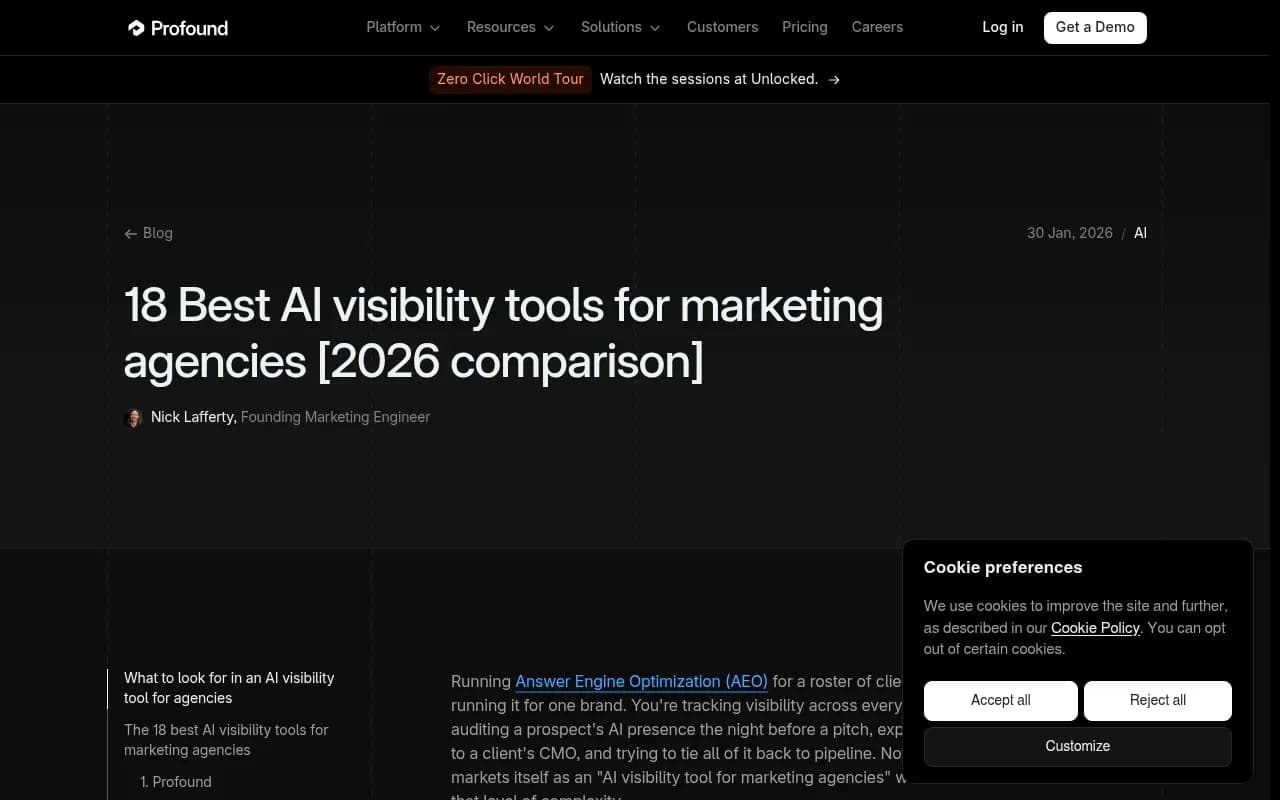
A word of caution about the sources out there. Most "best AI visibility tools" lists are written by vendors. Profound publishes an agency roundup that ranks itself first, and Otterly publishes its own list of 25 tools. Useful for names, less useful for neutral judgment. Run a trial before you believe any of them, including this one.
What an AI visibility platform actually does
Strip away the branding and every platform does roughly this:
- You enter your brand, competitors and a list of prompts (the questions customers ask AI).
- The tool runs those prompts on a schedule across several AI engines.
- It reports whether you were mentioned, where in the answer, with what sentiment, and which sources were cited.
That is it. The fancier parts, like content recommendations, crawler logs and traffic attribution, sit on top.
The five numbers worth learning
You only need to understand a handful of metrics on day one:
- Visibility or mention rate: how often your brand appears in answers.
- Share of voice: your mentions compared with competitors.
- Position: whether you are the first recommendation or the fifth.
- Sentiment: whether the tone about you is positive, neutral or negative.
- Citations: which URLs the AI used as sources, yours or someone else's.
Low share of voice usually means a coverage problem: you are not in the conversation. Mentions without citations to your own site suggest your pages are hard for AI to use. That diagnosis is the whole game for a beginner.
Why the citation data matters
Promptwatch Data looked at what ChatGPT cited between Sep 28 and Oct 4, 2026. Product pages were the most cited content type at 22.4%, with landing pages at 16.8%. For commercial prompts like "best CRM for small businesses," product pages reach 26.0% and listicles 15.0%. For branded prompts, reviews climb to 5.6%, more than three times their overall share.
In plain English: if you want to show up, your own product and landing pages need to be clear, and third-party reviews and list articles about you matter. That is a marketer's job, not a developer's.
It also helps to know how many sources an answer pulls in. According to Promptwatch's sources-per-response data, ChatGPT cites about 5 sources per web-search answer, while Google AI Overviews and Perplexity cite about 10. So a single answer rarely belongs to one winner.
The 8 tools at a glance
| Tool | Best for | Learning curve | Goes beyond monitoring? |
|---|---|---|---|
| Promptwatch | Teams who want to fix visibility, not just watch it | Moderate, guided | Yes: content agent, action board, crawler logs, traffic |
| Otterly.AI | Solo marketers and small teams on a budget | Very low | Light: recommendations and briefs |
| SE Visible | SEO-adjacent teams already in SE Ranking | Low | Light |
| Scrunch | Agencies and brands wanting AI-optimized pages | Moderate | Partly |
| AthenaHQ | Teams that want prescriptive next steps | Low to moderate | Yes: action-oriented |
| Peec AI | Simple multi-model tracking | Low | No, monitoring only |
| Dageno AI | Trying the category with a free plan | Low | Limited |
| Profound | Larger brands and agencies with budget | Moderate to high | Yes, but heavier |
1. Promptwatch
Promptwatch is the one I would pick if you want the afternoon to end with a to-do list rather than a chart. It monitors the real interfaces of ChatGPT, Google AI Overviews, AI Mode, Gemini, Perplexity, Copilot and others, which matters because user-facing answers can differ from API outputs.

What makes it friendly for non-technical people is the Action Board, an AI-generated list of prioritized fixes for content gaps, sentiment and site health. Agent Chat lets you ask questions in plain English about your own data. If you want to go further, the Content Agent can plan, write and publish articles to WordPress, Webflow or Framer, with a review inbox so nothing goes live without your approval.
There is a free Explore plan (1 project, 10 prompts, ChatGPT only), and paid plans start around $95 a month with a 7-day trial on monthly tiers. Confirm at promptwatch.com/pricing. The honest downside: more features means more menus. Give yourself the second hour to explore.
It also has free tools worth trying first, like the Free AI Visibility Report, which needs no login and shows how ChatGPT, Gemini and Perplexity talk about your brand.
2. Otterly.AI
Otterly is the classic first tool. Setup is fast and the pricing sits at the low end of the market. Profound's roundup describes it as quick to set up with clear recommendations and content briefs, but without real prompt-volume data or in-platform content generation (a competitor's view, so take it as a starting point).
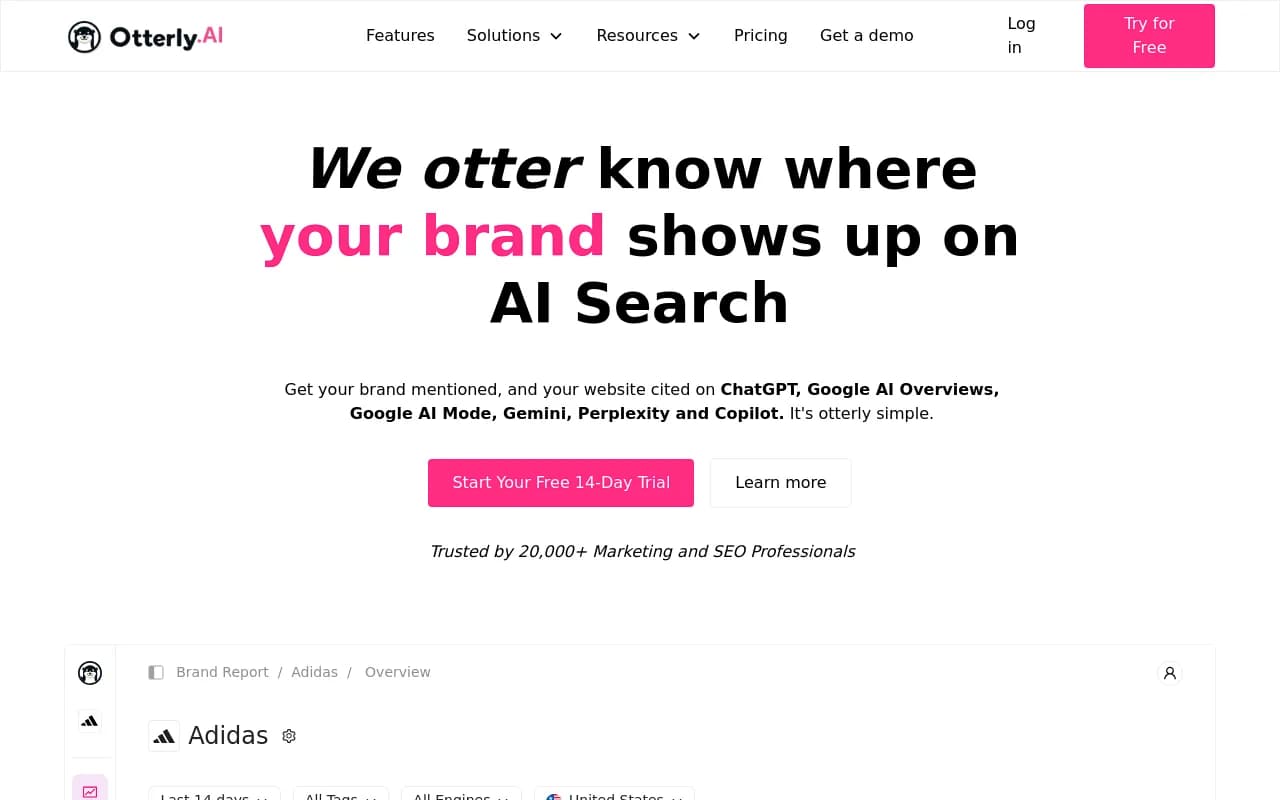
Choose it if you are a one-person marketing team who needs a monthly number to show your boss. Skip it if you want the tool to help produce the fixes.
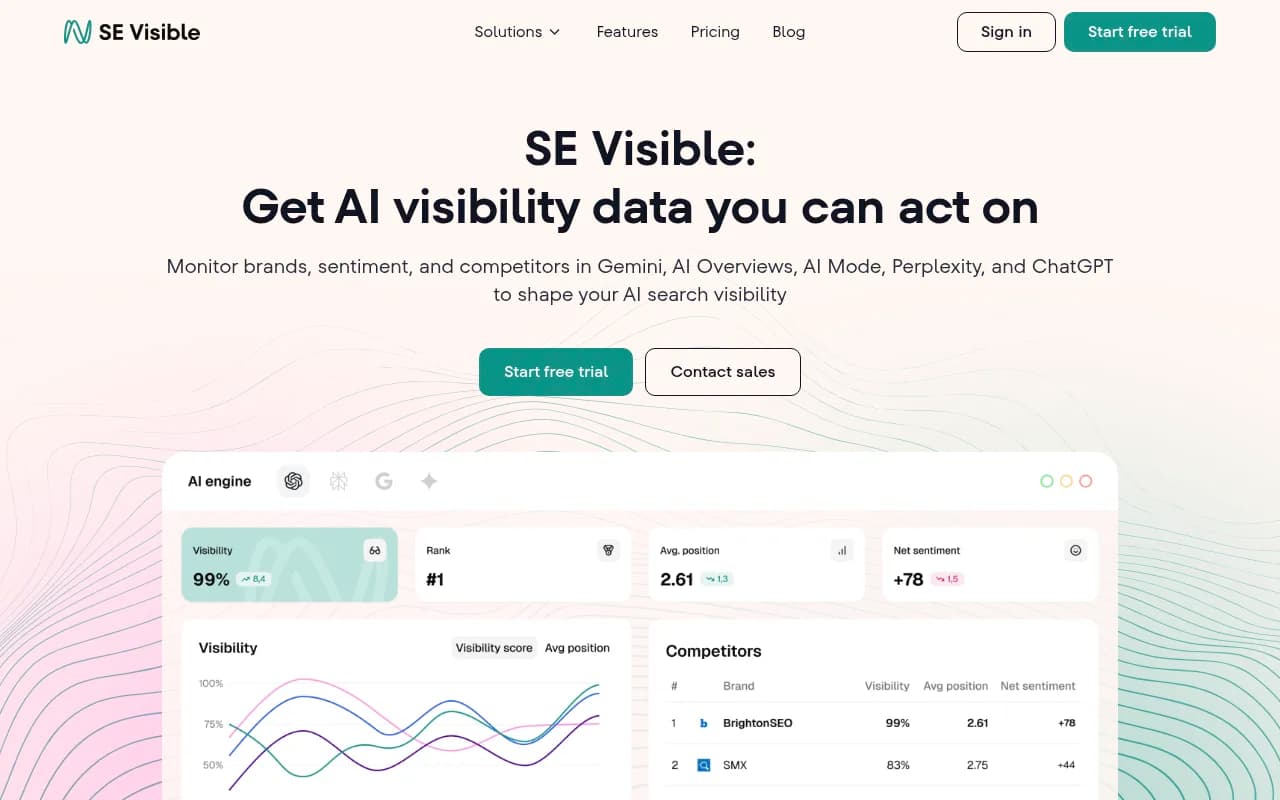
3. SE Visible
SE Visible comes from the SE Ranking family and tracks brand mentions and citations across ChatGPT, Gemini, Perplexity, Google AI Mode and AI Overviews. A reviewer on a 2026 YouTube walkthrough called the dashboard clean, with one overall visibility score that tells you how often your brand appears in AI answers. That is exactly what a beginner needs.
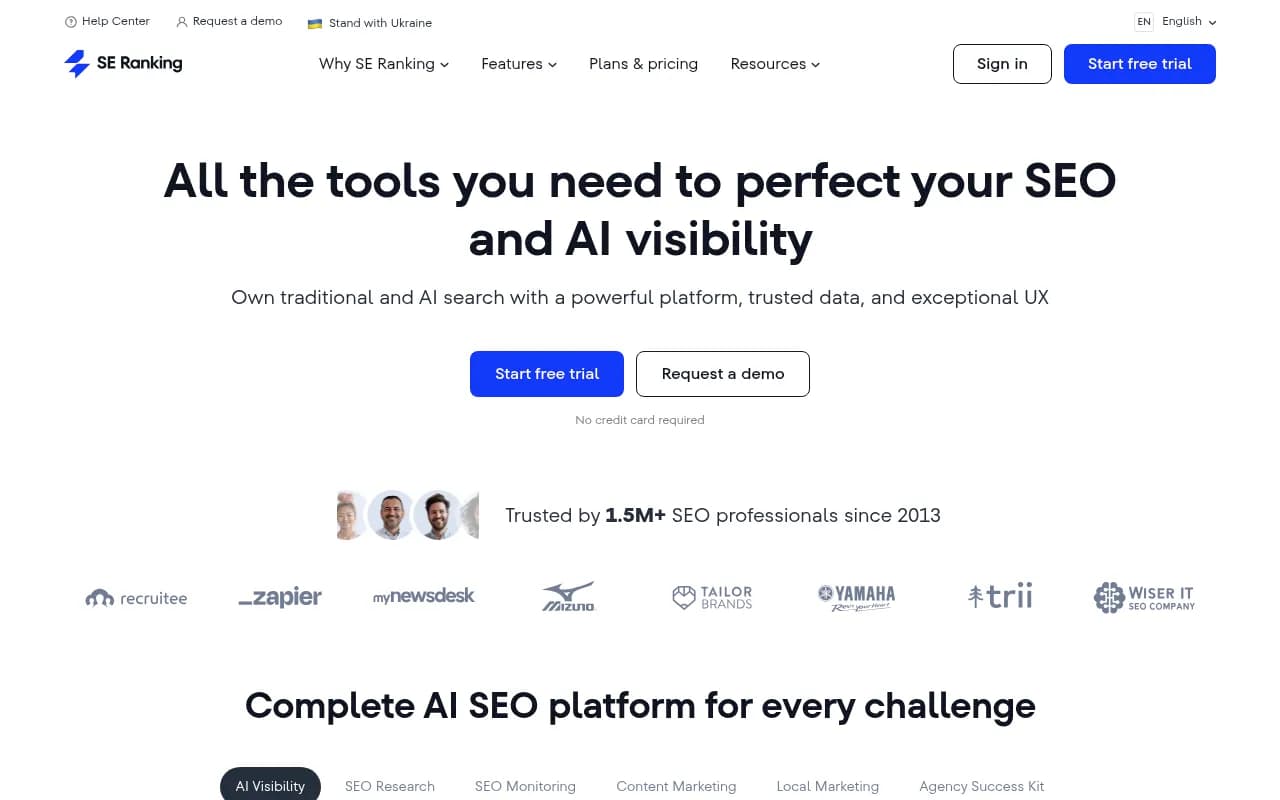
If your team already uses SE Ranking for traditional SEO, the parent product is also listed here:
Note that the video was affiliate-linked to an SE Ranking trial, so weigh the enthusiasm accordingly.
4. Scrunch
Scrunch monitors how AI assistants describe your brand and has a distinctive approach: an AI-optimized experience layer that serves cleaner versions of pages to AI crawlers. Profound's post notes it has no content generation yet and that prompts are configured rather than pulled from real conversations.
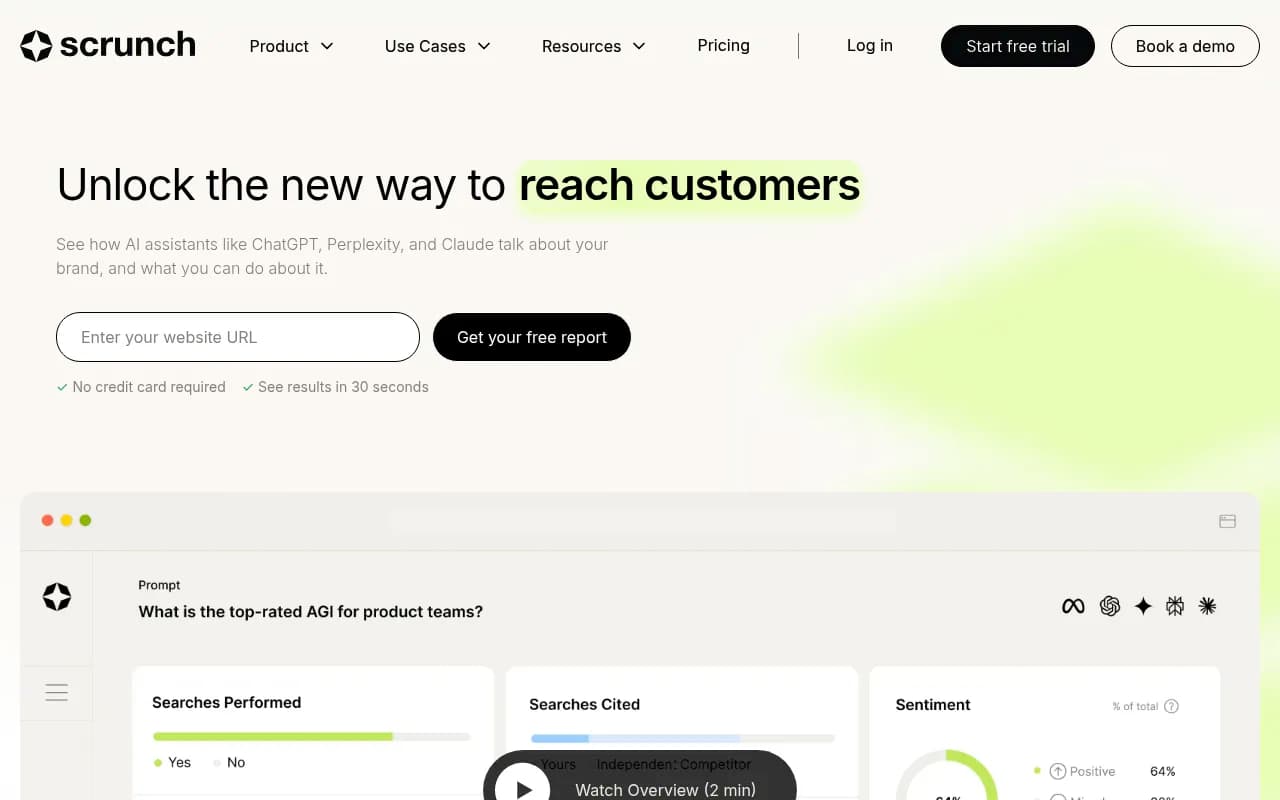
That crawler-facing layer sounds technical, and some of it is. A marketer can run the monitoring side alone, but you may want a developer friend for the rest.
5. AthenaHQ
AthenaHQ leans on an Action Center that turns visibility data into suggested next steps. For a non-technical user, that is the right instinct. Profound's comparison flags that its prompt-volume numbers rely on an undisclosed model, and that AI-written content often needs heavy editing, so budget time for review.
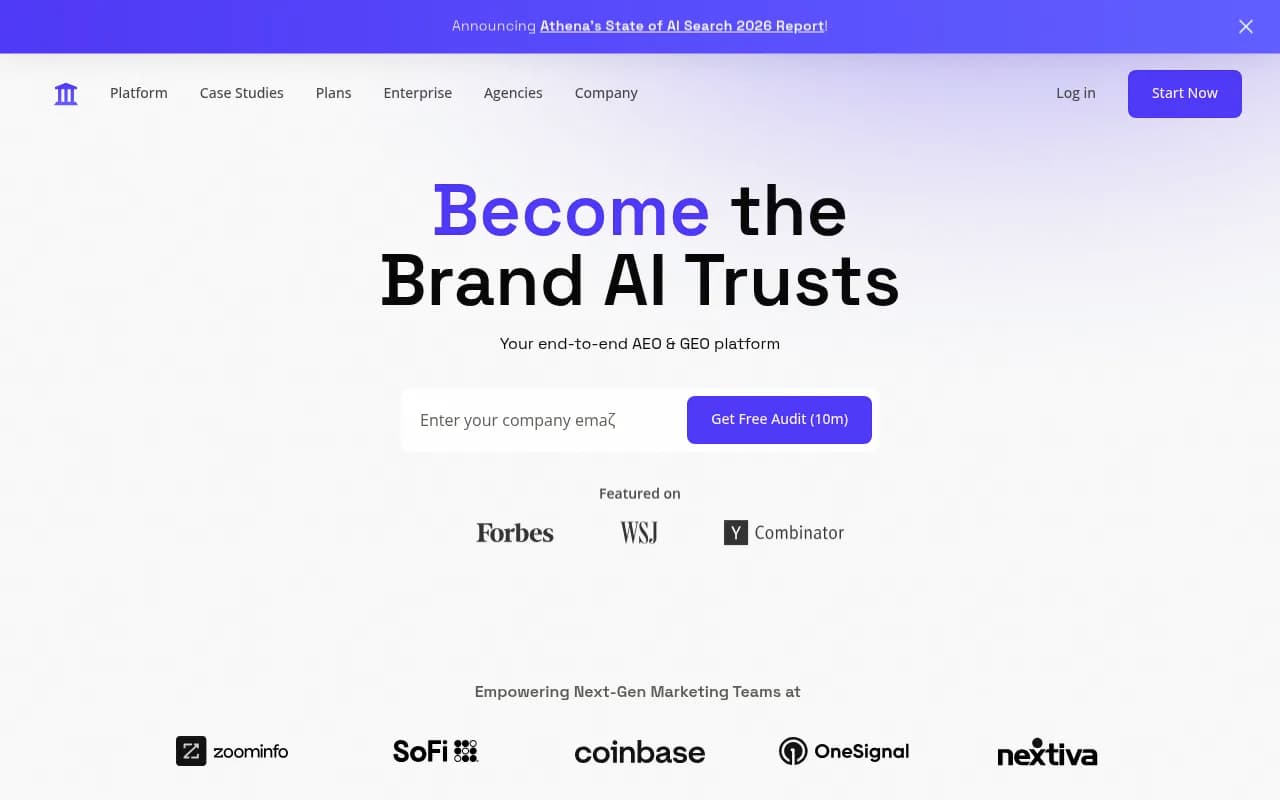
Note the catalog also lists a similarly named product at athenago.com, which is an executive-assistant service and not the same thing. Make sure you sign up at athenahq.ai.
6. Peec AI
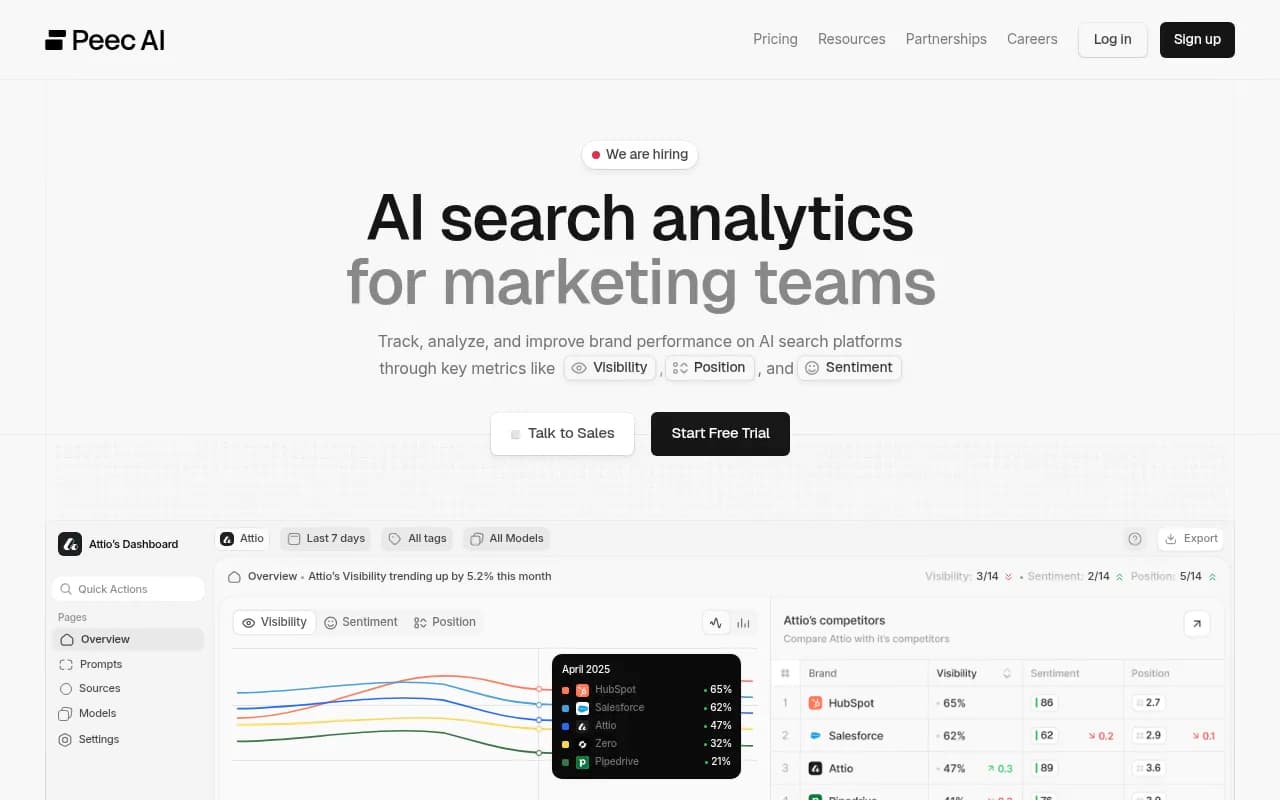
Peec is a clean, simple tracker across multiple models. It does not try to fix anything for you, which is both its appeal and its limit. If you only need reporting for a quarterly deck and you have a content team that already knows what to write, that is enough.
7. Dageno AI
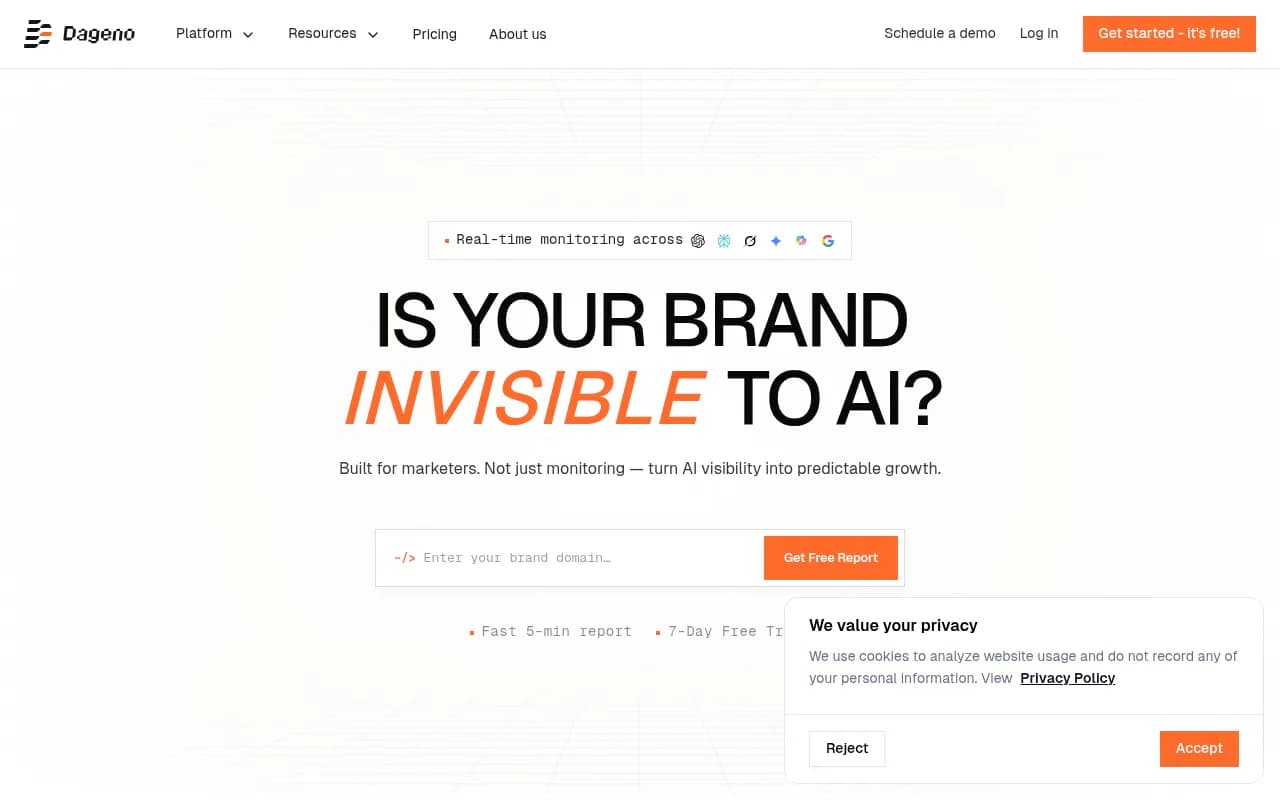
Dageno monitors across 10+ platforms and has a free plan, which makes it a low-risk way to learn the vocabulary before you spend money. A Reddit thread praised its citation tracking, though that is one anonymous post and not a benchmark.
8. Profound
Profound is the heavyweight. It claims daily tracking on 1.9 billion+ real user prompts (its own figure from a January 2026 post), content creation, and an Agency Mode with client workspaces and pitch environments. Profound itself admits it is overkill for teams who only want a lightweight visibility score.
For a non-technical solo marketer, it will probably take longer than an afternoon. For a larger team with budget, it is worth a demo.
A free warm-up before you buy anything
If you want to learn the ideas without a credit card, try a few free checkers first. Several in the catalog take a few minutes:
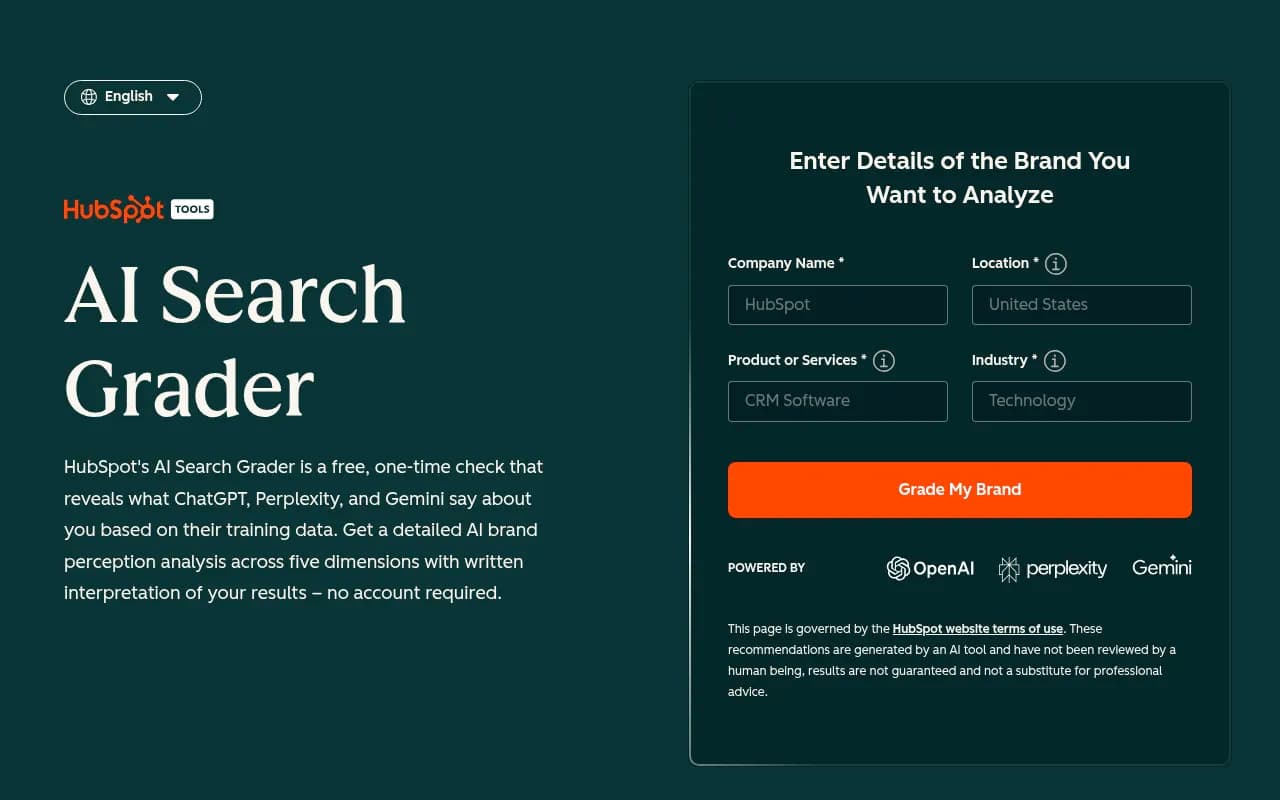


They give a snapshot rather than ongoing tracking, but you will see what a mention, a citation and a competitor comparison look like before you commit to a platform.
Your afternoon plan
Hour 1: set up
Pick one tool and one free checker. Enter your brand name, 3 to 5 competitors, and your website. Resist the urge to configure everything.
Hour 2: write the prompts
Write 20 to 50 prompts the way a customer would type them. Mix three kinds: broad category questions ("best project management software for agencies"), comparison questions ("Asana vs Monday") and branded questions ("is Brand X any good?"). Avoid keyword-style fragments. AI answers conversational questions.
Be aware that ChatGPT often runs several background searches for one prompt. Promptwatch's fanout page says a single prompt can trigger 3 to 8+ searches, and recommends writing headings like short search queries and building focused pages for comparisons, pricing and alternatives. Treat that as a content hint.
Hour 3: read the first report
Look for three things only:
- Which prompts mention a competitor but not you.
- Which sources keep getting cited, and whether you are on them.
- Anything wrong or outdated that AI says about you.
Hour 4: choose two fixes
Pick two. Maybe it is a clearer pricing page, or getting included in a listicle that AI keeps citing. Do not try to fix twelve things. Check back in two weeks.
How to choose between them
- Tight budget and just need a number: Otterly, Peec or Dageno's free plan.
- Already live in an SEO suite: SE Visible with SE Ranking.
- Want help deciding what to do: Promptwatch or AthenaHQ.
- Want content produced and published with a review step: Promptwatch.
- Big brand or agency with budget: Profound, or Promptwatch's agency plans.
Promptwatch's own data points to one tip on testing. Perplexity cites almost exactly 10 sources every day, so changes in your citations there reflect your content changes more than engine noise. Watch Perplexity first when you check whether a fix worked. Copilot swings widely, so judge it on monthly trends.
Want to see more options? The GEO software directory at bestgeosoftware.com lists far more tools than fit in one guide.
Mistakes beginners make
- Tracking too many prompts. You will not read 500 results.
- Treating one day's data as a trend. AI answers vary run to run.
- Ignoring sentiment and accuracy. A wrong claim about your pricing is worth fixing before any ranking.
- Buying a monitoring tool and expecting growth. A dashboard does not change what AI reads. Content, reviews and clear product pages do.
If you would rather hand the whole thing to specialists, an agency like 1001 SEO Media runs this work as part of technical SEO, content and generative engine optimization.
Bottom line
Any of these eight can teach you the basics in an afternoon. If I had to pick one for a non-technical marketer who wants to act on what they learn, I would start with Promptwatch's free plan, run the free visibility report alongside it, and then compare against one cheaper tracker if budget is the constraint. Tools change fast, so run each trial on your own prompts before you sign anything.