Key takeaways
- Setup time depends less on the tool than on what you ask it to do. Tracking a handful of prompts takes minutes anywhere. Crawler logs, CMS publishing and analytics integrations are where onboarding stretches into days.
- Lightweight trackers like Otterly.AI, Peec AI and Peekaboo are the quickest to start, but they mostly stop at monitoring.
- Platforms that act on the data, such as Promptwatch, take a bit longer to configure and give you far more to do with the result.
- If you already pay for Semrush, Ahrefs or HubSpot, their built-in AI visibility add-ons have the lowest learning curve because the interface is already familiar.
- Pricing and trial terms change often. Confirm current details on each vendor's site before you commit.
How I ranked these tools
A caveat first. Vendors rarely publish setup times, and our research for this guide did not include hands-on timing of every product. The ranking below is a judgment call based on what each tool asks you to do before you see useful data, plus how the vendors and review roundups describe their interfaces. Treat the time estimates as rough ranges, not benchmarks.
I weighed four things:
- Steps before first data: account, brand name, competitors, prompts. Fewer is better.
- Whether the tool suggests prompts for you or makes you write them from scratch.
- How many concepts you need to learn (share of voice, citation rank, fan-outs, crawler logs) before the dashboard makes sense.
- What happens after the first report. A tool that is easy to start but leaves you with nothing to do is only easy in a narrow sense.
That last point matters. A dashboard that tells you "you were mentioned 12% of the time" is simple. It is also a bit of a dead end.
Quick comparison
| Rank | Tool | Typical time to first data | Learning curve | Acts on the data? |
|---|---|---|---|---|
| 1 | Otterly.AI | Minutes | Very low | Light (GEO audit tips) |
| 2 | Peec AI | Minutes | Low | Suggestions, no content creation |
| 3 | Promptwatch | Under an hour for tracking, longer for full stack | Low to moderate | Yes, Action Board and Content Agent |
| 4 | Semrush AI toolkit | Minutes if you already use Semrush | Low for existing users | Reports |
| 5 | Ahrefs Brand Radar | Minutes if you already use Ahrefs | Low for existing users | Research and reports |
| 6 | SE Visible | Minutes | Low | Limited |
| 7 | ZipTie | Under an hour | Moderate | Deep analysis and reporting |
| 8 | Leapd | Under an hour | Low to moderate | Yes, audits and articles |
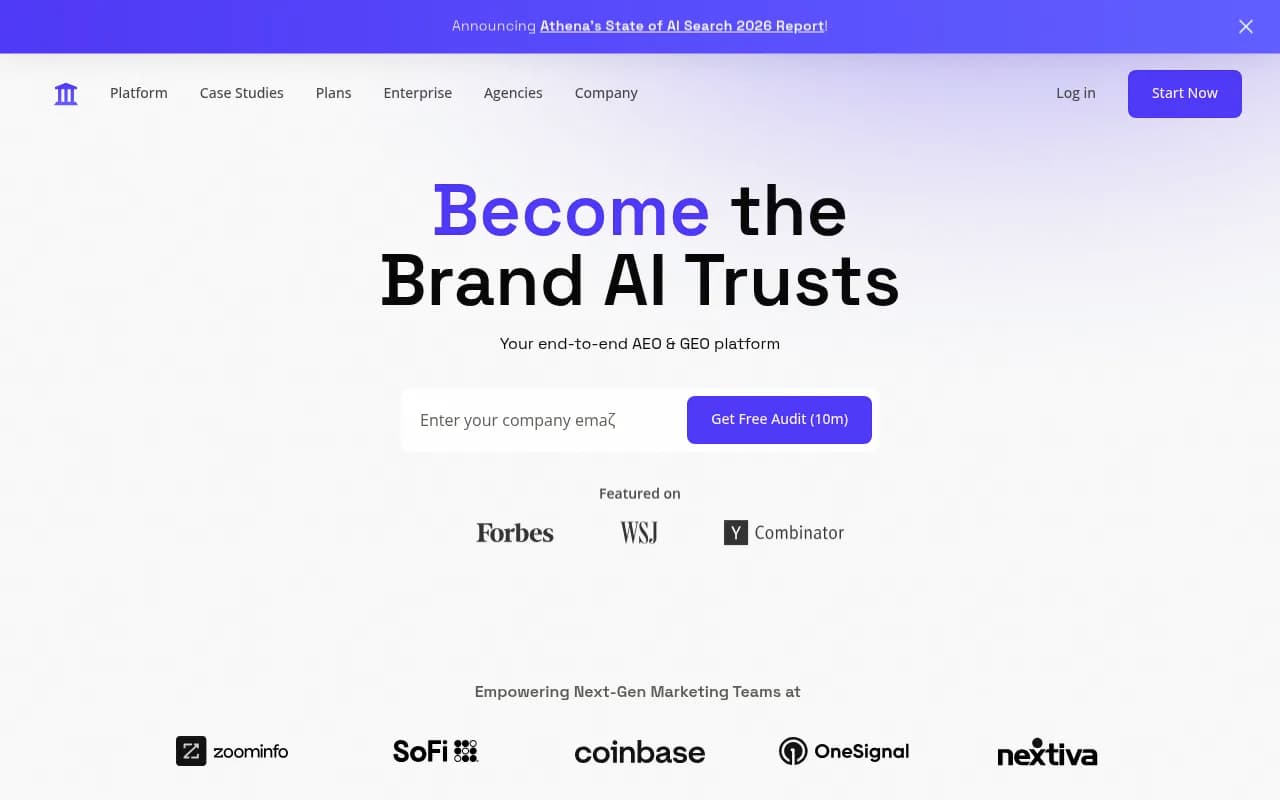
| 9 | AthenaHQ | Under an hour | Moderate | Drafts on higher tiers |
| 10 | Profound | Days (sales-led) | Moderate to high | Yes, enterprise depth |
1. Otterly.AI: fastest to a first report
Otterly.AI is the tool most roundups point to when the brief is "cheap and simple." Roundups list entry pricing from around $29 a month, and one describes the setup as easy with a beginner-friendly interface. You add your brand, a few prompts and some competitors, and results start to fill in.
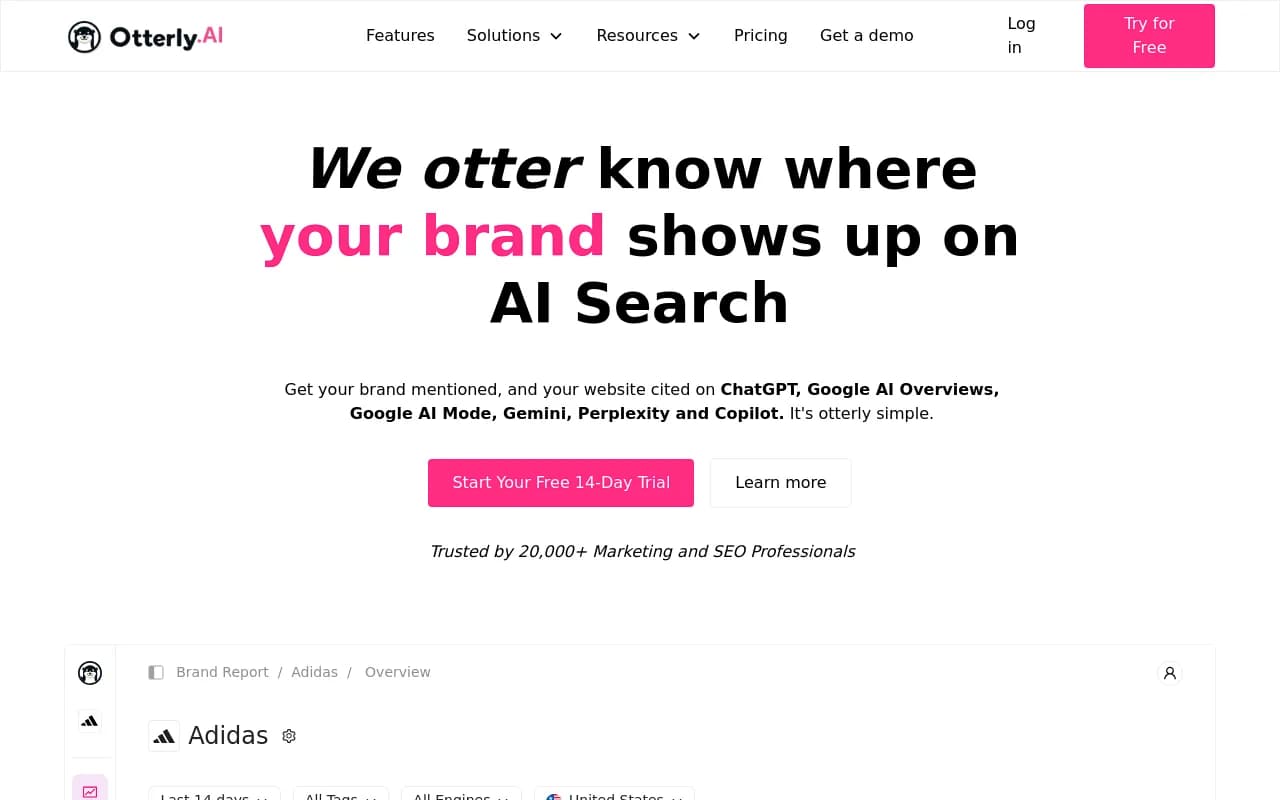
The trade-off is depth. You get tracking across several AI platforms plus page-level GEO audit hints, but you will not find crawler logs, AI traffic attribution or content production. For a freelancer or a small business that only wants to know whether ChatGPT mentions them, that is fine.
2. Peec AI: simple dashboard, smart prompt suggestions
Peec AI earns its spot for the same reason Zapier's roundup picked it: smart suggestions. Instead of staring at an empty prompt box, you get ideas to start from. Pricing in third-party roundups sits around $95 a month for mid-market teams and agencies.
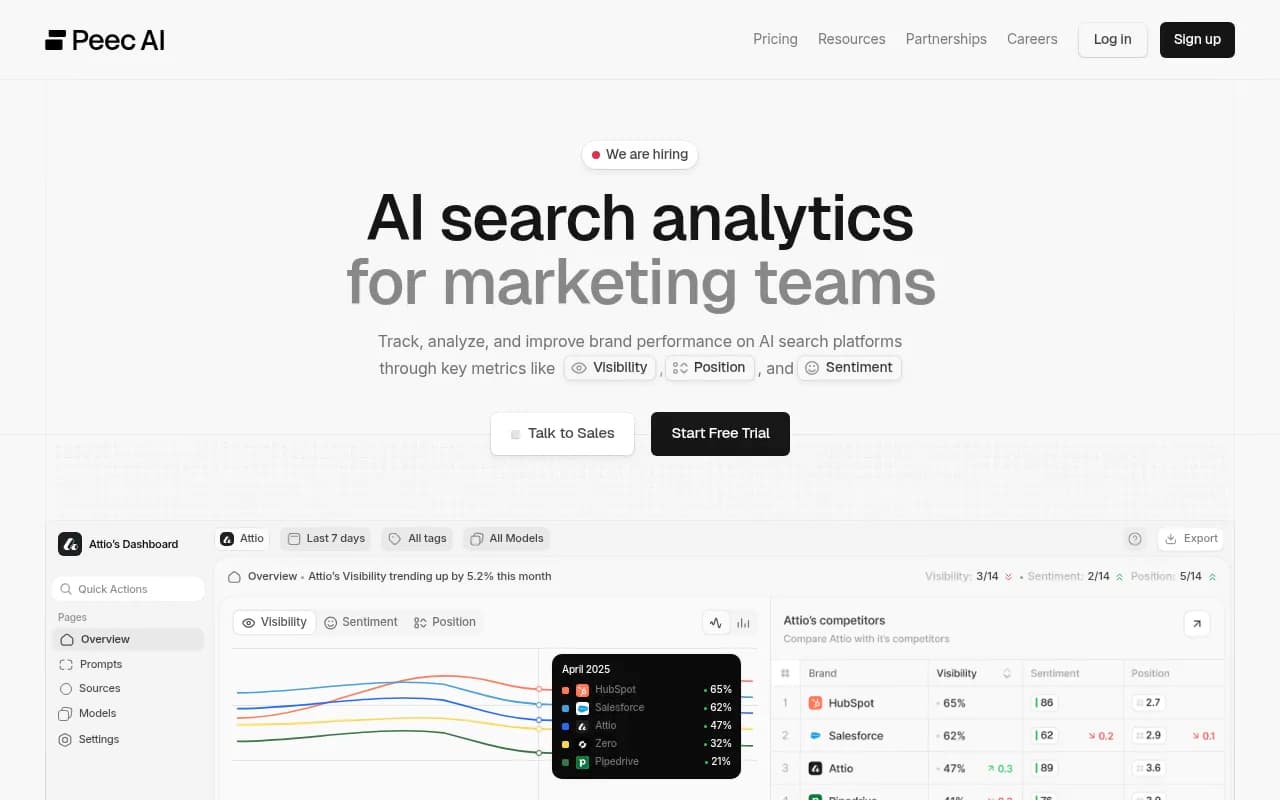
The catalog describes it as monitoring without the optimization, which is accurate. It is easy because it does less. Plan on exporting its data into your own workflow if you want to act on it.
3. Promptwatch: more to learn, but the learning pays off
Here is where I will be upfront about the trade-off. Promptwatch has more surface area than the two tools above, so it is not the fastest to master. But getting started is straightforward: set up a monitor of prompts, pick the models and countries, and the platform tracks real ChatGPT, Google AI Overviews, Perplexity and other interfaces daily. There is a free Explore plan (ChatGPT only, 10 prompts) if you want to poke around before paying, and paid plans start at $95 a month. Check promptwatch.com/pricing for current terms.

What keeps the learning curve manageable is that the platform tells you what to do next. The Action Board generates a prioritized GEO to-do list, Agent Chat lets you ask questions of your own data in plain language, and prompt suggestions come from Search Console, People Also Ask and your own pages. You do not need to know what a query fan-out is before you start. You can learn it when the data makes it relevant.
The heavier setup steps are optional and worth doing in stages:
- Connect Search Console and Bing Webmaster Tools.
- Add the visitor analytics script, Google Tag Manager template or WordPress plugin to see AI-referred traffic.
- Route crawler logs through Cloudflare, Vercel, CloudFront or the WordPress plugin to see which AI bots read your pages.
- Connect Webflow, Framer or WordPress if you want the Content Agent to publish.
Most simple trackers cannot do any of those things. If you only need the first step, you can stop there and still have a working tool. If you want to measure whether AI search drives revenue, the extra hour of setup is the cheapest hour in the whole project. To see where your own brand stands before signing up, the free AI Visibility Report needs no login.
For a deeper look at how AI engines pick sources, Promptwatch Data's average sources per response report shows ChatGPT cites roughly 5 sources per web-search answer while Google AI Overviews and Perplexity cite about 10. That is one reason tracking each engine separately matters.
4. Semrush AI toolkit: easiest if you already live in Semrush
If your team already logs into Semrush daily, the AI visibility toolkit has almost no learning curve. Same navigation, same project structure, same reporting. Roundups list it from about $99 a month, with a 7-day trial.
The catch is that it is a suite bolting on AI tracking. Prompt sets are more fixed and the AI-specific data is shallower than in dedicated platforms. It is an easy first step, not a final destination.
5. Ahrefs Brand Radar: low friction for Ahrefs users
Same story, different suite. Brand Radar sits inside Ahrefs and is typically cited as a add-on from about $50 a month, with a free AI visibility checker for a quick look. It is good for competitor and market research.
If you do not already use Ahrefs, there is no reason to adopt the whole product just for this. If you do, you will be productive within an afternoon.
6. SE Visible: no steep learning curve
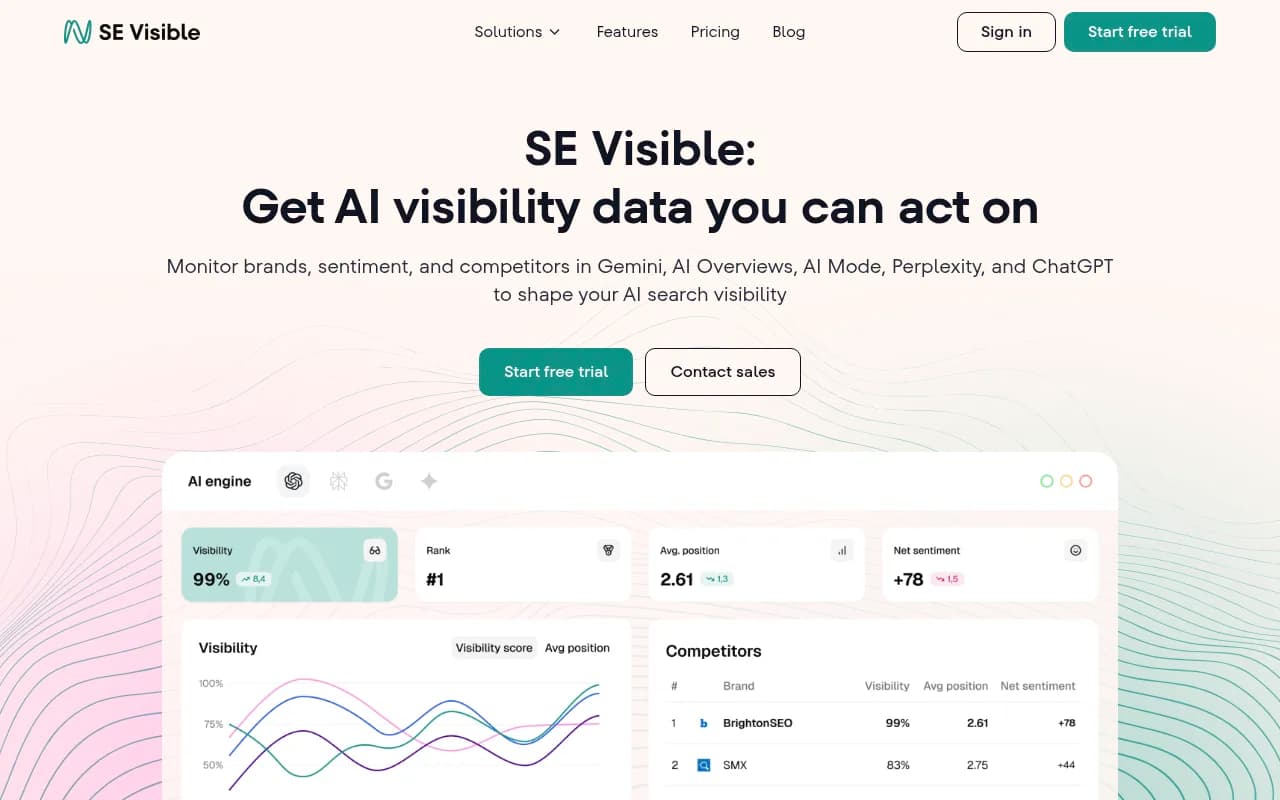
SE Visible, from the SE Ranking team, describes itself in its own AI Mode tracking roundup as easy to adopt with no steep learning curve. It focuses on brand visibility and sentiment across AI search. That is a vendor claim and I have not verified it, but the product scope is narrow enough that it is believable.
7. ZipTie: deeper analysis, a bit more to absorb
Zapier picked ZipTie for deep analysis and reporting. Depth is the opposite of simplicity, so expect to spend longer in the interface working out which cuts of the data matter. Setup itself is light.
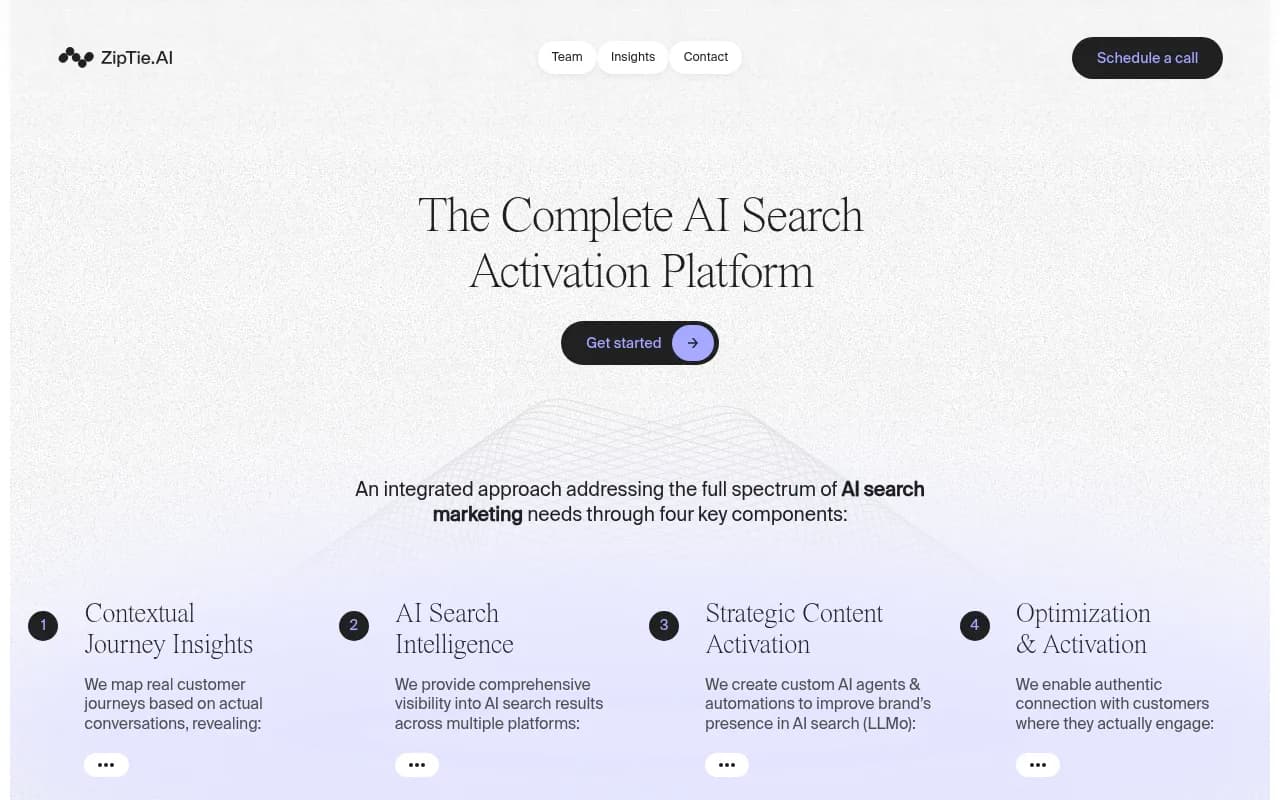
It suits analysts who enjoy poking at data. If you want a dashboard that tells you what to do, look higher on this list.
8. Leapd: one agent instead of many screens
Leapd's pitch is that its agent, Alex, audits your site, tracks competitors and citations and writes articles, from $39 a month by its own pricing table. One agent in place of a dozen dashboards is a legitimate way to lower the learning curve, because there is less to navigate.

As with any vendor comparison, note that the claim comes from Leapd's own blog. Try the free checker before relying on it.
9. AthenaHQ: more engines, more settings
AthenaHQ tracks 8 or more AI engines and includes a free Essential plan according to one roundup, with paid tiers around $295 a month. Coverage is broad, and drafts show up on higher tiers. More engines and more options mean a few more decisions at setup.
10. Profound: powerful, but not a same-day setup
Profound is aimed at enterprise brands, with custom pricing and a sales-led process. Its Agent Analytics shows how AI crawlers move through your site, which is useful but is another concept to learn. You will not sign up and see results within the hour.
If you have a large team, procurement requirements and a real budget, that onboarding is normal. Smaller teams will find it heavier than they need.
Free starting points
Before paying for anything, two free sources are worth a look. Google Search Console and Bing Webmaster Tools both have AI-related reporting now. One roundup notes the caveats: they cover only their own surfaces, and Google's report shows impressions without queries or clicks. Still, setting up Bing Webmaster Tools takes a couple of minutes and costs nothing.
If you want a no-commitment look at AI answers about your brand, the free checkers from Promptwatch and Amplitude are quick.

What to expect from your first week
Whichever tool you pick, a sensible first week looks like this.
Day one: tracking
Add your brand, aliases and three to five competitors. Start with 20 to 50 prompts that read like real questions or short search phrases. Promptwatch Data's ChatGPT query fanouts report shows average ChatGPT query length falling to roughly 53 characters after April 2026, so short, keyword-like prompts match how the engine actually searches.
Days two to three: read the baseline
Look at which engines mention you, where, and which domains they cite instead. Resist the urge to change anything yet. Daily results are noisy, and one reason is that engines behave differently: Copilot's source count has swung from under 2 to nearly 17 within weeks, while Perplexity is far steadier.
Days four to seven: pick one fix
Choose one gap, such as a topic where competitors are cited and you are not, and fix it. Rerun the prompts after a week or two. If your tool cannot tell you what to fix, that is the signal to look at platforms with an action layer.
Which one should you pick?
| If you are... | Start with |
|---|---|
| A solo operator on a tight budget | Otterly.AI, plus free Search Console and Bing reports |
| A small team that wants a clean dashboard | Peec AI or SE Visible |
| A team that wants tracking and a plan for what to do | Promptwatch |
| Already paying for Semrush or Ahrefs | The AI add-on in that suite |
| An analyst who likes depth | ZipTie |
| A large enterprise with budget | Profound |
If you want to compare more options, the GEO software directory and the AI rank tracking tools directory list many more platforms.
The honest bottom line
Easy and useful are different things. Otterly.AI and Peec AI will have you looking at data within minutes. But a dashboard you understand in five minutes and never act on is not saving you time. I would rather spend an extra hour on a platform like Promptwatch that tells me what to fix and checks whether the fix worked. Pick the simplest tool that still answers the question you actually have, and run a trial before you pay for a year.