Key takeaways
- NotebookLM is best for the grounded part of the job: it answers only from the sources you load, so it suits coverage summaries where you need to trace every claim.
- Claude is a strong second step for turning that research into a brief with a clear voice. ChatGPT works well as a skeptical reviewer and for quick variants.
- Use one notebook per client or topic. Sharper answers, and no cross-contamination between accounts.
- Verify every quote, number and attribution before a brief leaves your desk. None of these tools is a fact-checker.
- Check each vendor's data and training settings before you upload client or embargoed material.
Why use three tools instead of one
Most PR teams I know start with a single chatbot and a pile of pasted links. It works for about a week. Then someone notices the summary included a quote nobody said, or a statistic from a different article, and trust in the whole thing drops.
The fix is separating jobs. One tool reads and summarizes your sources. A second writes. A third argues with the result. Each has a different strength, and the handoffs give you natural checkpoints.
The pattern running through the 2026 write-ups on this (Mubashir Burfat's Medium piece on pairing NotebookLM with Claude is a typical example) is the same: one tool for grounded research, another for turning that research into something worth sending. I'd add a third step, review, because a brief going to a CEO or a journalist deserves a second reader, even a synthetic one.

Everything-PR has a useful overview of how PR teams use NotebookLM for research briefs, media training prep and client onboarding. It is worth reading alongside this guide for more prompt ideas.
What each tool does best
| Tool | Role in the workflow | Strength | Watch out for |
|---|---|---|---|
| NotebookLM (also shown as Gemini Notebook in some 2026 sources) | Source-grounded coverage summaries | Answers come from your uploaded sources, with citations back to them | Paywalled or unscrapable URLs may not import cleanly; paste text or upload PDFs instead |
| Claude | Drafting the brief, tone and structure | Handles long documents and writes in a measured, editorial voice | Usage ceilings on Pro; it can smooth over gaps in your source material |
| ChatGPT | Red-team review, alternate angles, Q&A rehearsal | Fast iteration, good at playing a hostile reporter | Will happily invent supporting detail if you do not ground it |
NotebookLM: the grounded layer
NotebookLM only answers from what you give it. That is the point. For a coverage roundup, you load the articles, transcripts and press releases, and every claim in the summary can be traced to a passage.
Some 2026 sources say the product is now branded Gemini Notebook, with the same limits. Google's plans page is at notebook.google/plans. Use whichever name your team's login shows.
Claude: the drafting layer
Claude is the tool I would reach for when the output needs to read like a person wrote it. Give it the NotebookLM summary and your house style, and it produces a brief that needs editing rather than rewriting.
ChatGPT: the sparring partner
ChatGPT earns its place at the end. Ask it to attack the brief, find the weakest claim, and write the five questions a skeptical journalist would ask.
Step 1: build the source notebook
Create one notebook per client or per topic. The NotebookTools source-limit guide makes the same recommendation: a focused notebook gives sharper answers than one giant dump.
What to load:
- Articles from the monitoring period (as saved PDFs or pasted text if the URL import fails)
- Broadcast and podcast transcripts
- The client's press releases, boilerplate and approved messaging
- Competitor statements, if the brief covers a competitive angle
- Your last brief, so the new one stays consistent
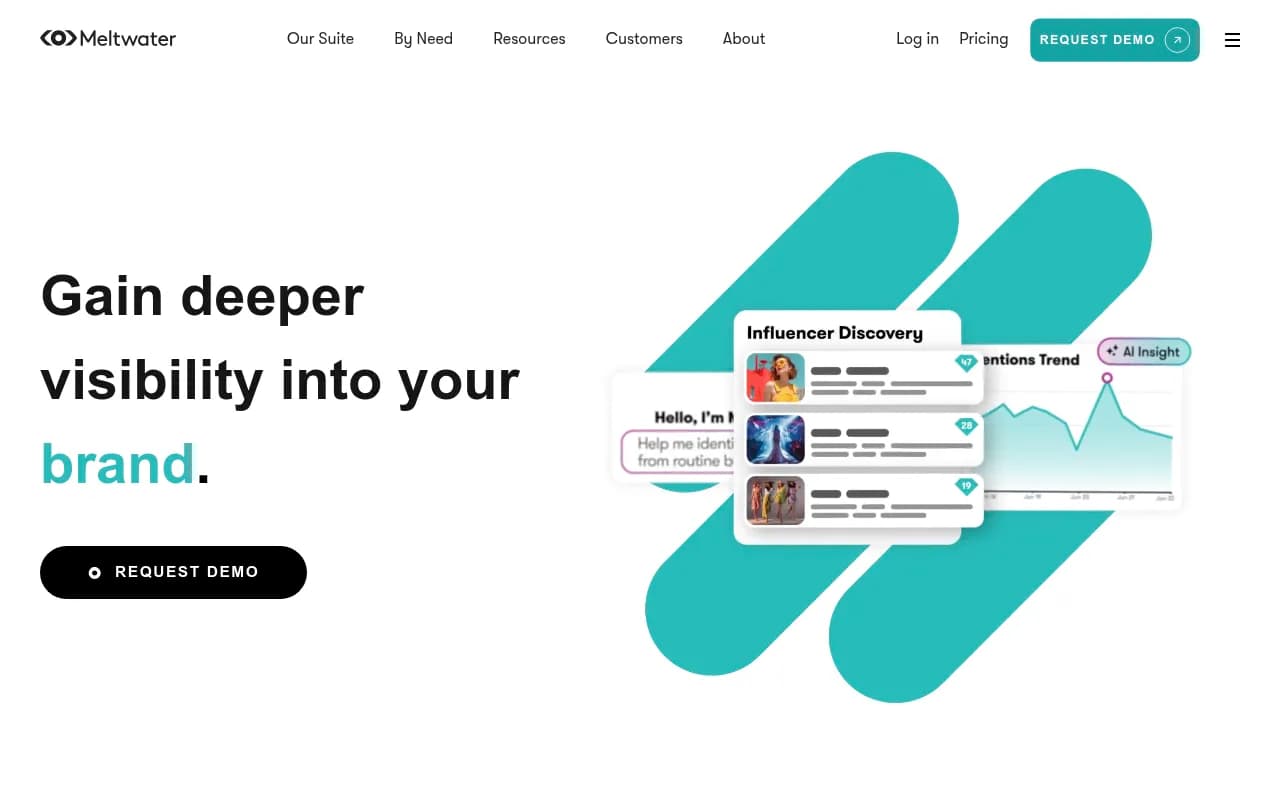
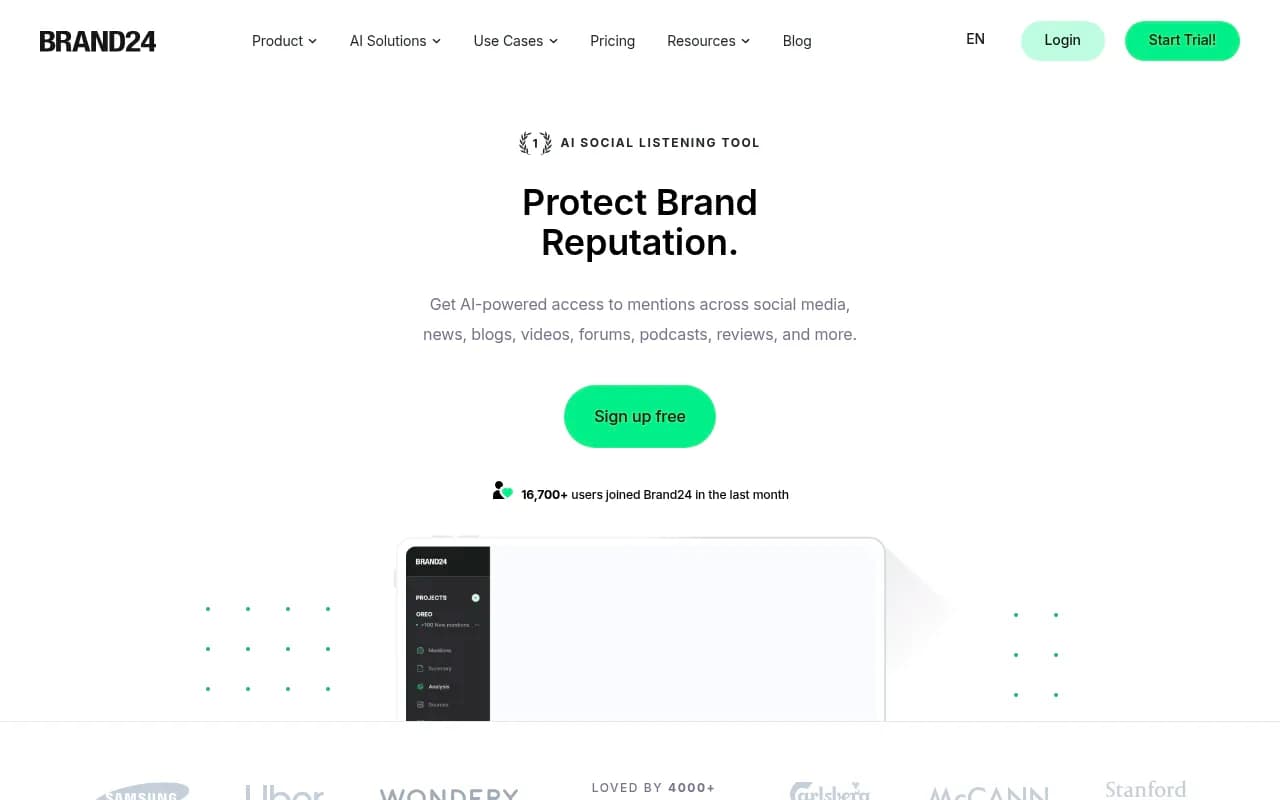
A coverage feed from a monitoring tool makes this faster. Platforms like Meltwater and Brand24 can export mentions you then drop into the notebook.
Know the limits before you plan around them
Plan figures vary between sources, so confirm on Google's own page. The official plans page lists these source caps per notebook:
| Plan | Sources per notebook |
|---|---|
| Free | 50 |
| Google AI Plus | 100 |
| Google AI Pro | 300 |
| Google AI Ultra | 600 |
Free notebooks can reportedly hold up to 500,000 words or 200 MB per source, and the free usage allowance refreshes every five hours up to a weekly cap. A third-party pricing breakdown lists Pro at $19.99 a month, but other sources disagree on notebook counts for the Plus and Ultra tiers, so treat those exact numbers with caution.
For a single client monitoring month, 50 sources is usually enough. For an agency running quarterly reviews across a big news cycle, Pro is the more realistic tier.
Step 2: summarize the coverage in NotebookLM
Start with structured questions, not "summarize everything." A vague prompt gets a vague summary.
Prompts that work
List the five most significant stories about [client] in these sources. For each: outlet, date, headline, the main claim, and whether the tone is positive, neutral or negative toward the client.
Which messages from our approved messaging document appear in the coverage, and which are missing? Quote the passage for each match.
Identify any claims about [client] that appear in only one source. List them separately so we can verify them.
What questions did journalists ask or imply that we have not answered publicly?
The third prompt matters most. Single-source claims are where errors and rumors hide, and a grounded tool is good at flagging them because it can see the sources are thin.
Export the result with citations
Copy the summary along with its citations. You need those pointers in step 3, because Claude will not know which sentence came from which article unless you tell it.
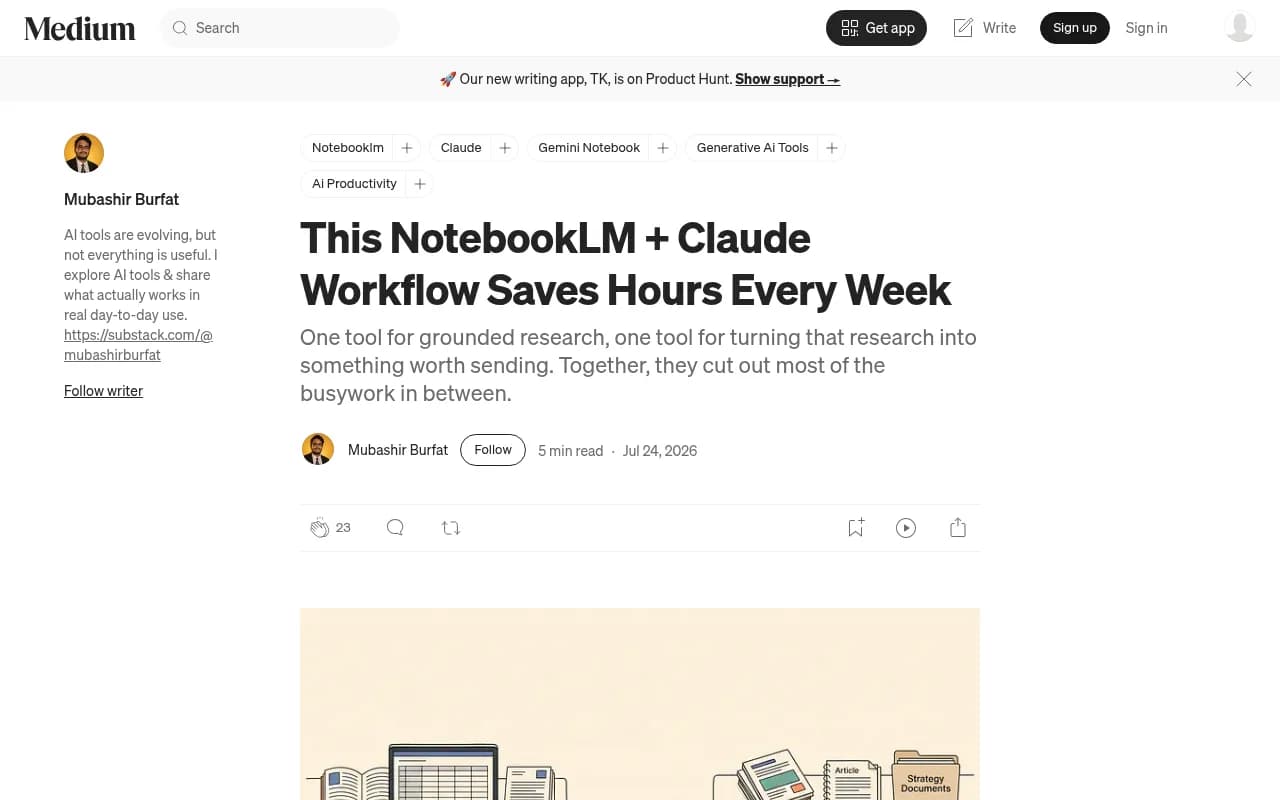
The Medium walkthrough above shows the handoff pattern in action. Tom's Guide also covered connecting the two tools directly, and developer-minded teams are building integrations between Claude Code and NotebookLM. Copy-and-paste is still the safest starting point.
Step 3: draft the media brief in Claude
Paste the NotebookLM summary and, where the context window allows, the key source passages. Then tell Claude exactly what the brief is for.
A brief template to give Claude
You are a senior PR strategist. Using only the summary and source passages below, draft a one-page media brief for [spokesperson] ahead of [interview/event].

Include:
1. Situation in three sentences
2. What coverage says about us (with outlet names)
3. Three key messages, each tied to evidence
4. Likely tough questions and suggested answers
5. Facts we cannot yet confirm

Do not add any claim, number or quote that is not in the material. If something is missing, say so in section 5.
That last instruction does a lot of work. Models like to fill gaps with plausible text. Telling Claude to list what it could not confirm turns a hallucination risk into a to-do list.
Keep the voice consistent
Attach a short style note: sentence length, words the client never uses, how they refer to competitors. If you maintain a brand book or a Notion workspace of approved language, paste the relevant part in. Notion AI can hold that reference material and keep it close to the campaign docs.
On context and limits
One comparison puts Claude's window at roughly 200K tokens and ChatGPT Plus at 128K, but that article may be out of date, and I could not verify upload limits for either product. Test with your real documents before you build a process around a number. If you hit Claude Pro's usage ceiling mid-task, the usual advice is to move up a tier only if it keeps happening.
Step 4: stress-test in ChatGPT
Open a fresh chat so the review is independent. Paste the draft brief and the original summary.
Act as a skeptical trade reporter. Read this brief and:
1. Pick the three claims you would challenge first
2. Write five hard questions for the spokesperson
3. Flag anything that sounds like spin
4. Tell me what a competitor would say in response
Then run the spokesperson through a rehearsal. Ask ChatGPT to ask one question at a time, wait for your answer, and critique it. This is where the tool is more useful than either of the others, because it is conversational and fast.
Two cautions. First, treat its objections as prompts for thought, not verdicts. Second, if it suggests a fact to strengthen the brief, assume it is invented until you find the source.
Step 5: verify before anything goes out
This is the step teams skip, and it is the one that protects you.
I could not find tested guidance on hallucination patterns specific to coverage summaries, so here is my practical checklist from how these tools tend to fail:
- Open every quote against its source article. Wrong attributions are common when two people are quoted in the same piece.
- Check dates. Summaries blur "last week" and "last quarter."
- Confirm numbers against the original, not the summary.
- Look at the tone ratings yourself for any story that matters. A sarcastic headline can be read as positive.
- Make sure sources that failed to import (paywalled pages, for example) were not silently dropped from the analysis. Count your sources in the notebook against the list you meant to include.
A second human reads the final brief. Always.
Privacy and client confidentiality
This is the gap I would address before rolling the workflow out to a team. I did not find verified details on training and retention settings for each vendor, so check them directly.
- Review each tool's current data-use and training settings on the vendor's own pages, and use the business or enterprise tier if client material is involved.
- NotebookLM Enterprise is listed at around $9 per license with VPC-SC and IAM controls, which is the kind of setup agencies handling confidential work should look at. Confirm current pricing with Google.
- Do not upload embargoed announcements, unreleased financials or legal drafts to a consumer account.
- Keep a record of which client material went into which tool, in case a client asks.
A lot of client contracts now have AI clauses. Read yours.
Costs and plans at a glance
Both Claude and ChatGPT have a $20 a month tier, a $100 tier and a $200 tier, according to the Morph comparison, and Claude Pro billed annually works out to about $200 a year against $240 for ChatGPT Plus. NotebookLM has a free tier, and Google AI Plus was reportedly cut to $4.99 a month in June 2026. Prices move often, so verify before budgeting.
| Tool | Entry paid tier | Higher tiers | Notes |
|---|---|---|---|
| NotebookLM | Google AI Plus, about $4.99/mo | AI Pro about $19.99, Ultra from about $99.99 | Free plan available; Workspace and Enterprise options |
| Claude | Pro, $20/mo ($17/mo annual) | Max at $100 and $200 | Verify limits on your plan |
| ChatGPT | Go at $8, Plus at $20 | Pro at $100, $200 and $500 | Weekly and five-hour limits can apply |
For a solo consultant, the free NotebookLM tier plus one paid chatbot is enough. For a team, the shared cost is small next to the hours saved on a monthly report.
A repeatable weekly routine
Here is what this looks like for a client with steady coverage:
- Monday: export last week's mentions from your monitoring tool and load them into the client notebook.
- Run the four grounding prompts and save the summary with citations.
- Paste into Claude and generate the coverage digest or media brief.
- Run the ChatGPT review and rehearsal if there is an interview that week.
- Verify quotes and figures, edit, send.
The first run takes an afternoon to set up. After that, the summary and first draft take well under an hour, and most of the time goes to checking, which is the right place for it.
Do not forget AI search coverage
A modern coverage summary should include how AI assistants describe your client, not just what journalists wrote. If ChatGPT or Gemini repeat an outdated claim, that is coverage too. Platforms like Promptwatch track what AI engines say about a brand and which sources they cite, so you can feed those findings into the same notebook.

Promptwatch's Brand Narrative view pulls out the individual claims AI makes about a company, which pairs well with the single-source claims check above. If you want a broader list, the GEO software directory at bestgeosoftware.com compares the options.
Common mistakes
- Loading everything into one notebook and asking for "insights."
- Skipping the "what is missing" instruction, then trusting a confident brief.
- Using the same chat for drafting and review. The reviewer should not know the drafter's reasoning.
- Treating a sentiment label as a measurement. It is a model's opinion.
- Sending a brief without anyone opening the source articles.
Final word
The combination works because each tool has a narrow job and a checkpoint after it. NotebookLM keeps the facts tied to sources, Claude writes, ChatGPT pushes back, and a person signs off. Set up one client notebook this week, run the four grounding prompts on last month's coverage, and compare the result against the summary you wrote by hand. The gaps will tell you where the workflow needs tuning.