Key takeaways
- Most teams leave Otterly.AI because their question changes from "where do we stand?" to "what do we fix, and who does it?", not because the tool is bad.
- Price the plan you actually need. Otterly's live pricing page lists 3 of 7 engines per plan, so adding engines or credits can push the bill well past the $29 entry price.
- Check engines one by one, prompt limits, refresh cadence, citation data, crawler visibility, exports and whether the tool does any of the fixing.
- Run both tools side by side on the same prompt set for a few weeks before you cancel anything.
- If your current setup is cheap, simple and you act on the data yourself, staying put is a legitimate answer.
Should you switch at all?
Otterly.AI is one of the cheapest ways to start tracking AI visibility. Lite is $29 a month, Standard is $189 and Premium is $489, according to Otterly's pricing page. For a small team that checks a dashboard and edits its own content, that is a reasonable deal.
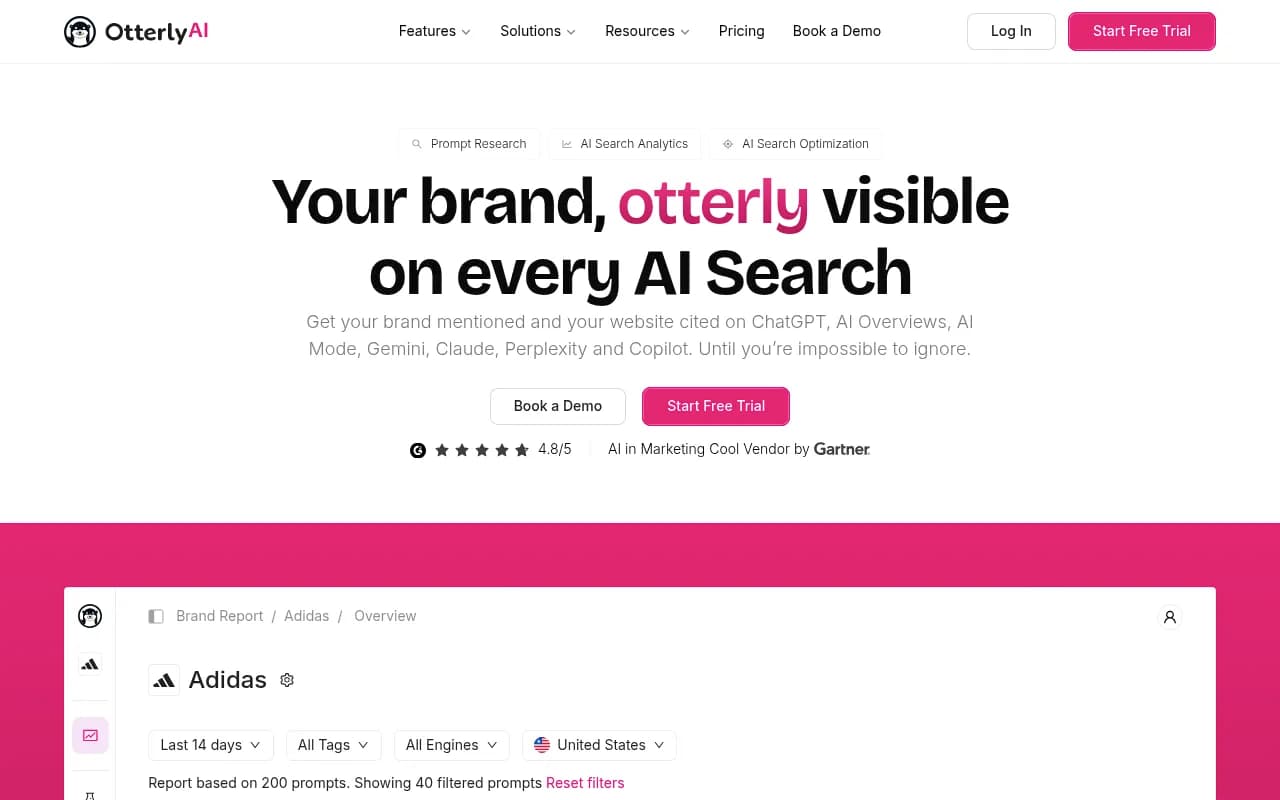

So why do people look elsewhere? In my experience it falls into a few buckets: they need more engines than their plan includes, they outgrow the prompt cap, they want crawler or traffic data, or they are tired of being handed a to-do list with nobody to do it. One third-party comparison from 3RD (itself a competitor, and it says so) puts it bluntly: switch when you need a diagnosis, a plan, drafted work, or more engines included.
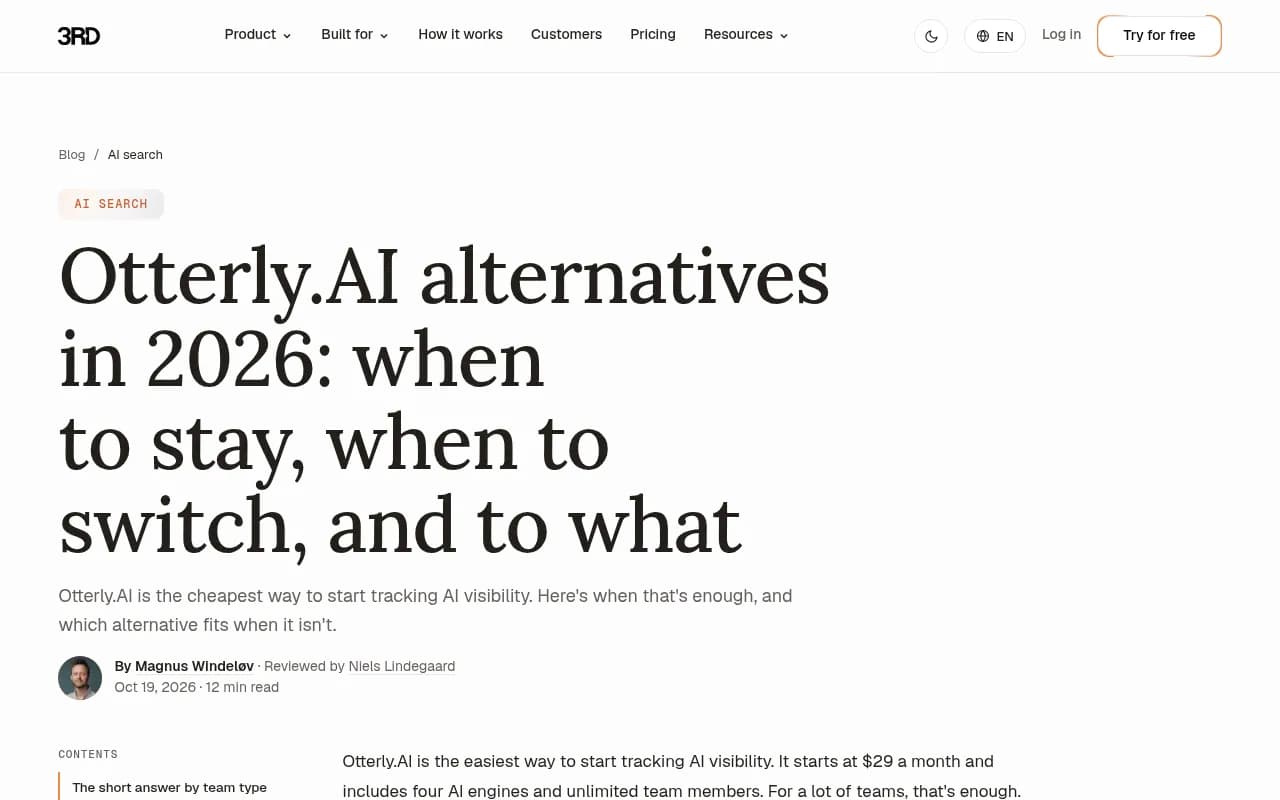
Take that source with the usual grain of salt. Every vendor comparison page, including Otterly's own alternatives hub, is written to win. That is the reason a checklist beats a vendor's feature table: you verify things yourself.
The 12-point checklist
1. Which engines are included, and which cost extra?
Otterly lists ChatGPT, Google AI Overviews, Perplexity, Copilot, AI Mode, Gemini and Claude. Its live pricing page says each plan covers "3 of 7" engines, while some third-party reviews still say four. That mismatch is a reminder: pricing pages change, and review articles go stale.
For any tool you evaluate, write down:
- The exact engines on your plan, not the ones on the marketing page
- Whether engines are tracked from the real user interface or through an API (answers and citations can differ)
- Whether Meta AI, Alexa, Grok, DeepSeek or coding agents matter to your audience
The data backs the "engine by engine" instinct. Promptwatch Data shows ChatGPT citing about 5 sources per web-search answer, while Google AI Overviews and Perplexity sit near 10, and Copilot swung from under 2 to nearly 17 within weeks. A tool that blends engines into one score hides all of that.
2. What does the real monthly bill look like?
Do the math at your target scale, not the entry tier. Otterly's Standard plan ($189) covers 160 prompts and extra credits cost $65 per 5,000. One third-party estimate puts Standard plus extra engines at roughly $416 a month. I could not verify that figure against a current engine add-on price, so treat it as a prompt to calculate your own number.
Ask each vendor:
- Is pricing per prompt, per credit or per response?
- What happens when you hit the cap mid-month?
- Do extra regions, workspaces or seats cost more?
- Is annual billing discounted? (Otterly lists 15% off.)
3. How many prompts do you actually need?
Otterly's tiers run 20, 160 and 535 prompts. Most real programs outgrow 20 within a month. Count your prompts by topic, persona and country before you shop, because the multiplier is brutal: 40 prompts across 3 countries is 120 tracked items.
Note also that Otterly's meta description still advertises 15, 100 and 400 prompts while the page body says 20, 160 and 535. Small thing. Still, verify numbers on the checkout page, not in search snippets.
4. Does it capture query fan-outs?
This is the check most people skip. When ChatGPT answers, it often runs several background searches. Promptwatch's fanout data shows averages around 2.15 fanouts per response in early December 2025, about 1.84 by early March 2026, and a short-query style dropping from about 117 characters to the low 50s by April. Those averages move, which is exactly why you want a tool that records the sub-queries instead of only your typed prompt.
Also ask whether the prompt library resembles how people really search. Long conversational prompts and short keyword-like ones behave differently.
5. How granular is citation and source tracking?
Mentions are not citations. You want to see which URL was cited, where it sat in the source list, and which competitor pages sat next to it. Check for:
- Per-prompt source breakdowns
- Citation position, not just presence
- Content type and domain type classification
- Reddit, YouTube and LinkedIn visibility, which many tools ignore
The Promptwatch citation share reports show why: product pages were 22.4% of ChatGPT citations in the week of Sep 28 to Oct 4, 2026. If your tool only counts brand mentions, you miss what content format wins.
6. Can you see AI crawler activity?
A mention problem and a crawl problem look identical in a dashboard. Otterly's plans include agent analytics events on Standard and above, so it is not absent here. Still, compare depth: are visits IP-verified, can you see errors per page, and does it connect crawls to citations?
If you are not sure whether bots can read your site at all, run the free Agentic Readiness Check before paying for anything. Promptwatch's AI crawler traffic report also shows how quickly the crawler mix changes, so a one-off robots.txt tweak is not a strategy.
7. Is AI-referred traffic measured?
Visibility without traffic is a vanity number. Ask whether the tool installs a script, a tag manager template or a plugin to attribute visits from ChatGPT, Perplexity, Gemini and Claude, and whether it can tie them to conversions. Our guide on attributing AI traffic covers the referrer problems you will hit.
8. What happens after the diagnosis?
This is where the tools split into camps.
- Trackers show the numbers and stop.
- Recommenders add a ranked to-do list.
- Executors draft or publish the fix.
Otterly sits mostly in the second group: it gives recommendations (3 a week on Lite, unlimited on Standard) and its own YouTube walkthrough notes it does not edit your website. Decide which camp you need. If your bottleneck is time and not data, a tracker with a bigger dashboard will not help.
9. How easy is it to get data out?
This was a gap in my research: I could not confirm migration or historical export options for most vendors. So ask directly:
- CSV or Excel export of prompts, responses and citations
- API and MCP access, and which plan unlocks it (Otterly: Standard and up)
- Looker Studio or Data Studio connectors
- Whether your historical data comes with you when you leave
Export your Otterly history before cancelling. You will want a baseline.
10. How often does it refresh, and how does it handle model launches?
Daily is the norm. Faster than daily matters during launches or PR spikes. Also ask what the vendor does when a model changes. Otterly says DeepSeek, Grok, Mistral, Meta and Qwen are "coming soon", so check whether the engines you care about are live today or on a roadmap.
11. Does it fit your team and security needs?
Seats, roles, SSO, audit logs and compliance. Otterly's Enterprise tier lists SSO and enterprise-grade compliance. If procurement is involved, ask for certifications in writing (ISO/IEC 27001, SOC 2) and where the data is processed.
12. Can you run a fair side-by-side test?
Don't trust a demo workspace. Several comparison pages you will read (including the 3RD one) built their screenshots from curated demos. Instead:
- Export 30 to 50 of your current prompts.
- Load the same set into the candidate tool.
- Run both for two to four weeks, in the same countries.
- Compare mention rate, citation lists and how often each tool disagrees.
- Decide on your bottleneck: price, data or time.
Disagreement between tools is normal and informative. If one tool shows you a source the other never sees, find out why.
How the main alternatives stack up
The table below is a starting point, not a verdict. I did not verify every competitor's current pricing, so confirm on each vendor's site.
| Tool | Best for | Executes content? | Crawler / traffic data | Notes |
|---|---|---|---|---|
| Otterly.AI | Cheap, simple tracking | Recommendations only | Agent analytics on Standard+ | Lite $29, Standard $189, Premium $489 |
| Promptwatch | Teams that want tracking plus the fixing | Yes, Content Agent publishes to WordPress, Webflow, Framer | IP-verified crawler logs and visitor analytics | Essential $95, Professional $245, Business $579 |
| Peec AI | Analyst-led teams wanting analytics | No | Limited | Entry around $95 per third-party sources |
| Profound | Enterprise with specialists | Recommendations | Agent analytics | Higher price points |
| Scrunch AI | Persona-based monitoring | Audits, no publishing | Varies | Verify pricing |
| Semrush AI Visibility Toolkit | SEO teams already in Semrush | Recommendations | No | Roughly $99 per month per third-party sources |
| AthenaHQ | Many engines at entry | Limited | Limited | Verify current plan |
Where each option fits
If you want to keep tracking cheaply
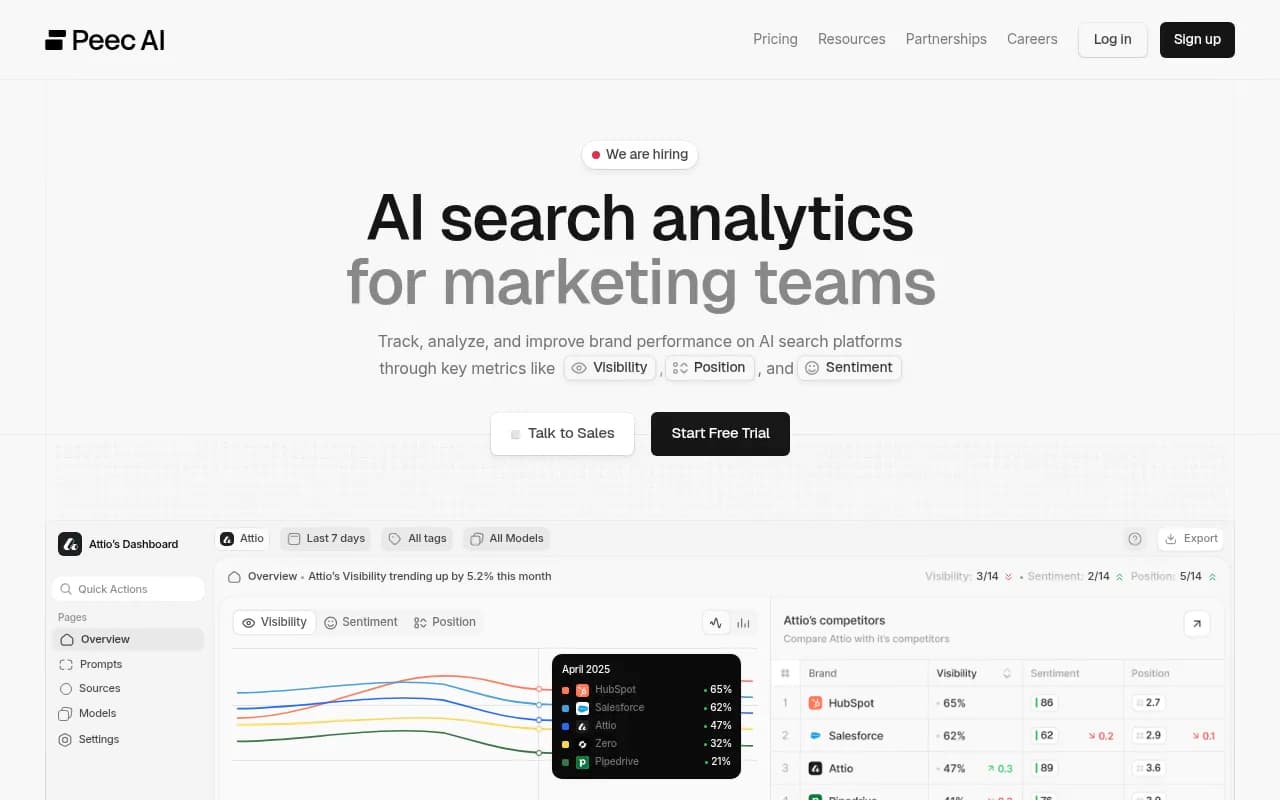
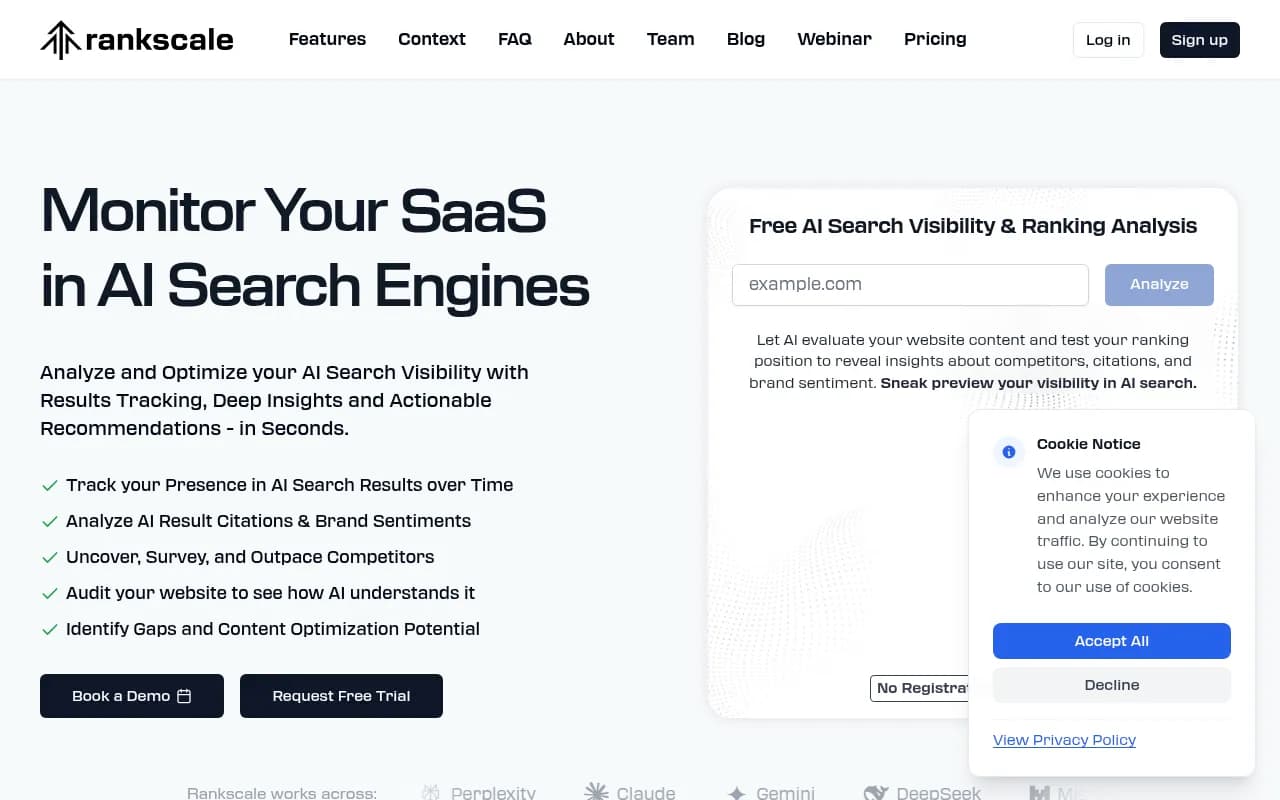
Stay on Otterly, or look at budget trackers such as Peec AI or Rankscale.
If you want tracking plus the work done
Promptwatch is the option I would put in front of teams whose bottleneck is time. It tracks the real interfaces of ChatGPT, Gemini, Perplexity, Google AI Overviews, AI Mode, Copilot and more, then goes further: content gap analysis, a Content Agent that writes and publishes, IP-verified crawler logs, and visitor analytics to check whether the page then gets crawled, cited and clicked. Most competitors stop at the dashboard. Otterly's own page claims Promptwatch caps you at 2 websites on a $249 plan, so confirm current limits on promptwatch.com/pricing and compare against your own project count. See the head-to-head at Promptwatch vs Otterly, and start with the free AI visibility report or the 7-day free trial.

The Content Agent is on Business ($579 a month), so if you only need monitoring, Essential or Professional may be enough.
If you are enterprise
Profound and Conductor target larger teams with specialists, SSO and APIs.
If you live inside an SEO suite
Semrush and Ahrefs Brand Radar put AI tracking next to keyword data. The trade-off is usually fixed prompt sets and shallower AI-specific detail.
For more options, browse the GEO software directory.
A simple decision rule
| If this is true | Do this |
|---|---|
| Under ~100 prompts, you act on the data yourself, budget is tight | Stay on Otterly.AI |
| You need more engines than your plan includes | Price Otterly with add-ons, then compare |
| You need to know why a competitor wins | Pick a tool with citation and fan-out depth |
| You lack time more than data | Pick a tool that drafts or publishes |
| You need crawler logs and traffic attribution | Pick a platform that includes both |
Final thoughts
Switching costs you history, habits and a few weeks of retraining. Make the new tool earn it. Run the 12 checks, test on your own prompts, and keep Otterly running until the numbers from the replacement make sense. If they do not beat what you have, you just saved yourself a migration.