Key takeaways
- ChatGPT started serving ads on May 27, 2026, and ads appeared in an average of 20.1% of web-search responses between May 20 and Aug 17, 2026, with a daily peak of 43.9% (Promptwatch Data).
- A working AI search ad stack has three layers: ads intelligence (who is bidding on your prompts), visibility tracking (are you cited organically), and analytics (what traffic and revenue AI sends you).
- Most ads in ChatGPT sit on organic prompts (about 73% of ad-bearing responses), not brand or competitor-comparison prompts. Monitor broad category questions, not just your brand name.
- Classic ad intelligence tools were built for Meta and Google creative. They don't see inside AI answers, so you need an AI-native tool for that layer.
- Check any tool's pricing page before buying. Plans, prompt limits and model coverage change quickly.
Why AI search advertising needs its own stack
For years, the paid search toolkit was simple. A rank tracker, an ad spy tool, an analytics suite. You could cover most of the picture with three subscriptions.
That model breaks when the answer is generated. Ads in ChatGPT don't live on a results page you can scrape the old way. They show up inside a response, next to citations, and whether one appears depends on the prompt, the day, and what OpenAI is testing. Promptwatch Data shows how unsteady this is. No ads were served until May 27, 2026, when they appeared in 1.69% of responses. There was a spike on June 25 and 26, the rate passed 30% on July 1, and since then it has mostly stayed between the low 20s and high 30s. Over the last 7 days of that report it was 32.4%, up 12.5% on the previous week.
That is not a channel you can plan from a monthly screenshot. You need continuous monitoring, and you need to join three kinds of data that used to live in separate tools.
The three layers of the stack
Layer 1: ads intelligence
This layer answers: who is paying to appear on the prompts I care about, what do they say, and where do they send people?
Two families of tools compete here, and they are not interchangeable.
- Classic ad intelligence platforms track creative, spend estimates and cross-channel campaigns on social and search. BigSpy is a typical example for ad creative research, and Similarweb covers paid traffic estimates for competitor domains.
- AI-native ad monitoring tracks sponsored placements inside AI answers. This is much newer and few tools do it.
BigSpy is useful if your competitors also run Meta or TikTok creative, and you want to see what they test.
Similarweb gives you traffic and channel mix estimates, which helps you sanity check whether a competitor's AI ad push is showing up in their numbers.
Neither of those sees a ChatGPT response. For that, Promptwatch has an Ads Radar that shows which advertisers appear on your tracked prompts, their ad copy and claims, and the landing pages they send visitors to. Promptwatch's own advice is worth repeating: the rate tells you how often an ad slot appears, while the ad details tell you who wins it.

Layer 2: visibility tracking
Paid placement is only half the story. If your brand is not cited organically in the same answer, an ad has to do all the work alone. Visibility tracking tells you whether you are mentioned, how you are positioned, and which sources the model uses.
The market here is crowded. A quick way to sort it is by what happens after the dashboard.
| Tool type | Examples | What you get | Limitation |
|---|---|---|---|
| Prompt trackers | Peec AI, Otterly.AI | Mentions and share of voice across models | Little help fixing gaps |
| Enterprise monitoring | Profound, Brandlight | Citation analytics, prompt volumes, multi-brand setups | Higher price points |
| SEO suites with AI add-ons | Semrush, Ahrefs Brand Radar | AI data next to classic SEO | Often a fixed or pre-collected prompt set |
| Optimization platforms | Promptwatch | Tracking plus content gaps, crawler logs, content generation | More to learn |
A few notes on the named tools, based on what their own product pages say (nothing here is independently tested).
Peec AI is a straightforward tracker. According to IndustryLens's October 2026 review of published product pages, its entry plan lists 50 prompts, a choice of 3 models and 1 project, with more models as add-ons. Count your buying questions before you decide that fits.

Otterly.AI is another affordable tracker, aimed at teams who mainly want visibility numbers.

Profound pitches Citation Analytics, Prompt Volumes and Agent Analytics, and has an agency mode with pitch environments.
Ahrefs Brand Radar uses custom prompts alongside an index of pre-collected responses. The question to ask in a demo is whether your niche questions are in that index or need custom tracking.
Semrush adds AI tracking to a suite you may already pay for, which is convenient if one login matters more than depth.
Brandlight leans toward multi-brand enterprises. Their own argument is that roughly 85% of the sources AI cites for category questions are third-party or social, not your own domain. That is Brandlight's analysis, so treat it as a vendor claim. But it points at a real need: your tool should show you the off-site sources too.
Layer 3: analytics and attribution
This is the layer most teams skip, and it is the one that tells you whether any of this is worth money.
Visibility is a score. Revenue is a conversion. To connect them you need to see real traffic from AI platforms landing on your site, plus which pages AI crawlers actually read.
- Google Search Console is still the baseline for what ranks in Google. It is free.
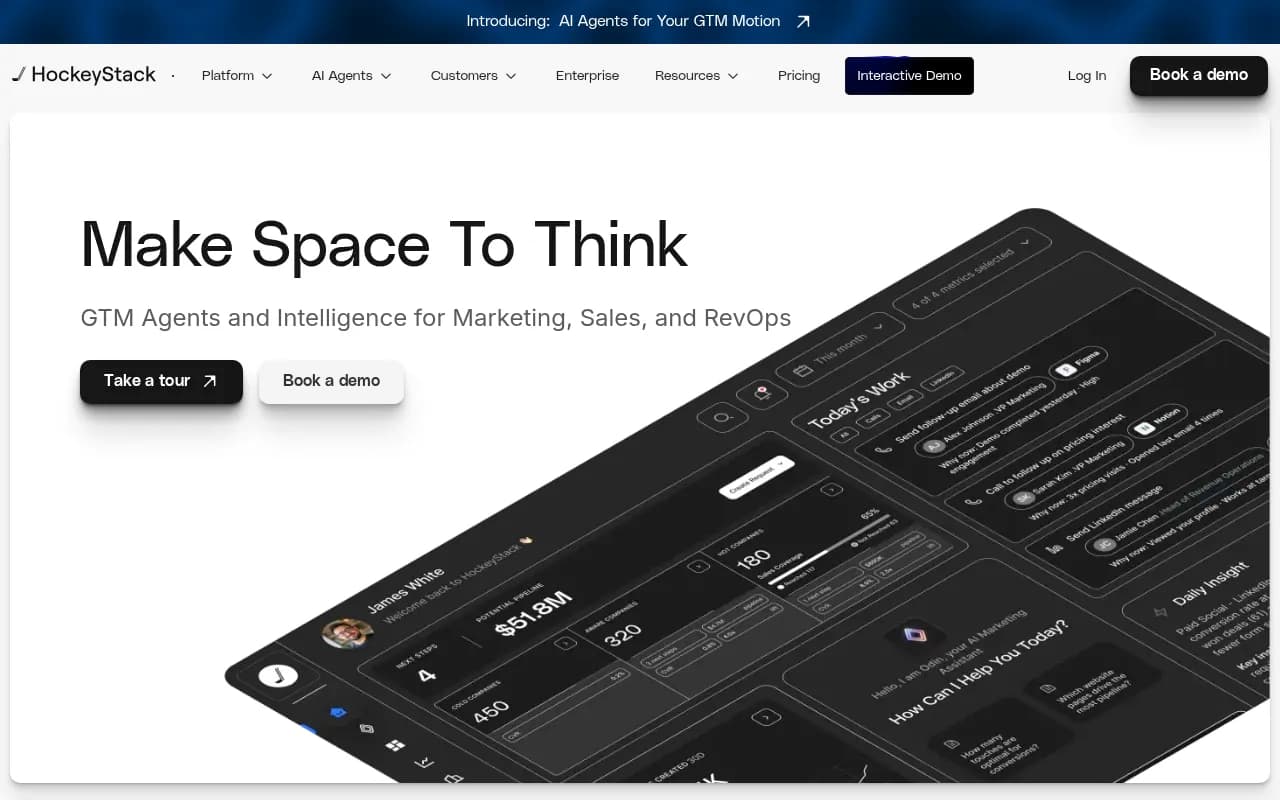
- Marketing attribution tools like HockeyStack help tie sessions to pipeline.
- AI visibility platforms with visitor analytics and crawler logs show AI traffic directly.
The useful analytics questions are specific. Which pages get crawled by AI bots but never cited? Which pages rank in Google but get ignored by ChatGPT? Which prompts send visitors who convert? Promptwatch combines IP-verified crawler logs, visitor analytics, and Search Console and Bing data per page for exactly this, and that kind of joined view is rare among pure trackers.
What the data says about where to look
Ads cluster on organic prompts
Promptwatch Data split ad-bearing ChatGPT responses by prompt type over the past 7 days: organic prompts 73.3%, brand-specific 18.0%, competitor comparison 8.6%. There is a caveat the report is honest about. The mix reflects how many prompts of each type you monitor, so adding more organic prompts raises their share even if OpenAI changed nothing. It shows where ads appeared, not how likely each prompt type is to trigger one.
The practical takeaway: don't build a prompt set that is mostly your own brand name. The money is in category questions like "best CRM for a 50-person team" where a buyer hasn't picked a vendor yet.
One run proves nothing
Ads appeared on 20.1% of searched responses on average, with a daily peak of 43.9%. A single check can land on an outlier day. Look across several days before you draw conclusions, and be wary of any tool that reports an ad rate from a one-off scan.
Also note the methodology: the count only includes responses where ChatGPT searched the web, returned at least one citation, and completed ad extraction. Your tool's numbers may differ if it measures a different denominator.
Shopping is a separate surface
If you sell products, ChatGPT shopping cards matter too. Promptwatch's shopping usage report (dated Nov 23, 2025, so partly dated) found shopping features attach to only a low single-digit percentage of web-search responses overall, concentrated on commercial and transactional prompts. The rate moves in steps, which Promptwatch reads as OpenAI actively tuning when product cards show. See the ChatGPT shopping data for details. The advice is the old Google Shopping playbook: complete Product schema, accurate prices and availability, and a clean merchant feed.
Product pages are also the most cited content type in organic ChatGPT answers, at 22.4% of citations from Sep 28 to Oct 4, 2026, per Promptwatch's content type report. So product page quality helps both paid and organic surfaces.
Comparing the stack options
| Layer | Budget option | Mid-range | Enterprise |
|---|---|---|---|
| Ads intelligence | BigSpy for creative research | Similarweb for channel estimates | Promptwatch Ads Radar (Business plan and agency plans) |
| Visibility tracking | Otterly.AI, Peec AI | Semrush or Ahrefs add-ons | Profound, Brandlight, Promptwatch |
| Analytics | Google Search Console | HockeyStack | Promptwatch visitor analytics and crawler logs |
On pricing, verify everything on the vendor's page. For Promptwatch, the published tiers at the time of writing run from a free Explore plan to Essential at $95/mo, Professional at $245/mo and Business at $579/mo, with agency plans from $199/mo. Ads Radar is included from Business and on the agency plans. Confirm current numbers at promptwatch.com/pricing.
A sensible build order
You don't need all three layers on day one. Here is the order I would go in.
- Start with analytics. Set up Search Console and make sure you can see AI referral traffic in your analytics. Without a baseline, nothing else is measurable.
- Add visibility tracking with 30 to 50 prompts that look like real buying questions, plus a handful of brand and competitor prompts. Run them across at least ChatGPT, Google AI Overviews and Perplexity.
- Layer in ads monitoring once you see sponsored placements on your prompts. If you never see ads there, you may not need a dedicated tool yet.
- Close the loop. Use citation and crawler data to decide whether to fix content, fix access, or bid.
An AI-visibility audit from bestgeosoftware.com can help you shortlist trackers, and the AI rank tracking directory covers the lighter-weight options.
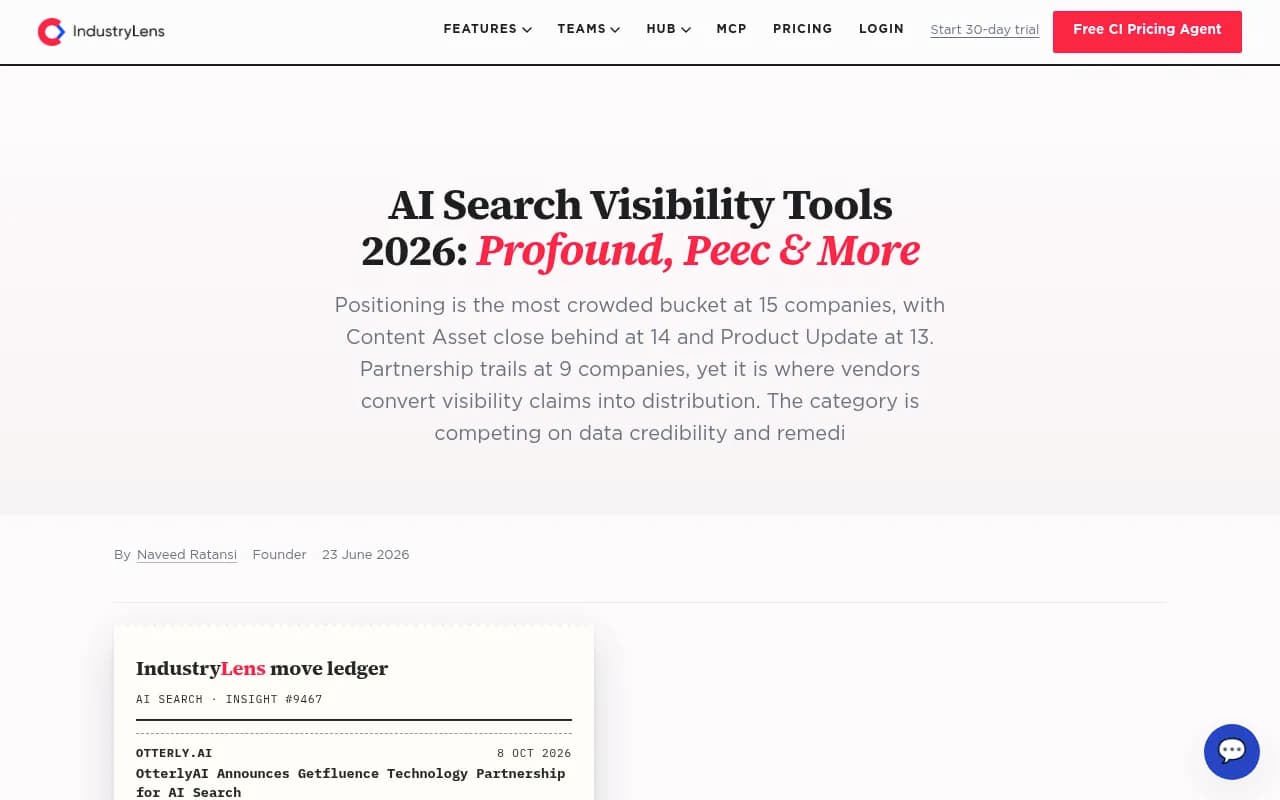
The IndustryLens table above is a good template for demos: run a real buying question, open an answer that names a competitor, and read the cited source pages behind it.
Questions to ask any vendor
- Does it monitor the real user interface of each AI platform, or only API outputs? Answers and ads can differ between them.
- Can it show ad advertisers, copy and landing pages, or only whether an ad appeared?
- How does it count responses, and does the denominator match the one in published benchmarks?
- What happens when I exceed the prompt or model allowance?
- Can it show me AI crawler activity, so I know whether the bots can read my pages at all?
- Can I export data or connect it to my reporting?
Common mistakes
- Treating a single scan as a trend. Ad rates moved from 0% to over 30% within weeks.
- Tracking only brand terms. Most ad-bearing responses are organic prompts.
- Buying visibility software and never looking at traffic. A mention that sends nobody to your site is a vanity number.
- Assuming classic ad spy tools see inside AI answers. They don't.
- Ignoring crawlers. If AI bots hit errors on your pages, no amount of bidding fixes your organic presence.
Where to go next
If you want hands-on help rather than another login, an agency that works on both SEO and AI search can set up the measurement for you. 1001 SEO Media publishes this network and runs GEO work for clients using Promptwatch.
For tool research, browse the GEO software directory or the wider catalog at surferstack.com. And for the raw numbers behind AI search behavior, the Promptwatch Data hub is free.
The short version: ads in AI answers are already a real share of responses, they move fast, and nobody can see them with a classic tool. Build analytics first, add visibility tracking, then add ads monitoring where you actually see sponsored placements.