Key takeaways
- Sprout Social edges out Hootsuite on in-platform collaboration mechanics: collision detection in the Smart Inbox, Case Management for handoffs, and internal comments on unapproved drafts are genuinely different from anything Hootsuite ships.
- Hootsuite wins on breadth: more integrations (100+ vs Sprout's smaller library), multi-tier approval chains through "Organizations," and a Content Library that cuts down repeat approval cycles.
- On G2, Sprout edges Hootsuite 4.4 vs 4.3 overall, with a clearer lead on support quality (8.7 vs 8.1) and product direction (8.9 vs 8.0).
- Pricing has shifted in 2026: Sprout now starts at $79/seat/month (Essentials) while Hootsuite starts at $99/user/month (Standard), with both scaling to $399/seat for advanced team-care features.
- The right pick depends on team size and existing stack: in-house brand teams of 4-15 people tend to prefer Sprout's reporting and inbox; agencies managing 5+ clients often lean Hootsuite for its multi-profile economics and listening depth.
Why collaboration is the real battleground in 2026
Scheduling a post is not hard. Any tool with a calendar view can do that. What separates a social media platform that a team can actually live in from one that just sits on top of a calendar is what happens before a post goes out: who drafts it, who pushes back on the copy, who approves it, and who picks up the inbox message that comes in three minutes after it's live.
Sprout Social and Hootsuite have spent years building out answers to exactly that problem, and in 2026 their approaches have diverged more than you'd expect from two tools that both started as "Twitter dashboards." I went through the actual help docs, current pricing pages, and G2 review data to see which one actually holds up for teams, not just solo marketers scheduling a week of posts on a Sunday night.
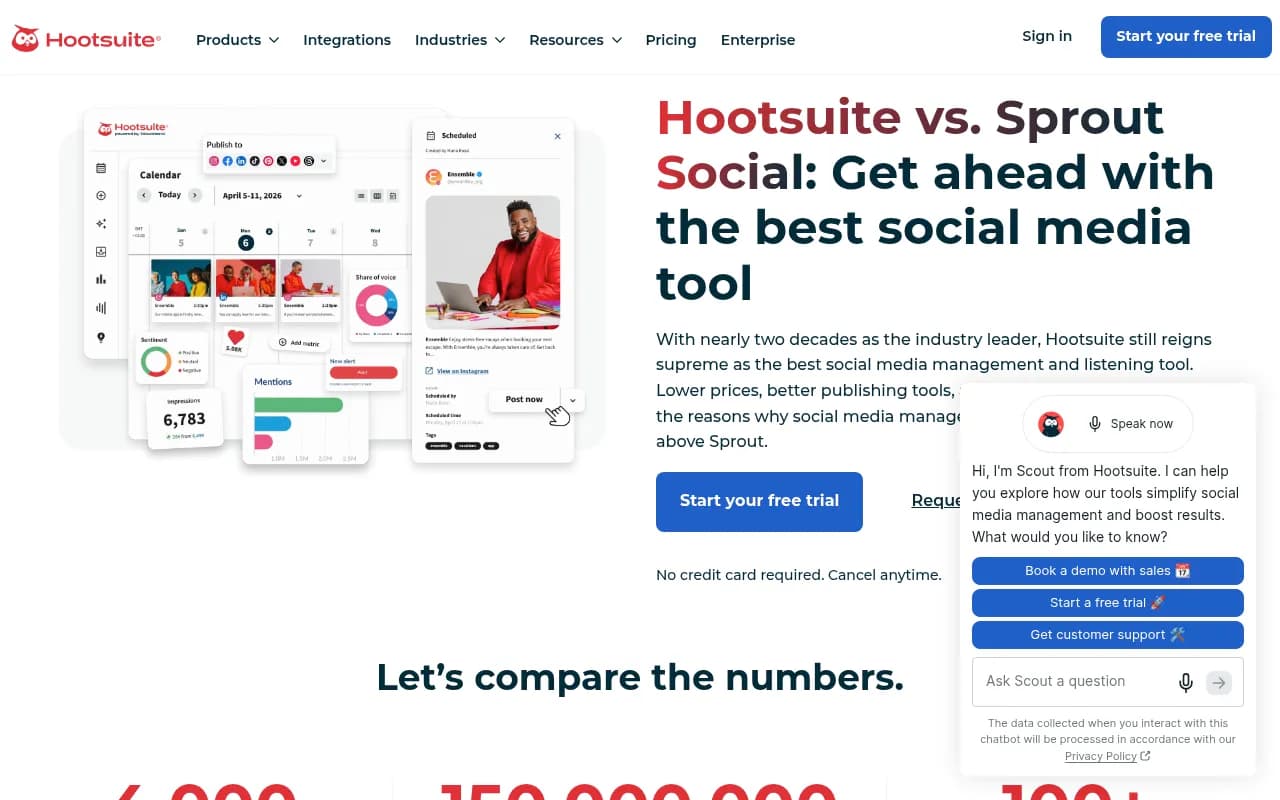
Sprout Social's collaboration model: built around the inbox
Sprout's pitch has always been that social media is really a customer service channel wearing a marketing hat, and its collaboration tools reflect that.
Collision detection
This is the feature I'd actually miss if I switched. When a teammate opens a message in the Smart Inbox, Sprout shows a real-time indicator that someone else is already viewing or replying to it. Anyone who has managed a shared inbox with more than two people knows the alternative: two people reply to the same customer complaint within a minute of each other, and now you look disorganized in public. Hootsuite doesn't have a direct equivalent.
Case management
Inbound messages can be converted into trackable "cases" with an owner, a status, and a full activity history. If a complaint needs to move from social to support to a manager for sign-off, the case travels with it instead of getting re-explained in a Slack thread. For teams that treat social as a service channel, this alone can justify the higher per-seat price.
Internal comments and draft collaboration
Team members can comment on unapproved drafts inside the same interface, using @mentions, emoji, and links, visible only internally. You create a draft, a teammate flags that a link probably won't perform well on LinkedIn, you argue about it in the comment thread, and the whole exchange lives next to the post instead of in email. It's a small thing until you're managing 40 posts a week across five brands.
Groups and permissions
Sprout organizes profiles and people into Groups, with permission tiers including Read Only, Can Reply, and an "Approve Others" modifier. Approval requirements can be set to "Any" or "All" sign-off at the Group or profile level.
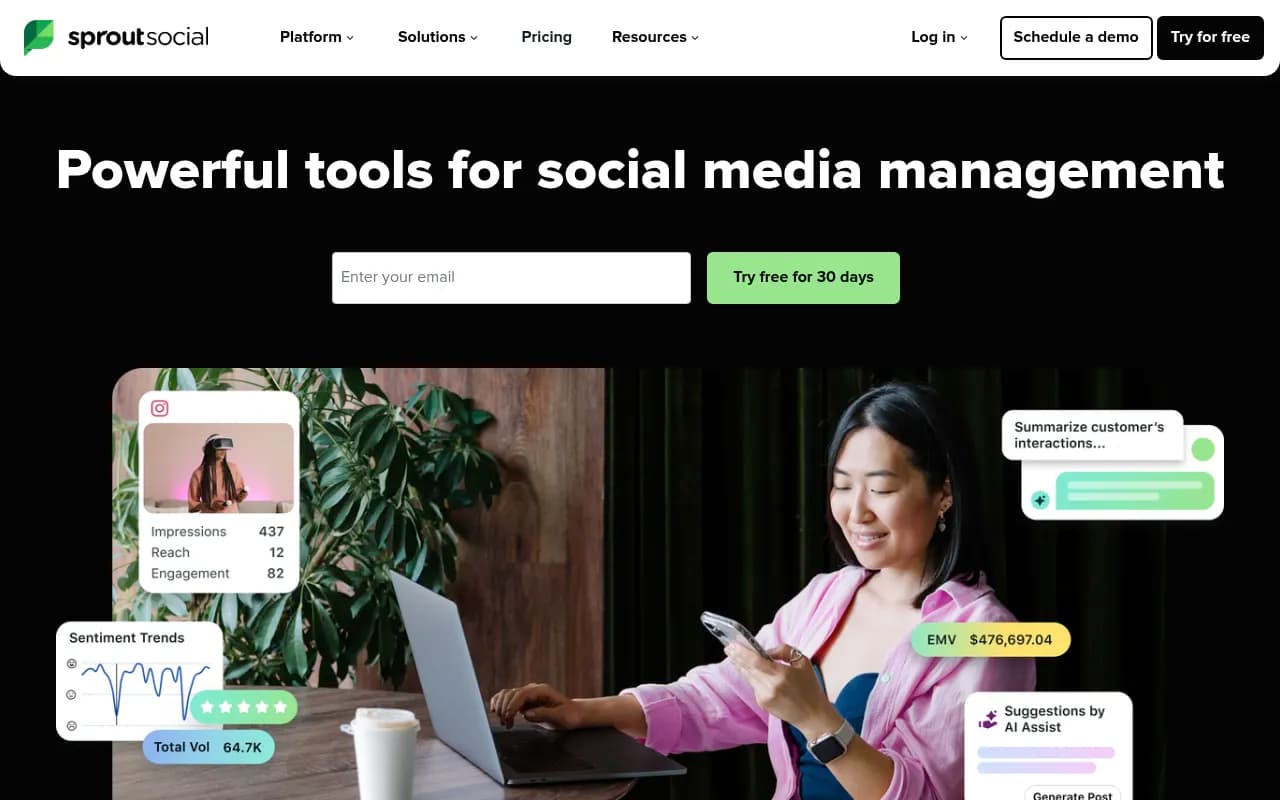
Hootsuite's collaboration model: built around scale
Hootsuite's version of collaboration leans harder into structure for large or distributed teams, especially agencies juggling multiple clients.
Organizations and approval chains
Hootsuite's "Organizations" structure lets you route messages to specific teams, for example splitting customer service from a dedicated crisis response team, with shared streams everyone can watch together. Approval workflows support up to three tiers, and if one approver is out, another assigned approver can step in without the post getting stuck. There's a known quirk worth flagging: if someone requests approval from a person already inside a custom flow, Hootsuite silently skips the duplicate review step rather than logging it, which can make the approval history look incomplete after the fact.
Content library
Approved content gets stored centrally, which shortens the review cycle the next time a similar post needs sign-off. For teams that reuse evergreen content or run recurring campaign formats, that's a real time save.
Integrations as a collaboration multiplier
Hootsuite's biggest structural advantage is the sheer number of integrations, over 100 by its own count, roughly three times Sprout's library according to Hootsuite's own comparison page. If your team already lives in Slack, Salesforce, Zendesk, or HubSpot, approvals and handoffs can often happen inside tools your team already checks daily, rather than forcing everyone into a new interface.

Side-by-side: collaboration features
| Feature | Sprout Social | Hootsuite |
|---|---|---|
| Real-time collision detection in inbox | Yes | No |
| Case management for handoffs | Yes, with owner/status/history | No direct equivalent |
| Internal comments on drafts | Yes, private team-only notes | Limited to approval notes |
| Multi-tier approval chains | Group-level, Any/All sign-off | Up to 3 tiers via Organizations |
| Content library for reuse | No dedicated equivalent | Yes |
| Integration count | Smaller library | 100+, roughly 3x Sprout's |
| Social customer service scoring (G2) | 7.8 | Not enough reviews to qualify |
| CRM/helpdesk integration for cases | Salesforce, Zendesk, HubSpot, MS Dynamics | Through broader integration library |
Pricing in 2026: what collaboration actually costs
Pricing moved on both sides this year, and it's worth comparing the tiers that actually unlock team features rather than the entry-level plans.
| Plan | Sprout Social | Hootsuite |
|---|---|---|
| Entry | Essentials, $79/seat/mo, basic workflow | Standard, $99/user/mo, one unified inbox |
| Mid | Standard, $199/seat/mo, consolidated inbox + collaboration | Professional, $199/user/mo, unlimited accounts, automated workflows |
| Advanced | Professional, $299/seat/mo, message tagging, AI Assist | Advanced, $399/user/mo, team approvals, auto-routing |
| Top | Advanced, $399/seat/mo, sentiment analysis, Message Spike Alerts | Enterprise, custom, advanced compliance |
| Enterprise | Custom, white-glove onboarding, dedicated SSO | Custom, SSO, advanced listening |
A few things stand out. Sprout's per-seat model means costs scale fast, a 10-person team on Professional runs close to $36,000 a year before add-ons. Hootsuite's Team-level pricing historically offered a flatter rate for small agency setups (3 users, 20 accounts around $249/month in prior pricing), which is part of why agencies managing several clients often find Hootsuite's math easier to defend internally, even if the per-user ceiling tops out higher at $399 for its most collaborative tier.
One more pitfall multiple reviewers flag: teams often don't think about approval workflows until they actually need them, typically a few months in, once legal or brand needs sign-off and someone has already published something they shouldn't have.
What the G2 data actually shows
Pulling from G2's category comparison as of mid-2026:
- Overall rating: Sprout 4.4/5 (6,873 reviews) vs Hootsuite 4.3/5 (7,413 reviews)
- Quality of support: Sprout 8.7 vs Hootsuite 8.1
- Product direction: Sprout 8.9 vs Hootsuite 8.0
- Ease of use: Sprout 8.8 vs Hootsuite 8.6, roughly a wash
- Social customer service: Sprout scores 7.8; Hootsuite doesn't have enough reviews to generate a score in that category at all, which tells you something about where each platform's reviewer base spends its time
It's also worth noting who's reviewing each tool. About 60% of Hootsuite's G2 reviews come from small businesses, while Sprout's reviewer base skews more mid-market and enterprise. That context matters when you read either company's "we win" marketing copy, because they're often not being judged by the same kind of team.
When to pick which
If you're a brand team of 4 to 15 people managing your own accounts and your bottleneck is internal review and customer replies, Sprout's Smart Inbox, collision detection, and case management will probably save real hours every week. The reporting polish is also noticeably better out of the box.
If you're an agency juggling five or more client accounts, or your team already runs its approvals through Slack or a CRM, Hootsuite's Organizations structure and bigger integration library tend to fit more naturally, and the per-seat economics hold up better at that scale.
Neither answer is universal. Some reviewers on Reddit's social media scheduling communities point out that both tools can feel like overkill, and overpriced, for collaboration needs that a lighter tool like Planable or Agorapulse handles for less. If your team's real pain point is specifically approvals and external client sign-off rather than inbox management, it's worth at least looking at a dedicated collaboration-first tool before committing to either Sprout or Hootsuite's full stack.

A quick note on choosing beyond the big two
If collaboration is your top priority and neither Sprout nor Hootsuite feels like a perfect fit, it's worth scanning a broader set of social tools before signing an annual contract. A directory like surferstack.com's software listings can help you compare lighter alternatives side by side, including tools built specifically around approval workflows rather than bolting them onto a scheduler after the fact.
Final verdict
For pure team collaboration mechanics, specifically the inbox-level features that prevent duplicate replies and keep internal feedback organized, Sprout Social is the stronger product in 2026. Its collision detection and case management aren't marketing fluff; they solve problems that actually happen when more than two people touch a shared inbox.
But "better collaboration features" and "better fit for your team" aren't the same question. If your organization runs on integrations with tools you already use, or you're managing several client accounts where Hootsuite's Organizations structure and flatter agency pricing matter more than inbox polish, Hootsuite remains the more practical pick. Test both on their free trials with your actual workflow, not a demo account, before you commit a year of budget to either one.