Key takeaways
- Google Search Console's generative AI reports are country-level only, with no ZIP data, no clicks and no query data. ZIP-level tracking needs a third-party prompt tracker.
- Most tools track per location or per country. Very few advertise real ZIP granularity, so verify this on the plan you plan to buy before you commit.
- Run a fixed prompt set (branded, unbranded, and ZIP-named) on a schedule. One-off manual checks go stale quickly because platforms change behavior overnight.
- Measure position inside the answer and share of voice against local competitors, not just whether you were mentioned.
- Fix the inputs AI uses: crawlable location pages, a Google Business Profile with specific service areas, and listings and reviews on third-party sites.
Why ZIP-level tracking is hard
A classic local rank tracker can drop a pin on a map and report your position. AI answers don't work that way. A response from ChatGPT or Google AI Mode is generated, not ranked, and it changes from run to run. The location behind the answer might come from the person's IP address, from a permission they granted, or from a ZIP code typed into the prompt itself.
I want to be upfront about something: the public documentation on exactly how ChatGPT infers location, and how AI Mode weighs location signals, is thin. Treat any tool that claims to perfectly simulate "a searcher standing in ZIP 78704" with some skepticism and test it yourself. What you can control is the method, and the method matters more than the tool.
The demand side is real. BrightLocal's 2026 consumer survey found that 58% of consumers have used AI to find or get a recommendation for a local business, and AI is now the fourth most common place people start a local search. Only 18% contact an AI-recommended business directly, though. 75% go to Google to verify first. So you need to look good in both places.
What you can and can't get from free sources
Start with what's free, because it sets the boundaries.
Google announced Search Console generative AI performance reports in June 2026. They show impressions for AI Overviews, AI Mode and AI features in Discover, broken down by page, country, device and date. That's useful for a sanity check on which location pages show up at all. But there are no clicks, no CTR, no query data and nothing below the country level. Supermetrics' August 2026 walkthrough of AI visibility reporting says the same thing, and it also notes Bing Webmaster Tools added an AI Performance report in public preview in February 2026, with Citation Share added later.
So for ZIP work, Search Console tells you whether a page is getting AI impressions. It can't tell you whether you win in a particular neighborhood.
Step 1: Define your ZIP codes and markets
Don't track every ZIP you can name. Pick a list you'll actually act on.
- Pull your top revenue ZIPs from your CRM or booking system. Five to fifteen is plenty to start.
- Add two or three ZIPs where you want to grow but have weak presence.
- Add a couple of ZIPs where a competitor is strong, so you have a benchmark.
- Group ZIPs into clusters (a city, a suburb ring). AI answers for adjacent ZIPs often look almost identical, and the clusters keep your prompt count manageable.
If you run a service-area business, make sure your Google Business Profile service area lists specific ZIP codes and neighborhoods you actually serve rather than a loose radius circle. That tip comes from a contractor-focused local SEO and GEO guide, and it makes sense: your profile is one of the cleanest location signals you control.
Step 2: Build a prompt set that reflects real local searches
Prompts are the unit of measurement. Write them the way a customer would type them, and keep wording stable so trends mean something.
Use three types:
- Unbranded, location-named: "best emergency plumber in 78704", "who fixes water heaters in [ZIP]", "family dentist near [neighborhood]".
- Unbranded, near-me style: "best pizza near me open now". These depend on the device's location, so they behave differently from ZIP-named prompts.
- Branded: "is [your business] good", "[your business] vs [competitor] in [city]".
A reasonable starting size is about 10 prompts per ZIP cluster. BrightLocal's tracker, for reference, suggests prompts based on your business category and lets you choose up to 20 per location. That's a sensible ceiling for a first pass.
Two things to know about how ChatGPT builds answers. Promptwatch Data's unique domains report (Sep 28 to Oct 4, 2026) found that 47.6% of ChatGPT responses with citations cite 10 or more domains, and unbranded organic prompts like "best X near me" are the most crowded, with 52.5% citing 10 or more. Brand-specific prompts are far tighter. In a crowded answer, being mentioned is easy to lose and position inside the list matters.
Second, ChatGPT's search behavior shifts without warning. Promptwatch's site: operator data shows that on August 8, 2026 site: queries jumped from about 0.4% to about 17% of fanout queries, and searches per response nearly doubled. For local businesses, that suggests ChatGPT may query your own domain directly, which makes crawlable, indexed location pages a baseline requirement. It also means a one-time audit goes stale fast.
Step 3: Run a manual baseline first
Before paying for anything, spend an hour on a baseline. Open ChatGPT and Google AI Mode in a clean browser profile, run your 10 or so prompts per cluster, and record the following in a sheet:
| Field | What to note |
|---|---|
| Prompt and ZIP | Exact wording, including the ZIP |
| Platform | ChatGPT or AI Mode |
| Mentioned? | Yes or no |
| Position | Order in the answer's list |
| Competitors named | Who showed up instead |
| Sources cited | Directories, review sites, listicles, your own pages |
Run each prompt two or three times. Local answers vary between runs, and a single sample misleads. This manual pass also tells you which sources matter in your category, which is the most valuable output.
A caveat: typing a ZIP into the prompt is not the same as being in that ZIP. If you test from your office, a "near me" prompt reflects your office. Keep ZIP-named prompts as your core, and label "near me" results separately.
Step 4: Choose a tracking tool
Manual checks don't scale past a handful of ZIPs. The important question for every tool is the same: does it track by location, by ZIP, or by country only? Here's how the options I could verify look.
| Tool | Local angle | Platforms | Notes |
|---|---|---|---|
| BrightLocal | Per-location score, local competitor detection | ChatGPT, AI Mode, AI Overviews | 14-day free trial. ZIP-level tracking not stated, verify before relying on it |
| Promptwatch | Pin monitors to exact coordinates for local answers | ChatGPT, AI Overviews, AI Mode, Gemini, Perplexity and more | Local targeting on Business and up |
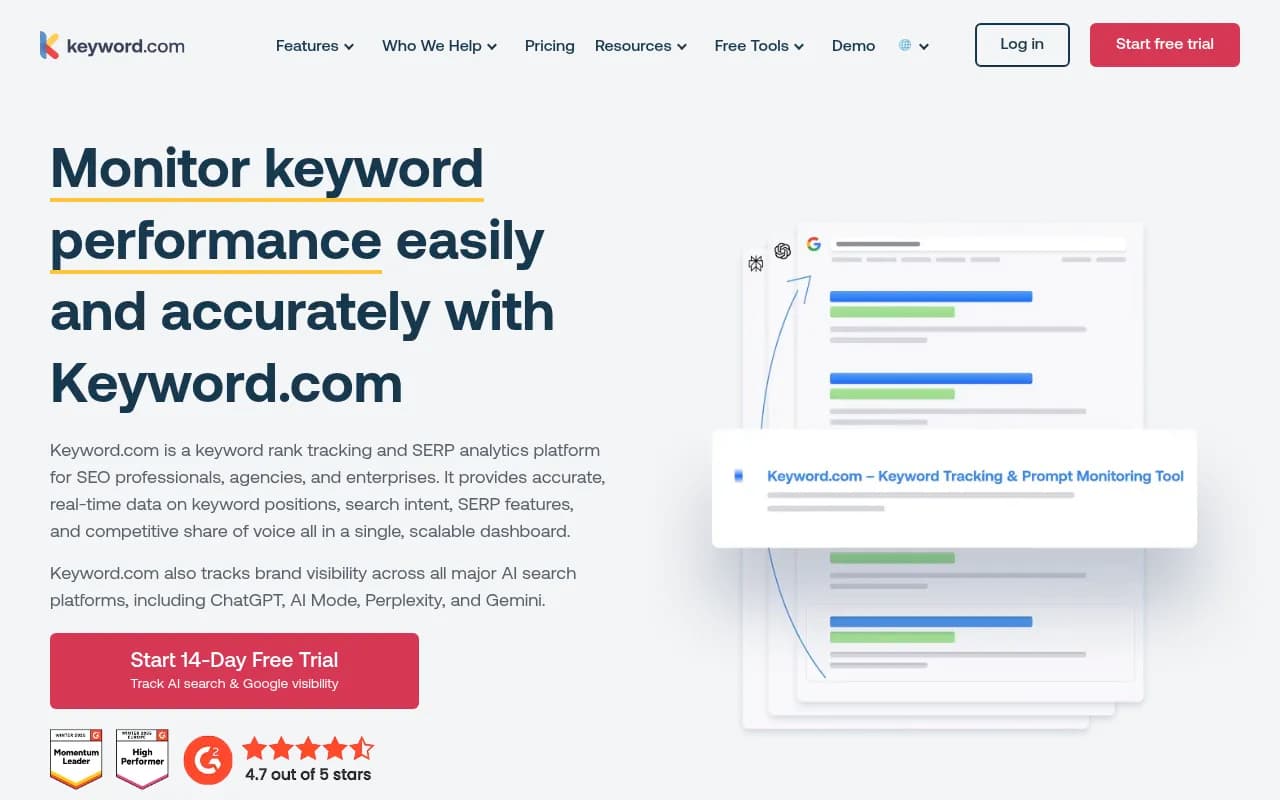
| Keyword.com | Vendor listicle claims address and ZIP-level localisation | Includes AI Mode | Unverified on the vendor's own site |
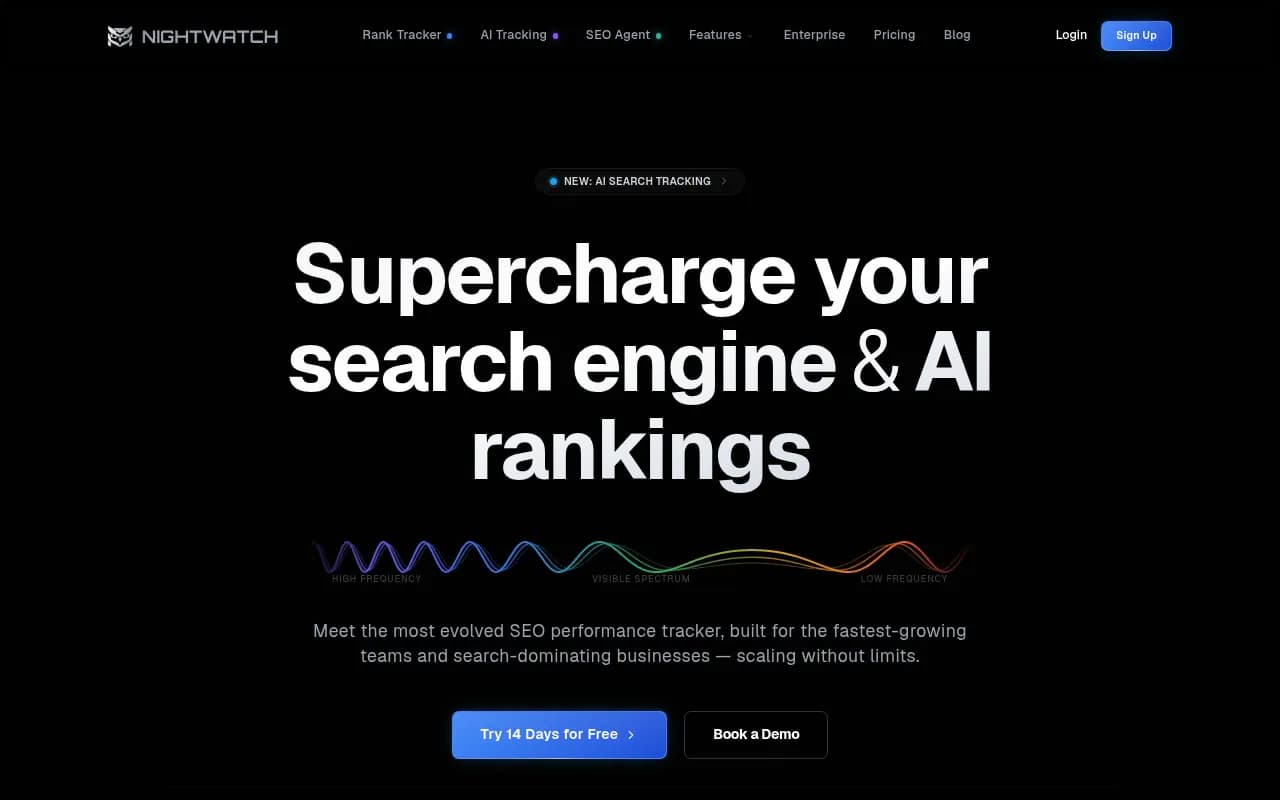
| Nightwatch | Positioned for local SEO and agencies | AI Mode as an add-on | Check plan coverage |
| Otterly.AI | General prompt tracking | AI Mode as an add-on | Not local-specific |
| Peec AI | General prompt tracking | AI Mode included | Country and language focus |
BrightLocal
BrightLocal is the most local-native option on the list. You add a location, it suggests prompts for your category, and it returns a 0 to 100 visibility score per location, split by platform and prompt. It auto-detects local competitors and reports mention rate, share of voice and average position, and an AI sources leaderboard shows which domains AI cites for your category. The page doesn't mention ZIP-level tracking or multiple ZIPs per business, so ask support before you build a ZIP plan around it.
Promptwatch
Promptwatch handles the location problem differently: you pin a monitor to exact coordinates (search a place or drop a pin, with an accuracy radius from 20 m to 5 km), and ChatGPT, Google AI Overviews and Google AI Mode answer as if asked from that spot. That is close to what you want for ZIP work, since you can drop a pin at the center of each ZIP you care about. It runs on the real user interfaces of those platforms rather than only APIs, which matters because user-facing answers can differ from API outputs. Local targeting sits on the Business plan ($579/mo) and above, so check promptwatch.com/pricing. Beyond tracking, it logs AI crawler visits so you can see whether your location pages are being read, and its content tools help close gaps once you find them.

Other trackers worth a look
If you're cost-sensitive or comparing, these are in the same space. Confirm AI Mode coverage and location handling on the exact plan you'd buy, since several tools gate AI Mode behind an add-on or enterprise tier.


For a wider list, the directory at ai-rank-tools.com covers AI rank tracking tools, and bestgeosoftware.com covers GEO software more broadly.
Step 5: Questions to ask any vendor
Before you pay, get straight answers to these:
- Is location set by typing the ZIP into the prompt, by a coordinate or proxy, or by city only?
- Can I track several ZIPs for one business, and does each count toward my prompt limit?
- Is AI Mode included on my plan, or an add-on?
- Does it query the real ChatGPT and AI Mode interfaces, or an API?
- How often do prompts run, and are results sampled more than once?
- Can I export raw responses and cited sources?
Pricing from vendor roundups, such as a KIME comparison dated April 2026, is likely stale and written by a vendor, so treat it as a rough guide only.
Step 6: Report on metrics that survive the noise
AI answers are volatile. Averages over many prompts beat any single result. I'd report these four:
- Visibility rate: share of tracked prompts where you're mentioned, by ZIP cluster.
- Position: where you appear in the answer. Third place in a list of ten is not the same as first.
- Share of voice against the two or three local competitors that keep appearing.
- Source coverage: which third-party domains get cited for your category, and whether you're present on them.
Pair that with Search Console's AI impressions for your location pages, and with your analytics for AI-referred sessions. The two together separate "AI mentioned us" from "AI sent us customers".
Step 7: Fix what the tracking shows
Tracking is only useful if it changes something. In local AI answers, the same few levers come up repeatedly.
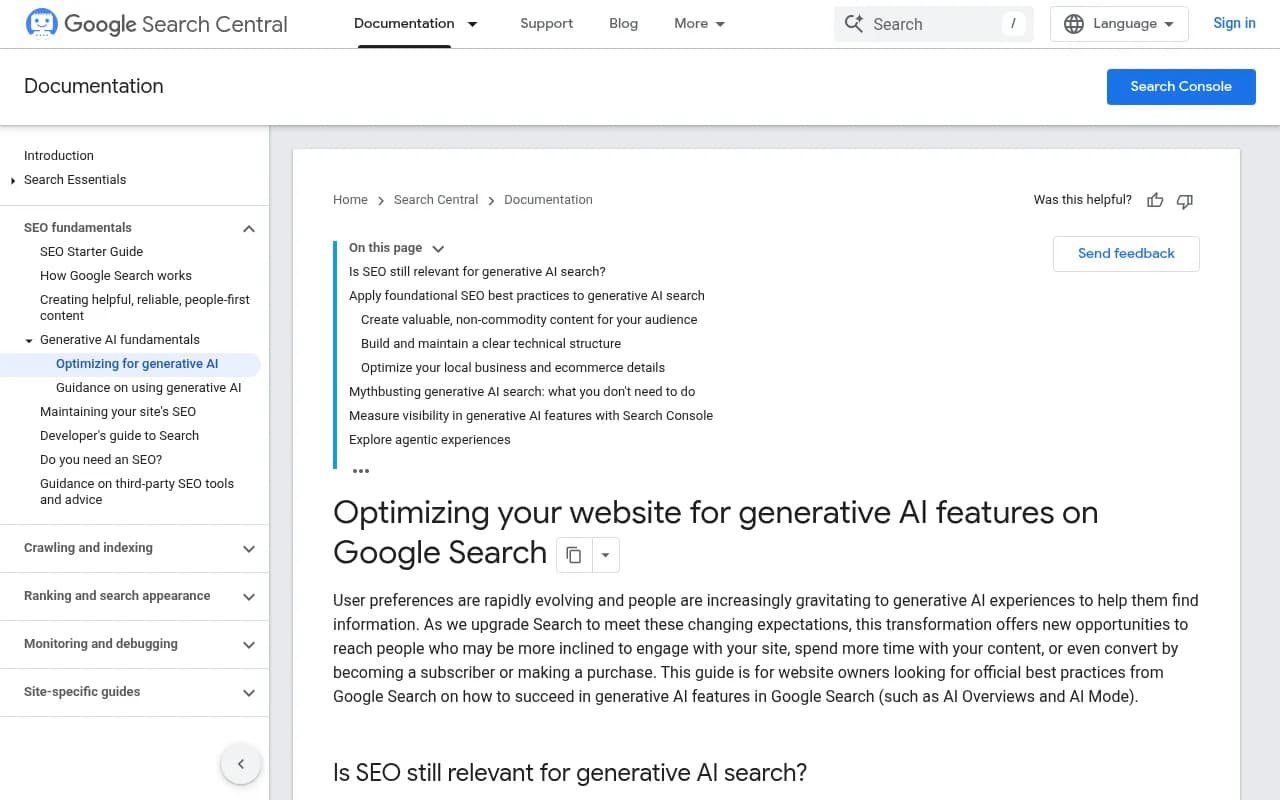
First, location pages. Give each real service area a page with specific content, not a templated city-name swap. Google's own guidance on generative AI features stresses non-commodity content and a clear technical structure, and it has a section on optimizing local business information. Headings that read like short queries, such as "emergency plumber in [city]", mirror how Promptwatch's query fanout data shows AI turns prompts into short searches.
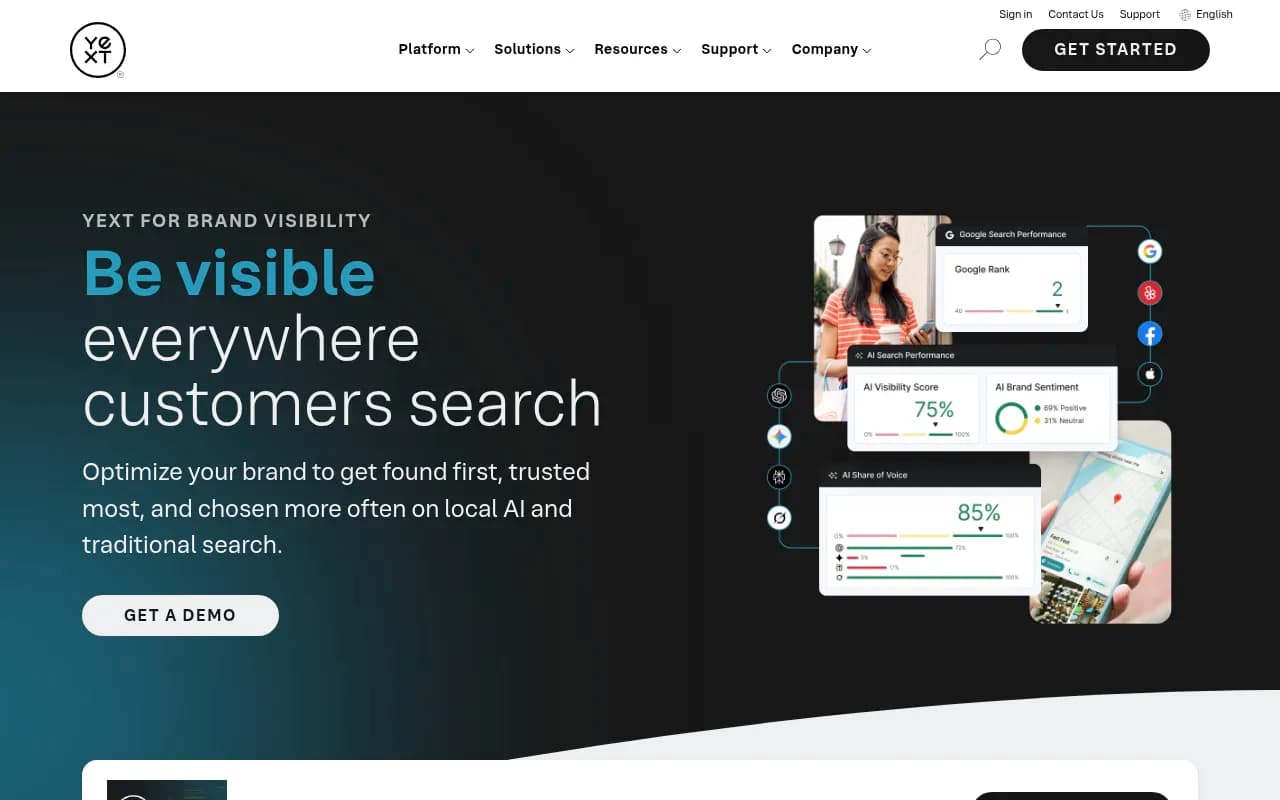
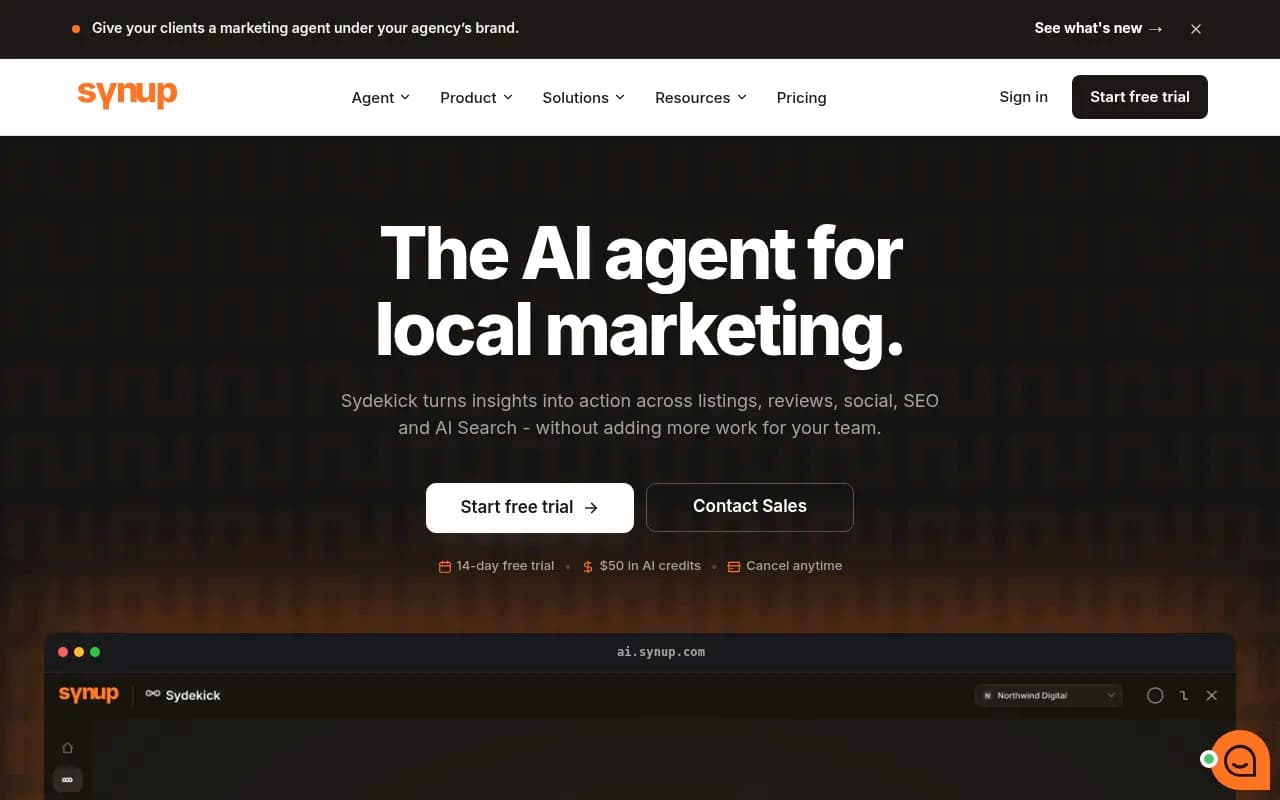
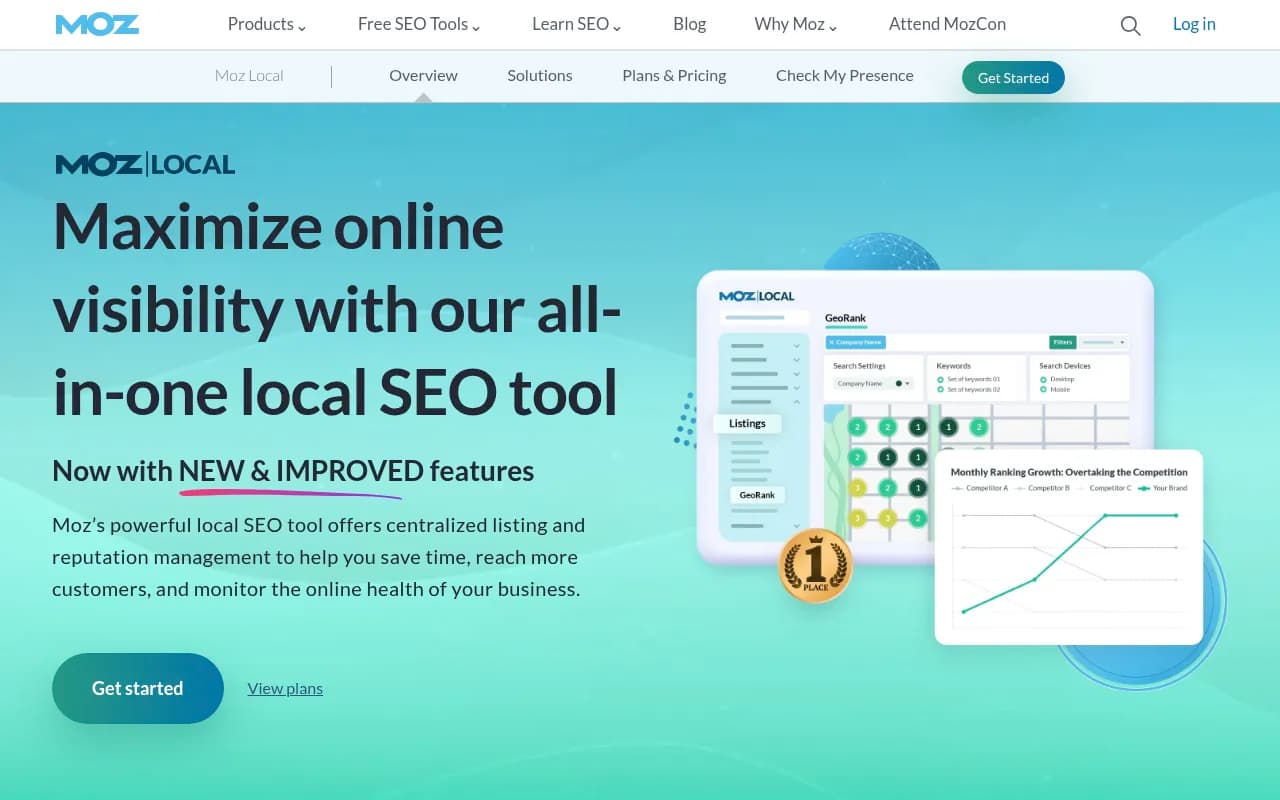
Second, third-party sources. With so many domains cited per answer, directories, listicles and review sites are a route into the answer. If your tracker's sources report shows a directory cited again and again for your category and you're absent, that's your to-do list. Local listing tools like Yext, Synup and Moz Local exist for exactly that kind of cleanup.
Third, reviews. Review volume and recency feed the sources AI draws from, and sentiment in answers tends to echo them.
Fourth, crawlability. Make sure location pages are indexed and not blocked. Promptwatch's AI crawler traffic report is a useful reference for which bots hit sites and how that changes week to week.
If you'd rather hand this to specialists, an agency like 1001 SEO Media handles local SEO and generative engine optimization together, which is a reasonable fit when you have dozens of ZIPs and no time to babysit prompts.
A sample cadence
| Frequency | Task |
|---|---|
| Daily or weekly (automated) | Prompt runs across ZIP clusters |
| Weekly | Scan for large visibility drops or new competitors |
| Monthly | Report visibility rate, position, share of voice, source coverage |
| Quarterly | Refresh the prompt set and ZIP list, re-run a manual baseline |
Keep the quarterly manual baseline even if you automate everything else. It's the cheapest way to catch a tool quietly drifting from what real users see.
Common mistakes
- Treating one run as truth. Answers vary. Sample several times.
- Mixing "near me" and ZIP-named prompts in one number.
- Tracking too many ZIPs with too few prompts each, which gives noisy data everywhere.
- Assuming Search Console will eventually fill the gap. Its AI reports are country-level, so plan for a separate tracker.
- Buying on the headline price without checking that AI Mode and location features are on that tier.
Where to start this week
Pick ten ZIPs, write ten prompts per cluster, and run the manual baseline in a spreadsheet. Then trial one local-native tool and one that supports coordinate-level targeting, and compare how closely each matches your manual results. Whichever tool agrees most with what you see by hand, and can actually give you ZIP-level coverage on your plan, is the one to keep.