Key takeaways
- Google does not give you a separate report for ads in AI Overviews. They are counted as Top Ads, and you can't target the placement directly.
- Your existing text and Shopping ads from Search, Shopping and Performance Max campaigns are the eligible inventory, so there is nothing to switch on.
- Tracking means building a measurement stack from workarounds: account-level tagging, search terms analysis, before-and-after comparisons, and revenue matched to real orders.
- Treat any number you get as an estimate. UTMs can't tell an AI Overview click from a regular Search click.
- Monitoring organic AI Overview citations is a separate job and needs its own tooling.
What you are actually tracking
Let me start with the awkward part. Ads in AI Overviews are not an ad type. They are a placement. Google's own help page says ads in AI Overviews are reported as Top Ads, and that you can't directly target them.
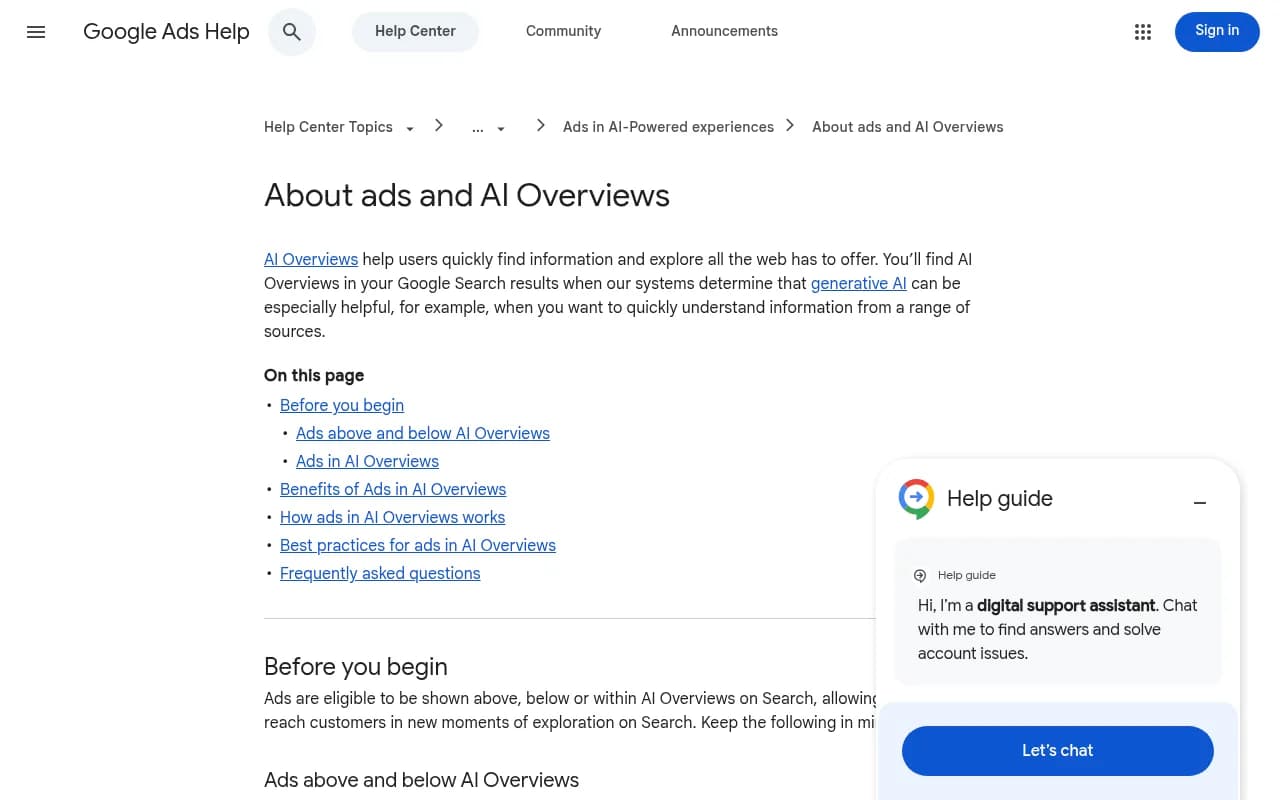
So "tracking AI Overview ads" really means answering a different question: did my existing campaigns change in ways that point to this placement? That framing saves you from hunting for a report that doesn't exist.
Google describes three positions: above the AI Overview, below it, and within it. Above and below placements are eligible in all 200+ markets where AI Overviews are available, and they follow the normal auction ranking. Ads inside AI Overviews are narrower. Per Google's help page they are currently in English, on mobile and desktop, in a limited list of countries including the US, Canada, Australia, India and Singapore. Both the query and the content of the AI Overview are considered when these ads serve.
Google told advertisers it is "still learning and actively thinking about what the future of reporting looks like for this experience", as quoted by SEO.com. Humblytics found no documentation of a separate reporting segment as of September 28, 2026, and advises planning as if you won't get one. I agree with that advice.
Step 1: Confirm you are eligible
Before building anything, check whether your campaigns can even show here.
- Text and Shopping ads from existing Search, Shopping and Performance Max campaigns are eligible, according to Google's help page.
- SEO.com (WebFX, updated September 23, 2026) also lists local and app ads and AI Max campaigns. The two sources differ slightly, so defer to Google's help page when they conflict.
- Eligibility for the inside-the-answer placement is reported to require broad match or keywordless targeting such as AI Max, Performance Max or Dynamic Search Ads.
- You can't opt out.
- Sensitive verticals like finance, healthcare, alcohol and gambling are reportedly excluded.
- The user query needs commercial intent, Google needs relevant ad inventory, and your ad needs to be relevant to the AI answer. Then you still have to win the auction on bid, Quality Score and landing page experience.
If you run only exact-match keywords in a standard Search campaign, expect little to no activity inside the AI answer itself. Above and below placements are a different story.
Step 2: Set up clean click tagging
Tagging won't isolate AI Overview clicks, but it gives you a clean baseline for everything else. Without it, any later comparison is mush.
- In Google Ads, go to Admin, then Account settings, then Tracking.
- Keep auto-tagging on so the GCLID is appended and Google Analytics imports cost and campaign data.
- Set an account-level Final URL suffix with consistent parameters:
utm_source=google&utm_medium=cpc&utm_campaign={campaignid}&utm_content={creative}
- Click your own ad (from a test device, and expect to pay for the click) and confirm the parameters survive any redirects on the landing page.
- Check that your analytics platform attributes the session to paid search, not direct.
Be clear-eyed about what this buys you. The same ad and the same tags serve across Search, AI Overviews and AI Mode, so UTMs cannot separate an AI Overview click from a regular Search click. What the tags give you is reliable campaign-level and landing-page-level data to run the proxy methods below.
Step 3: Take a baseline before you change anything
Since there is no segment, comparison is your main tool. Pull these numbers for the previous 4 to 8 weeks and store them somewhere that won't change:
- Impressions, clicks, CTR and average CPC by campaign
- Impression share and Top impression metrics
- Conversions, conversion rate and revenue per visitor
- Search terms report exports
- Landing page performance
Top impression metrics matter more than usual here, because AI Overview ads are folded into Top Ads. A rise in Top impressions with no keyword or bid changes is one of the few hints you get.
Step 4: Use proxy methods to estimate impact
Humblytics lists several proxy methods, and they are the closest thing to a recipe available.
Compare before and after campaign changes
If you move a campaign to AI Max or Performance Max, compare performance before and after. Change one thing at a time, otherwise you won't know what caused the shift. Give it enough time for learning phases to settle before drawing conclusions.
Read the search terms report for question-style queries
Watch for new landing pages receiving traffic, and for longer, conversational search terms appearing. AI answers tend to produce follow-up, question-shaped queries. A sudden growth in those, in a campaign that used to see short head terms, is a signal worth noting.
Judge campaigns on revenue per visitor
Click-through rate alone will mislead you. SEO.com cites a 6:1 return on ad spend as Google's headline figure for the platform, and the reasoning behind AI placements is higher intent. Measure revenue per visitor and match it to real payments in your store or CRM, not just platform-reported conversions.
Watch for outside-site orders
There is a real pitfall here. Native checkout on Google (the Universal Commerce Protocol) never creates a site session, so on-site analytics will understate the channel. Compare store records against on-site numbers. If orders and spend rise while sessions stay flat, that gap is the story.
Monitor overall campaign metrics for sudden shifts
SEO.com recommends watching overall campaign metrics for sudden changes, since Google doesn't isolate these ads. It also notes AI Overview reporting mirrors Search Console, which has no segmented AI Overview data either.
Step 5: Build a simple tracking dashboard
A spreadsheet or Looker Studio report is enough. The point is consistency, not sophistication.
| Metric | Where to find it | What a shift may mean |
|---|---|---|
| Top impression share | Google Ads campaign columns | More Top Ads placements, possibly above or within AI answers |
| Search terms (length, question style) | Search terms report | Queries inherited from conversational AI flows |
| New landing pages receiving clicks | Landing page report | AI Max or Performance Max matching new intent |
| CPC and conversion rate | Campaign view | Auction pressure or higher-intent traffic |
| Revenue per visitor | Analytics plus store records | True value of the channel |
| Spend vs. off-site orders | Store or checkout records | Native checkout the site never sees |
Review weekly. Annotate every campaign change, budget change and feed update so you can explain jumps later.
Step 6: Understand the AI Mode ad changes
AI Mode is a related but different surface, and it is moving fast. On May 20, 2026, Google announced two AI Mode ad formats, both labelled Sponsored: Conversational Discovery ads and Highlighted Answers. Both are described as tests, and Google recommends AI Max for Search, AI Max for Shopping and Performance Max for them.
Search Engine Watch has also reported observations, not Google announcements: on September 11, 2026 some ecommerce AI Mode answers showed entirely ad product results, and on September 23 sponsored product suggestions appeared as follow-ups. Treat those as observations that could change.
The practical consequence is the same as for AI Overviews. No dedicated segment, so rely on the proxy approach above.
Step 7: Check your ads manually
With no reporting, spot checks are underrated. Search your core commercial queries on desktop and mobile, in the countries you target, in a clean browser session. Screenshot what appears above, within and below the AI Overview. Do it on several days, not once.
The reason is variance. Promptwatch Data on ChatGPT ads, covering May 20 to August 17, 2026, found ads in an average of 20.1% of ChatGPT responses that ran a web search, with a daily peak of 43.9%. That is a different product from Google AI Overviews, but the lesson transfers: a single run can land on an outlier day. The ChatGPT ads report also recommends tracking which advertisers and landing pages win the slot on your prompts. Do the same for your Google queries, including which competitors appear next to you.
A log with date, device, query, location, ad position and competitors is plenty. Manual checks don't scale past a few dozen queries, so this is where tooling starts to matter.
Tools that help
None of these will give you a Google-native AI Overview ads segment, because the data isn't exposed. They do help with adjacent jobs: monitoring AI answers at scale, watching competitors, and joining up analytics.
Google Search Console is free and tells you about organic performance, though it doesn't separate AI Overview data from standard results.
For monitoring what AI surfaces actually say and cite for your queries, tools like Promptwatch track real AI interfaces including Google AI Overviews and AI Mode, and include an Ads Radar for sponsored placements in AI search on its Business and agency plans. I'd treat that as complementary to Google Ads reporting, not a replacement for it.

If you only want lightweight AI Overview monitoring, Otterly.AI is an affordable option.

For a broader view of competitor ad creative, BigSpy covers ad intelligence, though its strength is social and display more than AI answers.
For attribution that joins marketing touchpoints to revenue, HockeyStack is worth a look.
And if you want the full field, the directory of AI rank tracking tools at ai-rank-tools.com lists many more.
| Need | Approach | Example |
|---|---|---|
| Baseline organic performance | Free first-party data | Google Search Console |
| Which sources AI answers cite | AI visibility monitoring | Promptwatch, Otterly.AI |
| Competitor ads in AI answers | Ads monitoring in AI search | Promptwatch Ads Radar |
| Revenue attribution | Marketing attribution platform | HockeyStack |
| Ad placement proof | Manual screenshots | Your own log |
Pricing changes often and I haven't verified every tool's current plans, so confirm on each vendor's site.
Step 8: Don't forget the organic side
Ads sit next to an AI answer that cites organic sources, and that mix affects how people behave. Otterly.AI reports that when an AI Overview triggers, organic click-through rates can drop by up to 61%. If paid placements are the one thing still earning clicks on a query, that changes how you should value them.
It also matters who gets cited. Promptwatch's social citation data for September 28 to October 4, 2026 shows social platforms earn 12.2% of Google AI Overviews citations, roughly 26 times ChatGPT's 0.46% share. YouTube accounted for 4.28%, Facebook 2.38%, Reddit 2.15%, Instagram 1.61% and LinkedIn 1.55%. If those are the sources shaping the answer your ad sits beside, your video and community presence supports your paid performance, not just your organic reach.
Optimizing while you can't measure directly
SEO.com's recommendations are reasonable, and they happen to be things you'd do anyway:
- Improve Quality Score and Ad Rank, since the auction hasn't changed.
- Test Smart Bidding strategies.
- Use stronger creative and good product images.
- Keep Shopping feeds accurate and complete.
- Consider AI Max or Performance Max for broader matching, as Google recommends.
If you want a more detailed walkthrough of Google Ads setup fundamentals first, the Grow My Ads beginner tutorial covers campaign objectives, conversion goals and budgets.
Common mistakes
- Searching for an AI Overview segment in the Segments menu and concluding something is broken. It isn't there.
- Treating UTM data as proof of AI Overview traffic.
- Changing bids, creative and campaign types in the same week, then crediting the AI placement for the result.
- Trusting on-site conversions alone when native checkout skips your site.
- Relying on unverified stats. One Reddit PPC thread claims 64.6% of healthcare ads sit below AI Overviews, but I couldn't verify it, so I wouldn't plan around it.
A realistic weekly routine
- Monday: export Top impression share, search terms and landing page data.
- Tuesday: run your manual query checks and log screenshots.
- Wednesday: reconcile store orders with on-site and platform-reported conversions.
- Thursday: review new question-style search terms and add negatives where needed.
- Friday: annotate changes, update the dashboard, decide one test for next week.
That is about an hour of work, and over a couple of months it will tell you more than waiting for Google to ship a report. For a wider list of tools, the directory at surferstack.com is a decent starting point.
Bottom line
You can't track Google AI Overview ads directly in 2026, and pretending otherwise leads to bad decisions. You can build a measurement system that is honest about its limits: clean tagging, a firm baseline, proxy signals, manual checks, and revenue matched to real orders. Check Google's help page for updates every month or so, since reporting is the thing Google says it is still working out.