Key takeaways
- AgencyAnalytics supports Dutch natively. Language is set once for the account and again per client, so your team can work in English while one client reads Dutch dashboards and reports.
- Looker Studio cannot switch a report's language automatically. The workaround is to duplicate the report, translate it, and set the report locale to Dutch so dates and numbers format correctly (DD-MM-YYYY, 123.456,78).
- AgencyAnalytics wins on speed and white-labeling for many clients. Looker Studio wins on flexibility and cost if you have someone who can build and maintain it.
- Keep the report short. A handful of goal-driven KPIs with a Dutch explanation beats a 40-widget dashboard.
- Some details are unconfirmed (translation of custom text, metric names, PDF exports). Test with a pilot client before rolling out.
Why Dutch reporting is worth the effort
Dutch marketing teams read English fine. Most of them. But the person who signs off the retainer is often a director or finance lead who wants to read a report without translating it in their head, and who will forward it to colleagues who care even less about SEO jargon.
A report in Dutch, with Dutch date and number formats, signals that someone paid attention. A number like 1,234.56 instead of 1.234,56 sounds like a small thing. It is the kind of small thing that makes a Dutch reader quietly distrust the rest of the document.
There is also the plain business case. Reports that are clear and consistent build trust and retention. Reporting Ninja points to a Forbes Agency Council roundup where unclear reporting and lack of transparency show up among common client complaints about past agencies. Language is part of clarity.
Decide first: AgencyAnalytics or Looker Studio
Before you build anything, pick the tool. I have seen agencies burn a month on a custom Looker Studio build that a paid platform would have done in an afternoon. I have also seen the opposite: an agency paying per client for dashboards it never customizes.
| AgencyAnalytics | Looker Studio | |
|---|---|---|
| Dutch support | Native, set per client | Manual: duplicate report and translate, set locale |
| Language handling | Platform and client reports switch independently | One language per report copy |
| White label | Logo, colors, favicon, custom domain | Your own design, but no platform branding to swap |
| Integrations | 90+ | Free Google connectors, paid third-party connectors |
| Pricing (verify) | Around $20 per client per month on annual billing, $25 monthly | Free software, plus connector and engineering costs |
| Best for | Agencies scaling to many clients | Teams with analysts and time to build |
Two cautions on the numbers. Pricing sources conflict: Coupler.io describes a single core plan at $20 per client per month annually ($25 monthly, volume pricing from 25 clients), while one older source still lists a Freelancer plan from $79 a month, and another blog quotes about $12 per client. Check the official pricing page before quoting anything to a client. And AgencyAnalytics' own Looker Studio review, which claims reports in under 30 minutes per client, is vendor content. Take it as a claim, not a benchmark.
One independent review puts a Looker Studio build at free software, roughly $50 a month in BigQuery storage at moderate volume, plus engineering time for connectors. That last item is the real cost.
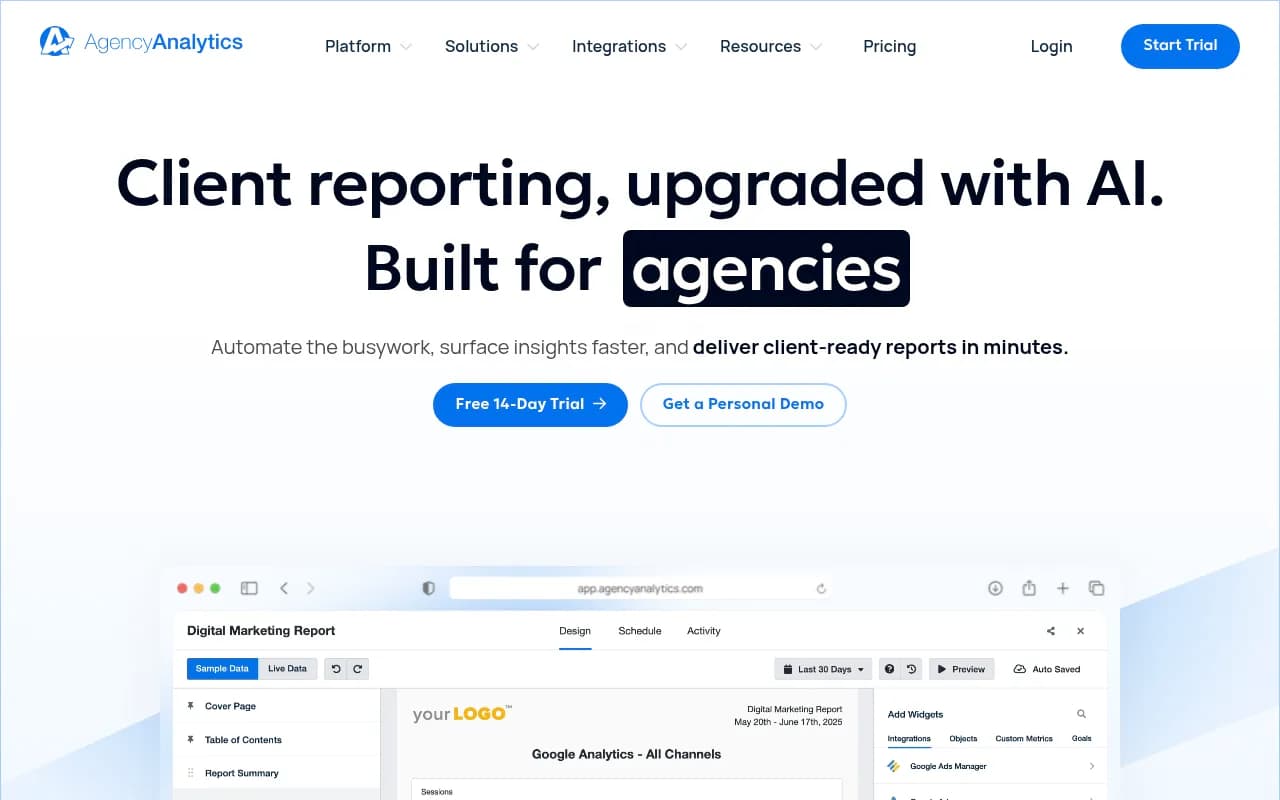
Setting up Dutch reporting in AgencyAnalytics
AgencyAnalytics is available in seven languages: English, Danish, Dutch, French, German, Spanish and Swedish. The useful part is how the setting is scoped.
Step 1: Set the account language
Leave the account-level language in English if that is what your team works in. The platform interface your staff use stays English regardless of what clients see.
Step 2: Set Dutch on the client
When you create the client campaign, set its language to Dutch. AgencyAnalytics recommends doing this at onboarding, and it is good advice: changing it later means re-checking every dashboard and scheduled report. The language setting changes the dashboards and reports the client reads.
Step 3: Get access to the client's accounts
The approach AgencyAnalytics recommends for SEO data is to ask the client to add you as a user on their own accounts with the access the platform needs, then connect under your own login. For a Dutch SEO engagement that usually means:
- Google Search Console
- Google Analytics 4
- Google Business Profile, for local clients
- A rank tracker, if you run one
Get this in writing during onboarding. Chasing access later is where Dutch projects stall, especially when the client's IT contact sits at an external supplier.
Step 4: White label it
Your logo replaces AgencyAnalytics' on the login screen and on every report cover and header. Your icon becomes the favicon, your colors apply to dashboards and widgets, and reports can be served from your own domain. It is a one-time setup. A client portal on something like rapportage.youragency.nl feels very different from a vendor subdomain.
Step 5: Build the report
A single report can combine sections from every integration connected to that client, and roll-up reports cover several clients at once, which helps if you manage a client with multiple brands or country sites.
What to check before you promise Dutch everything
The research behind this guide could not confirm a few things, so test them on a pilot client:
- Whether custom text you write (widget titles, comments, summaries) is translated. Assume it is not, and write those in Dutch yourself.
- Whether metric names are fully translated in widgets.
- Whether PDF exports carry the same Dutch labels as the live dashboard.
Send yourself a test PDF and read every page before the client sees one.
Setting up Dutch reporting in Looker Studio
Looker Studio is where the Dutch details become your problem. A Google community answer is blunt: a report cannot be switched to another language automatically. The suggested workaround is to duplicate the report and create a separate language version, then set the report locale to match.
Step 1: Build a clean English master
Build one master template with your standard SEO pages: overview, organic traffic, landing pages, queries, technical health. Name things consistently so translation is mechanical.
Step 2: Duplicate per client and language
Make a copy for each Dutch client. Do not try to maintain one report with bilingual labels. It looks messy and breaks as soon as someone edits a chart title.
Step 3: Set the report locale to Dutch
In the report settings, set the locale to the Netherlands so that dates and numbers format the Dutch way. Dutch conventions are DD-MM-YYYY dates and 123.456,78 for numbers. That convention comes from general localization documentation, not from Looker Studio's own docs, so open a table with decimals and confirm the formatting actually changed.
Step 4: Translate what you wrote
Translate these by hand, because they are text you typed and not data labels:
- Page titles and section headings
- Chart titles and scorecard labels
- Text boxes with commentary
- Filter and date-range control labels
Google's connectors return field names in English, so a column might still say Clicks or Impressions. Rename fields in the data source or in chart settings. Standard Dutch terms work: klikken, vertoningen, gemiddelde positie, organisch verkeer, zoekopdrachten.
Step 5: Connect and blend data
Search Console and GA4 are free native connectors. Anything else, such as Ahrefs exports, CRM data or BigQuery, may need paid third-party connectors. Blending Search Console with GA4 and a CRM is the strongest argument for Looker Studio: you can build a dashboard that ties organic landing pages to leads and revenue, which most plug-and-play platforms handle less flexibly.
Step 6: Share it properly
Send the client a view-only link or schedule an email delivery of the PDF. Test the PDF. Dutch labels with long compound words, and Dutch text generally, run longer than English, so scorecards and table headers that fit before may now truncate.
What belongs in a Dutch SEO report
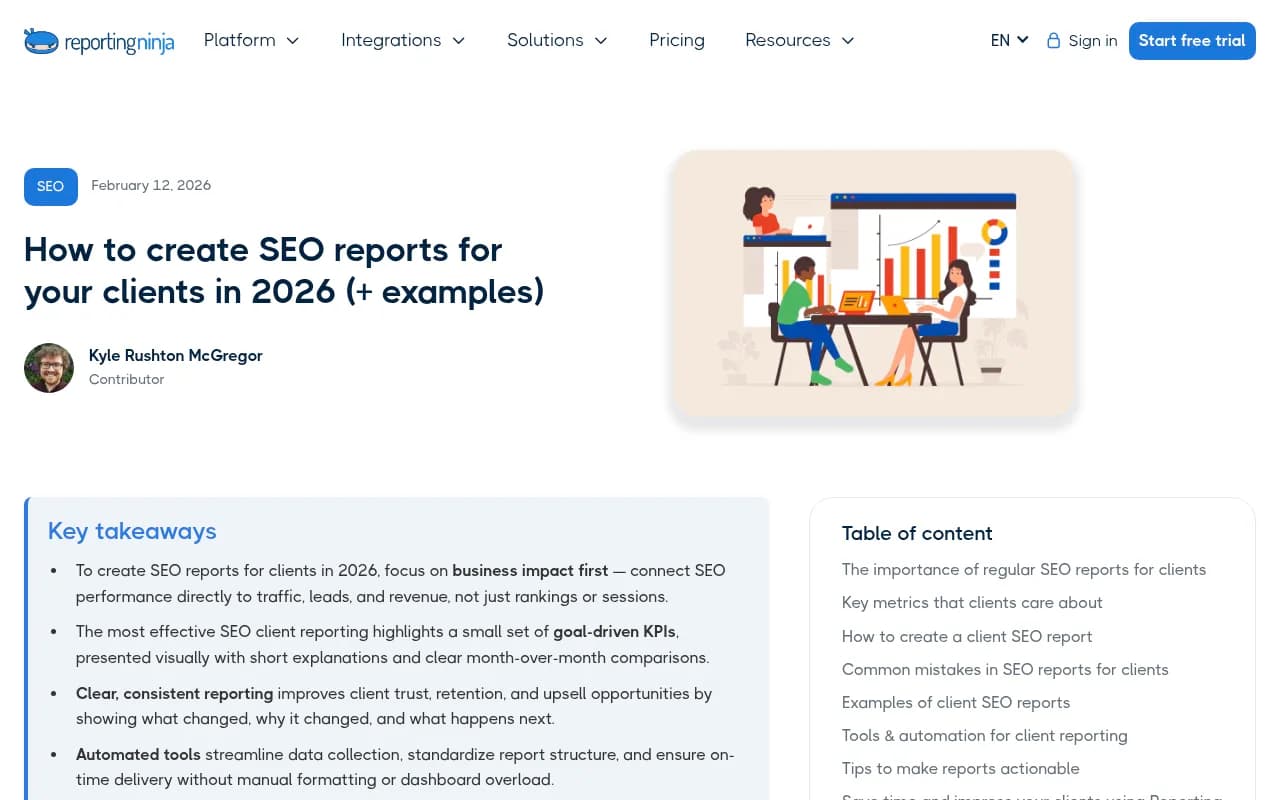
Whichever tool you use, the content matters more than the plumbing. Reporting Ninja's advice matches what I would say: lead with business impact, keep to a small set of goal-driven KPIs, show month-over-month comparisons, and explain what changed and what happens next.
A lean structure that works well in Dutch:
- Samenvatting: three or four sentences on what happened this month and why
- Organisch verkeer en conversies: sessions, leads or sales from organic, vs previous month and previous year
- Zoekzichtbaarheid: clicks, impressions, average position from Search Console, with the top gaining and losing queries
- Belangrijkste pagina's: landing pages that drive results
- Technische gezondheid: only issues that need action
- Uitgevoerd werk en volgende stappen: what you did, what comes next
Compare to the same month last year where possible. Dutch seasonality is real: summer holidays (bouwvak, zomervakantie), Black Friday and Sinterklaas all distort month-on-month numbers.
Privacy and AVG
The Netherlands treats privacy seriously, and the GDPR is called AVG there. Research for this guide did not cover connector-specific privacy details, so I will not pretend to give legal advice. Practically: make sure your client's data processing agreement covers the reporting tools you use, check where data is stored, and do not put personal data (such as CRM lead names) into dashboards that do not need it. Ask the client's privacy contact if in doubt.
Common pitfalls
- Mixing languages. A Dutch report with English chart titles looks half finished. Pick one and check every page.
- Forgetting number formats. Verify locale in Looker Studio, and check how exports render in AgencyAnalytics.
- Too many widgets. If the client cannot find the one number they care about, the report failed.
- Underestimating maintenance. One agency on Reddit described planning to move around 80 clients from AgencyAnalytics to Looker Studio for control and cost. That is a lot of duplicated reports to keep consistent. Cost savings on the invoice can reappear as hours.
- Skipping the pilot. Test on one friendly client for a month.
Which setup fits which agency
| Situation | Recommendation |
|---|---|
| 10+ Dutch clients, small team | AgencyAnalytics, language set per client |
| 2 to 5 clients, one strong analyst | Looker Studio with a duplicated template |
| Need revenue attribution with CRM data | Looker Studio plus BigQuery |
| Clients want a branded portal | AgencyAnalytics with custom domain |
| Mixed: many small clients and a few complex ones | AgencyAnalytics by default, Looker Studio for the complex ones |
Alternatives exist if neither fits. Swydo, for example, lists an Agency Pack at $69 per month on annual billing with white-label reporting and client portals, though you would need to verify its Dutch support. For more options, browse the software directory at surferstack.com.
If AI search is part of your Dutch retainer
More Dutch clients now ask whether they show up in ChatGPT and Google AI Overviews. If you want to add that to your reports, tools like Promptwatch can track brand visibility in AI answers by country and language, and its data can sit next to your Search Console numbers.

A simple rollout plan
- Pick one pilot Dutch client.
- Set Dutch on the client (AgencyAnalytics) or duplicate and set locale (Looker Studio).
- Write all commentary in Dutch yourself.
- Export a PDF and read it start to finish.
- Ask the client one question: can you find the number you care about in ten seconds?
- Fix what they tell you, then template it for the rest.
That last question is the real test. Language gets the report read. Clarity gets the retainer renewed.