Key takeaways
- Classic alert tools watch web pages. A negative answer inside ChatGPT, Perplexity, or AI Overviews never appears on an indexable URL, so you need prompt-based monitoring on top of web alerts.
- Start with 20 to 30 buyer prompts, not hundreds. Brand-plus-keyword queries like "[Brand] pricing", "[Brand] reviews" and "[Brand] alternatives" matter most.
- Alert on changes, not on every mention: a sentiment drop, a framing shift (recommended to warned-against), a wrong fact, or a competitor replacing you.
- Where a negative mention can come from differs by engine, so watch the sources each model cites, not just the answers.
- An alert is only useful with a response playbook: find the source page, fix or outrank it, then check whether the answer changed.
Why web alerts miss negative AI mentions
Google Alerts is still the default starting point for brand monitoring, and it is free. It is also blind to the thing you are worried about here. It scans web pages. When ChatGPT tells a buyer that your product is "expensive and lacks integrations," that sentence exists only in a generated answer. No URL, no alert.
The scale of the gap is hard to pin down. Second-hand figures circulate, such as ChatGPT handling over a billion queries a day and more than 40% of users seeing inaccurate AI answers, but both come relayed through vendor blogs, so treat them as directional. McKinsey reports that only 16 percent of brands systematically track their AI search performance, which tells you most teams have no alarm at all.
I'd split the problem into two layers:
- Source alerts. Tell you when a negative review, article, thread, or video is published. These are the raw material AI answers get built from.
- Answer alerts. Tell you when an AI engine actually says something negative or wrong about you.
You want both. Source alerts are early warning. Answer alerts are confirmation that the damage reached buyers.
What counts as a "negative" AI mention
Define this before you touch a tool, because otherwise you will drown in noise. In practice, negative mentions fall into five buckets:
- Factual errors. Wrong pricing, discontinued features listed as current, wrong founding details, a merger that never happened.
- Sentiment drops. The tone around your brand slips from positive to lukewarm or critical.
- Framing changes. You used to be "the leader" and are now "the budget option," or you went from recommended to "users report problems with."
- Competitor displacement. A prompt where you were named now returns only competitors.
- Safety or trust claims. Allegations of data breaches, scams, or legal trouble, true or not.
Factual errors and framing changes are the ones that cost deals quietly. One vendor case study quotes a VP of Marketing saying they had no idea ChatGPT was describing their pricing incorrectly to thousands of users. That is a vendor testimonial, so take the numbers with salt, but the failure mode is real and common.
Step 1: build your prompt set
Every prompt-based alert tool monitors a list of prompts you give it. Garbage in, garbage out. The prompts should be the questions your buyers actually ask.
Start with roughly 20 to 30 prompts across four types:
| Prompt type | Example | Why it matters |
|---|---|---|
| Branded | "Is [Brand] any good?" | Where negative framing shows up first |
| Branded + keyword | "[Brand] pricing", "[Brand] reviews", "[Brand] alternatives" | Matches how ChatGPT actually searches |
| Comparison | "[Brand] vs [Competitor]" | Where displacement happens |
| Category | "best [category] tools for [persona]" | Where you are or aren't recommended |
Why brand-plus-keyword? Promptwatch's ChatGPT query fanout data shows average query length falling from about 117 characters to about 53 between December 2025 and early March 2026. ChatGPT's own searches are short and keyword-like, so "[Brand] reviews" is closer to what it runs than a long natural-language question. Averages also moved around (from 2.15 fanouts per response down to roughly 1.84, and 1.0 when data returned in April), so don't over-index on any one figure. Just cover the obvious keyword variants.
Add personas if your tool supports them. A CFO and a junior marketer can get different answers to the same question.
Step 2: pick the engines and regions
Track the engines your buyers use. At minimum that is ChatGPT, Google AI Overviews, Perplexity, and Gemini, with Claude and Copilot added for B2B. If you sell in several countries, monitor each market separately. Answers, citations, and sources differ by country and language.
One caveat worth knowing: tools that query model APIs and tools that capture the real user interface can return different answers. What a buyer sees in the ChatGPT app is what you care about, so check which method a vendor uses.
Step 3: set the alert rules
This is where most setups fail. "Alert me on every mention" produces a daily email you stop reading by week two. Use change-based rules instead.
Rules worth setting
- Sentiment threshold. Alert when the sentiment score on a tracked prompt falls by a set amount week over week, or crosses below neutral.
- Framing change. Alert when the descriptor shifts, for example from "leading" to "budget" or from "recommended" to "warned against." One monitoring guide lists exactly this as a core alert.
- Fact mismatch. Alert when an answer states a price, feature, or policy that contradicts your canonical facts.
- Displacement. Alert when you drop out of an answer where you appeared in the previous run.
- New negative source. Alert when a newly cited page about you is critical.
Cadence
Daily runs are the sensible default. If you are in a launch, a PR incident, or a product recall, move to faster runs (some platforms offer 12, 6, or hourly) for the duration. Weekly manual spot checks are the floor, because generated answers can shift overnight.
Step 4: layer in source monitoring
An AI answer is assembled from pages. If you can catch the page, you can often fix the answer before it spreads.
Where you look depends on the engine. Promptwatch Data's November 2026 social citation report (Oct 11 to Nov 9, 2026) shows social platforms make up 13.16% of Google AI Overviews citations, 1.94% of Perplexity's, and 0.64% of ChatGPT's. Breaking that down:
| Engine | Social share of citations | Where to watch |
|---|---|---|
| Google AI Overviews | 13.16% | YouTube (6.71%), Facebook (2.34%), Reddit (2.10%) |
| Perplexity | 1.94% | Reddit (0.82%), LinkedIn (0.66%), YouTube (0.31%) |
| ChatGPT | 0.64% | Reddit (0.40%), LinkedIn (0.20%) |
So a negative YouTube video matters much more for AI Overviews than for ChatGPT. For ChatGPT, social is a small slice, and the pages it cites (listicles, guides, comparisons, your own site) matter more. Promptwatch's citation share by content type data found product pages are the most cited type at 22.4% (Sep 28 to Oct 4, 2026), followed by landing pages and listicles.
For general web and social coverage, a listening tool does the job:
If you want the free baseline, Google Alerts works, and a wrapper like Alertmouse makes it less noisy.

As for Google's reported Information Agents in AI Mode (persistent agents you can ask to alert you on a topic), that claim comes only from a vendor blog and I could not verify it. Treat it as something to test, not to rely on.
Step 5: choose a tool
The market splits into three groups: free web alerts, prompt trackers that notify you, and platforms that also help you fix things. Here is how the common options line up.
| Tool type | Examples | Sees AI answers? | Sentiment | Helps fix the problem? |
|---|---|---|---|---|
| Free web alerts | Google Alerts, Alertmouse | No | No | No |
| Social and media listening | Brand24, Meltwater | No | Yes (on web/social) | No |
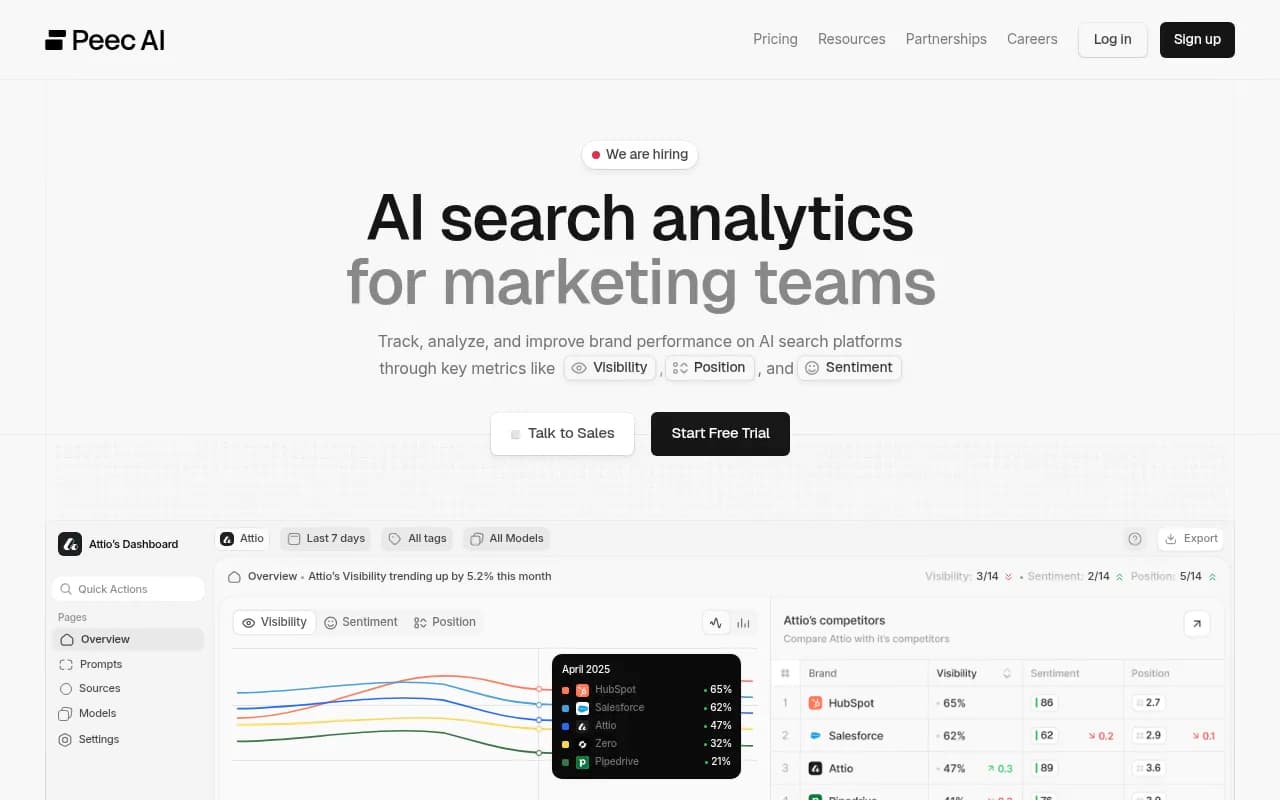
| Prompt trackers | Otterly.AI, Peec AI | Yes | Varies | Mostly no |
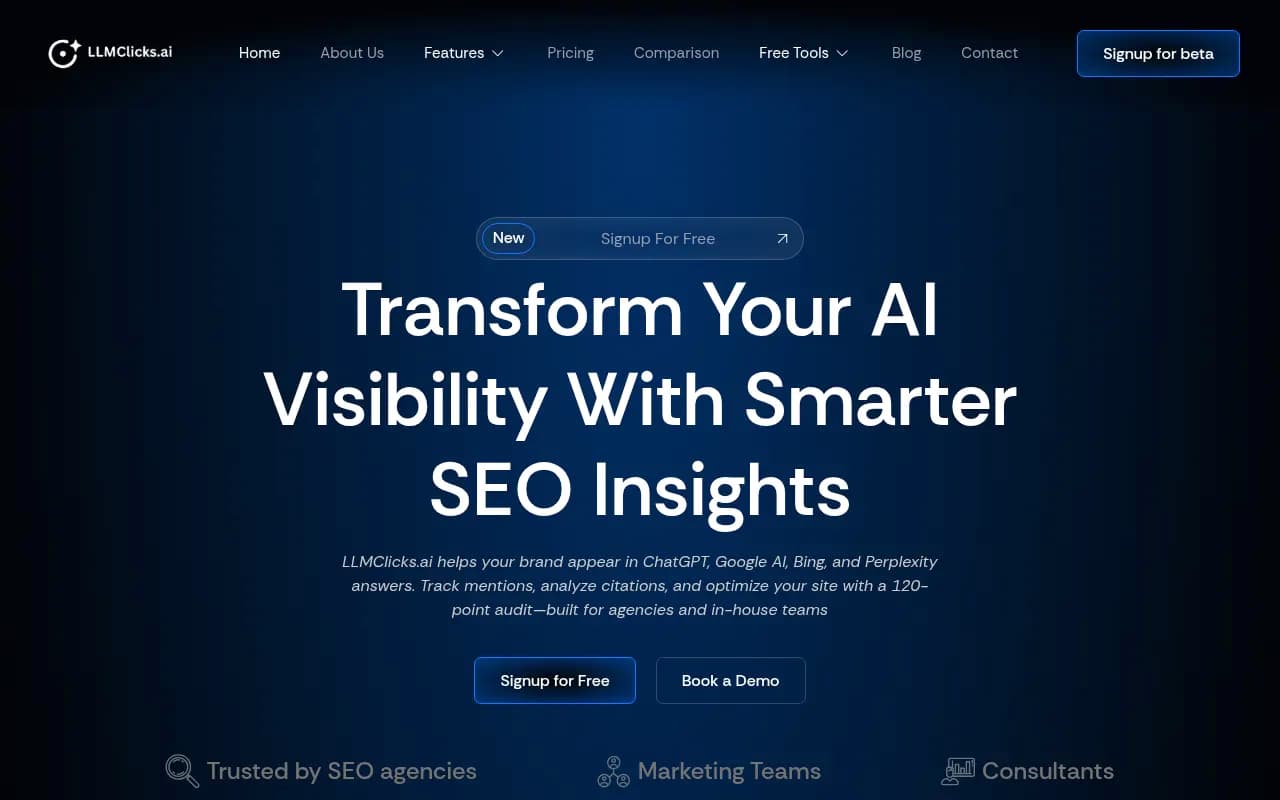
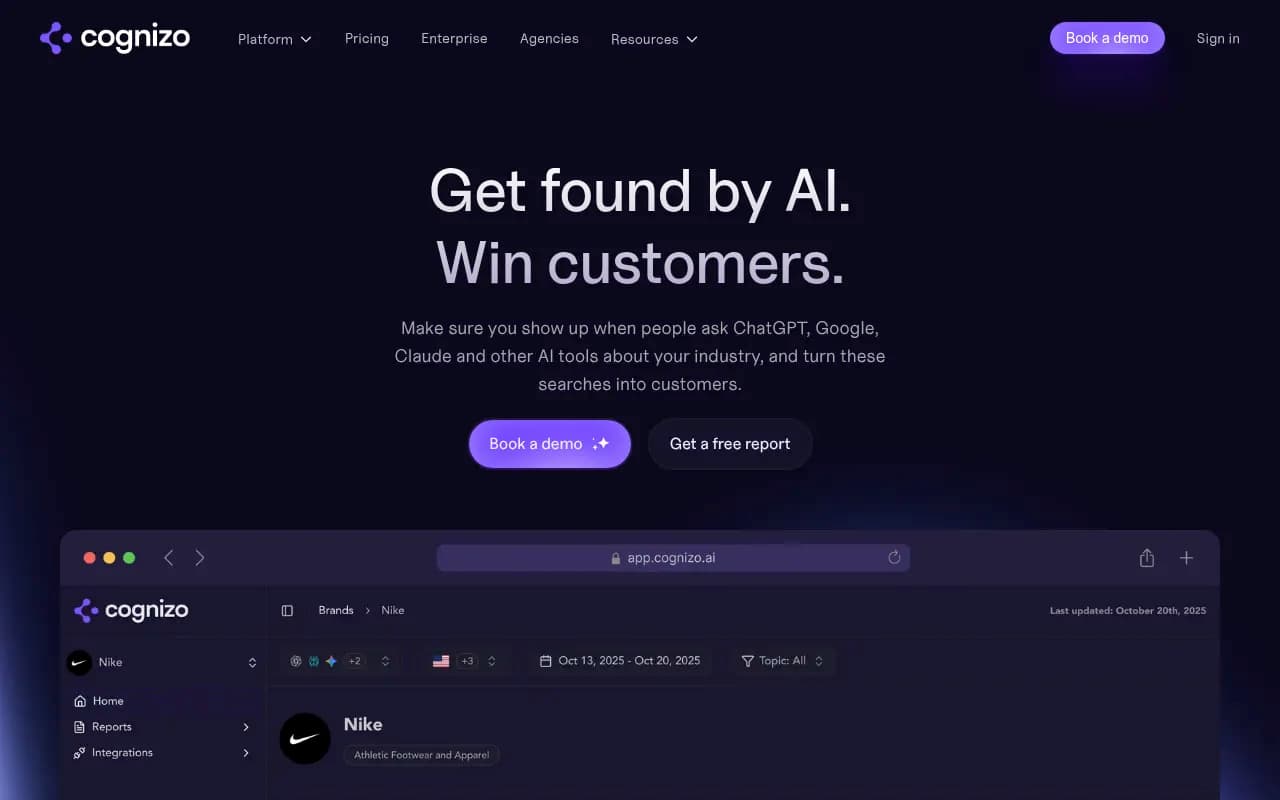
| Mention alert tools | Waikay.io, Cognizo | Yes | Yes | Some |
| End-to-end AI visibility | Promptwatch, Profound | Yes | Yes | Varies |
Other tools in the catalog worth a look for lightweight monitoring include Mentions.so, MentionFlow, and LLMClicks (which advertises hallucination detection). I haven't verified pricing for these, so check current plans before committing.


Where Promptwatch fits
If you want alerts tied to a workflow that fixes problems, Promptwatch is the option I'd shortlist. It tracks ChatGPT, Gemini, Perplexity, Claude, Google AI Overviews, AI Mode, Copilot and others through their real interfaces, scores sentiment per response, and its Brand Narrative feature extracts the individual claims AI makes about you ("expensive for small teams", "weak support") grouped by theme with a 0 to 100 score you can compare against competitors. Fact Check, on the Business plan and up, lets you mark a claim as inaccurate and then finds the pages on your site that state it, so you know where the AI is learning the wrong thing.

The Action Board turns sentiment and content problems into a prioritized to-do list, and the Content Agent can publish corrections. Monitors can run every 12, 6 or 1 hours on Business and Agency Scale plans, which is what you want mid-incident. Plans start at $95/mo (Essential) and Business is $579/mo; confirm current pricing at promptwatch.com/pricing. There is a 7-day free trial, and a free AI visibility report if you just want a baseline first.
For a wider view of the category, the GEO software directory lists many more platforms.
Step 6: route alerts where people will see them
An alert nobody reads is the same as no alert. Send them to a shared channel, and keep severity levels simple.
- Slack or Teams channel for sentiment and framing alerts, reviewed daily.
- Email or pager for safety and trust claims, which need a human fast.
- Weekly digest for displacement and trend changes.
If your tool lacks the integration you need, automation platforms bridge the gap through webhooks or scheduled exports.
Assign an owner. Usually that is whoever runs SEO or brand, with PR and the product team as escalation paths.
Step 7: write the response playbook
The alert is the start. Here is the sequence I'd run each time one fires.
- Reproduce it. Run the prompt yourself in the real app, in the right country. Note the exact wording and the sources cited.
- Find the source. Which cited page states the claim? If it is your own site (an old pricing page, a stale docs article), fix it today. If it is a third party, you need outreach or a counter-asset.
- Classify the cause. Is it an access problem (AI crawlers blocked or erroring on your pages), a content problem (nothing authoritative says the right thing), or a reputation problem (the criticism is real)? These need different fixes.
- Fix or outrank. Update the wrong page, publish a clear, citable correction or comparison, request edits on third-party pages, and respond to genuine reviews.
- Re-run and log. Check whether the answer changed. Record it so you learn how long fixes take.
How long a bad source sticks around
This shapes your urgency. Promptwatch's content half-life data tracked pages ChatGPT cited on July 6, 2026 for 90 days. After 60 days, ChatGPT still cited 69% of landing pages and 67% of docs, 63% of comparison pages, and about 55% of product pages, reviews and how-tos (half-lives of 74 to 77 days). Listicles held at 60%. News was the outlier: half of cited news pages were gone after 36 days.
So a negative review, comparison, or listicle can sit in AI answers for months. A negative news story fades in about five weeks. And the pages of yours that get cited, especially pricing and docs, have to stay accurate because they stick.
Step 8: handle the common failure cases
The AI is wrong but there is no source
Sometimes a model repeats something from training data with no live citation. You can't fix that by editing one page. Publish clear, consistent facts on your own domain (pricing, features, company details), keep them fresh, and make sure they are crawlable. Check your robots.txt and CDN rules, since a blocked crawler is among the most common reasons a brand is misrepresented or absent. Promptwatch's AI crawler logs show which AI bots actually read your pages and where they fail, and the free Agentic Readiness Check is a quick first test.
The criticism is true
Then the fix is the product or the service, plus honest public responses. Don't try to suppress it. AI engines pick up on consistent, well-sourced reputation signals, so resolved complaints and transparent responses help over time.
Different engines say different things
Expected. Each engine cites different sources, so you may have a Perplexity problem (a Reddit thread) and no ChatGPT problem. Track by engine and fix by engine.
A starter setup you can finish this week
- Day 1: Write down your canonical facts (pricing, key features, policies). List 25 prompts across the four types above.
- Day 2: Turn on Google Alerts for your brand, product names, and executive names. Add a listening tool if budget allows.
- Day 3: Connect a prompt-based tracker, load your prompts, and capture a baseline across engines and countries.
- Day 4: Set change-based alert rules and route them to a channel. Name an owner.
- Day 5: Run a test incident: pick one inaccurate answer from your baseline and walk it through the playbook.
The baseline is the part people skip, and it is the part that makes every later alert meaningful. Without it, you cannot tell whether a score dropped or was always low.
If you would rather have a team run the program, an agency that does GEO work can own the monitoring and fixes. 1001 SEO Media, which publishes this site, offers AI search and GEO services and uses Promptwatch for AI visibility tracking.
Quick checklist
- Prompt set of 20 to 30 branded, comparison, and category queries
- Engines and countries chosen to match your buyers
- Change-based alert rules for sentiment, framing, facts, displacement
- Source monitoring for reviews, forums, video, and news
- Alerts routed to a named owner and a shared channel
- Written playbook: reproduce, find source, classify, fix, re-run
- Weekly review of trends, not just incidents
Start with the baseline. Everything else you add after that has something to be measured against.