Key takeaways
- Promptwatch's Content Agent connects to Webflow through OAuth and to Framer through a project URL plus an API key, so there is no copy-paste step between writing and publishing.
- Five fields map automatically on both platforms: title, description, body, featured image, and publish date.
- Articles land in a review inbox by default. Nothing goes live without approval unless you opt into a hands-off mode.
- Check platform limits before you scale. Framer Pro caps CMS items at 2,500, and a Webflow publish can report success while the live page is unchanged.
- Write the formats a CMS collection can carry (listicles, how-tos, comparisons) and track whether each page gets crawled, cited, and clicked.
Why publishing is the bottleneck in GEO work
Most GEO programs stall in the same place. The data tells you which prompts you lose, someone writes a brief, a draft goes into a doc, and then it sits in a queue waiting for a human to paste it into the CMS, fix the headings, upload the image, and set the date. By the time the page is live, the gap you were chasing is weeks old.
Promptwatch is an end-to-end AI visibility platform, and its Content Agent is built to shorten that last stretch. It writes against your visibility gaps and pushes the result into Webflow, Framer, or WordPress. This guide covers the Webflow and Framer paths in detail: how to connect, what gets mapped, how to keep a human in the loop, and where the sharp edges are.

The Content Agent is available on the Business plan ($579/mo) and Enterprise. Professional ($245/mo) includes 5 AEO articles a month for on-demand writing, but the automated agent starts at Business. Confirm current details at promptwatch.com/pricing.
What the Content Agent actually does before it publishes
It helps to know what is being pushed into your CMS, because the quality of the publish depends on the quality of the brief.
The agent starts from content gap analysis. Each tracked prompt is split into the sub-queries of the AI model's query fan-out. It then checks your indexed site for pages that already answer those sub-queries, and turns the unanswered ones into scoped briefs. If you want a primer on how gaps are scored, the content gap guide in the Promptwatch Academy covers it.
You can also write a single article on demand about a topic, a tracked prompt, a fan-out, or a page that AI already cites. The brief pulls in your Brand Book and Knowledge Base, Google results, news, internal links, and up to five competitor URLs. Before writing, it looks for pages on your site to link to, favoring ones with many Search Console impressions and few clicks.
Pick formats a CMS collection can carry
Not every citation-winning format belongs in a blog collection. In Promptwatch's data on ChatGPT citations by content type (Sep 28 to Oct 4, 2026), product pages were the most cited type at 22.4%, landing pages followed at 16.8%, and listicles were third at 13.6%. How-tos earned 8.7% and comparisons 5.9%.
The practical read: product and landing pages are still the main citation surface, and you will probably build those by hand in the Webflow Designer or Framer canvas. The Content Agent is the right tool for the editorial formats. Listicles, how-tos, and comparisons together earned about 28% of citations in that window, and they are exactly what a blog or resources collection holds.
It also matters how long they last. Promptwatch's content half-life report tracked pages ChatGPT cited on July 6, 2026 for 90 days. Landing pages and docs stayed cited longest, while news lost half its pages within 36 days. Evergreen how-tos and comparisons are a safer bet for automated publishing than news-style posts.
Connecting Webflow
Webflow is the simpler of the two connections because it uses OAuth. There is no API key to generate, store, or rotate.
Step by step
- In Promptwatch, open the integrations area and choose Webflow. You can also start from the Webflow Marketplace listing, which lands you in the same flow.
- Authorize Promptwatch in Webflow through OAuth and pick the site you want to publish to.
- Choose the target CMS collection, usually your blog or resources collection.
- Map the fields once. The agent maps five: title, description, body content, featured image, and publish date.
- Run a test article as a draft and look at it inside Webflow before enabling anything live.
Featured images are uploaded into Webflow's own asset library rather than linked from an external host, which avoids broken images later and keeps your assets in one place. The Webflow integration page has the current details.
Draft or live
Each article can go to Webflow as a draft for review inside the Designer or Editor, or publish live. Live publishing does not trigger a full site rebuild, which matters on larger sites where a rebuild is slow. Localized collections are supported, so a monitor in one language can publish to the matching collection.
A Webflow pitfall worth knowing
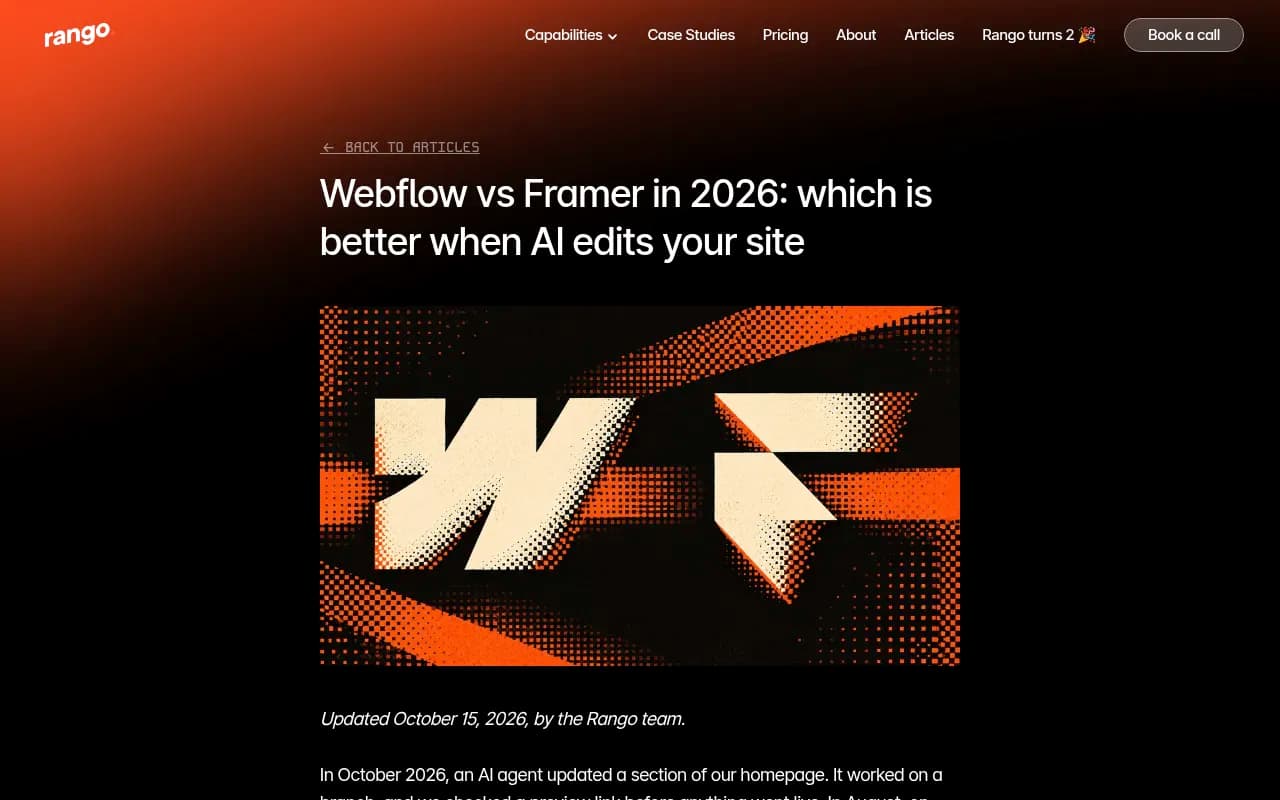
Rango.design reported that in August 2026 a Webflow publish blocked by one invalid CSS declaration still returned success from the API, and only the Designer showed the real error. I would not treat that as a reason to avoid Webflow. I would treat it as a reason to verify. After the first few automated publishes, open the live URL and confirm the page changed. Promptwatch tracks each document's draft, staged, published, and live URL, so a mismatch is easier to spot than it would be with a script you wrote yourself.
Connecting Framer
Framer has no OAuth path here. You paste a project URL and an API key. It is a one-time step and takes a few minutes.
Step by step
- In Framer, find your project URL and generate an API key for the project.
- In Promptwatch, choose Framer in the integrations area and paste both values.
- Pick the CMS collection that should receive articles.
- Confirm the five-field mapping: title, description, body, featured image, and publish date.
- Send a test article as a draft, then check it in the Framer editor.
Content is delivered as markdown, which Framer renders natively. That means no HTML cleanup pass after the article lands. Live publishing triggers a Framer site publish, which is the same action as clicking Publish in the editor. The Framer integration page lists the current setup notes.
Mind the CMS item cap
This is the one that catches teams who scale. According to FocusReactive's October 2026 comparison, Framer Pro at $30/month allows 2,500 CMS items, while Webflow's $25/month plan allows 20,000. Rango's side-by-side lists Framer Pro at 10 collections and 2,500 items against 40 collections and 20,000 items on Webflow. I did not verify these against the vendors' own pricing pages, so check them before committing.
Here is why it matters. A team publishing a few posts a week will never touch 2,500 items. A team running the Content Agent at volume might. Crisp, for example, scaled to 5 to 10 articles per day with Promptwatch, and at that pace a 2,500-item cap is a real planning number rather than a footnote. If you expect that kind of cadence, count your existing items and do the arithmetic first.
Webflow vs Framer for automated GEO publishing
| Webflow | Framer | |
|---|---|---|
| Connection to Promptwatch | OAuth, from the app or Webflow Marketplace | Project URL and API key |
| Fields mapped | Title, description, body, featured image, publish date | Same five fields |
| Body format | Mapped into the collection | Markdown, rendered natively |
| Images | Uploaded to Webflow's asset library | Mapped as the featured image field |
| Draft option | Yes | Yes |
| Live publish | No full-site rebuild | Triggers a Framer site publish |
| CMS capacity (per FocusReactive, Oct 2026) | 20,000 items on the $25/month plan | 2,500 items on Pro at $30/month |
| Watch out for | Publish can return success while the page is unchanged | Item cap at high volume |
Both teams are decent homes for AI-assisted content. Rango's view is that Framer suits design-led sites that are mostly marketing pages and a blog, while Webflow suits large or structured content. Rango also notes that Webflow supports schema as a native field on CMS templates and sitemap last-modified dates, while Framer needs custom code in the page head for schema. That is worth weighing if structured data is part of your GEO plan, since Framer generates a sitemap at /sitemap.xml but you should still open it and confirm the pages you want found are listed.
Webflow vs Framer pricing and plan comparison from FocusReactive
WordPress is the third supported path, through the official plugin with a site URL and sync token. It was expanded to every organization on August 31, 2026, and the same plugin captures AI crawler logs. If you run WordPress alongside either of the others, the WordPress AI content page covers it.
Set up the review model before you turn anything on
By default, every article lands in a review inbox and nothing publishes without approval. You can approve, edit, or decline each one. There is also an optional hands-off mode, bounded by a schedule you control, for teams that trust their Brand Book enough to let the agent run.
My advice is to start in review mode and stay there for the first two or three weeks. Fill in the Brand Book (facts, positioning, tone of voice) and the Knowledge Base before the first batch, because those are what keep the agent from writing generic copy. Then look at what you are editing. If you keep fixing the same thing, change the Brand Book rather than the article. Once edits become rare, move to a scheduled hands-off window for lower-risk topics and keep review on for anything that touches pricing, claims, or regulated language.
The agent also respects a publishing calendar, monthly budget, and publish windows. Use those. A burst of 30 articles on a Monday is harder to review and looks odd on a site that normally posts twice a week.
Closing the loop after the page goes live
Publishing is the middle of the job. Promptwatch follows the live page through the rest of the loop:
- Crawler logs (Agent Analytics) show whether AI bots such as GPTBot, ClaudeBot, and PerplexityBot actually read the page, and where they hit errors.
- Page Tracker shows whether AI cites the URL, and in which prompts.
- Visitor analytics show whether the page sends traffic and conversions.
- Search Insights overlays Google Search Console and Bing data on the same page.
This is how you tell an access problem from a content problem. A page that is never crawled needs a robots or CDN fix. A page that is crawled but never cited needs better content. The Agentic Readiness Check is a free way to test crawler access before you publish at volume.
Promptwatch's own finding across tracked projects is that content typically needs a refresh every 8 to 14 weeks to stay cited. Content Refresh gives git-diff-style updates for existing pages, and underperformers come back on the Action Board as tasks. Plan the refresh into your calendar from the start rather than treating it as cleanup.
TreeHouse, the company behind Pararius, grew AI search to around 25% of organic conversions by fixing crawler access, publishing proprietary data, and automating weekly reporting. The full case study is worth reading for the crawler-access part alone.
A practical checklist
- Confirm your CMS plan limits (items and collections) against how many articles you expect per month.
- Connect Webflow through OAuth or Framer through project URL and API key.
- Map the five fields and publish one test article as a draft.
- Fill in the Brand Book and Knowledge Base.
- Run in review mode for two to three weeks.
- Open the live URL after every early publish. Do not trust the success message alone.
- Watch crawler logs and Page Tracker for the first batch, then adjust.
- Schedule refreshes for 8 to 14 weeks out.
Other tools worth knowing
Several tools in this space also push content to a CMS, though most do not tie publishing back to crawler logs and citation tracking. Gushwork, AirOps, and Jasper generate content, but they are not grounded in your AI visibility data the way a gap-driven workflow is. For a wider look at the category, the GEO software directory at bestgeosoftware.com lists the options.
Gushwork
Getting started
If you want to see where your gaps are before connecting a CMS, run the free AI visibility report. When you are ready to connect Webflow or Framer, the 7-day free trial on monthly billing is available at Promptwatch's signup page, and you can book a demo if you want the Content Agent walked through on your own site. Confirm plan details at promptwatch.com/pricing.