Key takeaways
- Google Ads has no separate segment for ads shown inside AI Overviews. They are reported as Top Ads, and in GA4 the clicks arrive as google / cpc. You cannot isolate them directly, so ROI has to be estimated.
- Search Console's Generative AI performance reports (announced June 3, 2026) are organic only. They show impressions by page, country, device and date, with no clicks, CTR or query data, and they are rolling out to a subset of sites.
- The workable method is a controlled comparison: eligible campaigns versus a holdout, in eligible markets, with GA4 conversions and revenue as the outcome.
- A visibility tracker tells you what the AI Overview actually says and who is cited next to your ad, which explains why a test won or lost.
- Report ROI as a range with stated assumptions. Anyone who gives you a single clean AI Overview ad ROI number in 2026 is hiding the guesswork.
The measurement problem, stated plainly
I will be blunt: you cannot pull a report that says "AI Overview ads returned 340% ROAS." Google's own help page says ads can show above, below, or within AI Overviews, but the only reporting advice it gives is to check your performance metrics regularly. Within the Google Ads interface, these impressions land in the Top Ads bucket, mixed with every other top-of-page placement.
The other tools do not rescue you either. GA4 sees a paid click as google / cpc, the same as any other Search ad. Its AI Assistant channel (medium "ai-assistant") is for referrals from assistants like ChatGPT and Perplexity, not for Google ads. And Search Console covers organic only. The June 2026 Generative AI reports say nothing about paid impressions or clicks.
So the question changes from "what did AI Overview ads return?" to "what is the incremental return from running campaigns that are eligible to appear there?" That is answerable, with some discipline.
What is actually eligible to show in AI Overviews
Before measuring anything, confirm your campaigns can even appear. From Google's help documentation:
- Above and below AI Overview placements are eligible in all 200+ markets where AI Overviews are available, using the normal auction ranking. Search, Shopping, Performance Max and App campaigns qualify.
- Ads within AI Overviews are English-only, on mobile and desktop, in a short list of countries: Australia, Canada, India, Indonesia, Kenya, Malaysia, New Zealand, Nigeria, Pakistan, the Philippines, Singapore and the US.
- Only Text and Shopping ads from existing Search, Shopping and Performance Max campaigns can appear within the overview.
- Sensitive verticals are excluded: adult, alcohol, gambling, finance, healthcare, politics and others. If you sell in those areas, this whole exercise may not apply to you.
- Google requires AI-powered targeting to match. That means broad match, AI Max for Search, Performance Max, Shopping campaigns or Dynamic Search Ads. Exact-match-only accounts are mostly out.
That last point is your best lever. It tells you which campaigns are candidates, and which are a natural control group.
The tools you need and what each one can say
| Source | What it can tell you | What it cannot tell you |
|---|---|---|
| Google Ads | Top Ads performance, spend, conversions by campaign and country | Which clicks came from an AI Overview placement |
| GA4 | Sessions, conversions and revenue for google / cpc by landing page, plus AI Assistant referrals from other platforms | Whether a paid click came from an AI Overview |
| Search Console | Organic AI Overview and AI Mode impressions by page, country, device and date | Clicks, CTR, queries, or anything paid |
| Bing Webmaster Tools | AI Performance report (public preview since February 2026) with Citation Share for Copilot | Anything about Google |
| Visibility tracker | Whether AI Overviews appear for your prompts, which sources are cited, how often your brand is named | Revenue by itself |
No single row answers the ROI question. The method below uses all of them.
Step 1: build a clean test design
This is where most of the value is. Everything else is bookkeeping.
Pick your eligible and control groups
Split your campaigns by how likely they are to show in AI Overview placements:
- Test group: campaigns using broad match, AI Max for Search, Performance Max or Shopping, in eligible countries, in non-excluded verticals.
- Control group: exact and phrase match campaigns on comparable intent, or the same campaigns in countries where AI Overview ads are not live.
Geography is the cleanest split if you operate across markets. Ads within AI Overviews are limited to a specific country list, so a US campaign and a comparable UK or Germany campaign give you a natural comparison, with the obvious caveat that markets differ for other reasons too.
Choose the outcome metric before you look
Pick one primary metric: revenue per click, cost per qualified lead, or blended ROAS from GA4 conversions. Write it down. Teams that choose the metric after seeing the data always find a flattering one.
Run long enough
AI Overview triggers are volatile. Google says they appear on queries with "no one right answer," which are not usually the queries advertisers bid on with keywords. That means volume per campaign can be lumpy. Plan on at least four to six weeks, and compare weekly, not daily.
Step 2: tag and segment in GA4
Since paid clicks all arrive as google / cpc, you need to build your own segmentation around landing pages and campaign structure.
- Use consistent campaign naming that encodes match type and test group, for example
brand_broad_test_usandbrand_exact_ctrl_us. - Pass those names through your UTM or auto-tagging so GA4 reports them under Session campaign.
- In Explore, build a free-form report with Session campaign as rows and conversions, revenue, engagement rate and new users as values.
- Add landing page as a secondary dimension. If AI Overview traffic behaves differently, it often shows up in landing page engagement first.
Expect one behavioural difference. People arriving from an AI Overview have already read a summary. A mainstream hypothesis, not a proven fact, is that they arrive later in their decision and convert at different rates than standard search clicks. Check this in your own data rather than assuming it.
Also set up a custom channel group for AI assistant referrals so you can separate them from paid. GA4 puts assistant visits into an AI Assistant channel, but mobile app traffic often strips referrer headers and shows up as Direct, so treat those numbers as a floor.
Step 3: read the organic side in Search Console
Search Console matters here for one reason: it tells you whether organic visibility is changing in the same pages and countries as your paid test. Otherwise you may credit ads for an effect that organic is producing, or the other way round.
If the Generative AI report is available on your property:
- Open the Generative AI performance report under Search.
- Choose the date range that matches your test window.
- Switch to Pages and note which URLs receive AI impressions.
- Filter by the same countries as your test and control groups.
- Export and line it up against your GA4 landing pages.
Two cautions. First, rollout is to a subset of sites, so you may not have it. Second, the report combines AI Overviews and AI Mode into one number and carries no click data.
If you do not have it, the older proxy still works. In Performance, compare impressions and clicks for the same queries over time. Impressions flat or up while clicks fall is the classic AI Overview pattern. A useful filter is queries where average position is 1 and CTR sits below roughly 2%.
This matters for ROI because of cannibalization. If your organic page is cited in the overview and your ad also shows, some paid clicks would have been free organic clicks. Ahrefs found, from December 2025 Search Console data across 300,000 keywords, that an AI Overview correlated with a 58% lower average CTR for the top-ranking page. Organic clicks on these queries are already scarce, so paid may be recovering real volume, but the comparison should be made, not assumed.
Step 4: add a visibility tracker
GA4 and Google Ads tell you what happened. They do not tell you why. A visibility tracker fills that gap by recording what AI answers actually say for your target prompts, which sources they cite, and whether your brand is named.
For an ads test, that gives you three useful things:
- Which of your test queries trigger an AI Overview at all. If the trigger rate is low, a weak result is a coverage problem, not an ad problem.
- Whether your brand is cited organically in the same overview. If it is, expect overlap with paid and a smaller incremental gain.
- Which competitors are cited next to your ad. A rival named in the answer text takes some of the attention your ad was bought for.
Tools like Promptwatch track real AI Overview and AI Mode responses by country, including the sources cited, and can pair that with visitor analytics and Search Console data per page.

Other trackers in this space include Profound, Peec AI, Otterly.AI and Scrunch. Any of them works for the basic question of whether an overview appears and who it cites; the differences are in depth, country coverage and what you can do with the data afterward. If you want to compare more options, the directory at bestgeosoftware.com lists GEO and AI visibility software side by side.



Which sources show up in the overview
One finding from Promptwatch Data is worth knowing when you judge the organic half of the comparison. From Sep 28 to Oct 4, 2026, social platforms earned 12.2% of Google AI Overviews citations, about 26 times ChatGPT's 0.46% share, with YouTube the top social source at 4.28% (Social Media Citations by AI Model, October 2026). If your organic presence is mostly articles and you have no video or Facebook and Instagram footprint, expect the overview to cite others, which can raise the value of your paid slot.
For context on how fast this changes, Promptwatch Data also tracked ads in ChatGPT: they appeared in an average of 20.1% of search-enabled responses between May 20 and Aug 17, 2026, and passed 30% by July 1 (ChatGPT Ads Over Time). That is ChatGPT, not Google, and there is no equivalent public dataset for AI Overview ads. But it is a reminder that ad exposure inside AI answers can move from zero to a third of responses within weeks, so check across several days, not one prompt run.
Step 5: calculate incremental ROI
With test and control data in hand, the math is simple. The inputs are not.
- Take test group revenue per click or cost per lead from GA4 and Google Ads.
- Take the same figure for the control group.
- Multiply the difference by test group clicks to get incremental revenue.
- Subtract incremental spend, then divide by incremental spend.
A worked example with made-up numbers. Your broad match test campaigns spend $20,000 and produce $64,000 in GA4 revenue. A matched control spends $20,000 and produces $52,000. The incremental revenue is $12,000 on the same spend, which is a lift but not a 3.2x ROAS story. Whether that lift came from AI Overview placements or just from broad match finding more queries is the part you cannot fully separate. Say so in the report.
Report a range, not a point
Give three numbers: a conservative case where only the clearest uplift counts, an expected case, and an optimistic case. Attach the assumptions. A CFO trusts a range with honest caveats more than a precise figure that falls apart under one question.
Common mistakes
- Treating Search Console AI impressions as ad impressions. They are organic only.
- Assuming the AI Assistant channel in GA4 captures AI Overview ad clicks. It does not.
- Testing in a sensitive vertical. Finance, healthcare, alcohol and gambling ads are excluded from AI Overview placements.
- Changing bids, budgets and match types mid-test. You will not know what caused the change.
- Ignoring the Smart Bidding recommendation. Google recommends it for these placements, and a manual-bid test may understate results.
- Relying on a single prompt check. AI answers vary by day and location.
- Using vendor-blog claims as fact. Some third-party posts say any campaign with one broad match keyword is eligible; verify against Google's current documentation.
Putting it in one monthly report
A structure that holds up:
- Test design and dates, with the list of campaigns and countries in each group.
- Paid results: spend, conversions, revenue, cost per result for test and control.
- GA4 behaviour: engagement rate, conversion rate and revenue per session by landing page.
- Organic context: Search Console impressions and click trends on the same pages, plus Bing data if Copilot matters to you.
- Visibility tracker findings: overview trigger rate, brand citation rate, competitors named.
- Incremental ROI range and the assumptions behind it.
- What you will change next month.
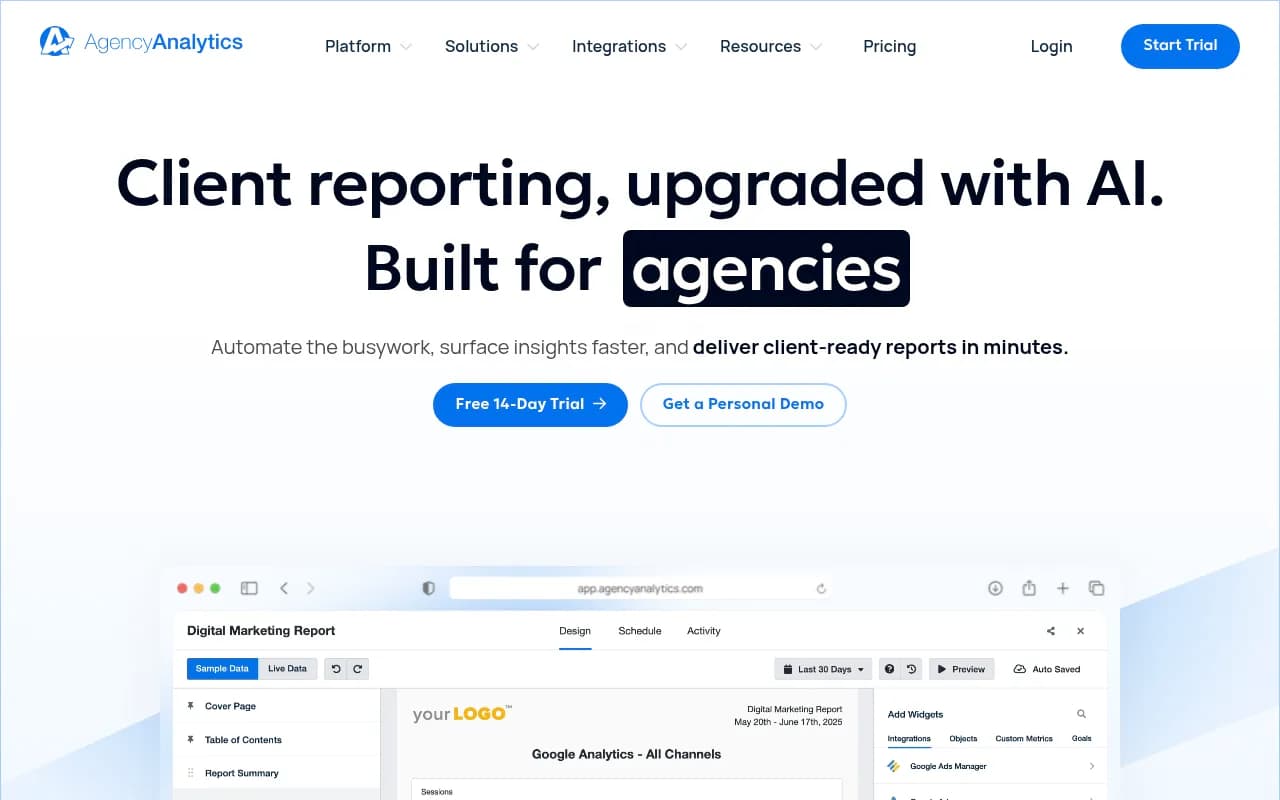
Pulling these into a single dashboard saves hours. Connectors such as Supermetrics, or a reporting tool like AgencyAnalytics, can feed Google Ads, GA4 and Search Console into one view on a schedule.
When to hire help
If the test design or attribution modeling is beyond your team, an agency can set it up. 1001 SEO Media works across paid-adjacent SEO measurement, technical SEO and generative engine optimization, and can audit your tracking before you spend on a test.
The short version
Google does not give you a clean AI Overview ads report, and anything that claims to is estimating. Treat it as an incrementality problem. Split eligible campaigns from controls, define one outcome in GA4, use Search Console to rule out organic overlap, and use a visibility tracker to see what the overview really says. Then report the answer as a range, with the assumptions written down.