Key takeaways
- No single Google report gives you revenue from AI shopping results. You have to combine three: Merchant Center for visibility, Search Console for impressions, and GA4 for sessions and revenue.
- Search Console's new generative AI performance reports (announced June 3, 2026) show impressions only. No clicks, no CTR, no position.
- As far as I could verify, AI Mode and AI Overviews clicks show up in GA4 as google / organic. They are not a separate source.
- Merchant Center's AI performance tab (Analytics > Products > AI performance) gives share of voice for conversational shopping queries, but only for English queries in Australia, Canada, India, New Zealand and the US.
- The practical answer is trend correlation, not clean attribution. Build a measurement model that admits this up front.
The honest problem: there is no AI shopping revenue report
Let me say it plainly, because many guides skip it. Google does not currently give you a report titled "revenue from AI Mode shopping." If a vendor or blog post claims you can filter GA4 to see exactly that, ask to see the screenshot.
What you can do is assemble evidence from three places, each of which answers a different question:
| Question | Where to find it | What it can't tell you |
|---|---|---|
| Are my products showing in AI answers? | Merchant Center AI performance, Search Console AI report | Clicks or revenue |
| How many people saw my pages in AI surfaces? | Search Console generative AI performance report | Clicks, CTR, position |
| Who arrived and what did they buy? | GA4 | Whether the click came from an AI surface |
The job is to line these up by page, by product category and by date, then look for movement that moves together. It is less satisfying than a single dashboard. It is also what is actually possible today.
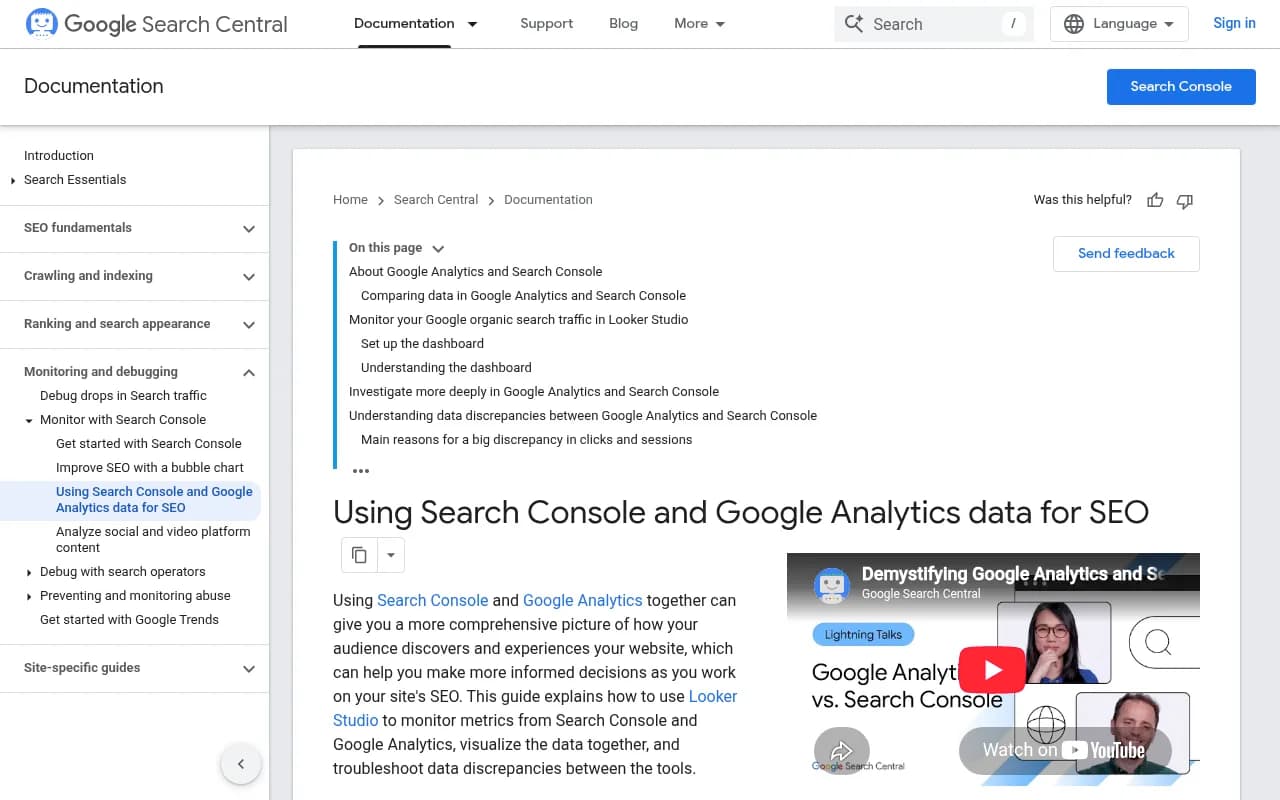
For background on how the two Google tools differ at a basic level, Google's own guide on using Search Console and Google Analytics data together is worth reading first.
Step 1: link Search Console to GA4
Everything else depends on this. Without the link, you can't see queries and landing pages next to sessions and revenue in one place.
- In GA4, open Admin and find Product links.
- Choose Search Console links, then click Link.
- Pick the Search Console property and the web data stream, then confirm.
The link needs ownership permissions on both sides. Once it's in place, the Search Console reports appear in GA4's Reports section (you may need to publish them to the navigation from the Library). Data takes a while to populate, so do this before you need it.
Two caveats. First, the numbers will never match exactly. Search Console counts clicks on Google results, GA4 counts sessions on your site, and consent banners, redirects and blocked scripts all open gaps between them. Second, the linked reports show organic Google data in aggregate. They do not split out AI surfaces.
Step 2: set up ecommerce tracking you can trust
Revenue in GA4 is only as good as your purchase event. Before worrying about AI, check these:
- The purchase event fires once per order, with transaction_id, value, currency and an items array.
- Item IDs match the IDs in your Merchant Center feed. This is the single most useful thing you can do for product-level analysis, because it lets you compare what Google shows with what sells.
- Item category fields use the same taxonomy you use in Merchant Center, so you can compare category to category.
- Key events (the new name for conversions) are marked for purchase and add_to_cart.
If your feed IDs and GA4 item IDs differ, fix that first. Everything downstream gets painful otherwise.
Step 3: use Search Console's generative AI performance reports
Google announced Search generative AI performance reports on June 3, 2026, with separate reports for Search and for Discover, covering AI Overviews and AI Mode (Google Search Central announcement). A few things to know:
- It is rolling out to a subset of sites. If you don't see it, you don't have it yet.
- Dimensions are pages, countries, devices (Search only) and dates, with hourly, daily, weekly and monthly granularity.
- The only metric is impressions. Google says it may add more over time.
- The data is still counted in the main performance report as well.
Impressions-only is a real limit for revenue work. You can see which product and category pages appear in AI surfaces, and when. You cannot see how many people clicked from those surfaces. Treat this report as an exposure signal by URL, not as a funnel.
A reasonable workflow: export the AI report by page and week, tag each URL by product category, and keep it in a sheet next to GA4 revenue by landing page for the same weeks.
I would be careful with some third-party articles claiming the Search Type filter now has AI segments with clicks. That conflicts with Google's own description of an impressions-only report, and I couldn't verify it. Check your own property before relying on it.
Step 4: use Merchant Center AI performance insights
This is the closest thing to shopping-specific AI visibility data from Google. Per Google's Merchant Center help page, the report covers conversational queries with shopping intent in AI Mode and AI Overviews.
Where to find it: Analytics, then Products, then the AI performance tab.
Availability is narrow. English-language queries only, and only for accounts in Australia, Canada, India, New Zealand and the US.
What it shows:
- Your share of voice: your AI impressions divided by the total across you and the competitors you defined in Merchant Center.
- Your competitors' average share.
- Frequency and products showing.
- A shopping-stage scorecard split into Discovery, Evaluation and Ready to buy.
- Optimization scorecards for top terms, popular attributes and top search intents.
Filters are product category (there is no all-categories view), time period, countries and traffic. The traffic filter covers organic AI traffic only, meaning free listings. Paid Ads traffic is excluded. Also note that share of voice reads 0 when you have too few impressions and shows a dash when there is no impression data at all, so don't mistake those for a collapse.
The Ready to buy stage is the one I'd watch closely for revenue. If your share of voice rises in that stage for a category, and GA4 revenue for the matching landing pages rises a week or two later, that is a decent signal. Not proof. A signal.
Google's own advice is to meet the free listing requirements, add top terms to titles and descriptions, fill in missing attributes, and review the report regularly.
Step 5: isolate what you can in GA4
Here is where I have to be careful. In my research I could not confirm any GA4 dimension or source that separates AI Mode or AI Overviews clicks. As far as I can tell, they arrive as google / organic. I also found no Google documentation saying AI Mode clicks pass a distinct referrer or UTM. If that changes, Google's docs will say so, so recheck the Search Central pages periodically.
That means GA4 can't answer "how much did AI Mode sell?" directly. It can answer a few useful adjacent questions.
Build a landing page revenue view for Google organic
In Explore, create a free-form report with:
- Rows: landing page + query string
- Columns: none, or device category
- Values: sessions, add to carts, ecommerce purchases, purchase revenue
- Filter: session source / medium exactly matches google / organic
Save a version filtered to your product and category pages. This is your baseline for Google organic commerce revenue.
Spot the impression-click gap
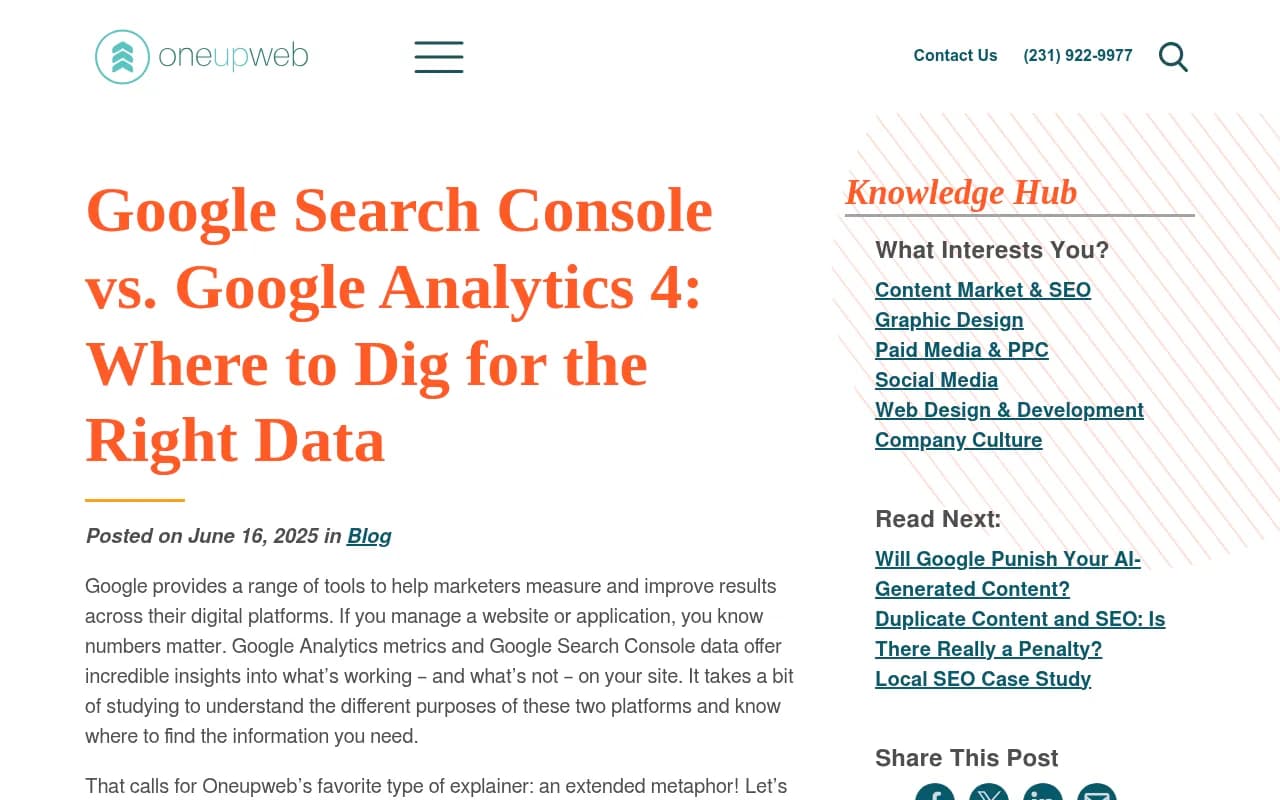
One third-party view, from Higoodie, is that when Search Console impressions hold steady while clicks fall, AI Overview appearances are a likely cause. That's a hypothesis, not a measurement, and the source's date is unverified. Still, it's a sensible pattern to flag. Compare weekly impressions and clicks per page, and mark pages where the AI report shows impressions and organic clicks are flat or dropping.
Separate external AI assistants with a custom channel group
This part is solvable. Referrals from ChatGPT, Perplexity, Claude and Gemini can be grouped with a custom channel group in GA4, using a source regex that matches those domains. Note that referrers are sometimes stripped (mobile apps are a common case), so some of that traffic lands in Direct. This doesn't isolate Google's AI surfaces, but it does separate a different and growing source of shopping traffic.
Step 6: combine everything in Looker Studio
Google's guide describes using Looker Studio to visualize Search Console and Analytics data together. For AI shopping measurement, build one page with four blocks:
- Search Console AI impressions by page group, weekly.
- Search Console organic clicks by the same page groups.
- GA4 google / organic sessions, purchases and revenue by landing page group.
- A manual table of Merchant Center share of voice by category (there's no export I could verify, so a weekly copy of the numbers works).
Blend on landing page URL, and be strict about normalising URLs (trailing slashes, parameters). Then add a simple weekly table per category: AI impressions, share of voice, organic revenue. You are looking for categories where the first two move and the third follows.
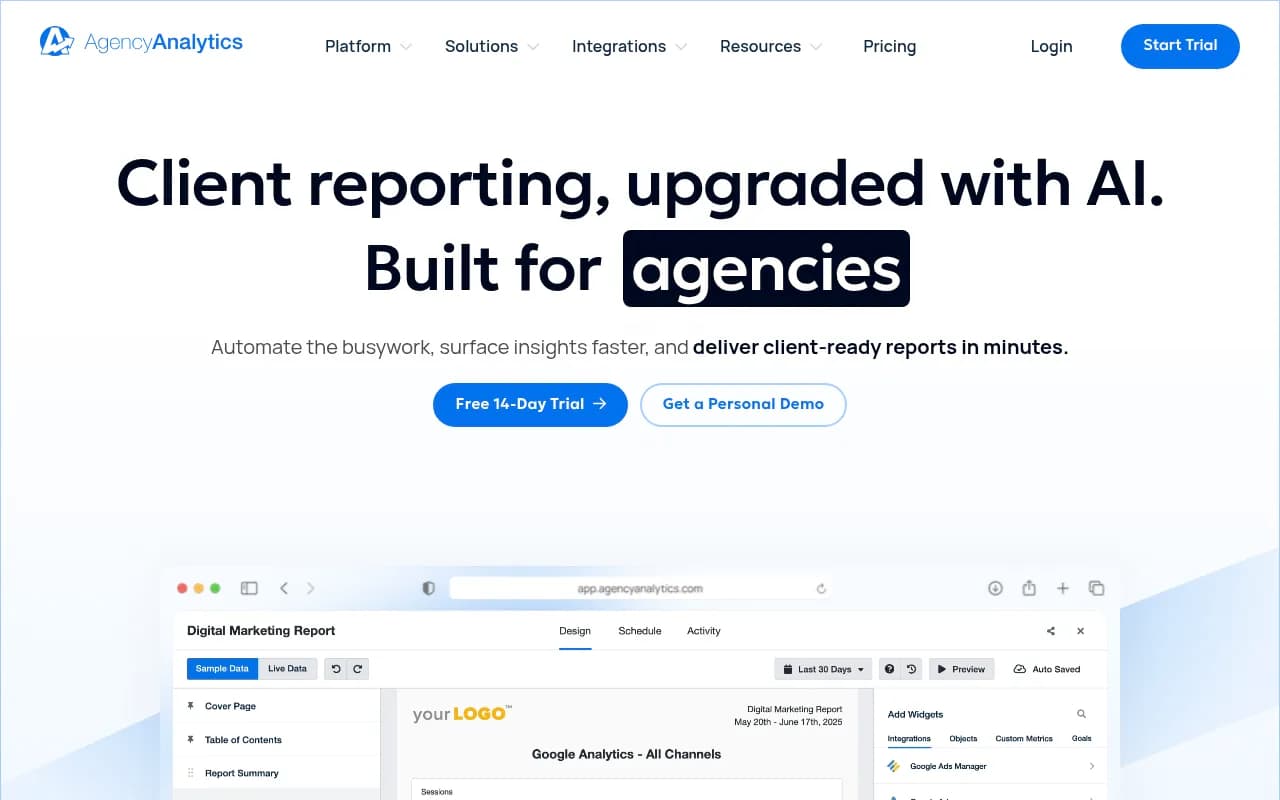
If you'd rather not hand-build everything, reporting tools like AgencyAnalytics can pull GA4 and Search Console into client dashboards, though they face the same data limits.
Step 7: test for incrementality, not just correlation
Correlation will fool you, because shopping seasons, promotions and ad spend all move revenue too. A few ways to reduce the noise:
- Change one thing at a time in a single category. For example, fix attributes and titles for one product category in the feed, leave a comparable category alone, and compare revenue trends over the next four to eight weeks.
- Annotate everything: feed updates, schema changes, price promos, site releases. GA4 annotations or a shared change log are fine.
- Watch the Ready to buy share of voice and add-to-cart rate on the same pages. If visibility rises but add-to-carts don't, the traffic may be low intent.
- Keep paid and free apart. The Merchant Center AI report only covers organic, so pause-and-compare tests on Shopping campaigns can muddy it.
I'd also be wary of any attribution number precise to the dollar. With this much unobservable, a range and a direction is the honest output.
What improves your odds of being cited in the first place
Measurement is only useful if you also act on it. Promptwatch Data tracks citation types in Google AI Overviews, and in July 2026 product pages averaged 16.3% of citations, becoming the most cited format every day from July 28 and finishing the month at 17.9% versus 16.2% for listicles. Product pages were about 9% of citations in January, so the share has nearly doubled (AI Overviews citation types, July 2026). The practical takeaway from that report is to give product pages structured specs, clear pricing and fresh availability data.
ChatGPT is a separate story. Promptwatch's ChatGPT shopping data shows shopping features attach to only a low single-digit percentage of web-search responses, concentrated on commercial and transactional prompts. The advice there is the same: complete Product schema, accurate price and availability, and a clean merchant feed.
Step 8: track AI shopping visibility beyond Google
Google's reports cover Google. Shoppers also ask ChatGPT, Perplexity and others, and those sessions need a separate view. A platform like Promptwatch can monitor which AI answers mention your products and brand, and its visitor analytics connect AI-platform traffic to on-site conversions, which fills the gap GA4's channel grouping leaves for non-Google assistants.

Other AI visibility tools exist, and you can compare options in the GEO software directory at bestgeosoftware.com. Whatever you pick, make sure it reports on traffic and conversions, not only mentions.
Quick reference: what to use for what
| Goal | Best source | Limitation |
|---|---|---|
| AI shopping share of voice | Merchant Center AI performance | Five countries, English only, organic only, per category |
| AI exposure by URL | Search Console generative AI report | Impressions only, subset of sites |
| Organic commerce revenue | GA4 google / organic by landing page | Doesn't isolate AI surfaces |
| External AI assistant sessions | GA4 custom channel group | Stripped referrers become Direct |
| Joining it all | Looker Studio | Manual work, URL matching |
Things I couldn't verify
In the interest of not guessing:
- I found no GA4 dimension that separates AI Mode or AI Overviews clicks.
- I found no Google doc on whether AI Mode clicks pass a distinct referrer or UTM.
- I didn't confirm how Google Ads (Performance Max, Shopping) reports AI Mode placements, or whether free product listings in AI Mode show in the Merchant Center Performance report.
If any of these matter to you, test them with your own data and check Google's documentation before building reporting around an assumption.
A simple weekly routine
- Monday: copy Merchant Center share of voice by category into your sheet.
- Pull Search Console AI impressions by page group for the previous week.
- Pull GA4 google / organic revenue by the same groups.
- Mark any feed, schema or promo changes on the timeline.
- Flag categories where visibility moved and revenue didn't, or the reverse. Investigate those first.
Do this for eight weeks and you will have something better than any single vendor dashboard: a record of what moved when, in your own data. It won't give you a perfect revenue number for Google AI shopping. It will tell you which categories deserve more feed and content work, which is what the measurement was for.