Key takeaways
- AI coding agents like Claude Code, Codex, and OpenCode recommend libraries, SDKs, and APIs inside the developer's workflow. If you sell a developer tool, that is a new shortlist you either appear on or don't.
- Most AI visibility tools track consumer chat surfaces such as ChatGPT, Gemini, and Perplexity. Very few track coding agents directly. Promptwatch is the one in our catalog that explicitly covers Codex, Claude Code, and OpenCode.
- You can get partial signal from ChatGPT-focused tools, crawler logs, and manual testing. That works as a stopgap, not a replacement.
- Docs, GitHub presence, and crawlable help pages matter most for developer-tool visibility.
- Start with a manual audit this week, then pick a tracker based on team size and budget.
Why coding agents are a different visibility problem
A developer used to open Google, read three blog posts, and pick a library. Now plenty of them type "add auth to this Next.js app" into Claude Code or Cursor and accept whatever the agent installs. The agent chose your competitor's SDK, wrote the integration, and the developer never saw your landing page.
That is a brutal shift for developer-tool and API companies. Your marketing site might be great, your docs might rank well, and you can still lose the decision before a human is involved.
Two things make this different from regular AI search monitoring:
- The agent often acts, not just answers. A mention is a recommendation that turns into an install, a dependency, or a code snippet.
- Agents pull from different sources. Some search the web, some lean on training data, and some read your repo and docs directly.
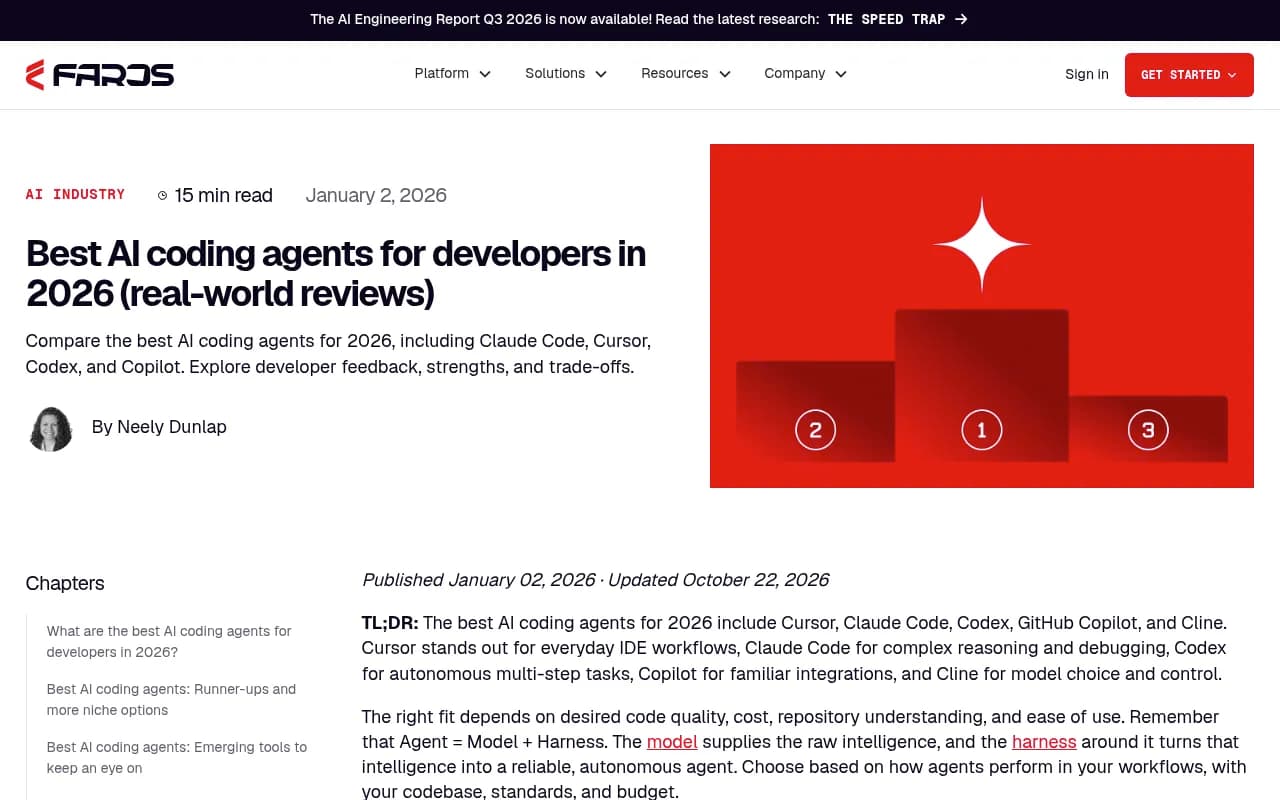
The Faros review of the best AI coding agents for 2026 lists Cursor, Claude Code, Codex, GitHub Copilot, and Cline as the leaders, with RooCode, Windsurf, Aider, Augment, JetBrains Junie, and Gemini CLI behind them. That is a lot of surfaces, and each one can recommend something different.
What "visibility in a coding agent" actually means
Before picking a tool, decide what you are measuring. For coding agents I would track four things:
- Mention rate: when someone asks for a tool in your category, does the agent name you?
- Position: are you the first recommendation or the fifth?
- Accuracy: does it describe your API, pricing, and install steps correctly? Hallucinated method names are common and they hurt.
- Source: which docs, repos, or pages did the agent pull from?
The last one is the most useful and the least tracked. If you know which pages the agent read, you know what to fix.
The state of tooling
Here is the honest picture. The AI visibility category has exploded. Zapier's roundup of the best AI visibility tools in 2026 says the author researched nearly 50 LLM monitoring tools, and the shortlist includes OtterlyAI, Peec AI, ZipTie, Similarweb, Petra Labs, and the Semrush AI Visibility Toolkit. Semrush's own comparison video groups tools by team size: lightweight for small teams, insight-to-execution for mid-sized, analyst-driven for enterprise.
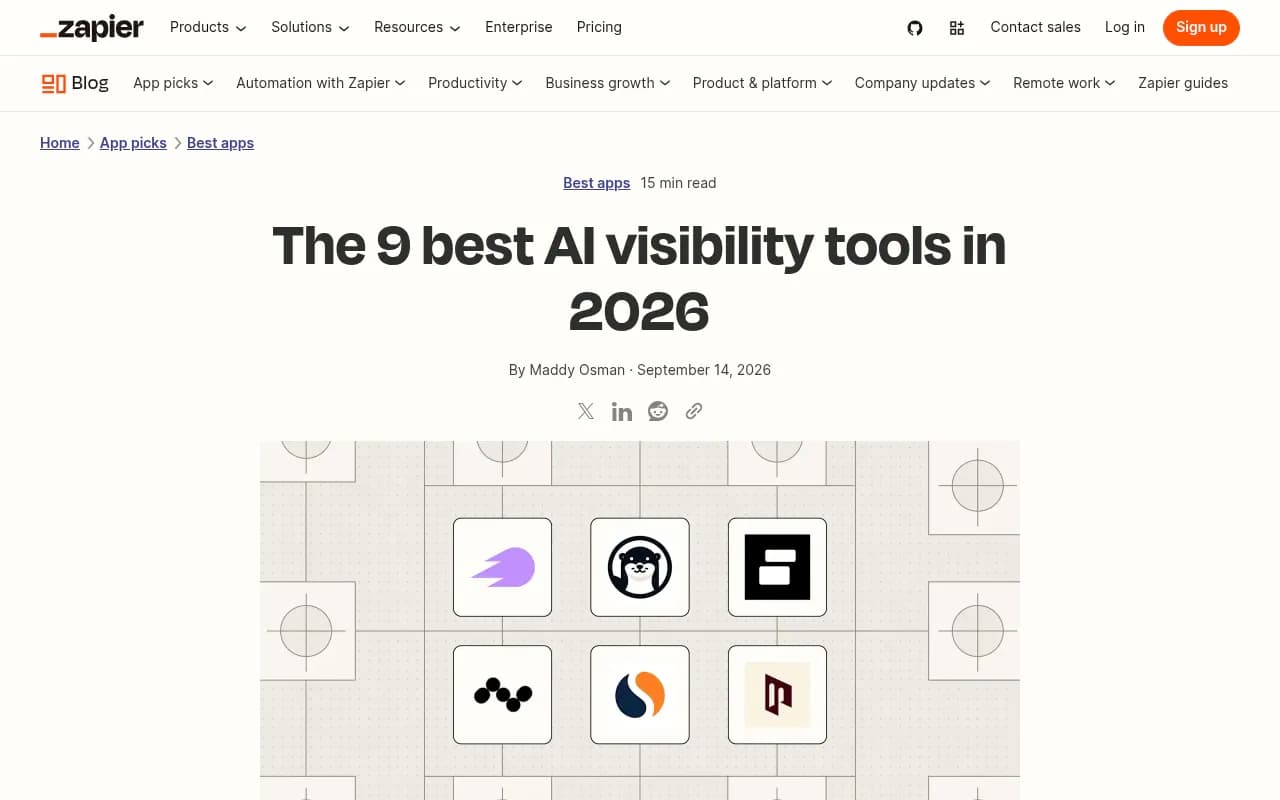
Notice what those lists are about: ChatGPT, Gemini, Perplexity, and Google AI Overviews. Coding agents mostly don't show up. I did not find third-party coverage claiming otherwise for the tools above, so treat any vendor who says "we track coding agents" as a claim to verify with a demo.
Tools that can help
Promptwatch
Promptwatch is the clearest fit here because it tracks Codex, Claude Code, and OpenCode as monitored surfaces, alongside ChatGPT, Gemini, Perplexity, Google AI Overviews, Copilot, Meta AI, and others. It shows how those agents recommend tools, SDKs, and docs, which is exactly what developer-tool and API companies need.
The rest of the stack matters for this use case too. IP-verified crawler logs show whether AI bots can actually read your docs. Page-level citation tracking shows which pages get cited. The Content Agent and Action Board then turn gaps into work, rather than leaving you with a dashboard and a shrug. Paid plans start at $95/month (Essential), and there is a free Explore plan limited to ChatGPT, so confirm current details at promptwatch.com/pricing.

ChatGPT-focused trackers
These won't see Claude Code or Cursor, but ChatGPT is still where many developers research tools before they ever open an agent. If your budget is tight, a tracker that covers ChatGPT well gives you a baseline.
Otterly.AI is positioned as an affordable option.

Peec AI is a monitoring-focused tracker.

Profound is the enterprise option that comes up most in agency and enterprise roundups.

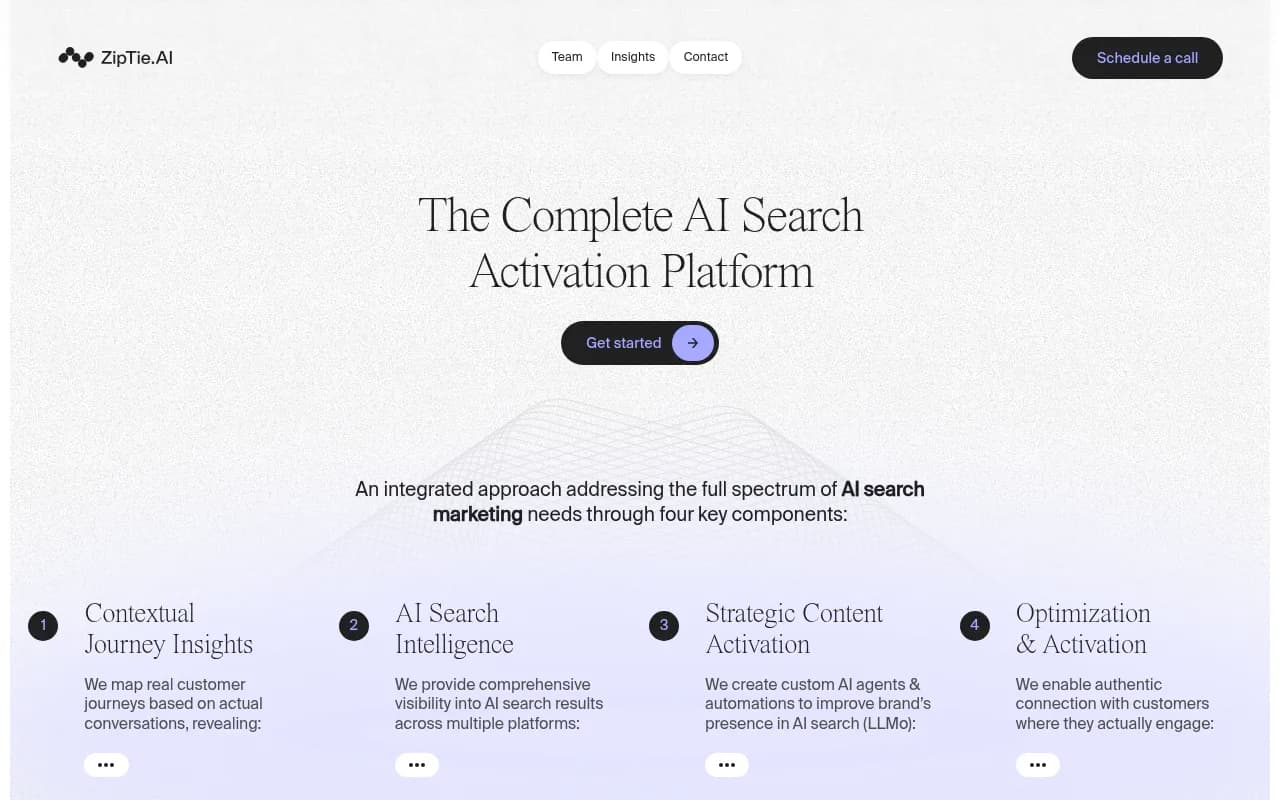
ZipTie leans toward deeper analysis and reporting.
Semrush adds AI visibility tracking to an SEO suite you may already pay for.
Free checks to start with
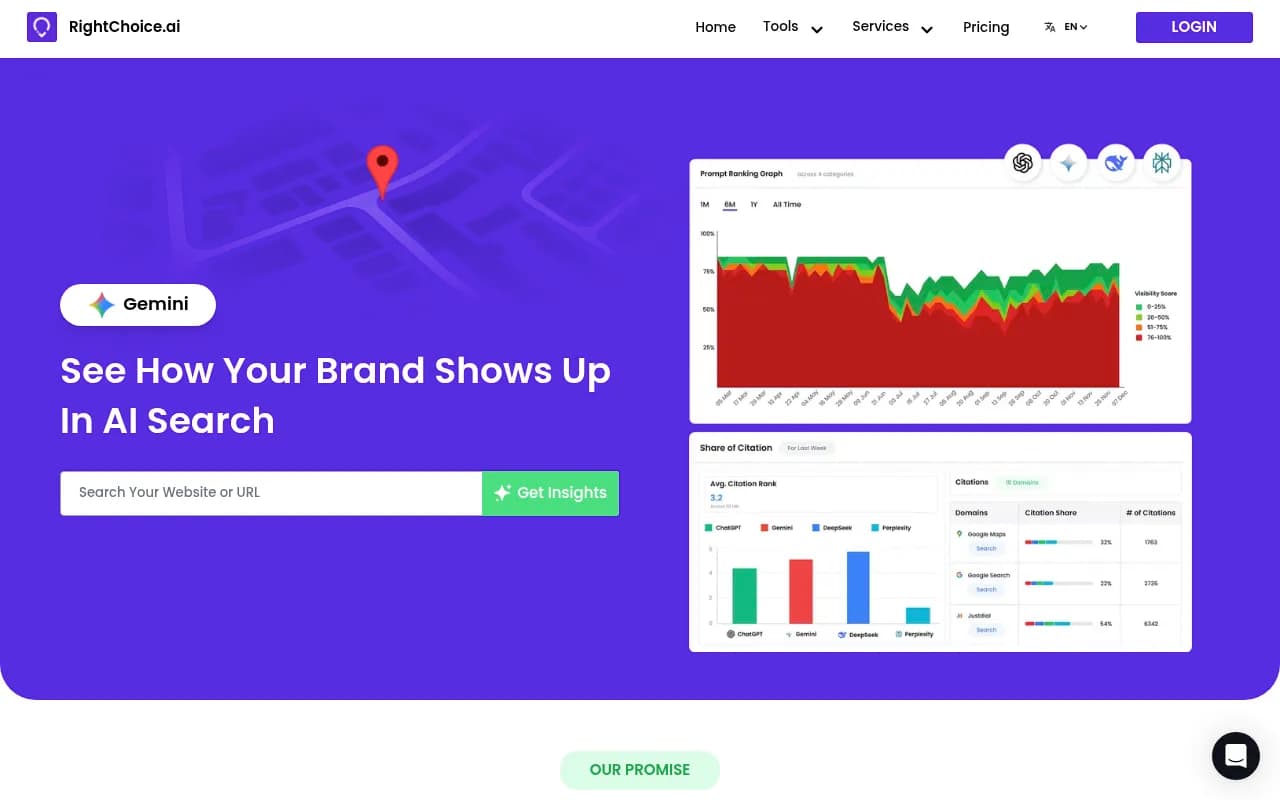
If you have no budget yet, a few free tools give you a feel for the problem. RightChoice.Ai offers a free brand AI visibility and citation checker.
AI Rank Checker is another free option for tracking brand rank in AI tools.
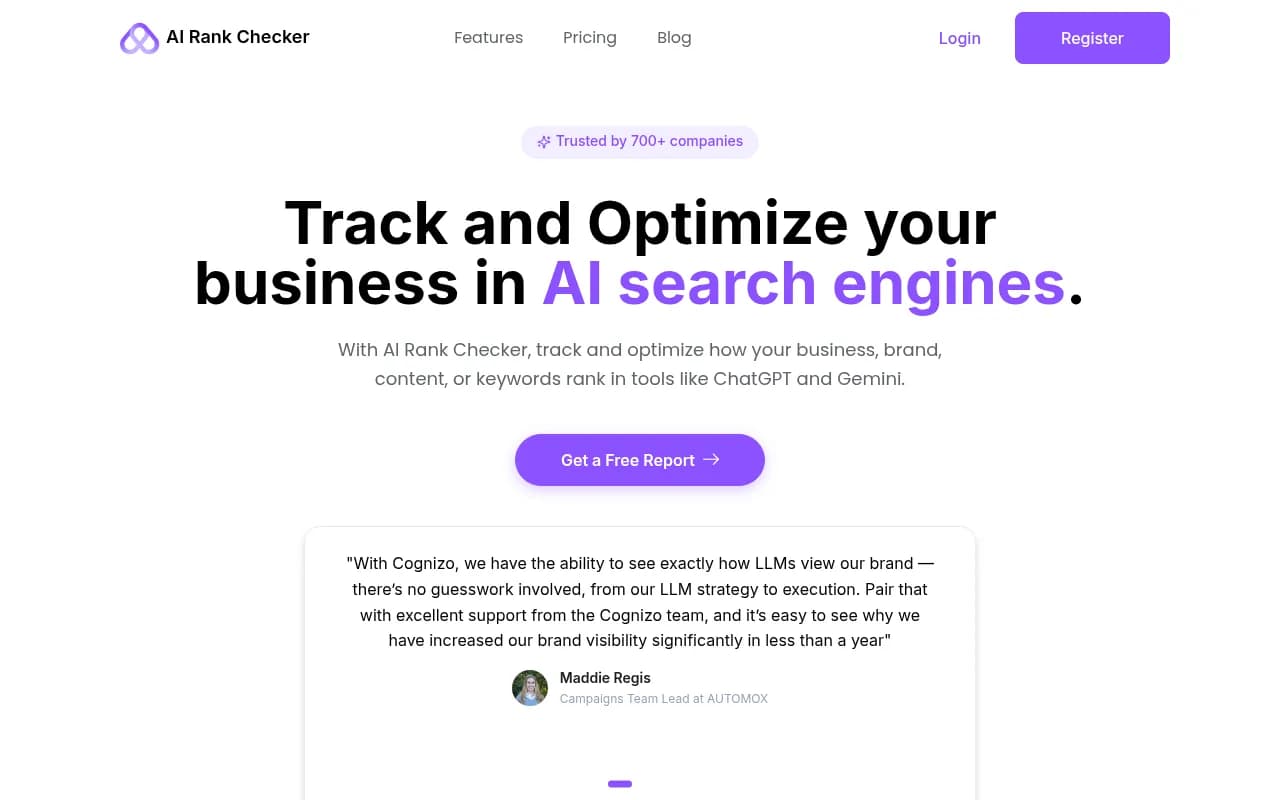
These are consumer-chat checks. Useful for a first read, not for agent behavior.
Crawler and technical visibility
If agents can't fetch your docs, nothing else matters. Screaming Frog is the standard way to audit your own docs site for broken links, blocked pages, and thin content.

Google Search Console shows how your docs perform in classic search, which still feeds many agents that browse the web.
Comparison table
| Tool | Coding agent coverage | Other AI surfaces | Best for |
|---|---|---|---|
| Promptwatch | Codex, Claude Code, OpenCode | ChatGPT, Gemini, Perplexity, AI Overviews, Copilot, Meta AI and more | Developer-tool and API companies that want tracking plus fixes |
| Otterly.AI | Not documented in our research | ChatGPT and other chat surfaces | Small teams on a budget |
| Peec AI | Not documented in our research | Chat surfaces | Monitoring only |
| Profound | Not documented in our research | Chat surfaces | Enterprise and agencies |
| ZipTie | Not documented in our research | Chat surfaces | Deep analysis and reporting |
| Semrush | Not documented in our research | ChatGPT, AI Overviews, AI Mode, Gemini | Teams already on Semrush |
I did not verify pricing or feature lists for the non-Promptwatch tools, so check each vendor before buying.
A manual audit you can run today
This costs nothing and takes an afternoon. A Quora answer I came across put it well: use a fresh chat each time, note whether you show up, whether they recommend you, and whether the facts are right.
For coding agents, adapt that:
- Write 15 to 25 prompts a developer would actually type. "Add payments to this Express app." "What is the best library for X in Python?" "Set up error monitoring for a Rails project."
- Run each in Claude Code, Codex, and Cursor, in a clean project with no existing dependency on your tool.
- Record whether you are named, where, and which install command or snippet it uses.
- Check the code it writes against your real docs. Wrong method names are a signal your docs aren't well represented.
- Repeat weekly. Agent behavior shifts when models update.
A spreadsheet is enough. The point is finding patterns, such as "we show up for Python but never for TypeScript."
What moves the needle for developer tools
Promptwatch has no report that covers coding agents directly, so I won't pretend it does. The closest proxy is its data on software prompts in ChatGPT. In Promptwatch's October 2026 software citation report (Sep 28 to Oct 4, 2026, organic prompts, ChatGPT only), GitHub was the most cited software domain at 1.2% of software citations, followed by learn.microsoft.com at 0.98% and G2 at 0.73%. Docs and help centers earned 2.64% of citations, the largest share of any source type, and vendor sites and docs together earned about three times the share of review sites and analysts.
That is ChatGPT, not Claude Code. But it points the same direction you would expect for agents that read the web: documentation and GitHub carry weight. The practical advice from that report is to publish crawlable docs and help pages, keep a public GitHub presence, and keep G2 and Capterra profiles current.
Make sure agents can read you
Crawler access is where many teams quietly fail. In Promptwatch's AI crawler traffic report (June 8 to September 6, 2026), OpenAI made up 79.8% of verified AI crawler requests in the week of Aug 31 to Sep 6, down from 94.8% in early June, with Anthropic, Google, Perplexity, and Mistral taking the rest. The report's advice is simple: check robots.txt, CDN, and WAF rules for every provider, then compare your own logs to that mix. If a provider is big in the report but near zero in your logs, you may be blocked.
Docs behind a login, aggressive bot protection, or JavaScript-only rendering will all hurt you here.
Practical fixes
- Put install instructions, quickstarts, and code samples in plain, server-rendered HTML.
- Keep one canonical "how to install" page per language or framework.
- Version your docs clearly so agents don't cite outdated method names.
- Maintain a README that states what the project does in the first two lines.
- Publish comparison pages that are honest. Agents pick up on them.
- Consider an llms.txt file. Evidence for its impact is thin, so treat it as cheap insurance, not a strategy.
If you want a quick read on whether AI crawlers can reach your site, Promptwatch offers a free Agentic Readiness Check and an AI Crawler URL Inspector.
How to choose
Solo founder or small team with a developer product. Run the manual audit weekly, add a free ChatGPT-focused check, and fix docs access first. Move to a paid tracker once you have a baseline.
Mid-sized developer-tool company. You need coding-agent coverage, crawler logs, and a way to turn gaps into content. This is where Promptwatch fits, since it ties agent tracking to page-level citations and publishing.
Enterprise or agency. Ask each vendor for a live demo on your own prompts, specifically in Codex, Claude Code, and OpenCode. If they can't show it, they don't have it. Agency plans in Promptwatch run from $199/month (Kick-off) upward.
If you want to compare more options, the GEO software directory at bestgeosoftware.com lists a wide range of visibility tools, and ai-rank-tools.com covers rank trackers.
Questions to ask any vendor
- Which coding agents do you monitor through the real interface, and which through an API?
- Can I see which sources the agent used, not just whether it mentioned me?
- How often do prompts run, and can I add my own?
- Can I export responses so I can check accuracy against my docs?
- What happens when an agent updates its model?
The API-versus-interface question matters. A model's training-data answer and a live agent's answer can differ, and the live one is what your user sees.
What I would do first
Spend an afternoon on the manual audit. You will learn more from 20 prompts in Claude Code than from any vendor deck. Then fix crawler access and docs structure, because those are cheap and they help every agent at once. Only then buy a tracker, and pick the one that actually covers the agents your developers use.
One caveat: this category moves fast. New agents appear, old ones change behavior, and tool coverage shifts quarter to quarter. Recheck vendor claims before you sign anything.