EngageBay Review 2026
CRM with built-in automation features for sales teams to monitor deals, manage leads, and streamline customer relationship workflows.
Summary
- Best for: Small businesses, startups, and solopreneurs (1-50 employees) who need marketing automation, CRM, and support tools but can't afford HubSpot or Salesforce pricing
- Standout strength: Genuinely affordable all-in-one platform -- you get marketing automation, sales CRM, and helpdesk for $11-13/month per user, versus $800+/month for comparable HubSpot bundles
- Key limitation: Feature depth in individual modules doesn't match specialized tools -- the email builder is solid but not as polished as Mailchimp, the CRM is functional but not as robust as Pipedrive
- Free tier: Yes -- free plan supports up to 15 users with 1,000 branded emails/month, basic CRM, and helpdesk. No credit card required.
- Honest take: EngageBay won't replace best-in-class tools for enterprise teams, but for small businesses that need "good enough" across marketing, sales, and support without spending $500+/month, it's hard to beat the value
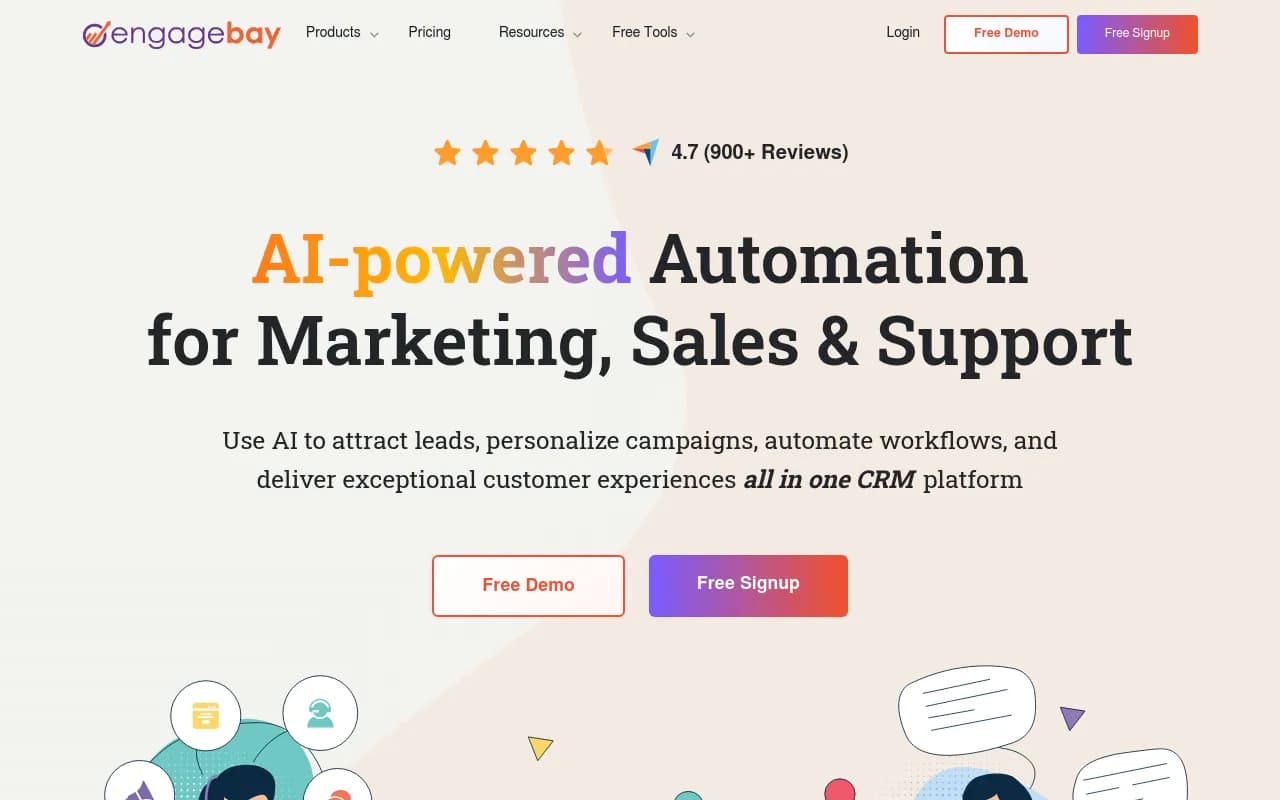
EngageBay positions itself as the affordable alternative to HubSpot and Salesforce, and after digging into the platform, that's not marketing fluff -- it's a legitimate value play. Founded as a CRM for small businesses that were priced out of the enterprise platforms, EngageBay bundles marketing automation, sales pipeline management, and customer service tools into one interface. The company has attracted 900+ reviews on Capterra (4.7/5 rating) and recognition from Forbes, Zapier, and RingCentral as one of the best affordable CRMs. The pitch is simple: why pay $800/month for HubSpot's Marketing Hub + Sales Hub + Service Hub when you can get similar functionality for $12.74/month per user?
The target audience is clear: small businesses (1-50 employees), startups, solopreneurs, consultants, and agencies managing a handful of clients. If you're a 200-person SaaS company with complex sales cycles and enterprise integrations, EngageBay probably isn't for you. But if you're a 10-person agency trying to automate lead nurturing, track deals, and handle support tickets without blowing your budget, this is exactly the tool you've been looking for.
Marketing Automation: EngageBay's marketing bay includes email broadcasts, drip sequences, landing pages, web forms, pop-ups, and marketing automation workflows. The email builder offers 1,000+ pre-built HTML templates for newsletters, promotions, event invites, and more -- all mobile-optimized and customizable without coding. You can segment contacts based on behavior (page visits, email opens, form submissions) and trigger automated sequences. The workflow builder uses a visual drag-and-drop interface where you set triggers ("contact submits form"), conditions ("contact is in segment X"), and actions ("send email, wait 2 days, send SMS"). It's not as sophisticated as ActiveCampaign's automation logic, but it covers the 80% use case for most small businesses. The platform also includes A/B testing for landing pages, push notifications, SMS broadcasts (via Twilio or BulkSMS integrations), and social media post scheduling for Facebook, Twitter, and LinkedIn.
CRM & Sales Pipeline: The sales bay provides contact management, deal tracking, task management, appointment scheduling, and calling (via built-in auto-dialer or integrations with JustCall, Twilio). Deals move through customizable pipeline stages (Lead > Qualified > Proposal > Closed Won) with drag-and-drop kanban boards. Each contact record shows a complete activity timeline -- emails sent, calls made, meetings booked, deals created, support tickets opened. You can set up milestone tracking to monitor progress toward revenue goals and generate custom reports on win rates, deal velocity, and team performance. The calendar syncs with Google Calendar and Outlook, and the appointment scheduler lets prospects book meetings directly from your website (similar to Calendly). One nice touch: the platform includes a proposal builder where you can create branded quotes and contracts, send them for e-signature (DocuSign integration), and track when prospects view or sign.
Customer Support & Helpdesk: The service bay includes live chat, helpdesk ticketing, and a knowledge base builder. Live chat can be embedded on your website with customizable branding, canned responses, and chat routing rules (route chats to specific agents based on page URL or visitor attributes). When agents are offline, the chat widget converts to a contact form. Tickets can be created from emails, chat conversations, or web forms, then assigned to agents, tagged, prioritized, and tracked through resolution. The knowledge base builder lets you create self-service help articles organized by categories -- useful for reducing repetitive support questions. EngageBay also offers an AI chatbot (trained on your knowledge base, uploaded files, and website links) that can answer common questions automatically and escalate complex issues to human agents. The chatbot setup is straightforward: upload your FAQ docs, paste your website URL, and the bot scrapes content to build its knowledge base.
AI Features: EngageBay has leaned into AI with several capabilities. The AI email writer generates subject lines and email body copy based on prompts ("write a promotional email for our new product launch"). The AI chatbot (mentioned above) handles tier-1 support queries. There's also AI-powered lead scoring that predicts which contacts are most likely to convert based on engagement patterns. These AI features are functional but not groundbreaking -- they're table stakes in 2026, not differentiators.
Integrations & Ecosystem: EngageBay integrates with 100+ tools via native connectors and Zapier. Key integrations include Stripe and QuickBooks for payment processing, Shopify for e-commerce, Xero for accounting, SendGrid/Mailgun/Mandrill/Amazon SES for email delivery, Twilio for SMS and calling, JustCall for VoIP, DocuSign for e-signatures, JotForm for advanced forms, and LinkedIn for social selling. The platform also offers a REST API for custom integrations, though documentation is less comprehensive than what you'd find with HubSpot or Salesforce. There's a Chrome extension for Gmail that lets you log emails, create contacts, and track opens directly from your inbox. Mobile apps are available for iOS and Android with offline access to contacts, deals, and tasks.
Usability & Learning Curve: The interface is clean but not as polished as HubSpot or Pipedrive. Navigation is straightforward -- Marketing, Sales, and Service bays are separated into distinct sections with sub-menus for each feature. The workflow builder and email editor are intuitive enough for non-technical users, though there's a bit of a learning curve if you're coming from a simpler tool like Mailchimp. Setup takes a few hours: import contacts (CSV upload or sync from Google Contacts), connect your email domain (SPF/DKIM records), build a few landing pages and forms, set up your first automation workflow. EngageBay provides onboarding videos and a knowledge base, plus live chat support on paid plans. One frustration: some features are buried in sub-menus, and the search function isn't great for finding specific settings.
Reporting & Analytics: EngageBay includes dashboards for email performance (open rates, click rates, unsubscribes), deal pipeline metrics (conversion rates by stage, average deal size, sales cycle length), and support ticket volume (response times, resolution times, agent performance). You can create custom reports by selecting metrics, filters, and date ranges, then export to CSV or schedule automated email reports. Web analytics tracks visitor behavior on your site (pages viewed, time on site, referral sources) and ties it back to contact records. The reporting isn't as flexible as Salesforce or as visual as HubSpot, but it covers the basics for small teams.
Pricing Breakdown: EngageBay offers four pricing tiers across three product bays (Marketing, Sales, Service) plus an All-in-One bundle. Free plan: up to 15 users, 1,000 branded emails/month, basic CRM, helpdesk, and live chat. Marketing Bay: $11.04/user/month (Basic), $47.99/user/month (Growth), $79.99/user/month (Pro) -- includes email sequences, landing pages, marketing automation, A/B testing. CRM & Sales Bay: $11.04/user/month (Basic), $47.99/user/month (Growth), $79.99/user/month (Pro) -- includes deal management, appointment scheduling, calling, proposals. Service Bay: Free (Basic), $11.04/user/month (Growth), $47.99/user/month (Pro) -- includes helpdesk, live chat, AI chatbot, knowledge base. All-in-One: $12.74/user/month (Basic), $59.79/user/month (Growth), $110.39/user/month (Pro) -- bundles all three bays. Annual billing saves 8%. The Basic tier is shockingly affordable -- $12.74/month per user for the full suite is less than most companies pay for just email marketing. Growth and Pro tiers add advanced automation, custom reporting, and higher sending limits.
Who Should Use EngageBay: Small businesses (1-50 employees) that need marketing automation, CRM, and support tools but can't justify $500-1,000/month for HubSpot or Salesforce. Specific personas: SaaS startups pre-Series A tracking 50-200 leads/month, service-based businesses (consultants, agencies, coaches) managing client relationships and proposals, e-commerce stores under $1M revenue needing email automation and helpdesk, nonprofits and educational institutions with tight budgets. Team size sweet spot: 2-15 users. If you're a solo founder, the free plan is plenty. If you're a 50-person company with complex sales processes, you'll outgrow EngageBay's capabilities and need something more robust.
Who Should NOT Use EngageBay: Enterprise teams (100+ users) with complex workflows, custom objects, and advanced reporting needs. Companies that require deep integrations with niche tools (EngageBay's integration library is solid but not exhaustive). Teams that need best-in-class features in one specific area -- if email marketing is your core competency, ActiveCampaign or Klaviyo will serve you better; if you need advanced sales forecasting, Salesforce or HubSpot Sales Hub are stronger. Agencies managing 50+ clients will find EngageBay's multi-account management lacking (no agency dashboard or white-label options).
Strengths: Genuinely affordable -- the Basic All-in-One plan at $12.74/user/month is 10-20x cheaper than comparable HubSpot bundles. Free tier is usable, not a trial -- 15 users and 1,000 emails/month is enough for many micro-businesses to run indefinitely. All-in-one approach eliminates tool sprawl -- you're not juggling Mailchimp + Pipedrive + Zendesk + Calendly. Solid feature breadth across marketing, sales, and support. No credit card required for free plan. Good customer support (live chat, email, knowledge base). Mobile apps with offline access.
Limitations: Feature depth doesn't match specialized tools -- the email builder is functional but not as polished as Mailchimp or Klaviyo, the CRM lacks advanced forecasting and custom objects found in Salesforce, the helpdesk is basic compared to Zendesk or Intercom. Reporting is limited -- you can't build complex multi-object reports or custom dashboards like in HubSpot. Integration library is smaller than HubSpot or Salesforce (though Zapier fills most gaps). No white-label or agency management features. The interface feels a bit dated compared to newer tools like Attio or Folk. Some users report occasional bugs and slower load times during peak hours. Email deliverability depends on your chosen SMTP provider (SendGrid, Mailgun, etc.) -- EngageBay doesn't have its own sending infrastructure like Mailchimp.
Bottom Line: EngageBay is the best all-in-one CRM for small businesses that need marketing automation, sales pipeline management, and customer support without spending $500+/month. It's not the most powerful tool in any single category, but the combination of breadth, affordability, and usability makes it a smart choice for startups and small teams. If you're currently paying for Mailchimp + Pipedrive + Zendesk separately, consolidating to EngageBay will save you money and reduce tool sprawl. Just know you're trading some feature depth for cost savings -- and for most small businesses, that's a trade worth making. Best use case in one sentence: Small businesses (1-50 employees) that need a unified platform for marketing, sales, and support at a price that won't break the bank.
Tags:
Frequently asked questions
What is EngageBay used for?
Is EngageBay free?
How much does EngageBay cost?
Who is EngageBay best for?
How does EngageBay compare to HubSpot?
Is EngageBay a good alternative to Salesforce?
What are the main limitations of EngageBay?
Does EngageBay include a helpdesk and customer support tools?
How many users can use EngageBay's free plan?
What kind of businesses should avoid EngageBay?
What rating does EngageBay have on review sites?
Does EngageBay offer marketing automation features?
Similar and alternative tools to EngageBay