Zendesk Sell Review 2026
Sales automation CRM that accelerates deal cycles through automated workflows, lead tracking, and pipeline management features.
Summary: What you need to know about Zendesk Sell
- Best for: Growing B2B sales teams (5-50 reps) who want a CRM that actually gets used, not abandoned after onboarding. Particularly strong for companies already using Zendesk Support who want unified sales and service data.
- Core strength: Simplicity without sacrificing power. Zendesk Sell gives you lead scoring, automation, forecasting, and mobile functionality without the bloat of Salesforce or the limitations of basic CRMs.
- Standout feature: Unified customer view across sales and service. If a prospect has contacted support, opened a ticket, or interacted with your company anywhere, your sales rep sees it -- no tab-switching required.
- Limitation: Not built for complex enterprise sales processes with multi-stage approvals, heavy customization needs, or deep product configuration. If you need CPQ (Configure, Price, Quote) or advanced territory management, you'll hit walls.
- Pricing reality: Starts at $19/month (Team plan) but most teams need Growth ($55/mo) or Professional ($115/mo) for automation and forecasting. That's competitive with HubSpot Sales Hub and significantly cheaper than Salesforce, but the feature gaps at lower tiers are real.
Zendesk Sell is a sales CRM built by Zendesk, the company best known for customer service software used by over 160,000 businesses. Launched originally as Base CRM (acquired by Zendesk in 2018), it's been rebuilt into a modern sales platform that prioritizes ease of use and fast deployment. The pitch: your sales team shouldn't need a week of training to use a CRM. Zendesk claims 70% of teams deploy Sell in under 8 weeks, which is notable in a category where 6-month implementations are common.
The target user is a sales rep who's tired of fighting their CRM. Someone who wants to log a call, update a deal stage, and see their pipeline without clicking through five screens. Zendesk Sell is designed around that daily workflow -- it's conversational, mobile-first, and built to minimize friction. If your sales process involves long enterprise cycles with custom objects, approval chains, and heavy Salesforce customization, this isn't your tool. But if you're a SaaS company, agency, or B2B service business with a straightforward sales motion, Sell delivers exactly what you need.
Core Features: What Zendesk Sell Actually Does
Contact and Deal Management: The foundation is solid. You get lead, contact, and deal records with custom fields, tags, and relationship tracking. Deals move through customizable pipeline stages (Prospecting -> Qualified -> Proposal -> Closed Won, etc.). You can create multiple pipelines for different product lines or sales motions. Contact records pull in email history, call logs, meeting notes, and activity timelines. The interface is clean -- no clutter, no overwhelming sidebars. You see what matters: next steps, deal value, close date, recent activity.
Activity Tracking and Task Automation: Zendesk Sell logs emails, calls, and meetings automatically (with integrations for Gmail, Outlook, and calendar sync). You can set up triggers to auto-create tasks when a deal moves stages -- e.g. "When deal reaches Proposal stage, create task: Send contract." This is table stakes for modern CRMs, but Sell executes it well. The mobile app (iOS and Android) includes geolocation, so field reps can log visits and see nearby prospects. Useful for industries like real estate, medical device sales, or distributor sales where in-person meetings still matter.
Lead Scoring and Deal Scoring: Available on Professional and Enterprise plans. Zendesk Sell scores leads and deals based on criteria you define -- engagement level, company size, industry, behavior signals. A lead that opened three emails and visited your pricing page gets a higher score than one who hasn't responded in 30 days. Deal scoring helps prioritize which opportunities to focus on. It's not AI-powered predictive scoring (like Salesforce Einstein), but it's rules-based and effective for most teams.
Sales Automation and Workflows: Set up sequences (automated email cadences) to nurture leads without manual follow-ups. Example: Day 1 intro email, Day 3 case study, Day 7 demo invite. Sequences pause when a prospect replies, so you're not spamming engaged leads. You can also automate deal stage transitions, task assignments, and notifications. The automation isn't as deep as HubSpot or Salesforce (no complex branching logic), but it covers 80% of what sales teams actually need.
Pipeline Management and Forecasting: Real-time pipeline visibility with drag-and-drop deal stages. You see total pipeline value, weighted forecast (factoring in deal probability), and deals by stage. Forecasting is available on Growth plans and up. It's straightforward: set close date and probability, Sell calculates expected revenue. You can filter by rep, team, or time period. The reporting isn't as customizable as Salesforce, but it's fast and doesn't require a data analyst to interpret.
Unified Customer View (Sales + Service Integration): This is where Zendesk Sell differentiates itself. If you're also using Zendesk Support (their customer service platform), sales reps see support tickets, chat transcripts, and service history directly in the CRM. A prospect who submitted a support ticket last month? Your rep knows about it before the demo call. A customer with three open issues? Your account manager sees it when planning the upsell conversation. Most CRMs require custom integrations or middleware to connect sales and service data. Zendesk does it natively because both products sit on the same platform (Zendesk Sunshine). For companies that want to break down silos between sales and support, this is a major advantage.
Reporting and Analytics: Pre-built dashboards for pipeline health, rep performance, win rates, and activity metrics. You can create custom reports by filtering deals, contacts, or activities. Export to CSV or schedule automated email reports. The analytics are solid for day-to-day management but limited for deep-dive analysis. If you need complex multi-object reporting or predictive analytics, you'll want to export data to a BI tool like Looker or Tableau.
Mobile App: Zendesk Sell's mobile app is genuinely good -- not a stripped-down version of the desktop experience. You get full CRM functionality: add contacts, update deals, log calls, send emails, view pipeline. The geolocation feature shows nearby prospects on a map, useful for field sales. The app won awards (Apple Design Award finalist) and it shows. Many CRMs treat mobile as an afterthought; Zendesk built Sell mobile-first.
Integrations and Extensibility: Zendesk Sell integrates with Gmail, Outlook, Google Calendar, Mailchimp, Slack, PandaDoc, DocuSign, QuickBooks, and 100+ apps via the Zendesk Marketplace. API access is available on all plans, so you can build custom integrations or connect to your data warehouse. The Zendesk apps framework lets you build custom apps that live inside Sell. It's not as extensive as Salesforce AppExchange, but it covers the essentials. One limitation: no native integration with marketing automation platforms like Marketo or Pardot (you'll need Zapier or custom API work).
Who Should Use Zendesk Sell
Zendesk Sell is built for growing B2B sales teams -- typically 5 to 50 reps -- who want a CRM that works without constant admin overhead. It's particularly strong for:
SaaS companies with straightforward sales cycles: If you're selling software with a 30-90 day sales cycle, Sell handles lead-to-close tracking, forecasting, and automation without unnecessary complexity. Companies like Freshly (meal delivery SaaS) and Polaris (powersports) use Sell to manage high-volume sales motions.
Service businesses and agencies: Consulting firms, marketing agencies, and professional services companies that need to track proposals, manage client relationships, and forecast revenue. The unified sales-service view is especially useful if you're also providing ongoing support or account management.
Field sales teams: The mobile app with geolocation makes Sell a strong fit for industries where reps are on the road -- medical device sales, real estate, distribution, retail partnerships. You can plan routes, log visits, and update deals from your phone.
Companies already using Zendesk Support: If you're already paying for Zendesk's customer service platform, adding Sell creates a unified system where sales and support share data. No more "let me check with support" delays -- reps see the full customer history in one place.
Who should NOT use Zendesk Sell: Enterprise sales teams with complex, multi-stakeholder deals that require heavy customization, approval workflows, or CPQ (Configure, Price, Quote) functionality. If you need Salesforce-level customization -- custom objects, complex validation rules, territory management, partner portals -- Sell will feel limiting. It's also not ideal for teams that rely heavily on marketing automation (Marketo, Pardot, Eloqua) since those integrations require workarounds.
Integrations and Ecosystem
Zendesk Sell connects to Gmail, Outlook, Google Calendar, and Office 365 for email and calendar sync. Sales engagement tools like Outreach and SalesLoft integrate via API. Document management works with PandaDoc, DocuSign, and HelloSign. Accounting integrations include QuickBooks and Xero. Communication tools like Slack and Microsoft Teams send deal notifications and updates.
The Zendesk Marketplace offers 100+ pre-built integrations, though it's smaller than Salesforce AppExchange or HubSpot's app ecosystem. For tools not in the marketplace, Zendesk provides REST APIs (available on all plans) for custom integrations. The Zendesk apps framework lets developers build custom apps that embed directly in Sell's interface.
One notable gap: no native Marketo or Pardot integration. If your marketing team uses enterprise marketing automation, you'll need Zapier or custom API work to sync leads. HubSpot and Salesforce handle this better.
Pricing and Value
Zendesk Sell uses per-user/month pricing with four tiers:
Team ($19/month per user): Basic lead, contact, and deal management. Email integration, mobile app, and task tracking. No automation, no forecasting, no lead scoring. This tier is really only viable for very small teams (under 5 reps) who just need a contact database.
Growth ($55/month per user): Adds sales automation (sequences), forecasting, custom reports, and advanced permissions. This is the minimum viable tier for most growing sales teams. You get the core CRM plus the automation and forecasting features that actually save time.
Professional ($115/month per user): Adds lead and deal scoring, advanced automation, custom roles and permissions, and API access. Best for teams that want to prioritize leads intelligently and need more granular control over who sees what data.
Enterprise ($169/month per user): Adds advanced analytics, custom objects (via Zendesk Sunshine), dedicated account management, and SLA guarantees. For larger teams (50+ reps) or companies with complex data requirements.
All plans include the mobile app, email integration, and basic reporting. Annual billing gets you a discount (typically 15-20%). Free trial available (14 days).
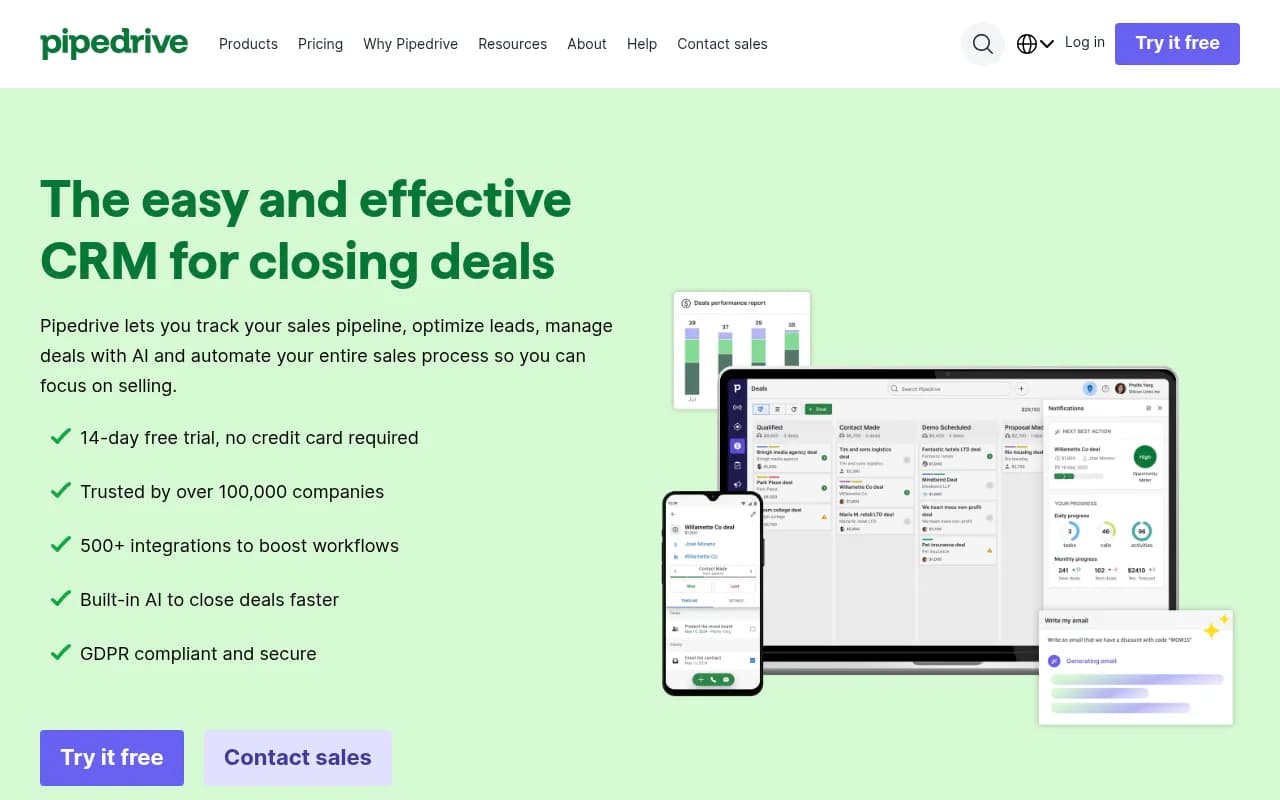
How does this compare? Salesforce Sales Cloud starts at $25/user/month (Essentials) but realistically you need Professional ($80/mo) or Enterprise ($165/mo) for comparable features. HubSpot Sales Hub starts free but jumps to $45/mo (Starter) or $450/mo for 3 users (Professional). Pipedrive is cheaper ($14-$99/mo) but lacks Zendesk's unified sales-service view. Zendesk Sell sits in the middle: more capable than basic CRMs like Pipedrive, simpler and cheaper than Salesforce, and uniquely strong if you're already in the Zendesk ecosystem.
Strengths and Limitations
What Zendesk Sell does exceptionally well:
Fast deployment and high adoption: Zendesk claims 70% of teams deploy in under 8 weeks, and 2 in 3 see ROI within 6 months. The interface is intuitive enough that reps actually use it instead of reverting to spreadsheets. This is a real problem with CRMs -- Salesforce has notoriously low user adoption because it's complex and clunky. Sell solves this by being simple and conversational.
Unified sales and service data: If you're using Zendesk Support, the integration is seamless. Sales reps see support tickets, service history, and customer health scores without leaving the CRM. This breaks down silos and gives reps context that competitors can't match without heavy integration work.
Mobile-first design: The mobile app is genuinely excellent. Full functionality, geolocation for field sales, and an interface that doesn't feel like a desktop app crammed onto a phone. If your reps are on the road, this matters.
Lower total cost of ownership: No hidden fees for basic features. Email integration, mobile app, and API access are included. Salesforce nickel-and-dimes you for add-ons; Zendesk doesn't.
Honest limitations:
Not built for complex enterprise sales: If you need CPQ, advanced territory management, multi-currency support, or complex approval workflows, Sell isn't the right tool. Salesforce and Microsoft Dynamics handle enterprise complexity better.
Limited marketing automation integration: No native Marketo or Pardot sync. If your marketing team uses enterprise MA tools, you'll need workarounds. HubSpot's unified CRM + marketing platform is stronger here.
Reporting is functional but not deep: Pre-built dashboards are good for daily management, but if you need complex multi-object reports or predictive analytics, you'll export data to a BI tool. Salesforce's reporting is more powerful (though also more complex).
Smaller app ecosystem: The Zendesk Marketplace has 100+ apps, but Salesforce AppExchange has 5,000+. If you rely on niche vertical-specific apps, Salesforce has more options.
Bottom Line
Zendesk Sell is the right CRM for growing sales teams that want simplicity, speed, and unified customer data without Salesforce-level complexity or cost. If you're a B2B company with a straightforward sales process, 5-50 reps, and you value ease of use over infinite customization, Sell delivers. The unified sales-service view is a genuine differentiator if you're already using Zendesk Support or plan to. The mobile app is best-in-class for field sales.
Skip it if you need heavy customization, CPQ, or deep marketing automation integration. For those needs, Salesforce or HubSpot are better fits despite higher costs and complexity.
Best use case in one sentence: B2B sales teams (5-50 reps) who want a CRM that reps will actually use, with built-in automation and unified customer context, without paying Salesforce prices or dealing with Salesforce complexity.
Tags:
Similar and alternative tools to Zendesk Sell