Key takeaways
- AI assistants do not read only your pricing page. They blend live search results, training data, review sites, comparison posts and your own old blog posts, so one stale number anywhere can end up in the answer.
- Pricing pages are some of the stickiest content in ChatGPT. Promptwatch Data shows landing and product pages stay cited for months, so a wrong number does not fade quickly.
- Most misquotes fall into a handful of patterns: stale tiers, false "free" claims, invented enterprise numbers, wrong billing basis, region mismatches, bad competitor comparisons and "starts at" confusion.
- The fix is to make one canonical price crawlable, consistent and corroborated across your site and third-party listings, then monitor until the misquote rate drops.
- You cannot file a ticket with OpenAI to correct a price. You can only change the evidence the models read.
Why this happens in the first place
Open ChatGPT, type your product name and ask what it costs. A lot of founders do this once and get a small shock. The answer is confident, well formatted, and wrong. Sometimes it is last year's price. Sometimes it is a plan you killed. Sometimes it is a competitor's number attached to your name.
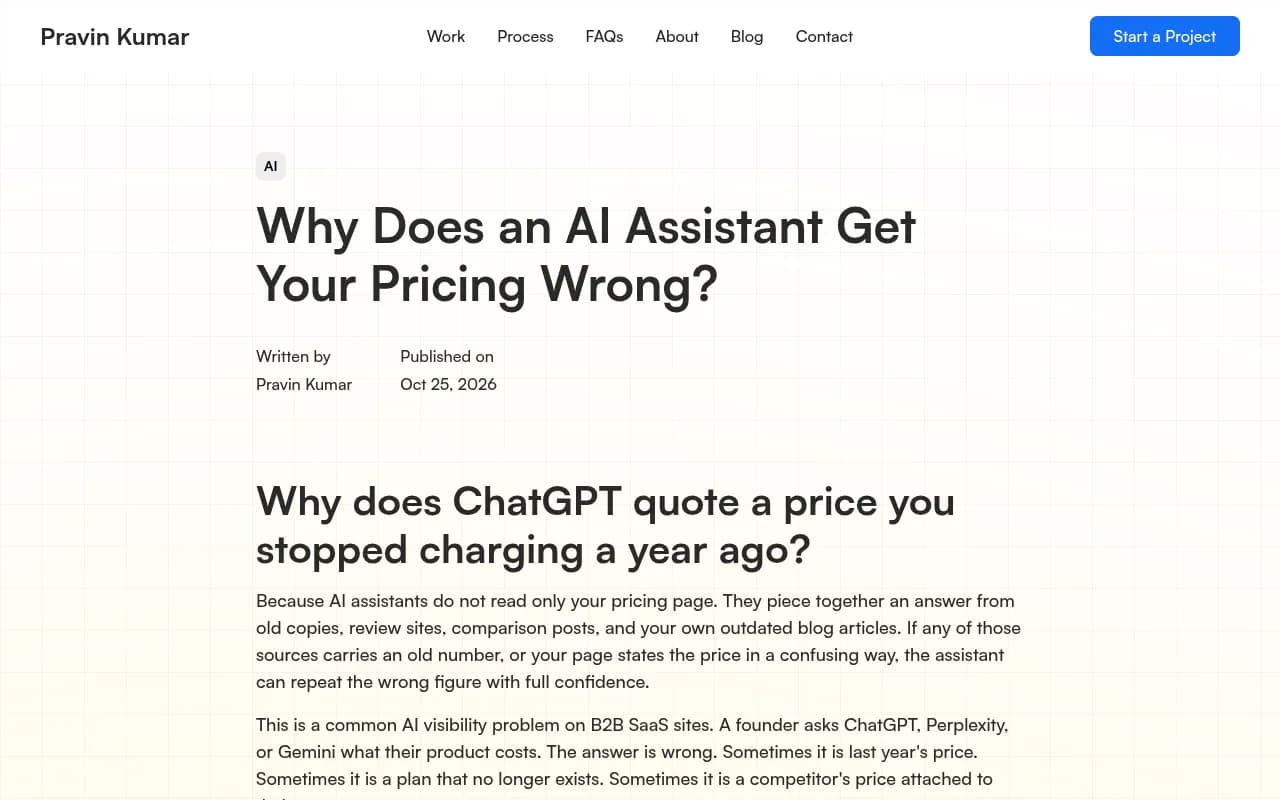
The reason is simple once you see how the answer gets built. As Pravin Kumar puts it, assistants piece together an answer from old copies, review sites, comparison posts and your outdated blog articles. If any of those carries an old number, or your page states the price in a confusing way, the assistant can repeat the wrong figure with full confidence.
Two mechanisms are at work, and they need different fixes.
Live retrieval
When an assistant searches the web at the moment of the question, it pulls a handful of pages and writes one answer from them. Your pricing page might be one. A G2 listing, a Reddit thread or a "best tools" roundup might be others. The model does not always know which source is newest, and it will not stop to ask.
Training memory
When an assistant answers from what it learned in training, the model may have absorbed your pricing months ago. You cannot edit that memory. What you can do is make the current price easy to find and easy to trust whenever the model does go looking.
Most real answers blend both. That is why a price can look right in one tool and wrong in another, and why it can flip between runs of the same prompt.
Why wrong prices stick around
Here is the part that surprised me. You might assume a stale price decays quickly. It mostly does not.
Promptwatch Data tracked every page ChatGPT cited on July 6, 2026 for 90 days. Pricing pages are classified as landing or product pages, and the content half-life report shows how those hold up: 78% of landing pages were still cited after 30 days and 69% after 60 days. Product pages, reviews and how-tos sat around 55% after 60 days, with half-lives of 74 to 77 days. News, by contrast, lost half its pages within 36 days.
The implication is uncomfortable. A page with an old price on it can keep getting cited for months. Third-party pages quoting your old numbers decay at similar rates, so expect the wrong figure to hang around even after you fix your own site.
It also matters how much weight these page types carry. In Promptwatch's ChatGPT citation share by content type data (Sep 28 to Oct 4, 2026), product pages were 22.4% of classified citations and landing pages 16.8%. For branded prompts like "is [brand] good for startups", product and landing pages together earned almost half of citations, and reviews rose to 5.6%, more than three times their share across all prompts. Pricing questions are branded prompts. The pages AI reaches for are the ones you control, plus the review sites you do not.
The seven patterns of AI wrong pricing
Not every misquote is the same, and the pattern tells you where to look. A taxonomy published by MaxAEO is a useful way to sort what you find.
| Pattern | What the AI says | Usual root cause | Where to look first |
|---|---|---|---|
| Stale tier | An old price after a change | Cached or uncrawled pricing page, old posts | Your own site and third-party listings |
| False free claim | "It's free" when freemium was removed | Legacy content, old reviews | Review sites, old blog posts |
| Phantom enterprise number | Invents a figure for "contact sales" | No public number, so the model guesses | Add a "typically starts at" range |
| Wrong billing basis | Monthly quoted as annual, per-seat as flat | Ambiguous page copy | Your pricing page wording |
| Currency or region mismatch | USD shown to a EUR buyer | No localized pricing signals | Localized pages and markup |
| Competitor comparison error | "Rival X is cheaper" | Old third-party comparison table | Roundups and comparison posts |
| Anchor or bundle confusion | "Starts at" read as the full price | Complex plans, no plain summary | A plain-language pricing summary |
The MaxAEO team also notes that many pricing pages render the actual number in JavaScript or an image, so crawlers read the surrounding words but miss the price. That one is worth checking before anything else, because it is cheap to fix and quietly common.
Step 1: Audit what AI says today
Before touching anything, document the damage. Ask ChatGPT, Claude, Gemini, Perplexity and Google AI Overviews a set of pricing prompts and write down every wrong answer. Vary the wording:
- "How much does [product] cost?"
- "Is [product] free?"
- "[Product] pricing for a team of 10"
- "[Product] vs [competitor] price"
- "[Product] enterprise pricing"
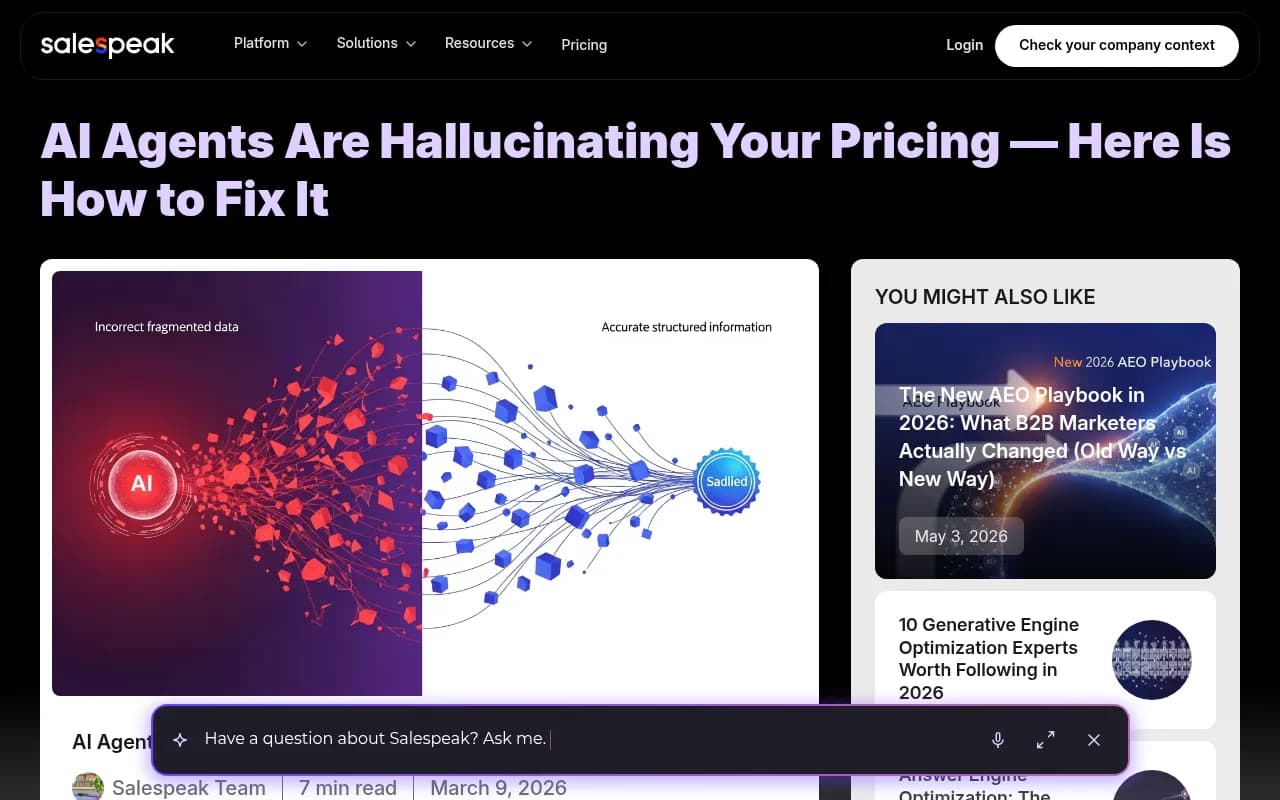
Run them more than once. Answers shift between runs, so a single screenshot proves little. As the Salespeak team argues in their piece on AI hallucinating pricing, the audit is the step most companies skip, and it is usually the one that convinces leadership this matters.
Doing this by hand works for a first pass. After that, you want something that runs the same prompts daily across models and countries. Tools like Promptwatch track what AI says about your brand across ChatGPT, Gemini, Claude, Perplexity and Google AI Overviews, and its Brand Narrative feature pulls out the individual claims AI makes about you (like pricing statements), groups the repeated ones and shows which models say them. On the Business plan, Fact Check lets you mark a claim as inaccurate and finds the pages on your site that state it, so you know which page the model is learning the wrong thing from.

Other tools in this space include LLMClicks, which lists hallucination detection as a headline feature, and monitoring-focused options like Otterly.AI and Peec AI. If you want to browse more, the GEO software directory at bestgeosoftware.com covers the field.

Step 2: Fix your own site first
The most common cause is boring. Your own site disagrees with itself.
Hunt down old numbers
Search your site for old plan names and old price points. Check blog posts, launch announcements, help docs, case studies, FAQs and landing pages built for past campaigns. A launch post from two years ago and a help article with a screenshot of the old plan grid are both official pages from you. To an assistant, they are equally credible, and they disagree.
For each hit, pick one of three moves: update the page, add a clear note that pricing changed with a link to the current page, or redirect it if it no longer serves anyone.
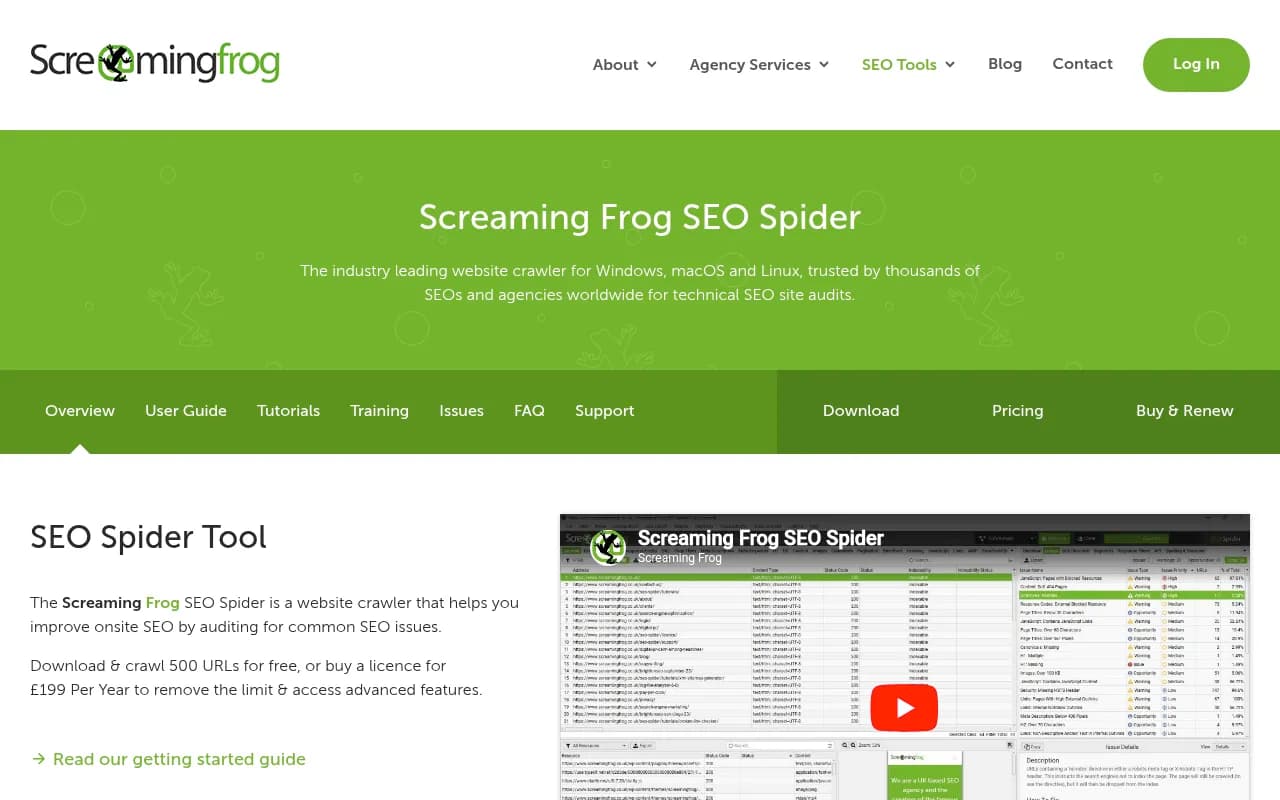
A crawler such as Screaming Frog SEO Spider can do the site-wide search for old prices in minutes using custom extraction or search.
Make one canonical pricing page
One page, one number, crawlable. Concretely:
- Put the actual price in server-rendered HTML text, not inside JavaScript, an image or a gated form.
- State the billing basis in plain words: per seat or flat, monthly or annual, and what the annual discount is.
- Add an effective date, such as "Pricing as of November 2026", so freshness is explicit.
- Show currency and region clearly, and give localized pages their own URLs.
- For "contact sales" tiers, publish a typical range or a starting point. If you publish nothing, the model invents something.
- Add a short plain-language summary above the plan grid: what each plan costs, who it is for, and what is not included.
If your pricing page is built client-side, a prerendering service such as Prerender.io can serve crawlers a fully rendered version without a rebuild.
Keep structured data honest
Schema markup helps, but only if it matches the page. Reflexa's short explainer on this problem points at a JSON-LD Offer that no longer matches the visible page as a common source of stale quotes. If you use Offer or Product markup, update it in the same deploy as the copy. A mismatch is worse than no markup at all.
{
  "@context": "https://schema.org",
  "@type": "Product",
  "name": "Acme Pro",
  "offers": {
    "@type": "Offer",
    "price": "49.00",
    "priceCurrency": "USD",
    "priceValidUntil": "2027-01-31",
    "url": "https://example.com/pricing"
  }
}
Tools like Schema App manage this at scale if you have many products or regions.
Step 3: Check that AI crawlers can actually read the page
A correct page that AI bots cannot fetch does nothing for you. Check that your robots.txt is not blocking the crawlers you want, that the pricing page returns a clean 200, and that the number appears without running scripts. Promptwatch has a free AI crawler URL inspector and a robots.txt generator for AI for the basics.
Once the basics work, IP-verified crawler logs show whether GPTBot, ChatGPT-User, ClaudeBot or PerplexityBot actually hit the pricing page and whether they hit errors. That is how you tell an access problem from a content problem. Promptwatch's AI crawler logs cover this, and you can compare against Promptwatch Data's weekly AI crawler traffic report to see how your numbers look against the wider picture.
Step 4: Clean up the third-party evidence
This is the slow part. Even a perfect site loses to a G2 listing with your 2023 price on it if that listing is what the assistant retrieved first.
Work through the sources that tend to get cited about pricing:
- Review and directory profiles (G2, Capterra, Trustpilot and similar). Update plans and prices, and claim the profile if you have not.
- "Best tools" roundups and comparison posts. Email the author with the corrected number and a link to your pricing page. Most will fix it if you make it easy.
- Marketplace and integration listings, including partner directories that copy your plan details.
- Reddit threads and forum answers. Do not astroturf. A short, honest, dated reply from a named company account correcting a number is fine.
- Your own press releases and old announcements.
For review sites, Trustpilot is one that regularly shows up in branded answers.
Promptwatch Data recommends exactly this for branded prompts: make sure your homepage, product pages and docs answer what people ask about you, including pricing; collect reviews on the sites people trust in your category; and add a plain-language FAQ page. An FAQ titled "How much does [product] cost?" with the current numbers is one of the cheapest fixes on this list. Promptwatch's Offsite Mentions tracking can also surface third-party pages that name your brand without linking, which is where stale numbers tend to hide.
Step 5: Fix competitor comparison errors
When an assistant says a competitor is cheaper, resist the urge to cut your price. The error almost always traces to an old third-party table where your 2023 number sits next to your rival's 2025 number.
Find the table, correct the delta, and publish your own comparison page with current numbers for both sides, dated. Promptwatch Data shows comparisons are 5.9% of ChatGPT citations overall and 7.9% for commercial prompts, and that they stay cited about 72% of the time after 30 days. That is a durable slot, so own it rather than leave it to someone else's outdated post.
If you track competitor pages systematically, competitive intelligence tools such as Crayon and Klue watch their pricing changes, which helps you keep your own comparison pages honest.
Step 6: Monitor until it sticks, then make it routine
Fixes do not land overnight. In the MaxAEO engagement, one account's misquote rate fell from 38% to about 9% over roughly three weeks after cleaning the source of truth, adding structured data and correcting third-party listings. That is one account, not a benchmark, but the shape matches what I would expect: fast on live-search engines, slower where training memory dominates.
So track a fixed set of pricing prompts and watch three things:
- Misquote rate: the share of responses with a wrong number.
- Which source each wrong answer cites. That tells you which page to fix next.
- Whether wrong answers appear on one model or all of them. One model usually means a retrieval problem. All of them means your own evidence is inconsistent.
Then bake it into your release process. Every pricing change is a window where your live page, cached copies and third-party listings disagree, which is exactly when stale-tier errors get born. Add a checklist item: update the page, the schema, the FAQ, the top five third-party listings, and re-run the pricing prompts a week later.
If you want the monitoring and the fix in one place, Promptwatch's Action Board turns content gaps and site issues into a prioritized to-do list, and its Page Tracker shows which prompts cite a given pricing URL. For a quick, no-commitment look, the free AI visibility report scans how ChatGPT, Gemini and Perplexity talk about your brand. Plans start at $95 per month with a 7-day free trial; confirm current details at promptwatch.com/pricing.
Tools that can help with pricing accuracy
| Job | Tool types | Examples |
|---|---|---|
| Track what AI says about your pricing | AI visibility platforms | Promptwatch, Profound, Peec AI, Otterly.AI |
| Detect hallucinated claims | Hallucination-aware monitors | LLMClicks, Promptwatch Brand Narrative and Fact Check |
| Find old prices on your own site | Crawlers | Screaming Frog SEO Spider |
| Make the price readable to bots | Prerendering, schema | Prerender.io, Schema App |
| Watch competitor pricing | Competitive intelligence | Crayon, Klue |
| Free one-off check | Free graders | Promptwatch AI visibility report, AnswerGist |
For a wider list of options, the AI rank tracking directory at ai-rank-tools.com is a good place to compare trackers.
A short checklist
- Ask five AI assistants five pricing questions, three times each. Record every wrong answer and its cited source.
- Search your own site for old plan names and prices. Update, annotate or redirect.
- Publish one canonical pricing page with the number in server-rendered text, a billing basis, a currency and an effective date.
- Make schema match the visible page. Deploy both together.
- Confirm AI crawlers can fetch the page without errors.
- Add a plain-language pricing FAQ.
- Fix review profiles, roundups and marketplace listings, starting with whatever the wrong answers cite.
- Publish a dated comparison page against your main competitors.
- Re-run the prompts weekly until the misquote rate holds low.
- Make step 1 part of every pricing change.
What you cannot fix
A few honest limits. You cannot force a model to update its training memory, so some wrong answers will persist until the next model release. You cannot control every third-party page. And you cannot guarantee a given number in a given answer, because assistants rephrase, round and sometimes combine plans.
What you can do is make the right price the most crawlable, most consistent and most corroborated version on the web. Assistants lean toward the source that is unambiguous and backed up by others. Most companies have not even run the audit yet, so the ones that do and fix the evidence get quoted correctly while their competitors are still being guessed at.
If you are weighing agency help with the work, 1001 SEO Media runs AI search and GEO projects, including this kind of brand-accuracy cleanup, and uses Promptwatch for the tracking side.