Key takeaways
- A full AI search visibility platform does more than answer "was my brand mentioned?" It explains why, shows where, measures revenue impact, and helps you fix the gaps.
- Per-engine reporting is the baseline. One blended score hides the model where you are losing.
- Crawler logs, AI referral analytics, and content workflows are the features most tools skip, and they matter most.
- Use the checklist and scoring table below to compare vendors in a two-week pilot, not on a demo alone.
Why the definition matters
Search for "AI visibility tool" and you will find hundreds of options. Many do one thing: they run a list of prompts through ChatGPT or Perplexity and tell you whether your brand appeared. That is useful. It is also about a quarter of the job.
The label "platform" gets stretched to cover simple trackers, SEO suites with an AI tab bolted on, and content generators with a dashboard. So here is a working definition. A full AI search visibility platform lets you do four things in one place: understand why you are or are not visible, see where AI finds your content, measure the business impact, and act on what you learn.
If a tool covers only the first half of one of those, it is a tracker. Nothing wrong with trackers, but you should know which you are buying.
The 12-point checklist
1. Per-engine tracking, not one blended score
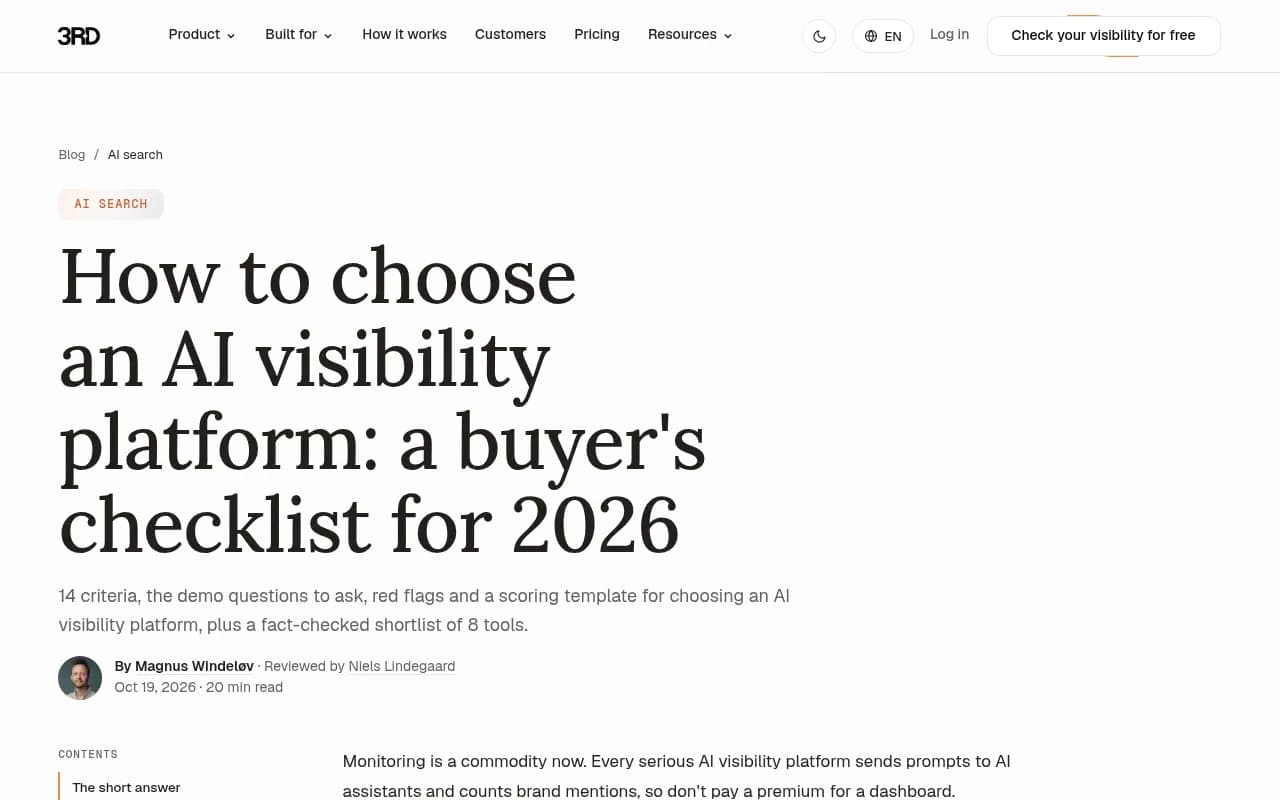
The buyer's checklist from 3RD lists "a single global score with no filters" as a red flag, and I agree. One brand can sit at 50% on one model and 30% on another for the same questions. An average hides the model where you are losing.
The data backs this up. Promptwatch Data's average sources per response report shows ChatGPT citing about 5 sources per web-search answer, while Google AI Overviews and Perplexity cite about 10. Microsoft Copilot swung from under 2 to nearly 17 sources per response within a few weeks. Engines behave differently, so reporting has to be split by engine.
2. Real interface data, not only API calls
What a user sees in the ChatGPT or Google AI Overviews interface can differ from what the API returns. Ask vendors how they collect responses. Monitoring the actual user interface, per country and language, is more expensive for the vendor and more accurate for you. API models are still worth tracking alongside, because they show what a model believes from training data.
3. Prompt intelligence
A prompt list you invented yourself is a guess. A full platform tells you which prompts matter: estimated volumes, difficulty, intent, topics, personas, and the query fan-outs (the web searches an AI actually runs per response). Promptwatch Data's ChatGPT site: operator report is a good example of why fan-out visibility matters. On August 8, 2026, site: queries jumped from about 0.4% to about 17% of all fan-out queries overnight, and searches per response nearly doubled. If your tool cannot show fan-outs, you will not see changes like that.
4. Meaningful metrics
Look for a small set of metrics that locate problems rather than decorate a dashboard:
- Visibility score (placement, share of attention, depth)
- Share of voice against named competitors
- Position within the answer
- Sentiment
- Citation rank and self-citation rate
Read together, they diagnose. Low share of voice is a coverage problem. Late position is a prominence problem. Mentions without citations to your own pages point to content or crawlability. Weak sentiment is a reputation problem.
5. Citation and source analytics
A mention is nice. A citation tells you which page AI trusted. A full platform shows which of your pages get cited, which third-party pages cite or name you, and what types of content win. Promptwatch Data shows product pages are the most cited content type in ChatGPT at 22.4% (Sep 28 to Oct 4, 2026), and that landing pages and docs stay cited longest while news loses half its pages within 36 days. Your tool should let you see that pattern for your own domain.
Social sources need their own view. ChatGPT drew just 0.46% of its citations from social platforms in the week of Sep 28 to Oct 4, 2026, while Google AI Overviews drew 12.2%. Reddit, YouTube, and LinkedIn tracking is rare, and it is a real differentiator.
6. AI crawler logs
This is the item most tools lack entirely, and it is the one that explains the "why." Crawler logs show when GPTBot, ClaudeBot, PerplexityBot and others visit, which pages they read, and which errors they hit.
Two details matter. First, the logs must be IP-verified, otherwise spoofed user agents pollute the numbers. Second, the tool should separate training crawlers from answer-time fetchers. Promptwatch Data's AI crawler traffic report (June 8 to September 6, 2026) counts only requests matching operators' published IP ranges. In it, OpenAI's share of verified requests fell from 94.8% to 79.8%, so the mix is moving. Meta-WebIndexer grew from about 2% to nearly 38% of tracked crawler requests between mid-July and August 9, 2026. If a provider is big in the market mix but near zero in your logs, you may be blocked.
7. AI referral traffic and conversions
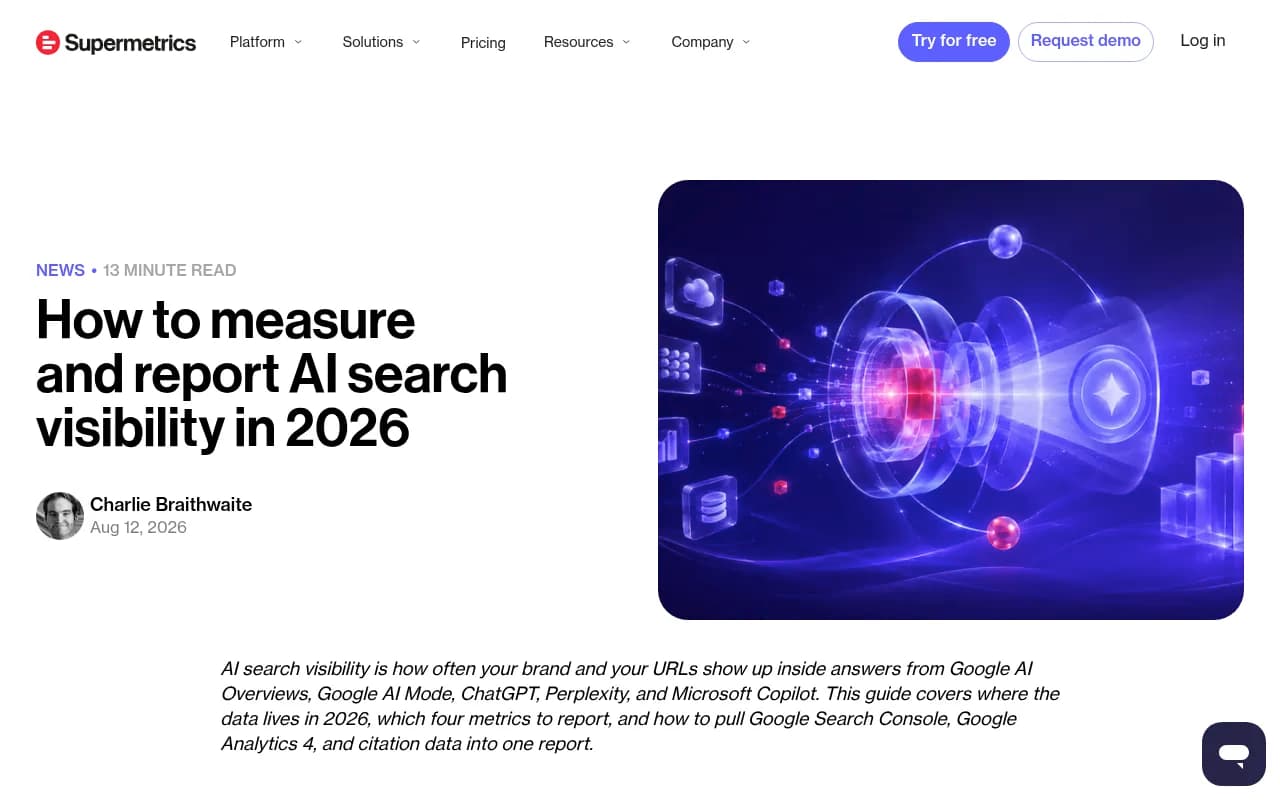
Mentions do not pay salaries. You need to see visitors arriving from ChatGPT, Perplexity, Gemini, Claude, and Copilot, and what they did next. Supermetrics frames this well: its four-metric reporting model combines AI impressions (Search Console and Bing Webmaster Tools), AI referral sessions (GA4), and prompt-level presence rate from a fixed prompt panel sampled 3 to 5 times per engine.
A full platform either includes visitor analytics or joins cleanly with GA4 and Search Console. Bonus points for per-page views that show which pages rank in Google and Bing but never get cited by AI.
8. Site audit for AI readability
Blocked robots.txt rules, restrictive firewalls, missing schema, slow pages, and duplicate content all keep AI systems out. A weekly audit with a change log is the minimum. It should flag the issues in plain language rather than dumping 400 warnings.
9. Content gap analysis
This maps your pages against the prompts AI answers and shows where you have no coverage. It is the bridge between "we are invisible" and "write this next." Without it you are guessing at topics.
10. Content creation and publishing
Here the line between tracker and platform is sharpest. Can the tool write content grounded in your visibility data, keep it on-brand through a knowledge base, and publish to your CMS? Can it then track whether the new page got crawled, cited, and clicked? Most competitors stop at monitoring. Content-only tools like AirOps or Jasper have the opposite problem: no citation data to ground what they write.
11. Action prioritization
A dashboard with 60 charts is not a plan. Look for a prioritized to-do list generated from your data, with owners and comments, plus a conversational analyst that can query the data on request.
12. Integrations, reporting, and security
The boring stuff decides enterprise deals: CDN and log integrations (Cloudflare, Vercel, Fastly, CloudFront), Search Console and Bing, Looker Studio, Slack, an API and MCP server, white-label PDF reports for agencies, SSO, audit logs, and ISO 27001 or equivalent certification.
Where the market lands on this checklist
Here is a rough, opinionated read of the categories. Always verify current features on the vendor's site before buying.
| Category | Examples | Per-engine data | Crawler logs | AI traffic | Content and publishing |
|---|---|---|---|---|---|
| End-to-end platform | Promptwatch | Yes, real UI | Yes, IP-verified | Yes | Yes, with CMS publishing |
| Enterprise monitoring | Profound, Scrunch | Yes | Limited | Varies | Limited |
| Lightweight trackers | Otterly.AI, Peec AI | Yes | No | No | No |
| SEO suites with AI add-ons | Semrush, Ahrefs Brand Radar | Partly, fixed prompt sets | No | Via analytics | Separate tools |
| Content-first tools | Frase, AirOps | Varies | No | No | Yes |
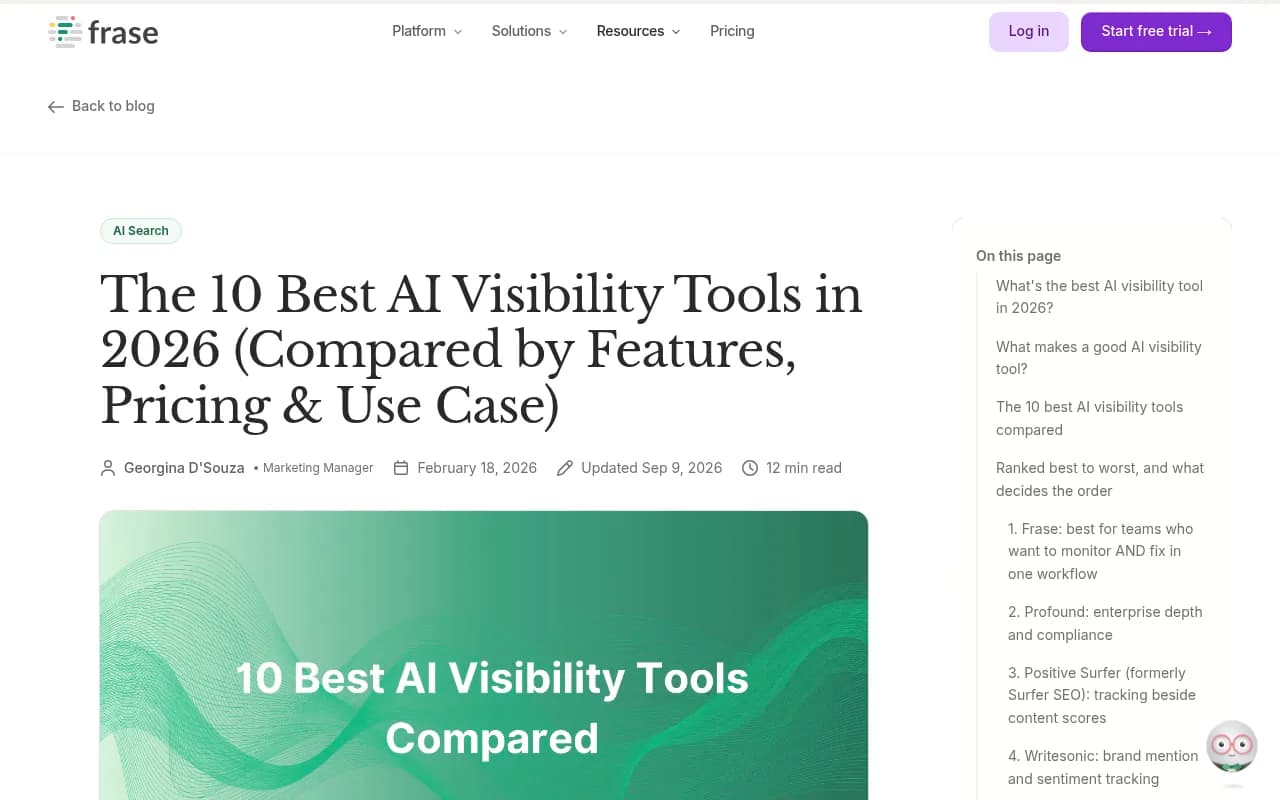
Frase's own roundup of 10 AI visibility tools makes the same split from the content side: the real difference is whether a tool stops at the alert or helps you fix the gap.
Tools worth a look
Promptwatch is the one I would test first against this checklist, since it covers all twelve items: real-UI tracking across ChatGPT, AI Overviews, AI Mode, Gemini, Perplexity, Copilot and others, IP-verified crawler logs, visitor analytics, a Content Agent that publishes to WordPress, Webflow, or Framer, and an Action Board. It also tracks Reddit, YouTube and LinkedIn citations, which most tools ignore.

For monitoring-focused alternatives, these are common shortlist names.

Profound has strong enterprise monitoring depth, at a higher price point.

Otterly.AI is an affordable tracker if all you need is mention monitoring.

Peec AI handles large prompt sets, but with no optimization layer.
Semrush makes sense if your team already lives in it and wants AI tracking next to classic SEO data.
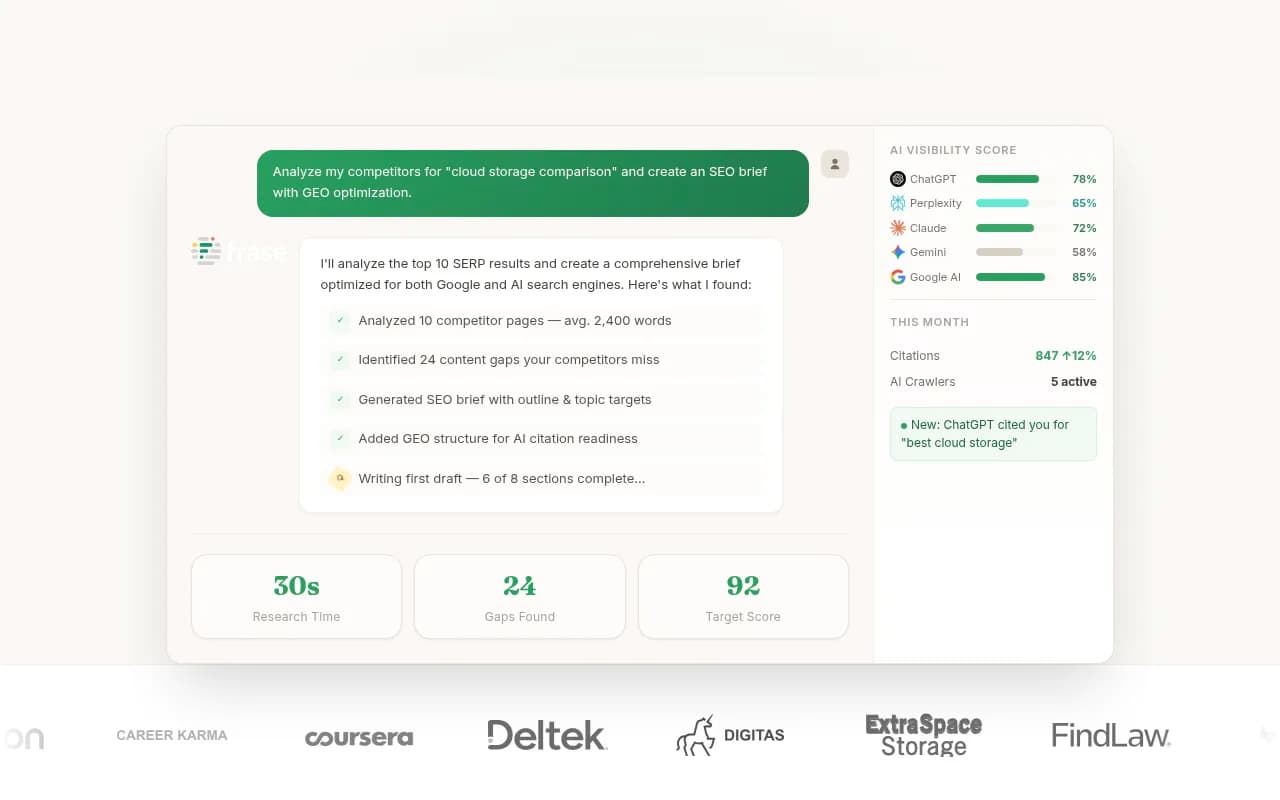
Frase suits teams who want content optimization and AI tracking in one writing workflow.
For free spot checks of Search Console data, use Google Search Console, which now reports AI Overviews and AI Mode impressions, though without clicks or query data.
If you want to browse more options, the GEO software directory lists dozens of platforms by category.
Questions to ask in every demo
- Show me the same prompt on three engines, side by side. Can I filter every chart by engine, country, and language?
- Is the data from the real interface or an API?
- How many times is each prompt sampled? One run is noise.
- Can I see raw responses and the sources behind every number?
- Do you verify crawler IPs? Can I see which pages bots failed to read?
- Can you show me traffic and conversions from AI, not just mentions?
- After I publish a fix, how do I know it worked?
- What happens to my data if a model is retired?
- How does pricing scale: per prompt, per response, per seat, per brand?
Red flags
- One global score with no filters.
- No way to export responses or citations.
- A fixed, vendor-chosen prompt set you cannot edit.
- "AI-powered" content generation with no link to your visibility data.
- Vague claims about data volume with no named engines or collection method.
- Pricing that hides response limits until the contract stage.
A scoring template you can copy
Score each vendor 0 (missing), 1 (partial), or 2 (strong). Weight the rows by what your team needs.
| Capability | Weight | Vendor A | Vendor B | Vendor C |
|---|---|---|---|---|
| Per-engine, real-UI tracking | 3 | |||
| Prompt volumes, fan-outs, personas | 2 | |||
| Citation and source analytics | 3 | |||
| IP-verified crawler logs | 3 | |||
| AI referral traffic and conversions | 3 | |||
| Site audit | 1 | |||
| Content gap analysis | 2 | |||
| Content creation and CMS publishing | 2 | |||
| Prioritized actions | 2 | |||
| Integrations, API, reporting | 2 | |||
| Security and compliance | 1 | |||
| Price per tracked response | 2 |
A tracker will score well on the first two rows and collapse after that. That is the point of the exercise.
A two-week pilot that settles it
- Pick 30 to 50 prompts that reflect real buyer questions, plus 5 branded and 5 competitor comparison prompts.
- Load the same set into your top two or three vendors.
- Compare results on day 3 and day 10. Check how much the numbers move between runs.
- Install crawler log collection and see how fast you get usable data.
- Ask each tool to recommend three actions. Ship one. Check whether it is measurable afterward.
Monthly pricing across the field varies a lot, so confirm current plans on each vendor's pricing page. For reference, Promptwatch lists plans from a free Explore tier up to custom Enterprise, with paid plans starting at $95 per month at promptwatch.com/pricing.
The short version
If a tool cannot tell you why you are invisible, cannot connect AI to traffic, and cannot help you fix the gap, it is a tracker. Buy a tracker if that is all you need, and it can be cheaper. If you are building AI search into a revenue channel, use the checklist above and make vendors prove each row in your own data.