Key takeaways
- A Surfer study of 1,000 prompts found that API answers and scraped interface answers overlapped by about 30% at best. Surfer scrapes for a living, so treat it as a vendor study, but the direction matches what most practitioners see.
- Local answers depend on where the question is asked from. API calls usually lack that context, so a tracker built on them can describe an answer nobody in your city ever sees.
- APIs returned no sources about 25% of the time in that study. Scraped answers always had sources, and about twice as many on average (16 vs. 7).
- Ask any vendor three questions: which interface is collected, from what location, and how often. Vague answers usually mean API calls.
- I found no public study that isolates local-only differences. The local argument below is reasoning from the general gap, and I flag where it is inference.
What this guide covers
If you run a store, a clinic, a dealership, or twelve franchise locations, you care about prompts like "best dentist near me" or "where to get a same-day phone repair in Leeds." You want to know if ChatGPT, Google AI Overviews, or Perplexity names you.
Most AI visibility tools can answer that in two ways. They can call a model through an official API, or they can open the real consumer product and record what it shows. The two produce different answers. For local queries the difference is bigger than for generic ones, and it is easy to miss because both dashboards look equally professional.
The two ways to collect AI answers
Interface collection (real UI)
A scraper opens the chatbot or search surface, submits the prompt, and parses the text, brand mentions, and citation links. What comes back includes everything the product applies for real users: retrieval, ranking, safety filtering, personalization, and answer shortening.
It is harder to maintain. Interfaces change, rendering is slow compared to an API call, and the collector has to be updated with every redesign. That is why it costs more.
API collection
APIs give structured, programmatic access to a model closely related to the one behind the product. Closely related is not the same. The API is a different product with different defaults, often different or optional web search, and no consumer-side layer on top.
Some surfaces have no real API at all. In Surfer's test, the AI Overviews "API" method was borrowed from AI Mode, because Google runs AI Overviews on a Gemini model that is not sold as an API.
What the data says about the gap
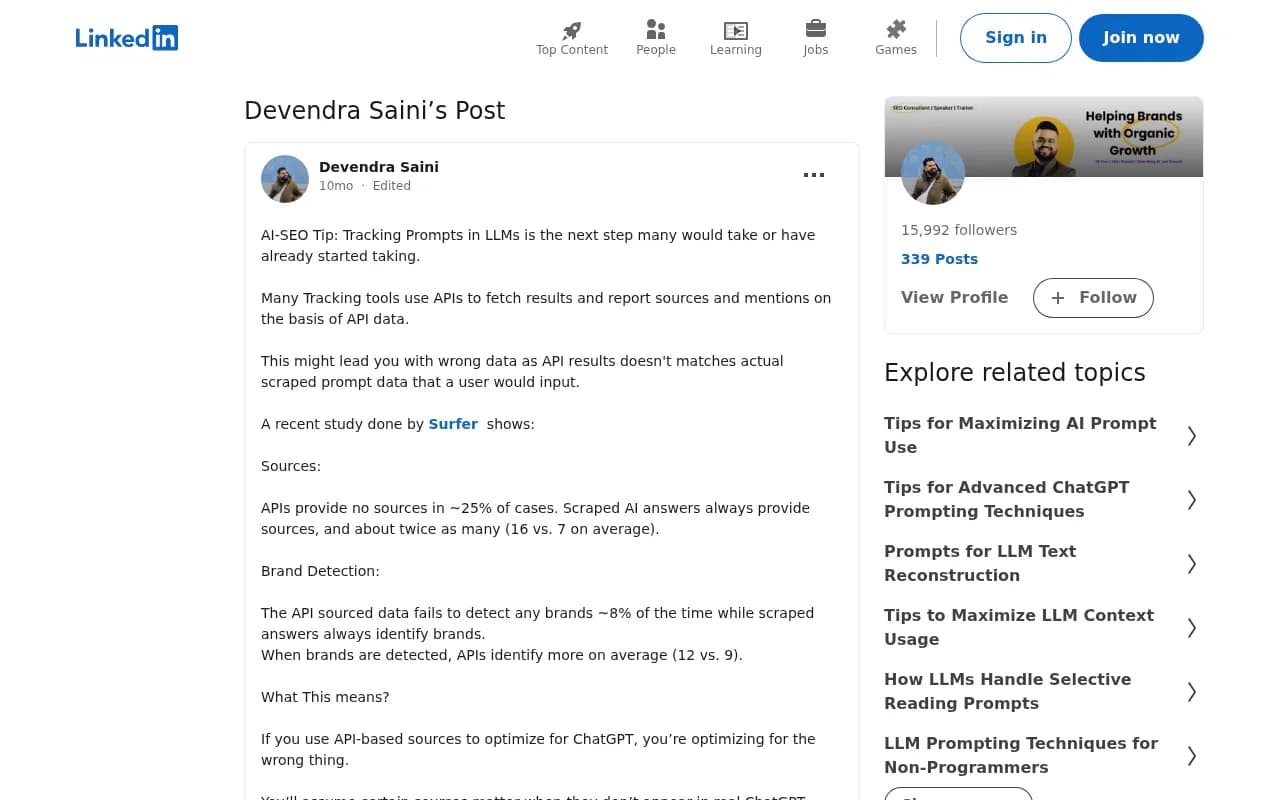
Surfer ran 1,000 prompts across five AI products, once by scraping the interfaces and once through an API. That produced 13,779 answers across 14 model-and-method combinations. They compared cited brands, sources, pages, and answer length. Their headline: the overlap is about 30% at best, and smaller in many cases.
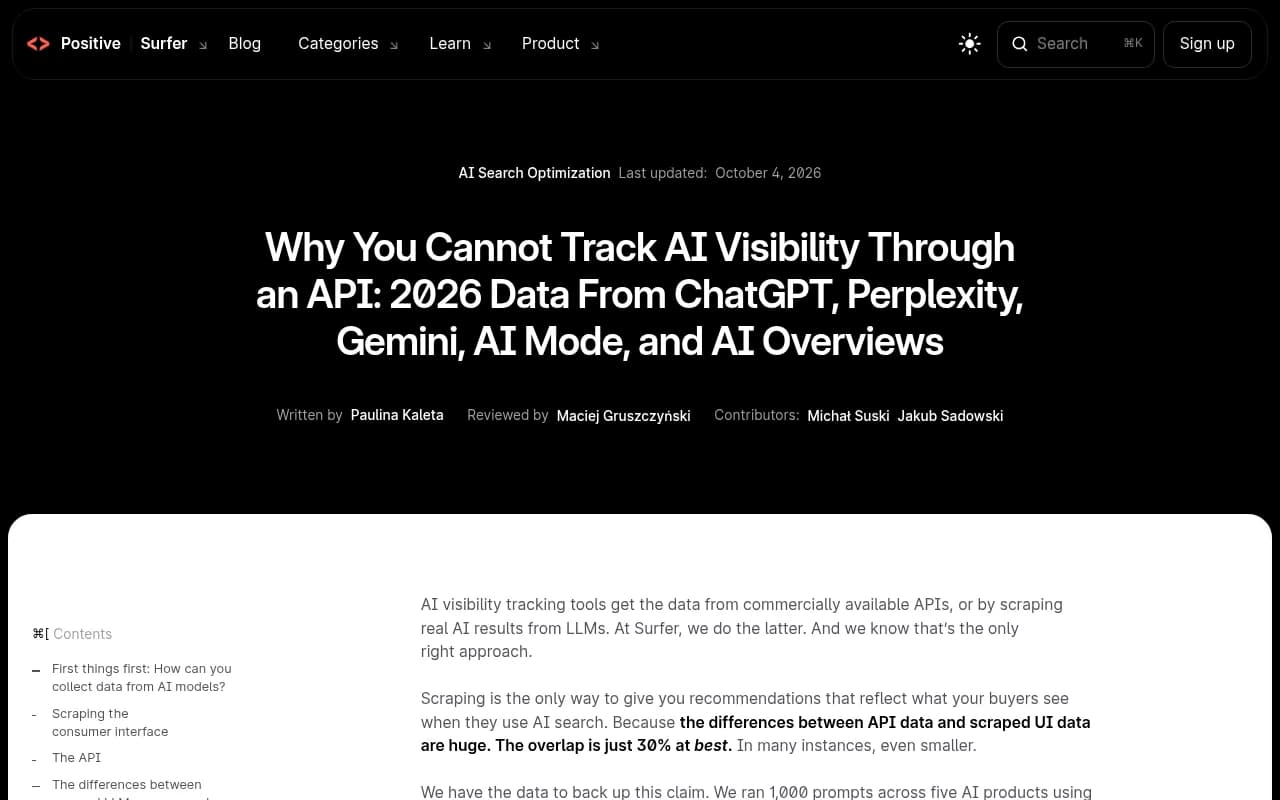
A summary of the study posted on LinkedIn by Devendra Saini lists the specifics:
- APIs gave no sources in roughly 25% of cases. Scraped answers always included sources.
- Scraped answers averaged 16 sources, against 7 for the API.
- APIs detected no brands about 8% of the time. Scraped answers always identified brands.
- When APIs did find brands, they found more on average (12 vs. 9).
The last point is a nice reminder that the API is not simply a worse version. It is a different thing. More brands in an answer that no user sees is not useful to you.
A caveat on the source
Surfer sells scraped data, and the study supports its approach. I would not call it neutral. Still, the mechanism is not controversial: the API is not the product. And Promptwatch's own data points the same way. In Promptwatch Data, ChatGPT cites about 5 sources per web-search answer, while Google AI Overviews and Perplexity cite about 10. Those numbers describe the live products, and they move with model updates. An API call cannot tell you which of those behaviors your customers get.
Why local prompts make the gap worse
The next part is inference, not measurement. I did not find a published study that isolates local differences, so read it as a reasoned argument.
Location is part of the question
For "best plumber near me," the answer is meaningless without a place. In the consumer products, the surface knows or estimates where the user is. A bare API call has no such context unless you stuff a city into the prompt text. That is a different prompt, and the model may answer it differently from how the product answers a user physically standing in that city.
Retrieval and sources shape local answers
Local recommendations lean on live retrieval: listings, review sites, maps data, and local news. If an API call skips web search or runs it differently, you lose the layer that decides which businesses get named. The Surfer finding that APIs return no sources about a quarter of the time is the general version of this problem.
Query fan-outs are not fixed
ChatGPT turns one prompt into several searches. Promptwatch's query fan-out data shows a single prompt can trigger 3 to 8 or more searches, and the measured average moved from 2.15 per response in December 2025 to about 1.84 by March 2026, then to 1.0 in April. Average query length fell too. The searches decide which local sources get pulled in, and they change over time. A tracker that sends a fixed prompt to a model will not see that behavior. Related shifts, like ChatGPT starting to use the site: operator at scale on August 8, 2026, change which pages can be cited.
Citations move
Average citations per answer also shift with product updates. Promptwatch recorded a drop around the GPT-5.3 rollout on March 4, 2026. Local businesses win or lose on whether their listing page is in that smaller set.
How to check what your tracker actually does
You do not need to read a whitepaper. Ask the vendor these and compare the answers.
- Do you collect from the consumer interface or from an API? Per surface, not in general.
- Can I set a location, and how precise is it? Country only, city, or exact coordinates?
- Are results the same for every user location, or does each monitor have its own?
- Do you capture cited sources and the fan-out searches?
- How often do prompts run, and can I run them more often during a launch?
Then run a sanity test. Pick five local prompts, open the real products from the target area (or a VPN exit there), and compare the brands and sources with what the tool reports. If your tool shows sources the real answer never cited, that is the Surfer finding showing up in your own data.
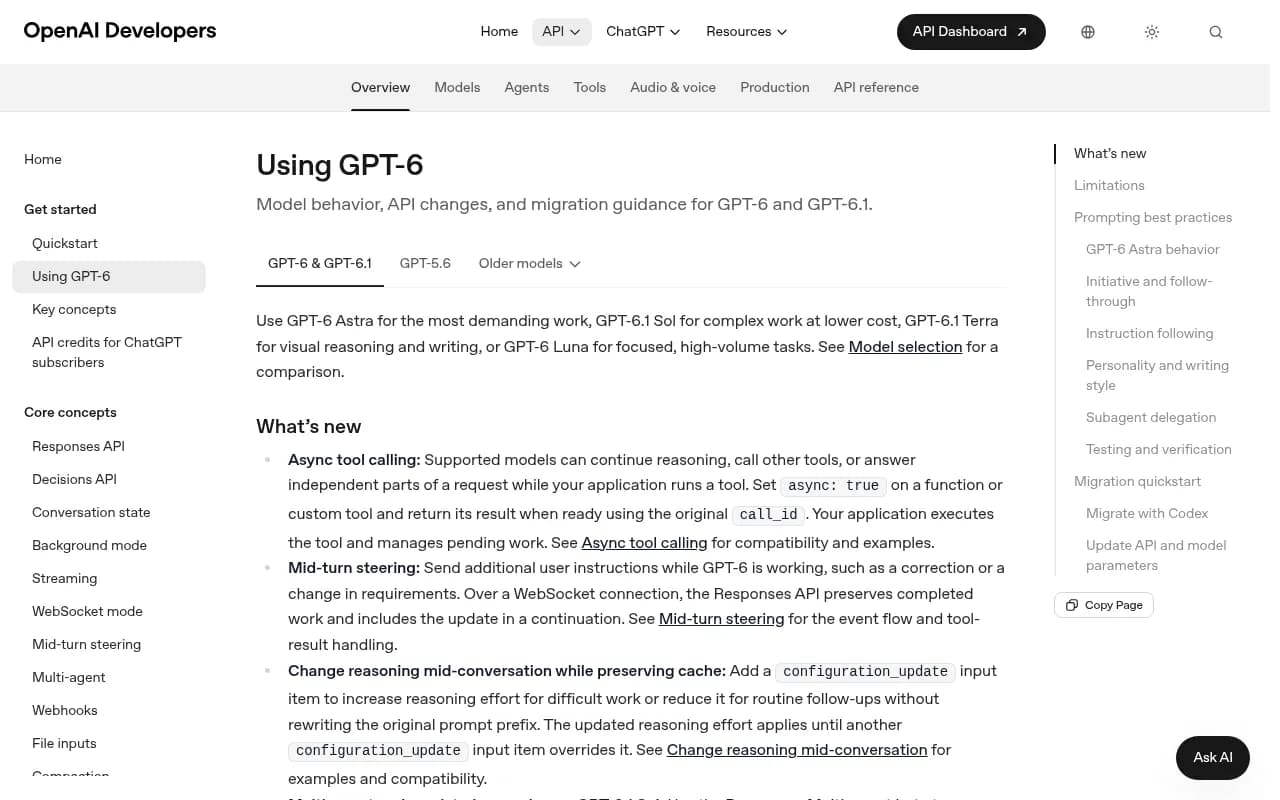
The API docs make the point on their own: behavior depends on parameters you choose, such as tools and reasoning settings. The consumer product picks those for the user.
Comparison: UI collection vs API collection for local tracking
| Factor | Real UI collection | API collection |
|---|---|---|
| Matches what users see | Yes, by design | About 30% overlap at best (Surfer, 1,000 prompts) |
| Sources and citations | Always present in Surfer's test, 16 on average | Missing about 25% of the time, 7 on average |
| Location handling | Can be set per monitor | Usually only what you write into the prompt |
| AI Overviews coverage | Directly observed | No dedicated API; borrowed from AI Mode in Surfer's test |
| Cost to the vendor | Higher | Lower |
| Maintenance | Breaks when UI changes | Stable endpoints |
| Best use | Answer visibility, citations, local presence | Studying what a model knows from training data |
APIs still have a job. They show what a model believes without live search, which is useful as a baseline. They just should not be your local visibility number.
Tools worth looking at
I will keep this short, because the right tool depends on your location count and budget. The test is the five questions above, not a brand name.
Promptwatch collects from the real interfaces of ChatGPT, Google AI Overviews, Google AI Mode, Gemini, Perplexity, Copilot and others in each country and language, and keeps API models like Claude and Mistral as a separate lens on training data. For local work, its local GEO/SEO targeting pins a monitor to exact coordinates (radius from 20 m to 5 km) so ChatGPT and the Google surfaces answer as if asked from that spot. That is on the Business plan ($579/mo), which also adds state and city tracking and hourly runs; confirm current details at promptwatch.com/pricing. There is also a free AI visibility report if you want a first look before committing.

Other tools in the category are worth comparing. Otterly.AI is an affordable tracker:

And Profound targets enterprise teams:
For listings and reputation, which feed many local answers, look at Yext and BrightLocal:
For a wider view of the field, the GEO software directory at bestgeosoftware.com lists more options. Ask each one the questions from the previous section, because few marketing pages answer them.
A practical setup for local tracking
- Choose 15 to 30 local prompts per location, mixing "near me" phrasing, city-named phrasing, and service-plus-neighborhood phrasing.
- Keep one monitor per market. A monitor's language and location should stay fixed so markets never blend.
- Track the real interfaces for the surfaces your customers use. Add API models only as a training-data baseline.
- Record cited sources, not just mentions. If you are named but never cited, the fix is usually your listings and on-site pages.
- Check AI crawler access on your site. A page AI cannot read cannot be cited.
- Re-run after model updates. Fan-out and citation behavior shifted several times in 2026.
Common mistakes
- Writing the city into a prompt and calling it local tracking. It is not the same as asking from that location.
- Comparing a cheap API-based tool's visibility score with a UI-based tool's score. They measure different things.
- Optimizing for sources that showed up in API output. The Surfer data suggests those sources may never appear in the real answer.
- Trusting one run. Answers vary, so look at trends across repeated runs.
Bottom line for local teams
If a tool cannot tell you where it collected an answer from, assume it collected it from an API with no location. For national brand questions that may be tolerable. For "near me" it is a poor proxy. Test five prompts by hand this week and see how far off your dashboard is.