Key Takeaways
- An API connects a prompt tracking tool to your own software (a warehouse, Looker Studio, a client portal). MCP connects it to an assistant like Claude, ChatGPT or Cursor. You often want both.
- Access is gated differently at every vendor. Some include it on entry plans, others reserve the API for Enterprise, so check MCP and API separately before you subscribe.
- Raw citation counts are not comparable across engines. ChatGPT cites about 5 sources per answer, Google AI Overviews and Perplexity about 10, and Copilot swings wildly. Normalise before you chart.
- Most vendor comparison posts on this topic are written by vendors. Treat their pricing tables as a starting list and confirm on the pricing page.
Why API and MCP access matters for prompt tracking
A dashboard is fine until someone asks a question the dashboard wasn't built for. Your client wants share of voice by country next to GA4 conversions. Your CMO wants a Monday Slack summary. Your analyst wants citations in BigQuery, joined to Search Console. None of that happens by screenshotting charts.
That is the job of an API or an MCP server. Nearly every serious AI visibility platform now ships at least one. The differences are in what you can read, whether you can write, how many requests you get, and which plan unlocks it.
One caveat on sourcing. The comparison posts I found while researching this (from Geoptie, ZeroRank and Rankability) are each written by a company that sells one of the tools on the list. Useful for building a shortlist, not neutral. I've used them for the shape of the market and pushed you to verify specifics.
API or MCP: which do you need?
Short version: MCP is for conversations, the API is for pipelines.
- MCP lets an AI assistant read your tracking data, and in some tools change it. Good for ad hoc questions ("which competitor gained the most share on our comparison prompts last month?"), drafting reports, and triggering actions like adding prompts.
- API is for scheduled jobs and other software. Good for nightly pulls into a warehouse, Looker Studio feeds, white-label portals and alerts.
If your reporting is recurring and the format is fixed, use the API. If it's exploratory or changes every week, use MCP. Teams that do both often prototype in an assistant over MCP, then harden the useful queries into API jobs.
A third distinction matters too: read versus write. Read-only access is safe to hand to a junior analyst or a client. Write access lets an assistant add prompts, create reports or queue content, so you want scoped keys and an audit trail.
What to check before you pick a tool
- Plan gating. MCP and API are frequently on different plans. Peec AI, for example, is described in vendor comparisons as having MCP on every plan from $95/month while the API sits on higher tiers. LLM Pulse is described similarly, with MCP from EUR 49 and API from EUR 299. Verify both on the vendor's page.
- Rate limits. Requests per hour decide whether a nightly full export is possible, or whether you are paging through data for hours.
- Date range per request. A quarter in one call is far easier than stitching 30-day windows.
- Data collected from real interfaces or model APIs. Answers and citations from the real ChatGPT or AI Overviews interface can differ from raw API outputs. Your report is only as good as the collection method behind it.
- Auth. One-click OAuth for MCP is easier for non-technical teammates. Scoped API keys matter for agencies.
- Coverage beyond prompts. Citations, sentiment, crawler logs and visitor data let you answer "did it work?" and not just "were we mentioned?"
- Export paths. A Looker Studio connector or CSV export saves you writing code for simple cases.
Tools to shortlist
Here is how the main options look, using vendor-published positioning. Pricing comes from third-party comparison posts and vendor claims, so confirm before buying.
| Tool | Positioning for API/MCP | Reported entry point |
|---|---|---|
| Promptwatch | Reads plus scoped writes, crawler and visitor context, REST API and hosted MCP | Every plan, from $95/mo |
| Peec AI | Strong assistant-led reporting, MCP on every plan | MCP $95/mo, API higher tiers |
| Geoptie | REST API and MCP, no monthly request cap claimed | $99/mo |
| ZeroRank | MCP and API on all paid plans | From $39/mo |
| SE Ranking | AI and classic search behind one connector | $129/mo |
| Otterly.AI | Documented API with fixed quotas | $189/mo |
| Ahrefs Brand Radar | AI mentions next to backlink data | $129/mo |
| Profound | SDKs, SSO, widest engine set | Enterprise |
| Scrunch | Charts and saved dashboards via MCP | $500/mo |
Promptwatch
Promptwatch is the one I'd look at first if you want reports that go past "were we mentioned." Its hosted MCP server has 110+ read and write tools for Claude, Claude Code, ChatGPT, Cursor, Lovable and Codex, with one-click OAuth or an API key. The REST API v2 covers visibility, prompts, responses, citations, sentiment, crawler and visitor analytics, shopping, Ads Radar, site audit, content and publishing, with date ranges up to 92 days, so a full quarter fits in one request.
The part that matters for custom reports is the breadth under the API: citation data, IP-verified AI crawler logs and AI-referred visitor analytics sit in the same place as visibility. You can build a report that shows a page being crawled, cited, and then sending traffic, rather than stitching three vendors together. Access isn't gated to Enterprise. Every plan, from Essential at $95/month, includes MCP and API access, with request limits that rise from 500 per hour on Essential to 10,000 on Business and 50,000 on Enterprise. Confirm current numbers at promptwatch.com/pricing.

Agencies can also create pitch projects through the API and MCP, and the audit log on higher plans records whether a change came from the dashboard, the API, an MCP client or Agent Chat. If you manage clients, the agency plans start at $199/month.
Peec AI
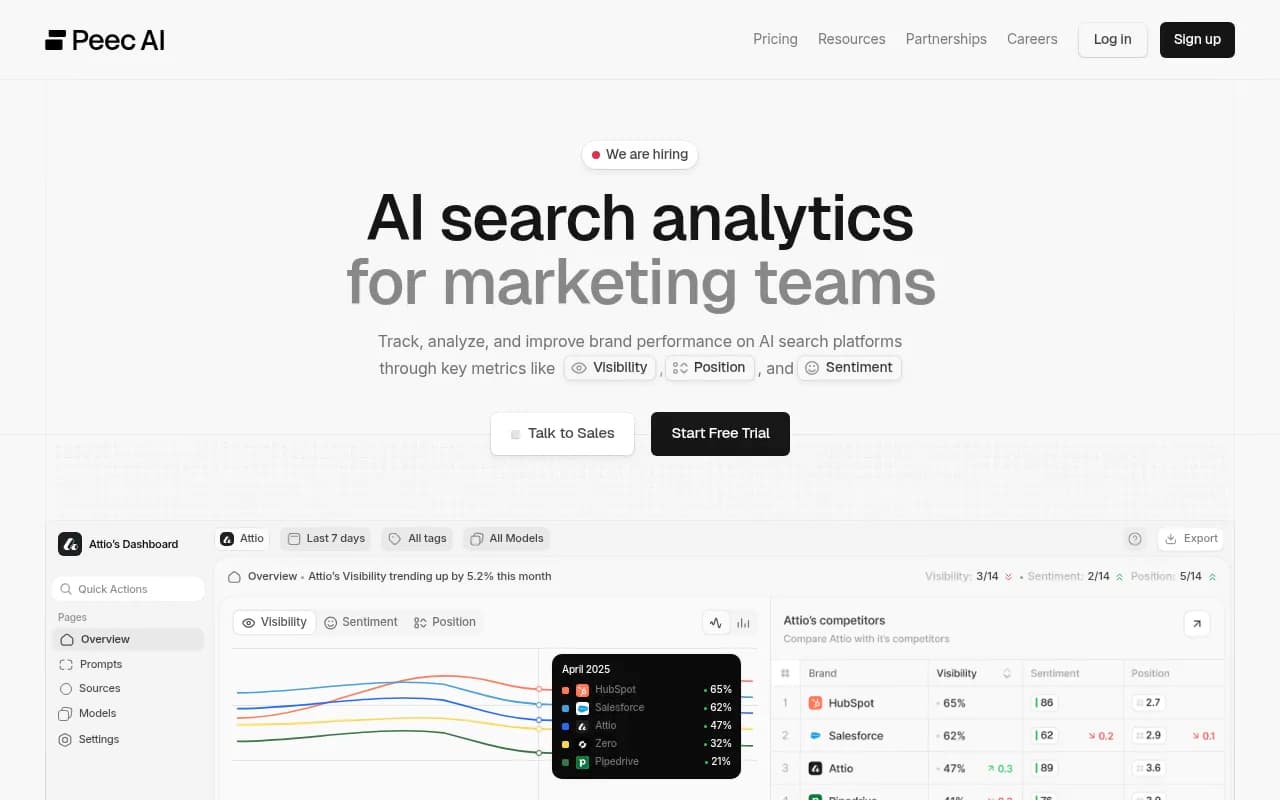
Peec AI is the tool vendor posts keep describing as strong for teams who mainly ask an assistant about their data, with reusable reporting prompts and detailed source analysis. The catch reported in comparisons is that the API sits above the entry tier. It is a monitoring tool, so you won't get crawler or visitor data to pair with it.
Geoptie
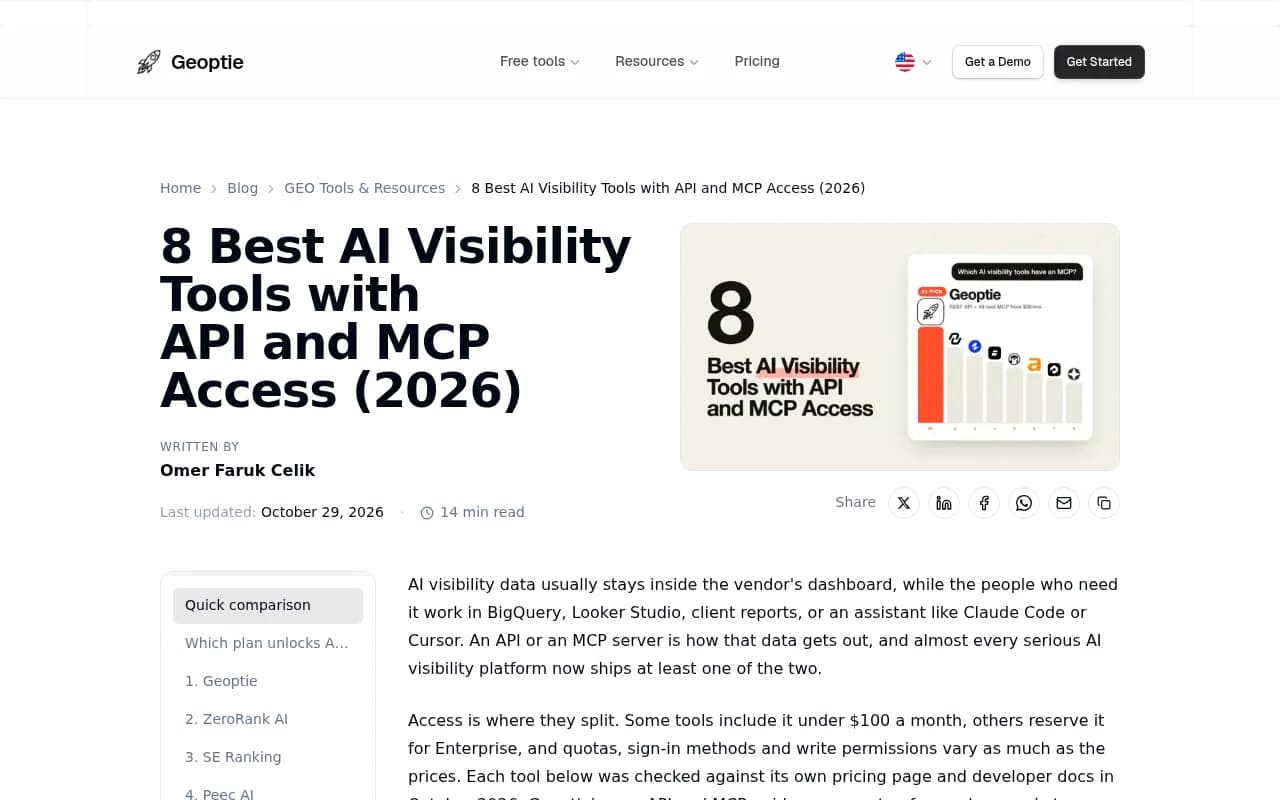
Geoptie publishes the most detailed comparison on this topic, and it positions itself first, as you'd expect. Its claim of REST API and MCP on a $99 plan with no monthly request cap is worth testing in a trial.
ZeroRank
ZeroRank advertises MCP and API on every paid plan from $39/month, which is the cheapest entry point in the research. It emphasises managing visibility through conversation with an assistant, including adding prompts and drafting content.

SE Ranking
SE Ranking suits SEO teams who want AI and classic search data behind one connector that can be added straight to ChatGPT or Claude.
Otterly.AI
Otterly.AI is positioned around a documented API with fixed quotas, and its MCP offers a defined request allowance. Useful if predictable limits matter more than breadth.

Ahrefs Brand Radar
If you already live in Ahrefs, Brand Radar puts AI mentions next to backlink and keyword data. That is convenient, though SEO suites tend to give you less depth on AI-specific data.
Profound and Scrunch
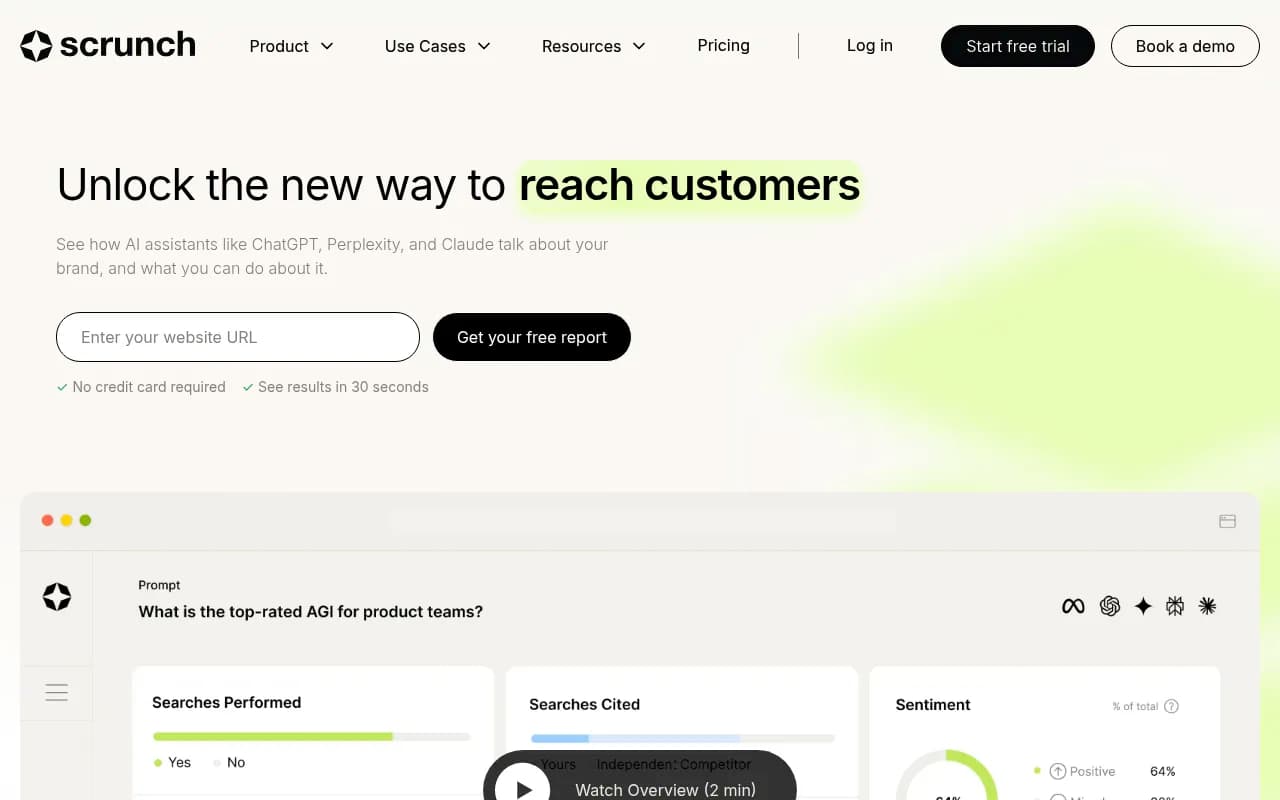
Profound reserves API and MCP for Enterprise, with SDKs and SSO, and the widest engine set. Scrunch is reported to start at $500/month for access and is strongest at charts and saved dashboards.
For a wider list, the GEO software directory at bestgeosoftware.com and the AI rank tracking tools directory are good places to browse.
Reports worth building
Once you have access, resist the urge to rebuild the vendor dashboard. Build the reports the dashboard can't give you.
Weekly executive summary over MCP
Ask the assistant for a seven-day summary: visibility change, biggest competitor movers, new citations, sentiment shifts. Schedule it in Slack if your tool supports scheduled chats. Keep the prompt constant so week-to-week comparisons are fair.
Warehouse pipeline over API
Pull daily visibility, citations and responses into BigQuery or Postgres. Join with Search Console and GA4. Now you can ask which pages rank in Google but never get cited by AI, and which cited pages actually convert.
Client report for agencies
One project per client, one scheduled job per project, a Looker Studio template over the top. Rankability's write-up lists saved comparisons and shareable report URLs as the outputs agencies care about most. Pick a tool where those outputs are available without custom code.
Crawl-to-citation-to-traffic report
This is the report most teams can't build because their tool lacks the data. Crawler logs tell you whether AI bots read a page. Citation data tells you whether it was used. Visitor analytics tells you whether anyone clicked. If the page fails at step one, it's an access problem. At step two, a content problem. Only a tool with all three can separate them.
Normalise before you compare engines
Here is the mistake I see most often in homemade reports: summing citation counts across engines. Promptwatch's Average Sources Per Response data shows why that misleads.
- ChatGPT cites about 5 sources per web-search answer, and the figure drifts with model updates.
- Google AI Overviews cites about 10 per answer and has been steady.
- Perplexity cites almost exactly 10 every day, which makes it a stable test bench for GEO changes.
- Microsoft Copilot swung from under 2 to nearly 17 within a few weeks before settling low. Judge it on monthly trends, not weekly snapshots.
So 5 citations in ChatGPT and 5 in AI Overviews are not the same achievement. Report citation share (your citations over total citations on that engine) or position, and keep a separate chart per engine. Also, ChatGPT's behaviour changes in step with its releases: Promptwatch Data recorded average citations per response dropping around the GPT-5.3 rollout on March 4, 2026. Annotate your charts with model changes or you will chase phantom trends.
And for ChatGPT visitor attribution specifically: ChatGPT stopped sending a referrer on October 8, 2026, so look for tools that let you count visits tagged utm_source=chatgpt.com. See the attribution guide for the approach.
Setup checklist
- Decide your three recurring questions first. Tool choice follows from them.
- Check MCP and API gating separately on the pricing page, then in the developer docs.
- Start with read-only keys. Add write scope only when an assistant needs to act.
- Test with one project and one week of data before connecting a warehouse.
- Record the model and engine for every response you store, so you can annotate model changes later.
- Store raw responses, not only scores. Scoring methods change; raw data lets you recompute.
- Set a spend and rate-limit alert. A runaway scheduled job can burn through a quota quickly.
Which should you pick?
- Cheapest way to try MCP: ZeroRank, Geoptie or Peec AI, per their published entry prices. Verify first.
- Reports that connect visibility to crawling and traffic: Promptwatch, since all three live behind one API and MCP server on every plan.
- SEO suite users: SE Ranking or Ahrefs Brand Radar, accepting shallower AI-specific data.
- Enterprise procurement with SDKs and SSO: Profound, or Promptwatch Enterprise, which includes SSO and a white-label client portal.
If you want to see what your data looks like before committing, the free AI visibility report needs no login, and Promptwatch has a 7-day free trial on monthly billing at promptwatch.com/pricing. If you'd rather hand the whole program to specialists, 1001 SEO Media runs GEO work for clients using Promptwatch.
For more research on how AI engines pick sources, the Promptwatch Data hub is updated regularly.