Key Takeaways
- Local prompts multiply fast (service x question variant x neighborhood), so decide your prompt cap and monitor structure before you write a single prompt.
- Build monitors by market (city or region), not by one national prompt set. A national set hides the places where you are invisible.
- Keep one canonical version of every prompt for reporting, and name monitors, topics and tags with a fixed pattern so rollups work.
- Report each AI engine separately for each location. Citation behavior differs by engine, and local recommendation rates differ even more.
- "Multi-location" means different things in different tools (country, city, neighborhood). Check geo granularity and the plan tier it needs.
Why local prompt tracking needs its own structure
Tracking a single brand nationally is simple. You write 50 to 150 prompts, run them daily, watch a visibility number. Multi-location brands break that model because the same question has a different right answer in every city.
The outside data shows why this matters. A Whitespark study covered by Search Engine Journal found AI Overviews in 68% of local searches, while local packs appeared in only 39%. SOCi's 2026 Local Visibility Index looked at nearly 350,000 locations across 2,751 multi-location brands and found ChatGPT recommended 1.2% of them, Gemini 11% and Perplexity 7.4%, against 35.9% appearing in Google's local 3-pack. Both figures were relayed through a Cognizo write-up, and Cognizo is a vendor, so treat the framing with some caution. The direction is hard to argue with though: a strong map-pack position does not predict that an assistant will name your location.
So you need to measure per location. And that is where the work gets messy. Every service, question variant and neighborhood combination is its own prompt. Ten services, three phrasings and 40 cities is 1,200 prompts. Nobody wants to discover that arithmetic after buying a plan.
Step 1: Decide what a location is
Before naming anything, define the unit you report on. There are three common choices.
| Unit | Example | Good for | Watch out for |
|---|---|---|---|
| Country | UK, Germany | Brands with localized sites and languages | Hides every city-level gap |
| Metro or city | Austin, Leeds | Service-area businesses, franchises | Some metros need several neighborhoods |
| Exact point | A store's coordinates, 1 km radius | "Near me" queries, retail, restaurants | Most expensive in prompts and plan tier |
My rule of thumb: use the metro as the default reporting unit, and only drop to exact coordinates for locations where "near me" intent drives revenue. Running exact-point monitors for all 300 locations is usually overkill.
It also helps to remember that tools disagree on what "multi-location" means. Otterly lists 50+ countries, which is country coverage, not city tracking. Profound's country, state and city targeting is on its Enterprise tier according to RadarKit's comparison. Check this against each vendor's pricing page before you rely on it.
Step 2: Build the monitor hierarchy
A monitor is a panel of prompts that runs across the models, country and language you choose. In Promptwatch, a monitor's location and language are fixed once it is created, so markets never mix. That constraint is actually helpful for structure: it forces one monitor per market.

A hierarchy that holds up at 50 or 500 locations looks like this:
- Brand or project level. One project per brand or per legal entity. Separate sub-brands only if their competitor sets differ.
- Market level. One monitor per city or region (the unit you picked above), so each has its own geography.
- Service level. Topics inside each monitor, one per service line (for example, emergency repair, installation, maintenance).
- Prompt level. Canonical prompts tagged with intent and persona.
Profound organizes prompts by service and region, and Rank Prompt treats each location as a market with one report measuring several countries, cities or locations. Both are decent mental models: region plus service as the two axes, with the market as the thing you slice by.
When to split a market into several monitors
Split when a city has distinct sub-markets where the competitors differ (downtown vs suburbs, for instance), or when you need local targeting at exact coordinates for a handful of flagship locations. Otherwise keep one monitor per metro. More monitors means more prompts to pay for and more dashboards to read.
Step 3: A naming convention that survives rollups
I could not find any published standard for naming conventions in AI visibility tracking, so what follows is our own recommendation. The principle is boring and it works: put the sortable thing first, use the same delimiters everywhere, never use free text where a code will do.
Monitor names
Pattern: BRAND | COUNTRY-REGION-CITY | LANG
Acme | US-TX-Austin | enAcme | US-TX-Dallas | enAcme | CA-QC-Montreal | fr
Country code first means alphabetical sort groups by country, then state, then city. Language last, since it is fixed at monitor creation anyway.
Topic names
Pattern: SERVICE - sub-service
Plumbing - emergencyPlumbing - water heater
Topics should be identical across every market. If Austin has "Plumbing - emergency" and Dallas has "Urgent plumbing", your cross-market comparison is dead.
Prompt IDs and tags
Give each canonical prompt an ID in your own sheet, like PL-EMG-Q1, and tag it in the tool with the same code plus intent and type tags: intent:commercial, type:near-me, type:comparison, tier:flagship. The ID is the thing you report on. The wording can be revised without breaking history, as long as you note the change date.
Step 4: Write local prompt templates
The Rank Masters guide recommends keeping one canonical version of each prompt for reporting, and adding stability controls so results are trackable. Templates make that practical: you write each phrasing once with placeholders, then generate the per-city set.
A starter template set for a service brand:
Q1  Who is the best {service} in {city}?
Q2  {service} near me in {neighborhood}
Q3  Who should I call for emergency {service} in {city}?
Q4  How much does {service} cost in {city}?
Q5  {brand} vs {competitor} for {service} in {city}
Q6  Is {brand} in {city} any good?
Split these by prompt type so you can read them separately:
- Organic (Q1 to Q4): do you show up when nobody names a brand?
- Competitor comparison (Q5): how do you fare when asked directly?
- Brand-specific (Q6): what does the engine say about the local location?
Branded prompts will almost always look good. If you average them into the organic number, you flatter yourself. Keep them in their own bucket.
Sizing the prompt pack
Do the math first:
prompts per market = services x phrasings x neighborhoods
total prompts      = prompts per market x markets
A lean pack is 15 to 30 prompts per market (3 to 5 services, 3 to 6 phrasings, 1 neighborhood each) with extra neighborhoods only for flagship locations. Compare the total to plan caps below before you commit. And give the stability controls some thought: fixed wording, fixed monitor geography, a fixed run schedule, and a change log for anything you edit.
Step 5: Pick a tool whose geo granularity fits
Here is what the research turned up. Prices come from comparison blogs (RadarKit, Straight North, US Tech Automations) and I have not verified them against vendor pages, so confirm everything at the source.
| Tool | Entry price (reported) | Prompt allowance | Local targeting notes |
|---|---|---|---|
| Promptwatch | $95/mo Essential | 50 / 150 / 350 across Essential, Professional, Business | Country on every plan; state and city on Business and agency plans; exact-coordinate targeting on Business, Agency Scale, Enterprise |
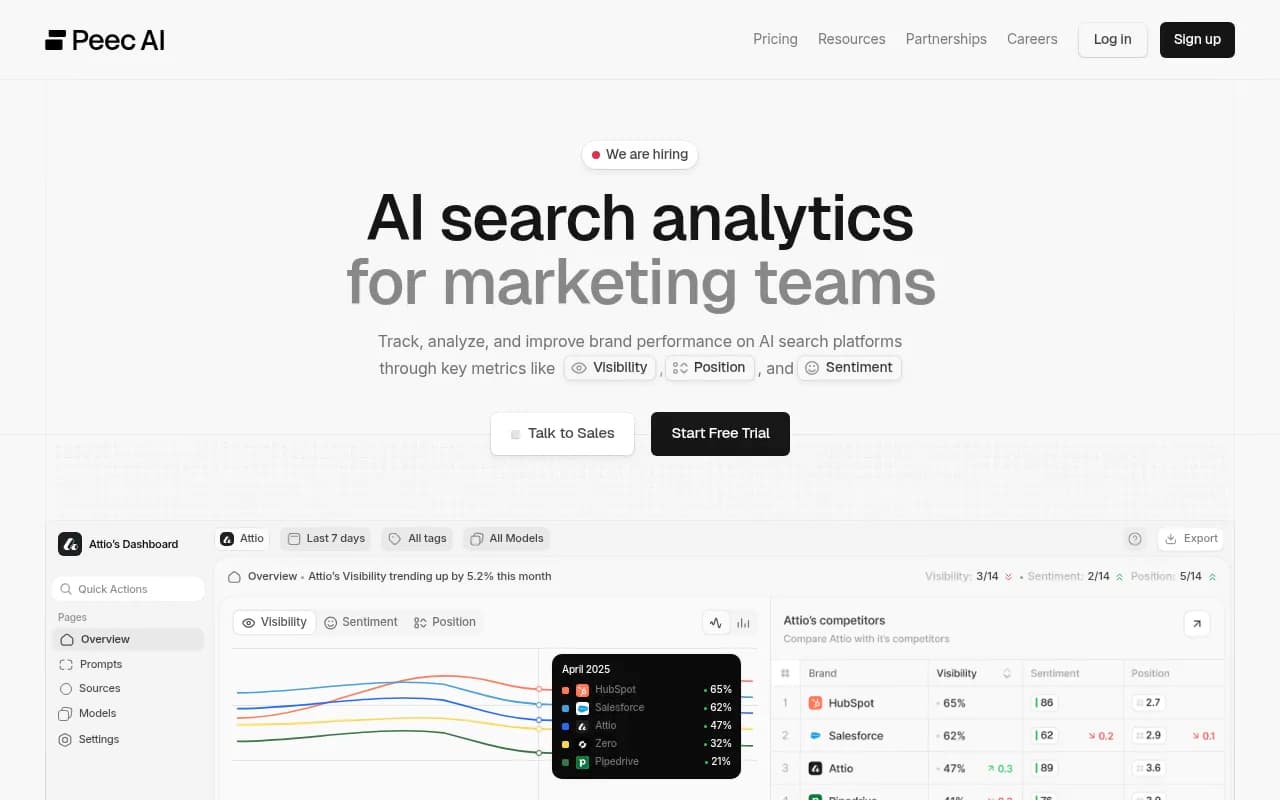
| Peec AI | $95/mo Starter | 50 (Starter), 150 (Pro) | Geographic analysis, map widget and local card detection; confirm Local GEO access |
| Otterly.AI | from $29/mo | 100 (Standard $189), 400 (Premium $489) | 50+ countries; not the same as city-level |
| Profound | Custom Enterprise | Trial: 50 prompts daily, one region | Country, state and city targeting on Enterprise only |
| Semrush Pro+ | $299/mo | 100 prompts/day | Multi-location tracking listed |
| Rank Prompt | Not verified | Not verified | Multi-brand and multi-location dashboards, white-label reporting |
For Promptwatch, pricing is on promptwatch.com/pricing. Business ($579/mo) is the first plan with state and city tracking, local GEO/SEO targeting at exact coordinates (accuracy radius from 20 m to 5 km), and faster-than-daily runs. That matters if your brand has dozens of locations: on Essential or Professional you get country tracking only. Agency plans (Kick-off $199, Growth $399, Scale $799) include unlimited prompts and projects plus country, state and city tracking, which is a different cost shape if you manage many local clients.
Other tools worth a look in the local category:

If you want to browse beyond these, the directory at ai-rank-tools.com lists AI rank trackers, and bestgeosoftware.com covers GEO software more broadly.
Questions to ask any vendor
- Is location set per monitor, per prompt, or only per country?
- Can I pin a city or exact coordinates, and on which plan?
- Do ChatGPT, AI Overviews and AI Mode all honor that location, or only some?
- Are results collected from the real user interface or from an API? (Answers and citations can differ.)
- Can I export per-location data to a sheet or Looker Studio?
Step 6: Reporting templates
Most local reports fail because they show one blended score. A regional manager does not care that the brand average is 41. They want to know why Tulsa is 9.
Three layers cover most needs.
Layer 1: executive rollup (monthly)
| Metric | National | Top 5 markets | Bottom 5 markets | Change vs last month |
|---|---|---|---|---|
| Visibility Score (organic prompts) | ||||
| Share of Voice vs top 3 competitors | ||||
| Average position | ||||
| Sentiment |
One page, with the bottom five markets named. Bottom lists drive action; top lists drive nothing.
Layer 2: market scorecard (monthly, one per market)
| Field | What to show |
|---|---|
| Market | Naming-convention code |
| By engine | ChatGPT, AI Overviews, AI Mode, Gemini, Perplexity as separate rows |
| By topic | Visibility and Share of Voice per service line |
| By prompt type | Organic vs comparison vs branded |
| Top competitors | Who gets named instead of you |
| Top cited sources | Directories, review sites, local news, your own pages |
| Notes | Changes made, issues found |
Splitting by engine is not optional. Promptwatch's data on citations per response shows ChatGPT cites about 5 sources per web-search answer, while Google AI Overviews and Perplexity cite around 10 (see average sources per response, dated September 2025, so treat the exact numbers as a snapshot). The number of slots for a local business to land in differs by engine, and a blended number hides that.
Layer 3: action list (weekly)
A short list per market: the three gaps with the most evidence. Missing from a directory that engines keep citing. A competitor named on every comparison prompt. A location page that crawlers cannot read. Tie each to an owner and a due date.
Reading the numbers
The metrics point at different problems. Low Share of Voice is a coverage problem. Late position is a prominence problem. Mentions without citations to your own domain suggest a content or crawlability problem. Weak sentiment is reputation. Promptwatch's metrics overview explains how each is scored if you need definitions for stakeholders.
Step 7: Keep the tracking stable and comparable
A few habits keep your data trustworthy as the program grows.
- Freeze wording. When you edit a prompt, log the date and treat the series as new.
- Pick one run frequency per tier. Daily is fine for most markets. Reserve faster runs (every 12, 6 or 1 hours on higher plans) for launches or a flagship location, since a single response is noisy.
- Do not mix languages in a monitor. One language per market.
- Note engine changes. ChatGPT's search behavior shifted several times in 2026, including the move to the site: operator at scale on August 8, per Promptwatch Data. Annotate those dates on trend charts so nobody blames your team for a platform change.
- Review fan-outs. ChatGPT's own search queries are short and keyword-like (average query length fell from about 117 characters in December 2025 to roughly 53 in April 2026, per Promptwatch's query fanout report). City terms in your prompts likely end up in those queries, but the report doesn't confirm it, so check the fan-outs for a sample of your own prompts.
Step 8: Connect tracking to local fixes
Tracking by itself changes nothing. For multi-location brands, the cited sources are usually listings, review sites and location pages. Listing and reputation platforms such as Yext, Birdeye and BrightLocal sit on the fix side of the problem. An AI visibility platform tells you where to push.
If a bad location is also a crawl problem, AI crawler logs show whether bots can read the location page at all. Promptwatch has AI crawler logs for exactly that, and its Action Board turns gaps into a prioritized list. For agencies running this for clients, the structure above maps directly onto agency plans.
A rollout plan you can copy
- Week 1: define the location unit, list services, count markets, calculate total prompts, check plan caps.
- Week 2: build monitors with the naming pattern; load the canonical template set for five pilot markets.
- Week 3: review the first full week of data, fix prompts that return noise, freeze wording.
- Week 4: clone the validated set to remaining markets and publish the first executive rollup.
- Month 2 onward: monthly scorecards, weekly action lists, quarterly prompt review.
Start with five markets, not fifty. You will rewrite the templates at least once.
Common mistakes
- One national prompt set for every location.
- Letting each regional team invent its own naming.
- Averaging branded and unbranded prompts into one score.
- Buying a plan before counting prompts.
- Assuming "multi-location" in a pricing page means city-level targeting.
- Reporting one number across all engines.
If you want a quick baseline before building anything, Promptwatch offers a free AI visibility report and a 7-day free trial on monthly billing. Run it for one flagship location first, then decide how much structure the rest of the network needs.