Key takeaways
- An agentic readiness check scans your live site for AI crawler access, content formats and emerging agent standards, then gives you a prioritised fix list.
- Adoption is low. Cloudflare's scan of the 200,000 most visited domains found Content Signals on about 4% of sites, and MCP Server Cards and API Catalogs together on fewer than 15 sites.
- Fix access first (robots.txt, CDN and WAF rules), then Content Signals and Markdown negotiation. MCP Server Cards matter mainly if you expose a public API or app.
- llms.txt is cheap to publish but unproven. Google says it is not required for Search, and Cloudflare's default scan leaves it out.
- Markdown mirrors do not help consumer AI search. They help coding agents reading docs.
What "agent ready" actually means
The web learned to talk to browsers, then to search engines. Now it is being asked to talk to agents, and agents want different things from a page than a human or a classic crawler does. They want to know if they are allowed in, they want content in a cheap-to-read format, and sometimes they want to do something: query an API, book a slot, pay for access.
An agentic readiness check is a scanner that tests those things against your live domain. Think of it as Lighthouse for the agentic web. You paste a URL, it runs checks, and you get a score with fixes.
Several of these scanners exist now, and they do not test the same things. That matters, so I will compare them below. First, the standards themselves.
The signals a readiness check looks for
Most scanners group checks into three buckets. The names differ, the logic does not.
Access and bot controls
Can agents reach you at all? This covers robots.txt rules for AI bots (GPTBot, ClaudeBot, Google-Extended and others), sitemaps, canonical tags and whether your content only appears after JavaScript runs. One of the most common own-goals is quietly blocking the very crawlers you want, usually through an old robots.txt rule or a WAF setting nobody remembers.
Content Signals sit here too. It is a Content-Signal line in robots.txt that lets you state three preferences separately:
User-agent: *
Content-Signal: search=yes, ai-input=yes, ai-train=no
Allow: /
Per contentsignals.org, search covers a search index with links and short excerpts, ai-input covers using your pages as real-time input for AI answers, and ai-train covers training or fine-tuning. A signal you leave out neither grants nor restricts that use. A publisher might say yes to search and AI input but no to training. It is a preference declaration, not enforcement, so pair it with real bot rules.
Content accessibility
Once an agent is on your site, can it read what is there?
Markdown content negotiation is the cleaner answer. When an agent sends an Accept: text/markdown header, your server (or a CDN in front of it) returns a markdown version of the page instead of HTML. It works dynamically, so there is no second set of files to maintain.
llms.txt is the older idea, proposed in September 2024. It is a plain text file at the root of your site that gives an LLM a curated reading list: what the site is, and where the important pages live. Think of a sitemap written for a model.
Here is the honest part. Cloudflare's default scan checks Markdown negotiation and does not check llms.txt unless you add it to a custom scan. Lighthouse's llms.txt audit treats a missing file that returns a 404 as not applicable. Google has said Markdown and llms.txt are not required for Search. Promptwatch's glossary entry on llms.txt puts it bluntly: Google Search ignores it, and no AI search engine says it ranks on it.
So publish one if you like, it takes an hour. Just do not treat it as a ranking lever.
Protocol discovery and capabilities
This is the Transaction tier, the part where agents act instead of read.
- MCP Server Card. If you run a Model Context Protocol server, a card at
/.well-known/mcp/server-card.jsontells agents where it is, what tools it has and how to authenticate. It is still a draft proposal. - API Catalog (RFC 9727) and OAuth discovery (RFC 8414, RFC 9728) let agents find your API and work out how to log in.
- Agent Skills discovery lets an agent check a well-known URL for the skills a domain publishes.
- A2A agent card at
/.well-known/agent-card.jsondescribes an agent-to-agent endpoint. - WebMCP is a proposed browser standard that lets a page expose structured tools to agents through
document.modelContext, so agents call site functions instead of clicking through the UI. One analysis lists it as a Chrome origin trial. - Commerce protocols such as x402, Universal Commerce Protocol and Agentic Commerce Protocol. Cloudflare checks for them but they do not count toward its score.
If you run a content site with no API, you can skip almost all of this. Cloudflare's own team says so: no API, no need for API catalogs or MCP servers. No commerce, no need for x402.
How agent-ready is the web today?
Not very, and that is useful context for prioritising. Cloudflare Radar scanned the 200,000 most visited domains, after filtering out redirects, ad servers and tunnelling services. The results:
- Content Signals appeared on about 4% of sites.
- Markdown negotiation passed on about 3.9%.
- MCP Server Cards and API Catalogs together appeared on fewer than 15 sites.
Robots.txt and sitemaps are the most adopted standards by a distance. Everything newer is barely visible. I read that as an opening more than a warning: doing the cheap things now puts you ahead of almost everyone, but nobody is being penalised for skipping them yet.
Comparing the readiness checkers
They overlap but differ in emphasis. Pick based on what you want to learn.
| Checker | Focus | Strengths | Caveats |
|---|---|---|---|
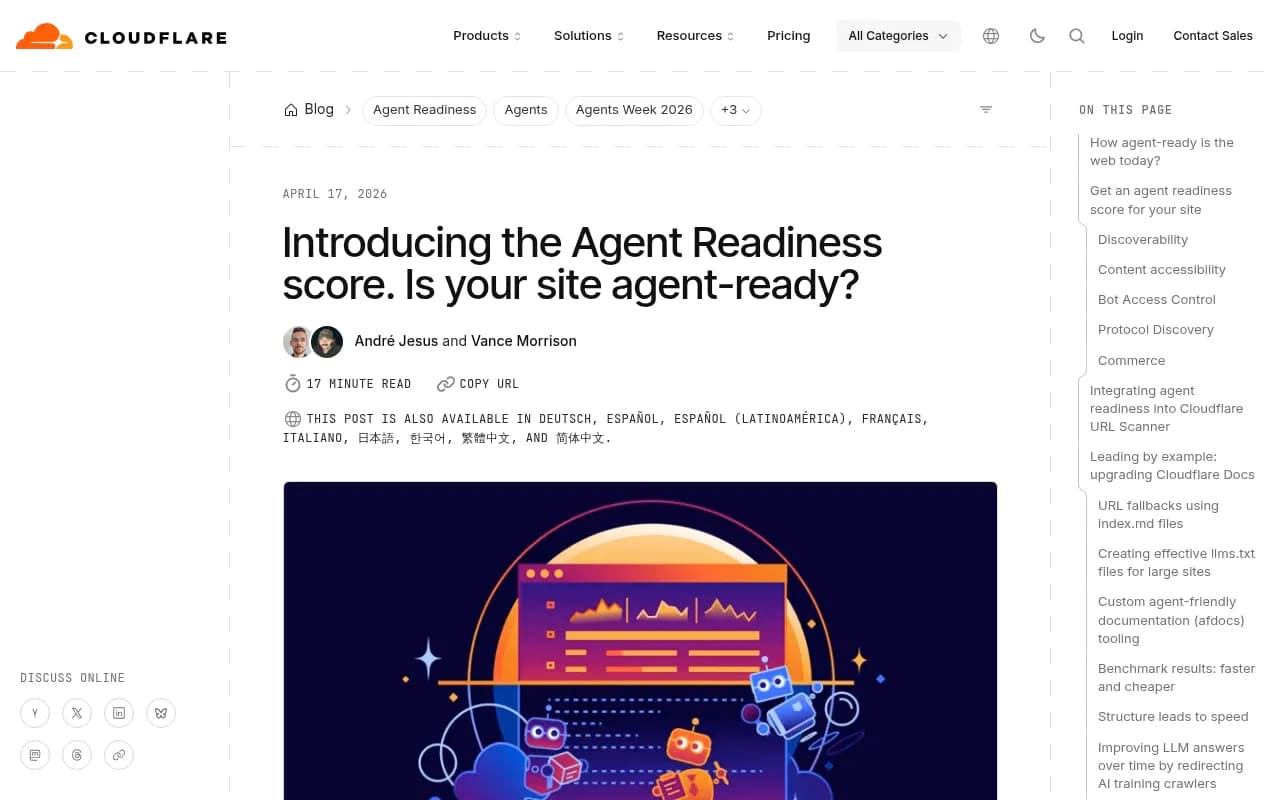
| Cloudflare isitagentready.com | Standards compliance | Broadest standards list: Markdown negotiation, Content Signals, Web Bot Auth, MCP Server Card, API Catalog, OAuth discovery, WebMCP, commerce protocols. Has an MCP server with a scan_site tool | llms.txt excluded by default; commerce checks unscored |
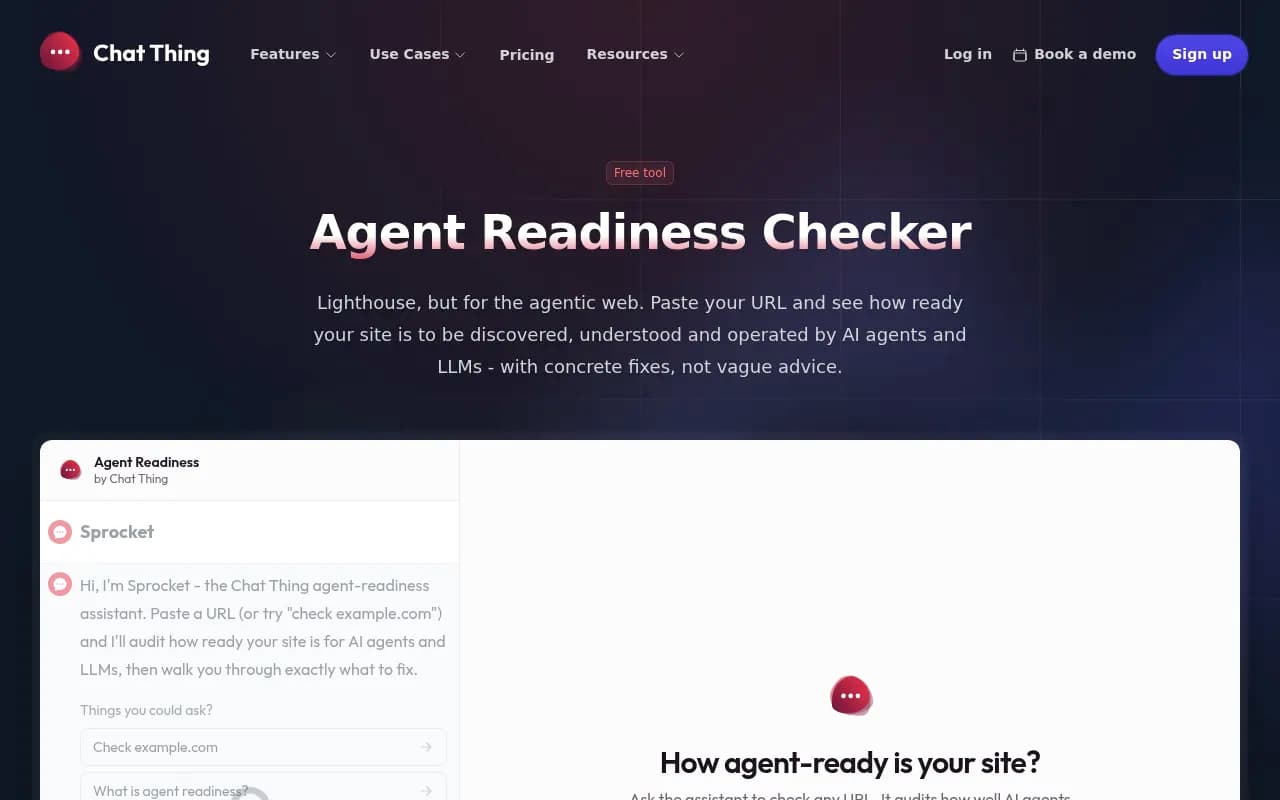
| Chat Thing Agent Readiness Checker | Access, Citation, Transaction tiers | Classifies site type, marks irrelevant checks not applicable, candid about low-impact signals like llms.txt | Single-page audit |
| Promptwatch Agentic Readiness Check | Crawler access plus agent standards | Tests which AI crawlers can read your site and which agent standards (llms.txt, MCP server cards, A2A agent cards, OAuth discovery, Content Signals) you support | Readiness only, not citation outcomes on its own |
| BlogSEO checker | 9 crawlers, 17 standards | Publishes how-to fixes per check | Impact ratings are the vendor's judgement |
| Lighthouse Agentic Browsing | llms.txt, WebMCP, agent accessibility | Runs in Chrome tooling | WebMCP checks depend on Chrome origin-trial versions |
| By hand (curl and DevTools) | Anything | Zero dependencies | Slow, and easy to miss files |
I would run at least two. Cloudflare's tool is the standards reference. A second scanner that is willing to say "this signal barely matters" keeps you from chasing points.
Running your first check
Use a clean session and test the domain exactly as agents will see it.
- Run the free Agentic Readiness Check from Promptwatch to see which AI crawlers can read your site and which agent standards you support. No account is needed for the quick scan.
- Run Cloudflare's scanner at isitagentready.com for the standards view.
- Open
yourdomain.com/robots.txtyourself. Read it line by line. - Fetch a key page with
curl -H "Accept: text/markdown" https://yourdomain.com/pageand see what comes back. - Check
/llms.txt,/.well-known/mcp/server-card.jsonand/.well-known/agent-card.jsonfor a 200 versus a 404.

The curl test is the one people skip. Scanners say "fail", but seeing raw HTML come back where you expected markdown tells you what the agent experiences.
A sensible fix order
This is the order I would work in, and the order the Promptwatch glossary and Cloudflare both imply.
1. Stop blocking agents you want
Check robots.txt, CDN and WAF rules for every major AI provider. Promptwatch Data's AI crawler traffic report (June 8 to September 6, 2026, IP-verified requests) found OpenAI made up 79.8% of verified AI crawler requests in the week of August 31 to September 6, down from 94.8% in early June. Its advice is worth repeating: compare the mix against your own logs. A provider that is large in the chart but near zero in your logs probably cannot reach you.
The mix is also shifting fast. Promptwatch's data on Meta-WebIndexer shows it growing from roughly 2% to nearly 38% of tracked AI crawler requests between mid-July and August 9, 2026. A robots.txt written in 2024 does not know that bot exists.
If you want to confirm what bots actually do on your site rather than guess, server logs help, and tools like Promptwatch's AI crawler logs verify visits against each operator's published IP ranges so spoofed user agents are filtered out. For a bot-by-bot reference, see the AI bots and crawlers directory.
2. Make content readable without JavaScript
An agent that cannot parse your page cannot cite it. Promptwatch Data's markdown in AI search report (published February 19, 2026) recommends fixing client-side rendering before anything else. If you are stuck with a heavy JavaScript front end, a prerendering service such as Prerender.io is one route.
3. Declare Content Signals
One line in robots.txt. Decide your position on training versus AI input versus search, write it down, and make sure your actual bot rules match. A Content-Signal line that says ai-train=no while GPTBot is wide open is a mixed message.
4. Add Markdown negotiation where it earns its keep
Here the data pulls in two directions, so be careful. The same Promptwatch report found markdown files make up just 0.05% of AI search citations (HTML was 99.94%), roughly 2,000 HTML citations for every markdown one. Markdown mirrors of marketing pages do not move AI search visibility.
But the logs in that report show ClaudeBot and OpenAI's searchbot heavily fetching /docs/**.md paths, with the top pattern at 3,241 requests. Agents, especially coding agents, do want markdown. So: skip .md mirrors for blog and marketing pages, and keep markdown endpoints for developer docs. Content negotiation is a tidy way to serve both from one URL.
5. Publish llms.txt if it is cheap
A short file with an H1, a one-line blockquote summary and sections of links to the pages that matter. The free llms.txt generator builds one from your site. Nobody can promise it does anything for citations. My take: it costs almost nothing, may help some agent clients, and should never be the thing you brag about in a status meeting.
6. Only then, MCP and friends
If you have a public API or an app agents could actually use, an MCP server plus a Server Card, OAuth discovery and an API catalog make sense. The Server Card is still a draft, so expect the path or schema to move. If you are a publisher or a local business, spend this time on content instead.
What to publish at each level
| Site type | Must do | Worth doing | Safe to skip |
|---|---|---|---|
| Blog or publisher | Open AI bot access, server-rendered HTML, Content Signals | Markdown negotiation, llms.txt | MCP card, API catalog, x402 |
| SaaS with public API | All of the above | MCP server and card, OAuth discovery, API catalog, agent skills | Commerce protocols |
| Docs site | Server-rendered docs, markdown endpoints | llms.txt, Markdown negotiation | Content Signals only if policy demands |
| Ecommerce | Open access, product schema, rendering | Commerce protocol checks, WebMCP pilot | Agent skills |
Readiness is not visibility
A clean scan means agents can reach and parse you. It does not mean they will mention you. Those are different problems, and the second one only shows up in answers. After the technical fixes, you still need to know which prompts name your brand, which pages get cited and what AI actually says about you.
That is where an AI visibility platform fits. Promptwatch tracks real ChatGPT, Gemini, Perplexity and Google AI Overviews answers, then follows the crawl-to-citation path per page, so you can tell an access problem from a content problem. The GEO software directory at bestgeosoftware.com lists other options if you want to compare.
For the monitoring side of the same question, see Promptwatch's guide to preparing your site for AI agents and the AI SEO audit.
Common mistakes
- Chasing a perfect score. The score is a means, and some checks are explicitly low impact.
- Treating Content Signals as protection. It states preference. Enforcement is your firewall and bot rules.
- Blocking all AI bots to stop training, then wondering why no AI answer mentions you. Search-time bots and training bots are often different user agents.
- Building
.mdcopies of every blog post because a checklist said so. - Publishing an MCP Server Card without a working server behind it.
- Testing once. Bot mixes shift month to month, so re-scan after CDN or robots.txt changes.
A short checklist
- Scan with two different checkers.
- Read robots.txt and fix accidental AI bot blocks.
- Confirm key pages render without JavaScript.
- Add a Content-Signal line that matches your policy.
- Test
Accept: text/markdownwith curl on your docs. - Publish llms.txt if you want to.
- Add MCP and OAuth discovery only if you have an API worth calling.
- Re-scan quarterly, and compare your logs against current crawler data.
Most sites are at the starting line, so a few hours on steps one through five puts you ahead of nearly everyone. Do those first and judge the rest by what your logs and your AI answers actually show.