Summary
- AI visibility platforms often show conflicting data because they use different tracking methods, prompt formats, and sampling frequencies
- Cross-platform validation requires running the same prompts manually across ChatGPT, Perplexity, Claude, and Gemini to establish a baseline
- Discrepancies stem from four main factors: timing differences, prompt phrasing variations, geographic/persona settings, and platform-specific biases
- A reliable validation process involves testing 10-15 high-value prompts weekly, documenting response patterns, and comparing platform data against manual checks
- Promptwatch stands out by showing crawler logs and citation data that help explain why responses vary -- most competitors only show the final answer

AI search visibility is the new battleground for brand discovery. But here's the problem: if you're tracking prompts across multiple platforms -- say, Conductor, Surfer SEO, and Promptwatch -- you'll notice something unsettling. The data doesn't match.
One tool says you're mentioned in 60% of responses. Another says 40%. A third shows you ranking #3 for a prompt where the first tool didn't mention you at all. This isn't a bug. It's the nature of AI search right now. LLMs generate answers dynamically, responses shift based on timing and context, and every platform samples differently.
So how do you know which data to trust? And more importantly, how do you build a tracking strategy that actually reflects what real users see when they ask ChatGPT or Perplexity about your category?
This guide walks through how to validate prompt tracking data across platforms, identify the root causes of discrepancies, and set up a cross-platform monitoring system that gives you reliable insights instead of noise.
Why AI visibility data differs across platforms
Before you can validate anything, you need to understand why platforms show different results in the first place. There are four main reasons.
1. Timing and sampling frequency
AI models don't return the same answer every time. Ask ChatGPT the same question twice in a row and you might get two different responses. This is by design -- LLMs sample from probability distributions, not fixed databases.
Most AI visibility platforms run prompts on a schedule: daily, weekly, or on-demand. If Conductor checks a prompt on Monday and Surfer checks it on Wednesday, they're sampling from different moments in the model's behavior. Add in the fact that OpenAI, Anthropic, and Google are constantly updating their models (sometimes multiple times per week), and you have a moving target.
Some platforms run prompts multiple times and aggregate results. Others take a single snapshot. This alone can explain a 20-30% variance in mention rates.
2. Prompt phrasing and formatting
The exact wording of a prompt matters. "What are the best project management tools?" and "Which project management software should I use?" might seem interchangeable to a human, but they can trigger different responses from an LLM.
Platforms handle this differently:
- Some let you write custom prompts word-for-word
- Others generate prompts automatically from keywords or topics
- A few normalize prompts into a standard format
If you're comparing data from two platforms and one auto-generated the prompt while you manually wrote it in the other, you're not testing the same thing.
3. Geographic and persona settings
Perplexity, Claude, and ChatGPT all adjust responses based on user context. A prompt run from the US might return different brands than the same prompt run from the UK. A prompt with a "small business owner" persona might prioritize affordability, while a "CTO" persona might emphasize integrations.
Not all platforms expose these settings. Some default to a generic US-based user. Others let you specify location, industry, and role. If you're tracking the same prompt across platforms with different persona configurations, the data won't align.
4. Platform-specific biases and data sources
Each AI model has its own training data, retrieval mechanisms, and citation preferences. ChatGPT pulls from a different knowledge base than Claude. Perplexity searches the web in real-time. Google Gemini leans heavily on Google's own index.
This means:
- A brand with strong Reddit presence might show up more in Perplexity (which indexes Reddit threads)
- A brand with detailed documentation might rank higher in Claude (which favors long-form content)
- A brand optimized for traditional SEO might dominate Google AI Overviews but underperform in ChatGPT
No single platform gives you the full picture. You need to track across multiple engines to see where your visibility is strong and where it's weak.
How to establish a baseline with manual checks
Before you trust any platform's data, you need to know what's actually happening in the wild. That means running prompts manually.
Here's the process:
Step 1: Pick 10-15 high-value prompts
Don't try to validate every prompt you're tracking. Start with the ones that matter most to your business:
- Branded prompts ("What is [your product]?")
- Category prompts ("Best [category] tools for [use case]")
- Comparison prompts ("[Your product] vs [competitor]")
- Problem-solution prompts ("How do I solve [problem your product addresses]?")
These should be prompts where visibility directly impacts pipeline or revenue.
Step 2: Run each prompt across 4-5 AI engines
At minimum, test:
- ChatGPT (free and Plus tiers)
- Perplexity (free and Pro)
- Claude (free tier)
- Google Gemini (free tier)
- Optionally: Microsoft Copilot, Meta AI
Use incognito/private browsing to avoid personalization. Run each prompt at the same time of day to minimize timing variance.
Step 3: Document the responses
For each prompt and each engine, record:
- Is your brand mentioned? (Yes/No)
- If yes, where? (In the main answer, in citations, in a list, etc.)
- How is it described? (Direct recommendation, neutral mention, comparison point)
- Which competitors are mentioned?
- What sources are cited? (Your website, a review site, Reddit, etc.)
Create a simple spreadsheet:
| Prompt | Engine | Your Brand Mentioned? | Position | Competitors | Sources Cited |
|---|---|---|---|---|---|
| Best project management tools | ChatGPT | Yes | #3 in list | Asana, Monday | Your blog, G2 |
| Best project management tools | Perplexity | No | N/A | Asana, Trello | Reddit, Capterra |
This is your ground truth. Everything else gets compared against this.
Step 4: Repeat weekly for 4 weeks
One snapshot isn't enough. AI responses drift over time. Run the same prompts weekly for a month to see how stable the results are.
If your brand appears in 3 out of 4 weeks, that's a 75% mention rate. If it only shows up once, that's 25%. This gives you a baseline range to compare against platform data.
How to compare platform data against your baseline
Now you have manual data. Time to see how the platforms stack up.
Pull the same prompts from each platform
Log into Conductor, Surfer, Promptwatch, or whatever tools you're using. Export the data for the same 10-15 prompts you tested manually.
Most platforms let you filter by prompt and date range. Grab the data from the same 4-week period you ran manual checks.
Compare mention rates
For each prompt, calculate:
- Manual mention rate (how often you saw your brand in manual checks)
- Platform mention rate (what the tool reports)
- Delta (the difference)
Example:
| Prompt | Manual Rate | Conductor | Surfer | Promptwatch | Delta (Conductor) | Delta (Surfer) | Delta (Promptwatch) |
|---|---|---|---|---|---|---|---|
| Best PM tools | 75% | 80% | 60% | 70% | +5% | -15% | -5% |
| PM tools for startups | 50% | 40% | 50% | 55% | -10% | 0% | +5% |
A delta of ±10% is normal. Anything beyond that signals a problem.
Identify patterns in discrepancies
Look for trends:
- Does one platform consistently over-report mentions?
- Does another under-report?
- Are discrepancies larger for certain types of prompts (branded vs. category)?
- Do some engines (ChatGPT, Perplexity) align better with platform data than others?
This tells you which platforms are most accurate for your use case.
Check citation and source data
Mention rates are one thing. But where you're cited matters just as much.
If a platform says you're mentioned 80% of the time but your manual checks show most of those mentions are buried in footnotes or generic lists, the data is misleading. You want to see:
- How prominently you're featured (main answer vs. citation)
- Which pages are being cited (your homepage, a blog post, a third-party review)
- Whether the narrative is positive, neutral, or negative
Promptwatch excels here. It shows crawler logs -- which pages AI engines are actually reading from your site -- and citation-level tracking. You can see exactly which URL was cited, how often, and in what context. Most competitors (Otterly.AI, Peec.ai, AthenaHQ) only show whether you were mentioned, not why or from where.
Flag outliers and investigate
If one platform's data is wildly off, dig into why:
- Check the prompt phrasing. Did the platform auto-generate it differently than you wrote it?
- Check the persona settings. Is it using a generic user or a specific role?
- Check the sampling frequency. Is it running prompts daily or weekly?
- Check the engines tracked. Does it cover all the models you care about?
Sometimes the issue is configuration, not the platform itself.
How to set up a reliable cross-platform tracking system
Once you've validated the data, you can build a system that combines platform insights with manual spot-checks.
Choose 2-3 platforms with complementary strengths
No single tool does everything. Pick platforms that cover different angles:
For action-oriented optimization: Promptwatch -- shows content gaps (which prompts competitors rank for but you don't), generates AI-optimized articles, tracks crawler logs, and connects visibility to traffic. It's the only platform that closes the loop from "you're invisible" to "here's the content to fix it" to "here's the traffic it drove."
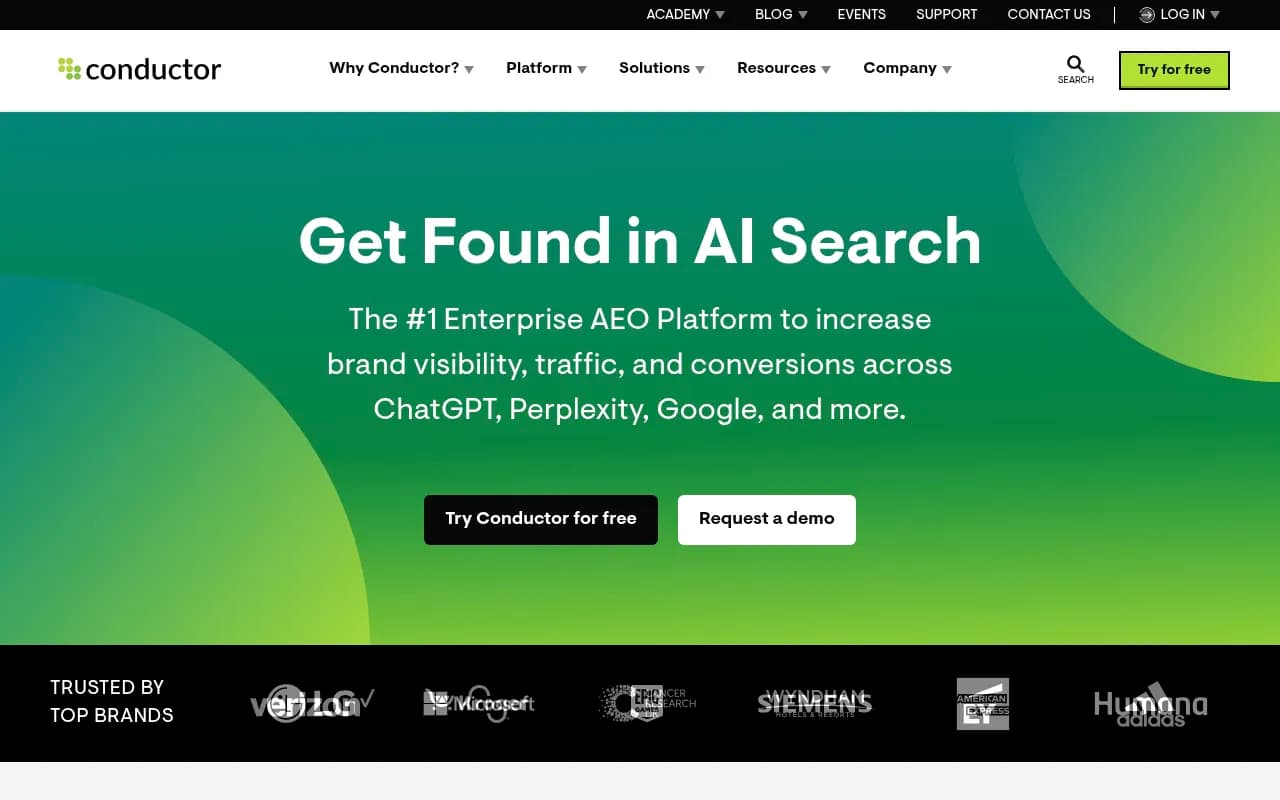
For enterprise-scale monitoring: Conductor -- strong topic-based tracking, integrates with existing SEO workflows, good for large teams managing hundreds of prompts.
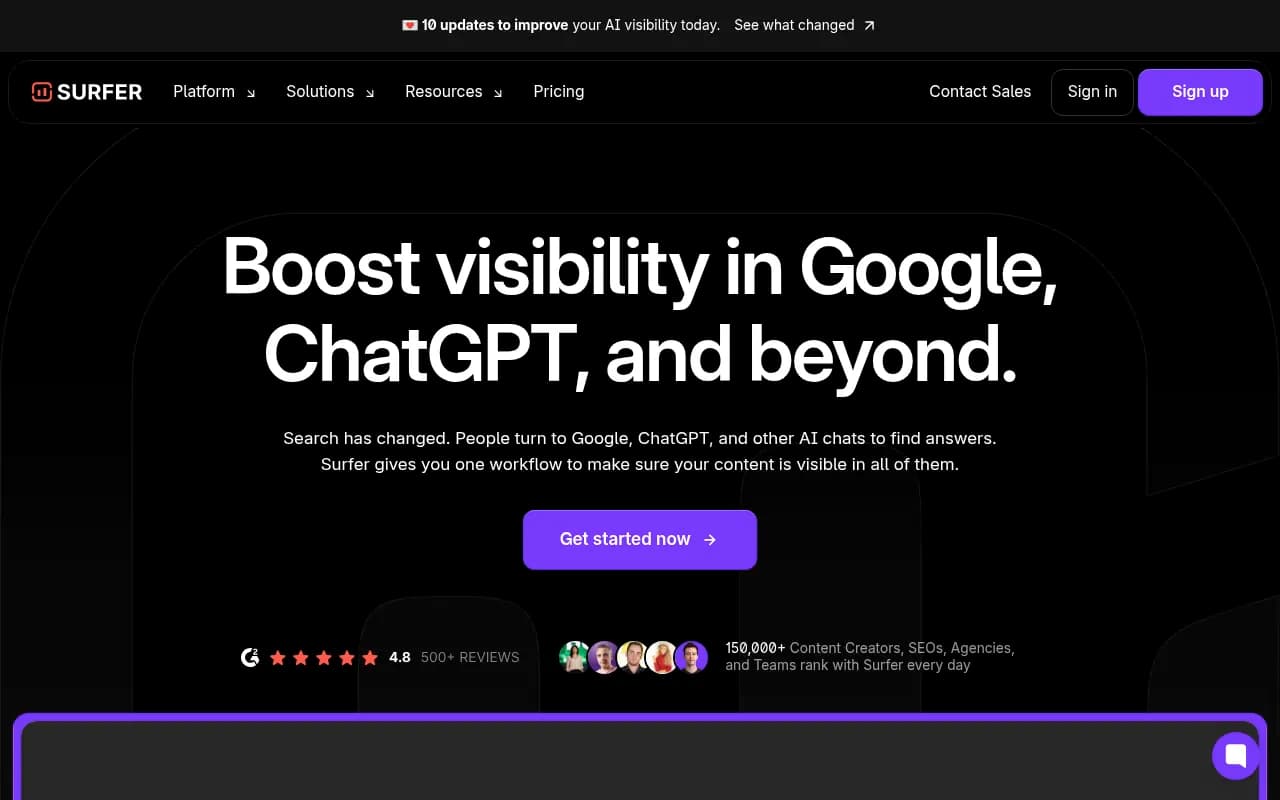
For content optimization: Surfer SEO -- combines AI visibility tracking with traditional SEO content optimization. If you're writing articles to rank in both Google and ChatGPT, this bridges the gap.
Standardize prompt formats across platforms
If you're tracking the same prompts in multiple tools, make sure the wording is identical. Copy-paste the exact prompt text into each platform. Don't let auto-generation introduce variance.
Create a master prompt list in a spreadsheet:
| Prompt ID | Prompt Text | Category | Priority |
|---|---|---|---|
| P001 | What are the best project management tools for remote teams? | Category | High |
| P002 | How does [Your Product] compare to Asana? | Comparison | High |
Use this as your source of truth.
Set consistent persona and location settings
If a platform lets you configure user personas, pick one and stick with it across all tools. For example:
- Role: Marketing Manager
- Company size: 50-200 employees
- Location: United States
This reduces one source of variance.
Run manual spot-checks monthly
Don't rely on platforms 100%. Once a month, pick 5 random prompts from your tracking list and run them manually across ChatGPT, Perplexity, and Claude. Compare the results to what your platforms reported.
If the delta is growing (platform data drifting further from manual checks), something changed. Maybe the platform updated its methodology. Maybe the AI models shifted. Investigate.
Track trends, not absolutes
AI visibility data is noisy. A single data point ("you were mentioned 60% of the time last week") is less useful than a trend ("your mention rate increased from 40% to 60% over the past month").
Focus on:
- Week-over-week changes in mention rates
- Shifts in competitor visibility
- New prompts where you're gaining or losing ground
- Changes in citation sources (more Reddit mentions, fewer blog citations, etc.)
Trends smooth out the noise.
Common validation mistakes to avoid
Mistake 1: Testing different prompts across platforms
If you're tracking "best project management tools" in Conductor but "top PM software" in Surfer, you're not validating anything. The prompts have to be identical.
Mistake 2: Ignoring timing differences
If you run a manual check on Monday and compare it to platform data from Friday, you're comparing apples to oranges. AI models update constantly. Always compare data from the same time window.
Mistake 3: Only checking one AI engine
ChatGPT might mention you 80% of the time while Perplexity mentions you 20%. If you only validate against ChatGPT, you'll think your data is accurate when it's not. Check multiple engines.
Mistake 4: Not accounting for personalization
If you're logged into ChatGPT with your work account and you've been asking it about your own product, it might favor your brand in responses. Use incognito mode for manual checks.
Mistake 5: Treating all mentions equally
A mention in the main answer is worth 10x more than a mention in a footnote. A direct recommendation ("I recommend [Your Product]") is worth more than a neutral list item. Weight your validation accordingly.
What to do when data doesn't align
Sometimes platforms just don't agree. Here's how to decide which data to trust.
If manual checks align with one platform
Trust that platform. If your manual checks show a 70% mention rate and Promptwatch reports 68% while Surfer reports 45%, Promptwatch is more accurate.
If manual checks fall between two platforms
Average them. If manual checks show 60%, Platform A shows 50%, and Platform B shows 70%, the truth is probably around 60%. Use the average as your working number.
If all platforms disagree with manual checks
Something's wrong with your manual process. Check:
- Are you using the same prompt phrasing?
- Are you running checks at the same time of day as the platforms?
- Are you testing the right AI engines?
Or the platforms might all be using outdated data. AI models update fast. If you're seeing something in manual checks that no platform reports, it might be a very recent shift.
If discrepancies are huge (30%+ delta)
Don't use that platform for decision-making. A 30% error rate means the data is unreliable. Either the platform's methodology is flawed or it's not tracking the engines you care about.
How Promptwatch helps you validate faster
Most AI visibility platforms are black boxes. They show you a mention rate but don't explain how they got it. Promptwatch is different.
Crawler logs show you what AI engines are actually reading. You can see when ChatGPT, Claude, or Perplexity crawled your site, which pages they accessed, and whether they encountered errors. If a platform says you're invisible but Promptwatch's logs show Claude reading your docs every day, you know the platform's data is stale.
Citation tracking shows exactly which pages are being cited. Instead of guessing why you're mentioned, you see the specific URL, the context it was cited in, and how often. This makes validation simple: check the cited page yourself and see if the content matches what the AI said.
Answer Gap Analysis shows which prompts competitors rank for but you don't. This is the validation step most platforms skip. It's not enough to know you're invisible -- you need to know what content you're missing. Promptwatch surfaces the exact topics, angles, and questions AI models want answers to but can't find on your site.
Built-in AI content generation closes the loop. Once you know where the gaps are, Promptwatch's AI writing agent creates articles grounded in real citation data (880M+ citations analyzed), prompt volumes, and competitor analysis. Then you track whether the new content improves your visibility. Most competitors (Otterly.AI, Peec.ai, AthenaHQ, Search Party) stop at monitoring. Promptwatch helps you fix the problem.
Building a validation workflow that scales
Here's a step-by-step workflow you can run monthly:
-
Week 1: Manual baseline check
- Pick 10 high-value prompts
- Run them across ChatGPT, Perplexity, Claude, Gemini
- Document mention rates, competitors, citations
-
Week 2: Platform data pull
- Export data from all platforms for the same prompts
- Compare mention rates, citation sources, competitor visibility
- Calculate deltas and flag outliers
-
Week 3: Investigate discrepancies
- Check prompt phrasing, persona settings, sampling frequency
- Re-run manual checks for prompts with large deltas
- Document which platforms are most accurate
-
Week 4: Adjust tracking strategy
- Drop platforms with consistent 20%+ error rates
- Standardize prompts and settings across remaining platforms
- Update your master prompt list based on what's actually driving visibility
Repeat this every month. As AI models evolve and platforms update their methodologies, your validation process keeps you grounded in reality.
Final thoughts
AI visibility data is messy. Platforms disagree. Models shift. Responses vary. But that doesn't mean tracking is pointless. It means you need a validation layer.
Cross-platform validation isn't about finding the "right" number. It's about understanding the range, spotting trends, and knowing when data is reliable enough to act on. If three platforms and your manual checks all say you're invisible for a high-value prompt, that's a signal. If one platform says you're dominating but everything else says you're not, that's noise.
The platforms that help you validate fastest are the ones that show their work. Promptwatch does this better than anyone -- crawler logs, citation tracking, and content gap analysis give you the context to understand why the data looks the way it does. Most competitors just show you a number and leave you guessing.
Start with manual checks. Build your baseline. Then layer in platform data and validate continuously. That's how you build an AI visibility strategy that actually reflects what users see when they ask ChatGPT about your category.