Summary
- AI crawlers prioritize semantic structure and machine readability over traditional keyword signals -- your site must be understandable to LLMs, not just indexable
- Technical optimization involves four core areas: crawler access configuration, semantic markup implementation, site architecture cleanup, and performance tuning for AI ingestion
- Most sites inadvertently block AI crawlers through robots.txt rules, security plugins, or CMS defaults -- quarterly audits are essential
- Tools like Promptwatch provide real-time logs of which AI crawlers are accessing your site, what pages they're reading, and where they're encountering errors
- The payoff is direct: sites optimized for AI crawlers see higher citation rates in ChatGPT, Claude, Perplexity, and Google AI Overviews, translating to traffic and authority in zero-click search environments
The AI crawler landscape has fundamentally changed
In 2026, a visit to your website is just as likely to come from an LLM training bot as from Googlebot. But these aren't the same kind of visitor. Traditional search crawlers follow a simple path: crawl, index, rank. AI crawlers operate differently: ingest, embed, synthesize. They're not looking for keywords to match against queries. They're extracting facts, relationships, and context to feed into knowledge graphs and retrieval systems.
This changes everything about technical optimization. If your content is buried under complex JavaScript, lacks semantic clarity, or sits behind access restrictions, AI engines won't just rank you lower -- they'll fail to "know" you exist within their knowledge systems at all. The stakes are higher because the failure mode is invisibility, not page-two rankings.
The current landscape includes traditional spiders (Googlebot, Bingbot) alongside AI-specific scrapers: GPTBot (OpenAI), CCBot (Common Crawl), OAI-SearchBot (OpenAI's search-focused crawler), ClaudeBot (Anthropic), PerplexityBot, Google-Extended (for Bard/Gemini training), and others. Each has different crawl patterns, rate limits, and data priorities. Some respect robots.txt directives; others don't. Some focus on fresh content; others prioritize authoritative sources.
Understanding this landscape matters because optimization isn't one-size-fits-all. You need to know which crawlers are visiting your site, what they're accessing, and where they're failing. That's where crawler log analysis becomes critical.
Step 1: Audit and configure crawler access
The first technical barrier most sites face is accidental blocking. Security plugins, CDN rules, rate limiters, and CMS defaults often block AI crawlers without anyone realizing it. A 2026 study found that 40% of enterprise websites inadvertently block at least one major AI crawler through robots.txt or firewall rules.
Check your robots.txt file
Start with the basics. Visit yoursite.com/robots.txt and look for these patterns:
User-agent: GPTBot
Disallow: /

User-agent: CCBot
Disallow: /

User-agent: Google-Extended
Disallow: /
If you see blanket disallow rules for AI crawlers, you're invisible to those systems. Unless you have a specific reason to block them (e.g., you don't want your content used for model training), remove these restrictions. The counterargument -- "I don't want AI stealing my content" -- misses the point. AI engines cite sources. Being cited drives traffic and authority. Blocking them means competitors get cited instead.
A more nuanced approach:
User-agent: GPTBot
Allow: /blog/
Allow: /guides/
Disallow: /admin/
Disallow: /checkout/

User-agent: ClaudeBot
Allow: /
Disallow: /private/
This allows AI crawlers to access public content while protecting sensitive areas. Quarterly audits are essential because new crawlers emerge constantly and CMS updates can reset configurations.
Audit security plugins and CDN rules
WordPress security plugins (Wordfence, Sucuri, iThemes Security) often block unknown user agents by default. Check your plugin settings for bot blocking rules and whitelist known AI crawlers. Same for CDN-level protections (Cloudflare, Fastly) -- review your firewall rules and rate limiting configurations.
One client discovered their Cloudflare "Bot Fight Mode" was blocking GPTBot entirely. After whitelisting it, they saw a 3x increase in citations within two weeks.
Monitor crawler activity in real time
Promptwatch provides real-time logs of AI crawlers accessing your site. You see which pages they're reading, how often they return, what errors they encounter (404s, timeouts, access denied), and how their crawl patterns change over time. This visibility is critical because you can't optimize what you can't measure.

The alternative is parsing server logs manually, which works but requires technical expertise and doesn't provide the context (which LLM, which prompt triggered the crawl, citation outcomes) that specialized tools offer.
Step 2: Implement semantic markup and structured data
AI crawlers prioritize structured, machine-readable data. They want facts they can verify, entities they can link, and relationships they can map. This is where schema.org markup becomes essential -- not as an SEO checkbox, but as the primary way AI systems understand your content.
Start with core schema types
Every page should have basic Organization or Person schema at minimum. For content pages, add Article, BlogPosting, or HowTo schema. For product pages, use Product schema with detailed attributes (price, availability, reviews, specifications). For local businesses, implement LocalBusiness schema with complete NAP (name, address, phone) data.
Example Article schema:
{
  "@context": "https://schema.org",
  "@type": "Article",
  "headline": "How to Optimize Your Website for AI Crawlers",
  "author": {
    "@type": "Person",
    "name": "Jane Smith",
    "url": "https://example.com/authors/jane-smith"
  },
  "datePublished": "2026-02-28",
  "dateModified": "2026-02-28",
  "publisher": {
    "@type": "Organization",
    "name": "Example Corp",
    "logo": {
      "@type": "ImageObject",
      "url": "https://example.com/logo.png"
    }
  },
  "mainEntityOfPage": "https://example.com/ai-crawler-optimization"
}
This tells AI systems exactly what the content is, who wrote it, when it was published, and who published it. These are trust signals that influence whether your content gets cited.
Add FAQPage schema for Q&A content
AI engines love structured Q&A because it maps directly to how users prompt them. If your content includes FAQs, implement FAQPage schema:
{
  "@context": "https://schema.org",
  "@type": "FAQPage",
  "mainEntity": [
    {
      "@type": "Question",
      "name": "What is an AI crawler?",
      "acceptedAnswer": {
        "@type": "Answer",
        "text": "An AI crawler is a bot that ingests web content to train or update large language models. Examples include GPTBot (OpenAI), ClaudeBot (Anthropic), and PerplexityBot."
      }
    }
  ]
}
This increases the likelihood your answer gets pulled into AI responses verbatim.
Use entity markup for key concepts
When you mention important entities (people, organizations, products, places), mark them up explicitly. AI systems use entity recognition to build knowledge graphs, and explicit markup removes ambiguity.
Example:
<span itemscope itemtype="https://schema.org/Organization">
  <span itemprop="name">Promptwatch</span>
</span> provides real-time logs of AI crawler activity.
This tells the AI that "Promptwatch" is an organization, not just a word.
Validate your markup
Use Google's Rich Results Test or Schema Markup Validator to check for errors. Broken schema is worse than no schema -- it creates confusion instead of clarity.
Step 3: Optimize site architecture for AI ingestion
AI crawlers have limited patience. They won't navigate complex site structures or wait for slow JavaScript to render. Your architecture needs to be clean, logical, and fast.
Simplify HTML and reduce JavaScript dependency
Server-side rendering beats client-side rendering for AI crawlers. If your site relies heavily on JavaScript frameworks (React, Vue, Angular) to render content, AI crawlers may see empty shells instead of actual content. Solutions:
- Use server-side rendering (SSR) or static site generation (SSG) where possible
- Implement progressive enhancement -- core content loads as HTML, JavaScript adds interactivity
- Test your pages with JavaScript disabled to see what crawlers see
One e-commerce site moved from a React SPA to Next.js with SSR and saw a 5x increase in AI citations within a month. The content was always there; AI crawlers just couldn't access it before.
Create clear content hierarchies
AI systems understand hierarchical relationships. Use proper heading structure (H1 -> H2 -> H3) to signal content organization. Each page should have one H1 that clearly states the topic, followed by H2s for major sections and H3s for subsections.
Bad:
<h2>Introduction</h2>
<h2>What is AI crawling?</h2>
<h3>Types of crawlers</h3>
<h2>How to optimize</h2>
<h4>Step 1</h4>
Good:
<h1>How to Optimize Your Website for AI Crawlers</h1>
<h2>What is AI crawling?</h2>
<h3>Types of crawlers</h3>
<h3>How AI crawlers differ from traditional bots</h3>
<h2>How to optimize</h2>
<h3>Step 1: Audit crawler access</h3>
<h3>Step 2: Implement semantic markup</h3>
This structure tells AI systems exactly how concepts relate to each other.
Implement logical internal linking
Internal links help AI crawlers discover related content and understand topic clusters. Link from pillar pages to supporting articles, from product pages to related guides, from author pages to their articles. Use descriptive anchor text that signals what the linked page is about.
Bad: "Click here to learn more" Good: "Learn how to implement schema markup for AI crawlers"
The anchor text provides context that helps AI systems understand the relationship between pages.
Optimize crawl budget with XML sitemaps
Submit XML sitemaps to Google Search Console and Bing Webmaster Tools. Include priority and changefreq attributes to signal which pages are most important and how often they update. This helps AI crawlers allocate their crawl budget efficiently.
<url>
  <loc>https://example.com/ai-crawler-guide</loc>
  <lastmod>2026-02-28</lastmod>
  <changefreq>monthly</changefreq>
  <priority>0.8</priority>
</url>
Step 4: Optimize performance for AI crawlers
Speed matters. AI crawlers have rate limits and timeouts. If your pages take too long to load, crawlers will move on before they finish ingesting your content.
Improve server response times
Target server response times under 200ms. Use a CDN to serve content from edge locations close to where crawlers originate. Enable HTTP/2 or HTTP/3 for faster connection establishment. Optimize database queries and implement caching (Redis, Memcached) to reduce server load.
Compress and optimize assets
Compress HTML, CSS, and JavaScript with gzip or Brotli. Optimize images (WebP format, lazy loading, responsive sizes). Minify code to reduce file sizes. Every kilobyte saved is faster ingestion for AI crawlers.
Monitor Core Web Vitals
While Core Web Vitals are primarily user-focused metrics, they correlate with crawler performance. Sites with good LCP (Largest Contentful Paint), FID (First Input Delay), and CLS (Cumulative Layout Shift) scores tend to have better AI crawler engagement. Use PageSpeed Insights or Lighthouse to identify performance bottlenecks.
Test with crawler user agents
Use tools like Screaming Frog or Sitebulb to crawl your site as AI bots would see it. Set the user agent to GPTBot or ClaudeBot and see what errors appear. Common issues: redirect chains, broken links, slow-loading resources, missing content.
Step 5: Structure content for AI comprehension
Beyond technical setup, how you write and structure content affects AI citation rates. AI systems prefer clear, factual, well-organized information.
Lead with clear, direct answers
AI engines often pull the first paragraph or the content immediately following an H2 heading. Structure your content so the most important information appears early and clearly. Use the inverted pyramid model: answer the question first, then provide supporting details.
Bad:
"Many people wonder about AI crawlers. There are different types, and they work in various ways. Let's explore this topic in depth."
Good:
"AI crawlers are bots that ingest web content to train or update large language models. Examples include GPTBot (OpenAI), ClaudeBot (Anthropic), and PerplexityBot. They differ from traditional search crawlers by prioritizing semantic structure and factual density over keyword signals."
The second version gives AI systems a complete, citable answer immediately.
Use lists and tables for scannable data
AI systems excel at extracting structured information. When presenting comparisons, features, or step-by-step instructions, use lists or tables:
| Crawler | Owner | Purpose | Respects robots.txt |
|---|---|---|---|
| GPTBot | OpenAI | Model training | Yes |
| ClaudeBot | Anthropic | Model training | Yes |
| PerplexityBot | Perplexity | Real-time search | Yes |
| CCBot | Common Crawl | Public dataset | Yes |
| Google-Extended | Bard/Gemini training | Yes |
This table is trivial for AI systems to parse and cite.
Include citations and sources
AI engines prioritize content that cites authoritative sources. When you make factual claims, link to the source. This builds trust and increases the likelihood your content gets cited in turn.
Example: "A 2026 Gartner report predicts traditional search volume will drop 25% as users shift to AI-powered answer engines (source)."
Update content regularly
AI systems favor fresh content. Pages that haven't been updated in years are less likely to be cited than recently updated pages. Add a "Last updated" timestamp and refresh content quarterly to maintain relevance.
Step 6: Track and measure AI crawler engagement
Optimization without measurement is guesswork. You need to know which AI crawlers are visiting your site, what they're accessing, and whether your changes are working.
Monitor crawler logs
Promptwatch provides detailed logs of AI crawler activity: which pages they visit, how often, what errors they encounter, and how their behavior changes over time. This data tells you whether your technical optimizations are working.
Alternatively, parse your server logs manually and filter for AI crawler user agents (GPTBot, ClaudeBot, etc.). Look for patterns: Are they crawling your entire site or just specific sections? Are they encountering 404s or 500 errors? Are they respecting your crawl delay directives?
Track citation rates
The ultimate metric is citations. Are AI engines citing your content in their responses? Tools like Promptwatch, Otterly.AI, and Peec AI track when your brand or content appears in AI-generated answers across ChatGPT, Claude, Perplexity, and other platforms.

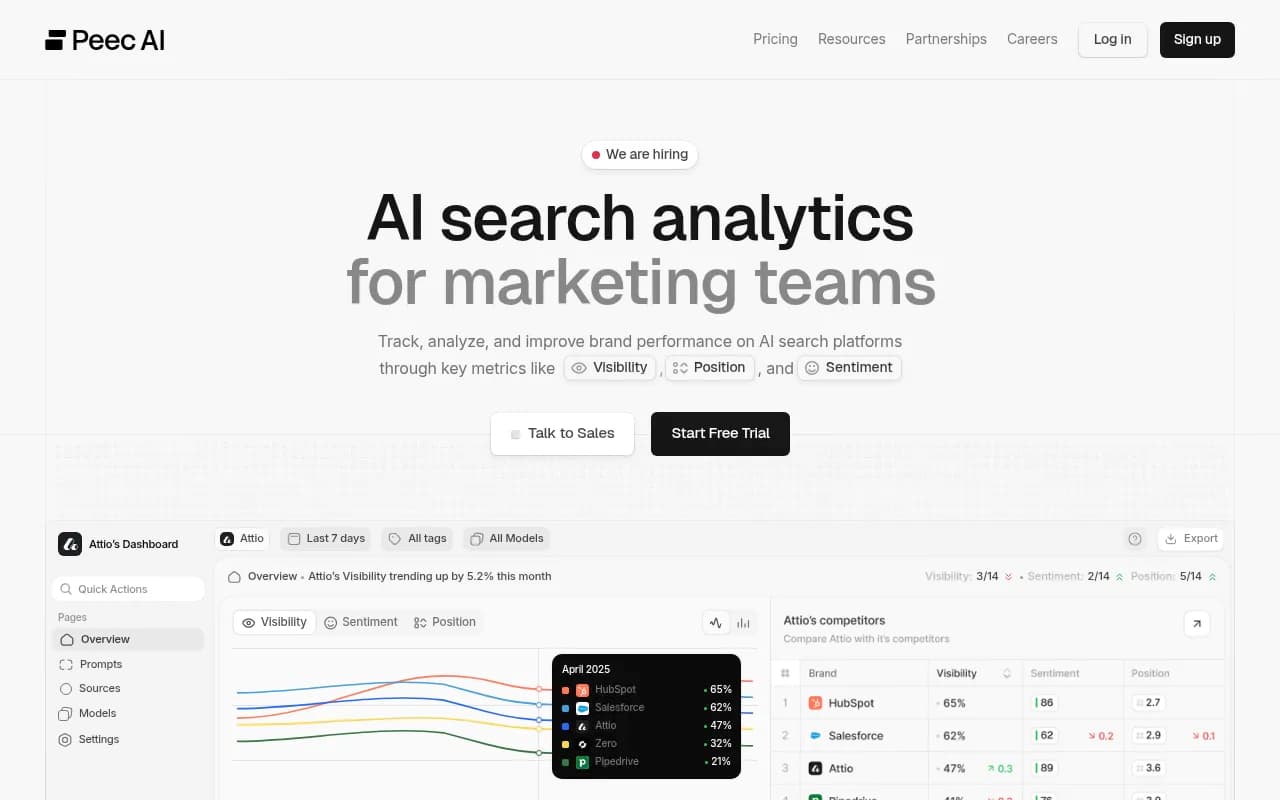
Set up tracking for key topics and monitor citation frequency over time. If your technical optimizations are working, you should see citation rates increase.
Measure traffic from AI sources
Some AI platforms (Perplexity, ChatGPT with browsing enabled) send referral traffic. Check your analytics for referrals from perplexity.ai, chat.openai.com, and similar domains. This traffic is high-intent -- users who saw your content cited in an AI response and clicked through to learn more.
Correlate technical changes with outcomes
When you make technical changes (e.g., fixing robots.txt, adding schema, improving page speed), track the impact on crawler activity and citation rates. This helps you identify which optimizations deliver the most value.
Common technical pitfalls to avoid
Even with the best intentions, sites make mistakes that hurt AI crawler engagement.
Blocking crawlers unintentionally
This is the most common issue. Security plugins, CDN rules, and CMS defaults often block AI crawlers without anyone realizing it. Audit quarterly and test with multiple user agents.
Relying on JavaScript for core content
If your content only renders client-side, AI crawlers may not see it. Use server-side rendering or progressive enhancement to ensure content is accessible without JavaScript.
Ignoring mobile optimization
Many AI crawlers use mobile user agents. If your site isn't mobile-friendly, you're invisible to those crawlers. Test with mobile user agents and ensure responsive design.
Overusing dynamic content
Content that changes on every page load (e.g., randomized testimonials, rotating banners) confuses AI crawlers. They can't reliably extract facts from content that's constantly shifting. Use static content for key information.
Neglecting HTTPS
Some AI crawlers deprioritize or skip non-HTTPS sites entirely. Ensure your entire site uses HTTPS with a valid SSL certificate.
Forgetting about canonicalization
Duplicate content confuses AI systems. Use canonical tags to signal which version of a page is authoritative. This prevents AI engines from citing the wrong URL or splitting citation credit across duplicates.
Tools for AI crawler optimization
Beyond Promptwatch, several tools help with technical optimization:
- Screaming Frog SEO Spider: Crawl your site as AI bots would see it, identify technical issues
- Google Search Console: Monitor crawl errors, submit sitemaps, check mobile usability
- Schema Markup Validator: Validate structured data implementation
- PageSpeed Insights: Identify performance bottlenecks
- Ahrefs or Semrush: Track backlinks and domain authority, which influence AI citation likelihood
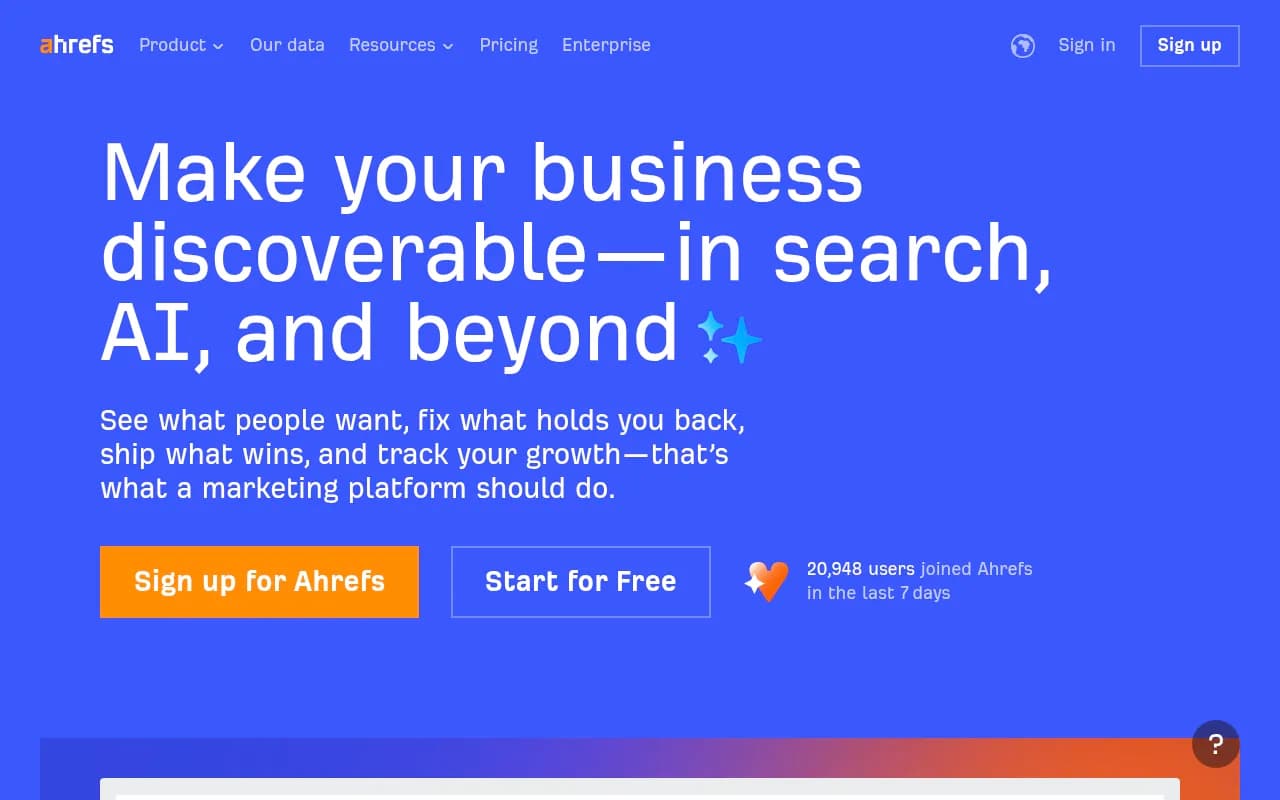
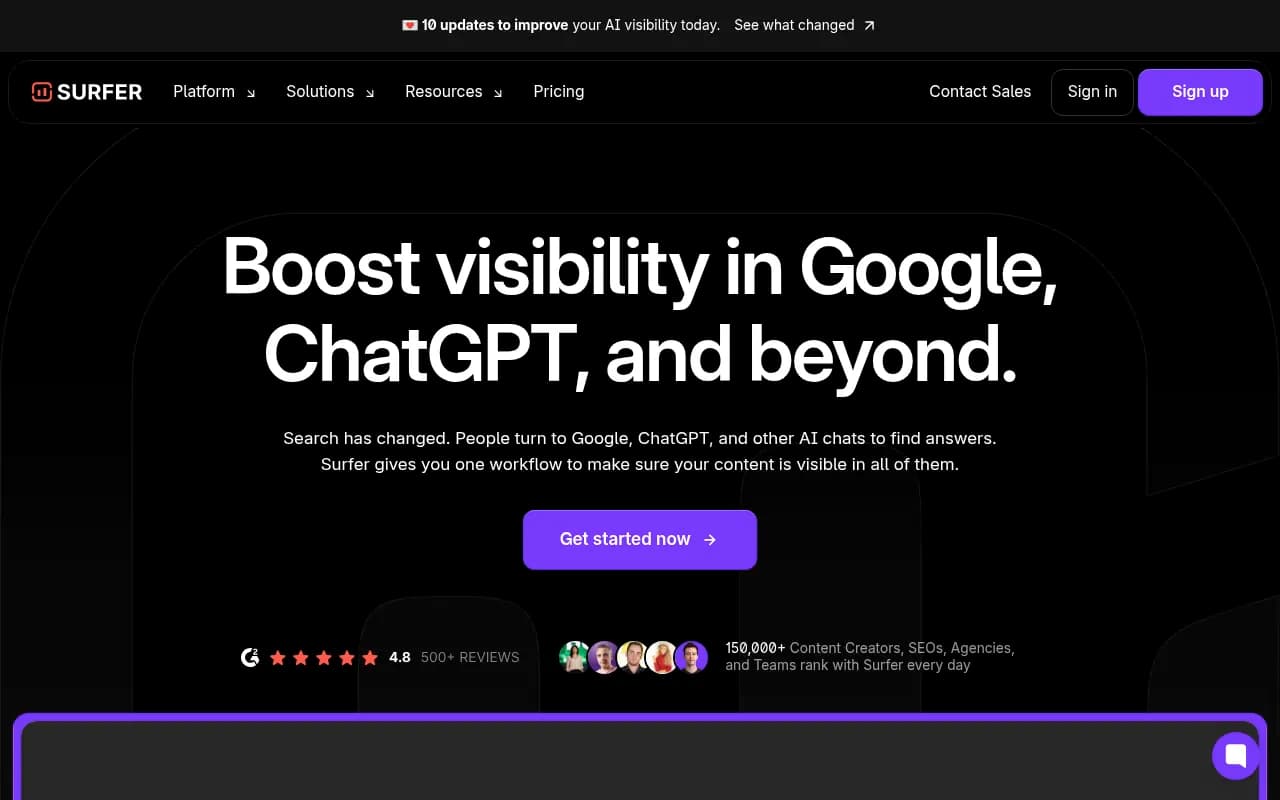
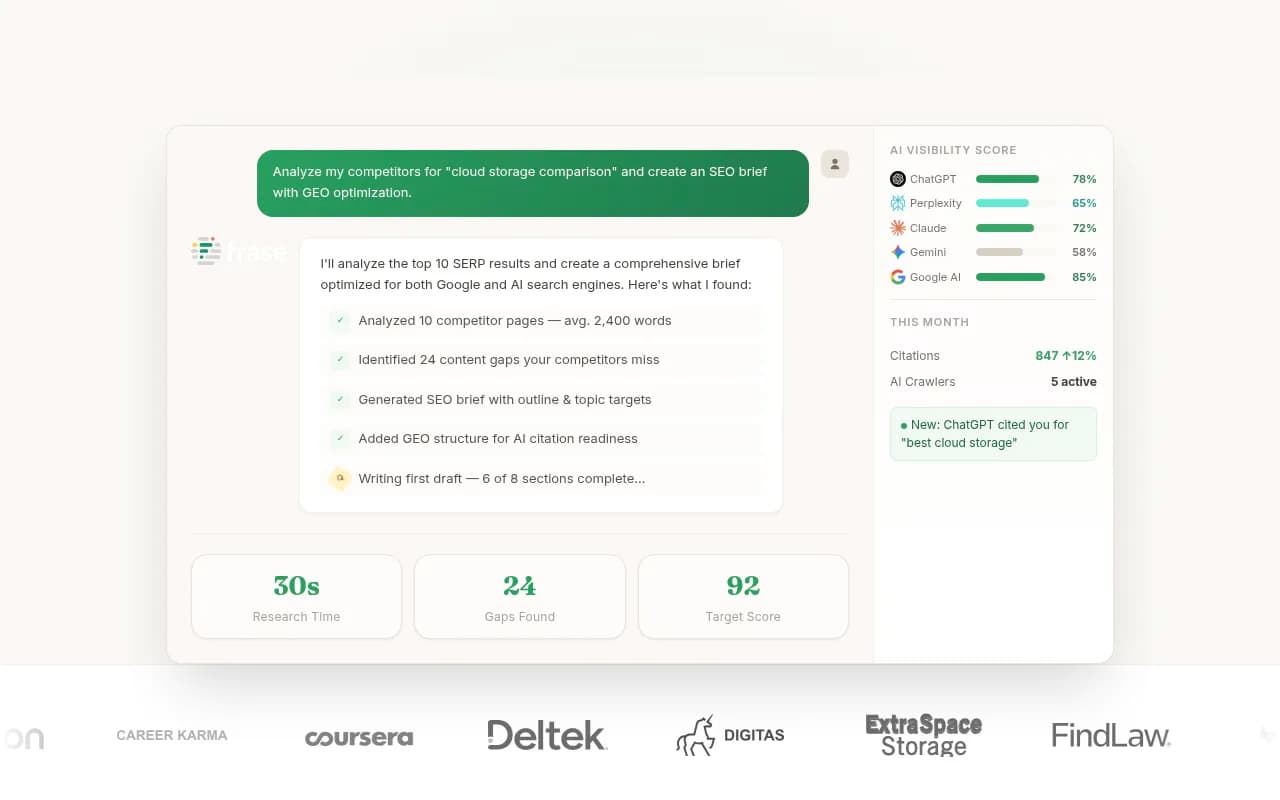
For content optimization specifically, tools like Clearscope, Surfer SEO, and Frase help structure content for better AI comprehension.

The bigger picture: AI visibility as a competitive advantage
Technical optimization for AI crawlers isn't just about keeping up -- it's about getting ahead. As traditional search volume declines and AI-powered answer engines become the primary discovery channel, sites that are optimized for AI visibility will capture disproportionate traffic and authority.
The companies winning in this environment are the ones treating AI crawler optimization as a core competency, not an afterthought. They're monitoring crawler logs, tracking citation rates, iterating on technical setup, and measuring outcomes. They're using tools like Promptwatch to close the loop between technical changes and business results.
The alternative is invisibility. AI engines cite what they can parse, verify, and trust. If your technical foundation is weak, you're not in the running.
Next steps
Start with the basics:
- Audit your robots.txt and security plugins to ensure AI crawlers aren't blocked
- Implement core schema markup (Organization, Article, Product) on key pages
- Test your site with JavaScript disabled to see what crawlers see
- Monitor crawler logs with Promptwatch or server log analysis
- Track citation rates and correlate them with technical changes
Then iterate. AI crawler optimization isn't a one-time project -- it's an ongoing process of monitoring, testing, and refining. The sites that treat it as a continuous practice will dominate AI search in 2026 and beyond.