Key takeaways
- You cannot edit what ChatGPT says directly. You can fix the pages it learns from, and finding those pages is the hard part.
- Treat every AI statement about your brand as a claim, mark it accurate or inaccurate against your own official facts, then trace it to a source.
- Your own stale pages, competitor comparison pages, old directory listings and forum threads are the usual culprits.
- Wrong claims on landing pages, docs and comparison pages stay cited for months, so fix the source instead of waiting.
- Manual tracing works for a handful of claims. Past that, you need tooling that groups repeated claims and reads your site for you.
Why a wrong AI answer is a source problem
Somebody asks ChatGPT what your product costs. It says $99 a month. Your pricing page says $199 per seat. Nobody at your company said $99, and nobody can file a ticket to change it.
That is the frustrating part. A language model is not a database you can correct. The error lives in training data, in the pages retrieved at query time, or in both. For live-search platforms like ChatGPT Search, Perplexity, Google AI Overviews and Copilot, retrieval matters a lot, which is good news: retrieved pages are things you can actually change.
General fact-checking advice does not help much here. Forbes (updated Oct 13, 2026) summarizes figures from the 2026 Stanford HAI AI Index, with hallucination rates of 22% to 94% across 26 top models depending on the benchmark, and a BBC and EBU study finding at least 45% of AI answers had significant issues. I have not checked either against the primary source, but the direction is not surprising. Models produce text that is statistically plausible, and plausible is not the same as true.
Most fact-checking guides are written for people verifying an answer before they act on it. This guide is for the opposite job: you are the subject of the answer, and you want to know which page taught the model the wrong thing.
Step 1: Collect the claims, not the answers
Do not review whole responses. Break them into checkable statements. The guide from AimiChat puts it well: pull out every number, date, name, quote and cause-and-effect statement, because those are what can be wrong.
For a brand, the claims that matter most are the ones a buyer would act on:
- Pricing, plans and free trial terms
- Features, integrations and limits
- Who owns, founded or runs the company
- Where you operate, and which regions you support
- How you compare with named competitors
- Policies such as refunds, cancellation and data handling
Run a fixed list of buyer questions through ChatGPT, Gemini, Perplexity and AI Overviews on a schedule. Use the same questions each time so you can compare changes. Then mark each claim as correct, outdated, wrong or missing against your current official information.
One warning. Asking the model "are you sure?" is not verification. It can repeat the mistake or invent a supporting source. Check against the thing that owns the fact: your pricing page, your docs, your legal terms.
Step 2: Trace each wrong claim to a page
This is where most teams stall. The model gave you a claim, and it gave you no addresses. You need to work backwards.
The manual method
Geology's brand correction guide lays out the basic approach, and it still works.
- Search the exact wrong claim in quotes on Google and Bing. The results show which pages state it.
- Check the citations in the AI response itself. Open the cited pages directly, not through the AI's link, and use find-in-page for the number or phrase.
- Read the passage in context. Check the date, version, region and conditions. Many AI errors are real facts applied to the wrong year, product tier or country.
- Look at the Wayback Machine for pages that changed or disappeared. A page you fixed last spring may still be what a cached index remembers.
- Search for the opposite statement too. If your pricing page and a blog post disagree, the model may be averaging them.
The usual suspects
| Source type | Typical problem | Where to look |
|---|---|---|
| Your own site | Old pricing, retired features, outdated team bios, conflicting pages | Blog posts, help center, old landing pages, PDFs |
| Competitor pages | Comparison pages that misstate your product | Search "[you] vs [competitor]" and "[you] alternatives" |
| Directories | Stale data on review and listing sites | G2, Capterra, Trustpilot, Crunchbase |
| Forums | Old user comments treated as current fact | Reddit threads, community Q&A |
| News | Coverage of a former product version | Press from earlier launches |
I would start with your own site, always. It is the only source you control, and it is more often the cause than people want to admit. A pricing change that updated the pricing page but not the three blog posts, the FAQ and the old comparison table gives a retrieval system plenty of contradictory material.
Why your own domain matters more than it used to
ChatGPT now searches domains directly. According to Promptwatch Data, on August 8, 2026 queries using the site: operator jumped from 0.37% to 16.8% of all fanout queries in a single day, and the average number of searches per response rose from about 1.08 to about 1.83. Those site: searches come on top of the generic ones.
What that means for accuracy: thin, stale or poorly indexed pages on your own domain can feed an answer directly. If ChatGPT goes looking for your pricing on your site and finds an old page first, that page wins.
The same dataset has a warning about behavior changes. Platform behavior can shift overnight, so a one-off audit goes stale fast. Monitoring beats a quarterly check.
Query fanouts are the other thing to understand. Promptwatch's ChatGPT query fanout data shows that a single prompt can trigger several separate searches, and the average query length has been short, in the 50s to 80s of characters in recent periods. Your page has to match one of the queries ChatGPT generates, not the user's original prompt. Headings written like short search queries ("Acme pricing per seat") give a correct page a better shot than a clever title.
How long a wrong claim sticks around
Here is the uncomfortable bit. Wrong claims do not decay quickly.
Promptwatch's content half-life report tracked every page ChatGPT cited on July 6, 2026 through October 4, 2026. Of the pages cited on day 0, 78% of landing pages, 76% of docs and 72% of comparisons were still cited after 30 days. After 60 days, landing pages were at 69%, docs at 67%, comparisons at 63%, listicles at 60% and product pages at 55%. Pricing pages are classed as landing or product pages. News decays fastest, with half of news pages gone after 36 days.
The report notes a caveat: landing pages, docs, comparisons and listicles only cross 50% in the last week of the window, so their true half-life is likely near or beyond 90 days.
The takeaway is practical. A wrong claim on a comparison page or a stale docs page can keep being cited for months. Waiting for it to age out is not a plan. Fix the source.
Step 3: Decide who owns the fix
Once you know the page, the action depends on who controls it.
| Page owner | Fix | Typical speed |
|---|---|---|
| You | Rewrite the conflicting sentence, update the date, redirect or consolidate duplicates | Fast, once crawled again |
| Directory or review site | Claim the profile and update the fields | Days to weeks |
| Competitor | Request a correction, or publish a clear factual page of your own | Slow, uncertain |
| Forum or news | Reply with current facts, or publish a dated, authoritative page | Slow |
| Nobody (the fact is not written down anywhere) | Publish it on a page crawlers can read | Fast |
That last row is easy to miss. Sometimes the model is wrong because the correct fact exists nowhere public. Publish clear, current facts on pages that search engines and AI crawlers are allowed to read, and keep pricing and policy pages consistent with each other. Check robots.txt and your CDN rules, because a blocked crawler cannot learn the right answer.
On your own pages, edit the sentence, not just the headline. Put the date near time-sensitive facts. Where an old page has no reason to exist, consolidate it into the current one with a redirect rather than leaving two versions live.
Doing it at scale
Manual tracing is fine for five claims. It falls apart at fifty, across four AI engines, in three languages, repeating weekly. Two things get painful. First, the same claim shows up in different wording ("$99/month", "around a hundred dollars a month", "starts at $99"), so searching for exact quotes misses variants. Second, your own site may have hundreds of pages, and nobody wants to read all of them for a stray price.
Promptwatch has a Fact Check feature built for exactly this job. It extracts the individual claims AI makes about your brand and competitors from tracked responses, keeps the exact quote and its source, and groups claims by meaning even when the wording differs. Each claim shows how many prompts, responses and models repeat it. You mark a claim Accurate or Inaccurate, and it reads the pages crawled from your site to find the ones that state the claim or its opposite, with quotes and a recommended next step.

Per the vendor's own Fact Check page (the numbers in its demo are illustrative), evidence is checked against two sets: your own site and the top cited pages. Each extract is labelled as stating the opposite, spreading the claim, or backing your site. In the demo, a wrong $99 per month pricing claim is traced to a competitor comparison page, while the brand's real pricing page says $199 per seat. A "Fix with content agent" step lists conflicting pages on your own site and proposes rewrites for you to review before publishing to a CMS. Fact Check is available on Business, Agency Scale and Enterprise plans and uses Agent Credits, so confirm current details on Promptwatch pricing. Brand Narrative, which pulls the claims out of responses in the first place, is on every plan.
The point is the loop: find the claim, find the page, fix the page, then check whether the answer changed. Prompt tracking shows whether the wrong claim fades. AI crawler logs show whether bots have re-read the corrected page, which separates "not yet crawled" from "crawled but ignored."
Other tools worth knowing
Monitoring is a crowded category. Some options from our catalog that touch accuracy or brand claims:
| Tool | What it does | Fit |
|---|---|---|
| Promptwatch | Claim extraction, Fact Check against your site, content fixes, crawler logs | Teams that want to find and fix the source |
| LLMClicks | AI visibility tracking with hallucination detection | Spotting wrong answers |
| Profound | Enterprise AI visibility monitoring | Large brands focused on tracking |
| Otterly.AI | Affordable AI visibility tracking | Basic monitoring |
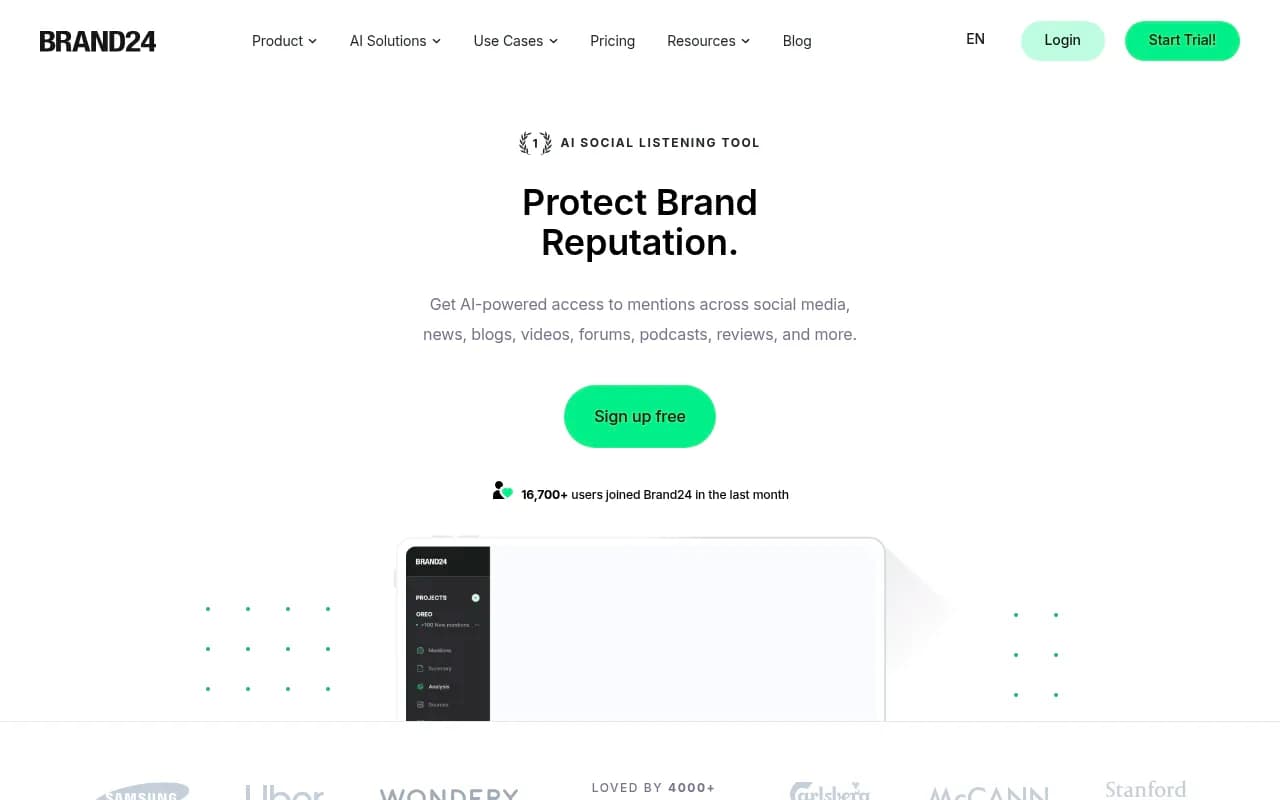
| Brand24 | Social listening across a large source set | Catching forum and social mentions |
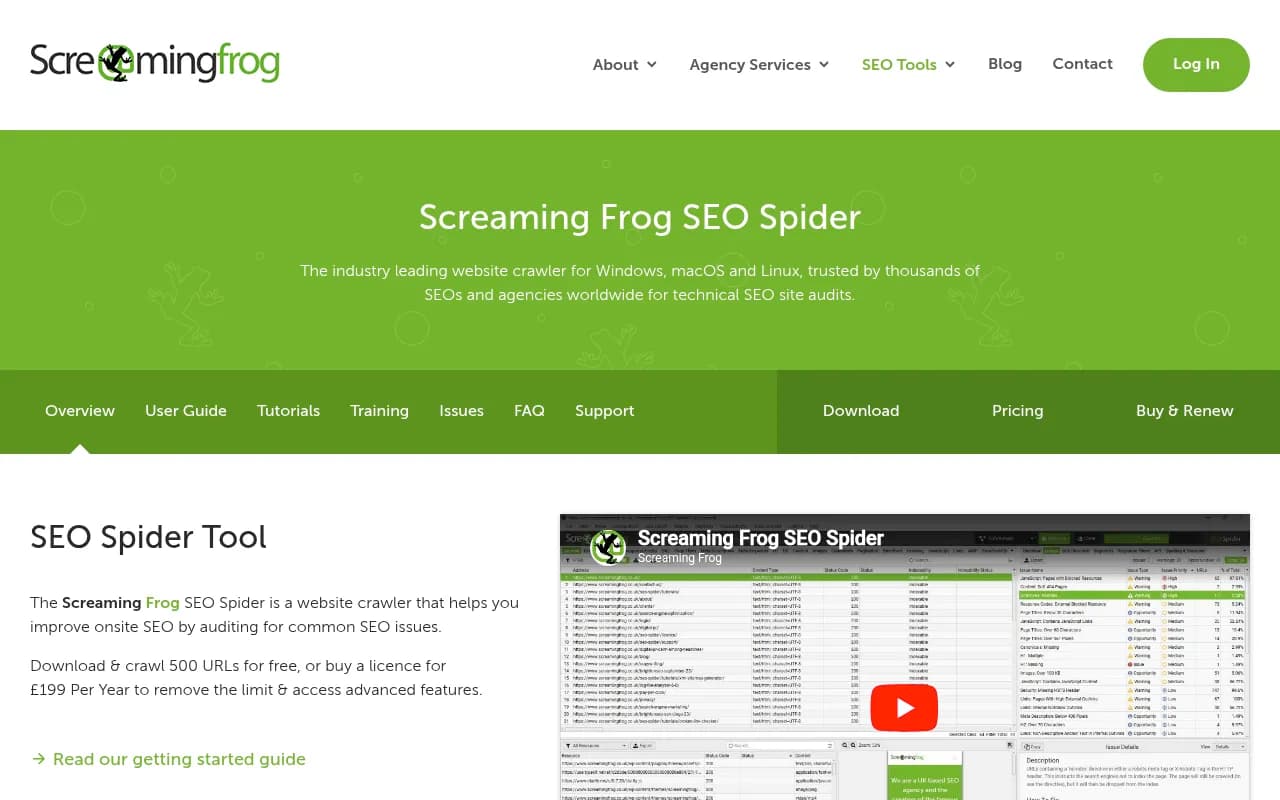
| Screaming Frog SEO Spider | Site crawler | Finding duplicate and stale pages on your own site |

Most trackers stop at telling you the answer is wrong. For a broader look at the category, the GEO software directory lists a wide range of options. Whichever you pick, ask one question: does it show me the page, or just the score?
A repeatable weekly routine
- Run the same 20 to 50 buyer questions across the main AI engines.
- Pull out claims and mark each one correct, outdated, wrong or missing.
- For every wrong claim, find the pages that state it. Start with your own domain.
- Fix the highest-impact pages first, meaning the ones a buyer would act on: pricing, plans, policies.
- Update third-party profiles you control.
- Check crawler access so the corrected pages can be read.
- Re-run the same questions in a week or two and compare.
Expect slow movement on training-data errors. Models trained on snapshots will not forget quickly, and retrieval-driven answers change faster than parametric ones. Do not promise a stakeholder a date.
Common mistakes
- Fixing the headline and leaving the body text, FAQ and blog posts contradicting it.
- Chasing the model with prompts like "remember that our price is..." which does nothing for other users.
- Treating a single run as truth. Responses vary, so look at how many prompts and models repeat a claim.
- Ignoring the long tail of directories. Stale G2 or Crunchbase data is a common source.
- Assuming the problem is hallucination when it is a real page that is simply old.
FAQ
Can I ask ChatGPT to correct its answer about my brand?
It may change in that one conversation. It will not fix what other users see. Correct the sources.
Is a wrong answer always a hallucination?
No. Often a real fact is applied to the wrong year, product tier or region, or a real but outdated page was retrieved. That is why tracing to a source beats guessing.
How fast will a fix show up?
It depends on crawling, indexing and how the platform retrieves. Live-search engines can pick up changes faster than models relying on training data, but cited pages tend to linger, as the half-life data shows.
Should I start with my site or with third-party pages?
Your site. You control it, it is searched directly, and conflicts between your own pages are the cheapest to resolve.
If you want a quick baseline before setting anything up, Promptwatch offers a free AI visibility report that scans how ChatGPT, Gemini and Perplexity talk about your brand, and a 7-day free trial on monthly plans.