Key takeaways
- Claude Code recommends libraries, SDKs, databases and hosting providers while it writes code. If your product is not in those answers, a developer may never see it.
- Track prompts by intent: discovery, stack selection, comparison, implementation, docs and API, and troubleshooting. Each one fails for a different reason.
- The 40 prompts below are a starting set. Swap in your category, run them on a schedule, and log mentions, position, and which sources were cited.
- I found no public benchmark on how often Claude Code recommends specific brands, so treat this as a measurement method, not a promise of results.
- Docs, GitHub presence and review profiles are the sources that matter most for software prompts, based on Promptwatch Data.
Why Claude Code recommendations matter for your brand
Developers used to search Google, skim Stack Overflow, and open five tabs. Now a lot of them type a task into a coding agent and accept whatever package it reaches for. The agent picks an ORM, an auth provider, an email API. Nobody reads a comparison page.
That changes what brand visibility means for developer tools. A mention in a Claude Code answer is closer to a default setting than a search result. If the agent suggests a competitor's SDK in the first code block, you are fighting an uphill battle for the rest of the project.
The tricky part is that nobody gives you a report on this. You have to ask the questions yourself, repeatedly, and watch the answers. That is what this library is for.
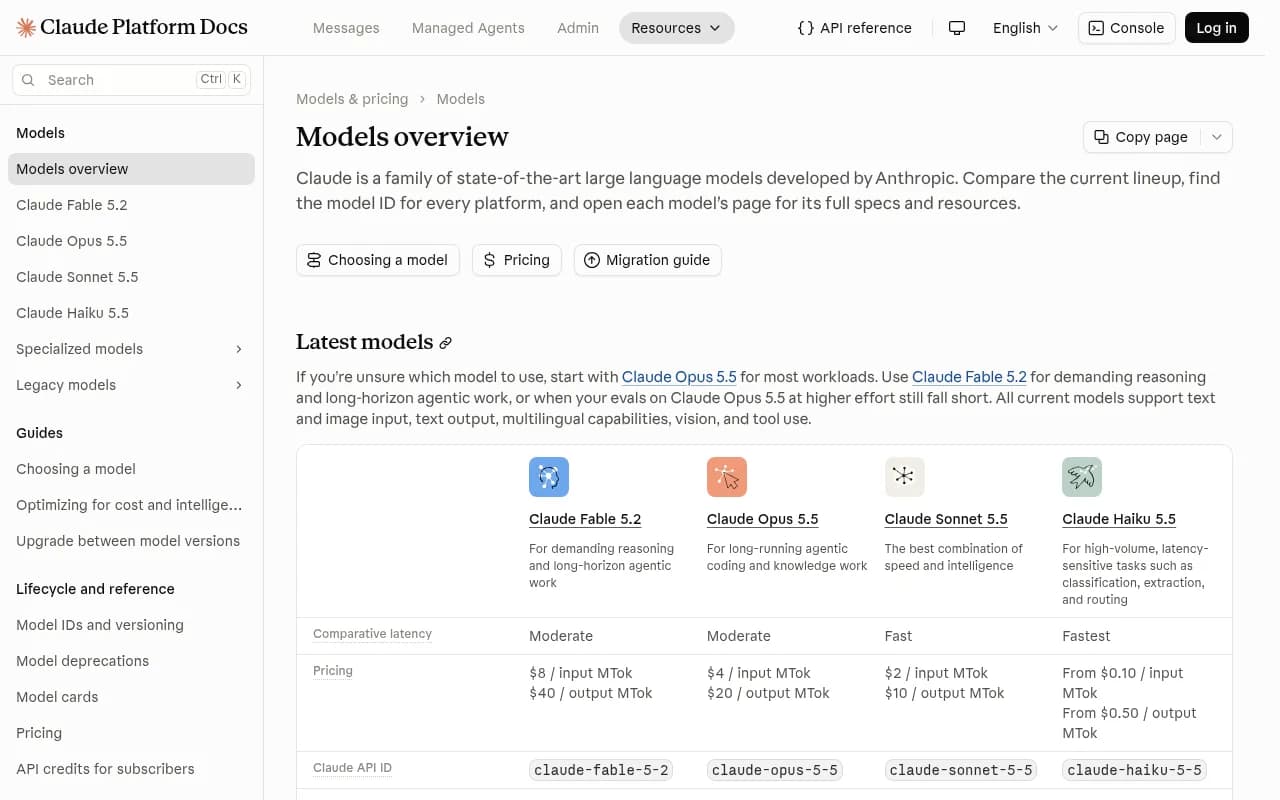
A quick note on the models underneath. Anthropic's models overview lists the current lineup as Fable 5.2, Opus 5.5, Sonnet 5.5 and Haiku 5.5, all with a 1M-token context window and a June 2026 knowledge cutoff. The docs suggest starting with Opus 5.5 for most workloads. Which model sits behind a given session matters, because training-data knowledge and live web search can give different answers for the same question.
How to use this prompt library
A prompt library for visibility tracking is different from a prompt library for coding. The coding collections you see around, like Techpresso's 100 Claude coding prompts, are written to get better output from Claude. These prompts are written to find out what Claude says about you.
Three rules make the results usable:
- Write prompts the way a developer would type them, with no brand name in the discovery prompts. If you include your own name, you are testing recall, not recommendation.
- Keep the wording fixed between runs. If you change phrasing every week you cannot tell whether the answer changed or the question did.
- Replace the bracketed placeholders with your real category, language and framework. A vague category gives vague answers.
For each run, record five things: whether you were mentioned, where you appeared in the list, what sentiment the answer carried, which competitors showed up instead, and which sources or pages the answer relied on.
The 40 prompts
Placeholders in square brackets are yours to fill in. Examples: [category] = email API, [language] = TypeScript, [framework] = Next.js.
Discovery prompts (1 to 8)
These test whether you are in the consideration set at all. No brand names.
- What are the best [category] tools for a [language] project?
- I need a [category] for a startup with no budget. What should I use?
- Recommend an open-source [category] I can self-host.
- Which [category] has the best developer experience in 2026?
- What do most teams use for [category] in production?
- Suggest a [category] that works well with [framework].
- What is the simplest way to add [capability] to my app? Name specific services.
- Which [category] vendors are worth evaluating for a company with 200 engineers?
Stack selection prompts (9 to 16)
These run inside a real project context, which is where Claude Code is different from a chat window. Run them in a scratch repo with a minimal README.
- Set up authentication for this [framework] app. Pick the provider and explain why.
- Add background job processing to this project. Which library or service should we use?
- We need transactional email. Choose a provider and wire it up.
- Add observability to this service. What do you recommend for logging and tracing?
- Pick a database and ORM for a [language] app that needs [requirement].
- Choose a hosting platform for this repo and write the deploy config.
- Add payments to this app. Which provider fits a small team?
- We need full-text search. Pick a service and implement it.
The interesting thing to log here is not only the pick but the package that ends up in package.json or requirements.txt. That is the real outcome.
Comparison and alternatives prompts (17 to 22)
These are where buying decisions get made, and where a missing or badly worded entry costs the most.
- Compare [your brand] and [competitor] for a [language] team.
- What are the best alternatives to [competitor]?
- [Competitor] vs [your brand]: which is cheaper at 1 million requests a month?
- Is [your brand] production ready?
- What are the downsides of [your brand]?
- Should I switch from [competitor] to [your brand]? What breaks?
Prompts 20 and 21 are uncomfortable to run, and that is the point. The claims in these answers are what a developer reads before committing.
Implementation prompts (23 to 28)
These test whether Claude can use your product correctly, which depends heavily on the quality of your public docs and examples.
- Show me how to integrate [your brand] SDK into a [framework] app.
- Write a minimal working example using [your brand] for [use case].
- How do I handle webhooks from [your brand] securely?
- What is the recommended way to paginate results with the [your brand] API?
- How do I set up [your brand] in a monorepo?
- Write tests for code that calls the [your brand] API.
Check the generated code against your current docs. Outdated method names, deprecated endpoints and invented parameters are common, and they are a content problem you can fix.
Docs and API prompts (29 to 34)
- What is the latest version of the [your brand] SDK and what changed?
- What are the rate limits for the [your brand] API?
- Which [your brand] plan do I need for [feature]?
- Does [your brand] support [language]? Is there an official client?
- How does [your brand] authentication work?
- Where is the official documentation for [your brand] [feature]?
Prompt 34 is a cheap citation check. If Claude points at a third-party blog instead of your docs, your own site is not the source of truth for your own product.
Troubleshooting and trust prompts (35 to 40)
- I am getting a [specific error] from [your brand]. How do I fix it?
- Is [your brand] still maintained? When was the last release?
- Is [your brand] secure? Does it have SOC 2 or ISO 27001?
- What do developers complain about with [your brand]?
- Is [your brand] open source, and what is the license?
- What is a good migration path off [your brand] if I need to leave?
Prompt 36 matters more than it looks. Agents often judge maintenance by GitHub activity and release dates.
What to log for each prompt
A spreadsheet works for the first month. After that it gets painful. A simple schema:
| Field | What to record | Why it matters |
|---|---|---|
| Prompt ID | 1 to 40 | Keeps wording fixed between runs |
| Model and surface | Claude Code with model name, or other agent | Answers differ by model |
| Mentioned | Yes or no | Basic coverage |
| Position | Order among named tools | Prominence |
| Sentiment | Positive, neutral, negative | Reputation |
| Competitors named | List | Who is winning the slot |
| Sources or packages chosen | URLs, package names | Tells you what to fix |
Read the columns together. Not mentioned at all is a coverage problem. Mentioned late is a prominence problem. Mentioned but with wrong facts is a content or crawlability problem. Mentioned with a negative slant is a reputation problem.
Why docs, GitHub and review sites decide the outcome
I would not guess at Claude Code's internals, but the citation patterns around software prompts in other AI engines give a useful clue. In Promptwatch Data's ChatGPT citation report for software prompts (Sep 28 to Oct 4, 2026), GitHub was the most cited domain at 1.2%, followed by learn.microsoft.com at 0.98% and G2 at 0.73%. By source type, docs and help centers earned 2.64% of software citations, vendor sites 2.01%, and review sites and analysts 1.57%.
Two takeaways. First, vendor sites and docs together earned about three times what review sites did, so your own domain is your main citation source. Second, G2, Gartner, Capterra and Software Advice combined earned more than any single vendor, Microsoft included, so incomplete review profiles are a real gap.
The practical list for a developer-tool brand is short:
- Publish crawlable docs and help pages, not just a JavaScript-rendered app shell.
- Keep a public GitHub presence with recent releases and a clear README.
- Keep G2 and Capterra profiles complete and current.
- Write one page per question. Promptwatch's average sources per response data recommends focused pages that each answer a single question completely.
There is also the matter of how queries get built. A single ChatGPT prompt can trigger several searches, according to Promptwatch's query fanout data, and average query length dropped to about 53 characters from April 2026. Headings that read like short search queries, such as pricing, alternatives and how-to, line up with that. For more on the mechanics, the query fan-outs guide is a good primer.
One more thing worth knowing: markdown files are only 0.05% of AI search citations according to Promptwatch's markdown report. Markdown serves AI agents, not AI search, so do not assume a README alone replaces a proper docs site.
Check crawler access before you blame content
If Claude's answers about you are thin or wrong, the first question is whether AI crawlers can read your site at all. Docs behind client-side rendering, blocked bots in robots.txt, and gated changelogs are common culprits. The AI crawler URL inspector and the robots.txt generator for AI are free ways to check, and the AI bots directory lists 400+ crawlers and what to allow. Promptwatch Data also tracks verified crawler traffic, including Claude's citation crawler growth from December 2025 to April 2026.
Tools for running this at scale
Running 40 prompts by hand across several models and a few countries is fine once. It does not survive a quarterly cadence. A few options, depending on how much you want automated:
Promptwatch is the one I would look at first for this use case, because it tracks Claude Code, Codex and OpenCode alongside ChatGPT, Gemini, Perplexity and Google AI Overviews, and it goes past monitoring. You load prompts like the ones above, see mentions, position and cited sources, then use crawler logs, content gap analysis and the Content Agent to fix what is missing. Its prompt tracking and AI crawler logs cover the two halves of the problem: what AI says, and whether it can read you. Plans start at $95/mo, with a 7-day free trial; confirm current pricing at promptwatch.com/pricing.

If you want a lighter, cheaper tracker, these are in the same general category:

| Tool | Type | Best for |
|---|---|---|
| Promptwatch | Tracking plus content and crawler tools | Teams that want to fix gaps, including Claude Code coverage |
| Otterly.AI | Prompt tracking | Small teams wanting affordable monitoring |
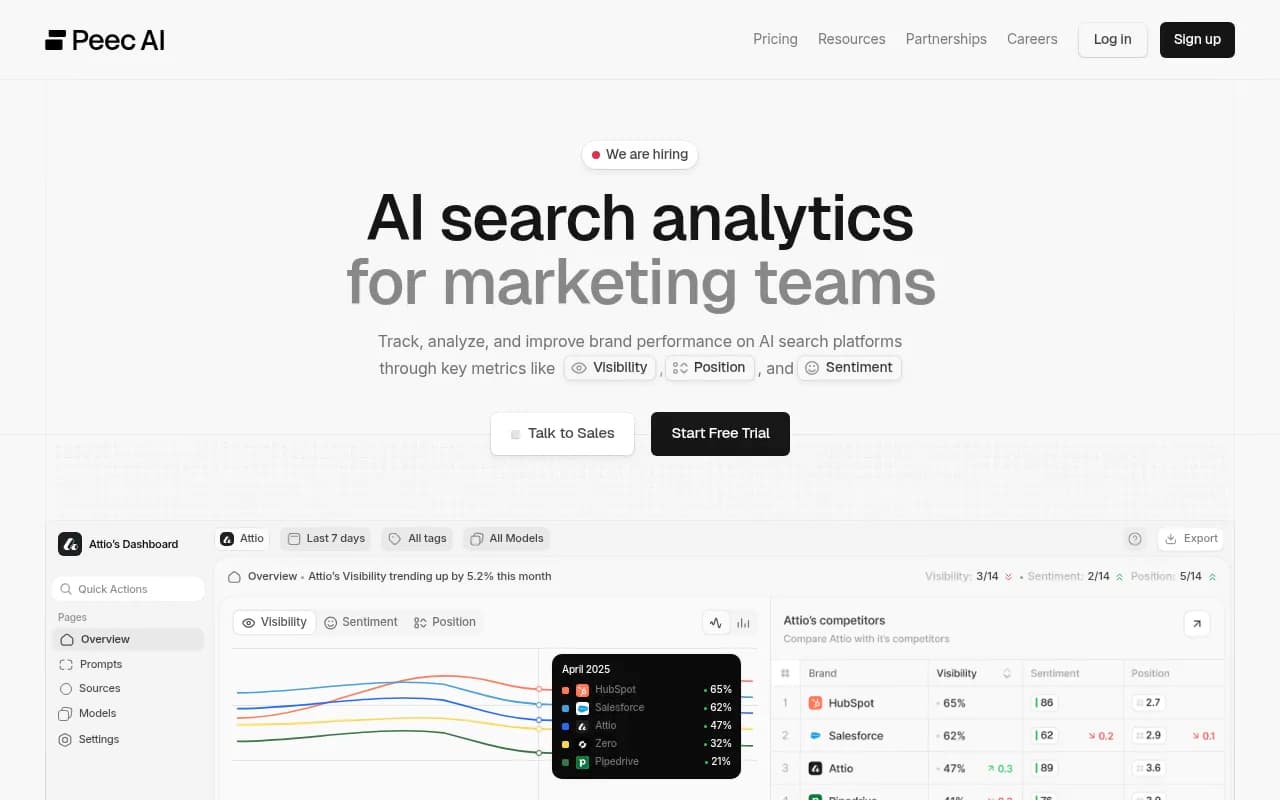
| Peec AI | Prompt tracking | Monitoring without the optimization side |
| Profound | Enterprise monitoring | Large brands with bigger budgets |
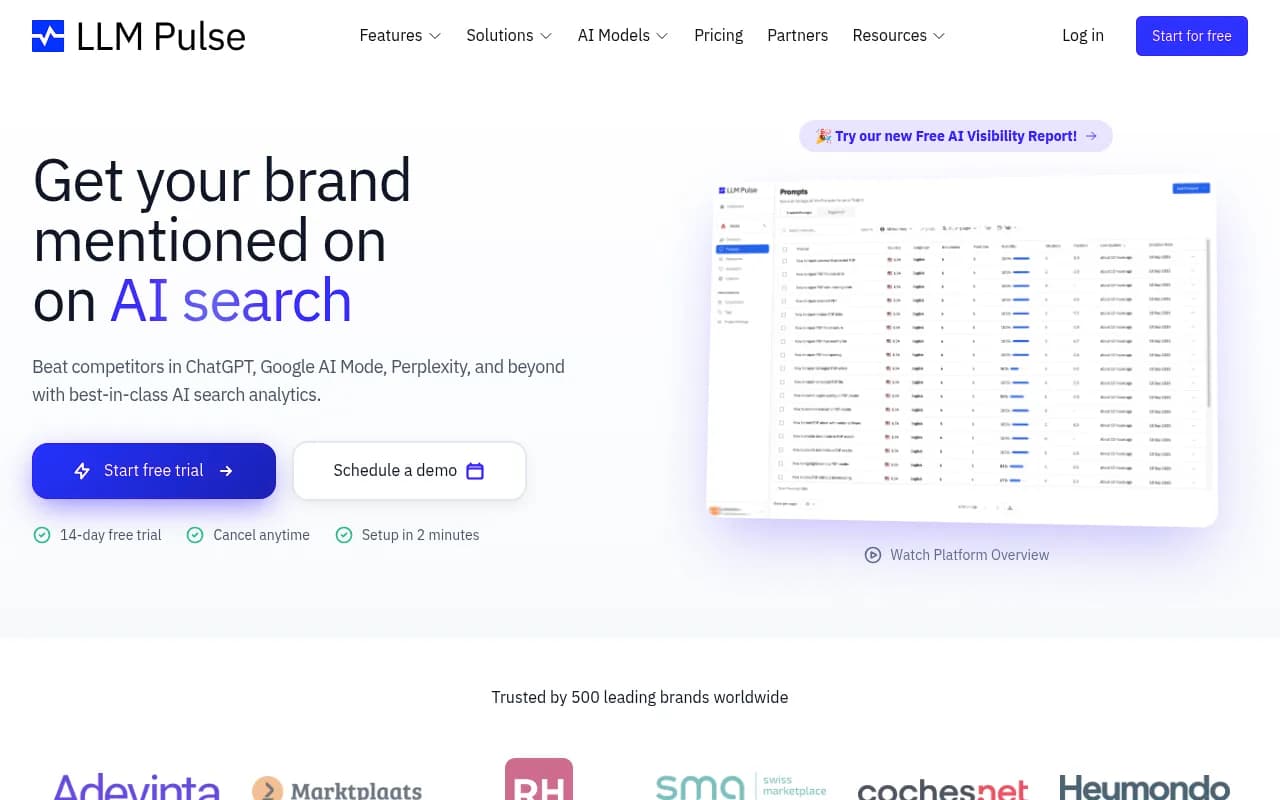
| LLM Pulse | Prompt tracking | Monitoring across several chat models |
| Spreadsheet plus manual runs | DIY | Validating the 40 prompts before you buy anything |
For head-to-head details, see Promptwatch vs Profound and Promptwatch vs Peec. To browse more options, the GEO software directory lists tools by category.
A 30-day plan
Week one: run all 40 prompts manually, once, and fill the log. Do not fix anything yet. You want the baseline.
Week two: sort the failures by cause. Not mentioned, wrong code, wrong facts, negative slant, competitor in your slot. Most teams find one or two causes dominate.
Week three: fix the biggest cause. For wrong code, update docs and examples. For coverage, publish the missing comparison, alternatives and how-to pages. For trust prompts, fill review profiles and keep GitHub releases current.
Week four: rerun the same 40 prompts with the same wording. Compare. Then move to a weekly or daily schedule using a tracker.
Expect noise. AI answers vary between runs, so one changed result means little. Look at trends across several runs and across prompts in the same group.
Common mistakes
Testing only with your brand name. Discovery prompts without it are the ones that tell you if you exist in the consideration set.
Ignoring the project context. Claude Code in an empty folder behaves differently from Claude Code in a repo with an existing stack. Run the stack selection prompts in at least two types of scratch repo.
Treating a single model as the whole story. Anthropic ships several models, and a Haiku-class model used for quick tasks can give different suggestions than an Opus-class model. Log which model ran.
Fixing prompts instead of sources. You cannot edit Claude's answer. You can edit the docs, repos, review pages and comparison content it draws from.
Where to start
Pick ten prompts from the list, one or two per group, fill in your category, and run them today in a clean repo. Write down who shows up instead of you. That list of names is your real competitive set in AI search, and it is usually different from the one in your sales deck.