Key takeaways
- Agent experience (AX) is how AI agents discover, choose, and use your technology. For SDK authors it splits into propensity (does the agent pick you?) and efficacy (does it use you correctly?).
- Microsoft's own evals show many popular "agent-friendly" tweaks do nothing or make things worse. Docs the agent already reads and structured CLI output helped. JSON payload arguments, third-party docs MCP servers, and bundled scripts did not.
- Selection is the most common failure and the most fixable. Name things the way developers describe the problem, not the way your architecture does.
- Errors should tell the agent how to recover, not just what went wrong.
- Measure before you ship changes. Score outcome quality and cost per run, because a "better" setup can cost 4x to 11x more.
What agent experience means for an SDK maintainer
A developer types "add email sending to my app" into their editor. The agent picks a package, installs it, writes the code, and reports success. The developer never opened your docs. They judge your SDK by what came out the other end.
That is the shift. Microsoft for Developers defines agent experience as the experience AI agents have when discovering, choosing, and using your technology. The term comes from Mathias Biilmann of Netlify, who introduced it in January 2025. Microsoft's more specific variant, Developer Agent Experience (DevAX), covers how coding agents deal with your SDKs, APIs, CLIs, and docs.
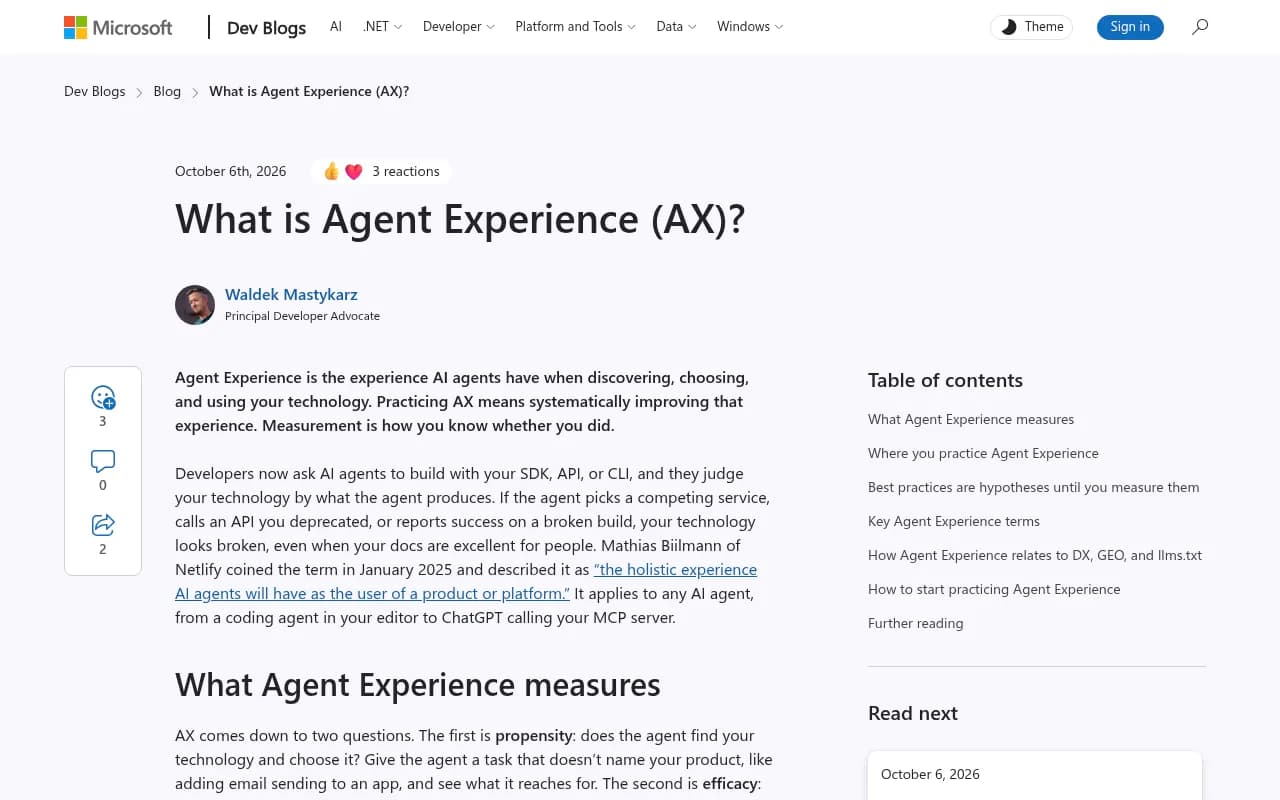
The uncomfortable part: your docs can be excellent for humans and still fail here. Microsoft's example is a developer who asked an agent to create an SPFx web part. The build passed and the agent said "Done." It had used version 1.11.0, released in July 2020, six years out of date. Nobody's docs were wrong. The model just learned an old version and nothing told it otherwise.
The two questions: propensity and efficacy
AX comes down to two things you can test.
Propensity: does the agent choose you?
Give an agent a task that does not name your product. "Add email sending to this app." "Set up authentication." See what it reaches for. If it picks a competitor, you have a propensity problem, and the cause is often training data. A competitor with more examples in the wild becomes the default even when your SDK fits better.
You cannot retrain the model. You can influence what it finds when it searches, what your package metadata says, and how your tools are named.
Efficacy: does it use you correctly?
Now name your product in the task. Does the agent call your current API or a deprecated one? Does it get the config right? Does it report success on something broken? This is where staleness, confusing errors, and awkward interfaces show up.
Score both on two things: the quality of what each run produced, and what the run cost. Cost is the one people skip. Microsoft found that a newer model with 33% cheaper tokens (Sonnet 5 versus Sonnet 4.6) cost 3.7x more per run on SPFx upgrades ($2.01 versus $0.55), while completing 100% of tasks versus 60%. On Azure architecture work, though, quality dropped from 90% to 78%. Cheaper tokens did not mean a cheaper or better outcome.
What you control and what you do not
Microsoft's AX stack lays out the chain: developer prompt, harness (Copilot, Claude Code, Cursor, Windsurf), model, agent extensions (skills, MCP servers, instructions), then your CLI, SDK, or API, and finally the generated code.
You cannot change the model. You can only influence the harness through its vendor. Everything the agent reads and calls is yours: docs, release notes, error messages, package names, CLI output, and any skill or MCP server you ship.
There is also a context window problem. Extensions compete for the same space, so something that works well alone can get worse when other extensions are installed. Microsoft calls it the composition problem and admits nobody has a good answer yet. Keep that in mind before you ship a large skill file.
Three ways agents fail you
| Failure mode | What happens | Typical fix |
|---|---|---|
| Discovery | The agent never sees your extension or package. It is not installed, not registered, or it fell out of context. | Distribution, registry metadata, install paths that agents actually use |
| Selection | Your tool is in context but does not match the developer's words. "Set up authentication" versus a tool called configure-identity-provider. | Rename and re-describe in the vocabulary developers use |
| Quality | The tool is invoked, but verbose or conflicting output makes the result worse than having no tool. | Trim output, fix errors, remove conflicting guidance |
Microsoft says selection is the most common failure and the most fixable. That matches what I would expect. Naming is cheap to change and nobody tests it.
What actually worked, and what did not
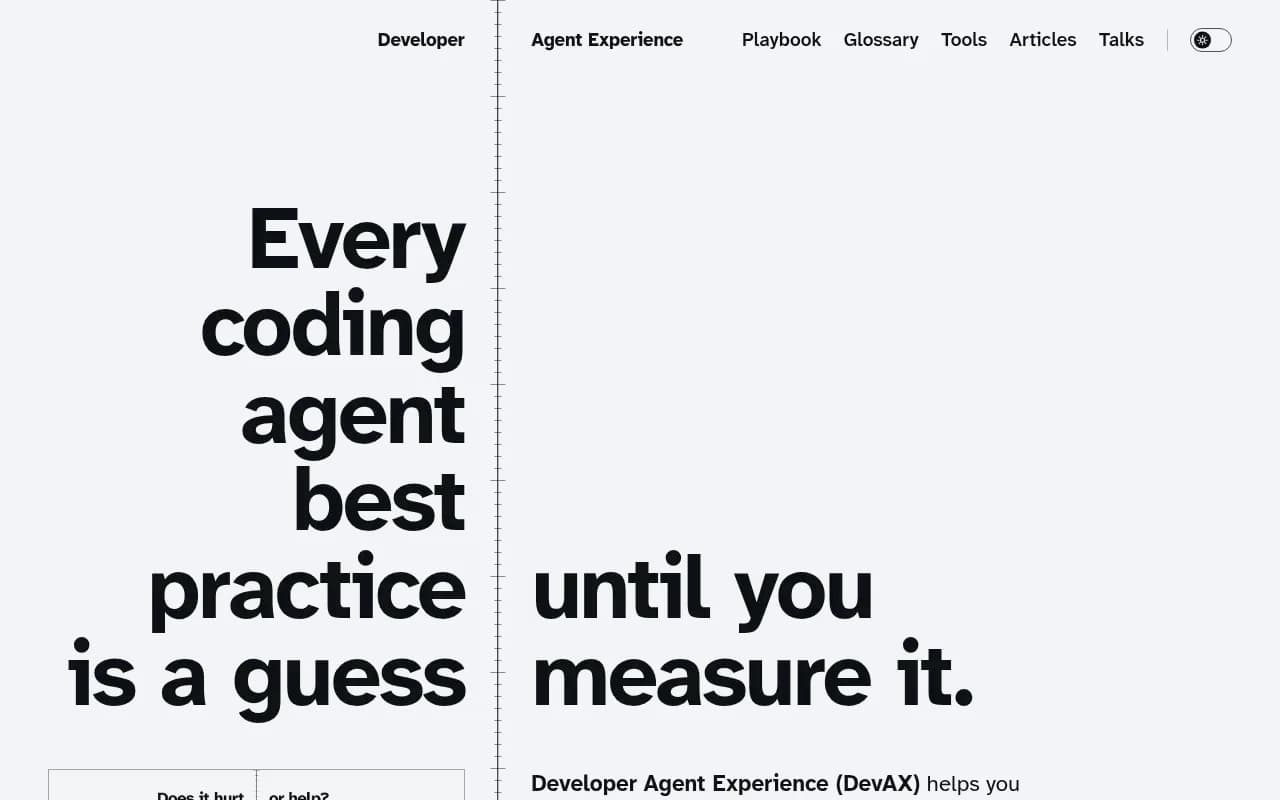
This is the part I found most useful. Microsoft ran evals in GitHub Copilot Chat and VS Code with 5 to 10 runs per setup. Those are small samples, so treat the numbers as directional. Still, they cut against a lot of conventional advice.
| Change | Verdict | What was measured |
|---|---|---|
| Fix the release notes the agent already reads | Lift | Configuration checks passed rose from 30 to 75 of 80, and every run used the CLI |
| Structured JSON output from the CLI | Lift | Checks passed went from 72 to 85 of 85 |
| Switch that output to JSONL | Drag | 2.6x more tokens, worse outcomes on every dimension |
| Accept CLI arguments as one JSON payload | Drag | 4x to 11x cost per task, correctness never improved; Haiku 4.5 fell from 5/5 to 2/5 |
| A docs "tip" pointing to the right tool | Drag | Only 1 of 5 runs used the tool |
| Warning that names the approach that will fail | Lift | Moved the same scenario to 5/5 |
| Third-party docs MCP server | Drag | Tools did not load in 3 of 5 runs and were not called in the other 2 |
| Ready-to-run upgrade script shipped with docs | Drag | 0 of 10 runs ran it |
| Smartest available model | Expensive lift | +1 point at 5.6x the cost per run |
A few readings of that table.
Fixing what the agent already reads beats adding something new. Agents find your release notes and docs on their own. A new extension needs to be installed, loaded, and selected, and each step can fail. Microsoft also notes that telling the agent which CLI to use in an instruction or skill only helps developers who install that instruction or skill. A docs fix reaches everyone.
The docs "tip" result is a good lesson in how agents work. The agent had already planned to bump npm packages before it read the page. A gentle suggestion arrived too late. A warning that named the exact approach that would fail changed the outcome. If there is a tempting wrong path, say so plainly.
The JSON-payload result surprised me. Collapsing arguments into one JSON blob sounds machine-friendly. In practice the strong models got there only after retrying shell-escaping failures, and weaker ones gave up. Plain arguments got every model through every run.
Practical steps for SDK authors
Start with a typed, spec-backed foundation
Stainless makes the case that agent-friendly APIs start with a strong OpenAPI spec and typed SDKs. Types give the agent a feedback loop: wrong call, compiler or type checker complains, agent corrects. Without types, the mistake surfaces at runtime, if at all.
Name things like a developer would describe the task
List the five most common things a developer asks an agent to do with your package. Check whether your function names, CLI commands, and tool descriptions use those words. If your docs say "identity provider configuration" and developers say "set up login," put both in. This is the selection fix, and it costs almost nothing.
Make every error a recovery instruction
Human-friendly error text is not enough. Gauge's agent experience guide suggests returning the fix alongside the failure. Something like:
{
  "error": "region_required",
  "message": "A region is required before this project can be created.",
  "field": "region",
  "allowed_values": ["us-east-1", "eu-west-1"],
  "retry_with": "acme projects create --region us-east-1 --format=json",
  "docs_url": "https://docs.acme.com/projects/regions",
  "retry_safe": true
}
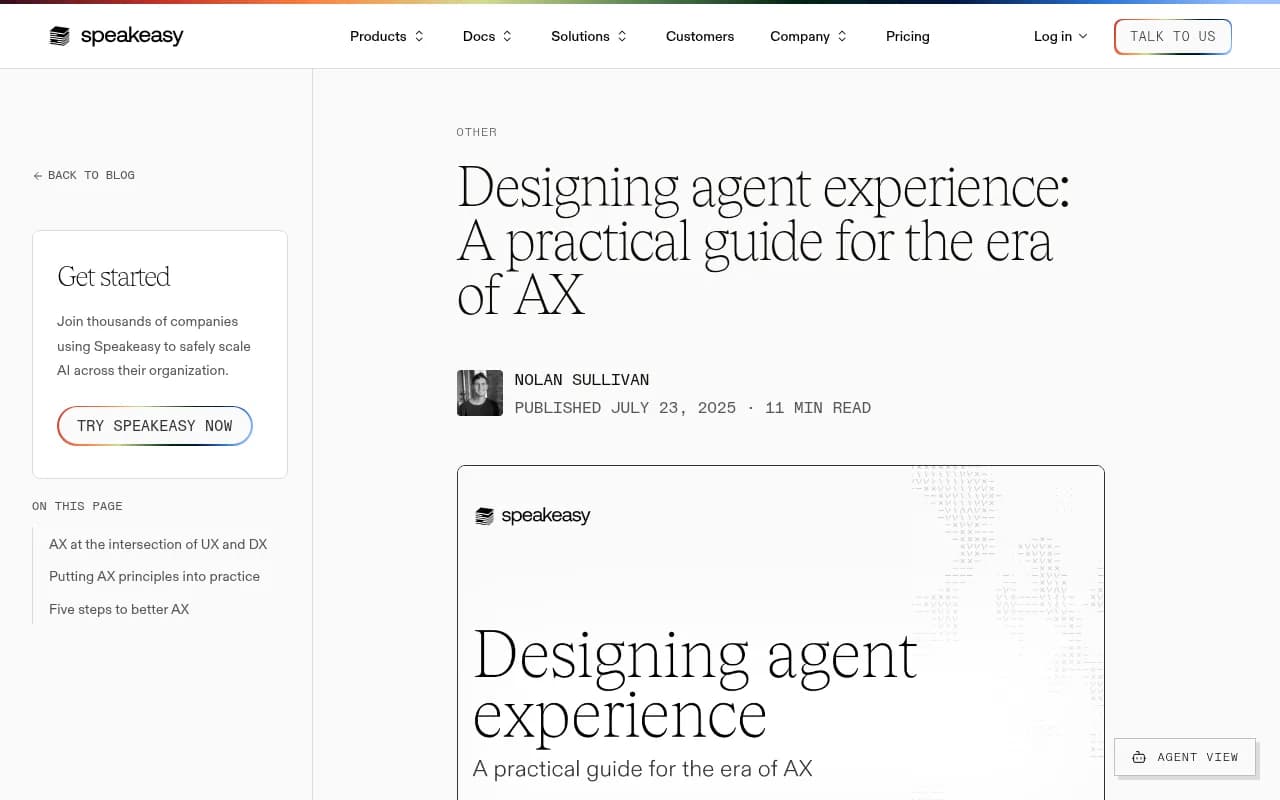
The agent knows what was missing, what values are legal, what to run next, and whether retrying is safe. Compare that to a stack trace and a 400. Speakeasy makes the same point from a design angle: agents cannot improvise, so tools need to be predictable, well-documented, appropriately scoped, and recoverable.
Keep CLI output structured and small
Structured JSON output helped in Microsoft's tests. JSONL cost 2.6x more tokens and did worse. The lesson is not "use JSON." It is that every token you print competes for context, so print what the agent needs and nothing else. Accept plain arguments on input.
Fix staleness at the source
Models do not learn about doc updates until the next model ships. So make the old paths loud. Put deprecation notices in the package itself, in release notes, and in error messages when someone calls a deprecated endpoint. Make the current version obvious in your README. The six-year-old SPFx version should have been impossible to install silently.
Be careful with extra tooling
A skill, an MCP server, or an instructions file can help, but each is one more thing competing for context, and each only reaches developers who install it. Ship the docs fix first. If you add an MCP server, test that the tools actually load and get called in the harnesses your users run, because the same server with the same descriptions can behave differently across harnesses.
Measure it instead of guessing
The pitch of Microsoft's DevAX project is blunt: every coding agent best practice is a guess until you measure it. The method is simple enough to copy.
- Write 5 to 10 realistic tasks. Half should not name your product (propensity), half should (efficacy).
- Run each task several times across a few models and harnesses. Single runs lie.
- Score the outcome with checks you can automate, such as whether the build passes, the right API version was used, and the config is correct.
- Record cost per run, not just pass rate.
- Change one thing, rerun, and compare against the bare baseline.
Microsoft publishes an AX Practitioner Playbook and an installable skill so you can ask the playbook questions from your coding agent: npx skills add microsoft/scope/docs/ax-playbook/ax-practitioner. They also have a post on testing changes without shipping them, using Dev Proxy to emulate the change.
Tracking whether agents recommend you
Eval harnesses tell you how agents behave in a controlled test. They do not tell you what agents recommend in the wild. For that, you want to see how coding agents like Codex, Claude Code, and OpenCode answer when developers ask for a tool in your category. Promptwatch tracks exactly that, along with how ChatGPT, Gemini, and other AI engines mention and cite brands, which is useful for developer-tool and API companies watching their propensity over time.

If you want to compare other options, the GEO software directory at bestgeosoftware.com lists the wider category.
A short AX checklist
- Does an agent pick you when the task does not name you?
- Do your tool and command names match how developers phrase the task?
- Are deprecated paths flagged in the package, the release notes, and the errors?
- Does every error say what to do next, and whether retrying is safe?
- Is CLI output structured, minimal, and accepted as plain arguments?
- Have you tested any skill or MCP server in more than one harness?
- Do you track cost per run alongside pass rate?
None of this needs a new product category. It is mostly docs, naming, and error messages, tested with a handful of repeated runs. The teams that do that homework will get picked more often, and the ones that skip it will keep wondering why an agent keeps installing a competitor.