Key takeaways
- The developer buyer's journey now often starts inside a coding agent, not a search engine. The agent reads docs, picks a package, and runs the install, sometimes with no human reading a landing page.
- Docs, READMEs, and GitHub carry more weight than marketing pages. In Promptwatch Data's software report, docs and help centers earned the largest share of ChatGPT software citations.
- Markdown is for agents, not for AI search. Reserve .md endpoints for developer docs and skip markdown mirrors of marketing pages.
- Agent skills and persistent loops are turning tool selection into something closer to package management: install once, reuse everywhere.
- You can measure this. Crawler logs, citation tracking, and visitor analytics tell you whether agents can read you, whether AI cites you, and whether any of it converts.
The old funnel is gone, or at least folded in half
Five years ago the developer funnel looked like this: a search, a Stack Overflow thread, a blog comparison, a GitHub star check, a README skim, then npm install. Each step was a place where a vendor could show up.
In 2026 a lot of that happens in one terminal session. Someone types "add rate limiting to this Express API" into a coding agent. The agent searches, reads a few docs pages, weighs a couple of libraries, edits package.json, and runs the install. The developer sees a diff.
That is a strange thing to market against. Nobody read your homepage. Nobody saw your pricing table. Your docs page may have been fetched by a bot, parsed in milliseconds, and either used or ignored.
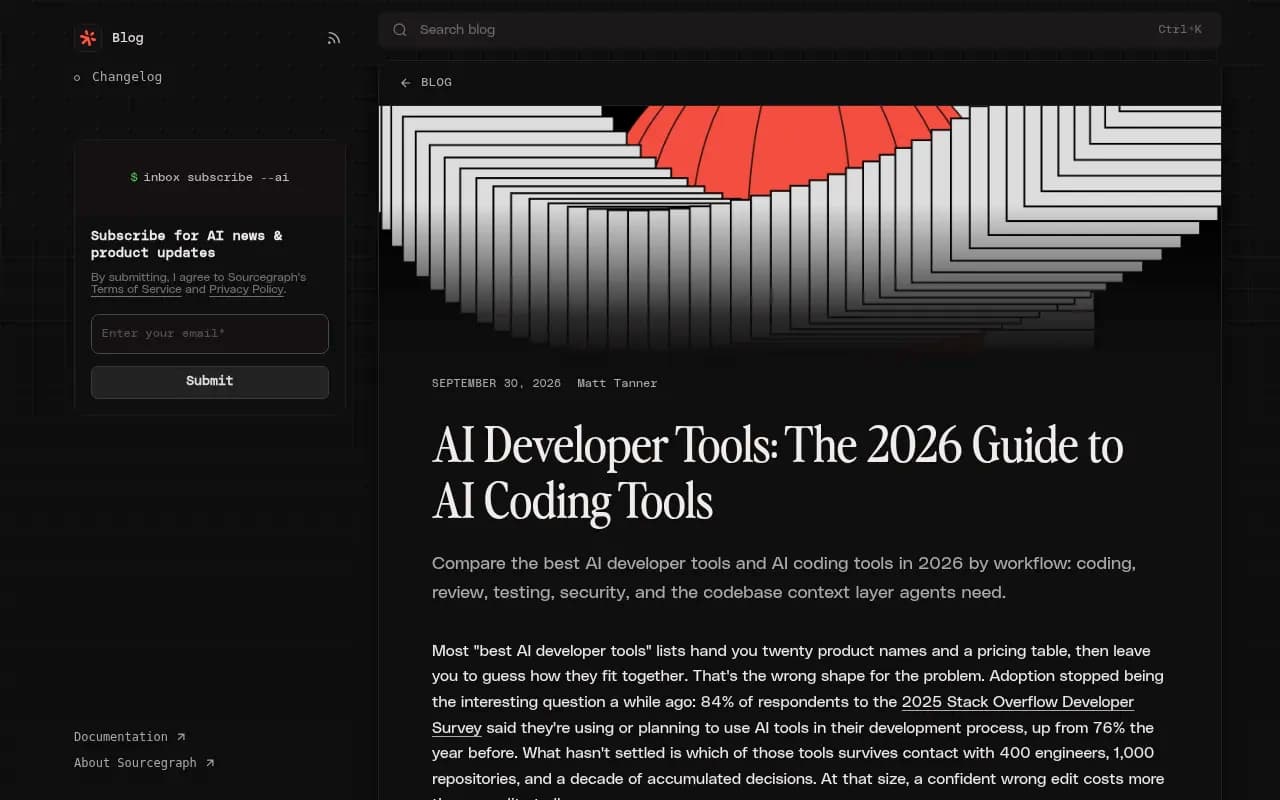
Adoption is not the open question anymore. Sourcegraph's 2026 guide to AI developer tools cites the 2025 Stack Overflow Developer Survey: 84% of respondents use or plan to use AI tools in their development process, up from 76% the year before. The open question is which tools the agents actually reach for.
The journey, stage by stage
I find it easiest to split the journey into six stages. Not every purchase touches all of them, but most touch four or five.
1. The prompt
It starts with a task, not a product category. Nobody types "best API gateway." They type "my endpoint is getting hammered, fix it." The agent turns that into one or more web searches.
Promptwatch's ChatGPT query fanout report gives a sense of how short and keyword-like these generated searches are. Average query length fell from about 117 characters in early December 2025 to the high 80s in February and March 2026, and was about 53 characters once fanouts returned in April. One caveat: that data is ChatGPT web search, not coding-agent retrieval, so treat it as a directional signal. You can read the ChatGPT query fanouts report yourself. The report's own advice is to write headings that read like keyword queries and to cover sub-questions like "X vs Y", pricing, alternatives, and how-tos.
2. Research and shortlisting
The agent (or the developer, using ChatGPT or Perplexity) gathers candidates. Here the sources matter more than the brand. For software prompts, Promptwatch Data's October 2026 software citation report (Sep 28 to Oct 4, 2026) shows what ChatGPT leans on:
- GitHub is the most cited software domain at 1.2% of software citations.
- learn.microsoft.com follows at 0.98%, then G2 at 0.73%.
- AWS docs (0.41%), Google Cloud docs (0.35%), Gartner (0.34%), and Capterra (0.32%) come next.
- By source type, docs and help centers earn the most at 2.64%, vendor sites 2.01%, review sites and analysts 1.57%, and app stores 0.47%.
Two things stand out to me. First, docs beat everything. Second, G2, Gartner, Capterra, and Software Advice combined (1.57%) out-earn any single vendor, Microsoft included. So even in a developer-heavy category, review profiles still shape the shortlist.
3. Docs evaluation
This is where agents and humans diverge. A human skims the quickstart and judges the tone. An agent fetches a specific page, a README, or an API reference, and needs it to be clean and parseable.
Promptwatch's markdown in AI search report (last 7 days as of Feb 19, 2026) has the clearest numbers I have seen on this. HTML makes up 99.94% of AI search citations. Markdown is 0.05%. So markdown does not matter for AI search. But the same report shows a large increase in docs crawling by Claude's bot (linked to Claude Code) and OpenAI's bot (linked to Codex), with the top /docs/.../*.md path at 3,241 requests, fetched by both.
The practical read: agents want your docs in a cheap-to-parse format. The report recommends reserving .md endpoints for developer docs and not building .md mirrors of marketing pages.
4. The install decision
This is the stage I know least about from direct data, so I will be honest: I do not have solid numbers on how coding agents choose between two competing npm packages, or how often they hallucinate package names. Treat anything you read claiming precision here with suspicion, including from vendors.
What is observable is the surrounding behavior. Agents tend to prefer what is well documented, well represented in training data, and easy to verify. Supply-chain risk is real: an agent that confidently installs a package that does not exist, or a typosquat of one that does, is a security problem, not a marketing one. If you ship a dev tool, claim your package names, document the exact install command prominently, and make the canonical name unambiguous in your README and docs.
5. Skills, rules, and persistent context
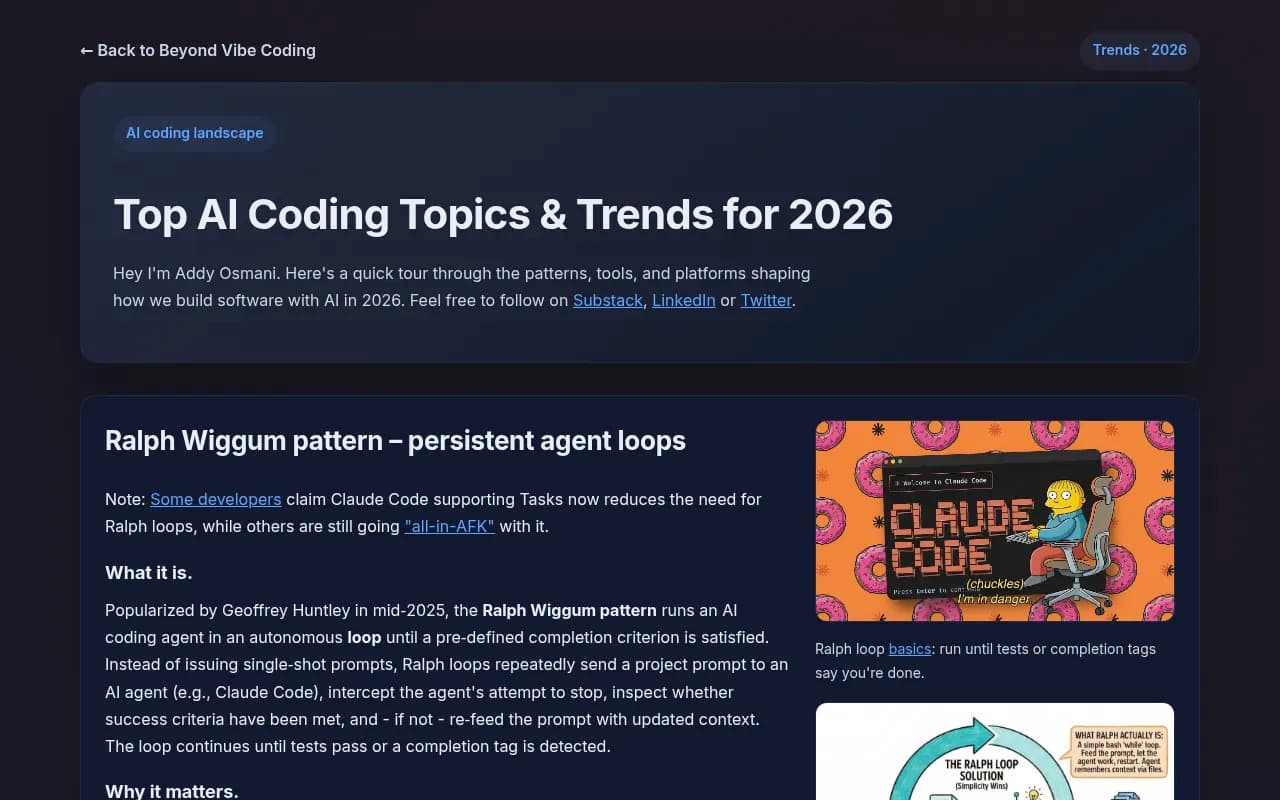
This is the newest layer and the one I find most interesting. Addy Osmani's 2026 trends writeup describes agent skills as packaged expertise for coding agents, and puts it plainly: treat skills like npm packages. They can be installed globally or per agent, with flags to control which skill and which agent.
For a dev-tool vendor this changes the question. A good skill file is distribution. If your SDK ships with a skill that teaches agents the right way to use it, you are no longer hoping the agent finds the right docs page. You are installed in the workflow.
The same page covers the Ralph Wiggum pattern: running an agent in a loop until tests pass or a completion tag appears. Loops matter for buying behavior because they run unattended. Nobody is watching the agent pick a library at 3 a.m. during an overnight refactor, which means the choice is made by whatever the agent can find and verify.
6. After the install
The journey does not end at npm install. The first successful run, the first error message, and the first time the developer asks the agent "why is this failing" all feed back into whether the tool stays. Good error messages that quote the docs URL are underrated agent-era UX.
What to put where
| Journey stage | What the agent or developer reads | What to publish |
|---|---|---|
| Prompt and fanout | Web search results for short, keyword-style queries | Headings that mirror real queries, comparison and alternatives pages |
| Shortlisting | GitHub, G2, Capterra, docs, vendor pages | Active public repo, current review profiles, crawlable docs |
| Docs evaluation | Specific docs pages, READMEs, API references | Clean docs, .md endpoints for developer docs only |
| Install decision | package.json, registry pages, README | Unambiguous package name, copy-paste install command |
| Persistent context | Skills, rules files, agent config | A published skill or rules file for your SDK |
| Post-install | Error messages, changelogs, docs links | Errors that link to docs, versioned changelogs |
The coding agent landscape, briefly
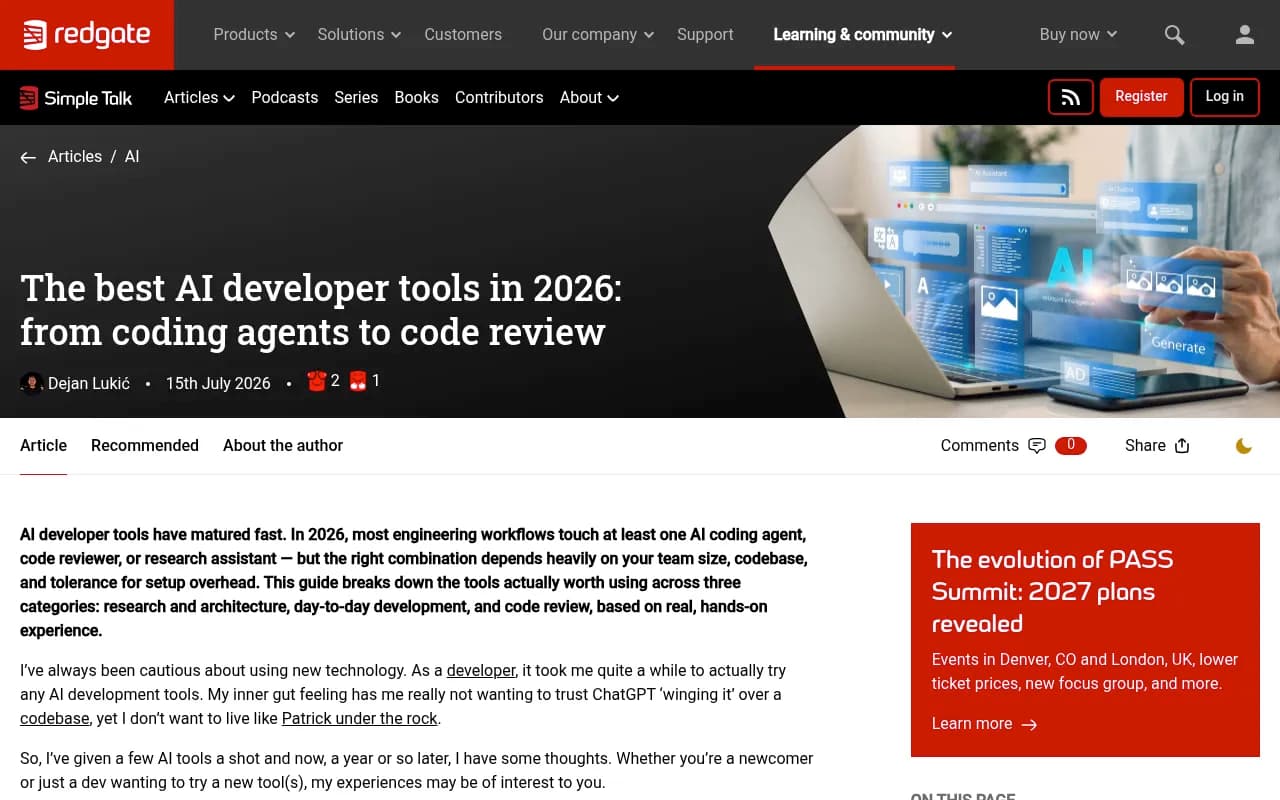
If you are buying rather than selling, the tool landscape is crowded and reprices constantly. Sourcegraph's guide flags that this category renames and reprices faster than anything else in developer tooling, and tells readers to double-check vendor docs and pricing pages. I agree, and I did not research current pricing differences between agents for this guide, so check before you commit.
What the sources agree on:
- Coding agents now read an issue, edit several files, run tests, and open a PR. Inline completion is the small end of the category.
- The terminal is agentic again. Platform.uno describes terminal agents as composable: you can pipe them, script them, and fold them into existing workflows.
- Context is the bottleneck. A tool that writes flawless code against a toy example can still be confidently wrong against a 2-million-line monorepo, because the hard part is finding the right code to reason about.
- Usage-based pricing is growing. Sourcegraph lists Amp as aimed at buyers who want to avoid seat lock-in.
If you sell a developer tool: a practical checklist
- Make docs the best page on your site. They are what agents read. Server-render them, keep URLs stable, and avoid gating anything behind a login.
- Check that AI crawlers can actually reach you. Robots.txt rules and CDN bot protection block more legitimate agents than people expect. The AI crawler URL inspector and the Agentic Readiness Check will tell you which bots get through and whether you support standards like llms.txt.
- Serve .md for docs only. Per the markdown report, do not mirror marketing pages.
- Keep a living GitHub presence. It is the top-cited software domain for a reason.
- Keep G2 and Capterra profiles current. The review category out-earns any single vendor.
- Ship a skill or rules file. Treat it as a distribution channel with its own versioning.
- Write comparison and alternatives content in query language. "X vs Y", pricing, and how-to headings match how fanouts are phrased.
- Claim and protect your package name. Make the install command impossible to misread.
Measuring a journey you cannot see
The uncomfortable part is that much of this is invisible to normal analytics. No pageview, no session, just a bot fetch and a diff.
Three signals help. Crawler logs show which agents fetch which docs pages and where they hit errors. Citation tracking shows whether ChatGPT, Perplexity, and AI Overviews name you when asked for a tool in your category. Visitor analytics show the humans who click through afterward.
Promptwatch covers all three in one product, including AI crawler logs that are IP-verified, and it tracks how coding agents like Codex, Claude Code, and OpenCode recommend tools, SDKs, and docs, which is the part most trackers skip.

If you want to compare other options before choosing, the GEO software directory at bestgeosoftware.com lists a wide range of AI visibility tools.
A few things are worth watching in the data week to week:
- Whether Claude and OpenAI bots fetch your docs, and which paths they hit most.
- Whether those fetches turn into citations, or whether pages get read and never used.
- Which competitor docs pages get cited for your category prompts.
- Whether review-site profiles show up as sources in your shortlist prompts.
If you want the numbers on how AI search behaves in general, Promptwatch Data publishes reports built on its citation dataset, and they are free to read.
If you buy developer tools: what I would do
Buyers have a different problem. Agents make fast choices, and fast choices are not always good ones.
- Pin versions and review the lockfile diff. An agent that adds a dependency should be treated like a junior engineer who added a dependency.
- Verify the package exists, has real maintainers, and has history before you accept an install. Hallucinated and typosquatted names are the obvious risk.
- Give the agent your constraints in a rules file: approved libraries, license limits, banned packages. This stops many bad choices before they happen.
- When running loops, cap iterations and token budgets, run in an isolated branch or worktree, and read the logs. Osmani's pro-tips say the same.
- Do not assume the first suggestion is the best one. Ask the agent for two or three options with trade-offs, then check the docs yourself.
Where this is heading, concretely
Three things are already true. Agents read docs before humans do. Reviews, GitHub, and docs shape the shortlist more than vendor marketing. And skills are starting to work like a package registry for behavior.
If you sell developer tools, your next quarter looks like this: audit crawler access, clean up docs, ship a skill, tidy review profiles, and start measuring citations and agent fetches. None of it needs a rebrand. All of it needs someone to own it.
If you want help building that program across technical SEO and AI search, 1001 SEO Media works on exactly this, including generative engine optimization for brands that want to be cited in ChatGPT, Perplexity, and Google AI Overviews.