Key takeaways
- For software prompts, ChatGPT leans on documentation, vendor sites and GitHub. Promptwatch Data (Sep 28 to Oct 4, 2026) puts docs and help centers at the largest share of software citations, so your docs are your main citation asset.
- Most AI visibility tools track brand mentions in chatbots. Few cover coding agents, AI crawler logs, or page-level citation tracking, which are the things a developer platform needs.
- Community mentions behave differently per engine. AI Overviews cites YouTube heavily, Perplexity leans on Reddit and LinkedIn, and ChatGPT barely cites social at all.
- A practical stack: one end-to-end platform for tracking and fixing, Google Search Console for free baseline data, and a crawler or log check to confirm bots can read your docs.
- Pricing and feature details below are summarized from vendor positioning. Confirm them on each vendor's site before buying.
Why developer platforms need a different approach
A consumer brand wants to be named in a "best running shoes" answer. A developer platform wants something more specific: for the prompt "how do I add auth to a Next.js app", it wants its SDK in the code sample, its docs page in the citation list, and a recommendation that is technically correct.
That changes what you measure. Generic visibility scores tell you very little. You need to know which doc page got cited, whether the model described your API accurately, whether a coding agent suggested your SDK or a competitor's, and whether the AI crawlers can even read your docs site.
I think this is the part most roundups miss. The popular lists (Zapier's roundup of nine tools, the Accessibility Checker top 10) are written for marketers who track brand mentions. They are fine for that. But none of the sources I reviewed compare tools for SDK pages or community mentions on Stack Overflow and GitHub Discussions, so you will have to judge fit yourself. This guide gives you the criteria.
What the data says about how AI cites software
Before picking a tool, it helps to know what you are trying to move. Promptwatch Data's software citation report covers organic software prompts in ChatGPT from Sep 28 to Oct 4, 2026:
- GitHub is the most cited domain at 1.2% of software citations, followed by learn.microsoft.com (0.98%) and G2 (0.73%).
- Docs and help centers hold the largest source-type share at 2.64%. Vendor sites follow at 2.01%, review sites and analysts at 1.57%, and app stores at 0.47%.
- Vendor sites and docs together earn 4.65%, about 3x the share of review sites and analysts.
The takeaway is blunt. Your own docs beat third-party reviews as a citation source. If your docs are thin, gated, rendered client-side, or blocked by a WAF rule, no tool will fix that for you. It will only show you the damage.
Longevity matters too. In Promptwatch's content half-life report, landing pages and docs stayed cited longest, while news lost half its pages within 36 days. Docs are durable. Blog announcements are not.
One more detail worth knowing: markdown files make up just 0.05% of AI search citations. Serving raw .md files helps AI agents that fetch pages directly, but it does not make you show up in AI search. Don't swap your HTML docs for markdown and expect citations.
What to track on a developer platform
Docs and reference pages
Track page-level citations, not just brand mentions. You want to see which URL ChatGPT, Perplexity and AI Overviews cite for each prompt, where it lands in the source list, and whether competitor docs sit above yours. Also check how many unique domains the answer pulls in. Almost half of ChatGPT responses cite 10 or more domains, so you are competing for a slot in a crowded list.
SDK and quickstart pages
SDK pages are where recommendations turn into installs. The question is whether the model suggests your package when someone asks for a solution, and whether the install command and method names it gives are current. Stale answers are common, because models mix training data with live search. Tools that separate real-interface answers from API model answers help here, since the two can disagree.
Community mentions
Stack Overflow, GitHub Discussions, Reddit, YouTube and LinkedIn all feed AI answers, but unevenly. From Promptwatch's November 2026 social citation data (Oct 11 to Nov 9, 2026):
| Engine | Social share of all citations | Biggest platform |
|---|---|---|
| Google AI Overviews | 13.16% | YouTube (6.71%) |
| Perplexity | 1.94% | Reddit (0.82%) |
| ChatGPT | 0.64% | Reddit (0.40%) |
So a YouTube walkthrough of your SDK matters for Google. A well-answered Reddit thread matters a bit for Perplexity. For ChatGPT, community posts mostly don't move citations directly, which makes your own docs and GitHub presence the lever. Reddit's volatility is real: its share of ChatGPT citations fell from roughly 4% to 0.5% on August 14, 2026, then partly recovered. Don't build a strategy on one platform.
Coding agent recommendations
This is the category that is unique to developer platforms. Codex, Claude Code and OpenCode now recommend libraries, SDKs and docs while people write code. If an agent picks your competitor's SDK, that decision happens inside an editor or terminal, and your web analytics never see it. Very few visibility tools track this.
AI crawler access
If GPTBot, ClaudeBot or PerplexityBot get a 403 from your CDN, your docs are invisible no matter how good they are. Promptwatch's AI crawler traffic report (weekly, IP-verified, Jun 8 to Sep 6, 2026) shows OpenAI's share of verified crawler requests fell from 94.8% to 79.8% over that window, so the mix is shifting and a robots.txt written last year may be out of date. Their advice is sensible: compare your own logs to the market mix, and if a provider is big in the chart but near zero on your site, suspect a block.
Best AI visibility tools for developer platforms
Here is how I would sort the field for this specific use case.
| Tool | Strength for dev platforms | Gap to check |
|---|---|---|
| Promptwatch | End-to-end: coding agent tracking, crawler logs, page tracking, Reddit/YouTube/LinkedIn citations, content agent | Content Agent starts on Business plan |
| Profound | Enterprise monitoring depth | Higher price, verify agent and crawler coverage |
| Peec AI | Clean prompt tracking, suggestions | Monitoring without optimization |
| Otterly.AI | Affordable entry point | Basic tracking only |
| ZipTie | Deep analysis and reporting | Check page-level and agent coverage |
| Semrush | Fits teams already in the suite | Shallow AI-specific data |
| Google Search Console | Free, shows real Google traffic to docs | No AI answer tracking |
Promptwatch
Promptwatch is the one I would start with for a developer platform, mainly because it covers the three things above that others skip: coding agents, crawler logs and page-level tracking. It tracks how Codex, Claude Code and OpenCode recommend tools, SDKs and docs, alongside ChatGPT, AI Overviews, AI Mode, Perplexity, Gemini and others, using the real interfaces rather than only APIs.

For docs specifically, AI crawler logs are IP-verified, show which pages GPTBot, ClaudeBot and PerplexityBot read, flag errors in plain language, and show a citation rate per page. That lets you tell an access problem from a content problem, which is the first question to answer when a doc page isn't cited. Page Tracker lets you watch any URL, yours or a competitor's, and see the prompts that cite it. Citation tracking for Reddit, YouTube and LinkedIn covers the community side.
It also fixes things. The Action Board prioritizes gaps, content gap analysis maps your pages against prompts AI answers, and the Content Agent can write and publish to WordPress, Webflow or Framer. Brand Narrative and Fact Check are useful if a model keeps stating something wrong about your API, since Fact Check points to the page the wrong claim likely came from. There is also a hosted MCP server, which suits teams who would rather query visibility data from Cursor or Claude Code than a dashboard.
Pricing starts at $95/month (Essential) and $245/month (Professional, which adds crawler logs). Business at $579/month adds the Content Agent, faster-than-daily tracking and Fact Check. Confirm current numbers at promptwatch.com/pricing. The free AI visibility report is a no-login way to see where you stand first. See also Promptwatch vs Profound.
Profound
Profound is the usual name in enterprise shortlists. It has strong monitoring, but it costs more and, going by the positioning I have seen, lacks Reddit tracking and agentic execution. If you have a large budget and mostly want executive reporting, it is worth a demo. Ask them directly about coding agents and crawler logs.
Peec AI and Otterly.AI
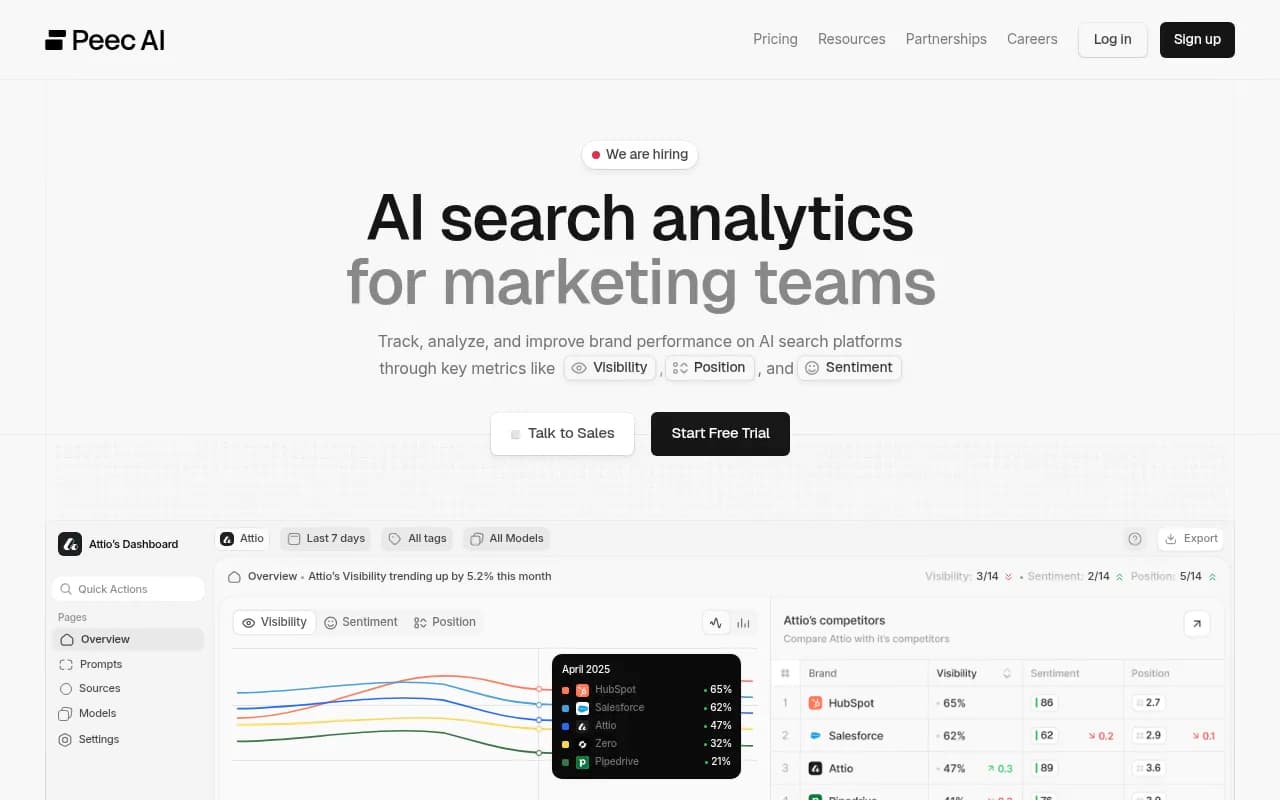
Both are prompt trackers. Zapier's roundup picks Otterly for affordability and Peec for smart suggestions, which matches their reputation. They are a reasonable way to get a baseline cheaply. The catch for developer platforms is that neither gives you crawler logs or visitor analytics, so you can see that you are missing but not why.

ZipTie
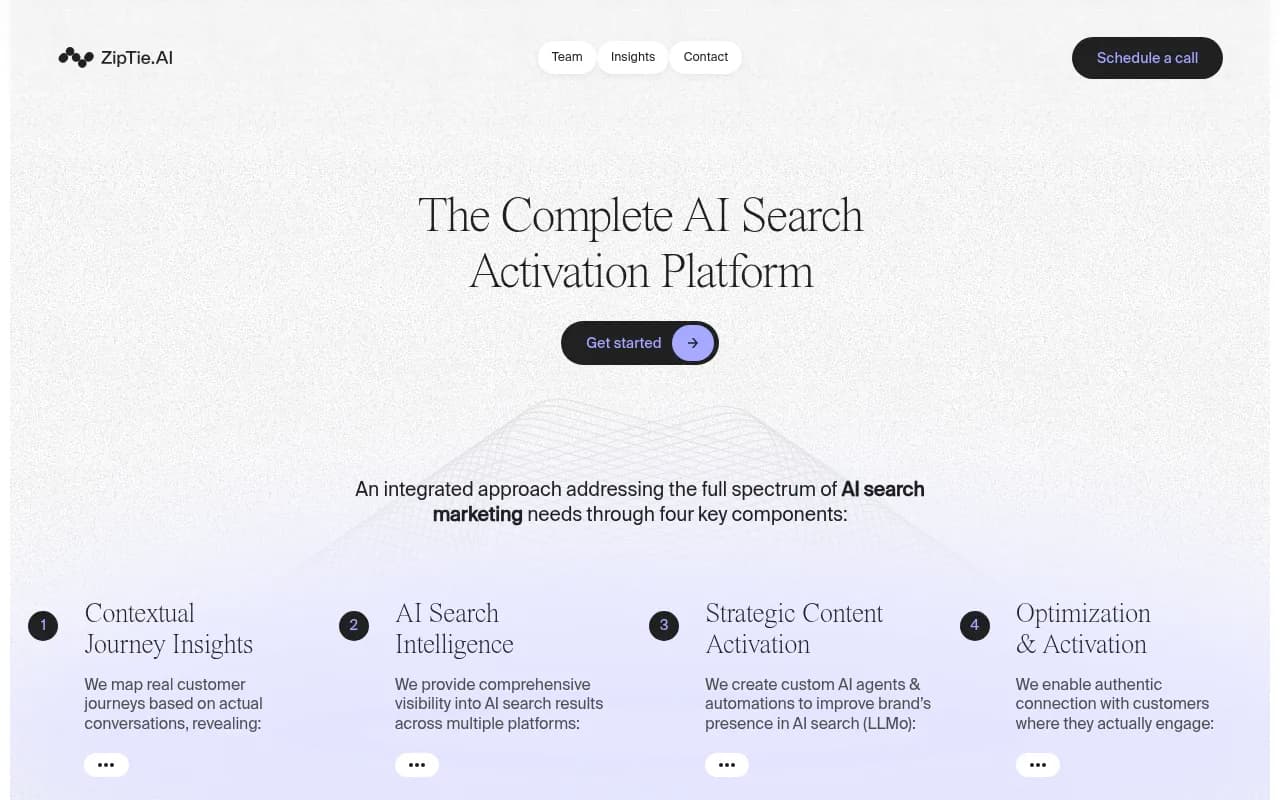
ZipTie is picked by Zapier for deep analysis and reporting. Worth a look if your team lives in spreadsheets and wants granular breakdowns. Check how it handles page-level tracking before committing.
Semrush
If you already pay for Semrush, its AI toolkit is convenient. It is an SEO suite adding AI tracking, so expect fixed prompt sets and less AI-specific depth than a dedicated platform.
Free baseline: Google Search Console
Free, and underrated for docs. It shows which doc pages get impressions and clicks in Google, which tells you where to focus first. It says nothing about AI answers, so pair it with something that does.
If you want more options, the GEO software directory at bestgeosoftware.com lists dozens of trackers, and the AI rank tools directory covers the rank-tracking side.
A setup you can run this week
- Check crawler access first. Review robots.txt, CDN and WAF rules for GPTBot, OAI-SearchBot, ClaudeBot, PerplexityBot and Google's agents. Promptwatch's free robots.txt generator for AI and AI crawler URL inspector help here.
- Render your docs server-side. If content only appears after JavaScript runs, many crawlers see an empty shell.
- Build a prompt set from real developer questions. Use "how do I..." tasks, comparison prompts ("X vs Y SDK"), and error-message prompts. Pull ideas from Search Console queries and your support tickets. Query fan-outs show the exact searches ChatGPT runs behind the scenes. The site: operator jumped from about 0.4% to 17% of fan-out queries on August 8, 2026, so queries scoped to your own domain are now common.
- Track per page. Tag prompts by topic (auth, payments, webhooks) and watch which doc URLs get cited.
- Fix the gaps in order. Missing quickstarts first, then stale SDK examples, then community presence.
- Close the loop. Check crawler logs and AI-referred visits to see whether fixes changed anything. ChatGPT stopped sending a referrer on October 8, 2026, so tag links with utm_source=chatgpt.com where you can control them.
How to choose
If you only need a cheap baseline and your docs are already healthy, a prompt tracker like Otterly or Peec is enough. If you are an enterprise reporting to executives, Profound deserves a demo. If you need to find out why a doc page isn't cited, know what coding agents recommend, and publish fixes, you want an end-to-end platform, and that is where Promptwatch fits.
One caveat on everything above: I could not verify pricing or feature lists for most vendors in this research, and no source compared tools specifically on SDK pages. Run a trial with 20 to 30 of your own developer prompts and judge each tool on whether it shows you the doc URL, the agent recommendation and the crawl status. That test will tell you more than any roundup.
Bottom line
For developer platforms, AI visibility is mostly a docs problem with a measurement layer on top. Make your documentation crawlable and current, keep a public GitHub presence, and pick a tool that tracks pages, crawlers and coding agents rather than just brand mentions. Start with the free report and Search Console, then move to a paid platform once you know where the gaps are.