Key takeaways
- Coding agents are a separate visibility channel. The Stack Overflow 2026 Developer Survey reports 66% of respondents use coding assistants or agents, and 73% of those users use them daily.
- Very few trackers document coding-agent coverage. Promptwatch tracks Codex, Claude Code and OpenCode, and Lightsage covers a longer list of agent harnesses (a vendor claim, see below).
- Most popular AI visibility tools (Peec AI, Otterly.AI, Semrush, Ahrefs Brand Radar) track answer engines like ChatGPT and Perplexity, not agents running in a terminal or IDE.
- Do not drop answer-engine tracking. Developers still use search (83%) and chat (70%) alongside agents, and the same docs and GitHub pages feed both.
- Check pricing on each vendor's page before you buy. Figures here come from vendor snapshots taken in late 2026.
Why coding agents deserve their own tracking
A developer used to read three blog posts, skim a comparison page, and pick a library. Now plenty of them type "add auth to this app" into Claude Code or Cursor and accept whatever SDK the agent picks. If the agent picks your competitor, you never see the lost deal. No search impression, no referral, no click.
The numbers back this up. The Stack Overflow 2026 Developer Survey (over 30,000 respondents, published October 6, 2026) found 66% of respondents use coding assistants or agents, slightly ahead of general chatbots at 63%. Among those users, 73% use them daily, and Claude Code (66%) and GitHub Copilot (59%) lead. I only have these figures second-hand through a Lightsage write-up, so read the survey itself before quoting them in a deck.
This matters most if you sell:
- Developer tools, SDKs, APIs, and databases
- Infrastructure, hosting, and auth products
- Open-source projects that depend on adoption
- Anything with docs, a CLI, or an MCP server that an agent might call
If your buyers never open a coding agent, you can skip most of this guide and use a regular AI visibility tracker.
What you actually need to measure
Tracking a coding agent is not the same as asking ChatGPT a question once a week. A few things are different.
Real agent runs, not API calls
Coding agents search the web, read docs, and sometimes install packages. A tool that just fires a prompt at a model API will miss that behavior. Surfer's own roundup notes that about 75% of brands named via APIs did not match what the real AI interfaces showed. The same logic applies to agents, so look for tools that run the agent harness itself, or its real interface.
Recommendation, not just mention
For a developer tool, being mentioned is weak. Being the thing the agent installs is what counts. Good metrics here are:
- Mention rate across a set of tasks ("add rate limiting to an Express app")
- Position and recommendation strength among alternatives
- Whether the cited source is yours (docs, GitHub, changelog) or a third party
- Head-to-head win rate against a named competitor
Access to your content
An agent can only recommend what it can read. Crawler logs, robots.txt rules, and CDN or WAF settings decide that. Promptwatch Data's AI crawler traffic report (June 8 to September 6, 2026) shows OpenAI at 79.8% of verified AI crawler requests in the week of August 31 to September 6, down from 94.8% in early June. Its advice is simple: compare your own logs against that mix, and if a provider is big in the report but near zero in your logs, you are probably blocking it.
Usability, not just awareness
Some agents will try your API or CLI and fail. That failure is invisible in a mention tracker. A couple of newer tools run agent tasks against your product to see where they get stuck.
The tools worth looking at
Promptwatch
Promptwatch is an end-to-end AI visibility platform, and it is one of the few mainstream ones that lists coding agents as tracked surfaces. It monitors the Codex, Claude Code and OpenCode interfaces alongside ChatGPT, Gemini, Perplexity, Google AI Overviews, AI Mode, Copilot, Meta AI and others, in the countries and languages you pick. Its coding agent tracking shows how those agents recommend tools, SDKs and docs, which is the question developer-tool companies care about.
What makes it useful beyond the coding-agent angle is that the rest of the loop sits in the same product. IP-verified AI crawler logs show whether bots like ClaudeBot or GPTBot can read your docs. Page tracking and citation reports show which pages get cited. Visitor analytics show whether any of that sends traffic. The Content Agent can write and publish the pages that fill gaps, and a weekly site audit flags technical problems.
Pricing runs from Essential at $95/mo to Business at $579/mo, with agency tiers from $199/mo, and a 7-day free trial on monthly billing. Confirm current numbers at promptwatch.com/pricing. There is also a free AI visibility report if you want a quick read first.
One honest limit: coding agents are one part of a much broader platform, so if you only care about Cursor and Copilot behavior in sandboxes, a specialist may go deeper there.

Lightsage
Lightsage is the specialist. Its Agent Discoverability product runs tracked prompts daily across 19 platforms: 12 coding-agent harnesses (Claude Code, Codex, Cursor, GitHub Copilot, Antigravity, OpenClaw, OpenCode, Hermes, Pi, Kilo Code, Grok Code, Muse Code) and 7 answer engines. Agents run as real agents in sandboxes, and you choose the model per agent. For each brand it records mention, position, sentiment, recommendation strength, and whether citations are owned or external.
It also has an Agent Preference module (a head-to-head against one named competitor that returns a win rate), Agent Usability (agents attempt a task against your API, CLI or MCP server), and Agent Analytics that classifies visits as coding agent, browsing agent, bot or human.
A caution: much of the comparative claim here comes from Lightsage's own page, which says it is the only one of 10 tools whose pages document coding-agent tracking. Lightsage ranks itself first. Where it writes "doesn't document" about a competitor, that is not the same as "doesn't have". Treat the claim as a lead, then verify. Pricing per Lightsage: a free tier with 10 ChatGPT prompts a week, and Scale from $100/month on usage-based credits. It does not list search-demand estimates or content writing.
Answer-engine trackers
These do not document coding-agent coverage, but they cover the other half of how developers find you. Prices below come from Lightsage's November 1, 2026 comparison, so recheck them.

Comparison table
| Tool | Coding agent coverage | Answer engines | Starting price (verify) | Best for |
|---|---|---|---|---|
| Promptwatch | Codex, Claude Code, OpenCode | ChatGPT, Gemini, Perplexity, AI Overviews, AI Mode, Copilot, Meta AI, more | $95/mo | Teams that want tracking plus crawler logs, content and traffic in one place |
| Lightsage | 12 agent harnesses incl. Cursor and GitHub Copilot | 7 engines | Free; Scale from $100/mo | Developer tools that want agent-specific testing |
| Profound | Not documented | Up to 9 engines on Enterprise | Custom; 7-day trial | Enterprise brand teams |
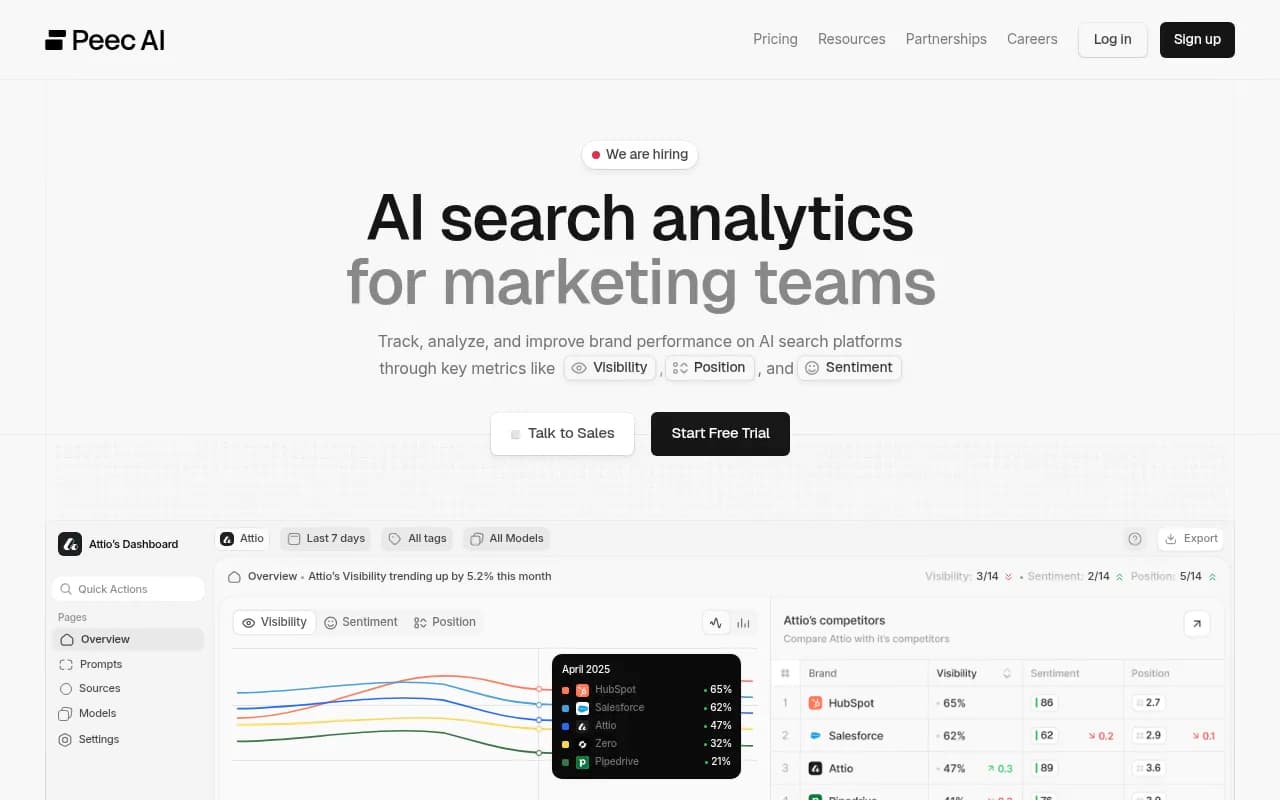
| Peec AI | Not documented | 3 to 13 models by plan | $95/mo | Self-serve team tracking |
| Otterly.AI | Not documented | 4 engines plus add-ons | $29/mo | Low-cost start |
| Semrush AI Visibility | Not documented | 5 engines | From $99/mo | Existing Semrush users |
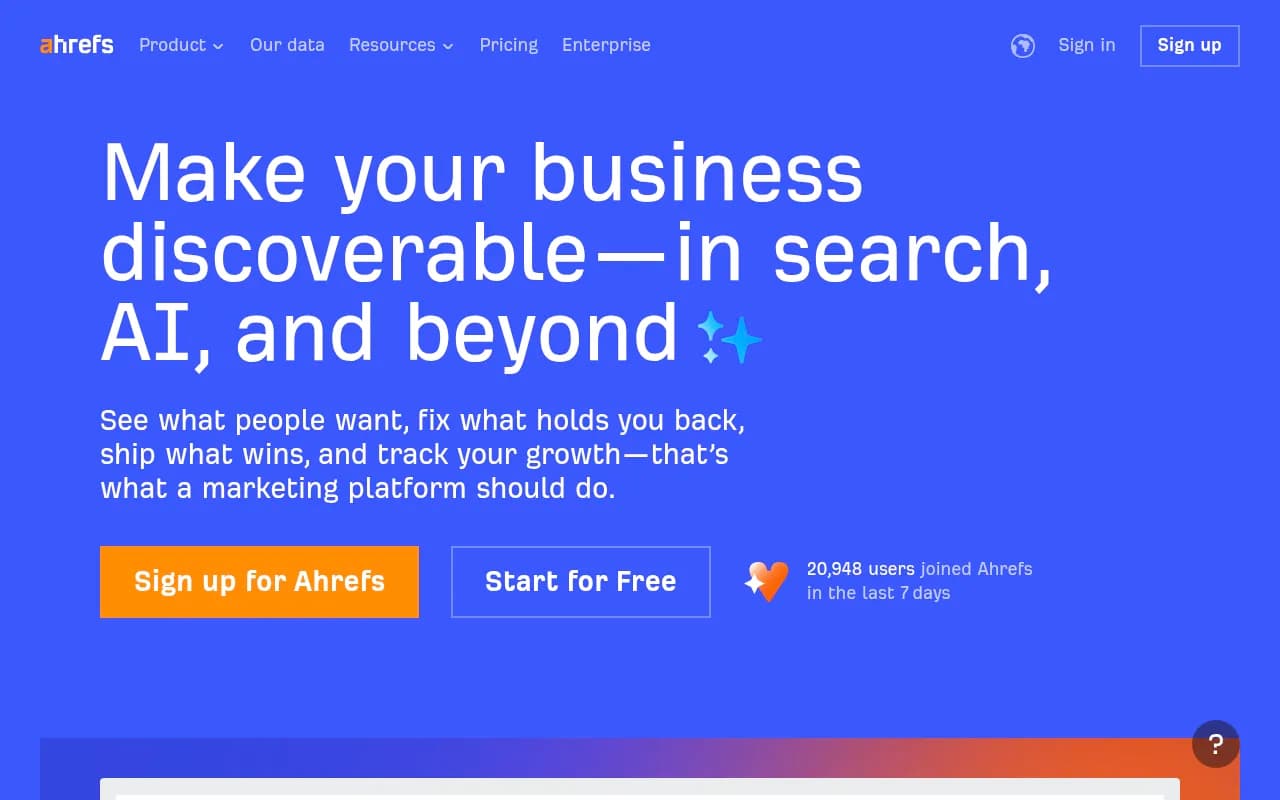
| Ahrefs Brand Radar | Not documented | 6 engines, Claude on custom prompts | From $50/mo | Existing Ahrefs users |
What the data says about getting recommended
No Promptwatch Data report covers coding agents directly, so I will not pretend one does. The closest proxy is ChatGPT citations for software prompts. In Promptwatch's software citation report (September 28 to October 4, 2026), GitHub was the most cited domain at 1.2% of software citations, followed by learn.microsoft.com at 0.98% and G2 at 0.73%. AWS docs got 0.41% and Google Cloud docs 0.35%.
By source type, docs and help centers earned 2.64%, vendor sites 2.01%, review sites and analysts 1.57%, GitHub 1.2%, and app stores 0.47%. Vendor sites and docs together earned about 3x what review sites and analysts did.
That is ChatGPT only, so do not read it as proof of what Claude Code does. But the practical pattern is likely to carry over, since agents lean on docs and repos too: crawlable docs, a public GitHub presence, and current G2 and Capterra profiles.
One more data point worth knowing. Markdown makes up just 0.05% of AI search citations in Promptwatch's markdown report, which suggests markdown files serve agents rather than AI search. If you publish llms.txt or markdown docs for agents, do it because agents read them, not because you expect citations in ChatGPT.
A practical setup, step by step
1. Build a task list, not a keyword list
Write 20 to 40 prompts that look like real developer tasks: "set up background jobs in a Node app", "which vector database should I use for a small RAG prototype", "add Stripe-like billing to a Django project". Mix branded, category and competitor-comparison prompts. Prompt Explorer-style suggestions from Search Console data can seed the list.
2. Pick the agents your buyers use
Start with Claude Code and GitHub Copilot, since the survey puts them at 66% and 59% among agent users. Add Cursor and Codex if your audience skews that way.
3. Check access before you optimize
Open your robots.txt and CDN or WAF rules. Make sure GPTBot, ClaudeBot, PerplexityBot and Google's agents are not blocked by accident. The free AI crawler URL inspector and Agentic Readiness Check test this in a few minutes. If you want to know how a given bot behaves, the AI bots directory lists 400+ of them.
4. Baseline, then fix the obvious
Run the prompts for a week before changing anything. Then fix what the data points to: a quickstart that is out of date, docs hidden behind JavaScript, a missing getting-started page for the exact task agents keep failing at.
5. Test usability yourself
Give an agent your own quickstart with no hints. If it fails, a mention tracker will never tell you why. A usability test like Lightsage's, or just doing it by hand, finds the break.
6. Close the loop
Tie visibility to signups. Visitor analytics and crawler logs help separate an access problem from a content problem. Note that ChatGPT stopped sending a referrer on October 8, 2026, so tag links with utm_source=chatgpt.com where you can.
Which should you choose?
- Developer tool with a docs site and a CLI: start with Promptwatch for broad tracking, crawler logs and content, and add Lightsage if you need deeper testing across Cursor, Copilot and other harnesses.
- Marketing team at a SaaS brand that developers sometimes use: an answer-engine tracker is enough. Pick on budget, Otterly.AI at the low end, Peec AI or Promptwatch in the middle, Profound for enterprise.
- Already paying for Semrush or Ahrefs: use their AI modules for answer engines, but be aware they do not document agent coverage.
- Agency serving developer-tool clients: Promptwatch has agency plans from $199/mo with unlimited projects.
For more options by category, the GEO software directory at bestgeosoftware.com lists dozens of trackers and the AI rank tools directory covers rank-tracking-style products.
What I would do differently
I would not buy a tool purely on a coding-agent checklist. The category is young, agent behavior changes with every model update, and one vendor's claim that it alone does this is exactly what a vendor would say. Pick a tool, run it for a month on your own prompts, and see whether the numbers move when you fix docs. If they do, you have a channel. If they do not, you have a cheaper problem than the one you feared.
FAQ
Do ChatGPT trackers cover Claude Code or Cursor?
Usually not. Most vendors document answer engines only. Promptwatch lists Codex, Claude Code and OpenCode. Lightsage lists many more harnesses. Ask every vendor which agents they run and how.
Is there data on which tools coding agents recommend?
Not from Promptwatch Data yet. The nearest proxy is its ChatGPT software citation report, which shows GitHub, Microsoft docs and G2 leading.
Can I track this for free?
Partly. Lightsage has a free tier limited to 10 ChatGPT prompts a week, and Promptwatch's free AI visibility report scans ChatGPT, Gemini and Perplexity. For agents, manual testing with a fixed prompt list is free and surprisingly informative.
What should I fix first?
Crawl access, then docs. Agents cannot recommend what they cannot read, and docs and help centers were the largest cited source type for software prompts in Promptwatch's data.