Key takeaways
- Claude Code installs what it recommends, so a day-one pick tends to stick. Checking it before a developer builds is worth the effort.
- You can get a useful first read for free by running neutral, open-ended prompts yourself and recording mention versus selection.
- Free GEO checkers cover Claude chat, not necessarily Claude Code. Treat them as a rough proxy, not the real thing.
- Public studies give you benchmarks: Claude Code often builds a custom solution instead of picking any vendor.
- Manual testing breaks down at scale. That is the point where a paid tracker earns its price.
Why Claude Code recommendations are worth checking
When a developer tells Claude Code to "set up the backend for my SaaS app", the agent picks a database, writes the install command, and builds around it. Nobody opens a comparison page. Nobody reads a listicle. The recommendation turns into an npm install line, and swapping a dependency later costs real time, so whatever the agent picks on day one tends to stay.
That makes it one of the highest-intent moments a software company can observe, and most teams have zero visibility into it. Promptwatch calls this coding agent visibility: how often an agent recommends, installs, or builds around your product when a user asks it to plan or build something.

You do not need to buy anything to get a first answer. Here is how to get one for free, and where the free methods run out.
Four questions to answer first
Before running anything, decide what you are measuring. The Promptwatch coding agent visibility guide frames it as four questions, and they work well as a checklist for a manual test too.
- Is your product in the plan? When the agent outlines an architecture, does your tool appear at all?
- Is it the default? First choice, an alternative, or a passing mention?
- Does the agent build instead of buy? Coding agents often write a custom solution and recommend no vendor.
- How does the agent describe you? Is the framing positive, neutral, or a caveat?
The third question surprises people. If your category is something an agent can write in an afternoon, your real competitor may be a handful of generated files.
Method 1: run neutral prompts yourself
This is the cheapest and most honest test. I have not verified every CLI flag or rate limit, so check Anthropic's current documentation before scripting anything, but the logic is simple.
Write prompts that never name a tool
The prompts must be open-ended, the way a real developer would type them. Good examples:
- "Set up the backend for my SaaS app with auth and a database."
- "Add payments and subscriptions to this project."
- "I need transactional email and error monitoring. Plan it and implement it."
- "Add product analytics to this app."
Match these to your own category. Do not write "which is better, X or Y". That tells you how the model talks about you when asked, not whether it picks you unprompted. Most real coding-agent prompts are what Promptwatch classes as transactional intent, even when no brand is named.
Repeat each prompt
One run proves nothing. Agent output varies from run to run, so run each prompt at least 10 to 20 times, in a clean empty project folder each time, so leftover context does not bias the result. Keep the model version constant, or log it, because picks can differ between models.
Record mention versus selection
This distinction matters more than any other. A mention means the agent named your product. A selection means it installed or wrote code against it. The Armature study (September 2026) found PayPal was mentioned 139 times and never selected, while LangChain was mentioned 194 times and selected only 4 times. If you only count mentions, you will think you are doing better than you are.
A plain spreadsheet works:
| Run | Prompt | Model | Product named? | Product installed? | Custom build? | Competitor picked |
|---|---|---|---|---|---|---|
| 1 | Add payments | Sonnet | Yes | Yes | No | None |
| 2 | Add payments | Sonnet | Yes | No | Yes | None |
After 20 runs per prompt you have a selection rate, a mention rate, and a build-instead-of-buy rate. That is already more than most teams know.
Watch the install commands
Grep the transcript or the resulting package.json, requirements.txt, or lockfile for your package name. This is the objective signal. How the agent talks about your product is interesting, but what ends up in the dependency file is what a developer ships.
Method 2: check how Claude describes you in chat
Claude Code runs on the same family of models as Claude chat, so what the model believes about your brand is a weak but real signal. Ask plain questions: what does your product do, who is it for, what are its alternatives, what are its weaknesses. Look for outdated facts, a wrong category, or missing capabilities. If the model cannot describe you accurately, it is unlikely to pick you.
This is a belief test, not a recommendation test. Keep that gap in mind.
Method 3: use free GEO checkers as a proxy
Several free tools check whether Claude mentions your brand in chat. Geoptie offers a free Claude rank tracker and an AI visibility checker that covers ChatGPT, Claude, Perplexity, and Gemini. I did not confirm that any of them test Claude Code itself, so treat the output as a proxy for model awareness.
A few others in the directory are free or have a free entry point:
- AI Rank Checker, a free tool for checking brand rank in AI tools.
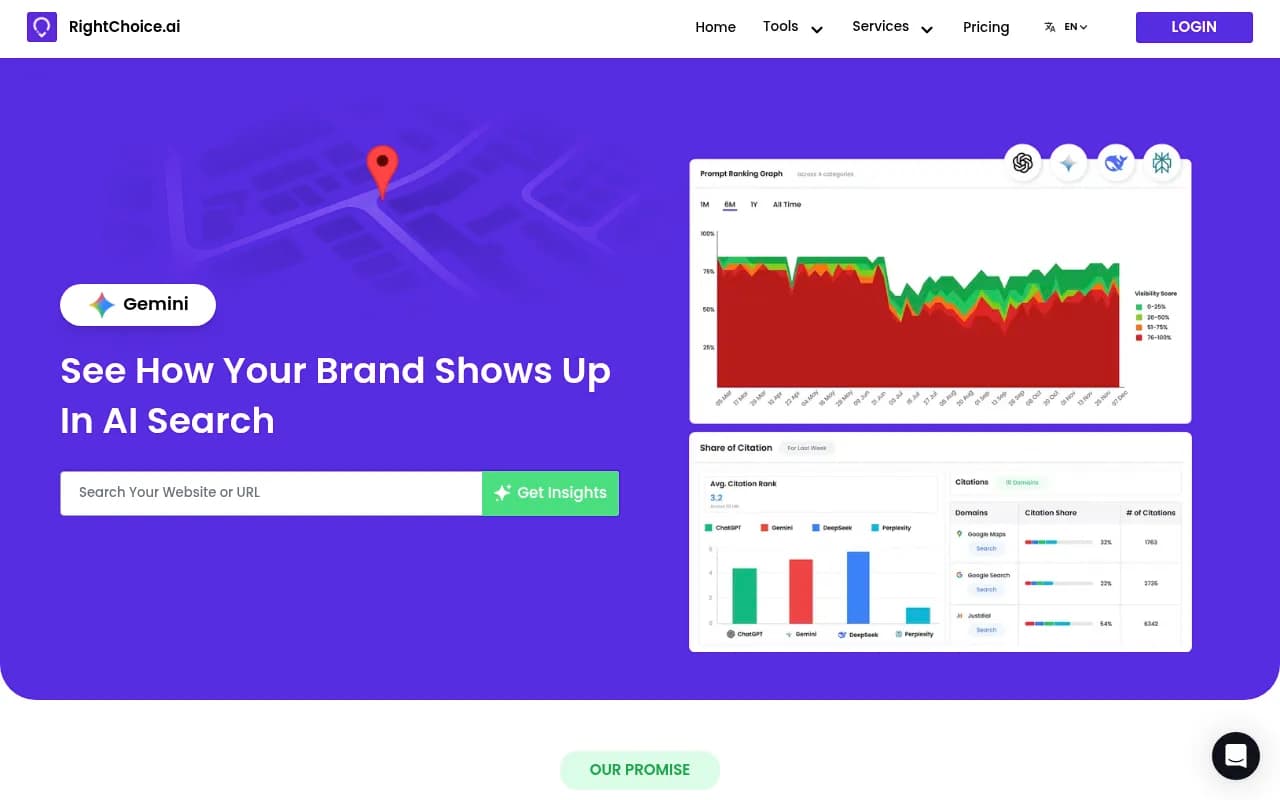
- RightChoice.Ai, a free brand AI visibility and citation checker.
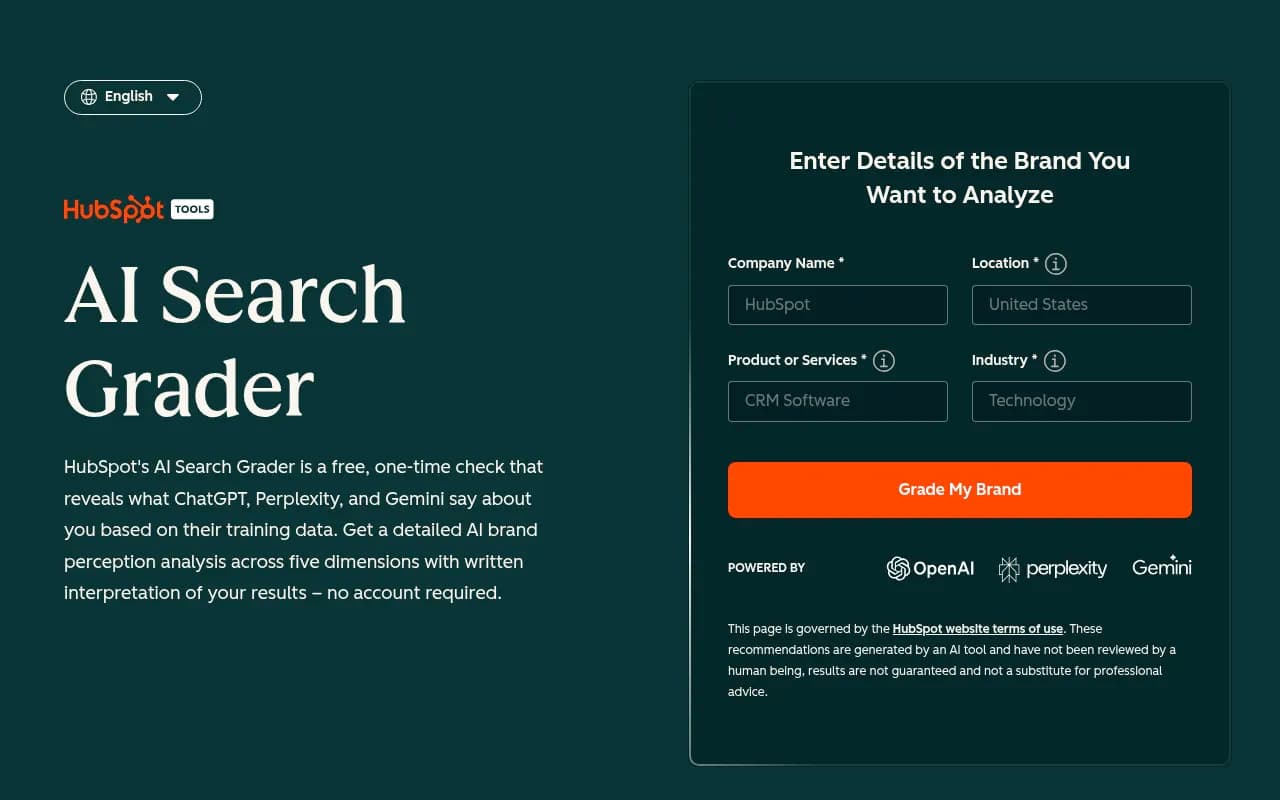
- HubSpot AI Search Grader, a free one-time diagnostic.
- AnswerGist, a free AI visibility audit with prioritized fixes.

Promptwatch also has a free AI visibility report that scans how ChatGPT, Gemini, and Perplexity talk about your brand, plus a crawler access check. It does not replace a Claude Code test, but it will tell you whether AI crawlers can read your site at all. You can find it at promptwatch.com/ai-visibility-report.
Method 4: read the public studies for benchmarks
Two published studies are useful because they show what normal looks like. I have taken the figures from the Promptwatch coding agent visibility post and did not open the originals, so verify before quoting them externally.
Amplifying's "What Claude Code Actually Chooses" (February 2026) ran 2,430 open-ended prompts through Claude Code across 20 tool categories and 3 Claude models, naming no tool. In 12 of the 20 categories, the most common pick was a custom-built solution. Where vendors did win, they won big: GitHub Actions took 93.8% of CI/CD picks, Stripe 91.4% of payments, shadcn/ui 90.1% of UI components, and Vercel 100% of JavaScript deployment.
The Armature study (September 3, 2026) found Claude Code built in-house in 19% of sessions, against 10% for Codex and Cursor. Stripe won 90% of payments picks and Neon 66% of databases. Claude Code, Codex, and Cursor chose the same tool only 42% of the time.
The agent differences matter for how you test. Armature reports Codex used web search in 94% of sessions, while Claude Code searched in about 30% overall and about 80% in newer sectors. My reading: Claude Code leans more on what the model already knows, so its picks shift slowly and your content changes show up later. Codex reflects the live web more.
Two takeaways for your own test:
- Categories are winner-take-most. If an incumbent holds 90%, the question is whether you are even second.
- If you are in a newer category, web search matters more, so your published docs and comparison content have a better chance of influencing the pick.
Method 5: fix what free checks reveal
Free testing is only useful if it leads to changes. Common findings and fixes:
| What you find | Likely cause | What to try |
|---|---|---|
| Never mentioned | Model does not know you, or category unclear | Clear docs, a plain one-line description, presence on sources AI cites |
| Mentioned, never installed | Agent knows you but prefers another default or custom code | Quickstart that is short and copy-pasteable, a package with an obvious name |
| Custom build wins | Your product is easy to replace | Docs showing what the agent would have to build and maintain |
| Wrong description | Outdated pages | Update docs, pricing, and comparison pages |
| Competitor is the default | Incumbent habit in training data | Integration guides, framework templates, starter repos |
Also check that AI crawlers can reach your docs. A robots.txt that blocks them, or docs rendered only client-side, will quietly hurt you. Promptwatch has free tools for this: the Agentic Readiness Check, an LLMs.txt generator, and an AI crawler URL inspector. One caution from Promptwatch's own data: markdown files make up just 0.05% of AI search citations, because markdown serves AI agents rather than AI search, so do not expect an llms.txt file to move chatbot citations.
For developer tools specifically, software prompts in ChatGPT lean heavily on GitHub, Microsoft's docs, and G2 (Promptwatch Data, Sep 28 to Oct 4, 2026), with documentation and help centers earning the largest share. Good docs are not optional.
Where the free methods break down
I like the manual approach, but be honest about its limits.
- It is slow. 10 prompts times 20 runs times 2 agents is 400 sessions, and someone has to read them.
- It is a snapshot. Models update, and a pick you measured in November can change in January.
- It misses markets. Different languages and regions can give different answers.
- Competitor benchmarking is manual. You only see rivals you remembered to look for.
- There is no link to outcomes, such as traffic or sign-ups.
If you only need a one-off sanity check, free is fine. If coding agents are a real acquisition channel for you, the cost of a tracker is smaller than the cost of not noticing a competitor becoming the default.
When a paid tracker makes sense
Promptwatch tracks Claude Code, Codex, and OpenCode on every plan, with the same visibility, mention, sentiment, and competitor metrics it uses for ChatGPT, Gemini, and Perplexity. Its plans start at $95 per month for Essential, with a 7-day free trial on monthly billing; check promptwatch.com/pricing for current terms. Beyond coding agents it covers crawler logs, visitor analytics, and content tooling, so it is more than a prompt tracker. The practical way to use that trial is to take the prompts you already tested by hand and see whether the tracker's numbers match your spreadsheet.
Other options exist if you want to compare. The AI rank tracking directory at ai-rank-tools.com lists many of them, and the GEO software directory at bestgeosoftware.com is another starting point. When you evaluate any of them, ask one question first: does it test the coding agent itself, or only the chat product? Many do only the second.
A simple one-week plan
- Day 1: write 5 neutral prompts that match how developers would describe the problem you solve.
- Days 2 to 3: run each 15 times in Claude Code, in clean folders, logging mention, install, and custom build.
- Day 4: repeat a smaller batch in Codex if you have access, since its picks differ.
- Day 5: run the free chat checkers and the Promptwatch free report for a model-awareness baseline.
- Day 6: compare your selection rate with the public benchmarks above.
- Day 7: pick the top two fixes, such as a shorter quickstart or corrected docs, and schedule a retest in a month.
A caveat on all of it: I have not tested this exact workflow end to end, so treat the numbers you collect as directional. If your selection rate is near zero across 20 runs per prompt, you do not need a perfect measurement to know you have work to do.
FAQ
Does Claude Code recommend products the way ChatGPT does?
Not quite. Chat assistants list options with citations. Claude Code acts, so the recommendation becomes code and an install command. Custom builds are also a frequent outcome.
Is one run enough?
No. Outputs vary, so repeat each prompt many times and report a rate, not a single result.
Do free GEO checkers cover Claude Code?
Usually they check Claude chat mentions. Confirm with the vendor before relying on them for coding-agent behavior.
What should I fix first?
Start with whether the agent can find and trust accurate documentation for your product, then make the quickstart short enough to copy straight into a project.