Key takeaways
- ChatGPT may use an approximate location based on your IP address when it searches the web, and it can rewrite your prompt with a city or region added.
- In a same-prompt test on October 10, 2026, "What number should I call in an emergency?" returned three different, correct answers from the U.S., Brazil, and Japan.
- Location is only one source of variation. Sampling randomness, conversation context, and model updates also change answers.
- A single audit from one location measures one market on one day. Local tracking means running the same prompts from several places, repeatedly.
- Brand mentions and cited links often stay similar across runs even when the wording changes, so track those instead of comparing text.
The short version
Ask ChatGPT "weather" and it answers for your city. You never told it where you are. Ask it for "best plumber" and the shortlist is different in Lydney than in Monmouth, two towns a few miles apart. This is not a glitch. It is how ChatGPT's web search works.
If you run a local business, a multi-location brand, or an agency reporting AI visibility for clients, this matters a lot. A screenshot from your own laptop is not what your customers see. Here is why, and what to do about it.
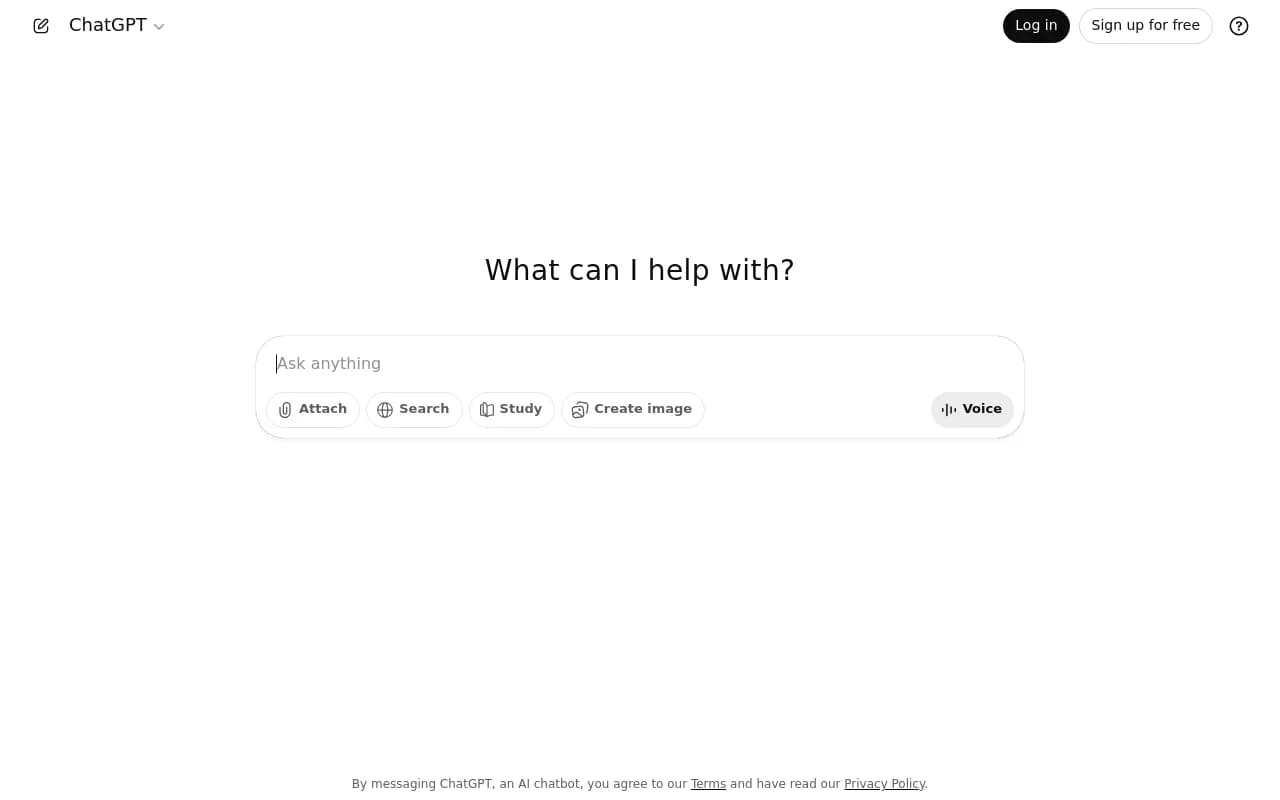
Does ChatGPT use your location?
Yes, in two ways.
First, the IP address. OpenAI's help center says ChatGPT "may use your IP address to estimate your general location, such as your country, state, or city." Its own example: if ChatGPT places you in the San Francisco area, it may rewrite your prompt into the search query "top restaurants San Francisco." It also notes that a VPN or network location can change the inferred location.
Second, device location. Users can choose to share it, and OpenAI says this is optional and off by default. Most people never turn it on, so for most answers the IP address does the work.
There is a third, quieter route. Even without web search, ChatGPT can use things you said earlier, such as mentioning you live in Germany, to shape later answers. Otterly.AI's write-up on answer variation lists this as a separate factor from web browsing context.
ChatGPT is the product here, and the behavior differs depending on whether search is triggered at all.
Why it feels spooky
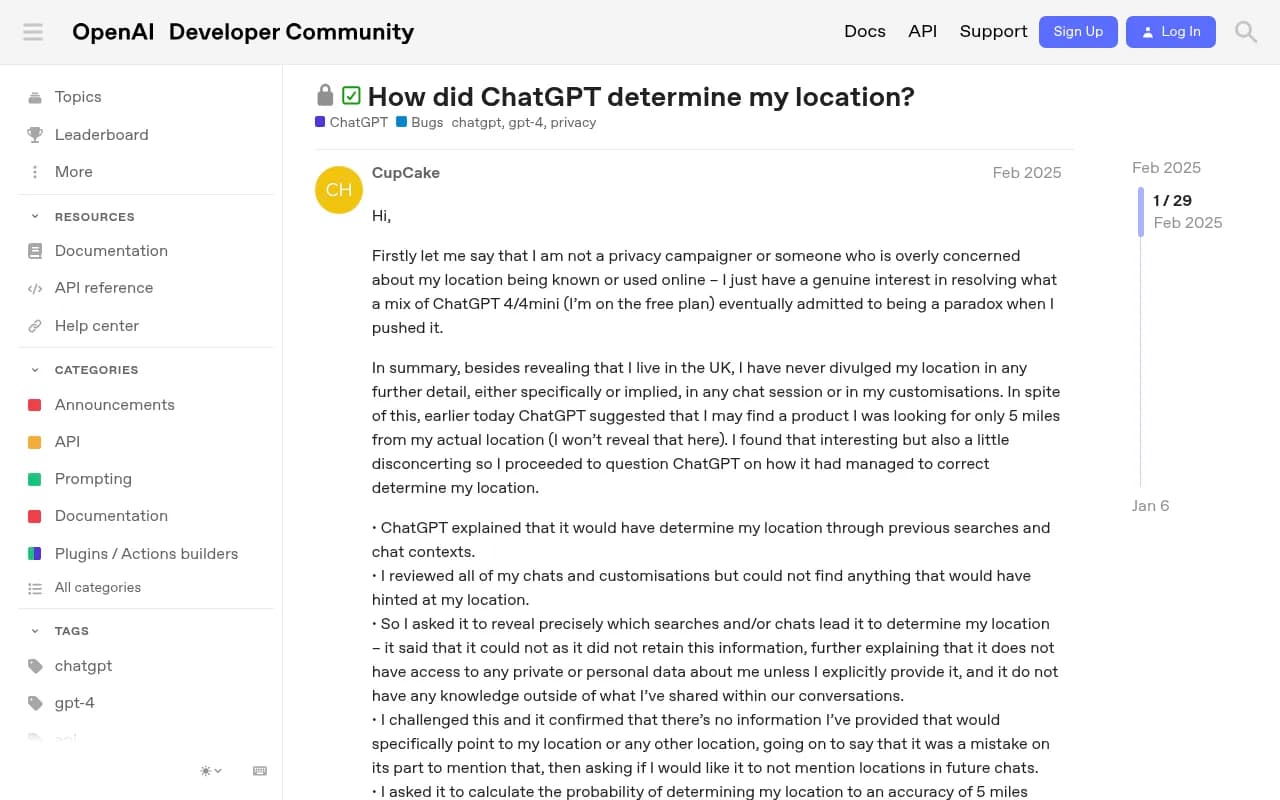
One user on the OpenAI community forum described ChatGPT pointing to a product available about 5 miles from their real location. They had only ever mentioned living in the UK. They went through their chats and custom instructions, found nothing, and pushed ChatGPT until it called the situation a paradox. The model first claimed it inferred location from earlier chats, then admitted it could not say how.
The likely answer is boring: the IP address. The model itself does not know where the location came from, because the location is injected into the search step, not stored as a memory it can inspect. That is why its explanations contradict each other. I would not trust ChatGPT's own account of how it found you.
What the same-prompt test shows
Massive ran the same prompt through ChatGPT from three countries using its public AI geo playground on October 10, 2026. The prompt never mentioned a country.
| Asked from | What ChatGPT answered |
|---|---|
| United States | 911 for medical, fire, and police |
| Brazil | 190 police, 192 ambulance, 193 fire |
| Japan | 119 ambulance or fire, 110 police |
Each answer is right for its country and useless in the other two. One run per country proves the effect exists. It does not tell you how often it happens, since answers also vary run to run.

Where the location signal enters
The place to look is the search step, not the final text. When ChatGPT decides to search the web, it generates one or more fanout queries. That is where a place name like "San Francisco" gets attached.
Promptwatch Data on ChatGPT query fanouts shows these searches are short and change over time. Average fanouts per response were about 2.15 in early December 2025 and eased to roughly 1.84 by early March 2026. Average query length dropped from about 117 characters to about 53 by April. A shorter query leaves less room for qualifiers, so how and when a location modifier gets added may shift too. That last point is my inference, not something the report measured.
Then there is the August 8, 2026 change. Promptwatch's site: operator report shows ChatGPT started using the site: operator at scale that day, jumping from 0.37% to 16.8% of fanout queries, with searches per response going from about 1.08 to 1.83. Platform behavior can change overnight, which is the strongest argument against one-off local audits.
Why local answers differ: the full list
Location gets the attention, but it is not the only cause. When your answer differs from a colleague's, check these.
- IP-based location. Different city or country, different search query, different sources.
- Sampling. ChatGPT is built to generate text with some randomness, so identical prompts produce different wording.
- Conversation context. Earlier messages, memory, and custom instructions shift the answer.
- Model and system updates. A change in the underlying model or search behavior moves results. Promptwatch's citation drop report shows average citations per response fell across GPT-5.3, GPT-5.4, and GPT-5-Mini around the March 4, 2026 rollout.
- Prompt wording. Small phrasing changes lead to different interpretations.
- Search engine location. The sources ChatGPT pulls from are themselves location-sensitive. Google says it estimates "the general area that you're searching from" on every search.
Otterly.AI makes a useful point here: even when the text differs, the brands mentioned and links cited are often very similar or identical. So do not compare paragraphs. Compare mentions, citations, and positions.
Why it matters for local and multi-location brands
If the answer is local, the winner is local. Think of queries like "dentist near me," "best Italian restaurant," or "emergency plumber." ChatGPT prioritizes results closer to wherever it thinks you are. Two people ten miles apart can get different shortlists.
It also matters outside business listings. The same logic applies to pricing, stock, and legal availability. A 2013 crowd-sourced study (Mikians et al.) found retailers returning prices that varied 10% to 30% for the same product depending on vantage point. That study is old, so treat it as proof the practice exists, not as a current rate.
Sources differ by industry too. Promptwatch Data shows travel prompts lean on booking and search sites (Skyscanner, Going, Tripadvisor lead, Sep 28 to Oct 4, 2026), while healthcare prompts lean on government and public health sites. Your local competitors may not be the ones ChatGPT cites at all.
How to track local ChatGPT answers
1. Define the markets you care about
Pick countries first, then states or cities where you have physical locations. Do not try to cover everything. Ten locations that map to real revenue beat a hundred you will never review.
2. Write prompts without the location
Use prompts the way a local customer would type them, like "best family dentist" instead of "best family dentist in Leeds." The point is to test whether the system adds the location itself. Add a second set with the location spelled out to compare.
3. Run from each market
This is the hard part. Manually asking from your laptop gives you one location. A VPN works for a quick spot check, but it is slow, hard to repeat, and the inferred location may not match what you wanted. Use a tool that queries the real ChatGPT interface from the target country, and where possible the target state or city.
4. Repeat, and track trends
Because of sampling randomness and platform changes, one run is a data point. Run the same prompts regularly and watch averages: how often you are mentioned, your position in the answer, and which pages get cited.
5. Compare mentions and citations, not wording
Track these per market:
- Whether your brand is named
- Position in the list
- Which of your URLs are cited
- Which competitors appear
- Sentiment, if it matters for the category
6. Close the loop on the content side
If you are missing in one city, look at what sources ChatGPT does cite there. Often it is a directory, a review site, or a local listing, not a competitor's own site. That tells you where to get mentioned.
Tools that can help
Tools differ a lot on whether they support location simulation at all. Many AI visibility trackers monitor from one default location. Confirm country, state, and city options before you commit, and verify current plans on each vendor's site.
Promptwatch tracks the real ChatGPT interface and supports country tracking on every paid plan, with state and city tracking from the Business plan. It also shows prompt volumes, query fan-outs, and citation data, so you can see what searches ChatGPT actually runs for a prompt, which is where the location modifier shows up. Pricing starts at $95/month for Essential, and you should confirm current details at promptwatch.com/pricing.

For a lighter option, Otterly.AI is an affordable prompt tracker that covers the basics.

For local business listings and review signals that often feed local answers, BrightLocal is built around local SEO.
And if your footprint is many locations, Yext handles listings at scale.

| Need | What to look for | Example tools |
|---|---|---|
| Country-level tracking | Real ChatGPT UI from target country | Promptwatch |
| City or state tracking | Sub-country location options | Promptwatch (Business plan and up) |
| Basic prompt monitoring | Mentions and citations, one location | Otterly.AI |
| Local listing and review data | Listings, reviews, local rankings | BrightLocal, Yext |
If you want to compare more options, the GEO software directory at bestgeosoftware.com lists a wide set of AI visibility platforms.
A free spot check you can do today
Before buying anything, run a quick test.
- Pick one prompt where the answer should be local.
- Run it logged out, with location sharing off, on your normal connection.
- Run it again through a VPN exit in another city or country.
- Compare which brands are named and which links are cited, not the wording.
- Repeat on another day.
Massive's public AI geo playground does the multi-country version without an account. It is a useful demo for convincing a client or boss that location matters.
Common mistakes
- Treating one screenshot as the truth. It is one location, one run, one day.
- Comparing text instead of citations. Wording varies even in identical conditions.
- Ignoring device location and logged-in state. Both can change what you see.
- Tracking only your head city. Suburbs and nearby towns often get different shortlists.
- Auditing once. Search behavior changed overnight on August 8, 2026. Monitor continuously.
Frequently asked questions
Does ChatGPT give different answers to different people?
Yes, for two main reasons. Answers vary run to run because of sampling, and the location of the request shapes local answers.
Do I need location tracking for every prompt?
No. For global reference topics the default is fine. It matters when the answer depends on place: local search, prices, stock, ads, and regional availability.
Can a VPN change what ChatGPT shows me?
OpenAI says a VPN or network location may affect the approximate location inferred from your IP address. It is fine for a spot check, but not reliable for ongoing tracking.
Why can't ChatGPT tell me how it knew my location?
The location is applied in the search step. The model often cannot inspect that, so its explanations can be wrong or contradictory.
Bottom line
Every ChatGPT request carries a location, and if you do not choose it, the system infers it. For local questions, that inference changes which businesses get named. Track by market, repeat runs, compare mentions and citations instead of wording, and treat any single-location audit as a snapshot. For broader data on how ChatGPT picks sources, see the research hub at Promptwatch Data.