Key takeaways
- Coding agents like Claude Code, Codex and OpenCode now recommend libraries, SDKs, databases and vendors while developers work. That is a separate visibility channel from ChatGPT or Google.
- Spend and usage trackers (ccusage, CodeBurn, Dynatrace and similar) measure what developers pay and consume. They do not tell you whether an agent recommends your product.
- Very few prompt trackers cover coding agents. Promptwatch is the one in our catalog that explicitly tracks Codex, Claude Code and OpenCode alongside the usual chat engines.
- The agent harness changes the answer, not just the model. Track each agent separately instead of averaging them.
- Docs, GitHub presence and clear package pages are the likeliest levers. Treat that as a hypothesis to test, not settled fact.
Why coding agents are a new visibility channel
A developer used to open Google, read three blog posts, then pick a library. Now plenty of them type "add auth to this app" into a terminal and let an agent choose. The agent picks a provider, writes the integration, and the developer often just reviews the diff.
If you run a developer-tool or API company, that moment is where a lot of buying decisions get made. Nobody sees a search result. Nobody clicks a link. The agent simply installs your SDK or somebody else's.
I should be upfront about what is known. I could not find solid public research on how coding agents choose tools or vendors. No published report I know of measures it directly. So treat this guide as a practical method for measuring it yourself, not a summary of established findings.
Claude Code, Codex and OpenCode are not the same thing
A Tensorlake comparison of the four harnesses after 14 days of daily use makes a point that matters for tracking: you can run the same model in all of them, and what changes is everything around the model. The system prompt, tools, agent loop, context management and permissions.
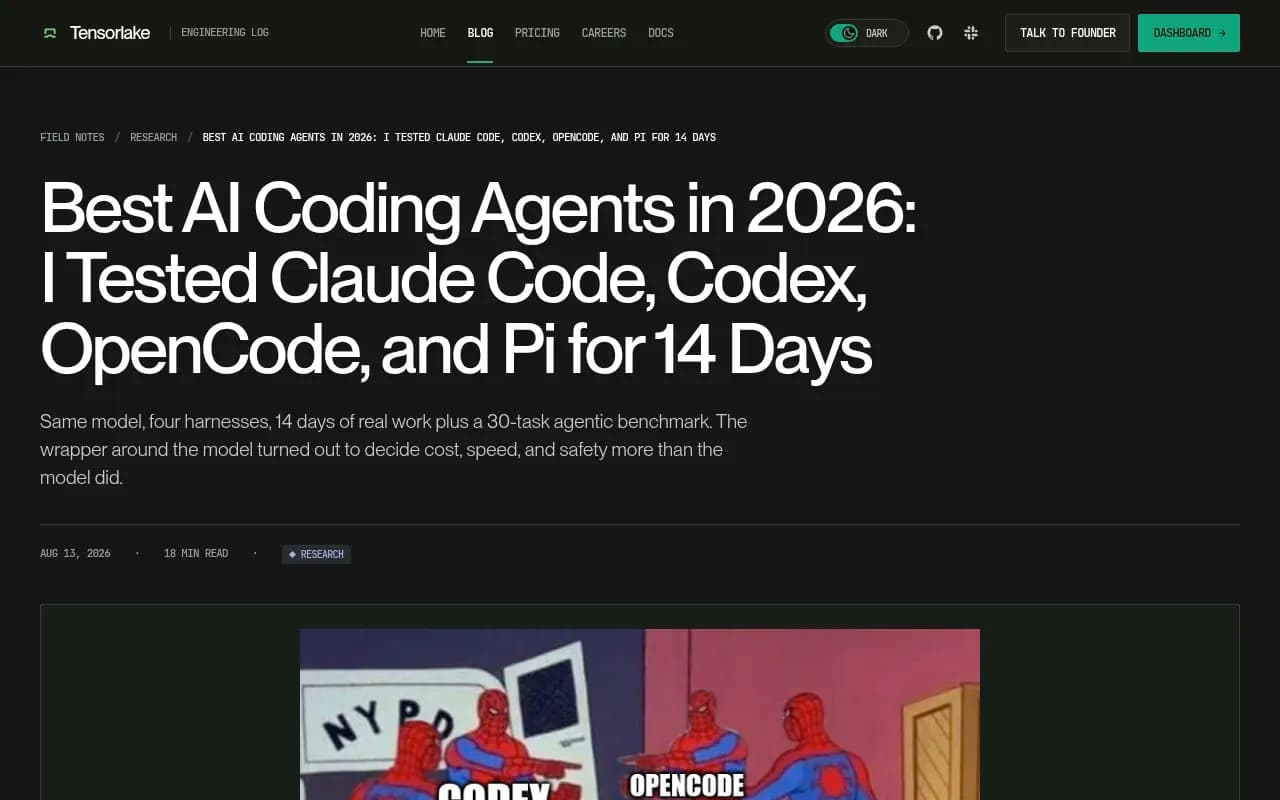
A few details from that test that bear on visibility:
- OpenCode runs a huge range of models (75+ providers, including Claude, GPT, Gemini, DeepSeek and local models through Ollama). So "what OpenCode recommends" depends heavily on which model the user plugged in.
- OpenCode sends around 6,900 tokens before your first message. Claude Code sends roughly 33,000. Different starting context means different defaults.
- Claude Code and OpenCode both read
.claude/skills, so a skill file can shape recommendations in more than one agent. - Codex has an OS-level sandbox and is the safest of the four, according to the author. That affects what it is willing to install and run.
The practical conclusion: three agents can answer the same prompt three ways. One blended score hides that.
Spend trackers are not prompt trackers
Search for this topic and you mostly find tools that track coding agent usage. They are useful, but they answer a different question.
| Tool | What it tracks | Agents covered | Answers "does the agent recommend my product?" |
|---|---|---|---|
| ccusage | Tokens and estimated cost by day, session and 5-hour block | 18 agents, including Claude Code, Codex, OpenCode | No |
| CodeBurn | Cost by tool, model, project, branch and pull request | 37 tools | No |
| agentsview | Local session search and cost dashboard | 20+ agents | No |
| Tokscale | Token and cost CLI with opt-in leaderboard | 20+ clients | No |
| UsageAtlas | Desktop usage tracking with limit alerts | 14 providers | No |
| TokenShift (PointFive) | Team-level spend across coding agents | Claude Code, Codex, Cursor, Copilot CLI | No |
| Dynatrace | AI observability for coding agents | Claude Code, Gemini CLI, Codex CLI, OpenCode, Copilot SDK | No |
These tools look inward at your own developers. Brand visibility looks outward at everyone else's developers. Different data, different buyer, different team.
There is one overlap worth knowing. Local session logs from tools like agentsview let you search what an agent suggested in your own sessions. That is a handy sanity check on a sample of one, but it is not market coverage.
What a coding-agent prompt tracker needs to do
A useful tracker for this job has to cover a few things that standard GEO tools skip.
- Real agent coverage. It has to actually run prompts through Claude Code, Codex and OpenCode, not just ChatGPT with a coding-flavored prompt.
- Developer-style prompts. "Best vector database" is a buyer query. "Add semantic search to this Next.js app" is how an agent gets asked. You need both.
- Share of recommendation, by agent. How often your tool is named, in what position, against which competitors.
- Source tracing. Which docs, repos or Stack Overflow answers sit behind the recommendation.
- Crawler visibility. Whether AI bots can read your docs at all.
Tools that cover coding agents
Here is where I have to be careful. Most of the AI visibility trackers in our catalog advertise coverage of ChatGPT, Perplexity, Gemini, Claude and Google AI Overviews. I could not verify coding agent support for them, so I am not going to claim it.
Promptwatch is the exception I can speak to. It tracks how Codex, Claude Code and OpenCode recommend tools, SDKs and docs, alongside ChatGPT, Gemini, Perplexity, Google AI Overviews and others. OpenCode in particular searches the web through Exa, which is worth knowing when you work out where its recommendations come from.

Beyond the coding agent coverage, it is built as a full loop rather than a dashboard. You can trace which pages get cited, see IP-verified AI crawler logs on your docs site, track AI-referred visitors, and use the Content Agent and Action Board to close gaps. Its AI crawler logs matter here, because a docs site that blocks or breaks for AI bots will lose recommendations no matter how good the product is. You can check the basics for free with the Agentic Readiness Check. Pricing starts at $95/month on Essential, with a 7-day free trial on monthly billing; confirm current numbers at promptwatch.com/pricing.
For the rest of the field, here is how I would sort it:
| Tool | Type | Coding agent coverage | Notes |
|---|---|---|---|
| Promptwatch | Full AI visibility and GEO platform | Codex, Claude Code, OpenCode | Also traces citations, crawler logs and traffic |
| Profound | Enterprise AI visibility | Not verified | Strong monitoring, check with the vendor |
| Peec AI | Prompt monitoring | Not verified | Monitoring only |
| Otterly.AI | Prompt monitoring | Not verified | Affordable, basic tracking |
| Scrunch | AI visibility monitoring | Not verified | Ask about agent coverage |
| Athena HQ | AI visibility tracking | Not verified | Covers 8+ AI search engines |
If you are evaluating Profound, Peec AI, Otterly.AI, Scrunch or Athena HQ, ask each vendor one blunt question: which coding agents do you run prompts through, and through the real interface or an API? If the answer is "ChatGPT and Perplexity", you have your answer. For a wider list of options, the AI rank tracking directory and the GEO software directory are good places to browse.
How to set up tracking, step by step
Build a prompt set that mirrors how agents get asked
Write prompts in three groups.
- Task prompts: "Add rate limiting to this Express API", "set up background jobs in Django".
- Category prompts: "best managed Postgres for a small SaaS".
- Comparison prompts: "X vs Y for a TypeScript project".
Agents rarely answer a task prompt with a list. They pick one. So position matters less than whether you are the pick at all.
Split monitors by agent
Keep Claude Code, Codex and OpenCode in separate views. For OpenCode, note which underlying model you tested, since it can run almost anything. A recommendation from OpenCode with Claude behind it may differ from OpenCode with a local model.
Watch the fan-outs
When an agent has web search, one prompt can trigger several searches. Promptwatch's ChatGPT query fan-out data showed averages of roughly 2 searches per response in early December 2025, easing to about 1.84 by early March 2026, with average query length falling over the same stretch. That report measures ChatGPT, not coding agents, so I would not assume the numbers carry over. The lesson that does carry over: the searches behind an answer are short and keyword-like. Write your docs headings the way someone would type those queries. The query fan-outs guide explains how to read them.
Check the sources behind each recommendation
When an agent recommends a competitor, find out why. Which page did it read? Often it is a README, a docs page or a package registry listing.
Promptwatch's October 2026 data on software prompts in ChatGPT (Sep 28 to Oct 4, 2026) gives a rough feel for the source mix. GitHub was the most cited software domain at 1.2% of citations, followed by learn.microsoft.com at 0.98% and G2 at 0.73%. Docs and help centers had the largest share by source type at 2.64%. Again, that is ChatGPT. It suggests documentation and GitHub matter for developer tools, and it is a reasonable first guess for coding agents, but verify it against your own agent runs.
Confirm the bots can read your docs
If your docs sit behind a JavaScript wall, a bot challenge or a broken robots.txt, an agent cannot learn from them. The AI crawler URL inspector and the Robots.txt generator for AI are quick free checks. Keep in mind an llms.txt file is cheap to add, but I would not bank on it alone.
What probably moves the needle
I do not have a controlled study here, so this is informed guesswork, ordered by how confident I am.
- Clear, current docs with copy-pasteable quickstarts. Agents love a short working example.
- An active, well-described GitHub repo with a good README.
- Agent-friendly files such as
AGENTS.md, skills, or an MCP server. Claude Code and OpenCode both read.claude/skills, so a published skill can be a direct way to show up in setup flows. - Review-site profiles on G2 and Capterra, which still appear in software citations.
- Package registry pages with accurate descriptions.
A note on markdown: Promptwatch Data found markdown files make up only 0.05% of AI search citations. Its conclusion is that markdown serves AI agents, not AI search. That is exactly the split to keep in mind here. Coding agents are agents. They may read your markdown docs even if search engines rarely cite them.
Measuring whether it worked
Tracking without outcomes is a vanity exercise. Pair visibility with signals from your own product.
- Package downloads and API key signups after a change.
- Referrer data and UTM tags on docs traffic. Note that ChatGPT stopped sending a referrer on October 8, 2026, so tagged links matter more.
- AI crawler logs showing which docs pages agents actually fetch.
Promptwatch's guide to attributing AI traffic walks through this. Coding agents often fetch pages server-side with no human visit at all, so crawler logs may tell you more than analytics.
A realistic starter plan
- Write 30 to 50 task, category and comparison prompts for your product.
- Run them across Claude Code, Codex and OpenCode, and record which tool each recommends.
- Note the sources behind each recommendation and fix the gaps in your docs.
- Check crawler access and add agent-readable files.
- Re-run monthly. Models and harnesses change fast; the Tensorlake author noted that more than 80% of the system prompt was cut for the Claude 5 generation, and changes like that can shift defaults overnight.
If you want help building the program rather than running it yourself, an agency can take it on. 1001 SEO Media runs GEO programs for brands and uses Promptwatch for AI visibility tracking.
The bottom line
Coding agent recommendations are a real channel for developer-tool companies, and the tooling is thin. Spend trackers are plentiful but answer the wrong question. For actual recommendation tracking, Promptwatch is the one tool I can point to that names Codex, Claude Code and OpenCode as tracked surfaces. For every other tracker, ask before you buy. Start with a small prompt set, split results by agent, and let your own logs tell you whether the changes stick.