Key takeaways
- AI misinformation about a company is usually traceable to specific pages, either on your own site or on third-party pages AI cites. Fix the pages and the answers follow.
- A fact check workflow has four steps: collect claims, verify them, correct the sources, and re-run the check.
- Pages that describe what you sell are cited heavily. Product and landing pages together are about 39% of ChatGPT citations, so stale pricing or feature copy is the first place to look.
- Corrections are slow. ChatGPT keeps citing most landing pages and docs for months, so expect weeks, not days.
- Not every platform matters equally for every channel. Reddit barely registers in ChatGPT, while YouTube matters more for Google AI Overviews.
Why wrong answers about your company are an operations problem
Someone asks ChatGPT what your product costs and gets a number from two years ago. Someone else asks Perplexity whether you support a feature you shipped last spring and is told you don't. Nobody on your team sees these answers. Prospects do.
Misinformation isn't new, and Columbia Business School's Gita Johar frames it as a system of publishers, people and platforms that depend on each other. Her point for business is that false content costs companies reputation, partnerships and eventually revenue. AI adds a twist: the platform is now an answer engine that rewrites what it finds into a confident single paragraph. A wrong claim doesn't look like a wrong claim anymore. It looks like a fact.
The encouraging part is that most of these errors are not random hallucinations. They come from somewhere. A pricing page nobody updated, a comparison article written by a competitor, an old review. That makes the problem workable, and a workflow beats a one-off panic every time.
What a fact check workflow actually is
Strip away the jargon and it is a loop with four stages.
- Collect claims. Run the questions your buyers ask across several AI engines and pull out each individual statement made about your company.
- Verify. Compare each claim to what your own site says and to what the cited sources say.
- Correct. Update the pages that state or spread the wrong version.
- Re-check. Run the same prompts again after the fix and see whether the claim moved.
The EDMO analysis of AI in fact-checking makes a point worth borrowing: AI is good at spotting patterns and tracing narratives, but human review has to stay in the loop. That applies here. Automate the collection and the matching. Keep a person in charge of deciding what is true and what gets published.
Step 1: build a prompt set that reflects real buyers
You can't fact check answers you never see. Start by writing the prompts people actually use, in three groups.
- Branded prompts, such as "What does [Company] cost?" or "Is [Company] good for small teams?"
- Competitor comparisons, such as "[Company] vs [Competitor]"
- Category prompts, such as "best [category] tools for [use case]"
Branded prompts matter most for misinformation, because they ask the AI to describe you directly. Promptwatch Data's report on ChatGPT citation share by content type (Sep 28 to Oct 4, 2026) shows that branded prompts lean on product pages at 23.3% and landing pages at 22.8%. Reviews jump to 5.6% of citations on branded prompts, more than three times their overall share. So when someone asks about you by name, your own pages and your reviews do most of the talking.
Run these across more than one engine. ChatGPT, Perplexity, Gemini, Claude and Google AI Overviews can each say something different, and you want to know which one has the problem.
Step 2: extract and group the claims
An AI answer is a paragraph, but fact checking works on single statements. "Pricing starts at $99 a month and includes unlimited seats" is two claims. Split them.
Then group the ones that mean the same thing. If three engines say "cheap," "affordable" and "budget-friendly," that is one claim repeated, and the repetition tells you how widespread it is. Keep the exact quote and the source for each, because you'll need both when you go hunting for the cause.
Doing this by hand works for a handful of prompts. It stops working at a few dozen. Tools in this space handle the extraction for you. Promptwatch pulls claims out of every tracked answer, keeps the quote, and groups near-duplicates, and its Brand Narrative view files them under themes like pricing, features, support and reputation.

Step 3: verify each claim against two evidence pools
This is the step most teams skip, and it is the one that separates a fact check from a screenshot collection. For every claim, check two places.
Your own site
Does any page on your site state the claim, or state the opposite? Old pricing in a blog post, a feature list on a legacy landing page, an FAQ nobody touched since a rebrand. These are the usual suspects, and they are the easiest to fix because you control them.
The sources AI cites
Look at which third-party pages the answer pointed to. A competitor's comparison page might carry a wrong number. A review site might describe a discontinued plan. An old press article might still circulate. Label each piece of evidence: backs your site, states the opposite, or spreads the claim.
Promptwatch's Fact Check feature does this matching automatically. You mark a claim accurate or inaccurate, and it reads the pages crawled from your site to find the ones that state it or its opposite, with quotes and a suggested next step. It's on the Business, Agency Scale and Enterprise plans and uses Agent Credits. The feature page shows a demo case worth remembering: a wrong $99 per month price repeated across ChatGPT, Perplexity and Gemini, where the real price was $199 per seat, and a competitor comparison page was one of the sources spreading it. Those demo figures are illustrative, but the pattern is common.
A simple status scale helps whichever tool you use:
| Status | What it means | Typical action |
|---|---|---|
| Confirmed | AI claim matches your site and sources | None, keep monitoring |
| Leans confirmed | Mostly right, minor wording gaps | Tighten the copy |
| Inconclusive | Not enough evidence either way | Publish a clear statement |
| Leans conflicting | Some sources contradict it | Review and update pages |
| Conflicting | Your own pages or key sources say otherwise | Fix first, prioritize |
Step 4: decide where the error lives
Before touching anything, sort each wrong claim by origin. The fix is different in each case.
| Origin | Example | Who fixes it | Speed |
|---|---|---|---|
| Your own page | Old pricing on a blog post | You | Fast |
| Your own page, missing | No page answers the question at all | You, with new content | Medium |
| Third-party comparison | Competitor listicle with wrong numbers | Outreach or counter-content | Slow |
| Review site | Outdated plan described | Update your profile, request edits | Slow |
| Social post | Reddit or X thread | Reply, but check if it matters | Depends |
The last row deserves a sanity check before you spend time. Promptwatch's social media citations data for November 2026 (Oct 11 to Nov 9) shows social platforms at 13.16% of Google AI Overviews citations, 1.94% of Perplexity's and only 0.64% of ChatGPT's. YouTube alone is 6.71% of AI Overviews citations. A false Reddit thread is a minor issue for ChatGPT and a bigger one for AI Overviews. Match your effort to where the engine actually looks. The October report shows the same split, with ChatGPT drawing just 0.46% of citations from social platforms.
Step 5: fix the source pages
For errors on your own site, the fix is editorial work with a clear structure.
- Write a plain "what's true" statement for the claim. One sentence, no hedging.
- Find every page that contains the conflicting version.
- Rewrite those sentences, keeping a diff so reviewers can see exactly what changed.
- Publish and make sure the live page is crawlable.
Put the true statement where AI will find it. The same content-type data points to the right places: make the homepage, product pages and docs answer pricing, features and audience questions directly, add a plain-language FAQ page (FAQ pages are 4.8% of citations on branded prompts), and keep reviews fresh on trusted sites.
This is where an agent can save real hours. Promptwatch's Content Agent lists the conflicting pages, drafts the corrected sentences as a diff, and publishes to a connected WordPress, Webflow or Framer site after you approve. A re-run button then checks whether the claim changed. If you prefer to do it by hand, a spreadsheet and your CMS work fine, just keep the same four sub-steps.
Check that AI bots can read the fix
A corrected page is useless if crawlers can't reach it. Check robots.txt, look for blocked paths, and confirm the bots you care about are actually visiting. AI crawler logs show which pages GPTBot, ClaudeBot and PerplexityBot read and where they hit errors. The free Agentic Readiness Check gives a quick first pass on crawler access.
Step 6: handle third-party sources
You can't edit a competitor's page, but you have options.
- Contact the publisher with a short, factual correction and a link to your authoritative page.
- Publish your own comparison or pricing explainer so there's a better source to cite. Commercial prompts lean on product pages (26.0%), landing pages (20.6%), listicles (15.0%) and comparisons (7.9%), so third-party "best of" pages do feed answers about you.
- Update your profiles on review and directory sites such as G2 or Trustpilot.
- Where a platform has a feedback or reporting channel, use it, but treat it as a supplement. Documented correction paths vary by vendor, and none of them are a guarantee.
News pages behave differently from evergreen pages, which matters for how you respond to a press story.
Step 7: be patient, then re-check
Here's the part that frustrates everyone. AI engines don't forget quickly. Promptwatch's content half-life study tracked pages ChatGPT cited on July 6, 2026 for 90 days. After 30 days ChatGPT still cited 78% of landing pages and 76% of docs. After 60 days it was still citing 69% and 67%. Product pages, reviews and how-tos reached their half-life at 74 to 77 days. News was the exception, losing half its pages within 36 days.
My reading of that data, and it's an inference rather than something the study states: a wrong claim sitting on an old landing page can survive in answers for weeks or months after you fix it, and a corrected page needs time to be re-crawled and re-cited. So schedule the re-check, don't refresh the answer five times on day one and conclude nothing worked.
A sensible cadence:
- Re-run the failing prompts a week after publishing to confirm the crawler visited.
- Check again at 30 days for movement in the claim.
- Check at 60 to 90 days before declaring a claim resolved.
- Keep the prompt on a daily or weekly schedule afterward so a regression is caught early.
Tools for the workflow
You have more choices than a spreadsheet. Here is how the options in our catalog split up.
| Tool | Claim extraction | Evidence matching | Fix workflow | Notes |
|---|---|---|---|---|
| Promptwatch | Yes, grouped with quotes | Yes, your site vs cited sources | Content Agent with CMS publishing, re-check | Full loop, Fact Check on Business and above |
| LLMClicks | Hallucination detection | Limited detail | Not a content workflow | Focused on flagging wrong answers |
| Otterly.AI | Prompt tracking | No | No | Affordable monitoring only |
| Peec AI | Prompt tracking | No | No | Monitoring without optimization |
| Brand24 | Mentions in web and social | No AI claim checking | No | Useful for social listening |
| Meltwater | Media and social monitoring | No AI claim checking | No | Press and media coverage |
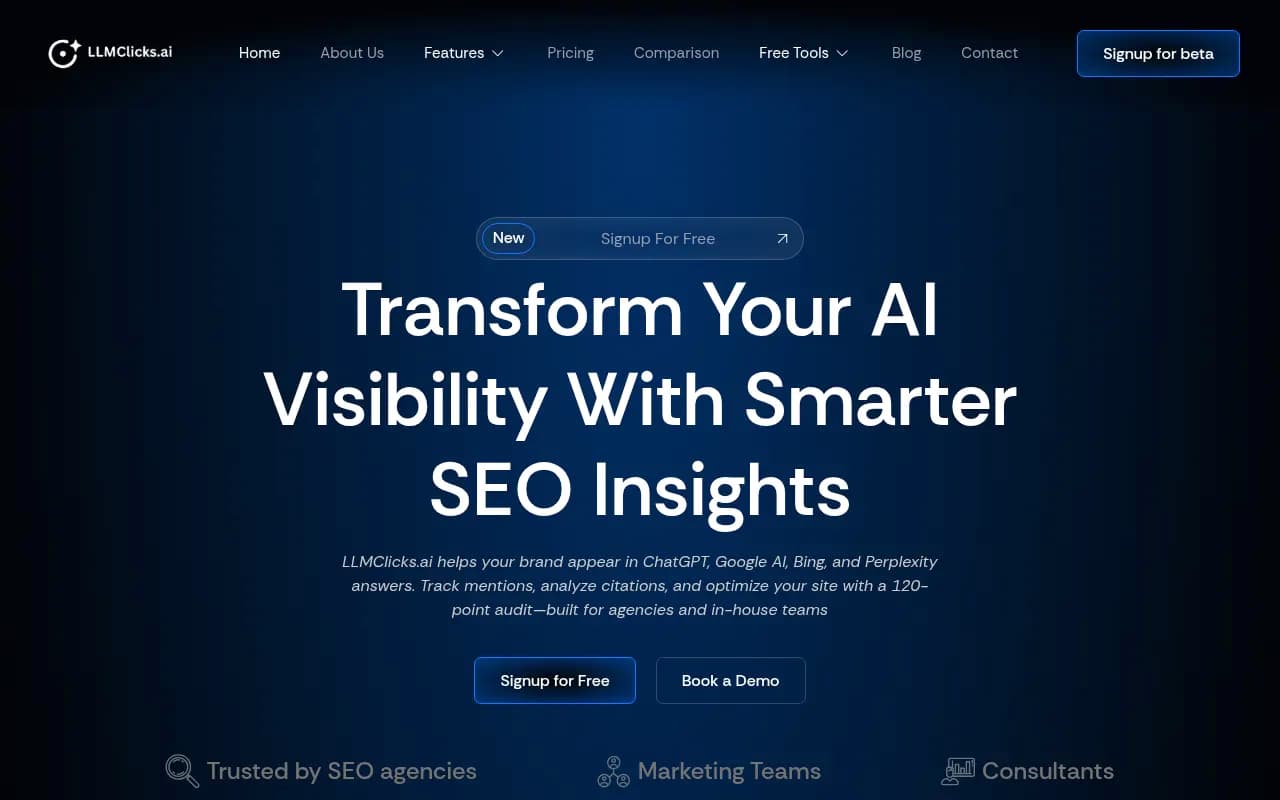

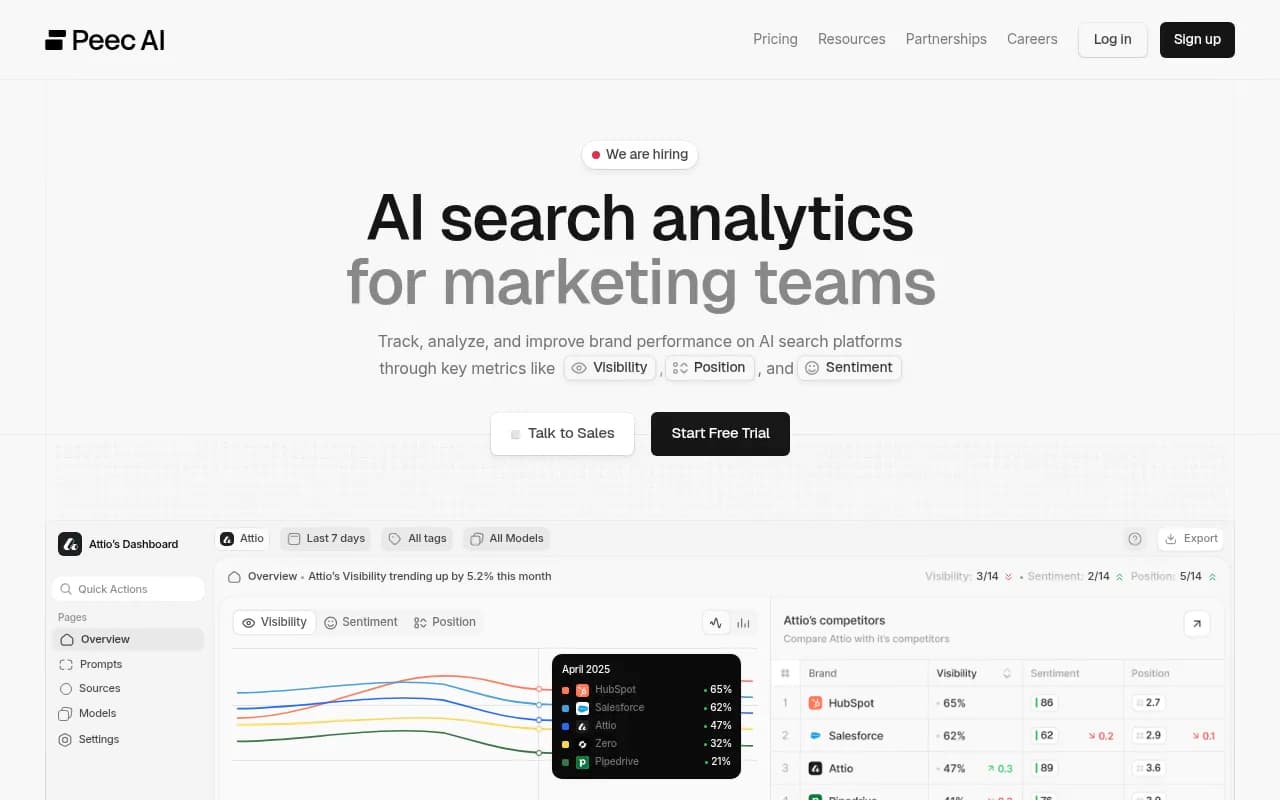
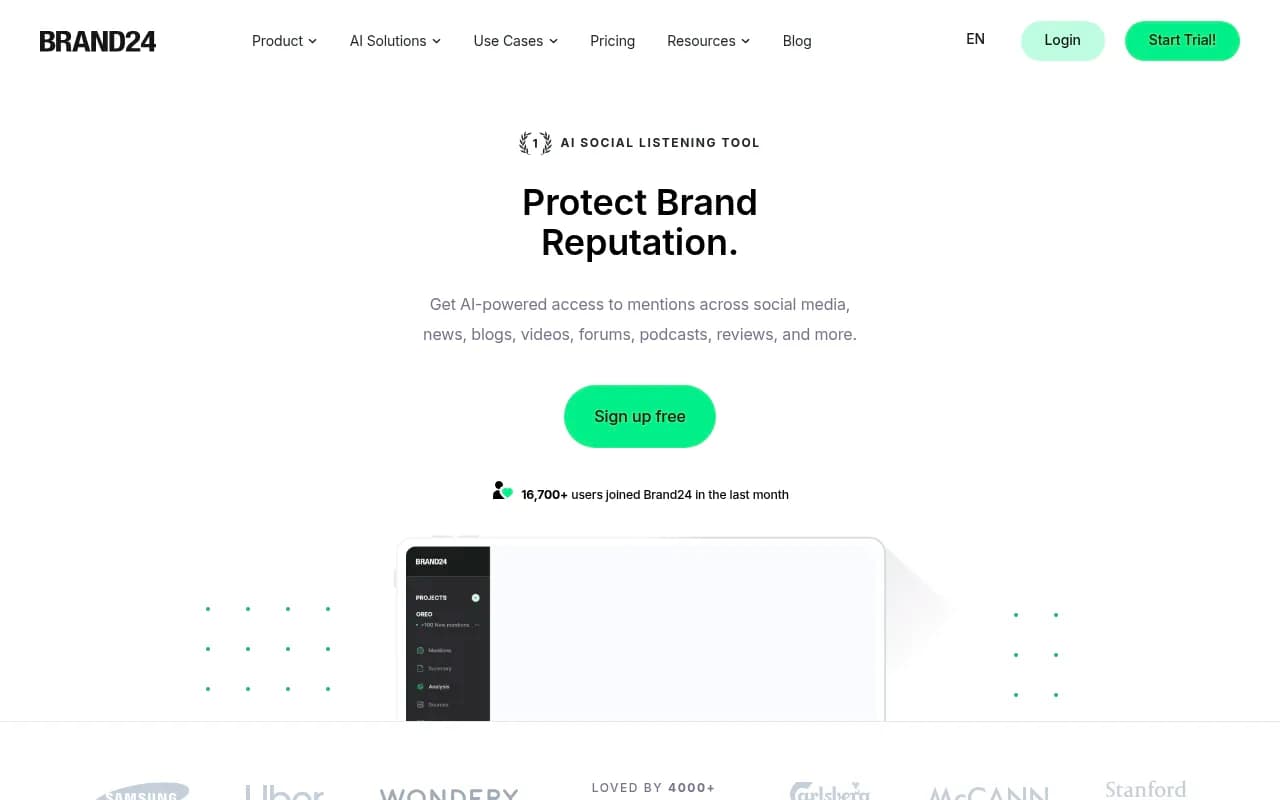
Traditional listening tools like Brand24 and Meltwater tell you what people say on the web. They don't tell you what ChatGPT says, or which of your pages taught it. Trackers like Otterly.AI and Peec AI show you the answers but stop before the fix. If you want to compare more options, the GEO software directory lists a wide range of AI visibility tools.
Pricing for Promptwatch starts at $95 per month on Essential, with Fact Check available from Business at $579 per month. Confirm current plans at promptwatch.com/pricing. There is also a 7-day free trial on monthly billing, and a free AI visibility report if you only want a first look.
A weekly operating rhythm
Once the setup is done, the maintenance is light. A team of one or two can run it in an hour or so a week.
- Monday: review new conflicting claims and rank them by how many engines repeat them.
- Midweek: assign fixes and publish corrections to your own pages.
- Friday: check crawler activity on the pages you changed.
- Monthly: re-run resolved claims, update your prompt set with new buyer questions, and refresh pricing and feature pages after any product change.
The most useful habit is tying the workflow to your release process. Every pricing change, new plan, rebrand or feature launch should trigger a quick sweep of pages that mention the old version. Most AI misinformation about companies is just stale content with a delay.
What this won't solve
A fact check workflow doesn't cover everything. It won't give you legal remedies for defamation, and I'd talk to counsel for anything that crosses that line. It won't force a model to unlearn something from training data, and it won't make a third party edit its page. Some claims will be opinions rather than facts, and those belong in a reputation conversation, not a correction.
What it does is shrink the part you can control. If your own site is consistent, crawlable and clear, and you've challenged the third-party sources one by one, the wrong answers get rarer and the right ones get repeated. That's the realistic goal.
Quick checklist
- Build 30 to 50 branded, comparison and category prompts.
- Run them across at least ChatGPT, Perplexity, Gemini and AI Overviews.
- Extract and group claims, keeping quotes and sources.
- Mark each claim confirmed or conflicting against your site and cited pages.
- Sort errors by origin: your site, a third party, or social.
- Write a one-sentence true statement per error and update every conflicting page.
- Confirm AI crawlers can read the updated pages.
- Re-check at 7, 30 and 60 to 90 days.
- Add a sweep to every product or pricing change.
If you'd rather hand the whole program to specialists, an agency that offers AI search and GEO services can run the workflow for you, and the same data-driven approach applies either way.