Key takeaways
- Claude Code and Codex often choose a library or service for the developer and write the install command themselves, so a recommendation becomes a dependency.
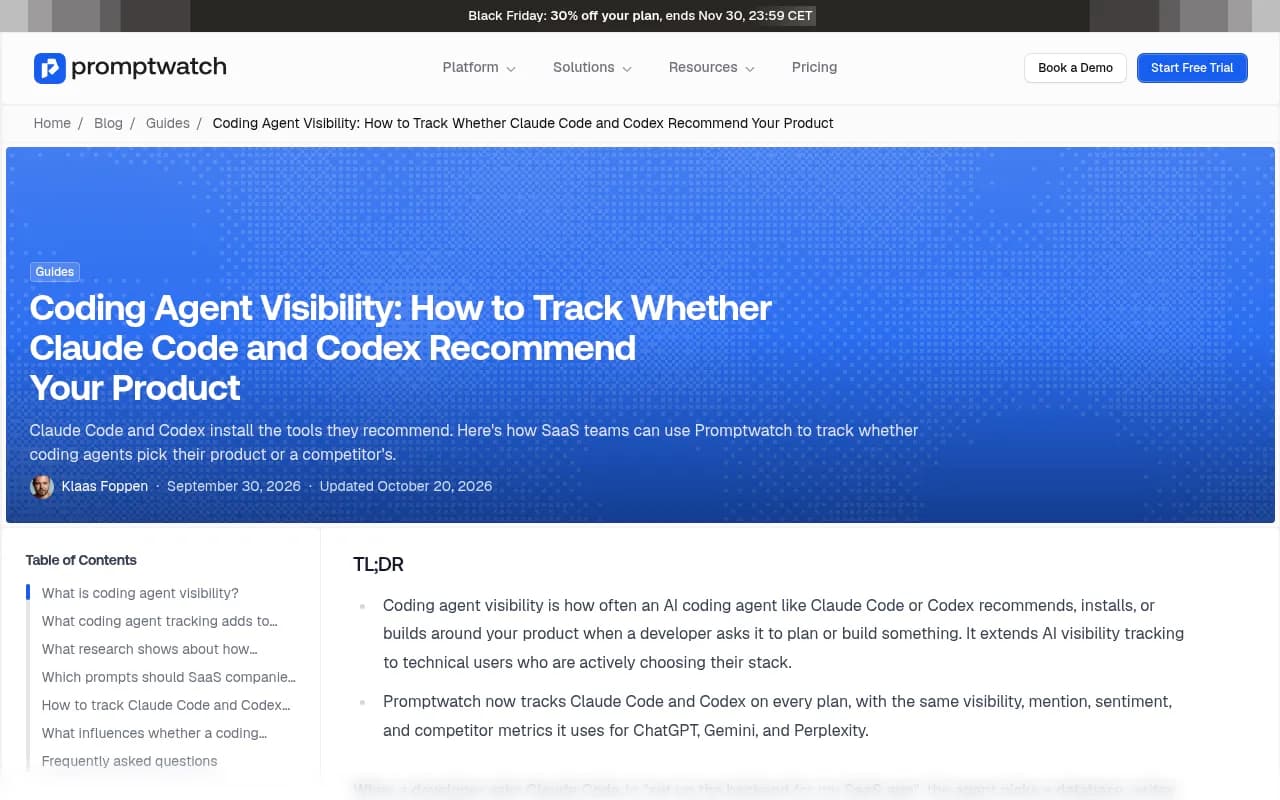
- The two agents disagree a lot. In a September 2026 study by Armature, Claude Code, Codex, and Cursor picked the same tool in only 42% of cases, so you need to measure each one separately.
- Setup is simple: add both agents to a monitor, write implementation-style prompts, and read the results next to ChatGPT and Gemini.
- Query fanouts show what each agent searches for and whether your docs appear. Crawlable, current docs and setup guides are what agents read and cite most.
- Usage and spend trackers like ccusage are a different category. They measure what your team spends on agents, not whether agents recommend you.
Why coding agent visibility is its own problem
When a developer types "set up the backend for my SaaS app" into Claude Code, the agent picks a database, an auth provider, and a hosting option. Then it writes the install commands. The developer may never open a browser or read a comparison post.
That is a very high-intent moment, and it is easy to miss. Your analytics will not show it. Your search rankings will not explain it. The only way to know what happened is to ask the agents the same questions your buyers ask, repeatedly, and record the answers.
There is also a lock-in effect. Once Codex adds your package to a project, replacing it later costs the developer time. The tool an agent picks on day one tends to stay. Code built around your SDK then produces tutorials, repos, and forum threads that mention your SDK, and those become sources future agents learn from. A miss compounds the same way a win does.
I would not call this a niche concern anymore. If you sell an API, SDK, database, auth service, or any developer-facing product, coding agents are now a distribution channel you either measure or ignore.
Claude Code and Codex are not the same audience
The research here is worth taking seriously, with a caveat: the figures below come from Armature's September 2026 study as cited by Promptwatch, and I have not checked them against the original.
- Claude Code, Codex, and Cursor chose the same tool in only 42% of cases.
- Codex used web search in about 94% of sessions. Claude Code used it in about 30%.
The practical read: Codex's picks are more likely to reflect what is live on the web today, including your docs and recent comparison pages. Claude Code leans more on what the model already knows, so its picks shift more slowly. Fixing a docs page might move Codex within weeks and Claude Code only after a model update. Tracking just one of them leaves you blind to the other.
What you need before you start
- A list of the tasks developers use your product for ("add auth", "send transactional email", "store vectors").
- Your top three to five competitors, including the build-it-yourself option, since agents often write custom code instead of recommending any vendor.
- Access to your docs site, robots.txt, and CDN or server logs.
- A tool that can run prompts against the actual coding agents on a schedule.
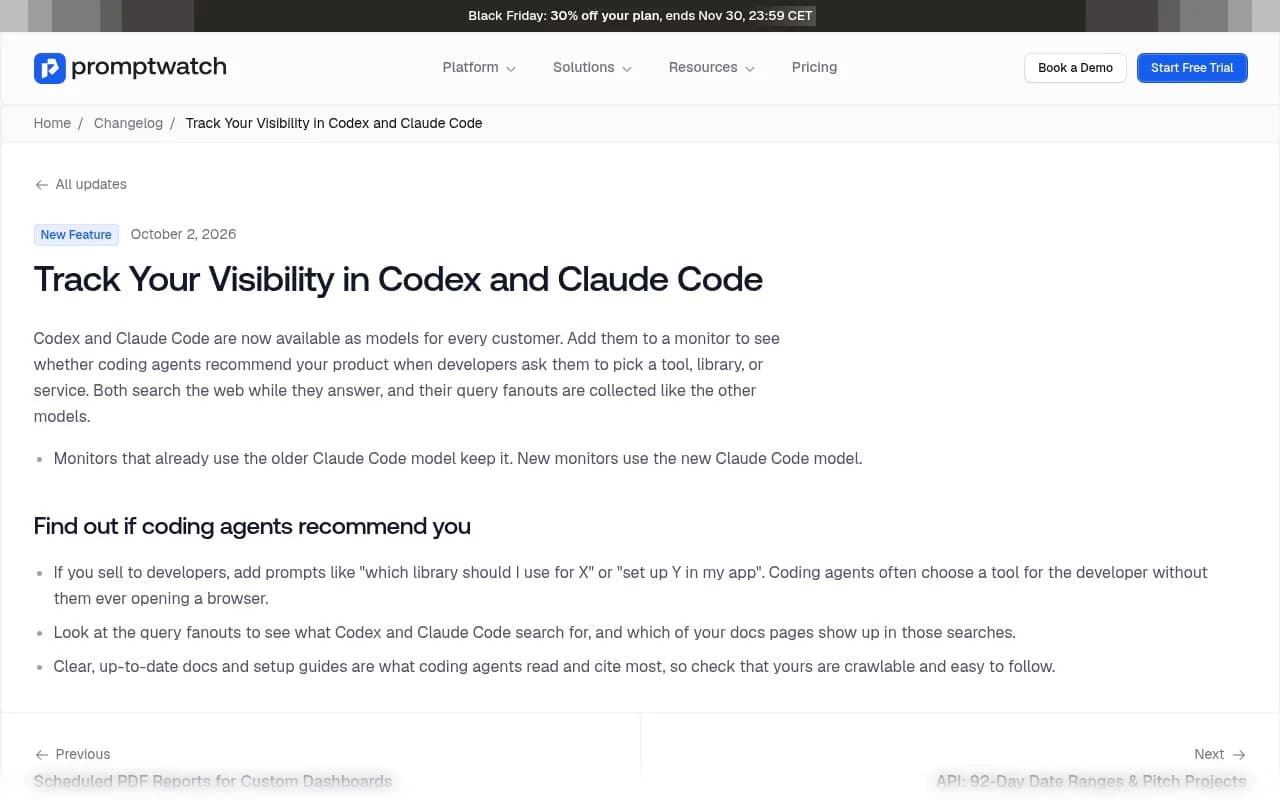
On the tooling side, you have a few options. Promptwatch added Codex and Claude Code as tracked models for every customer on October 2, 2026, and tracks them with the same visibility, sentiment, and competitor metrics it uses for ChatGPT, Gemini, and Perplexity.

The rest of this guide uses Promptwatch for the walkthrough because that is the setup I have the most detail on. The method (prompt set, competitor benchmark, fanout review, docs fixes) works with any tool that supports these agents. Other trackers exist, including Lightsage, which claims coverage of 23 platforms including 12 coding agents; I have not verified that, so check it yourself. For a broader view of the category, the GEO software directory at bestgeosoftware.com lists alternatives.
Step 1: Add Claude Code and Codex to a monitor
In Promptwatch, a monitor is a panel of prompts that runs across the models, countries, and languages you pick. A monitor's language and location are fixed once created, so create a separate one for each market.
- Create a new monitor for your developer-facing prompts.
- Add Claude Code and Codex from the model list.
- Add ChatGPT and at least one more chat assistant. This lets you compare what developers hear in chat with what agents actually build.
- Set country and language. Most dev-tool teams start with the US and English.
Two notes from the changelog. Monitors that already used the older Claude Code model keep it, while new monitors get the new Claude Code model. So if you have an old monitor, do not assume its history compares cleanly with a fresh one. Also, both agents search the web while they answer, and their query fanouts are collected like the other models.
One limit on Brands plans, per the Promptwatch blog: each project actively tracks 4 models at a time, picked from the full list. Agency plans track all models at once. Check promptwatch.com/pricing for current plan details.
Step 2: Write prompts the way agents get asked
This is where most people go wrong. They paste their usual marketing keywords, such as "best email API". Developers do not talk to coding agents that way. They give instructions.
Build a prompt set across four types:
| Prompt type | Example | What it tells you |
|---|---|---|
| Selection | "Which library should I use for background jobs in Node?" | Whether you make the shortlist |
| Implementation | "Add payments to my Next.js app" | Whether the agent installs your SDK |
| Architecture | "Set up the backend for my SaaS app" | Whether you appear in the plan |
| Competitor comparison | "Compare [your tool] and [competitor] for my project" | How you are framed against the leader |
A few habits that help:
- Write 5 to 10 prompts per use case, not one. Agents vary run to run.
- Include the stack in the prompt (framework, language, hosting). Agents answer differently for Python than for Rails.
- Add branded prompts too, like "set up [your product] in my app", to see whether the agent can actually do it correctly.
- Add Competitor Comparison prompts so the competitor heatmap has something to compare.
The coding agent visibility questions boil down to four checks: is your product in the plan, is it the default or an alternative, does the agent build instead of buy, and how does the agent describe you.
Step 3: Read the metrics the right way
Once prompts run, Promptwatch reports the usual metrics for each model. Read them together rather than chasing one number.
| Metric | What it tells you | If it is low |
|---|---|---|
| Visibility Score (0-100) | Placement, share of attention, and depth in each response | You are absent or buried |
| Share of Voice | Your slice of all brand mentions | Coverage problem |
| Position | Where you land among brands in an answer | Prominence problem |
| Sentiment | How the agent describes you | Reputation or docs problem |
A responses-that-don't-mention-you-count-as-zero rule applies to Visibility Score, so a new product will start low. That is normal. What matters is the trend and the gap versus the competitor you care about. The Visibility Score explainer and the metrics overview in the Promptwatch Academy cover the definitions.
Split every chart by model. If Codex recommends you 40% of the time and Claude Code 5%, that tells you something specific: live web content is working, and model memory has not caught up. If it is the reverse, your docs may be hard for a search-driven agent to find.
Step 4: Study the query fanouts
This is the most useful part for dev-tool teams. Because both agents search the web, you can see what they search for and which of your pages appear in those searches. Promptwatch explains the concept in its query fanouts guide.
Look for three patterns:
- Searches that name your competitors but not you. Those are comparison pages you may not have.
- Searches phrased like errors or setup steps ("configure X webhook signature verification"). Those are docs you need.
- Searches where your docs rank but a third-party tutorial gets cited instead. Your page may be hard to parse.
A caution on numbers. Promptwatch Data has ChatGPT query fanout figures, but they are for ChatGPT, not for Codex or Claude Code. The charted averages there ran around 2.15 searches per response in early December and 1.84 by early March, with average query length falling to about 53 characters after April. Treat those as a rough proxy for how OpenAI-style web search queries look, not as coding-agent behavior. The same page text claims "3-8+" searches per prompt, which conflicts with the charts, so I would cite the charted averages.
The writing advice from that data still applies: headings that read like short search queries, entity and category up front in titles and H2s, and focused pages for "X vs Y", pricing, alternatives, and how-tos.
Step 5: Fix what agents read
The Promptwatch changelog says clear, up-to-date docs and setup guides are what coding agents read and cite most. That matches common sense. An agent in the middle of a task wants a page that gives it a working snippet.
A short checklist:
- Keep a current quickstart for each major framework, with copy-pasteable install and init commands.
- Put version numbers and dates on pages, and update them when you ship breaking changes.
- Publish comparison and migration pages. Agents search for them.
- Check robots.txt, CDN, and WAF rules. A blocked docs subdomain is invisible to a search-driven agent.
- Do not rely on markdown tricks. Promptwatch Data found that markdown files make up just 0.05% of AI search citations; that is a finding about AI search, and markdown may still matter for agents that fetch files directly, but do not bet on it alone.
For crawler checks, AI crawler traffic data from Promptwatch Data (June 8 to September 6, 2026) shows OpenAI at 79.8% of verified AI crawler requests in the week of August 31 to September 6, down from 94.8% in the week of June 8. Compare your own logs to that mix. If a provider is a big share of the market but near zero in your logs, you are probably blocked or unreachable for it. Promptwatch's AI crawler logs work with Cloudflare, Vercel, Fastly, and raw server logs, and the free AI crawler URL inspector is a quick first check.
For software prompts specifically, Promptwatch's software citation report (Sep 28 to Oct 4, 2026) found GitHub, Microsoft's docs, and G2 lead ChatGPT citations, with documentation and help centers earning the largest share. That is ChatGPT again, not a coding agent, but it hints at where dev-tool citations come from: docs, repos, and review sites.
Step 6: Close the loop
Tracking once is a snapshot. The value comes from repeating it.
- Prompts run daily on every Promptwatch plan. Business and Agency Scale plans can run monitors every 12, 6, or 1 hours, useful around a launch.
- Use the Action Board for prioritized content gaps, and Content Refresh for updating existing docs pages.
- Watch the Page Tracker on your quickstart pages to see which prompts cite them.
- Add visitor analytics to see whether AI-referred developers reach your site and sign up. Note that ChatGPT stopped sending a referrer on October 8, 2026, so an optional setting counts visits tagged utm_source=chatgpt.com.
If you want hands-off execution, the Content Agent on Business plans plans, writes, and publishes against visibility gaps to WordPress, Webflow, or Framer, with a review inbox if you want to approve each piece.
Don't confuse this with usage tracking
Searching for this topic turns up a lot of pages about tracking Claude Code and Codex usage: tokens, limits, and spend. Those are useful, but they answer a different question (what are our engineers spending?) than visibility (do agents recommend us?).
| Category | Examples | Question it answers |
|---|---|---|
| Visibility tracking | Promptwatch, Lightsage | Does the agent recommend my product? |
| Local usage trackers | ccusage, CodeBurn, Tokscale | How many tokens did I use? |
| Session dashboards | ccdeck | What are my agent sessions doing? |
| Team spend platforms | TokenShift by PointFive | What does my team spend on agents? |
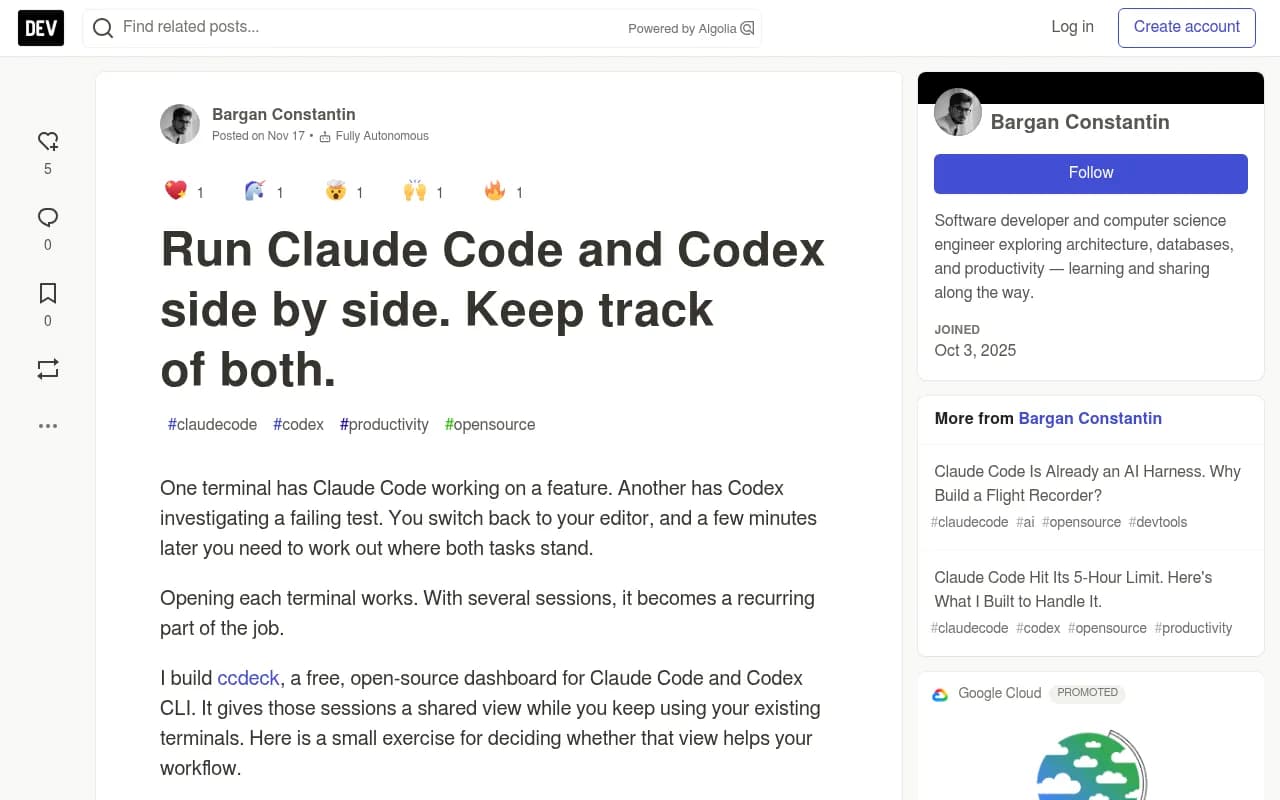
ccdeck, a free open-source dashboard, gives a shared view of Claude Code and Codex sessions on your own machine. It is handy for running both agents in parallel. It also sends usage reports by default unless you set AGENTS_DECK_NO_REPORTS=1, so read its first-run guide. Useful, just not for visibility.
A realistic first month
| Week | Task |
|---|---|
| 1 | Create the monitor, add Claude Code, Codex, ChatGPT, and one more model. Load 30 to 50 prompts. |
| 2 | Read the first results. Note where competitors win and where the agent builds custom code. |
| 3 | Review fanouts. List the missing docs, comparison, and migration pages. |
| 4 | Ship or refresh the top five pages. Check crawler access. Set the baseline for next month. |
Expect noise early. Agents give different answers on repeat runs, so judge by averages over a few weeks, not a single response.
Frequently asked questions
Can I track whether Codex recommends my product over the market leader?
Yes. Add Codex to a monitor, write Competitor Comparison and organic prompts for your category, and the competitor heatmap shows which tool Codex picks, prompt by prompt.
Why do Claude Code and Codex recommend different tools?
They run on different models, are trained differently, and research differently. Per the Armature study cited above, Codex used web search far more often than Claude Code. Each needs its own tracking.
Do I need a paid plan?
Codex and Claude Code tracking is available on every Promptwatch plan. Plans start with Essential at $95/month, with a 7-day free trial on monthly billing; confirm current details at promptwatch.com/pricing. A free AI visibility report is also available, though it covers ChatGPT, Gemini, and Perplexity rather than coding agents.
Is there any Promptwatch data on coding agents specifically?
Not yet as a standalone report. The Promptwatch Data hub has the closest related research, and the figures above are labeled by what they actually cover.
Bottom line
Add both agents, write prompts that sound like developer instructions, read the fanouts, and fix the docs the agents actually search for. Do it for each agent separately, because they will not agree with each other. Then repeat monthly, since the answers drift as models and docs change.