Key takeaways
- Google AI Overviews don't always show the same results on mobile and desktop -- your brand could be cited on one and completely absent on the other.
- Manual checking has real limits: you need to clear cookies, use incognito mode, simulate different devices, and repeat across multiple queries to get reliable data.
- The frequency and format of AI Overviews vary by query type, device, and even the user's location and search history.
- Tracking this at scale requires dedicated tools -- manual spot-checks are fine for a quick audit but won't catch everything.
- Getting cited in AI Overviews is increasingly tied to content quality, topical authority, and how well your pages answer specific questions -- not just traditional ranking signals.
Why mobile vs desktop matters more than you think
Most SEOs and brand managers check their Google visibility on a desktop browser. That's understandable -- it's easier to screenshot, easier to copy text, easier to work with. But Google's AI Overviews don't always behave the same way across devices, and that gap can quietly cost you.
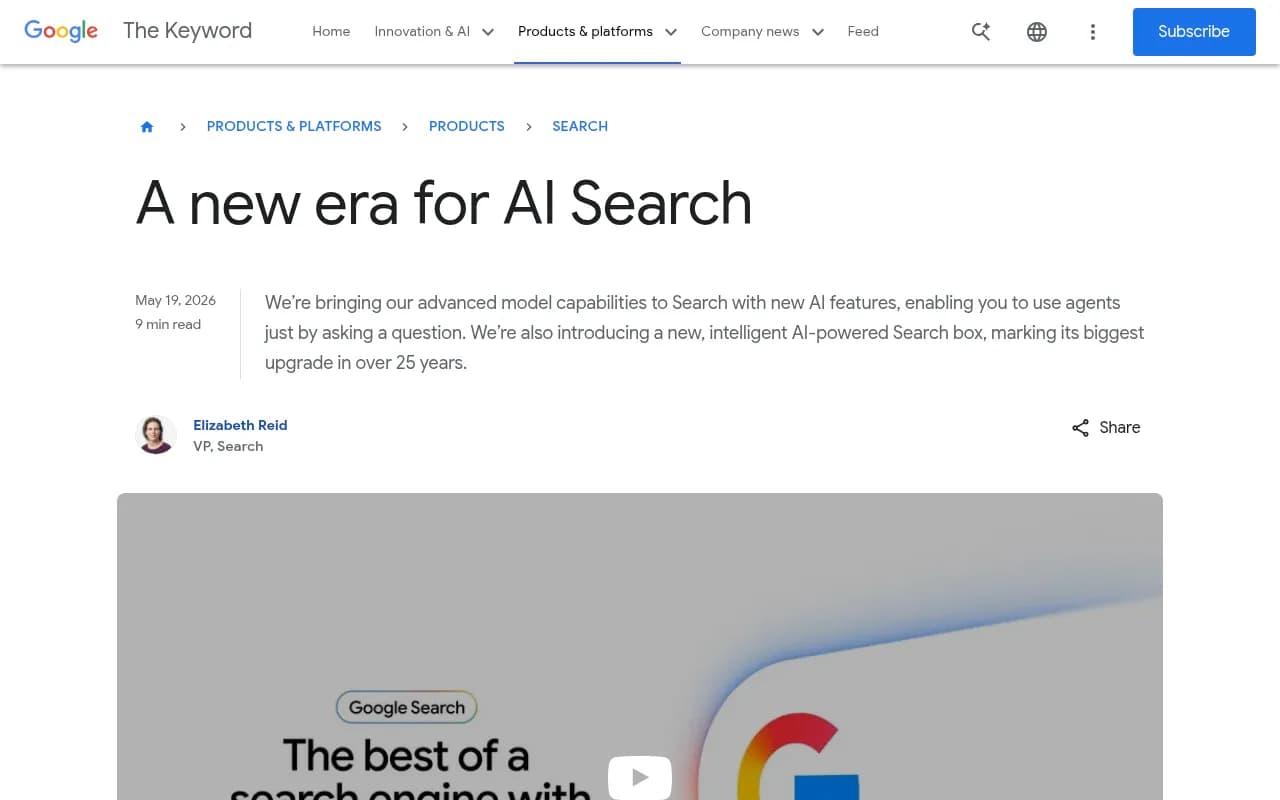
Google announced at I/O 2026 that Search is entering what it calls "a new era" -- AI agents, a redesigned search box, and deeper integration of Gemini across the entire search experience. That means AI Overviews are becoming more prominent, more varied, and more context-dependent. The version a user on an iPhone sees while commuting may look nothing like what a desktop user sees at their desk.
There are a few concrete reasons why mobile and desktop AI Overviews diverge:
- Screen real estate is different. Mobile overviews tend to be shorter and more collapsed by default, with a "Show more" tap required to see full citations.
- Google personalizes results based on device context, location signals, and browsing behavior. A mobile user in a city gets different signals than a desktop user at an office.
- Some query types trigger AI Overviews far more on mobile (quick factual lookups, local queries) while others appear more consistently on desktop (research-heavy or commercial queries).
- Google has been rolling out new AI features in waves, and mobile often gets them first -- or differently.
If you're only checking one device, you're working with half the picture.
How to manually check for your brand in Google AI Overviews
Before reaching for a tool, it's worth knowing how to do this manually. It's imperfect, but it gives you a real sense of what users actually see.
Step 1: Choose your target queries
Start with a list of 10-20 queries where you'd expect your brand to appear. These might be:
- Your brand name directly ("YourBrand reviews", "YourBrand pricing")
- Category queries ("best [product category] software")
- Problem-based queries ("how to [problem your product solves]")
- Comparison queries ("YourBrand vs CompetitorBrand")
Be specific. "Best CRM" is too broad to be useful. "Best CRM for small agencies" is more likely to trigger an AI Overview with actual citations.
Step 2: Set up a clean desktop check
Open an incognito or private browsing window. This removes your personal search history from the equation. Go to google.com and search each query. Note:
- Does an AI Overview appear at all?
- Is your brand mentioned in the overview text?
- Is your site cited as a source (the expandable cards below the overview)?
- Where in the overview does your brand appear -- early, late, or not at all?
Take screenshots. AI Overviews are dynamic and can change between searches.
Step 3: Simulate mobile on desktop
In Chrome, open DevTools (F12 or right-click > Inspect), then click the device toggle icon to switch to mobile view. Set the device to "iPhone 14" or similar. Now search the same queries.
This isn't perfect -- Google can detect DevTools emulation -- but it gives you a rough comparison without needing a physical phone.
Step 4: Check on an actual mobile device
Use a real phone in incognito mode. Search the same queries. Compare what you see to the desktop results. Pay attention to:
- Does the AI Overview appear at all on mobile for this query?
- Is the overview shorter or collapsed?
- Are the same sources cited, or different ones?
- Does your brand appear in the mobile version but not desktop, or vice versa?
Step 5: Test across locations
If your business serves multiple regions, this matters a lot. AI Overviews pull different sources depending on geographic context. A query searched from New York may surface different citations than the same query from London. You can use a VPN to approximate this, though Google's location signals go beyond just IP address.
What you're actually looking for
There are two distinct ways your brand can appear in an AI Overview, and they're not the same thing:
Citation (source card): Your website URL appears as one of the expandable source cards below the overview text. This means Google pulled information from your page to help construct the answer.
Brand mention: Your brand name appears in the overview text itself, even if your site isn't cited. This can happen when Google summarizes information from third-party sources that mention you -- reviews, comparisons, Reddit threads, news articles.
Both matter. A brand mention without a citation still puts your name in front of users. A citation without a mention means your page contributed to the answer but your brand name wasn't surfaced. Ideally, you want both.
According to research from Surfer SEO, about 70% of AI Overview sources come from the top 10 organic results -- but brand mentions inside the overview text often drive more direct business impact than citations alone. That's a useful frame: getting cited is good, but getting named is better.
Common reasons your brand appears on desktop but not mobile (or vice versa)
This is the part that trips people up. If you're visible on desktop but invisible on mobile, a few things might be happening:
- Your pages aren't mobile-optimized. Google's mobile crawler is separate from desktop, and if your content renders poorly on mobile, it may be deprioritized.
- The query triggers a different AI Overview format on mobile -- sometimes a shorter, more curated version that cites fewer sources.
- Mobile users in your target market are searching with slightly different phrasing. "Best project management tool" on desktop vs "best project management app" on mobile -- these can pull different overviews.
- Your competitors have better mobile page speed, and Google's ranking signals for mobile favor them.
The reverse (visible on mobile, not desktop) is less common but does happen, usually when a query has strong local intent that mobile searches amplify.
The limits of manual checking
Manual checking is fine for a quick audit. But it has real problems at scale:
- AI Overviews are dynamic. The same query can return different overviews minutes apart.
- You can't check 200 queries manually every week.
- You can't easily track changes over time.
- You can't see what your competitors are being cited for that you're not.
- You can't distinguish between a one-off appearance and consistent citation.
This is where dedicated tracking tools become necessary.
Tools for tracking your AI Overview visibility
Several tools now track Google AI Overview appearances specifically, and some go further to cover other AI search engines too.
Here's a comparison of the main options:
| Tool | AI Overview tracking | Mobile vs desktop | Competitor comparison | Content gap analysis | Price range |
|---|---|---|---|---|---|
| Promptwatch | Yes | Yes | Yes | Yes (Answer Gap) | From $99/mo |
| Otterly.AI | Yes | Limited | Basic | No | From ~$49/mo |
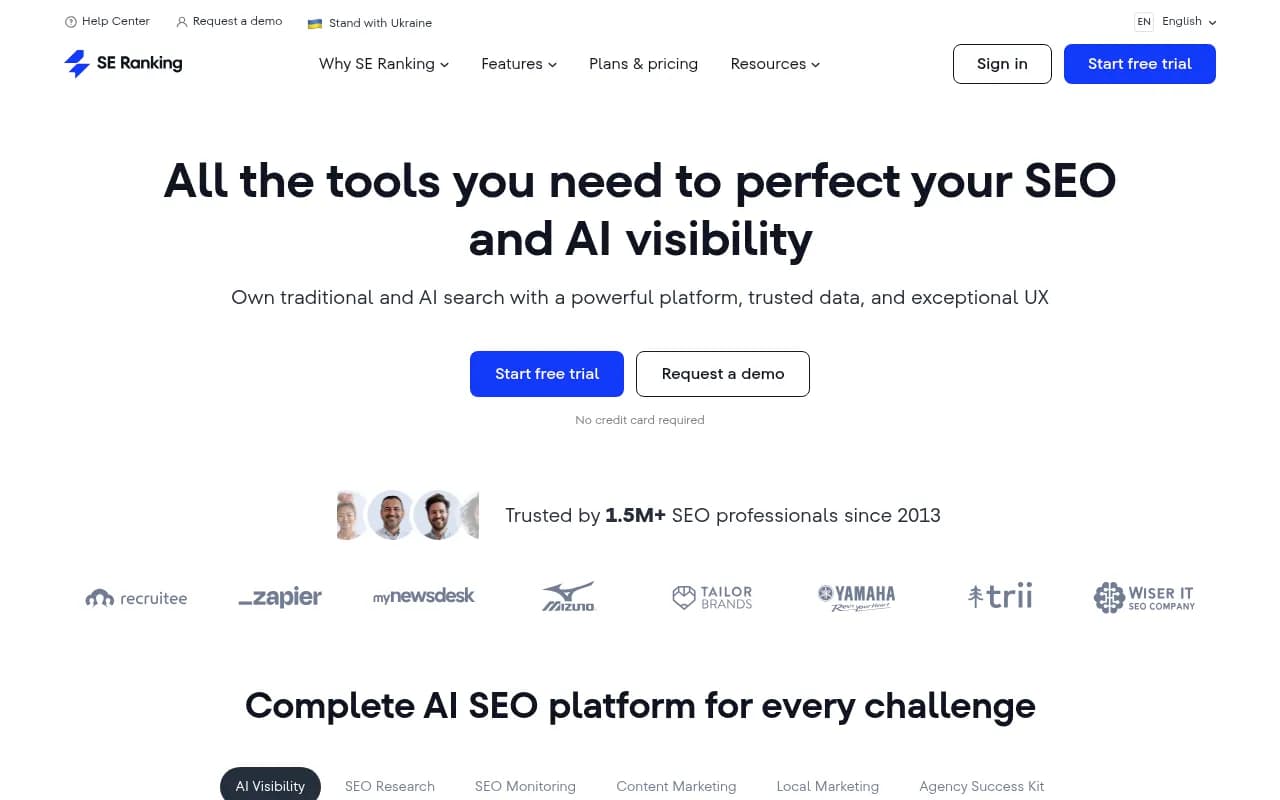
| SE Ranking | Yes | Limited | Yes | No | From $65/mo |
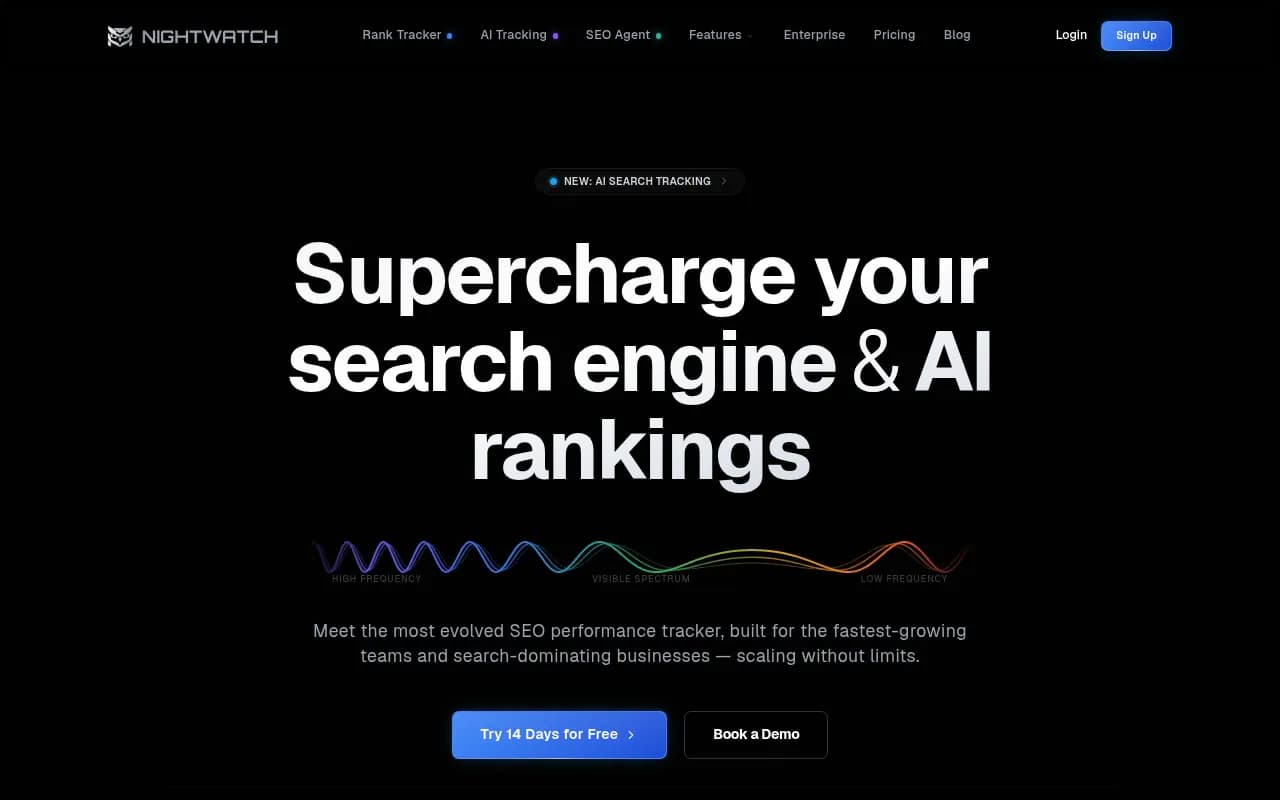
| Nightwatch | Yes | No | Limited | No | From $39/mo |
| Semrush | Partial | No | Yes | No | From $140/mo |
| Ahrefs Brand Radar | Partial | No | Limited | No | Included in plans |
| Profound | Yes | Limited | Yes | No | Higher tier |
For teams that want to go beyond just seeing whether they appear and actually do something about it, Promptwatch is worth looking at closely. It tracks AI Overviews alongside nine other AI models, shows you which specific pages are being cited, and -- this is the part most tools skip -- helps you identify exactly which content gaps are causing you to miss citations. The Answer Gap Analysis shows you which prompts your competitors are visible for that you're not, so you can prioritize what to create or update.

For simpler monitoring needs, Otterly.AI and Nightwatch are solid entry points.

SE Ranking has also built out decent AI visibility tracking as part of its broader SEO suite.
How to interpret what you find
Once you've done your checks (manual or tool-assisted), here's how to make sense of the results:
You appear on both desktop and mobile: Good. Focus on whether you're appearing early in the overview or buried at the end, and whether you're cited or just mentioned.
You appear on desktop but not mobile: Check your mobile page speed and Core Web Vitals. Also look at whether the queries you're targeting have different mobile search intent. Consider whether your content is optimized for the shorter, more direct answers that mobile overviews tend to favor.
You appear on mobile but not desktop: Less common. Usually means your content is answering a more local or immediate query type. Worth investigating whether the desktop version of the query is pulling from different, more authoritative sources.
You don't appear on either: This is the starting point for a content gap audit. Look at what sources Google is citing for your target queries. Are they blog posts? Reddit threads? Comparison sites? That tells you where to focus your content efforts.
You appear inconsistently: AI Overviews are probabilistic -- they don't always show up, and when they do, the sources can rotate. Consistent tracking over weeks gives you a more accurate picture than any single check.
Practical steps to improve your visibility in AI Overviews
Checking is only useful if you act on what you find. Here's what actually moves the needle:
Answer specific questions directly
AI Overviews are built to answer questions. If your content buries the answer in the fifth paragraph, Google may skip it in favor of a page that leads with the answer. Structure your content so the direct answer comes first, then the supporting detail.
Use structured data where relevant
FAQ schema, HowTo schema, and Article schema help Google understand what your content is about. They don't guarantee an AI Overview citation, but they make it easier for Google to extract the right information.
Build topical depth, not just individual pages
Google's AI Overviews tend to cite sources that demonstrate real expertise on a topic. A single well-optimized page is less compelling than a site that covers a topic comprehensively from multiple angles. If you want to be cited for "best CRM for agencies," you probably need content on agency workflows, CRM comparisons, onboarding guides, and use cases -- not just one landing page.
Monitor third-party mentions
Your brand can appear in AI Overviews through sources you don't control -- G2 reviews, Reddit discussions, comparison blogs, YouTube videos. Tracking which external sources Google is pulling from helps you understand where to invest in PR and community presence.
Check for crawl issues
If Google's AI crawlers can't access your pages, they can't cite them. Tools that provide crawler logs -- showing when AI agents visit your site, which pages they read, and what errors they encounter -- can surface technical issues that are silently blocking your visibility. Promptwatch includes this through its AI Crawler Logs feature, which most monitoring tools don't offer.
A note on AI Overviews in 2026
Google's I/O 2026 announcements made clear that AI Overviews are not a temporary experiment. They're becoming the primary interface for a large share of queries. Elizabeth Reid, Google's VP of Search, described the goal as combining "the best of a search engine with the best of AI" -- which in practice means AI-generated answers are increasingly the first and sometimes only thing users read.
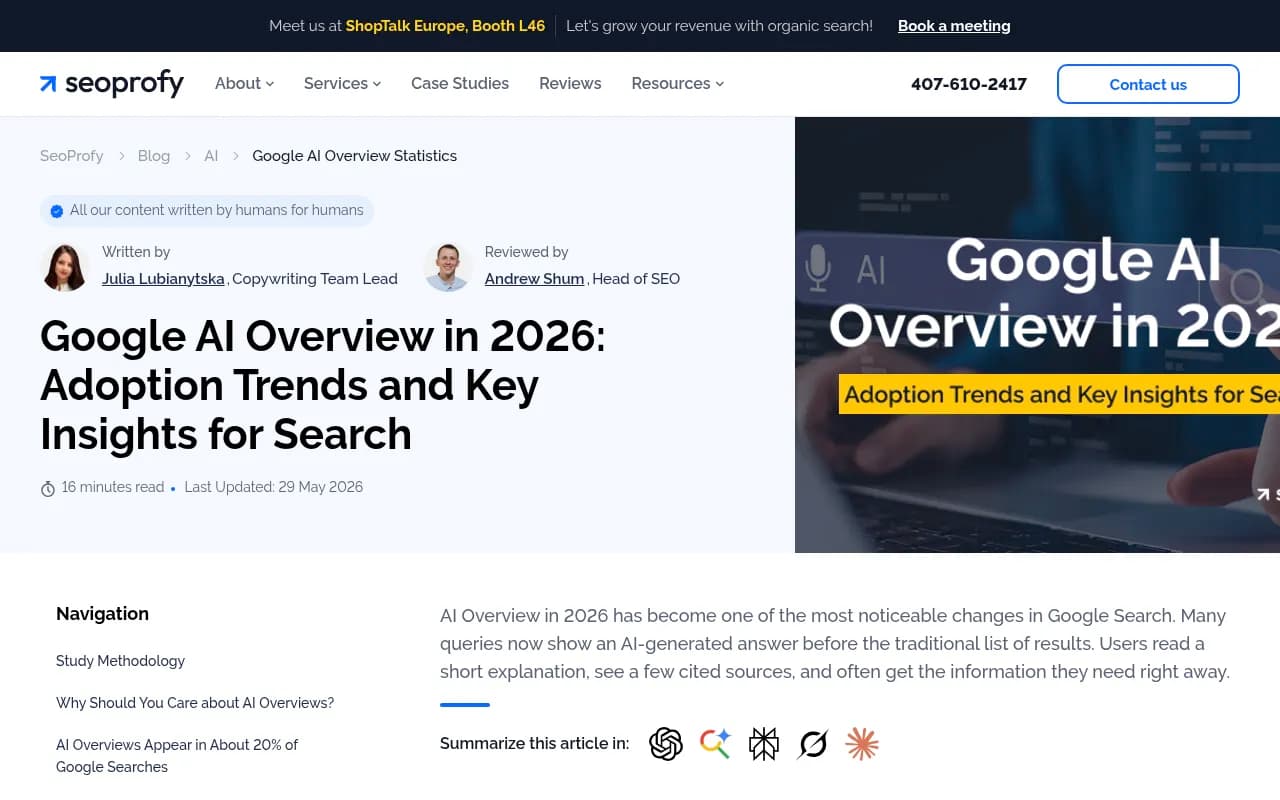
SeoProfy's 2026 data shows AI Overviews now appear on a significant share of queries across categories, with adoption continuing to grow. The mobile/desktop gap is real and documented -- mobile users are seeing AI Overviews on a higher percentage of their searches, partly because mobile search behavior skews toward quick, direct answers.
The brands that will win in this environment are the ones treating AI visibility as a discipline in its own right -- not an afterthought to traditional SEO. That means tracking it systematically, understanding the mobile/desktop split, and having a process for closing the gaps you find.
Where to start
If you haven't checked your AI Overview visibility at all, start with a manual audit using the steps above. Pick 20 queries, check on both desktop and mobile in incognito, and document what you find. That baseline will tell you whether you have a problem worth solving.
If you're already tracking and want to go deeper -- especially on the mobile/desktop split, competitor comparison, and content gap analysis -- a dedicated platform will save you significant time and give you data you simply can't get manually. The tools listed above are the right starting point for that conversation.
The one thing to avoid is assuming your desktop visibility tells the whole story. It doesn't.