Key takeaways
- Most AI visibility problems that look like content problems are access problems: a robots.txt line, a CDN bot rule, a firewall challenge, or a page that is empty until JavaScript runs.
- AI companies run separate bots for training, search indexing and user-triggered fetches. Blocking the wrong one can remove you from answers without stopping training.
- Third-party studies put accidental blocking at roughly a quarter or more of sites, but those numbers are shaky. Check your own logs instead of trusting any benchmark.
- If a crawler cannot read your pages, the AI still answers questions about you. It just uses old training data, competitor pages, or forum posts.
- A one-afternoon audit (robots.txt, CDN settings, raw HTML, status codes, crawler logs) fixes most of it.
Why this is a config problem, not a content problem
You can rewrite every page, add specs, and earn mentions, and still be absent from ChatGPT because a file nobody has opened in four years says no. That is the pattern in most crawl-access write-ups I read while researching this, and it matches what I see when people ask why their great content never gets cited.
The tricky part is that your site looks perfect to you. You load it in a browser, the page renders, everything is fine. The crawler gets a 403, a challenge page, or an empty HTML shell.
Numbers in circulation are loud but soft. One B2B-focused article claims about 27% of sites accidentally block major AI crawlers through CDN rules, but that figure traces back to a Reddit thread, so treat it as a rough signal. Another source, Otterly's AI Citations Report 2026, says 73% of sites had technical barriers to AI crawler access across more than a million citations analyzed. I haven't verified either independently. The takeaway is not the exact percentage. It is that the problem is common enough that you should assume you might have it.
What happens when crawlers can't read you: wrong answers
This is the part people skip. A blocked page does not make the question go away. Someone still asks ChatGPT or Perplexity about your pricing, your features, or whether you serve their region. The model answers anyway.
Without your page, it falls back on whatever it can reach:
- training data that may be a year or more stale
- a competitor's comparison page that describes you in their favor
- a review site, directory or forum thread with an outdated claim
- a guess that sounds plausible
I could not find solid published data quantifying how many wrong answers come from blocked pages specifically, and I would be skeptical of anyone who quotes a clean number. What you can do is test it directly: ask the major assistants the factual questions your sales team hears every week, and compare to your real pages. If the wrong answer matches an old version of your site or a third-party page, that is your clue that the correct source is not being read.
That is the loop worth running: find the wrong claim, find which page should have corrected it, then check whether any AI bot actually fetched that page successfully.
Know your bots: training, search and user fetches
Before touching anything, get the distinction right, because the wrong fix does the opposite of what you want. AI companies run several crawlers with different jobs.
Promptwatch's tracked list of user agents gives a useful map:
| Provider | User agents to know |
|---|---|
| OpenAI | GPTBot, OAI-SearchBot, ChatGPT-User, OAI-AdsBot |
| Anthropic | ClaudeBot, Claude-User, Claude-SearchBot, claude-web |
| Google-Extended, Google-Agent | |
| Perplexity | PerplexityBot, Perplexity-User |
| Meta | Meta-WebIndexer, Meta-ExternalAgent, Meta-ExternalFetcher, FacebookBot |
| xAI | GrokBot, xAI-Grok, Grok-DeepSearch |
| Mistral | MistralAI-User, MistralAI-Index |
| Others | cohere-ai, DeepSeekBot |
Broadly, some bots collect data for model training, some build a search index so you can appear in answers, and some fetch a page live when a user asks a question. A blanket rule that blocks everything with "bot" or "AI" in the name will often catch the search and user-fetch agents too. If your goal is to stay out of training sets but still get cited, you need separate rules per agent, and you should read each operator's own documentation for what each agent does, since behavior changes.
The mix also shifts. Promptwatch Data's AI crawler traffic report (IP-verified requests, June 8 to September 6, 2026) shows OpenAI at 79.8% of verified AI crawler requests in the week of August 31 to September 6, down from 94.8% in the week of June 8 to 14. The same report covers Anthropic, Google, Perplexity and Mistral. And Promptwatch's Meta-WebIndexer data shows that crawler going from about 2.2% of tracked AI crawler requests in mid-July 2026 to 37.8% on August 9. If your robots.txt was written before that, it probably says nothing about it.
There is a cost side too. One person reported server load alerts from Meta's crawling, though that is an allegation about Meta building a search index, not a confirmation. If your infrastructure bills per request, budget for sustained crawl load rather than blocking blindly.
The seven places a crawler gets stopped
The Anagram crawlability checklist frames it well: the blocker is usually a stack of small decisions, not one dramatic mistake.
| Blocker | What it looks like | Fix |
|---|---|---|
| robots.txt | Disallow: / for an AI user agent, or a wildcard rule that catches it | Write per-agent rules and document the policy |
| CDN or WAF bot management | 403, CAPTCHA, interstitial or JS challenge | Allow verified crawler IP ranges, review managed bot settings |
| Rate limiting | A few pages fetched, then 429s | Set crawler-specific thresholds |
| JavaScript-only content | Raw HTML is an app shell, answers appear after scripts run | Server-render or statically render key content |
| Hidden content | Pricing or FAQs inside tabs, modals or accordions loaded late | Put critical answers in the initial HTML |
| Indexability | noindex, wrong canonical, page missing from sitemap | Fix directives and discovery paths |
| Orphaned pages | No internal links point to the page | Link it from relevant hubs |
The CDN layer deserves extra attention. Bot management sits above robots.txt, so you can have a perfectly welcoming file and still block everything. One of the sources I read claims Cloudflare began blocking AI bots by default on ad-bearing pages for new customers, new sites and free accounts from 15 September 2026. I could not confirm that against Cloudflare's own documentation, so check your dashboard and Cloudflare's docs yourself rather than relying on my summary. Cloudflare has also reported millions of sites opting into AI crawler blocking through managed settings, per the same unverified secondary sources. The principle holds either way: a setting somebody clicked once, or that was switched on by default, can override your intent.
An afternoon audit, step by step
1. Read your robots.txt
Open yoursite.com/robots.txt and actually read it. Look for these patterns:
User-agent: *
Disallow: /

User-agent: GPTBot
Disallow: /
Then check whether you have separate entries for the search and user-fetch agents (OAI-SearchBot, ChatGPT-User, Claude-SearchBot, Perplexity-User) rather than only the training ones. Decide deliberately. A reasonable policy might be: allow search and user-fetch agents, make a conscious call on training agents, and write it down.
Free helpers exist for the drafting part, like the Robots.txt generator for AI and the AI bots and web crawlers directory, which lists 400+ agents with robots.txt guidance.
2. Check the CDN and firewall layer
Open the security or bots section of your CDN or host. Look for managed bot protection, "block AI bots" toggles, WAF rules that challenge unknown user agents, and rate limits. Check whether verified AI crawlers are allowed or challenged. This is where marketing teams rarely look and where the most surprising blocks hide.
3. View your page the way a crawler does
Many AI crawlers read the raw HTML and do not run scripts. Fetch the page without JavaScript (curl, or view-source) and look for your actual answer: price, specs, location, the claim you care about. If you see a loading spinner and an empty div, a bot sees the same thing. The AI crawler URL inspector can help test a specific URL.
If you cannot change your front-end quickly, a prerendering service is one route. Prerender.io is in this category.
4. Check status codes and sitemap coverage
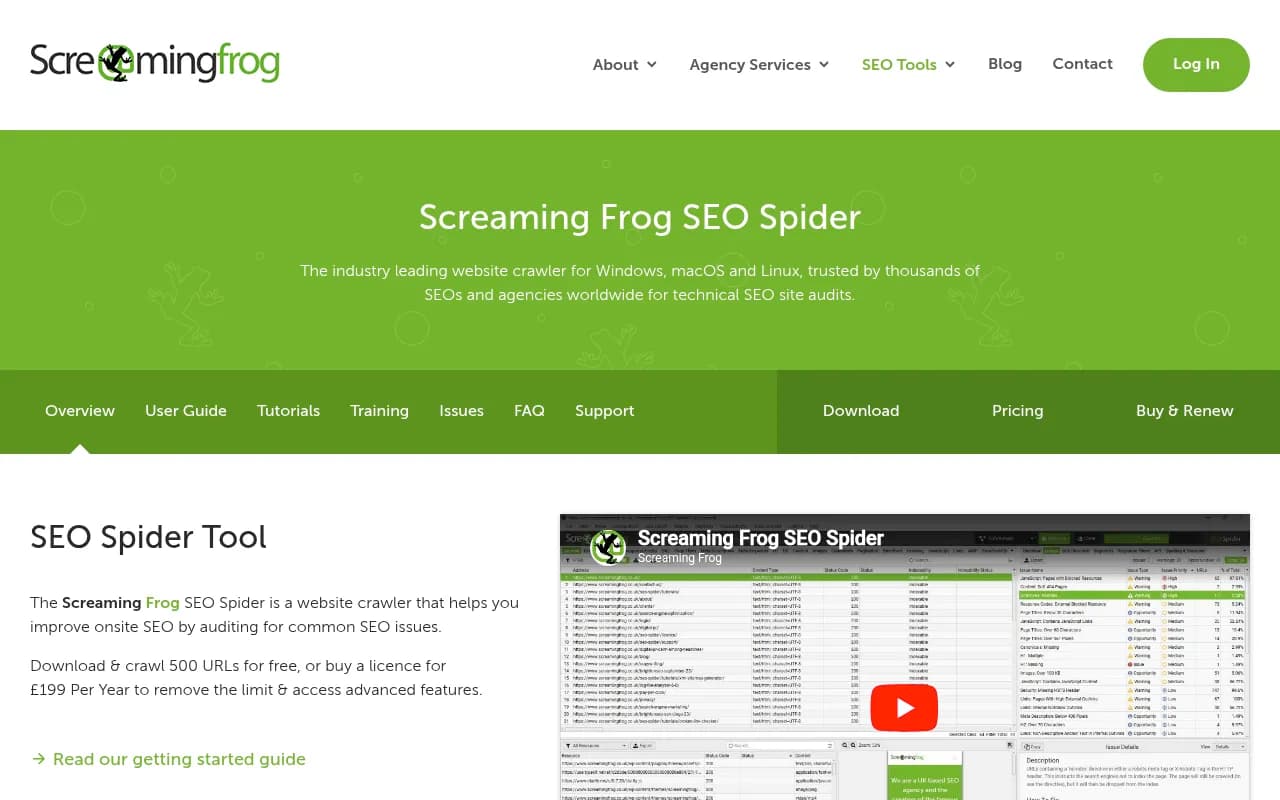
A page that returns 200 to you can return 403 or 429 to a bot. Confirm that the pages you most want cited are in the sitemap, are not noindexed, and are linked internally. A crawler like Screaming Frog is useful for catching orphan pages and broken links on your side.
5. Compare against your server logs
This is the step that settles arguments. Logs show which AI user agents actually requested which pages, and what response they got. Promptwatch's own advice from its crawler data: compare your logs to the provider mix in the public report. If a provider is a large share of verified traffic overall but near zero in your logs, you are likely blocked or unreachable for that provider. Also split by crawler, since a big share can be training traffic, answer-time fetches, or both.
Also verify against IP ranges. Plain user-agent matching is easy to spoof, which is why verified logs matter.
Tools that help with the monitoring side
You can do all of the above by hand once. Keeping it fixed is the hard part, because CDN defaults and robots.txt edits drift.
Promptwatch is an end-to-end AI visibility platform, and relevant here for two reasons. Its AI crawler logs show IP-verified requests from GPTBot, OAI-SearchBot, ChatGPT-User, ClaudeBot, PerplexityBot and others, which pages they read, what errors they hit, and a crawl-to-citation path per page so you can tell an access problem from a content problem. It connects through Cloudflare, Vercel, Fastly, Netlify, CloudFront, other CDNs, or a WordPress plugin. And its monitoring and Brand Narrative features pull out the individual claims AI makes about you, so you can spot the wrong ones and trace them to a page.

The free Agentic readiness check and free AI visibility report are quick ways to see which crawlers can read your site before you commit to anything.
Other categories worth knowing about:
| Need | Options in our catalog |
|---|---|
| Crawler and log analysis for technical SEO | Screaming Frog, Botify, Oncrawl, FandangoSEO, Lumar |
| Rendering fixes for JS-heavy sites | Prerender.io |
| AI answer monitoring | Otterly.AI, Peec AI, Profound, Scrunch |
| AI visibility with hallucination detection | LLMClicks |
Most trackers in the AI answer monitoring group tell you whether you were mentioned. That is useful, but it won't say why a page was never fetched. For that you need crawler-level data, which most pure prompt trackers lack. For a wider list of options, the GEO software directory is a decent starting point.
Catching wrong answers, not just missing ones
Access is half the job. Once crawlers can read you, check what they conclude.
- List the 10 to 20 factual questions that matter: pricing, plans, integrations, locations, compliance, comparisons.
- Ask them in ChatGPT, Gemini, Perplexity and Google AI Overviews. Real interfaces matter, since user-facing answers can differ from API output.
- Mark each answer correct, outdated, or wrong.
- For each wrong one, find the cited sources. Often it is a third-party page or an old version of your own.
- Fix the source: update your page, make sure the correct page is crawlable, and correct or outreach the third-party page where possible.
- Re-check after crawlers have had time to refetch.
Content type matters here too. Promptwatch Data on ChatGPT content half-life found that landing pages and docs stay cited longest while news lost half its cited pages within 36 days, so a stable, crawlable canonical page for key facts is worth more than a blog post that decays. And since ChatGPT cites 10 or more unique domains in almost half of responses (Sep 28 to Oct 4, 2026), your claim competes with many other sources. A correct page that is blocked loses that competition by default.
A sensible default policy
There is no single right answer on blocking, and anyone telling you to allow everything or block everything is oversimplifying. Blocking costs nothing in hosting but can erase you from AI answers. Allowing costs bandwidth and may mean your content trains models without sending visitors back.
A workable starting point:
- Allow search and user-fetch agents for pages you want cited.
- Decide on training agents as a business choice, not a default.
- Keep sensitive or gated areas disallowed and behind authentication, not just robots.txt.
- Review CDN bot settings quarterly and after any migration or vendor change.
- Re-run the log comparison whenever a new crawler grows fast, as Meta-WebIndexer did in July and August 2026.
- Keep the policy in a doc so the next developer knows why each line exists.
If you would rather hand this to specialists, agencies such as 1001 SEO Media run technical SEO audits that now cover AI crawler access alongside classic crawlability.
What to do this week
Open robots.txt. Open your CDN's bot settings. Fetch your top five pages without JavaScript. Pull a week of logs and see which AI agents show up. Four checks, one afternoon, and you will know whether the problem is access or content before spending another dollar on either.