Key takeaways
- "Slack integration" means very different things across AI visibility tools. Some just fire a webhook when a number changes; others put a full conversational agent inside your workspace.
- Promptwatch is the only platform in this space with a true Agent Chat experience in Slack, where you can ask questions about citations, crawlers, and competitors and get answers, not just alerts.
- Weekly digest emails are common. Weekly digests that double as prioritized to-do lists (Promptwatch's Unified Actions) are rare.
- If your team lives in Slack for everything else, a webhook-only tool means someone still has to open a dashboard to make sense of the alert. That's the gap worth paying attention to.
- Agencies managing multiple client accounts benefit most from native Slack delivery, since it removes one login step per client, per day.
Why Slack matters for AI visibility monitoring at all
A year ago, most AI search visibility platforms treated notifications as an afterthought. You'd log into a dashboard, see a graph moved, and maybe get an email digest once a week if the vendor bothered to build one. That workflow made sense when "AI visibility" was a curiosity metric nobody acted on daily.
It doesn't make sense anymore. Citation share in ChatGPT and Google AI Overviews now moves fast enough, and matters enough to revenue, that teams want to know the moment something shifts, not on Friday when the report lands. Reddit's citation share in ChatGPT collapsed from roughly 4% to 0.5% almost overnight on August 14, 2026, according to Promptwatch's data on the Reddit citation drop. If your content strategy leaned on Reddit-driven citations, that's a Tuesday-morning alert you want in the channel your team already checks, not buried in an inbox.
Same story with ChatGPT Search's sudden adoption of the site: operator in query fan-outs, which jumped from about 0.4% to 17% of fan-out queries overnight on August 8, 2026 (per Promptwatch's fan-out data). These are the kinds of structural shifts that change how AI models discover your pages, and they happen in days, not quarters.
Slack is where marketing, SEO, and content teams already argue about priorities. A visibility platform that can drop a real alert into that conversation, and let someone ask a follow-up question without leaving Slack, saves a genuine amount of friction. A platform that can only email you a PDF once a week does not.
The three tiers of "Slack integration"
Before comparing specific tools, it helps to separate what vendors actually mean when they say they "integrate with Slack." Based on how these platforms are built, there are three real tiers:
- Webhook alerts only. The tool posts a message to a Slack channel when a threshold is crossed, usually a score drop or a new citation. No back-and-forth, no context, just a ping. This is the most common setup across AI search visibility tools right now, and it's genuinely useful, but it's one-directional.
- Native app with commands. A proper Slack app you install, with slash commands or a bot you can @mention for a quick lookup. Still mostly reactive, but faster to configure and doesn't require a separate webhook per workspace.
- Conversational agent in Slack. You @mention the bot with an actual question, "why did our citation rate drop on the pricing page last week," and it queries live data, not a cached report, and answers in the thread. This is the tier almost nobody has built yet.
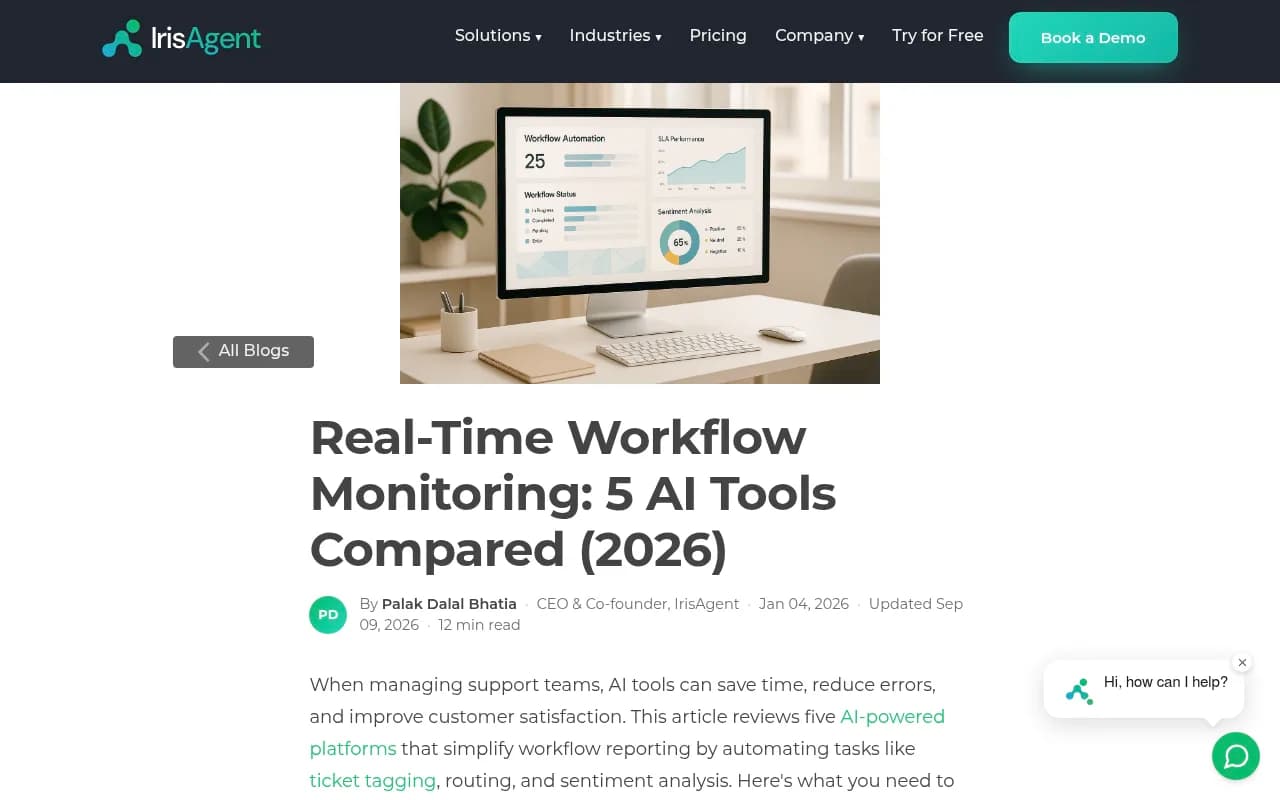
A related pattern shows up outside AI visibility too. IrisAgent's comparison of workflow reporting tools found that native Slack/PagerDuty delivery was rare among the tools it tested; most only offered it through a generic webhook, which technically works but pushes the integration work onto you.
The same divide shows up in AI visibility platforms. Here's how the major players stack up.
How the platforms compare
| Platform | Slack alerts | Agent Chat / conversational bot in Slack | Weekly digest | Notes |
|---|---|---|---|---|
| Promptwatch | Native app | Yes, full Agent Chat available in Slack | Yes, plus Unified Actions digest | Only platform combining alerts, a queryable agent, and a prioritized action list in one channel |
| Peec AI | Native app (higher tiers) | No | Basic email summary | Monitoring-focused, no conversational layer |
| Otterly.AI | Webhook only | No | Yes | Affordable, but Slack setup requires manual webhook config |
| Scrunch AI | Native app | No | Yes | Enterprise-leaning, alerts are score-threshold based |
| Profound | Native app | No | Yes | Strong monitoring depth, no in-Slack Q&A |
| AthenaHQ | Webhook only | No | Yes | Basic alerting, limited customization |
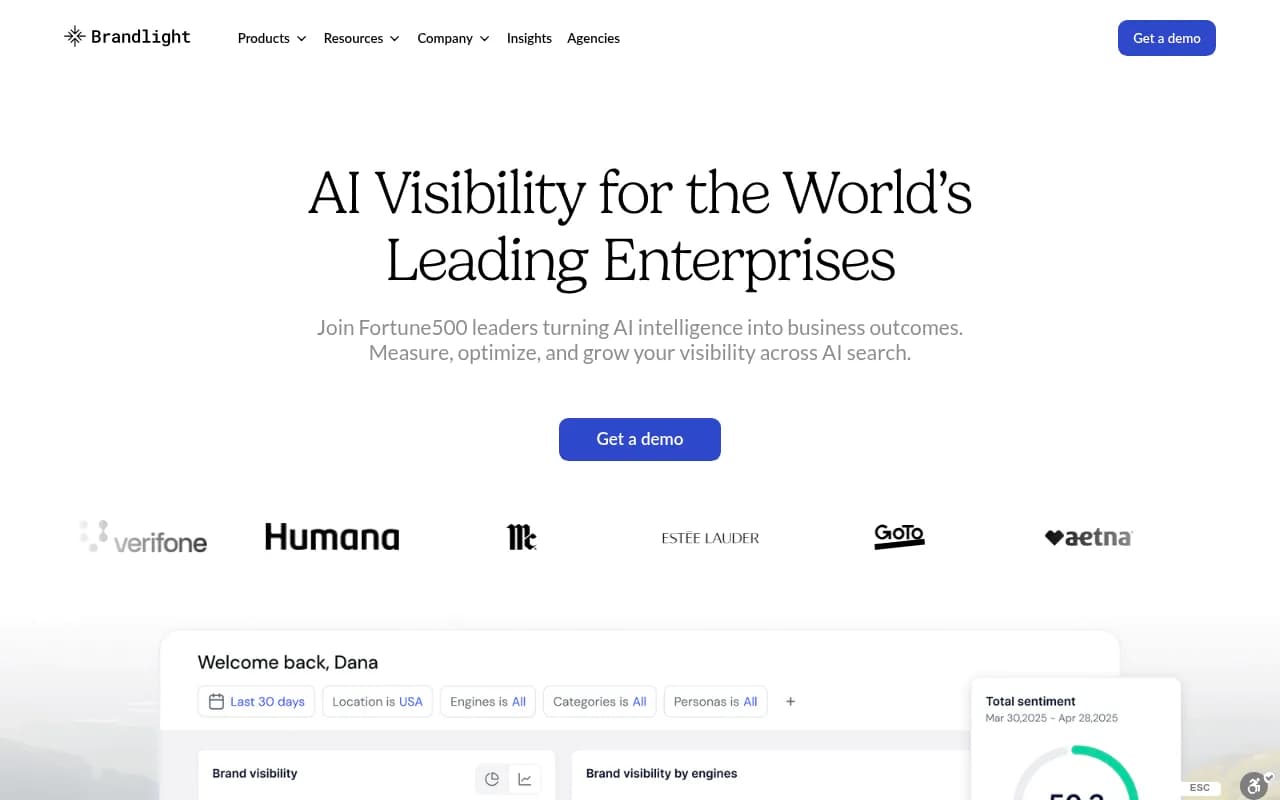
| Brandlight | Native app | No | Yes | Enterprise dashboard, Slack used mainly for score alerts |
A few things stand out once you lay it out this way. Almost every serious player now supports some form of Slack alerting, so that part of the decision is close to a solved problem. What separates them is whether the Slack channel is a one-way pipe or a place you can actually work.
Promptwatch: alerts, Agent Chat, and an action list, all in Slack
Promptwatch is the only platform here where you can @mention the bot in a Slack channel and ask something like "which pages lost citations in Perplexity this week" and get a real answer pulled from live data, not a static report. That's the Agent Chat capability, and it runs the same underlying analysis engine as the web dashboard: prompt tracking, citation trends, crawler logs, and visitor analytics, all queryable conversationally.

On top of that, Promptwatch's weekly digest isn't just a recap. It includes Unified Actions, a prioritized to-do list generated from your visibility, citation, and crawler data. So instead of a Monday message that says "your score dropped 4 points," you get a message that says which page to fix, why it's losing citations, and what to do about it, with the option to hand the fix to the Content Agent for drafting and CMS publishing. That's the difference between a monitoring tool that happens to post in Slack and a workflow that lives there.
For agencies specifically, this matters more than it sounds. Monks uses Promptwatch's Answer Gap Report and visibility scoring to build content roadmaps across enterprise clients, and having that surfaced in a shared Slack channel rather than requiring a login per client is a real time saver when you're managing a dozen accounts at once.
Peec AI and Otterly.AI: solid alerts, no conversation layer
Peec.ai offers native Slack delivery on its higher tiers, which is more than most prompt trackers manage. But once the alert lands, that's it. There's no way to ask a follow-up question in the channel; you go back to the dashboard. Otterly.AI is cheaper and popular with smaller teams, but its Slack setup runs through a generic webhook rather than a proper app, so someone on your team needs to configure it once and hope it doesn't break during a Slack API change.

Both are fine if all you need is a ping. Neither replaces the dashboard for actually deciding what to do next.
Scrunch, Profound, AthenaHQ, and Brandlight: enterprise monitoring, basic notifications
Scrunch AI, Profound, AthenaHQ, and Brandlight all sit in the enterprise-leaning tier of AI visibility monitoring, with deep prompt tracking and competitor benchmarking. Their Slack integrations, though, are built around threshold alerts, not exploration. You get told a score moved. You don't get to ask why inside the same window.

That's not a knock on their monitoring depth, which in several cases is genuinely strong. It's just a different design choice: Slack as a notification channel, not a workspace.
What actually matters when you pick one
If your team wants speed over depth
If you just need to know when something breaks and you'll do the analysis in the dashboard anyway, a webhook-based tool like Otterly.AI is cheap and adequate. Don't overpay for a conversational layer you won't use.
If you're running content operations day to day
If your team is actively producing content in response to visibility data, the conversational and action-oriented tier matters a lot. Being able to ask "why" in the same thread where the alert landed, and get a prioritized fix list instead of a raw number, changes how fast your team actually reacts. This is where Promptwatch's combination of Agent Chat and Unified Actions is built specifically for that loop, closing it from alert to published fix rather than stopping at notification.
If you manage multiple client accounts
Agencies should weight native Slack apps over webhooks heavily. Every client you manage through a webhook is one more integration that can silently fail, usually discovered when a client asks why they haven't gotten an alert in three weeks. A native app with per-workspace installation is more resilient, and it's one reason directories like bestgeosoftware.com are worth checking before committing, since agency-tier pricing and multi-seat support vary a lot between these platforms.
A note on what these alerts should actually be about
tdvps Worth flagging: the content types AI engines cite shift fast enough that a static alert threshold can miss the point. Product pages overtook listicles as the most-cited format in Google AI Overviews in late July 2026, according to Promptwatch's citation type data for July 2026, and product pages led ChatGPT citations at roughly a third of the total that same month, per Promptwatch's ChatGPT citation type breakdown. If your alerts only fire on aggregate visibility score, you'll miss that the underlying reason is a format shift, not a content quality problem. This is exactly the kind of nuance an Agent Chat conversation can surface that a threshold alert can't.
Bottom line
Webhook alerts are table stakes now. Almost every AI visibility tool worth considering can ping a Slack channel. What separates the field in 2026 is whether that channel becomes a place to actually work, ask questions, get answers grounded in live citation and crawler data, and receive a prioritized list of what to fix next, rather than just a place where numbers show up uninvited.
If Slack is genuinely your team's operating system, weigh that conversational and action layer heavily. It's the difference between a tool that tells you something happened and one that helps you decide what to do about it, in the same window, without a context switch. For a broader look at how these platforms stack up outside of Slack specifically, the GEO software directory at bestgeosoftware.com is a reasonable place to keep comparing options as pricing and features shift through the rest of the year.