Key takeaways
- A product mention in an AI answer says nothing about whether the details are right. Audit the claims inside the answer, not only whether you appear.
- Most errors repeat a real source that is old, ambiguous or missing: a retired page, a distributor listing, a directory entry or a comparison page.
- Settle your own documentation first. If the product page and the installation guide disagree, you cannot judge an AI answer against them.
- Fix what you control, ask others to fix what they control, then rerun the same questions. Corrections take weeks to show up, not minutes.
- Don't edit correct documentation to match a wrong AI answer. Log the error and recheck it.
Why wrong specs and compatibility claims cost more than wrong descriptions
Picture an AI answer that recommends your indoor sensor for an outdoor installation. It names the right model. It contradicts your installation guide. Nobody on your team sees it happen.
Buyers, especially engineers, often shortlist and specify equipment before they contact a supplier. If the answer gives them the wrong operating limit, an unsupported integration or the wrong certification scope, you can lose the specification, or you get an RFQ for a configuration that won't work. Sales may never learn the project existed. A software team has the same problem with a wrong integration claim: "does not integrate with Salesforce" quietly removes you from a shortlist.
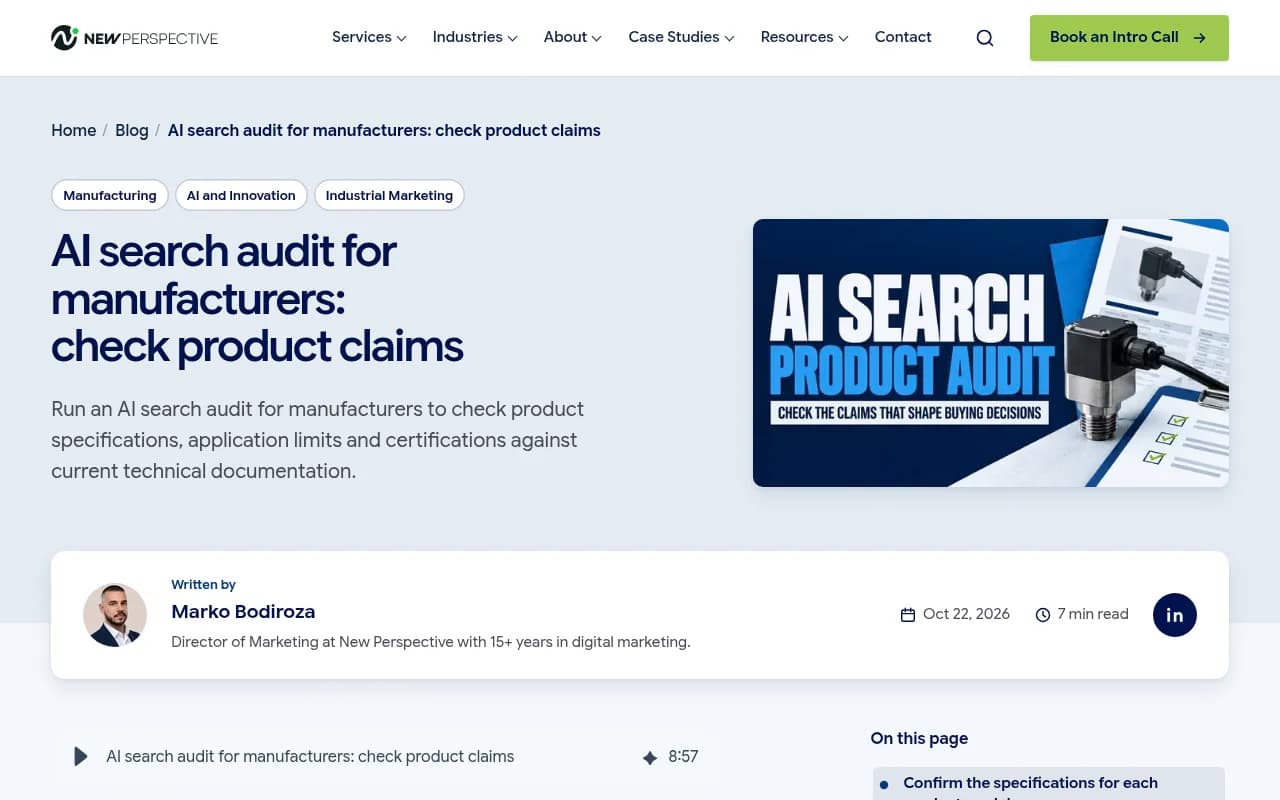
The NPWS audit guide for manufacturers frames this well: a mention is not the same as a correct mention. The process below borrows its structure and extends it to integrations and compatibility for both hardware and software products.
Step 1: Settle your own source of truth
This step is boring and it is where most teams skip ahead. Don't.
Pick two products your team knows well. A recently revised model, or a family with similar names, is ideal because it gives you real confusion to test (does an answer mix up version 2 and version 3?). For software, pick a product with a long integration list or a recent API change.
Then assign roles:
- Sales supplies the questions buyers ask when comparing options.
- Engineering or the product owner confirms the technical answers.
- Marketing coordinates the review and chases corrections.
Agree on the reference documents before testing. They should cover the exact model or plan, configuration, intended use, operating limits, compatibility, certification scope and the market or region where it changes the answer. If the product page and the installation guide disagree, resolve that first with the product owner. Record the version and review date of every document you approve.
Step 2: Run the questions buyers actually ask
Write four questions per product. Cover purpose, application fit, compatibility and certification. For software, swap certification for security or compliance and add integrations.
| Buyer decision | Question to test |
|---|---|
| Compatibility | Is [model and configuration] compatible with [system]? |
| Integration | Does [product] integrate with [tool], and how? |
| Application fit | Can [model] be used for [application or environment]? |
| Operating limits | What is the maximum [temperature, load, API rate, file size] for [model]? |
| Certification | Is [model] certified for [standard] in [region]? |
| Version | What changed between [version A] and [version B]? |
Run each question twice in each of two named AI search modes, for example ChatGPT with search and Google AI Overviews. Save the prompt, the full response, the cited sources and the settings (country, language, logged in or not). Without that record you cannot tell later whether a change is real or just run-to-run variation.
Tools can take over the repetition once you outgrow a spreadsheet. Promptwatch tracks prompts across the real interfaces of ChatGPT, Gemini, Perplexity, Google AI Overviews and others, and its Brand Narrative feature pulls out the individual claims AI makes about you, which is exactly the unit you want to check.

For a quick, free first look, AnswerGist and the Free AI Visibility Report work without a setup.

Step 3: Log claims, not answers
One answer contains many claims. Put each claim that could change a buying decision on its own row, then mark it:
- Supported: the source backs it and it matches your approved documents.
- Contradicted: it conflicts with your current documents.
- Outdated: it was true once (a retired model, a dropped integration, an old price).
- Missing context: true for one configuration or region, stated as if universal.
- Not verifiable: no source you can check.
Next to every wrong claim, write down the sources the engine cited. This is the most useful column in the sheet. Engines that search the web, such as Perplexity and ChatGPT with search, show sources, so you can usually trace an error in minutes.
Perplexity
Some tools flag this directly. LLMClicks, for instance, positions itself around hallucination detection.
Step 4: Trace each error to its source
The answer may have repeated an old listing, misread an accurate document or stated a claim with no checkable source. Those three cases need different responses, so diagnose before fixing.
| What the AI got wrong | Usual source | Fix |
|---|---|---|
| Wrong operating limit or application | Old datasheet PDF, distributor listing, product page missing the limit | Update the page, replace or redirect the old PDF, send distributors the current sheet |
| Integration missing or wrong | No integration page, partner directory out of date, old docs | One page per integration, update marketplace and directory listings |
| Unsupported compatibility claim | Forum thread, reseller copy, a review | Publish a clear compatibility table, ask the host to correct facts |
| Wrong certification scope | Certificate summarized loosely on a listing | State scope by model and region on your page, link the certificate |
| Retired model or version confusion | Old pages still indexed | Redirect, mark as discontinued with a pointer to the successor |
| Confusion with a similarly named product | Shared naming | Use the full model name consistently, add Product and Organization schema |
If the AI answer is wrong but your current documentation is correct and clear, don't change it to suit the answer. Record the error, check the source and recheck later.
Where the claims tend to come from
Promptwatch Data shows that for Sep 28 to Oct 4, 2026, product pages were the most cited content type in ChatGPT at 22.4% of classified citations, with landing pages next at 16.8%. So about 39% of citations go to pages describing what a company sells. For branded prompts, where someone names your product, product pages hit 23.3% and landing pages 22.8%, while reviews reached 5.6%, more than three times their share across all prompts.
The practical read: your own product and landing pages are the first thing to get right, and review sites matter more than usual once someone searches your product by name.
For software, the software citation data for the same week shows documentation and help centers with the largest share (2.64%), then vendor sites (2.01%), review sites and analysts (1.57%), GitHub (1.2%) and app stores (0.47%). Top domains included github.com, learn.microsoft.com, G2 and Capterra. Compatibility and integration claims are therefore likely to come from your docs, your repositories and your listings on review sites. Audit all of those, not just your marketing site.
Step 5: Fix the sources you control
Start with errors that could change product selection: unsuitable applications, unsupported compatibility, missing operating limits, wrong certification scope. Cosmetic errors can wait.
On your own site:
- State specs, limits, compatibility and integrations in plain sentences and in a table. Promptwatch's content-type report notes that ChatGPT quotes product pages directly, so completeness and accuracy matter more than polish.
- Keep documentation public and crawlable. Docs behind a login can't be cited.
- Retire old pages with redirects. A discontinued datasheet that still loads is a live source of wrong answers.
- Add an FAQ page for the questions you tested. The same report found FAQ pages make up 4.8% of branded-prompt citations.
- Keep a dated changelog so it is clear what changed and when.
- Add Product and Organization structured data. It supports clear copy and doesn't replace it.
For a missing installation limit on a product page, like the indoor sensor example, an edit is justified. For a spec the page already states correctly, leave it alone.
Check that crawlers can reach the fix
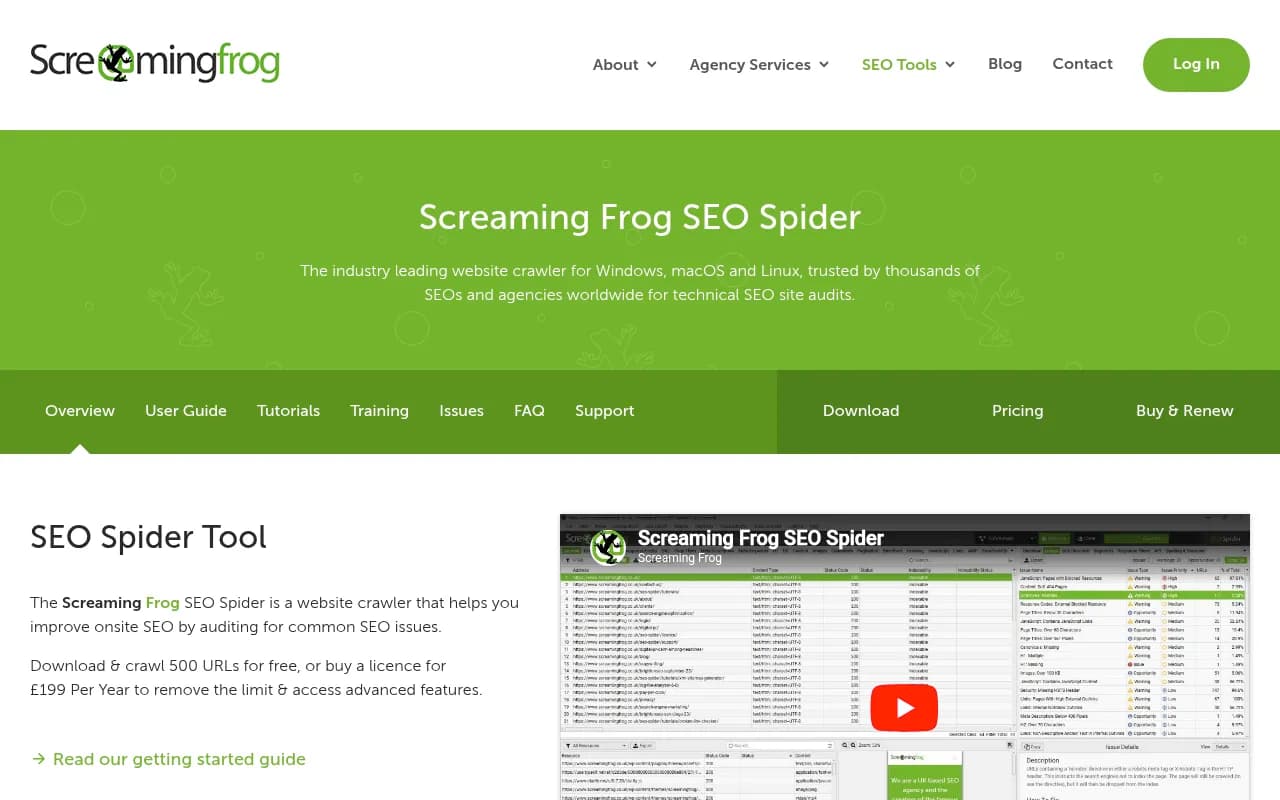
A corrected page does nothing if AI crawlers can't read it. Check robots.txt, rendering and server errors. Screaming Frog will show you what a crawler sees on your site, and Promptwatch's AI crawler logs show whether bots like GPTBot or ClaudeBot actually fetched the updated page.
The free Agentic Readiness Check is a quick test of which AI crawlers can read your site.
Step 6: Fix the sources you don't control
Work through the cited sources in order of how often they appeared in your audit.
- Distributor and reseller listings: send them the current datasheet and a short list of the exact fields that are wrong. Make it easy to say yes.
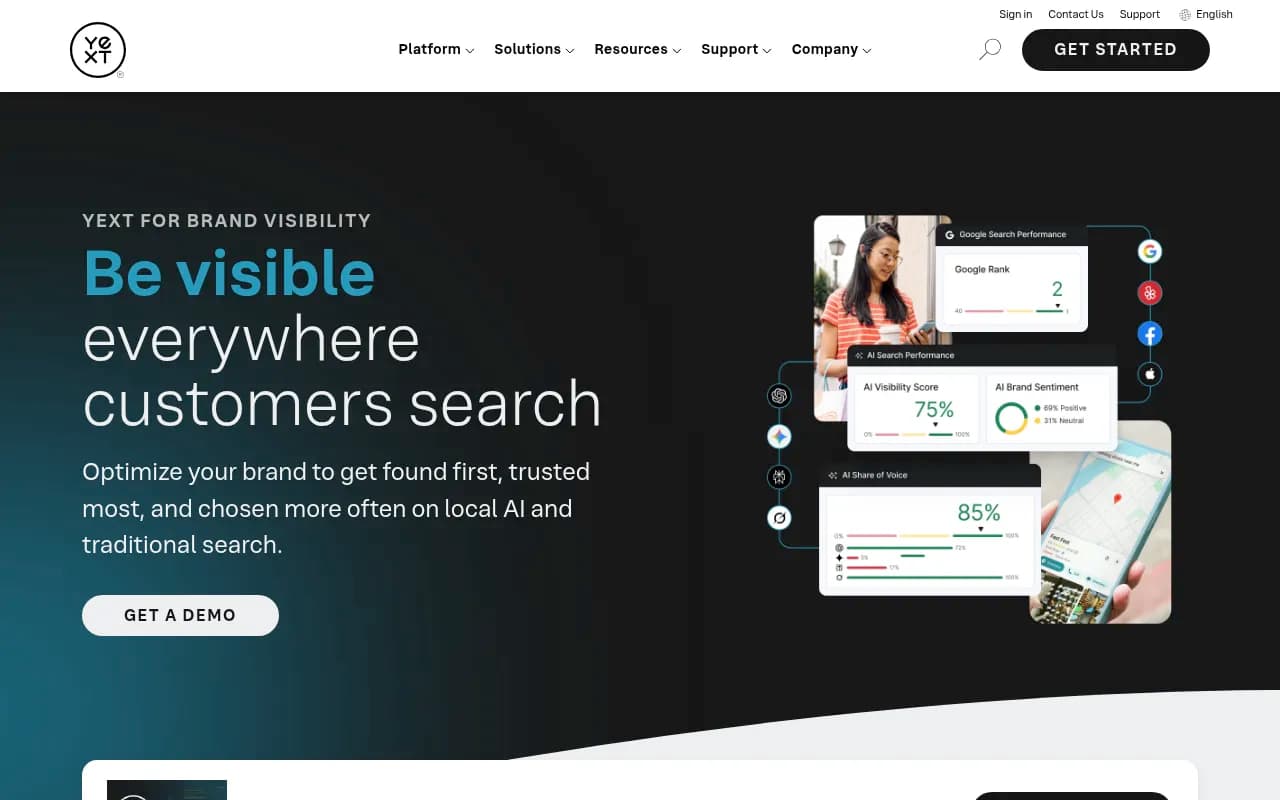
- Marketplace and directory listings (G2, Capterra, app stores, partner directories): log in and correct your own entries. Listing tools such as Yext can push changes at scale for physical product and location data.
- Articles and roundups: email the author with the correct fact and a link to the current page. Keep it factual and short. Most editors fix a verifiable error.
- Competitor comparison pages: ask for corrections on facts only. Opinions are not worth arguing about. Publishing your own fair comparison is usually more effective.
I haven't verified formal feedback or correction channels for individual AI platforms, so don't plan around them. Fixing the underlying source is the route that reliably works.
Step 7: Recheck, and be patient
Recheck under comparable settings: same questions, same modes, same country and language. Report errors as runs out of total, per mode (for example, 3 of 8 runs still say the wrong operating limit in mode A, 1 of 8 in mode B). Because answers vary, a single clean run proves nothing.
Expect delay. In Promptwatch's content half-life data, pages ChatGPT cited on July 6, 2026 were tracked to October 4. Landing pages kept 78% of their citations after 30 days and docs 76%. Product pages, reviews and how-tos reached their half-life after roughly 74 to 77 days, and 55% of product pages were still cited at day 60. News was the outlier, losing half its pages in 36 days.
That is my inference, not a Promptwatch claim: if a stale page or listing is cited for months, a corrected page may need weeks before it displaces the old one. Don't declare victory or failure after three days. Recheck after any change to specs, certifications, availability or source documents too.
Tools that help at each stage
| Stage | What you need | Options |
|---|---|---|
| Run and log prompts | Repeatable multi-engine tracking with saved responses | Promptwatch, Profound, Otterly.AI |
| Extract claims about you | Claim-level analysis, hallucination flags | Promptwatch Brand Narrative and Fact Check, LLMClicks |
| Find the cited source | Citation reports per prompt | Promptwatch, Perplexity's visible sources |
| Check crawler access | Log analysis, site crawls | Promptwatch crawler logs, Screaming Frog |
| Fix listings | Directory and listing sync | Yext, Moz Local |
| Publish corrected content | CMS publishing and refresh | Promptwatch Content Agent, your own CMS |
On Business plans and above, Promptwatch's Fact Check lets you mark a claim Accurate or Inaccurate, then reads the pages crawled from your site to find the ones that state it or its opposite. That tells you which of your pages the AI is learning the wrong thing from. Pricing starts at $95/month and is listed at promptwatch.com/pricing. For a longer list of options, the GEO software directory covers the category.
Product accuracy checklist
- Pick two products, including a recently revised one or a family with similar names.
- Approve reference documents and record their versions and dates.
- Write four buyer questions per product: purpose, application fit, compatibility and certification (add integrations for software).
- Run each question twice in each of two named AI modes. Save the prompt, response, sources and settings.
- Log each selection-relevant claim on its own row and mark it supported, contradicted, outdated, missing context or not verifiable.
- Trace each wrong claim to its cited source.
- Fix your sources, ask distributors and directories to fix theirs, and confirm crawlers can reach the corrected pages.
- Recheck under comparable settings and report errors as runs out of total, per mode.
Common questions
Should I fix the AI answer or the source?
The source. You can't edit an AI answer directly, but you can correct the pages and listings it draws from.
What if the AI claim has no source?
Mark it not verifiable and keep it in the log. Make sure your own pages state the fact plainly so there is a clear source to find next time.
What if my own documents disagree?
Resolve that internally before anything else. Otherwise an AI answer will always look wrong to someone.
How often should I rerun the audit?
After any change to specs, certifications, integrations or availability, and on a regular schedule for your highest-value products.
Need help?
If the audit turns up conflicting documents, widespread listing errors or crawl problems you can't diagnose in-house, an agency can run it with you. 1001 SEO Media does technical SEO and AI search work and can help sort out what your team can correct and what needs deeper investigation.