Key takeaways
- Google now gives you native AI Overviews data for free. Search Console's generative AI performance report launched June 3, 2026 and reached all sites worldwide by August 31. It shows impressions by page, country, and device, but no clicks and no queries.
- Manual incognito checks remain the most accurate free method for specific queries. A weekly routine covers 10 to 15 priority queries in about 20 minutes.
- Free checkers from Semrush, Omnia, Otterly, Scrunch, and Promptwatch produce one-off brand snapshots. Useful for baselines, useless for monitoring.
- AI Overviews cite roughly 10 sources per answer, about double ChatGPT's average, which makes Google's surface the most forgiving AI engine to break into.
- Free methods answer "are we visible?" They rarely answer "why did we lose visibility?" or "what should we fix?" That gap is where paid trackers start earning their keep.
For most of 2025 and early 2026, the honest answer to "how do I check my AI Overviews rankings for free?" was "you can't, really." Google blended AI Overview impressions into general Search Console data with no way to isolate them, and the tools that tracked citations charged three figures a month. Two things changed that: Google shipped a dedicated generative AI report in Search Console in June 2026, and a wave of free checkers matured. Free checking is now genuinely possible. It also has real limits, and I'll be straight about those too.
Why bother at all? Ahrefs' updated analysis of 300,000 keywords found the #1 organic result loses 58% of its clicks when an AI Overview sits above it. Knowing whether your brand is inside that answer stopped being optional.
What ranking in AI Overviews actually means
Ranking in AI Overviews is not positional. There is no slot 3 or slot 7. When Google decides a query needs a generated answer, it synthesizes a response from multiple sources and attaches citations. You are competing for one of those citation slots, alongside everyone else who made the cut.
Per Promptwatch's data on average sources per response, Google AI Overviews cite about 10 sources per answer, roughly double ChatGPT's average of 5, and that count has stayed notably steady over time. Two consequences. With around 10 slots per answer, AI Overviews is statistically the most forgiving AI surface to break into. And a citation is a weaker signal than a #1 ranking, since you share the answer with nine other domains.
The citation mix tells you what content wins. In July 2026, per Promptwatch's AI Overviews citation-type breakdown, listicles led at about 18% of citations, followed by product pages at 16.3%, how-tos at 15.1%, and news articles at 13.5%. Late in the month, product pages overtook listicles for the first time since tracking began. When you check your visibility, check the formats that actually get cited rather than only your homepage.
You should also know who you're up against. In June 2026, YouTube held 4.16% of all AI Overview citations, Reddit 2.72%, and google.com itself 2.30%, per Promptwatch's June 2026 citation share data. Google's own properties take roughly 6.5% of citations, a level of self-preference with no equivalent in ChatGPT's citation mix. You're up against direct rivals and, increasingly, the platform itself.
| Traditional rank tracking | AI Overview tracking | |
|---|---|---|
| What you win | A position from 1 to 10 | A citation slot among ~10 sources |
| Competition model | Zero-sum, one winner | Collaborative, multiple cited domains |
| Stability | Positions shift gradually | Answers are re-generated, citations churn |
| Free data source | Search Console performance report | Search Console generative AI report, manual checks, free checkers |
One detail manual checkers should know: AI Overviews don't always sit at the very top of the page. Ahrefs found 8.64% of them appear outside position #1, so scroll the full SERP before concluding there's no AI Overview.
Method 1: the Search Console generative AI report
This is the biggest free development of the year. Google launched the generative AI performance report in Search Console on June 3, 2026, initially for a subset of properties, and completed the worldwide rollout on August 31, 2026. If your property is verified and has enough impressions, you have it now. It lives under Performance as its own search type next to Web, Image, and Video, or directly at search.google.com/search-console/performance/search-analytics/ai.
What the report shows
Impressions from AI Overviews and AI Mode, plus generative AI features in Discover, with dimensions for page, country, device, and date at hourly to monthly granularity. For the first time you can trend your AI visibility over time instead of screenshotting SERPs and hoping.
Three things worth doing with it:
- Sort by page. The pages with the most AI impressions are the ones Google's AI cites. Cross-reference them against your manual checks.
- Compare against the standard Web report. Pages where AI impressions climb while clicks stay flat are exactly where AI Overviews are answering the query without sending anyone to you.
- Filter by country and device. AI Overview behavior differs by market, and desktop surfaces more citation sources than mobile.
What it doesn't show
Here's the frustrating part. The report includes no click data, no query or prompt data, no citation position, and no competitor information. It excludes Search Labs experiments, groups pages by canonical URL, caps at the usual 1,000 rows, and stays empty until a property accumulates enough impressions. In practice, you learn that you were cited, and on which pages and in which countries. You don't learn for which searches.
A free workaround for the missing query data
Since Google won't tell you which queries triggered AI citations, triangulate. In the standard performance report, filter queries with a regex like ^(how|what|why|when|where|which) to isolate question queries. Question-style queries trigger AI Overviews 57.9% of the time, per Ahrefs' 146-million-keyword study, so your question queries are your best candidates. Feed those into the manual method below.
There are also free community tools that combine the generative AI export with the standard export to estimate which queries drove AI citations. One called AI Share has been getting attention since mid-2026. Treat its output as an estimate, because that's what it is.
Method 2: manual incognito checks
Manual checking is tedious, and for a small set of priority queries it is still the most accurate free method that exists. No sampling, no stale cache, no vendor definition of "visibility." You see what a searcher sees. The tradeoff is time. This scales to maybe 15 or 20 queries before it becomes a chore you start skipping.
Build a query list that actually triggers AI Overviews
Don't burn checks on queries that never trigger AI Overviews. Ahrefs' study puts them on 20.5% of all SERPs, and 99.9% of those are informational intent. Question queries trigger them 57.9% of the time, and queries of seven or more words 46% of the time. Branded, local, shopping, and navigational queries rarely trigger them at all. Build your list from:
- Question queries pulled from Search Console using the regex filter above
- Long-tail informational phrases of seven or more words
- "Best," "how to," "vs," and comparison phrasings in your niche
- Competitor FAQ sections and People Also Ask boxes
Free tools speed up the list-building. Promptwatch has a free ChatGPT Query Fan-Out Generator that expands a seed question into the sub-queries AI systems actually run. Otterly's free prompt research tool does similar work, also without an account. A fan-out list of 20 realistic phrasings beats one guessed query.


The check protocol
Run each query like this:
- Open an incognito or private window. This removes personalization from your account and history, though only part of your location bias.
- Append
&gl=us&hl=ento the results URL, swapping in your target country and language codes, to force a consistent geo. - Search, then scroll the full page. Roughly nine in ten AI Overviews sit at the top, but not all of them do.
- If an AI Overview appears, expand the full citation list. The collapsed view hides most sources, and skipping this step is the most common manual-checking mistake I see.
- Record whether your brand is cited, and whether it gets a clickable link card or a plain text mention. Link cards transfer more trust and collect more clicks.
- Screenshot the expanded answer.
- Clear cookies and cache, or open a fresh incognito window, before the next query to avoid carryover.
Check on both desktop and mobile. Desktop shows more citation sources, and the mobile view condenses the list, so the same query can look worse on a phone than it really is.
One caveat on location: VPN testing shows other markets' results but may violate Google's terms, and datacenter IPs sometimes get served degraded results. The gl parameter is safer for casual checks. If a market truly matters, have someone there run the list.
Set up a tracking spreadsheet
A simple sheet beats memory, and memory is what most people default to. These columns are enough for most sites:
Query | Date | Geo | Device | AI Overview shown (Y/N) | Brand cited (Y/N) | Link card (Y/N) | Citation position | Total citations | Competitors cited | Screenshot link
After four weeks of data you can compute an AI share of voice: divide the number of checks where your brand was cited by the number of checks that triggered an AI Overview, then multiply by 100. Ten queries checked weekly produces a real trend line, which matters because citations churn. Losing one on a Tuesday means nothing. Losing three over a month means something.
A cadence that works: weekly for priority queries, bi-weekly for secondary ones, monthly for a fuller competitor review.
Method 3: free AI visibility checkers
The 2026 free-tool scene is mostly lead magnets. Nearly every AI visibility platform gates a one-time free report and hopes you convert. That's fine. A snapshot is still useful as a baseline, and some of these reports are substantial. Just don't mistake them for monitoring, because none of them will remember last month's results for you.
| Tool | What's free | Engines covered | Signup | Best for |
|---|---|---|---|---|
| Google Search Console | Ongoing AI Overview and AI Mode impressions | Google AI Overviews, AI Mode | Verified property | Continuous site-level tracking |
| Semrush AI Visibility Checker | One-off visibility score, mentions, top cited pages, prompts | ChatGPT, Gemini, AI Mode, AI Overviews | None | A fast brand-level snapshot |
| Omnia AI Visibility Checker | 40-prompt report with share of voice and citation mapping | ChatGPT, Perplexity, AI Overviews, AI Mode | Competitor benchmarking | |
| Otterly.AI free tools | Prompt research, GEO audit, crawlability check, fan-out analysis, and more | Varies by tool | None | Query research and prep |
| Ahrefs Brand Radar preview | Snapshot of brand mentions | Six AI engines | Ahrefs account | Ahrefs users wanting a preview |
| Scrunch free audit | 30-second visibility and site-readiness audit | Multiple | None | A quick problem check |
| Promptwatch free tools and Explore plan | AI Brand Visibility Report, AI SEO Audit, fan-out generator, plus a free plan with 10 tracked prompts | A dozen-plus engines on paid plans; the free plan tracks ChatGPT | Free account | Ongoing free tracking on ChatGPT, one-off audits elsewhere |
Semrush's free AI visibility checker needs no signup. Enter a domain and you get an AI Visibility Score, mention counts by platform, the pages on your site that AI cites most, and prompts where you appear, across ChatGPT, Gemini, AI Mode, and AI Overviews in one pass. The catch: it's a single check, and ongoing tracking with the AI Visibility Toolkit starts at $99 per month per domain.
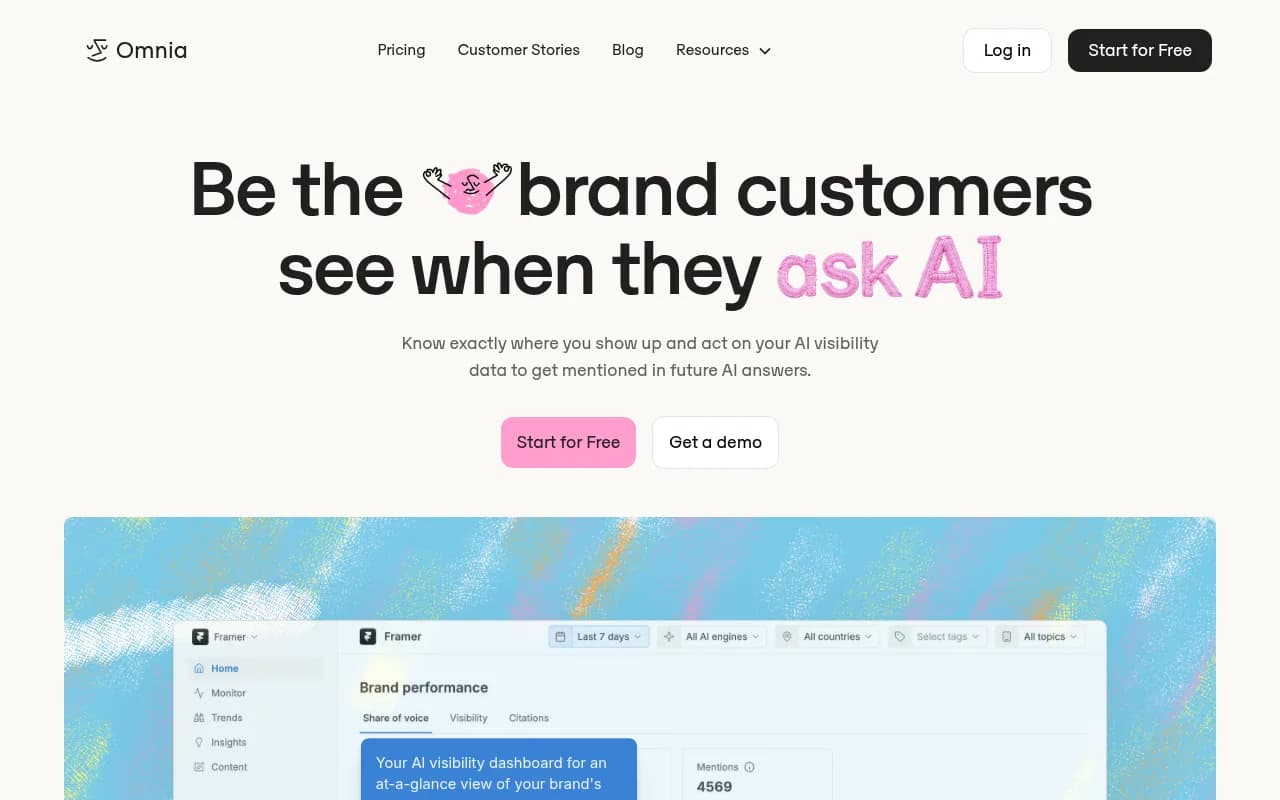
Omnia's free checker runs 40 prompts, 10 per engine, across ChatGPT, Perplexity, AI Overviews, and AI Mode, and returns the report in a few minutes. It's the most competitor-oriented of the free checkers. You get share of voice against named competitors and citation source mapping, so you can see which domains the engines prefer in your category.
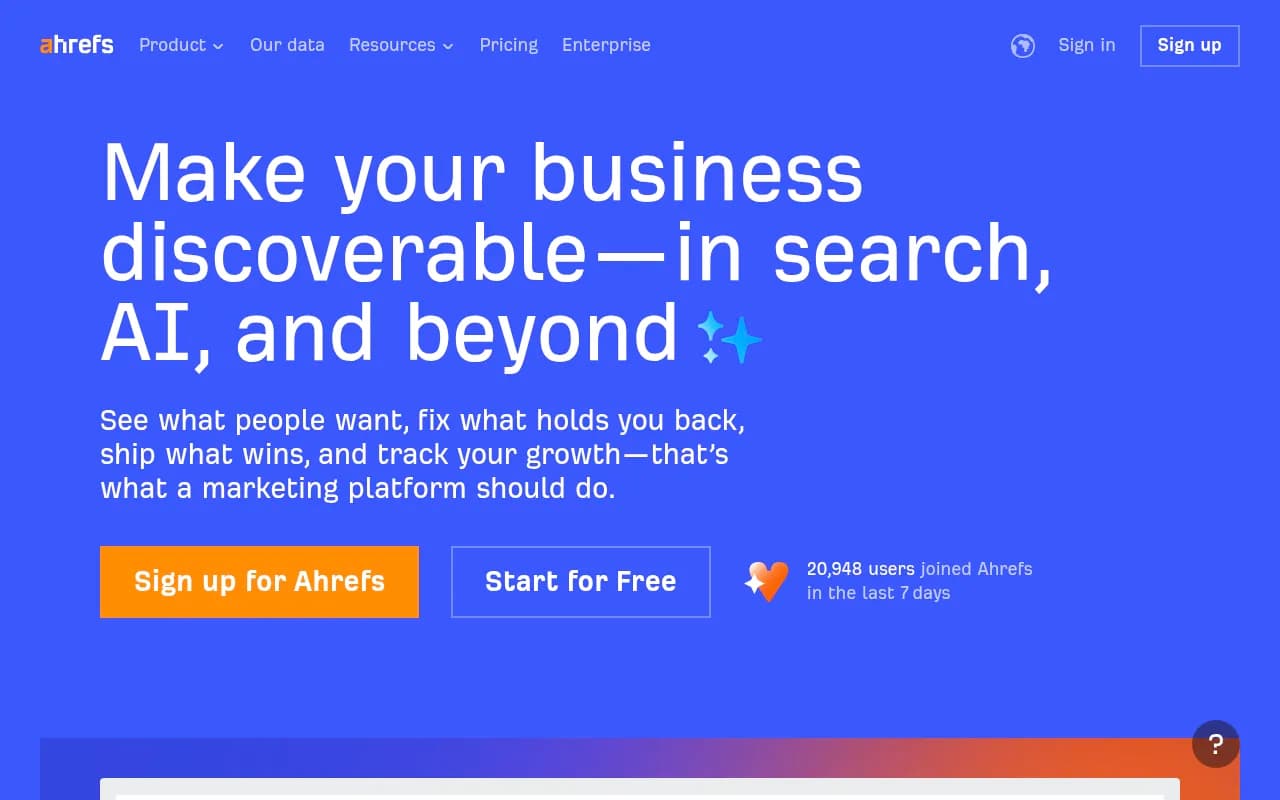
Ahrefs' Brand Radar offers a free preview of your mentions across six AI engines, drawing on a database of 391M+ search-backed prompts. Like Semrush's checker, it's a snapshot. The interesting part is the tie-in with Ahrefs' backlink index, which shows whether the domains beating you in AI answers also carry more authority.
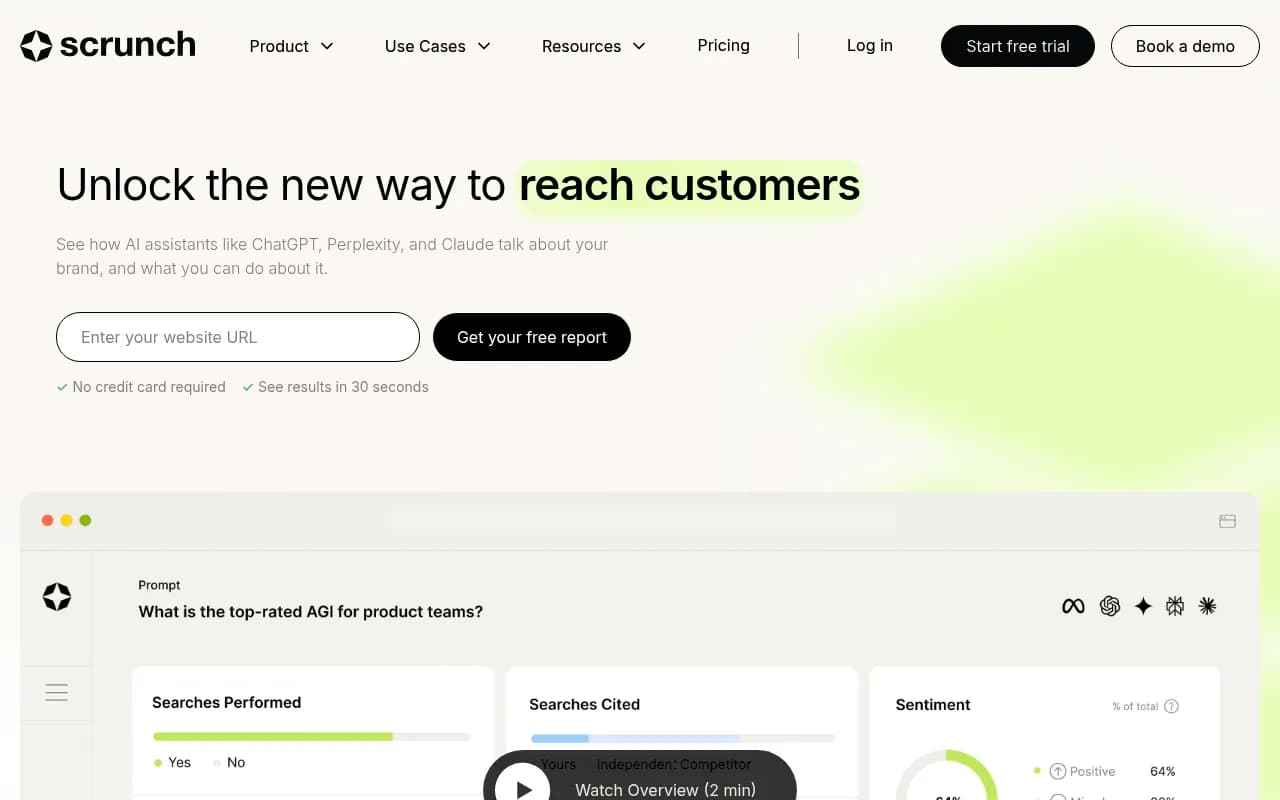
Scrunch runs the fastest free audit of the bunch. Enter your site, wait 30 seconds, get a read on how AI search engines see your brand plus site-readiness checks. Shallow, but good for answering "is this worth worrying about?" before you spend a single hour on it.
Promptwatch's free side is built differently. Its free tools cover prep and audits: an AI Brand Visibility Report, an AI SEO Audit, the fan-out generator mentioned earlier, plus an LLMs.txt generator and an AI crawler URL inspector. The free Explore plan adds 10 tracked prompts, though on ChatGPT only. AI Overviews and AI Mode tracking arrive with the paid plans, which start at $95 per month. If Google's surfaces are your priority, the free tier is a taste rather than a meal.
Beyond these, a dozen small checkers offer a few free checks a day. SEO.com's AI Overview checker gives you three free checks daily, and Sitechecker, Seobility, and GEO Check all run free one-off checks. They're fine for spot checks. None of them accumulate history.
What free methods can't tell you
Free methods answer "are we visible?" They fall short in three specific ways.
Volatility. AI Overviews are re-generated per query, and citations appear and disappear within days. A weekly manual check samples one moment in time. If you check monthly, you will miss the churn entirely and draw conclusions from noise.
The why. When you lose a citation, free data can't tell you whether the cause is a crawl problem, a content gap, a competitor publishing something better, or ordinary fluctuation. Diagnosing that takes AI crawler logs showing which pages bots read and which errors they hit, citation trends per page, and competitor share of voice over time. Tools like Promptwatch exist for exactly this, but that's paid territory.
Competitor movement over time. Free checkers are one-offs. You can see where you appear today, but not whether you're losing ground month over month, and that blind spot often matters more than your absolute visibility.
One more trap worth naming: the zero-click blind spot. An AI Overview impression with zero clicks in Search Console looks like failure, but often the user read your brand in the answer and never needed to visit. Don't judge AI visibility by click-through rate.
So when should you pay? The thresholds that hold up in practice: under 20 tracked keywords, free methods plus manual checks are enough. Between 20 and 100, automate your top 10 to 15 with a cheap tracker (Otterly's Lite plan is $29 per month) and keep the rest manual. Past 100 keywords, or the moment you need daily data, multi-location coverage, or client-ready reporting, a full platform pays for itself. The AI rank tracker directory at ai-rank-tools.com and the GEO software directory at bestgeosoftware.com both maintain current comparisons if you're shopping.
An hour-a-week free workflow
Here's the whole free stack assembled into a routine.
Weekly, about 45 minutes:
- Open the Search Console generative AI report. Note total AI impressions and the top cited pages, and compare with last week. (10 minutes)
- In the standard performance report, run the question regex and pick this week's 10 queries. (10 minutes)
- Run the incognito protocol on those queries. Expand citations, log everything, screenshot. (20 minutes)
- Update your share of voice number and note any changes worth watching. (5 minutes)
Monthly, about 30 minutes:
- Rerun one free checker for a brand-level snapshot. Rotating helps, since Semrush and Omnia use different prompt sets.
- Review the competitor names you logged during manual checks and look for patterns.
- Skim Promptwatch's live AI Overviews citation-type data to see whether the content-format mix is shifting before you plan next month's content. Product pages passing listicles in late July 2026 is exactly the kind of shift you want to catch early.
Where to go next
Open the Search Console generative AI report today. It's the only free source that shows your AI Overviews visibility continuously, and it takes five minutes to find. Then pick ten question queries, run the incognito protocol once, and set up the spreadsheet. That's a complete free tracking stack: Google tells you where you're cited, manual checks tell you the truth on the queries that matter most, and the free checkers catch brand-level gaps. Upgrade when the number of queries, or a client's patience, forces the question, and not before.