Key takeaways
- AI Mode does not behave like a product carousel. Winning in one place tells you little about the other, so track both from the same query list.
- Start with 30 to 100 queries split into product, category, comparison and problem-led groups. Quality of the list matters more than size.
- Measure three things per query: whether your brand is mentioned, whether your domain is cited, and which products appear. Position alone is not enough.
- Google's own surfaces (Merchant Center, Business Profile, YouTube) are cited heavily in AI Mode, so feed hygiene is part of tracking setup.
- Use Search Console for free directional data, and a dedicated tracker for per-query visibility, competitors and trends.
What AI Mode tracking means for an online store
A classic rank tracker answers one question: where does my URL sit in the ten blue links? AI Mode breaks that model. The answer is a generated response with a handful of products, a few cited sources, and follow-up questions the shopper can keep asking. There is no stable "position 3" to report.
For ecommerce, that changes what you track. You care about three separate outcomes:
- Mention: does the response name your brand or products?
- Citation: does it link to your domain, and which page?
- Product presence: do your SKUs show up in the product panels, and at what price?
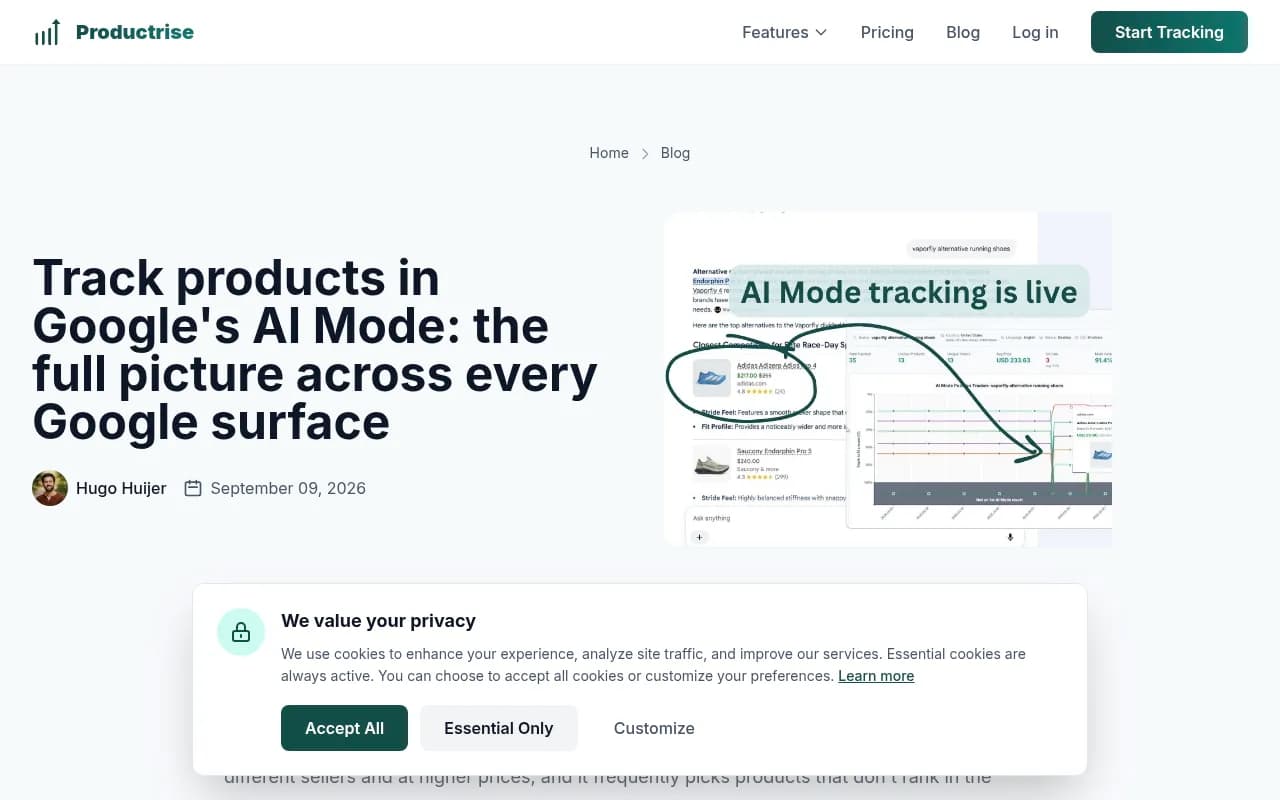
Productrise, a product-tracking tool, describes the difference well in its write-up on tracking products in AI Mode. In its words, AI Mode tends to show far fewer products than the carousel, often from different sellers and at higher prices, and it frequently picks products that don't rank in the carousel at all. That is the vendor's observation and I haven't verified it independently, but it matches what many store owners report anecdotally: you can be strong in Shopping and absent in AI Mode, or the reverse.
AI Mode versus AI Overviews versus the carousel
Three Google surfaces now compete for the same shopper, and they need slightly different tracking.
| Surface | Where it appears | What you track | Typical gotcha |
|---|---|---|---|
| Product carousel / Shopping | Standard results page | Position, price, image, reviews | Strong feed does not guarantee AI presence |
| AI Overviews | Top of standard results | Cited sources, brand mentions | Cites roughly 10 sources per answer, per Promptwatch's older data |
| AI Mode | Separate tab, address bar entry point, follow-ups | Mentions, citations, product panels | Conversational follow-ups change the answer |
One detail from the Productrise write-up is worth borrowing: the AI Overview is the bridge. A shopper who engages with it can be carried into AI Mode with the same query, often without noticing the switch. So tracking the plain keyword, not only conversational prompts, reflects how many people actually arrive.
A caution on numbers. Promptwatch's average sources per response report puts Google AI Overviews at about 10 sources per answer, but that page is dated September 2025 and does not cover AI Mode. Don't assume AI Mode behaves the same. Measure it on its own.
Step 1: build the query list
The list is the whole setup. Garbage in, meaningless charts out. Build it in four groups.
Product queries
These are the specific things people buy: "merino running socks", "standing desk 160 cm", "cast iron skillet 12 inch". Pull them from your top converting products and from Search Console queries that already hit product pages.
Category queries
Broader terms that map to collection pages: "women's trail running shoes", "ergonomic office chairs". Category queries are where AI Mode tends to produce a shortlist with some reasoning, so they are often where brand mentions are won or lost.
Comparison and best-of queries
"Best espresso machine under 500", "X vs Y", "alternatives to [competitor]". These are close to purchase. The ProRankTracker guide on ranking in AI Mode makes the same point: begin by searching the bottom-of-funnel questions your ideal customer asks when actively looking for solutions, and see who the answers favor.

Problem-led and attribute queries
"Running shoes for flat feet", "gift for a coffee lover under 50", "sofa for a small apartment". These long, descriptive prompts are where AI Mode differs most from classic search, because it can reason over attributes. Add a small set of them, written the way a person would type.
A workable starting split for a mid-sized store:
| Group | Share of list | Example size (60 queries) |
|---|---|---|
| Product | 30% | 18 |
| Category | 25% | 15 |
| Comparison / best-of | 25% | 15 |
| Problem-led | 20% | 12 |
Tag every query with its type, the category it belongs to, and the page you expect to win. You will want to slice results by those tags later.
Keep keyword and conversational versions
Track the plain keyword as the baseline. Then add a few conversational rewrites of your most valuable queries as separate entries. Don't replace one with the other.
Step 2: decide what to measure
Per query, per day or week, record:
- Brand mentioned (yes or no) and where in the answer.
- Your domain cited (yes or no) and which URL.
- Products shown, with seller, price and rank in the panel.
- Competitors named and cited.
- Sentiment or framing: are you recommended, merely listed, or mentioned as a caveat?
From these, three roll-up metrics are enough for a store:
- Mention rate: share of tracked queries where your brand appears.
- Citation rate: share where your domain is a cited source.
- Product presence rate: share where at least one of your SKUs appears.
If mention rate is decent but citation rate is low, your brand is known but your pages are not the sources. That is a content and structure problem. If product presence is low while carousel rank is fine, look at feed data and pricing rather than page copy.
Step 3: pick your tracking method
There are two layers, and most stores should use both.
Free layer: Search Console
Google Search Console is the only first-party data you get. A community walkthrough on Reddit describes the route: open the property, go to Performance, Search results, add a new filter, choose Search Appearance and look for AI-related options. Check what your property actually shows, because Google's reporting on AI features has been coarse and changes over time. Treat it as directional: it can tell you that traffic from AI features exists, not which query-by-query answer you appeared in.
Paid layer: dedicated trackers
A dedicated tracker runs your queries on a schedule against the real interface and stores the response. The options vary a lot in scope. I have not verified current pricing or feature lists for any of these from vendor pages, so confirm before buying.
| Tool | Angle | Good fit for |
|---|---|---|
| Productrise | Product-level tracking across carousel, AI Overviews and AI Mode from the same queries | Stores that care about SKU positions and prices |
| Promptwatch | AI visibility platform with Google AI Mode coverage, citations, crawler logs and content actions | Teams that want to fix gaps, not only watch them |
| Semrush | Position Tracking can be set to Google AI Mode as a search engine | Teams already living in Semrush |
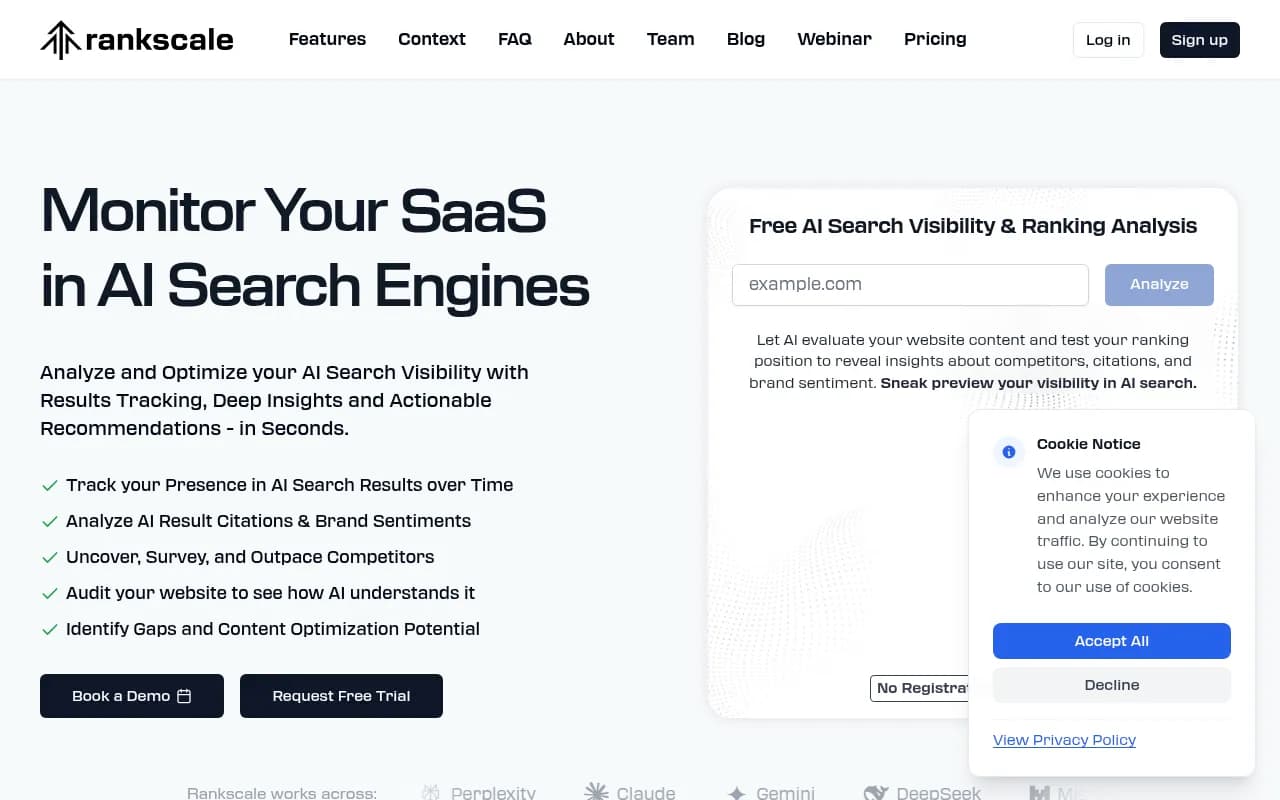
| Rankscale | Dedicated AI Mode rank tracker page | Small teams wanting a focused tracker |
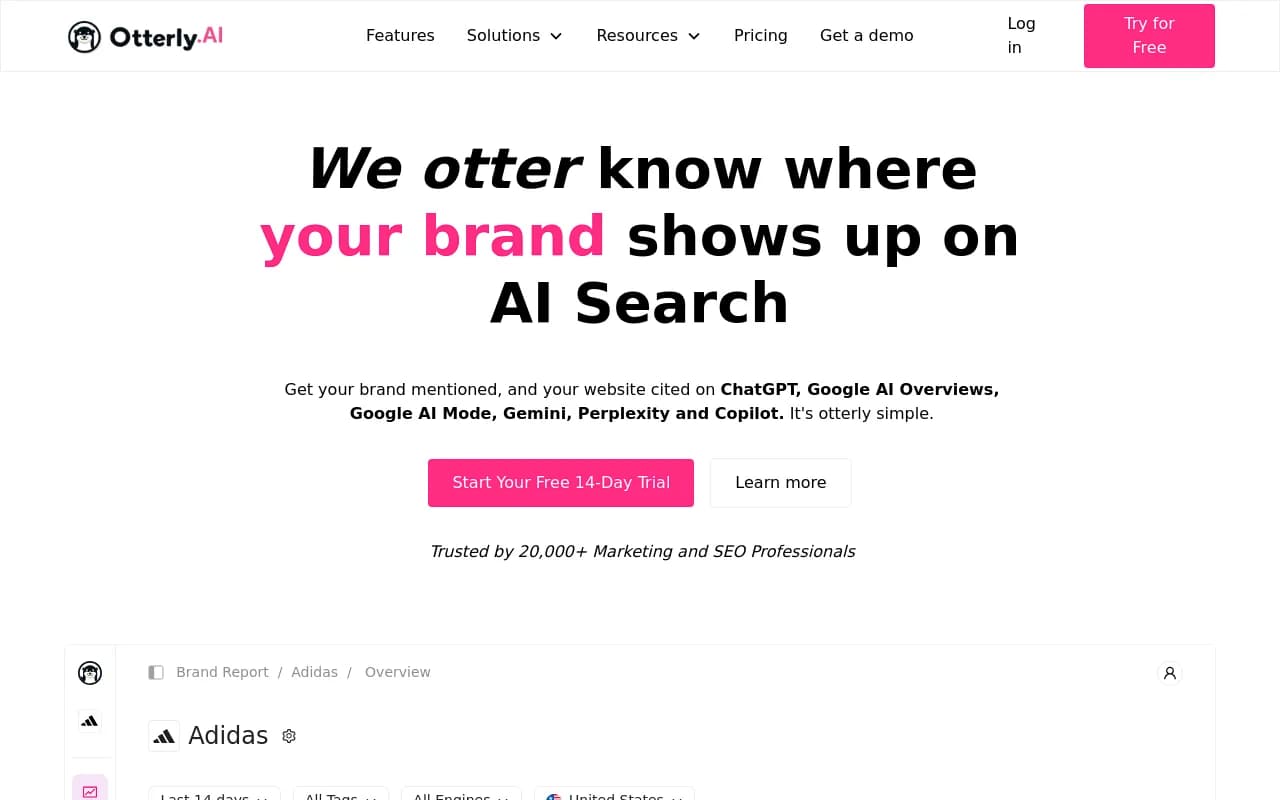
| Otterly.AI | Monitoring of AI Overviews and other engines | Budget-conscious monitoring |
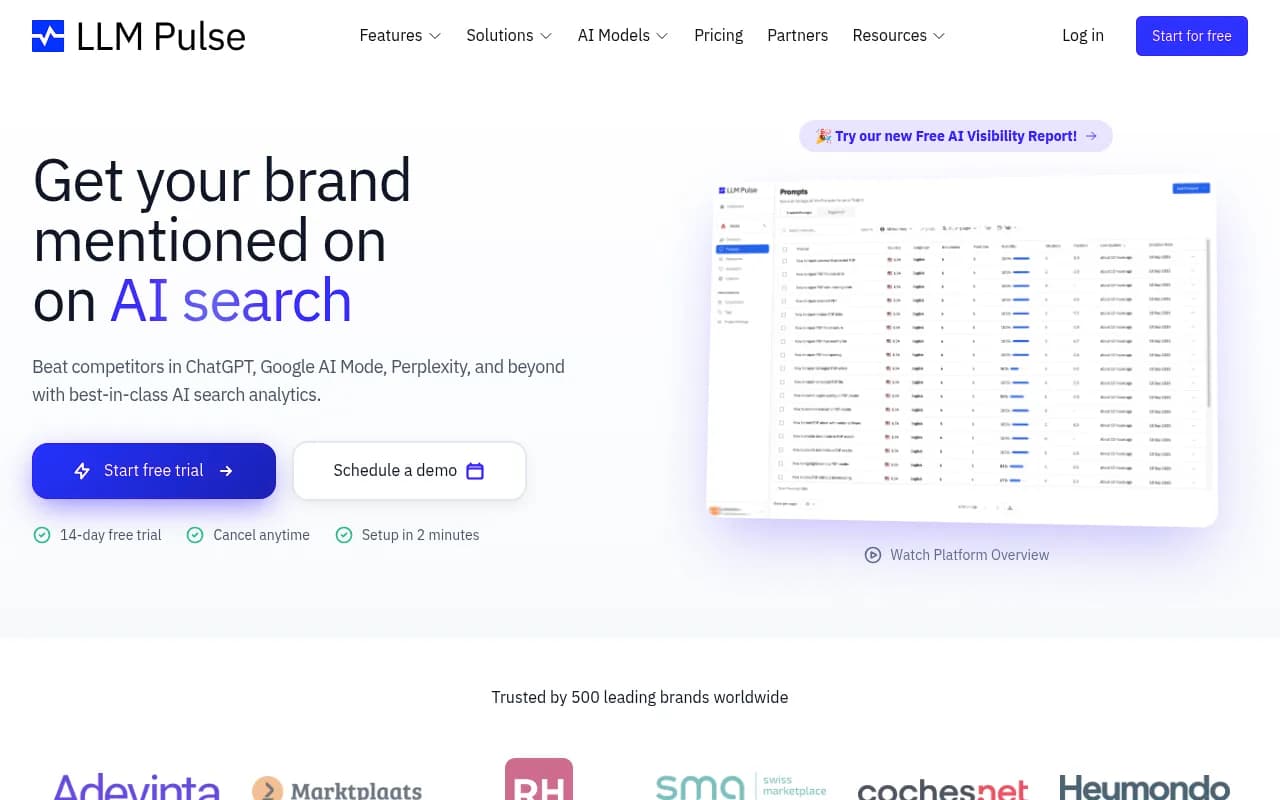
| LLM Pulse | Multi-engine tracking, publishes its own AI Mode tracker roundup | Brands comparing several engines |
A few notes on the main contenders.
Productrise is the closest match to the store-specific problem. Its pitch is that nothing new needs setting up: it takes the queries you already track, runs them on both regular search and AI Mode daily, and reports on both. For a catalogue business, that product-level view is its main strength.
Semrush documents a simple setup: create a Position Tracking project, select Google AI Mode as the search engine, and start tracking. That makes it the lowest-friction path if your keyword lists already sit there.
For visibility across all the AI engines your shoppers use, Promptwatch tracks Google AI Mode alongside ChatGPT, Gemini, Perplexity and others from the real interfaces, in the countries and languages you choose. It also shows which of your pages get cited and has a Content Agent that writes and publishes pages against the gaps it finds, which is the part most pure trackers skip. For stores, the ChatGPT Shopping and Ads Radar features are relevant on the Business plan; check promptwatch.com/pricing for current plans.

If you want to browse more options, the GEO software directory at bestgeosoftware.com lists dozens of trackers by category.
Make sure it tracks the real interface
Ask any vendor one question: do you collect AI Mode responses from the actual user interface, or from an API or a modelled approximation? Answers, citations and shopping results can differ between the two. Also ask about location. A store selling to the UK and Germany needs those as separate monitors, because AI Mode answers vary by market and language.
Step 4: configure the setup properly
A reasonable first configuration:
- Locations: one monitor per market you sell in, language matched to the market.
- Frequency: daily is enough for most stores. Go faster only around launches or sales peaks.
- Competitors: add your five closest rivals plus the marketplaces that dominate your category.
- Brand rules: if your brand name is a common word, set explicit rules for what counts as a mention.
- Tags: product line, category, funnel stage, and query type.
- Baseline: run for at least two weeks before judging anything. AI answers vary between runs, so single-day readings mislead.
Expect noise. The same query can return different product sets an hour apart. Look at weekly averages and rates, not individual responses.
Step 5: read the Google-owned signals
Here is something specific to Google's surface that ecommerce teams often miss. Promptwatch Data's Google AI Mode citation share report for June 2026 (May 31 to June 26, collected from the AI Mode interface) found that google.com took 7.31% of all AI Mode citations, up from 4.24% in May. That is more than YouTube (2.88%) and Reddit (2.52%) combined, and Google-owned properties including YouTube hold over 10% of citations.
No independent website in the top 17 cleared 1%. So for most retailers, the open-web opportunity sits in the long tail, and Google's own properties are a direct channel.
The practical reading, which follows Promptwatch's own recommendations from that report:
- Keep Merchant Center feeds accurate: titles, GTINs, availability, price and shipping.
- Maintain your Business Profile and Maps data if you have physical locations.
- Publish YouTube content that answers product questions.
- Write tightly scoped pages that each answer one question fully, then check monthly whether AI Mode pulls them in.
The report does not cover product-query citations specifically, and Promptwatch has no AI Mode report on ecommerce yet. So treat the Merchant Center point as an informed implication, not a proven ranking factor.
Social sources are a related question. Promptwatch's October 2026 social citation report (Sep 28 to Oct 4) shows Google AI Overviews getting 12.2% of citations from social platforms, against 0.46% for ChatGPT. That report excludes AI Mode, but since AI Mode is also a Google surface, its mix may lean closer to AI Overviews. That is an inference, so verify it with your own tracked responses before betting on Reddit or YouTube work.
Step 6: turn tracking data into actions
A tracker that only produces charts is a hobby. Use a simple triage per query group.
| What you see | Likely cause | First action |
|---|---|---|
| Not mentioned, competitors are | Weak brand association for the topic | Publish comparison and buying-guide content; earn third-party reviews |
| Mentioned, never cited | Pages not extractable or not authoritative | Tighten page structure, answer the question in the first paragraph, add specs tables |
| Cited, products absent | Feed or pricing problem | Audit Merchant Center data and price competitiveness |
| Products shown, but at higher prices than yours | Feed not ingested or stale | Check feed errors and sync |
| Present in carousel, absent in AI Mode | Different selection logic | Add attribute-rich copy and review content |
The ProRankTracker guide suggests a first step that is cheap and worth doing weekly: run your priority queries in AI Mode by hand and reverse-engineer why you are missing. Look at who is cited and what those pages have that yours don't. Usually it is a clear spec table, a direct answer, or fresh review data.
Also check crawl access. If AI-related crawlers are blocked by robots.txt or your CDN, no amount of copy work will matter. A free option for this is the AI crawler URL inspector from Promptwatch.
Step 7: report it without overselling
Report rates and trends, not ranks. A monthly view that works for stakeholders:
- Mention, citation and product presence rate, by query group.
- Change versus the previous month.
- Top three competitors by mention share.
- Pages newly cited, pages lost.
- Revenue from AI-referred sessions, with the caveat that attribution is imperfect.
Be upfront about attribution. AI Mode referrals can be hard to separate in analytics, and some tracking is inferred. Say so in the report rather than implying precision you don't have.
Common mistakes
- Tracking only brand queries. Those flatter you. The money is in category and comparison queries.
- Judging from one run. Responses vary, so use averages over time.
- Treating AI Mode as a copy of AI Overviews. Different surface, different product behavior.
- Ignoring price. If AI Mode surfaces competitors at higher prices than yours and still skips you, the issue is probably feed data, not content.
- Setting it and forgetting it. Review the query list quarterly as your range and seasonality change.
A realistic first month
Week one: build the 60-query list, tag it, set up Search Console filters and one dedicated tracker. Week two: collect the baseline and check crawl access and feed health. Week three: pick the five weakest high-value queries and do the manual reverse-engineering. Week four: publish or fix pages for those five and note the date, so you can compare citation rates after a few weeks.
That is enough to know whether AI Mode matters for your store yet, and where to point the next round of effort.
If you would rather hand the work to specialists, agencies such as 1001 SEO Media run GEO programs for ecommerce brands, but the setup above is something an in-house team can do alone.