Key takeaways
- An API feeds code (dashboards, warehouses, scheduled jobs). An MCP server feeds AI assistants mid-conversation. Many tools offer only one, so decide which you need before you compare prices.
- The details differ a lot by vendor. Peec AI has MCP on every plan but keeps its REST API for Enterprise. Otterly meters API and MCP requests per month. Geoptie's MCP uses API-key headers, so it won't work in OAuth-only clients like ChatGPT connectors.
- Promptwatch includes MCP and API access on every plan, with a hosted MCP server (110+ read and write tools) and REST API v2.
- Nearly every "best of" list online is written by a vendor that ranks itself first. Verify pricing and API tiers on each vendor's own page.
- ChatGPT answers depend on the sub-queries it generates, so any prompt-level tracker is a sample. Tools that expose fan-out data are more useful.
Why API and MCP access matters for ChatGPT tracking
A dashboard is fine until the third client asks for a custom report. Then you want the data somewhere else: in a spreadsheet, a BI tool, a Slack digest, or inside the AI assistant your team already talks to all day.
That is what API and MCP access solve. They are not the same thing though, and vendors blur the line.
- A REST API is for code. Scheduled jobs, warehouse feeds, embedded client dashboards.
- An MCP server is for AI assistants. You ask Claude or ChatGPT "which competitors overtook us in ChatGPT this week?" and it calls the tool for you.
If you build pipelines, you want the API. If you want analysts to query data conversationally, you want MCP. Agencies usually want both.
Why prompt-level data is only a sample
ChatGPT does not just answer your prompt. It generates its own web searches behind the scenes. In Promptwatch's ChatGPT query fanout data (Dec 2025 to Apr 2026), average fanouts per response fell from 2.15 in early December to about 1.84 by early March, and average fanout query length dropped from about 117 characters to the high 80s in February and March. After a data gap, April showed exactly 1.0 fanouts per response and queries of about 53 characters.
The takeaway: behavior shifts between model releases, so a single tracked prompt tells you less than it seems. Pull fan-out data through the API when you can, and read the Academy guide on query fan-outs if the concept is new to you.
Quick comparison table
Access details below come from vendor pages and third-party roundups, several of them vendor-authored. Treat them as a starting point and confirm on each pricing page.
| Tool | REST API | MCP server | Notes | Starting price |
|---|---|---|---|---|
| Promptwatch | Yes, v2, on every plan | Yes, hosted, 110+ read and write tools, OAuth or API key | Date ranges up to 92 days per request | $95/mo (Essential) |
| Peec AI | Enterprise only | Every plan, read and write tools | OAuth 2.0 or personal access token | $95/mo (50 prompts, 3 models) |
| Otterly.AI | Yes, bearer keys | Yes, OAuth, in Claude's connector directory | Monthly request quotas | Tiers listed from $29/mo; verify which includes API |
| Ahrefs Brand Radar | Via Ahrefs | Yes, hosted | Documented for Claude, ChatGPT, Copilot Studio, n8n | Part of Ahrefs plans |
| Geoptie | Yes | Yes, API-key header | No OAuth clients such as ChatGPT connectors | From $49/mo |
| ZeroRank | Yes | Yes | Both reportedly on the $39 entry plan, one workspace | $39/mo |
| Profound | Yes | Unclear | Competitor comparison pages say no MCP; verify | Custom |
| DataForSEO | Yes | n/a | Raw data infrastructure, you build the product layer | Usage-based |
The tools, one by one
Promptwatch
Promptwatch is an end-to-end AI visibility platform, so the API and MCP sit on top of more than just a prompt tracker. Data is collected from the real interfaces of ChatGPT, Google AI Overviews, Gemini, Perplexity, Copilot and others, rather than from API outputs that can differ from what users actually see.

What matters for this guide: every plan, including Essential at $95/mo, has MCP and API access. The hosted MCP server has 110+ read and write tools and works with Claude, Claude Code, ChatGPT, Cursor, Lovable, Codex and any MCP client, with one-click OAuth or an API key. The REST API v2 covers visibility, prompts, responses, citations, sentiment, crawler and visitor analytics, shopping, Ads Radar, site audit, content and publishing. A full quarter fits in one request. Request limits scale from 500 per hour on Essential to 10,000 on Business, and 50,000 on Enterprise. See the API and MCP docs.
Because MCP has write tools, an assistant can do more than read charts. It can build a dashboard, queue content, or move actions on the Action Board. Agencies can also create pitch projects through the API and MCP.
The catch: Essential has no crawler logs or AEO articles, and the Content Agent starts at Business ($579/mo). Check promptwatch.com/pricing for current numbers, then try the 7-day free trial or the free AI visibility report.
Peec AI
Peec is a monitoring-focused tracker with a clean MCP story. The MCP server is on every plan, including Starter, with read and write tools for prompts, tags, competitors and reports, and OAuth 2.0 or personal access token auth.
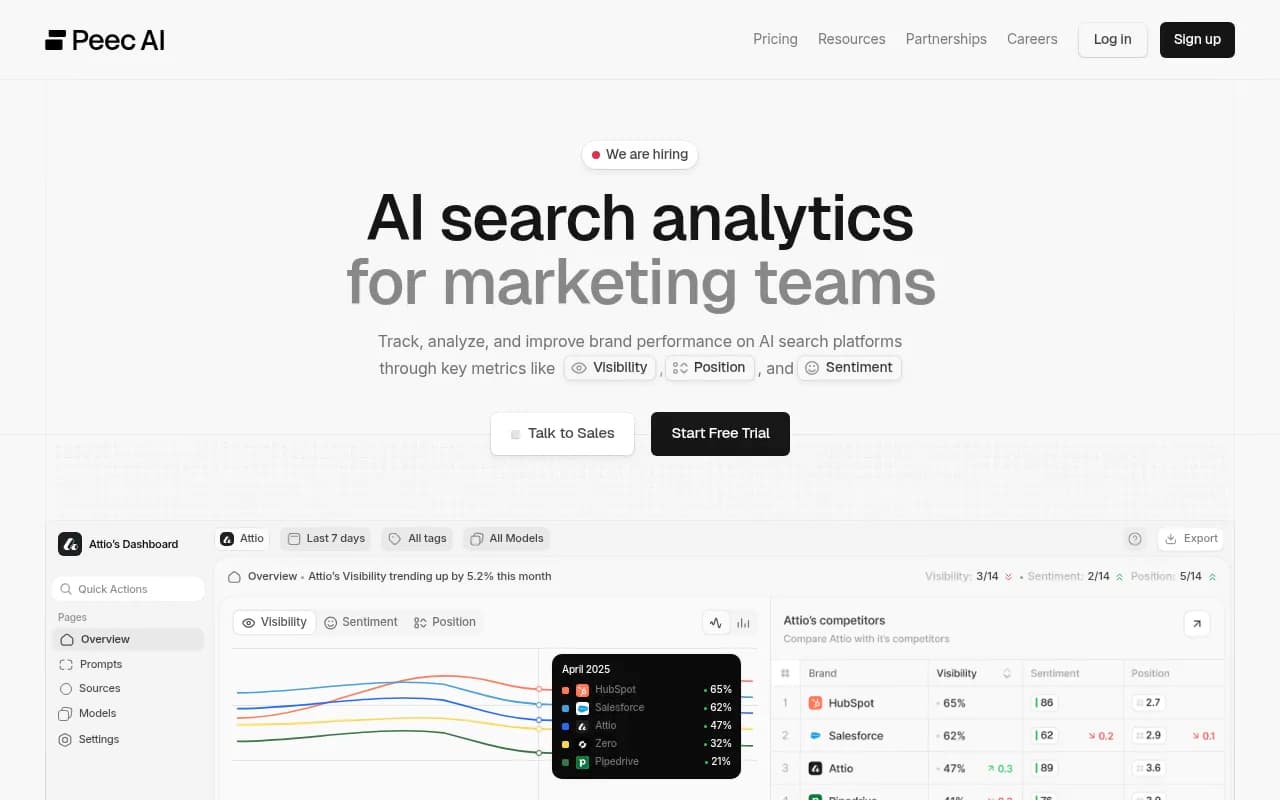
The sticking point is the REST API. The "Customer API" is Enterprise-only, so feeding a warehouse means an enterprise contract. Pricing: Starter $95/mo with 50 prompts and 3 models, Pro $245/mo, Advanced $495/mo, Enterprise custom. Extra models start at $30/mo on Starter. If you only want conversational access, it works. If you want data pipelines, look elsewhere. Head-to-head: Promptwatch vs Peec.
Otterly.AI
Otterly has an OAuth-only MCP server listed in Claude's connector directory, also supporting ChatGPT, Cursor and Microsoft Copilot, plus a REST API with bearer keys.
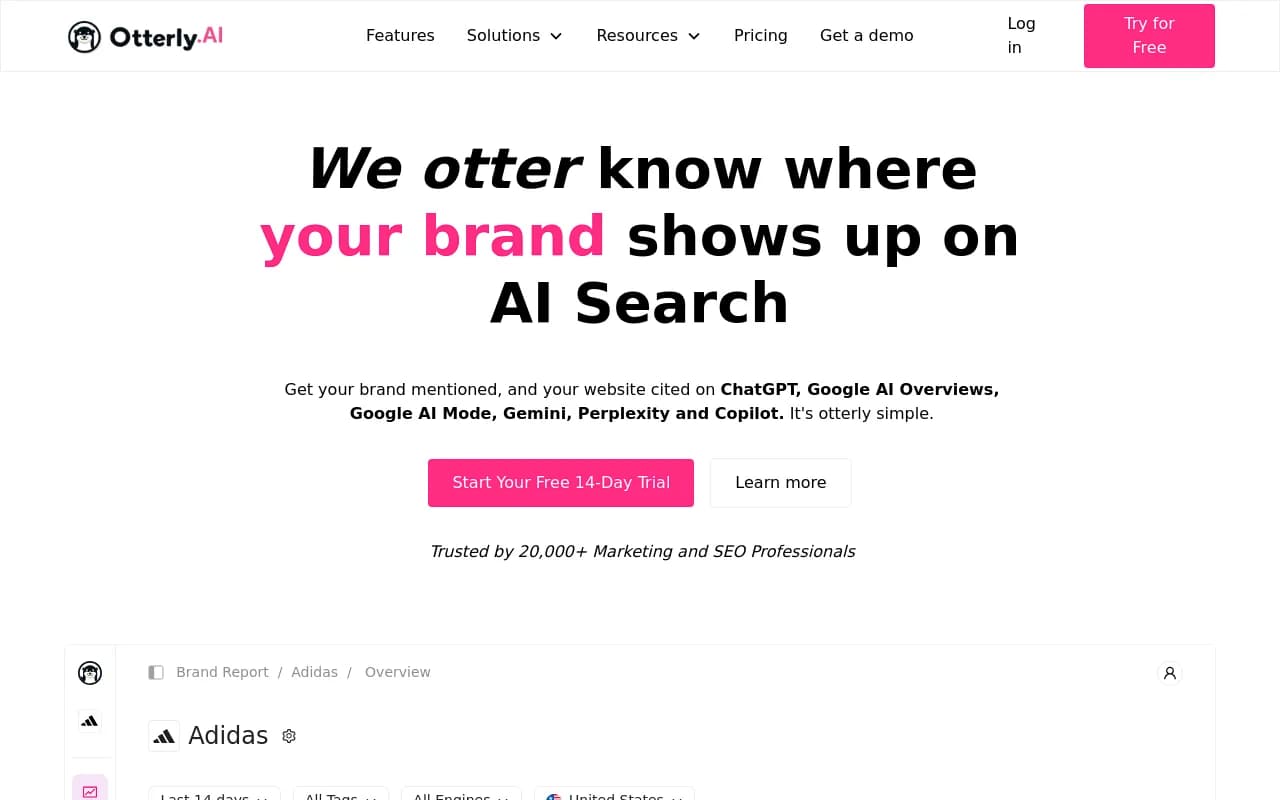
Watch the quotas. A Geoptie roundup puts the Standard quota at 2,000 API and 2,000 MCP requests per month. An assistant that chains several calls per question can burn through that quickly. Otterly's own pricing page lists $29, $189 and $489 tiers plus a 15% annual discount and agency pricing with 5,000 MCP requests per month, but the snippet I saw was garbled, so confirm which tier unlocks the API. See Promptwatch vs Otterly.
Ahrefs Brand Radar
If your team already lives in Ahrefs, Brand Radar's hosted MCP server is documented for Claude, ChatGPT, Copilot Studio and n8n. It is a reasonable pick when AI data is a side dish to classic SEO work, though prompt sets are less flexible than in dedicated platforms.
Geoptie
Geoptie tracks ChatGPT, Claude, Perplexity, Gemini, AI Overviews, AI Mode and Copilot. Its MCP server authenticates with an API key in a header, which works in Claude Code, Cursor, Codex and other clients that accept custom headers. It does not work in clients that need OAuth, such as ChatGPT connectors. That is a real limitation if your analysts use ChatGPT as their assistant.
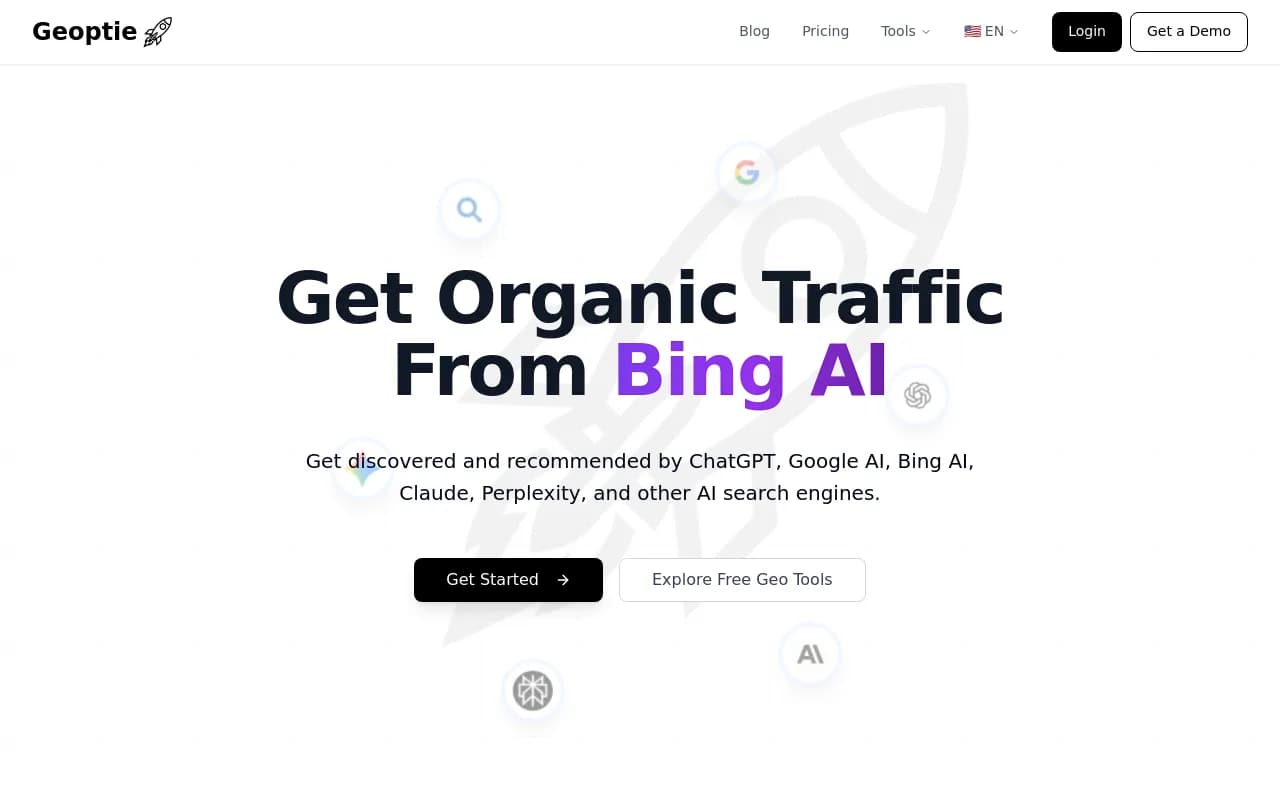
Geoptie also publishes much of the research on this topic, so remember it is a competitor in the list.
ZeroRank
ZeroRank reportedly includes both REST API and MCP on its $39 Starter plan, for one workspace, which would make it the cheapest entry point here. It claims 17 AI platforms. The source is its own marketing and Geoptie's roundup, so test it with a trial before committing.

Profound
Profound is the enterprise name in this space, with API access and custom pricing. Whether it has MCP is disputed: Otterly's comparison page says no, but that is a competitor claim and may be stale. Ask the sales team directly. For a side-by-side, see Promptwatch vs Profound.
SE Ranking and DataForSEO
SE Ranking is positioned as an all-around pick for agencies that want API data, dashboards and white-label output next to traditional SEO data. DataForSEO is different: raw infrastructure for teams that would rather build the product layer themselves. I could not verify the AI visibility API pricing for either, so check before budgeting.
What to check before you buy
Which clients will connect?
OAuth versus API-key auth decides whether your MCP server works inside ChatGPT, Claude's connector directory, or only developer tools like Cursor. Ask which clients are documented.
Is the API gated behind Enterprise?
Peec is the clearest example. A cheap plan with MCP and no API is fine for analysts and useless for engineers.
How are requests metered?
Monthly quotas (Otterly) versus hourly limits (Promptwatch) behave very differently under agent workloads. One chat question can trigger five or ten tool calls.
Is the data from the real interface?
User-facing ChatGPT answers and citations can differ from API model output. If your API returns API-model answers, you are measuring something your customers never see. Promptwatch explains its approach in how it collects data.
Does the API include the useful tables?
A visibility score alone is thin. You want responses, citations, fan-outs, crawler and visitor data so you can connect mentions to traffic. That is where most trackers stop short.
Can it write back?
Read-only MCP is a reporting convenience. Write tools let an assistant update monitors, create prompts or queue content, which is where the time savings are.
Which one should you pick?
| If you need | Start with |
|---|---|
| API and MCP on every tier, plus content and crawler data | Promptwatch |
| Conversational access only, monitoring focus | Peec AI |
| Cheapest possible entry with both | ZeroRank (verify) |
| Claude connector directory listing, daily monitoring | Otterly.AI |
| Already an Ahrefs shop | Ahrefs Brand Radar |
| Raw data to build your own product | DataForSEO |
| Enterprise procurement | Profound |
My honest take: for a solo marketer who just wants to ask Claude questions about their data, several of these work and price is the tiebreaker. For agencies and teams who want to wire AI visibility into reporting and workflows, the API-on-every-plan question and the write tools matter more than the dashboard. Plan on a trial week in which you actually connect your assistant and run a real task, not just the demo prompt.
For wider lists, browse the GEO software directory or AI rank tracking tools.
A quick test for any vendor
Before paying, run this in the trial:
- Connect the MCP server to the assistant your team actually uses.
- Ask a multi-step question, such as which competitors gained ChatGPT citations in the last 30 days and which of your pages they beat.
- Pull the same data through the REST API and compare the numbers.
- Check how many requests that one question used.
- Confirm what happens to your data and access if you downgrade.
If a vendor cannot pass that in a week, the integration is a bullet point on a pricing page, not a feature.